## How to use
The timer is activated automatically when you enter the world. The timer stops when you enter the end portal.
## Dependencies
– Fabric loader requires Fabric API
Timer++
## Features
– Timer that shows on the Actionbar.
– Increasing / Decreasing Mode
– Colors, Animation, Animation Speed is customizable
– Timer Targets, to execute commands when the timer hits a specific time
– Savable Timer
– Maximum Time Display (00:10 / 00:15)
– Perfect for Minigames or Challanges
– Reset Command that can reset (DELETE!!) worlds via command or on boot / shutdown
## How to use
1. Download the jar file and place it in your `plugins/` folder
2. Restart the Server
3. Configure the Timer, either via command or via the config file `plugins/Timer/config.yml`
4. Set the timer mode `/timer mode ` Default: `up`
5. Change the animation or colors `/timer animation `
– Change the colors `/timer animation <#FF0000|red>
– Change the animation type `/timer animation type `
– Change the animation speed `/timer aninmation speed <0.1-10.0>`
– Change the animation duration when setting the time `/timer aninmation duration <1-100>`
6. Start the timer using `/timer start`, you can pause / stop it at any time
7. Configure timer targets
– Add a timer Target `/timer target add `
– Remove a timer Target `/timer target remove `
– List all Targets `/timer target list`
8. Add a new custom timer with `/timer create `
– Manage that timer with `/timer use <...>`
9. Change config entries for reset command in the `config.yml` file.
– Change `worlds-to-delete` to delete more worlds on reset (Supports **_*_** Wildcard)
– Change `delete-on-boot` or `delete-on-shutdown` to delete worlds on boot or shutdown
TimedLife
# ⚠️ WARNING ⚠️
**THIS PLUGIN IS CURRENTLY UNDER BETA, BUGS ARE TO BE EXPECTED. REPORT ALL BUGS HERE.**
# How it works
**_TimedLife_** is a life series inspired by the _Limited-Life_ series, created by Grian.
## What is a Limited Life Series?
A _Limited Life_ Series is a spin on the classic _Third-Life_ series, where players have 24 hours to live.
## Specific Rules
Dying in any way will subtract one hour from your timer. However, getting a kill will grant you an extra 30 minutes. You will be given a nametag color based on how much time you have left. It follows this system:
“`
GREEN | >16h
YELLOW | >8h
RED | <8h
```
## The Boogeyman
In BuffLife, each session will feature a randomly chosen boogeyman. The boogeyman is a non-red player with a curse. If they are unable to secure a kill on another player, then they will be permanently reduced to eight hours.
While the boogey is active, they will be _Surged_. This is a negative status effect that forces the boogeyman to lose time at a faster rate.
A successful boogey kill will also grant a _Slumber Rune_. When held in the offhand, the _Slumber Rune_ will slow down how fast you burn through time. Ex: 60m could turn into 90m (30 minutes extra time gained).
## Shard System
When a boogey is able to succesfully get a kill, they will recieve a **Catalyst Shard**. You may use 7 **Catalyst Shards** to revive a fallen player, using the `/revive ` command. This is configurable.
## Clock Runes
Player may withdraw their time into _Clock Runes_, 1 _clock rune_ = 1 minute. Usage: `/withdraw ` This is used to create an economy system, with time as the currency. Players may deposit their time once more with `/deposit`
## Config Settings
After launching your server with the plugin initialized, a folder named “BuffLife” will be created. Inside said folder will be a `config.yml` file. The file contains the following contents:
“`
defaultPlayerTime: 24
freeze: false
helmetsAllowed: false
reviveCommandEnabled: false
tntMinecartDamageMultiplier: 5
tntMinecartExposionMultiplier: 4
fireballExplosionPower: 1.5
shardsRequiredToRevive: 7
sizedLife: false
“`
All of these are configurable to your heart’s desire- But be careful, for the fireballs, and minecarts can get very powerful!
SizedLife is a custom mode where a player’s physical character size is relative to how much time remains in your clock.
## Command List
`/assign ` – Assign BuffLife data to a player or all players
`/boogey` – Choose a random Boogeyman
`/cookie` – Nova cookie
`/deposit` – Deposit clock runes
`/endsession` – End Boogeyman session and escalate effects
`/fix ` – Reapply buffs and permanent effects
`/getData ` – View a player’s BuffLife data
`/resetdata` – Reset all BuffLife player data
`/rune [slumber|surge]` – Give rune
`/setboogey [true|false]` – Toggles a player’s boogeyman properties.
`/revive ` – Revive a fallen player using Golden Catalyst Shards
`/setboogey [true|false]` – Toggle a player’s boogey properties
`/settime [hours]` – Set a player’s time count
`/shard` – Give yourself a Catalyst Shard
`/timer [on|off]` – Toggle the global clock
`/withdraw ` – Withdraw minutes into clock runes.
## BUFFCRAFT COMMANDS [BETA WIP]
`/givecore` – Give BuffCraft core
`/setbuff [speed|haste|health|strength|prot] ` – Sets a buff value of a player
TimeBound (TimeDrain SMP)
THIS PLUGIN IS HEAVILY INSPIRED BY THE PLUGIN FOUND ON THE TIMEDRAIN SMP. Credit to Wrld for the idea.
If you find any bugs or glitches within the plugin please feel free to let me know via my discord!
Description
–
Each player is given their own timer. They must try their best to keep it above zero at all times. If their clock hits zero they are BANNED. Players can gain time by killing mobs and mining ores. By default, passive mobs give you 1 minute of time and hostile mobs give you 3 minutes. The time ores give you varies depending on how hard they are to find.
Commands:
–
All players (no perms needed):
– `/timebound help` – Shows a list of commands with info for each one
– `/timebound status` – Shows your time status. (eg. running/paused, time remaining, other configured values
– `/timebound transfer
Admin only (op needed):
– `/timebound config [key] [value]` – Admins can use this command to configure the plugin in game, in real time. More information about each configurable setting can be found in the plugins config file.
– `/timebound timers ` – Admins can use this command to manage all of the players timers.
– `/timebound time ` – Control individual players timers with add, remove, and set utilities.
– `/timebound unban ` – Unban a player and reset their timer to 15 minutes (or the default configured time)
Time Mercenaries
In this mod, players are able to craft the Dimensional Time Clock.
To start a mission each Mercenary will ask for items and will return a reward if the mission is successful. The required items must be present in the players inventory before starting the mission and will be consumed upon starting the mission. The Mercenaries gain experience after each mission, higher the level, better the rewards!
In the Traits screen you can allocate skill points to your Mercenaries. You can upgrade one each level and they will help your Mercenary during missions by reducing time spent or chances to die.
Each mission has a possibility to either fail. (nothing happens, no rewards, items sent are lost)
Failing a mission might deal damage to your mercenary and kill them. A Mercenary dying will reduce their level by 1 and will need to be resurrected. Resurrecting a mercenary costs player levels.à
Skipping missions will allow the player to recruit a new mercenary after 150 seconds.
The time left for the mission to finish only progresses if the player has a Dimensional Time Clock in his inventory. The item texture also updates with the time progress.
There are 8+ Mercenaries available for now, each have their own missions and item reward pool. This mod is a good and balanced way to obtain some unique and niche items which makes it a great addition to Skyblock modpacks.
Modules are permanent unlocks that can improved your Dimensional Time Clock, you can read and unlock all of them in the integrated guide in the Module section.
This mod is still in it’s early stages and I am still currently working on it but it is completely playable. I will work on more recent versions when I deem that the current 1.20.1 version is polished enough.
Works on servers, singleplayer and singleplayer LAN .
Any suggestion is welcome!
You can use this mod in any modpack you wish and do not need to ask permission or give credit, have fun!
Here is the Official Mod Wiki Link : https://sluggly.github.io/TimeMercenariesWiki/
⏳ **Time Survival Mechanism**
– **Initial Time**: Each player starts with 30 minutes of survival time.
– **Elimination Rule**: Players get eliminated when the timer reaches zero.
– **Death Penalty (Optional Mode)**:
▸ Fixed deduction: 5 minutes
▸ Percentage deduction: Lose 50% of remaining time
💎 **Resource Strategy**
– **Time Gain**: Acquire time by mining/crafting mineral blocks (Copper/Iron/Gold/Diamond/Netherite). Standing on these blocks grants time.
– **Player Kills**: Gain time by eliminating other players.
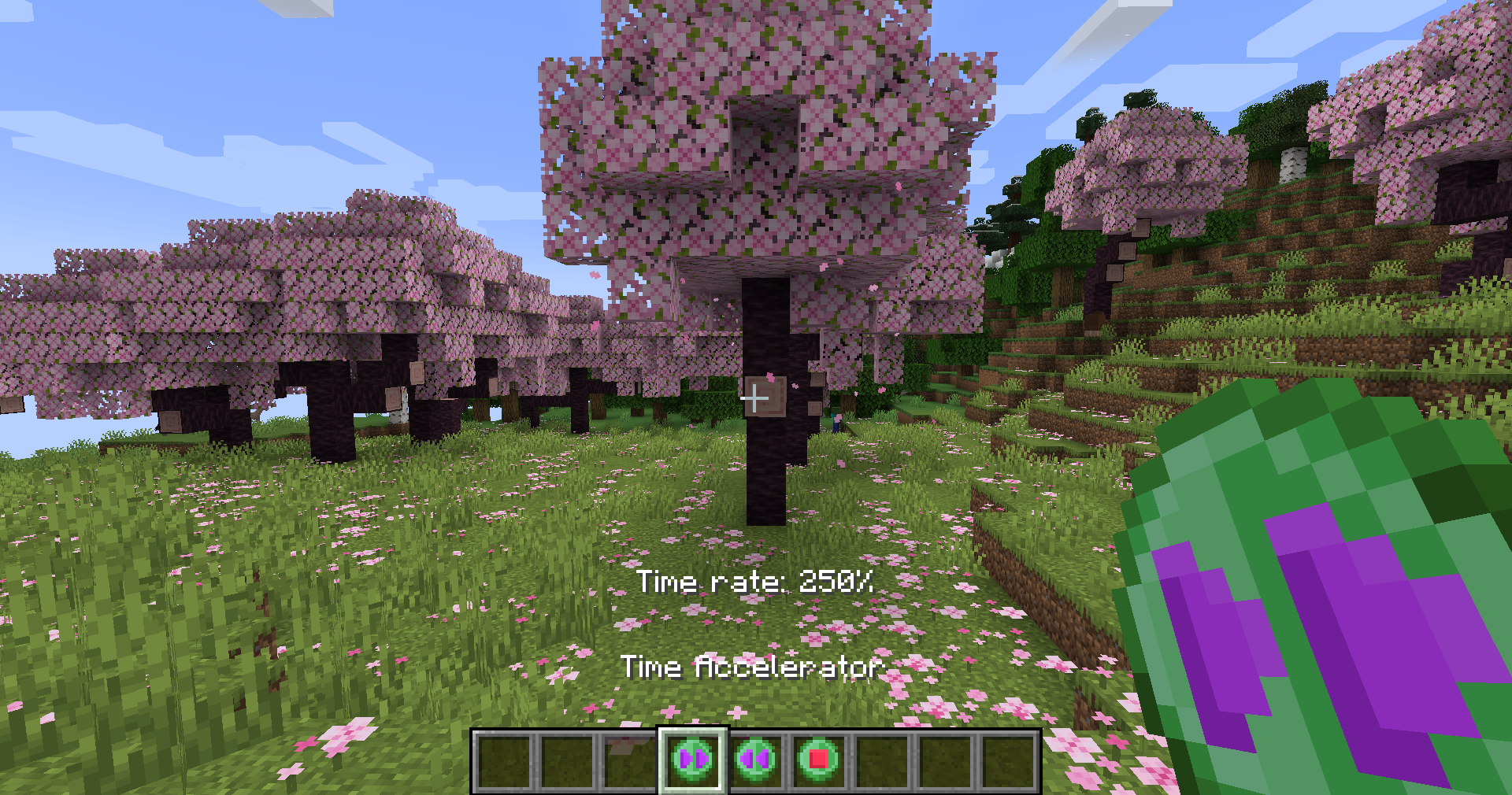
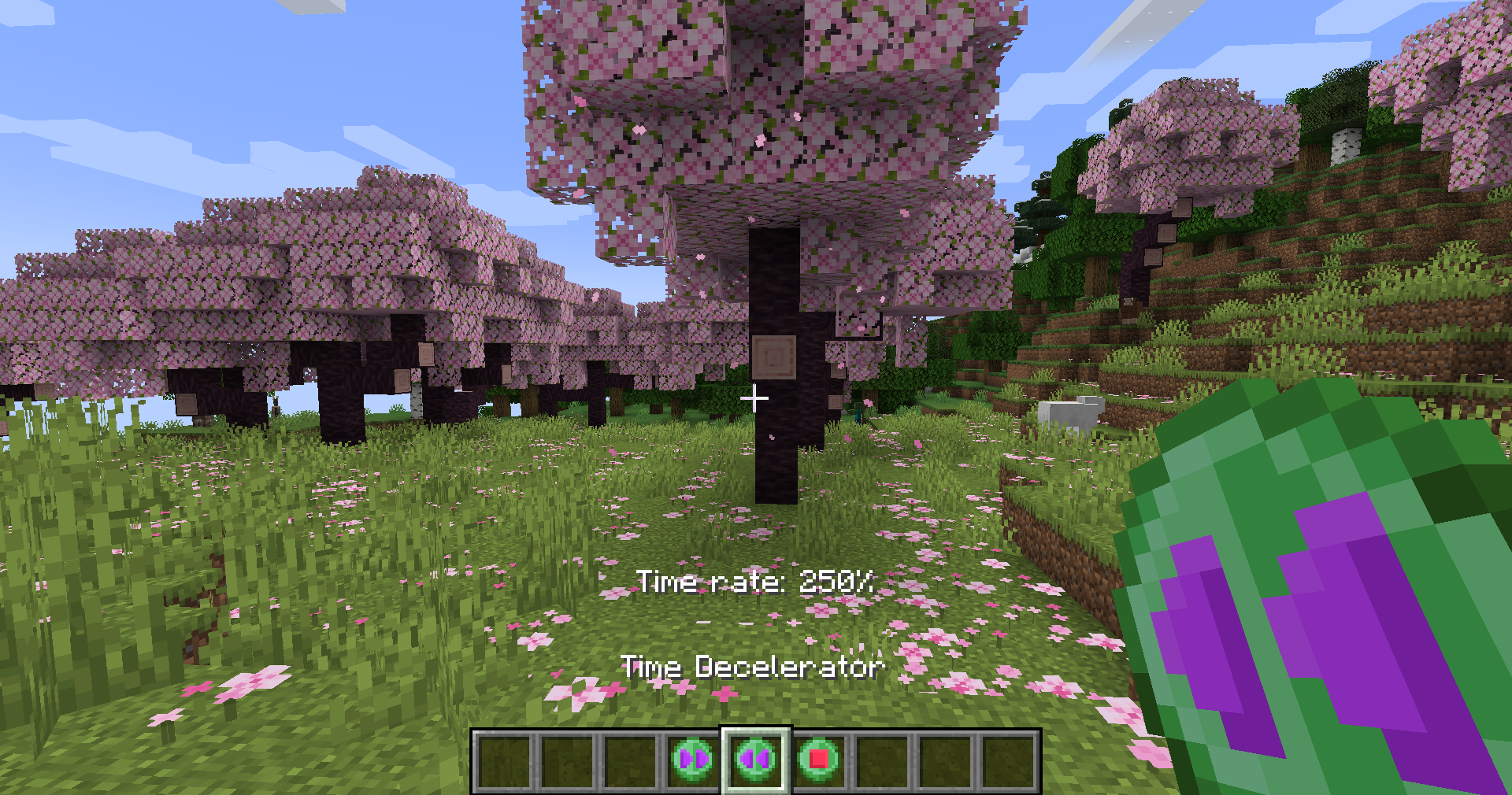
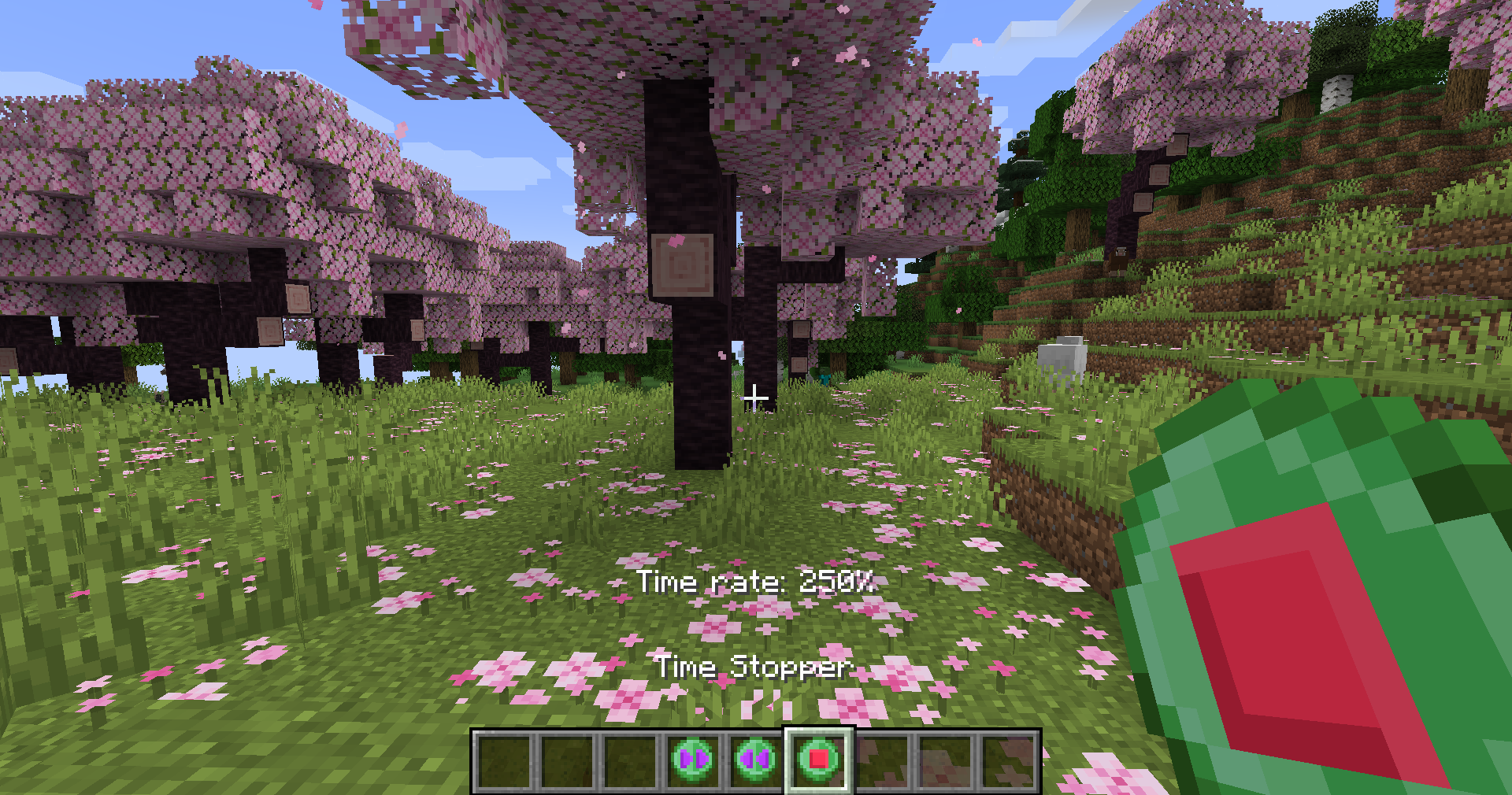
Time Control(ler) is a modern mod that allows you to speed up, slow down and stop time using 3 items. The mod works both **client and server side**.
### Installation
Make sure you have the Fabric API and the correct version of this mod for your Minecraft version. That’s it, you should have the mod working.
### FAQ
#### How to control time?
Using items that you can obtain in creative or commands.
#### Is it possible to craft the control items in survival?
No, but you can create your own recipes using datapacks or some other mods.
### Permissions
Feel free to use this mod in **your** modpack 😃
Consider mentioning **mod** if you want to use this in video.
### Images
Time Bank
# ⏰ Time Bank – Hardcore Survival with Time as Currency
A hardcore survival plugin where **your life is literally on the clock**. Players have a limited lifespan based on real playtime, and time itself becomes the ultimate tradeable resource.
## 💀 The Concept
Every player starts with a limited amount of time (default: 3 hours, configurable). Time drains in real-time while you’re online – 1 second per second. When your time reaches zero, you’re **permanently banned** from the server.
But here’s the twist: **time is a physical resource**. You can extract your remaining time into **Time Crystals** – tradeable items that can be sold, stolen, or given away. This creates a unique economy where your life is literally in your hands.
## ✨ Key Features
### 💎 Time Crystal System
– **Shift + right-click** with a clock to open the extraction menu
– Extract 1, 5, 10, 25, 50, or 100 hours into physical Time Crystals
– **Right-click** a crystal to consume it and gain the hours back
– Crystals are fully tradeable, droppable, and stealable – protect them with your life!
### ⚔️ High-Stakes PvP
– Kill a player → victim loses **30 minutes**, killer gains **15 minutes**
– Creates intense risk-reward combat scenarios
– Encourages alliances, betrayals, and strategic gameplay
### 🎁 Earning Time (Hardcore Mode)
Time is precious and hard to earn:
– **Mob kills**: 10% chance to drop 1-3 minutes
– **Rare ores**: Mining diamond, emerald, or ancient debris gives 1-3 minutes
– **Advancements**: Normal (+5 min), Challenge (+10 min)
– All rewards fully configurable (can be set to 0 for ultra-hardcore)
### ☀️ Revive System
– Rare **Revive Beacons** can bring time-banned players back to life
– Right-click to open a menu and select who to revive
– Revived players get default starting time
– Admin command: `/revive `
### 📊 Display Options
– Real-time action bar showing remaining time: `⏰ 2h 45m remaining`
– Optional: Show time above player heads
– Optional: Show time in tab list
– Color-coded: Green (>1h), Red (<1h)
### 🛠️ Admin Tools
- `/settime
## ⚙️ Configuration
Everything is customizable in `config.yml`:
– Default starting time
– Maximum time cap (default: 20 hours for challenging gameplay)
– Death penalties
– Mob drop chances and amounts
– PvP time gain/loss
– Ore rewards
– Advancement rewards
– Display options
—
**License**: MIT
**Support**: Report issues on the project page
TimberPlus is an advanced tree cutting plugin for Minecraft servers (Paper/Folia) that introduces mini-game mechanics to make wood chopping more engaging. Players can activate the cutting mode with `/tmp`, and upon breaking a log, they are presented with an action bar mini-game.
## 📋 Features
### 🎮 Mini-Game System
– Visual mini-game on the Action Bar
– Moving arrow and target zone mechanics
– 3 successful hits required to cut the whole tree
– Cooldown system for failures
### 🌳 Tree Detection
– Realistic tree detection using BFS algorithm
– Support for all Minecraft tree types (Oak, Birch, Spruce, Jungle, Acacia, Dark Oak, Mangrove, Cherry, Bamboo, Crimson, Warped)
– Leaf checking and size limits
– Permission-based access control per tree type
### 🛠️ Axe System
– Support for all axe types
– Durability calculation system
– Unbreaking enchantment support
– Low durability warnings
### 📊 Statistics
– SQLite database for player stats
– Tracking logs broken, successful games, success rate
– Leaderboard system
### 🔧 Management
– Detailed configuration file
– Permission-based access control
– World-based activation
– PlaceholderAPI support
– Folia server support
### Admin Permissions
– `timberplus.admin` – All admin commands
### Tree Type Permissions
– `timberplus.tree.oak` – Oak
– `timberplus.tree.birch` – Birch
– `timberplus.tree.spruce` – Spruce
– `timberplus.tree.jungle` – Jungle
– `timberplus.tree.acacia` – Acacia
– `timberplus.tree.dark_oak` – Dark Oak
– `timberplus.tree.mangrove` – Mangrove
– `timberplus.tree.cherry` – Cherry
– `timberplus.tree.bamboo` – Bamboo
– `timberplus.tree.crimson` – Crimson
– `timberplus.tree.warped` – Warped
## 📈 PlaceholderAPI
| Placeholder | Description |
|—|—|
| `%timberplus_logs_broken%` | Total logs broken |
| `%timberplus_rank%` | Player rank |
| `%timberplus_success_rate%` | Success rate |
| `%timberplus_total_games%` | Total games |
| `%timberplus_successful_games%` | Successful games |
—
# TimberPlus Eklentisi (Turkish)
TimberPlus, Minecraft sunucuları için geliştirilmiş, ağaç kesme işlemini bir mini oyun mekaniği ile daha eğlenceli hale getiren bir Paper/Folia eklentisidir. Oyuncular `/tmp` komutu ile modu aktif hale getirir ve bir kütük kırdıklarında Action Bar üzerinde çıkan mini oyunu tamamlayarak ağacı tek seferde kesebilirler.
## 📋 Özellikler
### 🎮 Mini-Oyun Sistemi
– Action Bar üzerinde görsel mini oyun
– Hareket eden ok ve hedef bölgesi
– Ağacı kesmek için 3 başarılı vuruş gerekir
– Başarısızlık durumunda bekleme süresi
### 🌳 Ağaç Algılama
– BFS algoritması ile gerçekçi ağaç tespiti
– Tüm Minecraft ağaç türleri desteği
– Yaprak kontrolü ve boyut sınırları
– Yetki tabanlı ağaç türü erişimi
### 🛠️ Balta Sistemi
– Tüm balta türleri desteği
– Dayanıklılık hesaplama sistemi
– Kırılmazlık büyüsü desteği
– Düşük dayanıklılık uyarıları
### 📊 İstatistikler
– SQLite veritabanı ile oyuncu istatistikleri
– Kırılan kütük, başarılı oyun, başarı oranı takibi
– Liderlik tablosu (Leaderboard)
### 🔧 Yönetim
– Detaylı konfigürasyon dosyası
– Yetki tabanlı erişim kontrolü
– Dünya bazlı aktif/pasif ayarı
– PlaceholderAPI desteği
– Folia sunucu desteği
| Placeholder | Açıklama |
|—|—|
| `%timberplus_logs_broken%` | Toplam kırılan kütük |
| `%timberplus_rank%` | Oyuncu sıralaması |
| `%timberplus_success_rate%` | Başarı oranı |
| `%timberplus_total_games%` | Toplam oyun |
| `%timberplus_successful_games%` | Başarılı oyun |
# About
Tile Locked is a Minecraft datapack that draws inspiration from ChunkLock and the Old School RuneScape Tileman Mode, offering players a unique and challenging gameplay experience.
The core mechanic of Tile Locked revolves around the incremental unlocking of the Minecraft world with a cost of xp or levels per tile unlock. Unlike traditional gameplay where the entire world is accessible from the start, this datapack limits players to unlocking one tile at a time.
This adds an extra layer of strategy and preparation, as players must carefully choose which tiles to unlock first, considering the resources and challenges needed to progress.