UpOnlyKnockback
This plugin removes downward knockback
In JAVAEdition, there are currently two types of knockback: upward and downward.
This plugin turns all knockback upward when attack.
This is recommended when creating a PvP server with a barrage of hits like Ver 1.8.
Feature
Provide a constant upward velocity when the player is hit,
so that downward knockback does not occur.
Note: This plugin is only effective for players.
日本語
このプラグインは下向きのノックバックを削除します
Java版には、現在ノックバックは上向きと下向きの2つが存在します。
このプラグインは殴られた時のノックバックを全て上向きにします。
Ver1.8のような連打のPvPサーバーを作るときにおすすめです。
機能
プレイヤーが殴られた時に一定の上向きの速度を与えることで
下向きのノックバックが発生しないようにする。
注意: このプラグインはプレイヤーに対してのみ効果があります。
Updated Fishing System
Better Fishing
Vanilla Datapack
In this Datapack i updated the fishing system from Minecraft.
You now need to press shift while fishing so the fishing hook does not break.
The fish have individual attributes and can be sold to the Wandering Fish Trader.
You also can make a Questboard and collect rewards for reaching higher levels.
By placing a Lodestone next to a Wandering Trader, he will become a Fish Trader.
Drop a fish on his scale to get a reward!

Place 3 Chiseled Bookshelfs next to each other and an Armor Stand on top to create a Questboard.
When you reach Fishing Level 30 you get the Fishing Spear.

Fishing Spear:
It can be used to Fish or as a Grappling Hook.
Right click to throw and hold shift to retrieve.
Hold Space and then Shift to move towards the thrown spear.
UnVoidable
# UnVoidable
Prevents players from falling to void.
## Available Commands
– **/unvoidable reload:** Allows for the quick reloading of the plugin’s configuration without server restart.
– **/unvoidable setspawn:** This command sets the safe spawn coordinates and facing direction based on your current location.
– **/unvoidable setvoidlevel :** This command sets the Y-level where the void begins.
## Permissions
– `unvoidable.admin`: Grants the ability to execute admin commands of the plugin.
## Support
For any queries or assistance with UnVoidable, please visit the [GitHub repository](https://github.com/Furq07/UnVoidable/issues).
## Installation Steps
1. Obtain the latest version of UnVoidable from the [Modrinth Page](modrinth.com/plugin/unvoidable).
2. Place the downloaded `.jar` file into your server’s `plugins` directory.
3. Restart your server to activate the plugin.
4. Customize the `config.yml` file located in `plugins/UnVoidable/config.yml` to suit your needs.
## License
UnVoidable is released under the [Apache License 2.0](https://www.apache.org/licenses/LICENSE-2.0).
Unusual Precipitation (Rain)
# Unusual Precipitation
It’s raining cats, diamonds, arrows, wardens, eggs… It’s raining anything and everything!
This datapack adds a highly configurable custom weather cycle to the game that rains random mobs, items and projectiles from the sky. The vanilla weather system is unaffected by this datapack.
There is the raining weather cycle, which rains items, neutral mobs and mostly non-dangerous projectiles. Then there is the thundering weather cycle, which rains hostile mobs and dangerous projectiles (e.g. fireballs).
# Configuration
To configure this datapack, run the command `/scoreboard objectives setdisplay sidebar unusual-precipitation-config`. Each scoreboard entry can be edited using the command `/scoreboard players set unusual-precipitation-config `. The meaning of each entry is explained below:
– `rain_interval` – The number of seconds between the end of the previous weather cycle and the start of a new one.
– `rain_duration` – The number of seconds a single weather cycle lasts.
– `thundering_chance` – The percentage chance that a thundering weather cycle occurs instead of a raining weather cycle. Values range from 0 to 100.
– `include_items` – Whether to include items in the raining weather cycle. Value of 0 means false while 1 means true.
– `include_mobs` – Whether to include mobs in the weather cycle. Value of 0 means false while 1 means true.
– `include_projectiles` – Whether to include projectiles in the weather cycle. Value of 0 means false while 1 means true.
– `chaos_mode` – When enabled, this will constantly roll a different entity to rain within the same weather cycle. Value of 0 means disabled while 1 means enabled.
# Setting Custom Weather
You can also set a specific entity to be rained from the sky non-stop using these two functions:
– `/function unusual-precipitation:start-custom-weather {entity:’‘}`
– `/function unusual-precipitation:start-custom-weather-nbt {entity:’‘, nbt:’‘}`
The first function is used to rain mobs/projectiles by replacing `` with the entity’s id (e.g. shulker_bullet, cave_spider). The second function is used to rain items/mobs/projectiles with custom NBT data. For items, ensure the NBT data follows [this](https://minecraft.wiki/w/Item_(entity)#Entity_data:~:text=health%20reaches%200.-,Item,-%3A%20The%20inventory%20item). The `` data should not include the outer `{}` and any single quotes (`) within the `` itself must be escaped using a backslash (\`).
To stop the custom weather, simply run `/function unusual-precipitation:stop-custom-weather`. Then, to reenable the datapack’s weather cycle, run `/function unusual-precipitation:enable-weather-cycle`.
# Other Things to Note…
– To remove the datapack, run `/function unusual-precipitation:uninstall` and then delete/disable the datapack.
– If the datapack’s weather cycle ever gets stuck or somehow stops working, which can happen when disabling then enabling the datapack, try run `/function unusual-precipitation:enable-weather-cycle` to restart it.
– Any changes made to `rain_duration` and `rain_interval` may take an extra weather cycle to take effect.
– The entities that rain from the sky are summoned at Y=350 and randomly distributed in a 50-block radius around each online player in the overworld. The nether and end dimensions are not included in the weather cycle.
—
Credit to [MC: Ultimate List](https://docs.google.com/spreadsheets/d/1QTsnLFqjG1YQ0siEPl4shL7jXKkWCYl3Hoo9YcvfL5k/) as it helped greatly in creating this datapack.
UnoRebuilt
Have you ever wanted to play UNO in Minecraft? Well, with this Plugin, you can!
Simply craft a UNO deck out of cobbled Deepslate, nether wart blocks, and a hay bale like this:

Then place it wherever you want and right-click it!
For the best experience I recommend also installing the [resource pack](https://modrinth.com/resourcepack/unorebuiltresourcepack), although the plugin works okay without it.
Unobtainable – An Addon for Completionist
**Unobtainable:** An addon for Completionist for blocks / items you cannot obtain in Survival but can interact with in the world.
UnleashedSMP
UnleashedSMP – The Ultimate Chaos & Event Plugin for SMPs
UnleashedSMP is your go-to chaos and event plugin for Minecraft Paper servers — designed to transform ordinary survival multiplayer into a thrilling, unpredictable adventure. With 50+ admin-triggered events, random effects, mutant mobs, and an intuitive GUI system, your server will never feel stale again.
✨ Key Features
50+ Admin Events: Instantly launch wild, troll, or helpful events — from TNT rain and cat bombardments to cobweb traps, fake gift drops, player launches, and much more.
Simple Admin GUIs: Use /event to trigger chaos on a specific player or /eventall to hit everyone on the server — all through easy, interactive menus with player heads.
/lucky Command: Let players spin the wheel of fate with random effects — good or bad! A fun and unpredictable way to spice up gameplay.
Mutant Mobs: Some mobs have a rare chance to spawn with buffed stats and glowing visuals, turning every encounter into a potential mini-boss fight.
Modular & Extendable: Built to grow — add your own events or mini-games, and compatible with most other SMP and economy plugins.
Safe & Open Source: Optimized for performance and server stability, with clean, community-friendly code.
⚡ Perfect For:
YouTubers & Streamers: Create meme-worthy content and epic server moments with just one command.
Community Servers: Surprise your players with random chaos, creative rewards, or server-wide games.
️ Server Admins: Easily run drop parties, troll events, or punishment systems without typing a single command.
How to Use
Drop the .jar file into your /plugins folder.
Restart your server.
Give your staff the permission unleashedsmp.admin.
Try /event, /eventall, and /lucky in-game.
Need Help?
Join our Discord for support, feature requests, or just to hang out:
https://discord.gg/xMg8YA8e3Q
Unleash the Chaos
Whether you’re running a content creator SMP or a public server, UnleashedSMP gives you the power to surprise, entertain, and completely flip your world upside down — whenever you want.
Take control of your world. Unleash the ultimate SMP experience.
Universal Tracker
# 🌍 Universal Tracker v3.0
**The Ultimate Manhunt & Speedrun Tracking Plugin for Minecraft 1.21+**
 
Universal Tracker is a highly advanced, lightweight, and **survival-friendly** player tracking system designed for Manhunt, Speedrunning, and SMP servers. Unlike basic compass plugins, it offers **smart dimension tracking**, **particle trails**, and a **fully translatable GUI**.
—
## ✨ Key Features
### 🌍 Multi-Language Support (New in v3.0!)
* **Instant Switching:** Change the plugin language from **English 🇬🇧** to **Turkish 🇹🇷** (and vice versa) instantly via the in-game GUI. No restart required!
* **Localized Items:** The compass name and description update automatically based on the selected language.
### 🧭 Smart Tracking Engine
* **Cross-Dimension Support:** If your target enters the Nether or End, the compass points to the **exact portal** they used.
* **Persistence:** Server crash or restart? No problem. The plugin **remembers** who was tracking whom and restores it automatically.
* **Offline Protection:** Warns you if your target disconnects.
### ⚔️ Survival Friendly
* **Craftable:** Players can craft the “Tracker Compass” in survival mode.
* **Recipe:** 1 Compass (Center) + 1 Redstone (Middle) + 4 Iron Nuggets (Edges). *(Configurable!)*
* **Anti-Abuse:** Players cannot drop the compass while tracking to prevent exploits.
### 🎨 Visual & GUI
* **Particle Trails:** Follow a beautiful Redstone dust trail leading to your target (only visible when holding the compass).
* **Player Head GUI:** Select your target easily from a menu displaying player heads.
—
## 📸 How to Use
1. **Get the Compass:**
* Craft it in a crafting table.
* Or use the command: `/tracker` (or `/pusulaal`).
2. **Open the Menu:**
* **Right-Click** the compass to open the Target Selector.
3. **Start Tracking:**
* Click on a player’s head to start tracking.
* Follow the compass needle or the red particle trail!
4. **Settings:**
* Click the **Comparator** icon in the menu to toggle Particles, Auto-Compass, or **Change Language**.
—
## 💻 Commands & Permissions
| Command | Alias | Description | Permission |
| :— | :— | :— | :— |
| `/tracker` | `/pusulaal` | Gives the special tracker compass. | `universaltracker.use` |
* **`universaltracker.use`**: Allows players to use the get compass command (Default: OP).
* **`universaltracker.admin`**: Allows access to the Admin Settings menu (Default: OP).
—
## 📂 Configuration
The plugin creates a simple `config.yml` and a `lang` folder.
“`yaml
# config.yml
language: en # Change to ‘tr’ for Turkish default
settings:
crafting-material: IRON_NUGGET # Change recipe material (DIAMOND, GOLD_INGOT, etc.)
auto-compass: true # Give compass on join?
default-particles: true
UnitedClans

# Descriotion
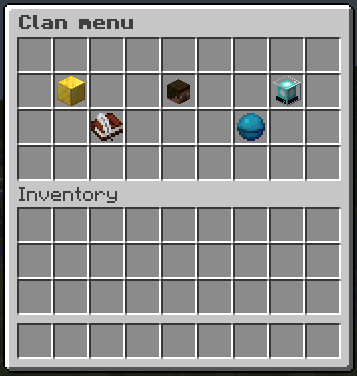
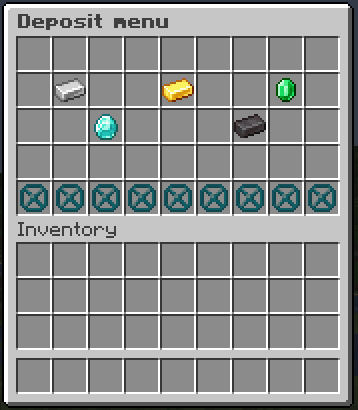
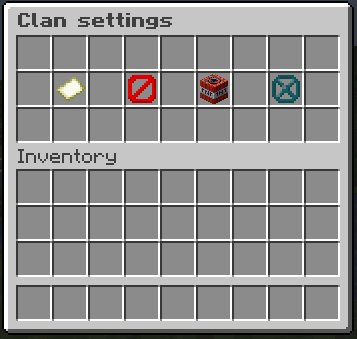
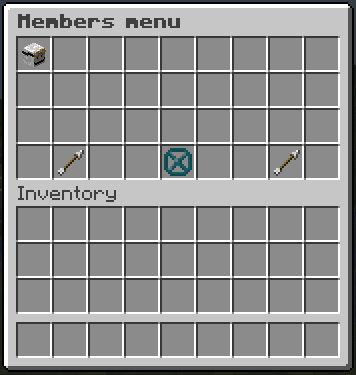
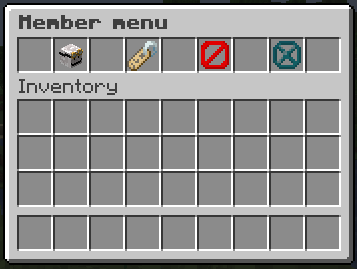
**UnitedClans** is a plugin for Minecraft servers based on Paper, Spigot and Bukkit cores.
**UnitedClans** adds a clan system with economic elements to the server!
The plugin provides 15 commands to work with it.

## Dependencies
In the **UnitedClans** plugin it is possible to use external placeholders `PlaceholderAPI`, which allow you to get clan names, player roles and various clan points In order to use placeholders, the latest version of [PlaceholderAPI](https://www.spigotmc.org/resources/placeholderapi.6245/) must be installed on the server
## Social Media
You can find the source code on my [GitHub](https://github.com/MusiJVR/UnitedClans) or you can join my [Discord](https://discord.gg/xY8WJt7VGr)
Underwater Village
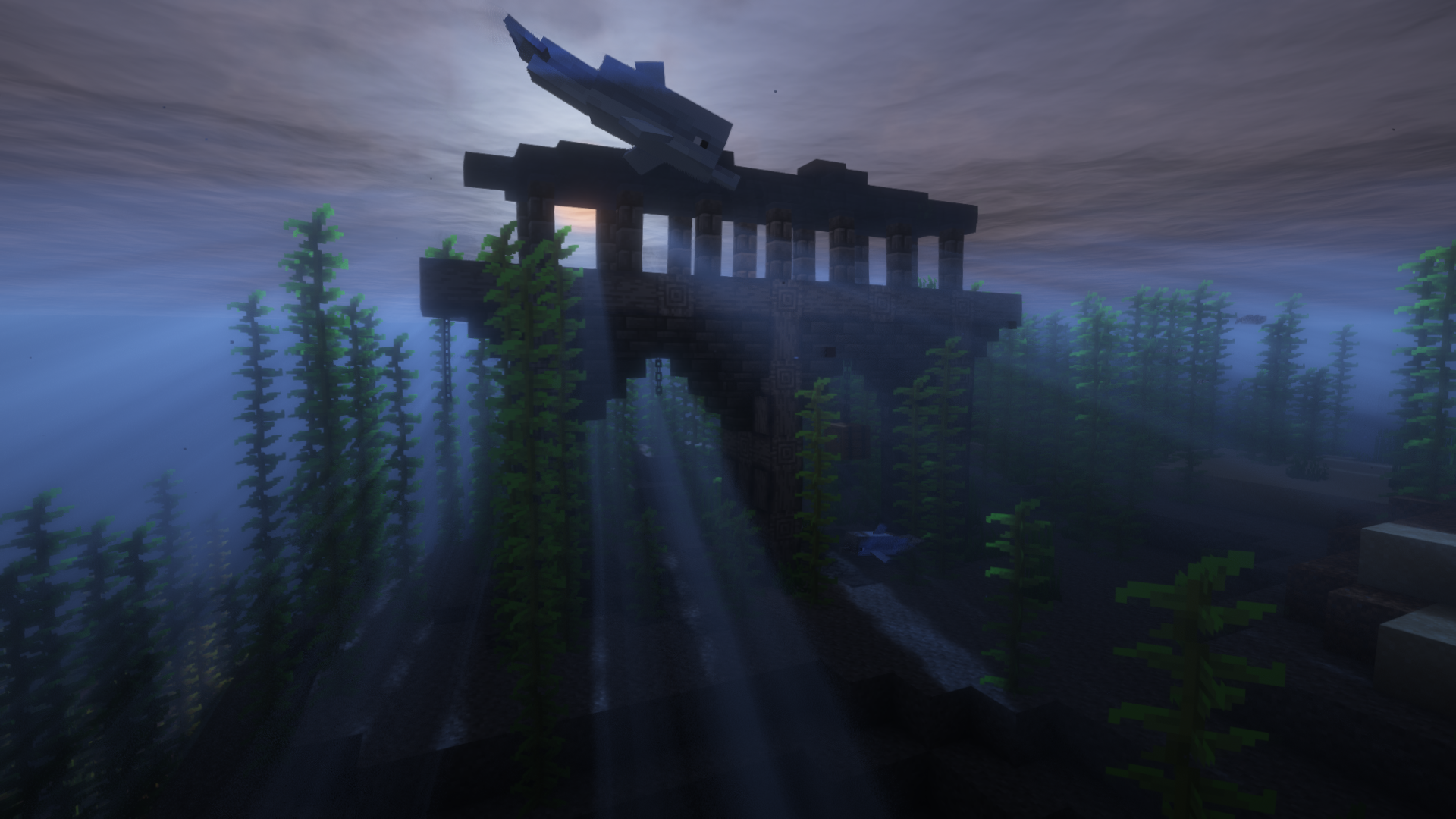
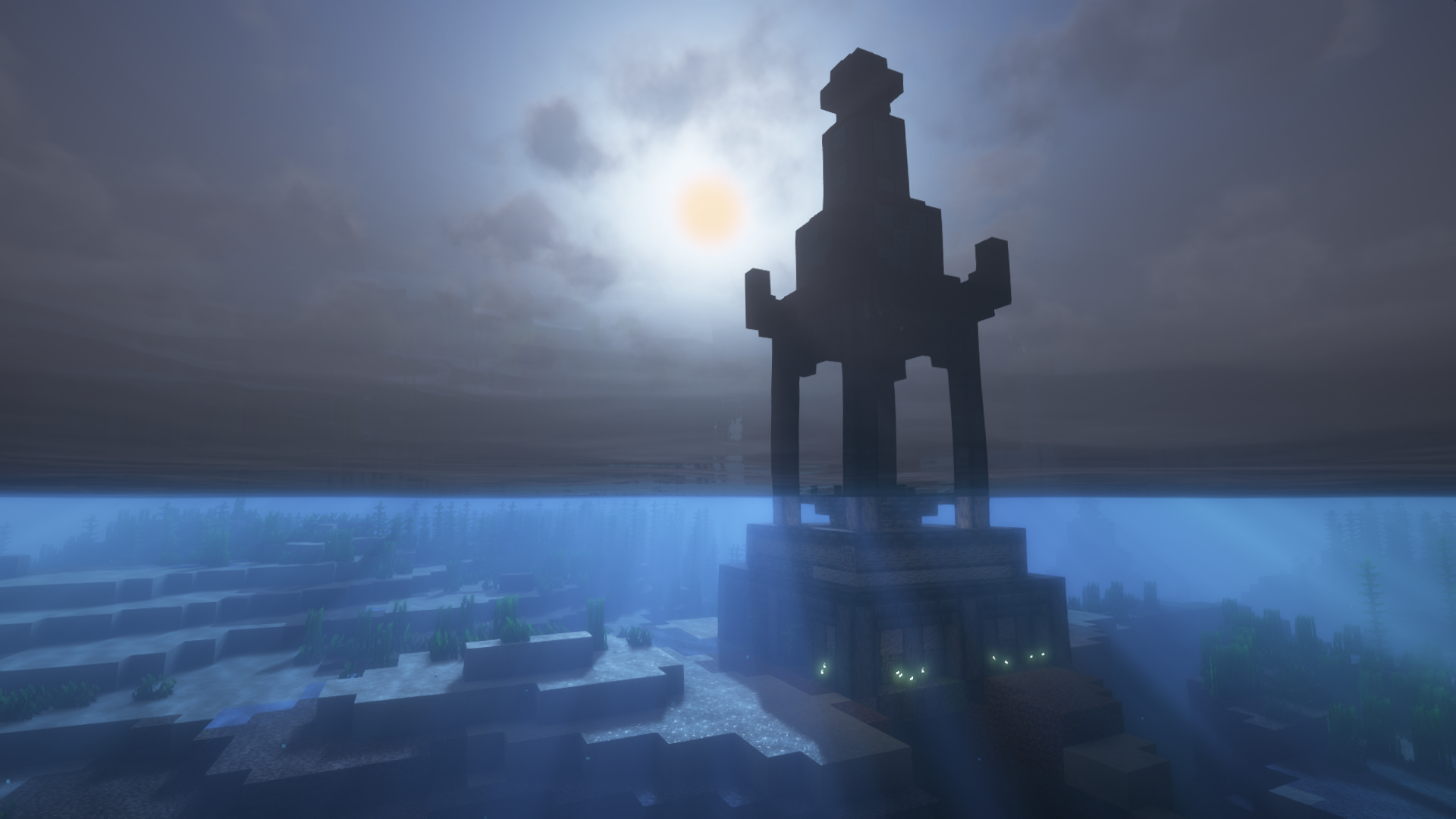
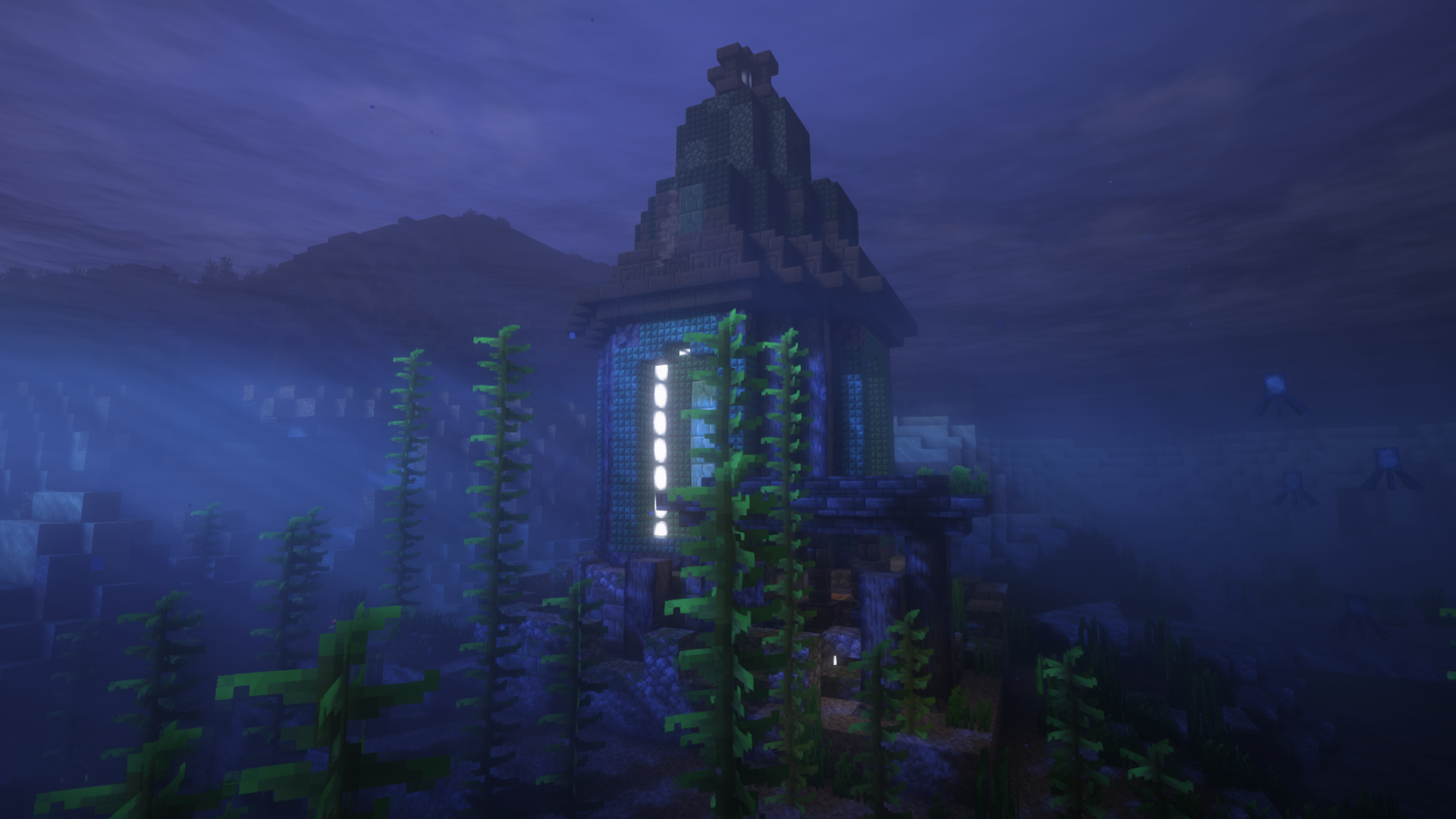
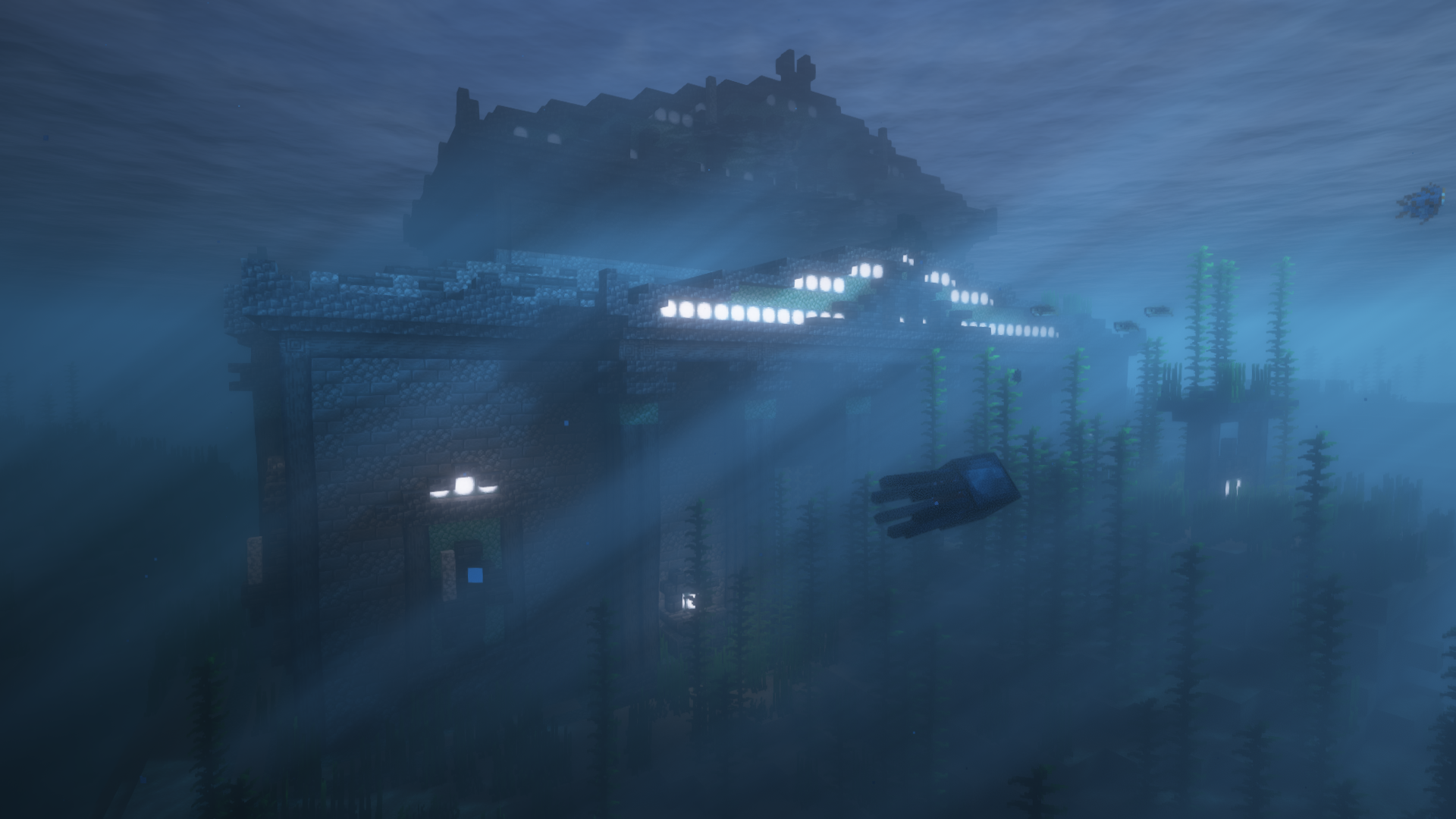
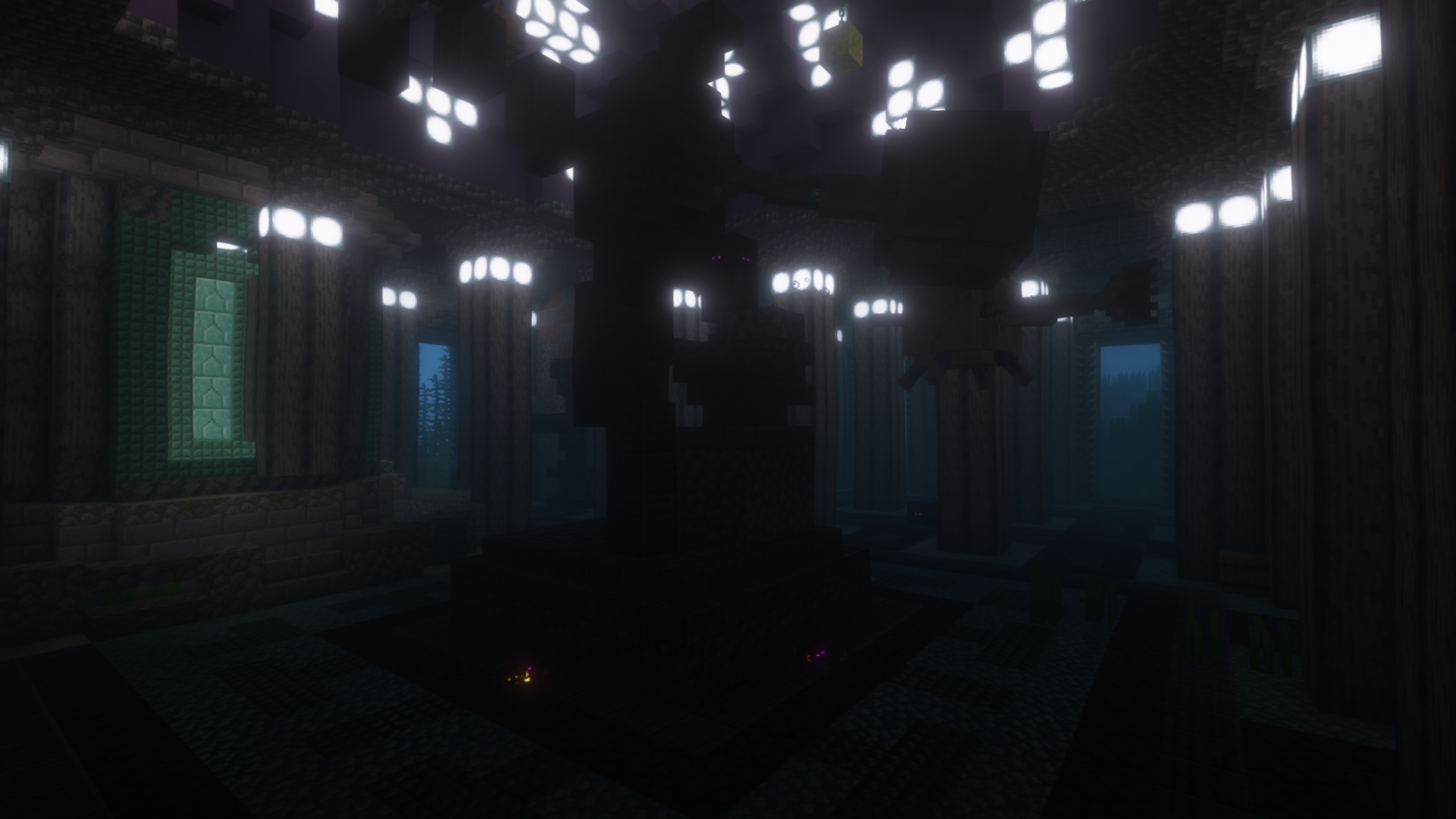
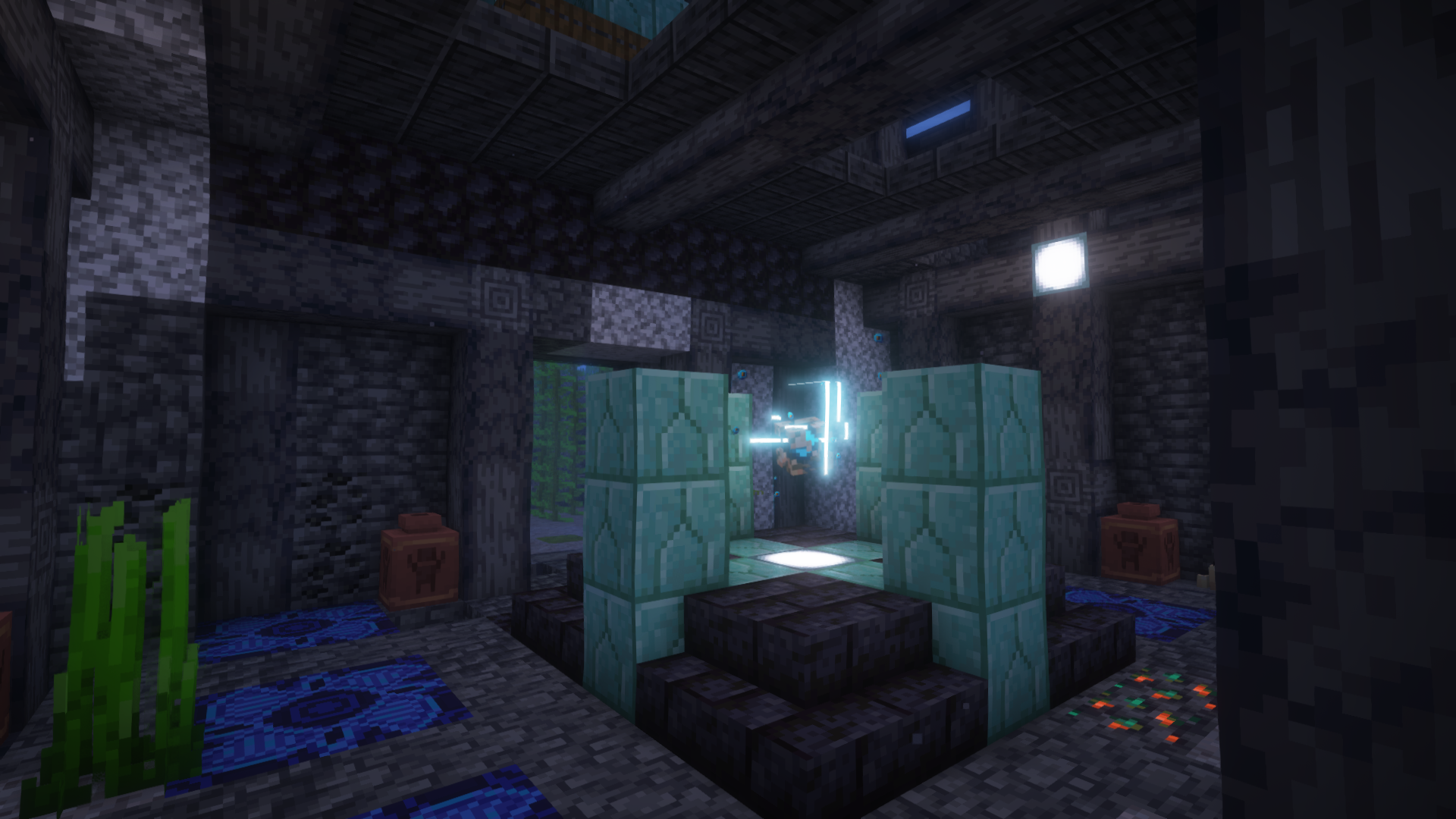
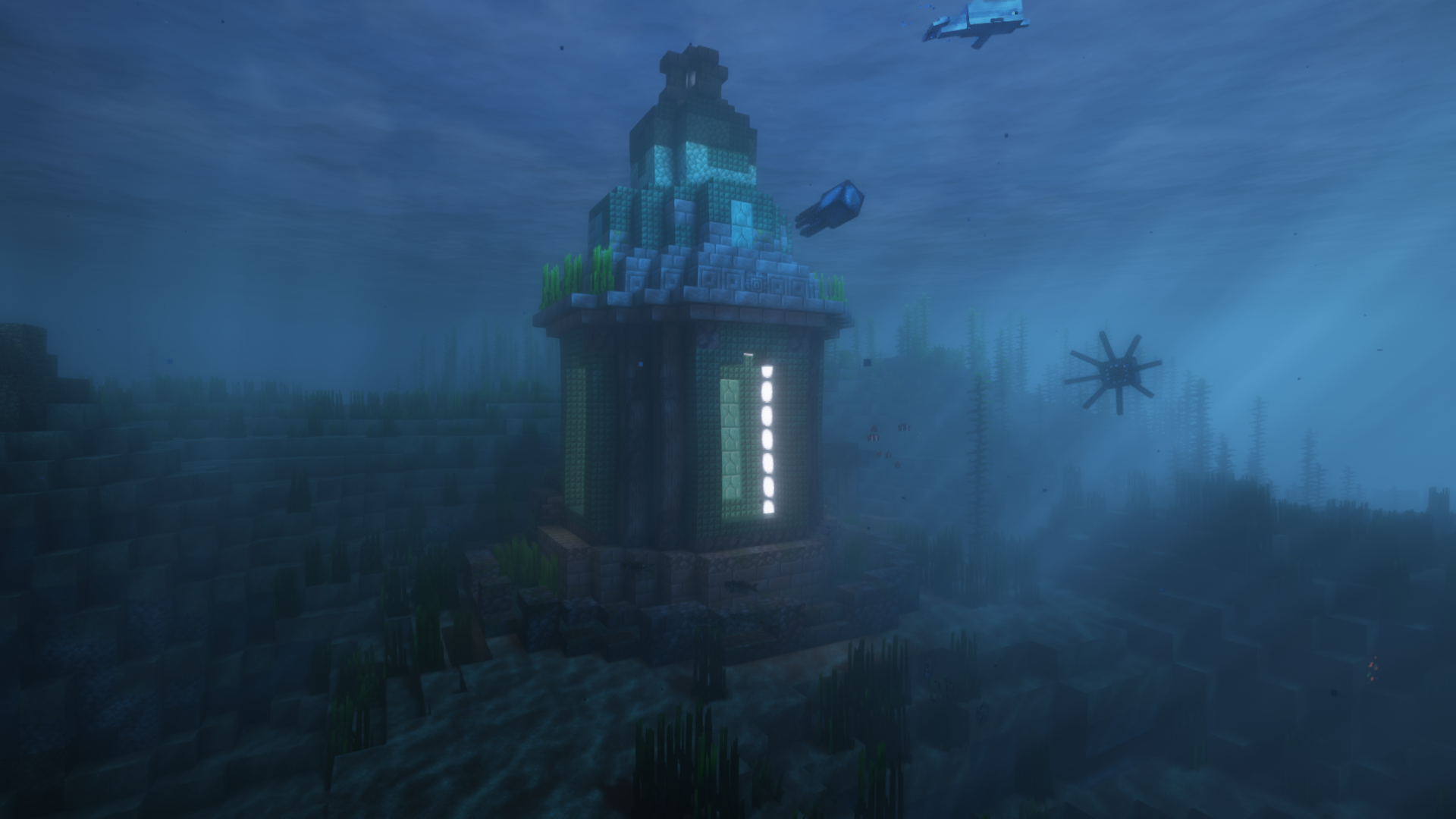
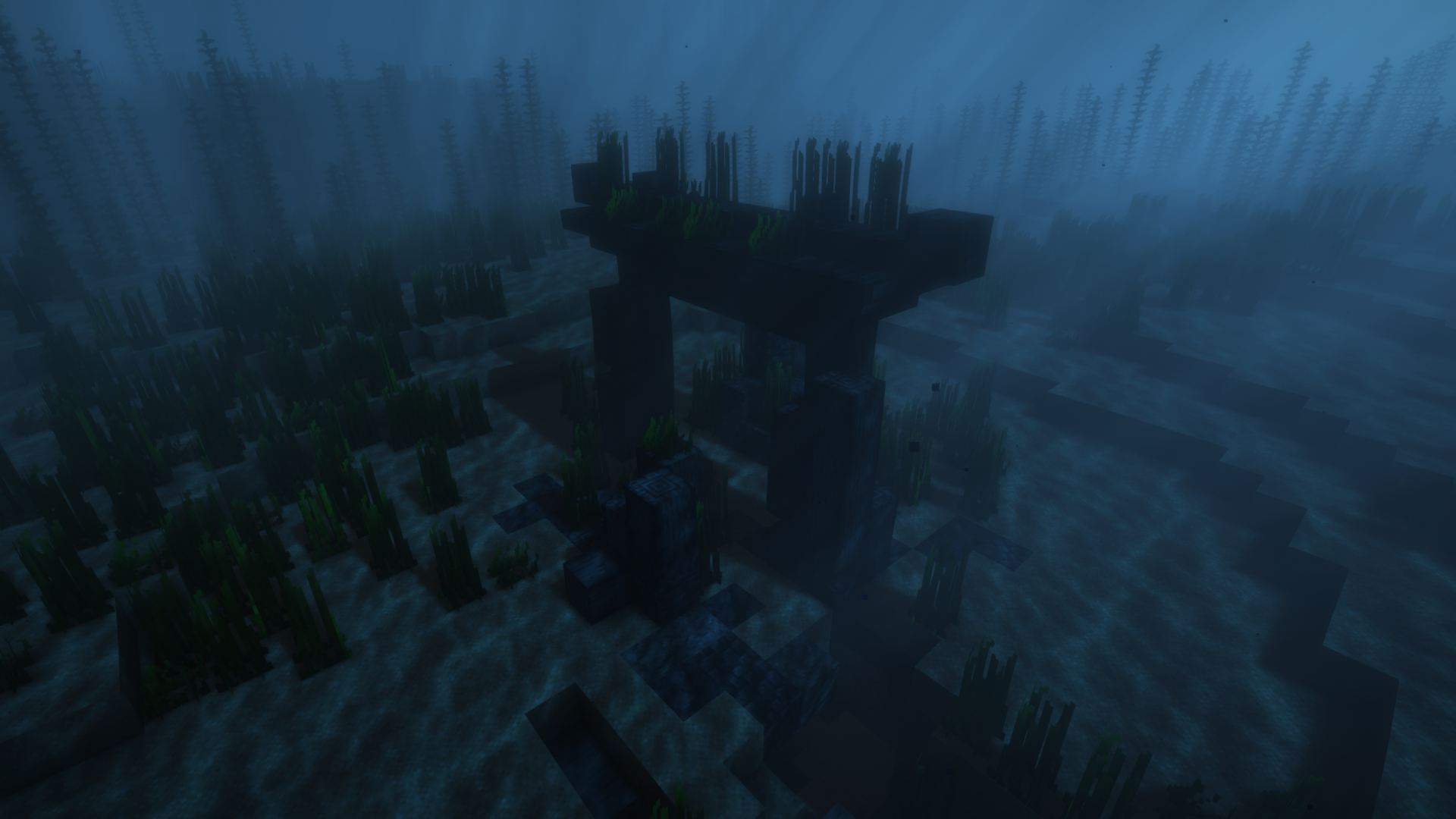
The ocean is a bit lonely, now it will be full of new structures, village-type structures, and even some dungeons!
All of the structures are vanilla friendly, so you should have no problem adding them to your world, adding over a dozen new structures for now, and there will be more updates in the future!
Ready to play with your friends on the best hosting?

I recommend Bisect Hosting for playing with friends because of their high-quality, lag-free servers. You can install any CurseForge modpack or your custom mods without errors. Plus, their support is available 24/7 to help with any issues. Use my code to get a 25% discount on your purchase.

Enjoy new villages and marine structures, now the ocean will be much more beautiful and entertaining and always being vanilla friendly. Of course, inside the structures will inhabit mobs, as well as there will be various treasures and objectives.