PlayerManager is the ultimate solution for SMP servers that need flexible player data management. Allow players to **start fresh** without creating new accounts, and give admins **complete control** over player progression, inventories, advancements, and more!
## 📥 Installation
1. Download the latest version from [Modrinth](https://modrinth.com/project/playermanager)
2. Place `PlayerManager.jar` in your server’s `plugins` folder
3. Restart your server
4. Configure permissions in your permission plugin (LuckPerms, PermissionsEx, etc.)
5. Enjoy
—
## Main Feature in Detail
### Complete Player Reset
When you use `/pm reset `:
1. Clears inventory and ender chest
2. Resets health, food, and XP to default
3. Removes all advancements
4. Resets all statistics
5. Sets gamemode to survival
6. Teleports player to world spawn
7. Kicks player with a message
8. Player can rejoin and start completely fresh
—
## 🛠️ Requirements
– **Minecraft Version**: 1.21+
– **Server Software**: Spigot, Paper, Purpur, or any Spigot-based server
– **Java Version**: 17+
## With [zMenu+](https://www.spigotmc.org/resources/zmenu-premium-zmenu-addon.115533/) addon:
[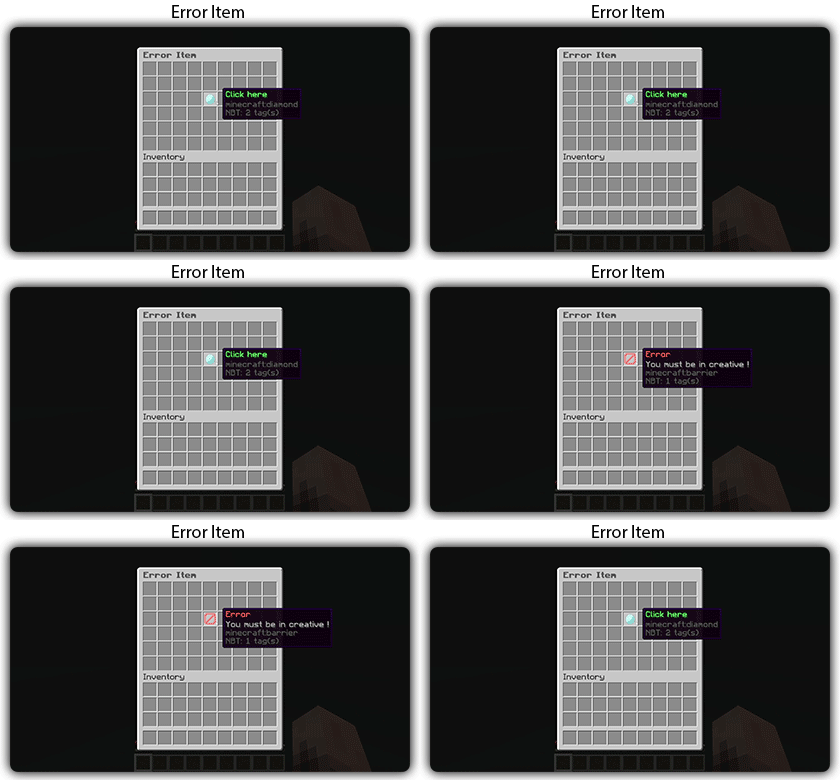](https://docs.zmenu.dev/configurations/buttons#error-item-zmenu)
[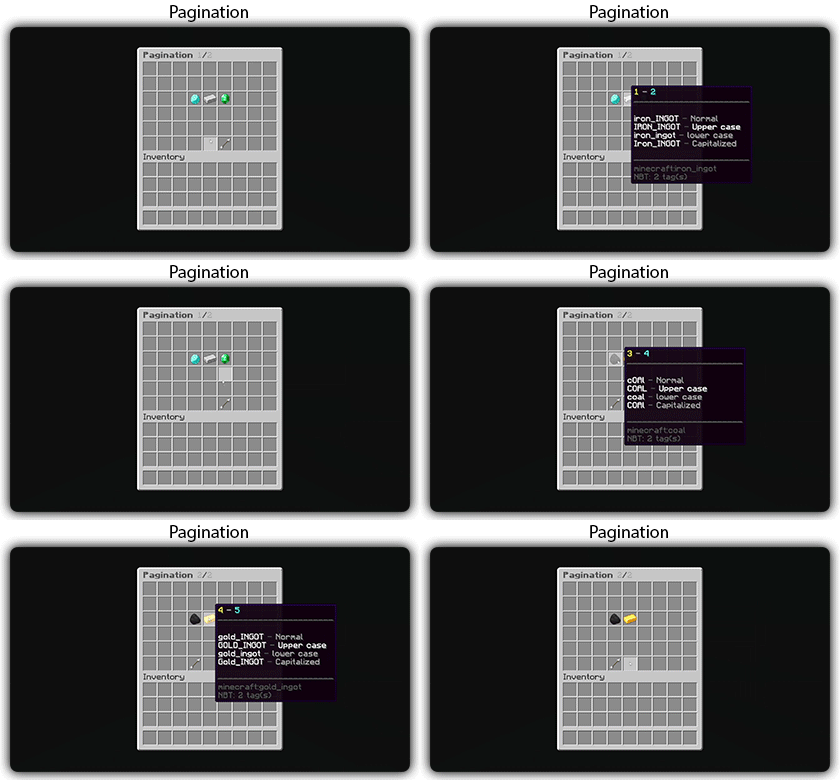](https://docs.zmenu.dev/configurations/buttons#pagination-zmenu)
[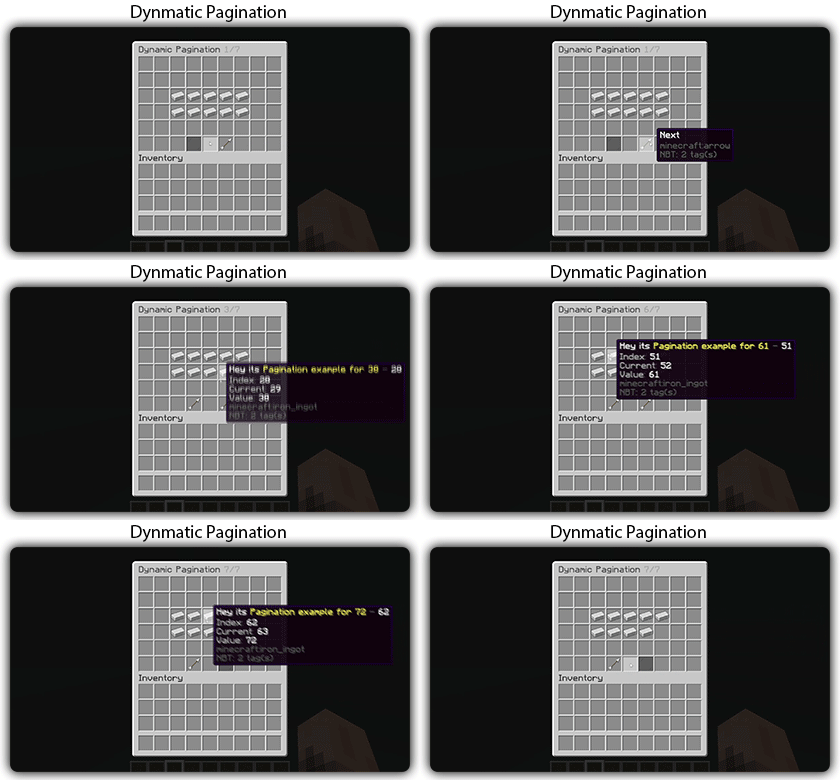](https://docs.zmenu.dev/configurations/buttons#dynamic-pagination-zmenu)
# **Features:**
✅ Ability to create an **infinite number of GUI** menus and **commands**.
✅ Possibility to create several pages in the same inventory.
✅ Arguments, actions, and auto-completion for your commands.
✅ A marketplace to download configurations.
✅ An [online inventory editor](https://minecraft-inventory-builder.com/).
✅ Open Source: [GitHub](https://github.com/Maxlego08/zMenu).
✅ Advanced API.
✅ Ability to create an infinite number of buttons for each of your actions.
✅ Highly customizable.
✅ PlaceholderAPI support.
✅ Kyori Adventure [Mini Message Format](https://docs.adventure.kyori.net/minimessage/format.html) support.
✅ [Folia](https://papermc.io/software/folia) support.
✅ Convert from other plugins: [zMenuConvert](https://www.spigotmc.org/resources/zmenuconvert.110403/).
✅ Patterns, no more need to copy and paste the same configuration several times!
✅ [zHead](https://www.spigotmc.org/resources/zhead-database.115717/) and HeadDatabase support.
✅ Documentation translated into several languages:
1. English: [docs.zmenu.dev](https://docs.zmenu.dev/)
2. Français: [docs.zmenu.dev/v/fr/](https://docs.zmenu.dev/v/fr/)
✅ **Anti-duplication** system. Duplication will be completely impossible with the plugin.
✅ Turn your items into a configuration with **/zm save**.
✅ Executable items for open inventories.
✅ Possibility to **translate your items** into several languages. The plugin displays the correct translation to the player!
✅ Use mathematical expressions in your inventories!
**🌟 zMAnnounce** is an optimized plugin for **Velocity** servers that allows sending **global and server-specific announcements**, displaying **bossbars** with countdowns, and fully customizing messages with **Legacy**, **HEX**, or **MiniMessage** colors. It includes spam protection, message limits, and performance optimizations with color caching. 🚀
## ✨ Key Features
– 📢 **Global & server-specific announcements**
– ⏱️ **Bossbars with customizable timers**
– 🎨 **Full color & MiniMessage support**
– 🔒 **Security**: message limits, input validation, and anti-spam
– ⚡ **Performance optimizations** with thread-safe operations
– 🔔 **Update notifications** via Modrinth
## 📦 Installation
1. Download the latest release from the [Modrinth page](https://modrinth.com/plugin/zmannounce) or [GitHub releases](https://github.com/zMarkitos/zMAnnounce/releases)
2. Place `zMAnnounce-1.0.0.jar` in your **Velocity** `plugins/` directory
3. Restart your Velocity server
4. Configure the plugin in `plugins/zMAnnounce/config.yml`
* ✅ Checks Modrinth API for new versions on startup
* 🛎️ Optional player notifications when they join
* ⚙️ Can be disabled in `config.yml`
## 📞 Support
* **Discord**: [Support the discord](https://discord.com/invite/R7PNG2fChs)
zLink
zLink is your custom link plugin. It works by connecting to a database and giving the user a code, that code the user can input into your project to link their account. Right now you can fetch the users uuid, luckperms rank, display name, world, game mode and when they first joined.
**Please Note: This plugin is still in beta, there will be bugs and it will not be perfect.**
If you would like to get releases before it comes here please visit: [Our Official Website](https://link.zavrobot.tech/)
ZLDiscord
**ZLDiscord is a universal plugin for Minecraft servers that provides advanced features, including a voting system, integration with placeholders for voice chats, and the creation of custom messages. This plugin is designed to simplify and automate server management.**
“`
• /zevent “title” “command” “time” “channel_id” — Creates a new poll. (Administrator rights required).
• /zembed “Unique Name” “Title” “Description” “Channel ID” “Image URL” “Thumbnail URL” “Footer Text”” “Footer Icon URL” — creates a new embed. (administrator rights required).
(Administrator rights required).
• /zembedmanage “action” “unique_name” “new_value” — Manage created embed messages. (Administrator rights required).
• /zlink — Link your account to Discord.
• /zunlink — Unlink your account from Discord.
“`
# **Commands in Discord:**
“`
• /zevent — Creates a new poll. (Administrator rights required).
• !embed — Creates an Embed message in Discord. (Requires administrator rights ).
• /link < code > — Link your account to Discord. (In the bot’s private messages)
• /unlink — Unlink your account from Discord.
“`
ZLDiscord integrates with PlaceholderAPI to display voice chat status. Make sure you have PlaceholderAPI installed.
**Available placeholders:**
“`
• %zoliryzik_in_vc% — Returns “In voice chat”, “Not in voice chat” and “Not bound”.
“`
# **Examples of use**
**Create a poll for an event:**
To create a poll for an event, simply type the following into the chat:
“`• /zevent “Siege of the ship” “boat run” “20m” “0000000000000000000”“`
Players will be able to vote in the Discord channel you specified.
**Create an embed message in Discord:**
To create an embed message in Discord, simply type the following into the chat:
“`• /zembed “Siege of the ship” “Siege of the ship” “The Siege of the Ship event is underwaynCords X: 0 Y: 0” “0000000000000000000”“`
Players will be able to see this message in the Discord channel you specified.
ZInvisItemFrames
# ZInvisItemFrames
Allow players to craft and place invisible item frames. Folia-compatible invisible item frame plugin.
## Features
– Craft invisible item frames
– Customizable crafting recipe. (Can choose ANY ITEM for the recipe)
– Empty invisible frames can have a glowing outline (configurable)
– MiniMessage support for all text formatting
## Compatibility
– Paper 1.20.1 -> 1.21.4
– Folia-compatible
– Java 17+
The default crafting recipe is 8 item_frame (or glow_item_frame) in a circle with one custom item in the middle.
You can change the middle-item with `/ziif item`.
You can also configure how many invisible item frames are crafted from the recipe.
– `/ziif help` – Show help information
– `/ziif item` – Set the recipe item to the item in your hand
– `/ziif reload` – Reload the configuration
– `/ziif give [–glow]` – Give invisible item frames to a player
1. Download the latest version of ZInvisItemFrames from [Modrinth](https://modrinth.com/plugin/zInvisItemFrames/versions).
2. Download the appropriate version of MCKotlin from [Modrinth](https://modrinth.com/plugin/mckotlin)
3. Place the downloaded `.jar` files into your server’s `plugins/` folder.
4. Restart your server.
5. Configure the plugin to your liking by editing the `.yml` files in the `plugins/ZInvisItemFrames/` folder.
## Configuration
“`yaml
recipe:
item: [] # Set with `/ziif item` command
quantity: 8 # How many frames are crafted per recipe
check-permission: # Whether to check permissions for crafting/placing invis frames
craft: false
place: false
empty-frame:
glow: true # Whether empty frames should glow
visible: true # Whether empty invis frames should be visible
[](https://minestrator.com/a/GROUPEZ)
**Attention, this is a free version of zEssentials, you can use it but you must buy the paid version to get help!**
You can also install **Vault**, the plugin is intended to work with.
If you are on Folia, you must be careful to take the right version of the plugins. zMenu automatically supports Folia. For PlaceholderAPI, use [this version](https://github.com/Anon8281/PlaceholderAPI/releases/tag/1.1). For Vault, use [This version](https://github.com/Geolykt/Vault/releases).
Download the latest zMenu DEV version on my Discord: [Discord Link](https://discord.gg/ZaHrgZCfh4)
## **Convert from other plugins:**
– [CMI](https://zessentials.groupez.dev/getting-started/convert#cmi) **/zess convert CMI**
## [**Features:**](https://zessentials.groupez.dev/)
### ✅ **Economies**
### ✅ **Teleportation**
### ✅ **Confirmation Inventories** (for /pay and /tpa)
### ✅ **Join** and **Quit** messages
### ✅ **JSON** and **MYSQL** storage
### ✅ **Open Source**
### ✅ Support for multiple languages: **French**, **English**, and **Italian**
### ✅ All messages are configurable
### ✅ **Folia** Support
### ✅ **MiniMessage** Support
### ✅ **Module** system
### ✅ **Warp** (with GUI)
### ✅ **Spawn**
### ✅ Ability to **disable each command**
### ✅ **Random Tp**
### ✅ **Home** (4 display types)
### ✅ **Sanction** (ban, mute, kick, kickall)
### ✅ More than **130 commands**
### ✅ **Redis**
### ✅ **Chat Format**
### ✅ **Chat Histories**
### ✅ **Kits**
### ✅ **Holograms**
### ✅ **Scoreboard**
### ✅ **Mailbox** for items
### ✅ **Rules**
### ✅ More than **35 placeholders**
### ✅ **Alignment placeholder** (like MCC Island)
### ✅ **Replace placeholder** (replaces the result of a placeholder with another thanks to various conditions)
### ✅ Ultra complete **documentation** and **default configuration**, everything is explained correctly!
### ✅ **Baltop**
### ✅ **Developer API**
### ✅ **Offline EnderSee and InvSee**
### ✅ Create **custom items**
### ✅ **Multiple message types**: ACTION, CHAT, TITLE, CENTER, NONE, CHAT_AND_ACTION, WITHOUT_PREFIX
## [**Chat Module**](https://zessentials.groupez.dev/modules/chat)
### ✅ Different rules of chat protection (alphanumeric, links, ItemsAdder font, same message, etc.)
### ✅ Dynamic cooldown: The faster the player writes, the longer the cooldown
### ✅ Clear and Toggle chat commands
### ✅ Chat format by permission
### ✅ Permission for mini message or color in chat
### ✅ Moderator actions on messages
### ✅ Chat placeholders: [pos], [item], [playtime], and custom placeholders!
### ✅ Command placeholders: Replace **./** with a clickable command!
## [**Hologram Module**](https://zessentials.groupez.dev/modules/hologram)
### ✅ **Display Entities**, Text, Item, and Block
### ✅ **Packet-Based**: All holograms are client-side (zEssentials takes care of everything, no other plugins needed)
### ✅ **In-game editor**: +20 commands to modify each element of your holograms
### ✅ [**Event System**](https://zessentials.groupez.dev/modules/hologram#events): Updates your holograms with events, no more lagging tasks
### ✅ PlaceholderAPI Support
### ✅ **Damage Indicator**
## [**Homes Module**](https://zessentials.groupez.dev/modules/home)
### ✅ 4 ways to display homes: inventory, like donutsmp inventory, inline message, multiline message
### ✅ Offline Support
### ✅ Homes Per Rank: Set the number of homes by permission
## [**Kit Module**](https://zessentials.groupez.dev/modules/kits)
### ✅ **Cooldowns**: Set a time between each kit recovery
### ✅ [**Execute actions**](https://docs.zmenu.dev/configurations/buttons/actions): Perform actions when a player gets the kit (commands, message, sound, etc.)
### ✅ **GUI Driven**: Edit, preview, and obtain kits via customizable inventories
### ✅ **Cooldown management**: Use commands to manually add or remove cooldowns (not just for kits)
## [**Mailbox Module**](https://zessentials.groupez.dev/modules/mailbox)
### ✅ Allows to **store items**; the player cannot add items to it, they can only remove them
### ✅ If the player’s inventory is **full**, the items will end up in the mailbox
### ✅ A complete **API** for anyone to add items to the mailbox
## [**Messages**](https://zessentials.groupez.dev/messages)
### ✅ **7 message types**: chat, action, without_prefix, none, center, bossbar, title
### ✅ **Translated into multiple languages**: English, French, Italian, German
### ✅ Send [**multiple messages**](https://zessentials.groupez.dev/messages#multi-messages) at the same time
### ✅ **MiniMessage** support
### ✅ **Custom placeholders**: Define a placeholder list for your messages, such as `` and ``
## [**Rules Module**](https://zessentials.groupez.dev/modules/rules)
### ✅ Displays server rules either by message or in an inventory
## [**Sanction Module**](https://zessentials.groupez.dev/modules/sanction)
### ✅ 3 Punishment Types: Ban, Mute, and Kick
### ✅ **Immune**: A list of players immune to sanctions!
### ✅ **Sanctions history**
### ✅ **Inventories**: An inventory to display the player’s profile with active sanctions, an inventory to display the player’s sanctions history, and an inventory to apply a predefined sanction to the player
## [**Scoreboard Module**](https://zessentials.groupez.dev/modules/scoreboard)
### ✅ **Packet-Based**: All scoreboards are client-side (no other plugins required, zEssentials handles everything)
### ✅ [**Event System**](https://zessentials.groupez.dev/modules/scoreboard#events): Updates your scoreboard with events, no more lagging tasks
### ✅ **Animation**: Create animations for your scoreboard
### ✅ **Unlimited Length**: Use as many characters per line as you want
### ✅ [**MiniMessage Support**](https://docs.advntr.dev/minimessage/index.html): Works perfectly with mini message formats
### ✅ **Scoreboard Commands**: Player command to toggle scoreboard display
### ✅ **Custom board**: Create unlimited scoreboards using [zMenu requirements](https://docs.zmenu.dev/configurations/buttons/requirements#requirements-type) (permission, placeholder, regex, LuckPerms, etc.)
### ✅ PlaceholderAPI Support
## [**Player Vault Module**](https://zessentials.groupez.dev/modules/vault)
### ✅ **Unlimited** player vaults
### ✅ Set the number of **slots** for each player
### ✅ **Rename** and custom **icon**
## [**Vote Module**](https://zessentials.groupez.dev/modules/vote)
### ✅ (I’m too lazy for the vote description now, sorry, but it’s a very good module, I swear!)
## [**Warp Module**](https://zessentials.groupez.dev/modules/warp)
### ✅ Displays warps in an inventory or message
### ✅ **Permission per warps**
Armor HUD is a clean, modern on‑screen display that shows your armor durability, protection level, and equipped gear status at all times. Instead of opening your inventory mid‑fight, the HUD gives you a real‑time breakdown of how close each armor piece is to breaking, helping you avoid losing gear during PvP, boss fights, or hardcore survival runs.
The mod reads your current armor values and displays them in a compact, unobtrusive overlay that fits naturally into any HUD layout. Durability values update every tick, and color‑coding makes it easy to see which pieces are healthy, damaged, or about to break. This makes Armor HUD especially useful for PvP players who need instant information, speedrunners who can’t afford to stop moving, and survival players who want better awareness without clutter.
Armor HUD is lightweight, fully client‑side, and compatible with virtually any modpack or server. Whether you’re fighting players, exploring dangerous structures, or grinding mobs, this mod ensures you always know the exact state of your armor at a glance.
AntiXRay
# 🛡️ zepAntiXRay — Hide Ores from X-Ray Cheaters
**Anti XRay** protects your server from players using X-Ray resource packs or hacked clients to locate ores. Ores are hidden **server-side** and only revealed when a player is close enough or has direct line of sight.
—
## ✨ Features
– **Hides ores server-side** — Diamond, Emerald, Gold, Iron, Redstone, Lapis, Ancient Debris and more
– **No client mod required** — works completely server-side
– **Lightweight** — minimal performance impact on your server
– **Simple & focused** — does exactly one thing, and does it well
—
## ⚙️ How it works
Ore blocks are **replaced with stone** in the chunk data before being sent to the client. They are only revealed when a player is **close enough**, preventing any X-Ray cheater from spotting them at a distance.
> This plugin is focused **solely on hiding ores**. It does not include any additional anti-cheat features beyond X-Ray protection.
ZenRTP
# ZenRTP
A lightweight random teleport plugin for **Paper** servers. Pick a ring around a center point, find a safe surface, and teleport players there—with cooldowns, costs, optional per-world rules, and messages you can edit.
**Requirements:** Paper **1.21.x** (API `1.21`), **Java 21**.
ZenRTP is built for Paper servers; Spigot-only servers are not supported.
—
## Features
– **Random location** in a configurable distance band from `center-x` / `center-z`, with per-world overrides.
– **Safety checks:** configurable “unsafe” blocks (lava, fire, cactus, etc.), air at feet/head, solid ground, and Y bounds (`min-y` / `max-y`).
– **Sky visibility (Overworld only):** optional clear column to build height. **Nether and End ignore this**—there is no sky there.
– **Teleport delay** with a **chat countdown** (e.g. 3, 2, 1); movement can cancel the pending RTP if enabled.
– **Cooldowns**, optional **daily limits**, and **costs** (hunger, XP, money via Vault).
– **World blacklist / whitelist**, **spawn avoidance**, **avoid nearby players**, **chunk preloading** around the destination.
– **Titles and sounds** (configurable); **messages** in `messages.yml` (MiniMessage or legacy `&` codes).
—
## Installation
1. Download the latest ZenRTP jar file from the “Versions” page.
2. Place it in your server’s `plugins` folder.
3. Start or restart the server.
4. Edit `plugins/ZenRTP/config.yml` and `plugins/ZenRTP/messages.yml` as needed, then run **`/zenrtp reload`** (or restart).
—
## Commands
| Command | Description |
| ———————— | ———————————————————————– |
| `/rtp` | Random teleport in the **world you are currently in**. |
| `/rtp ` | Random teleport in the named world (you must be allowed in that world). |
| `/rtpo ` | Teleport **another player** in their current world. |
| `/rtpo ` | Teleport another player to a random spot in the given world. |
| `/zenrtp reload` | Reload `config.yml` and `messages.yml`. |
—
## Permissions
| Permission | Default | Purpose |
| ———————— | ———– | ————————————————————————————————————————— |
| `zenrtp.use` | `true` | Use `/rtp`. |
| `zenrtp.rtp.` | _(not set)_ | Allow RTP **into** the world named `` (e.g. `zenrtp.rtp.world_nether`). Grant per world via your permissions plugin. |
| `zenrtp.others` | `op` | Use `/rtpo`. |
| `zenrtp.admin` | `op` | Use `/zenrtp reload`. |
| `zenrtp.bypass.cooldown` | `op` | Ignore cooldown. |
| `zenrtp.bypass.cost` | `op` | Ignore hunger/XP/money costs (unless `require-costs` is `true` in config). |
| `zenrtp.bypass.daily` | `op` | Ignore the daily RTP limit. |
If a player lacks `zenrtp.rtp.` for a world, they cannot RTP there, even if `/rtp` is allowed.
—
## Optional plugins
| Plugin | Role |
| —————— | ———————————————————————————– |
| Vault | Money cost (`currency-cost`) when configured. |
| **PlaceholderAPI** | Present if you use placeholders elsewhere; ZenRTP does not require it for core RTP. |