Experienced Powers
> This data pack is now discontinued.
> This means that it will no longer receive any more updates.
This data pack gives another use for experience, Magical powers!
You can use this experience points to trade for magical powers (well, effects in other words). For example, You can use 10 experience levels to get fire resistance for 30 seconds, or 7 experience levels to heal yourself.
Yeah I know, it can be a bit overpowered.
To use this data pack, simply use this Command: `/trigger `
Here is a full list of all “powers” and “power_id”:
| Name | Id | Description | XP level required | XP cost
|—————-|—————|—————————————|——|—–|
| Fire resistance | xpower.fire_resistance | Gives 30 seconds of fire resistance. | 25 | 12
| Fire resistance+ | xpower.fire_resistance+ | Gives 2 minutes of fire resistance. | 30 | 18
| Fire resistance++ | xpower.fire_resistance++ | Gives 10 minutes of fire resistance. | 40 | 25
| Slow falling | xpower.slow_falling | Gives 30 seconds of slow falling. | 15 | 5
| Water Breathing | xpower.water_breathing | Gives 1 minutes of water breathing. | 15 | 8
| Water Breathing+ | xpower.water_breathing+ | Gives 5 minutes of water breathing. | 20 | 15
| Water Breathing++ | xpower.water_breathing++ | Gives 20 minutes of water breathing. | 25 | 25
| Heal | xpower.heal | Gives 4 seconds of regeneration V, enough to fill your health bar. | 15 | 5
| Strength+ | xpower.strength+ | Gives 5 minutes of strength I. | 30 | 10
| Strength++ | xpower.strength++ | Gives 10 minutes of strength I. | 35 | 15
| Haste | xpower.haste | Gives 30 seconds of haste I. | 20 | 10
| Haste+ | xpower.haste+ | Gives 2 minutes of haste I. | 30 | 20
| Haste++ | xpower.haste++ | Gives 10 minutes of haste I. | 40 | 25
| Night vision | xpower.night_vision | Gives 2 minutes of night vision | 15 | 4
xplor origins
A medieval-fantsy style pack that focuses on Origins, world generation and multiplayer.
overworld:
Spoiler
Without shaders
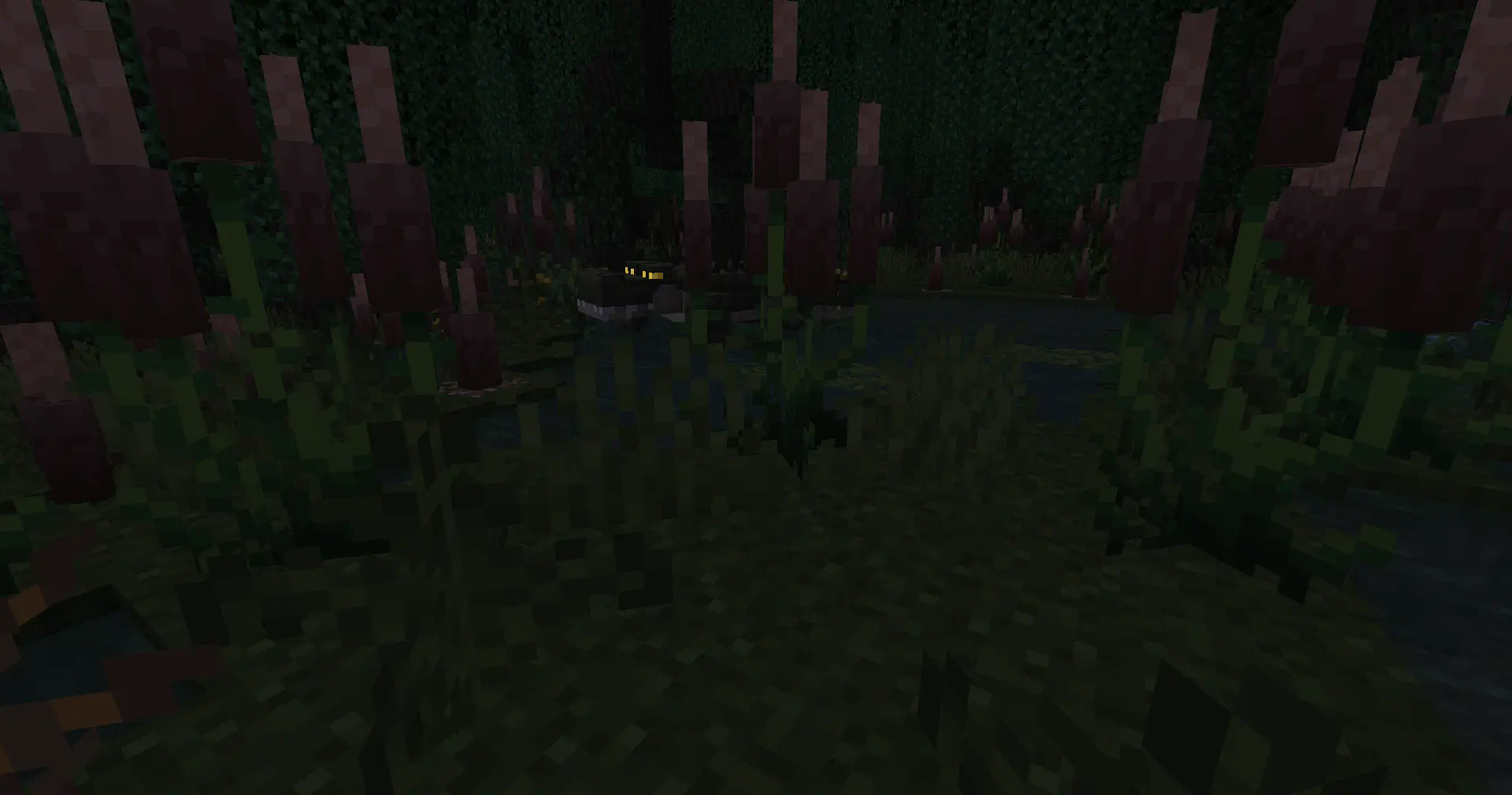
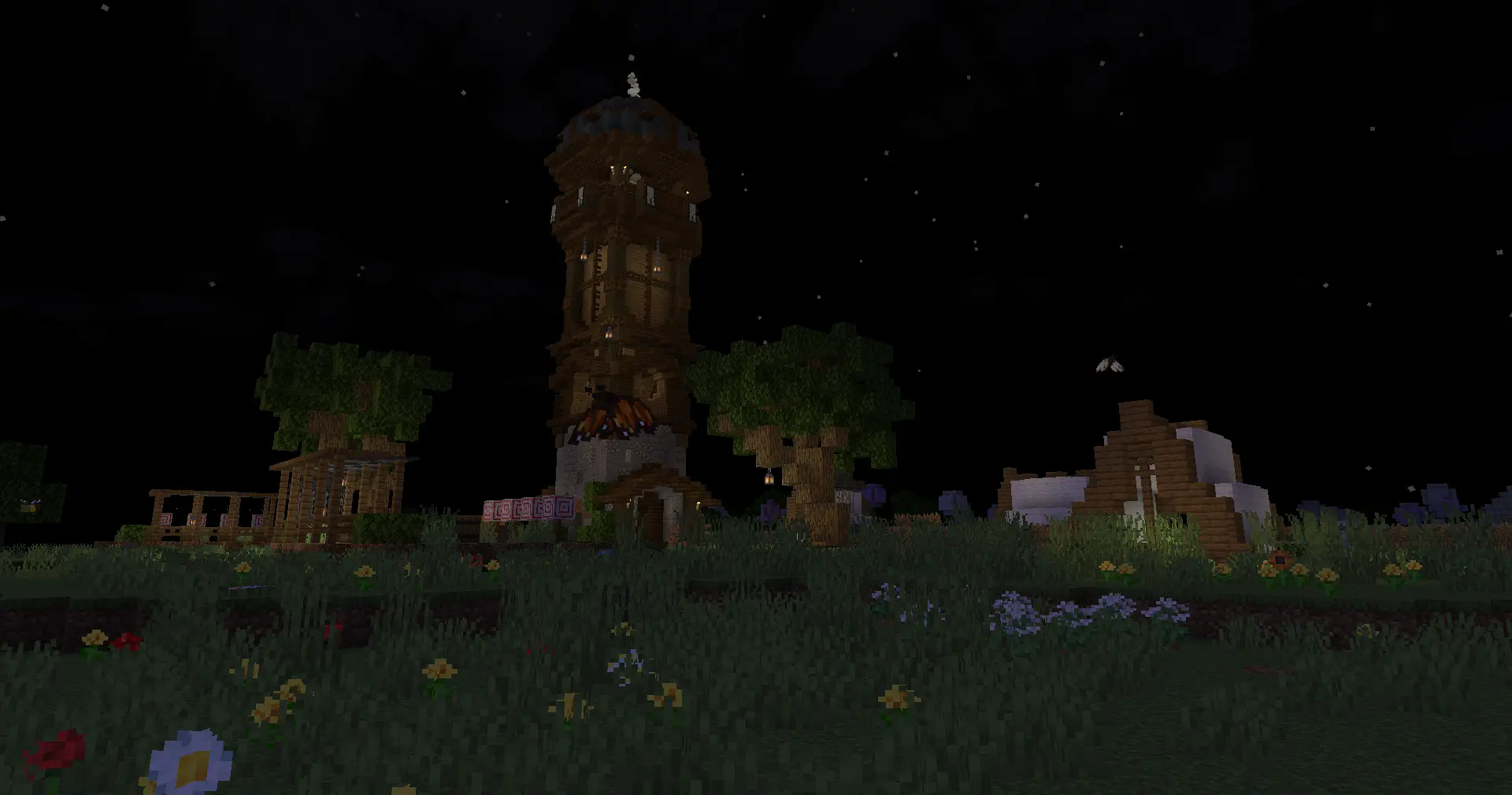
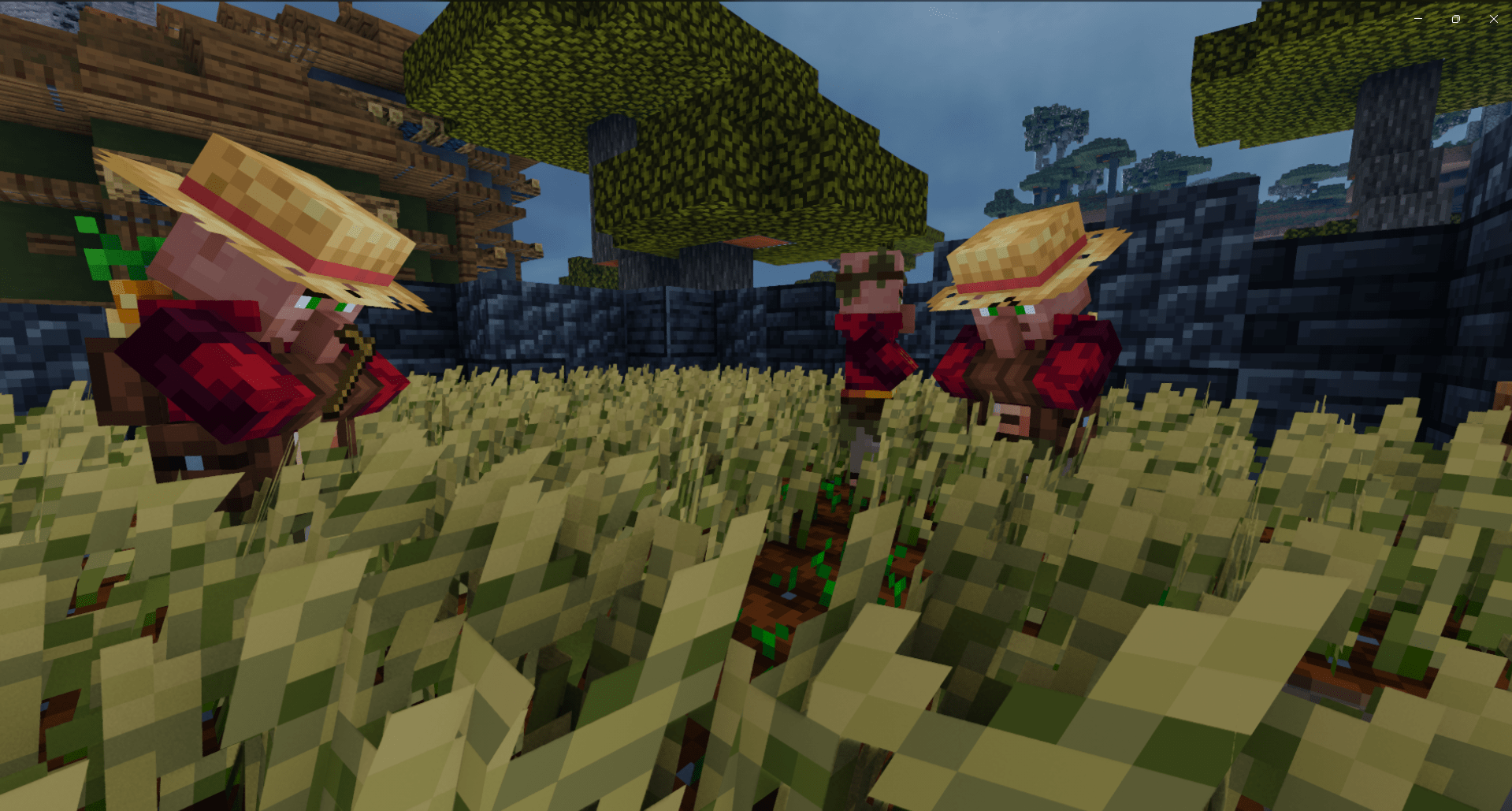
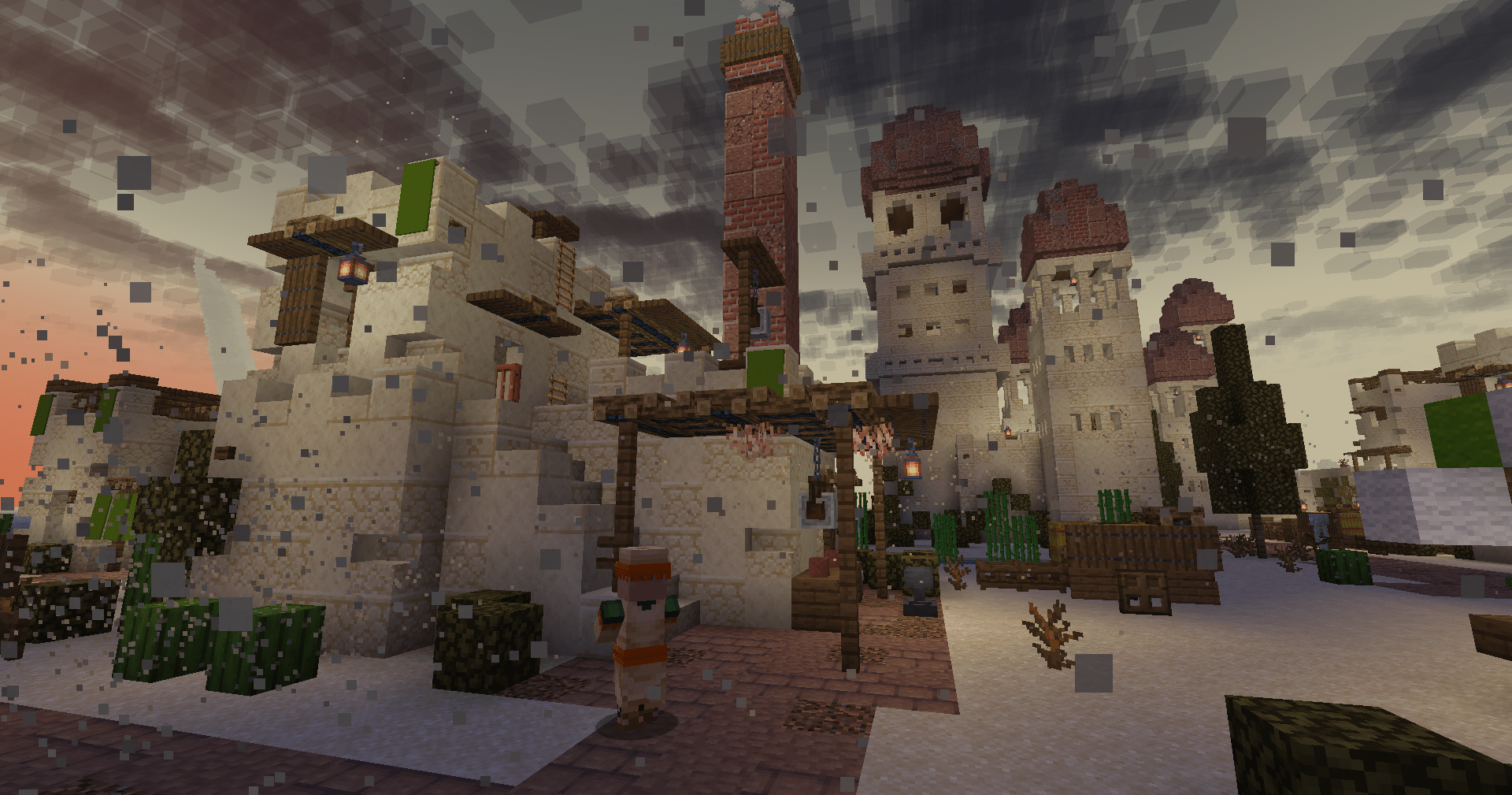
With shaders
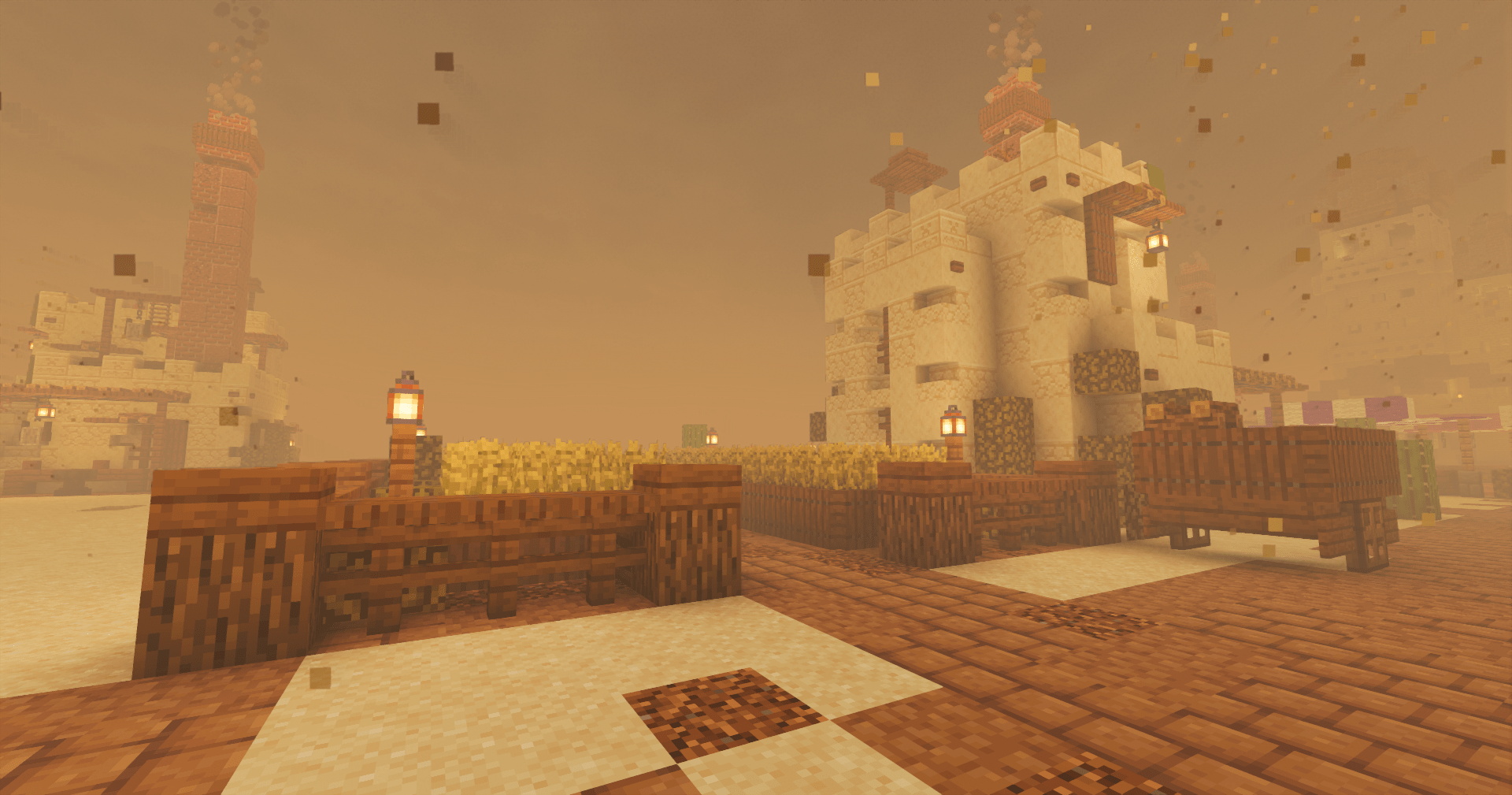
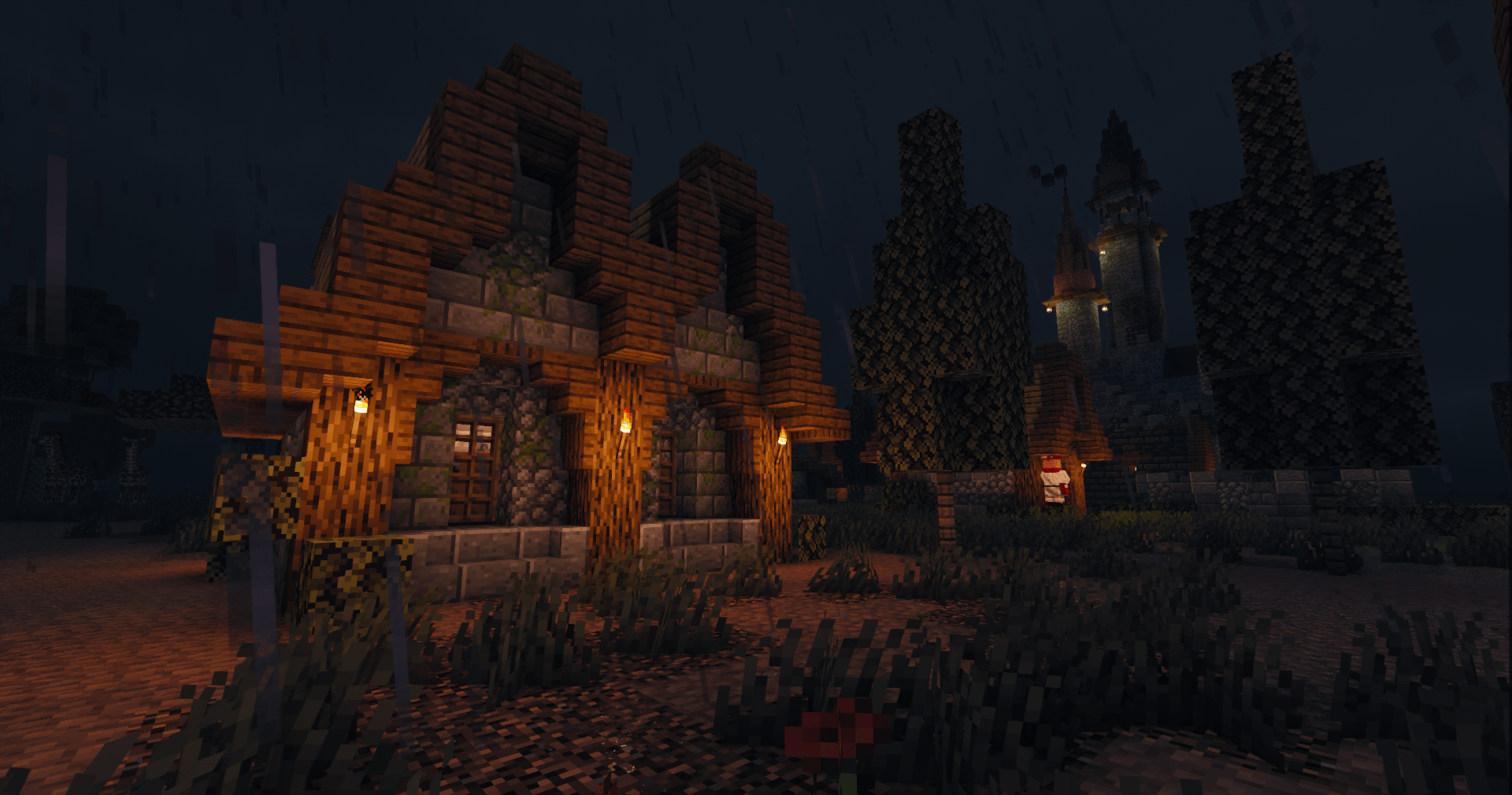
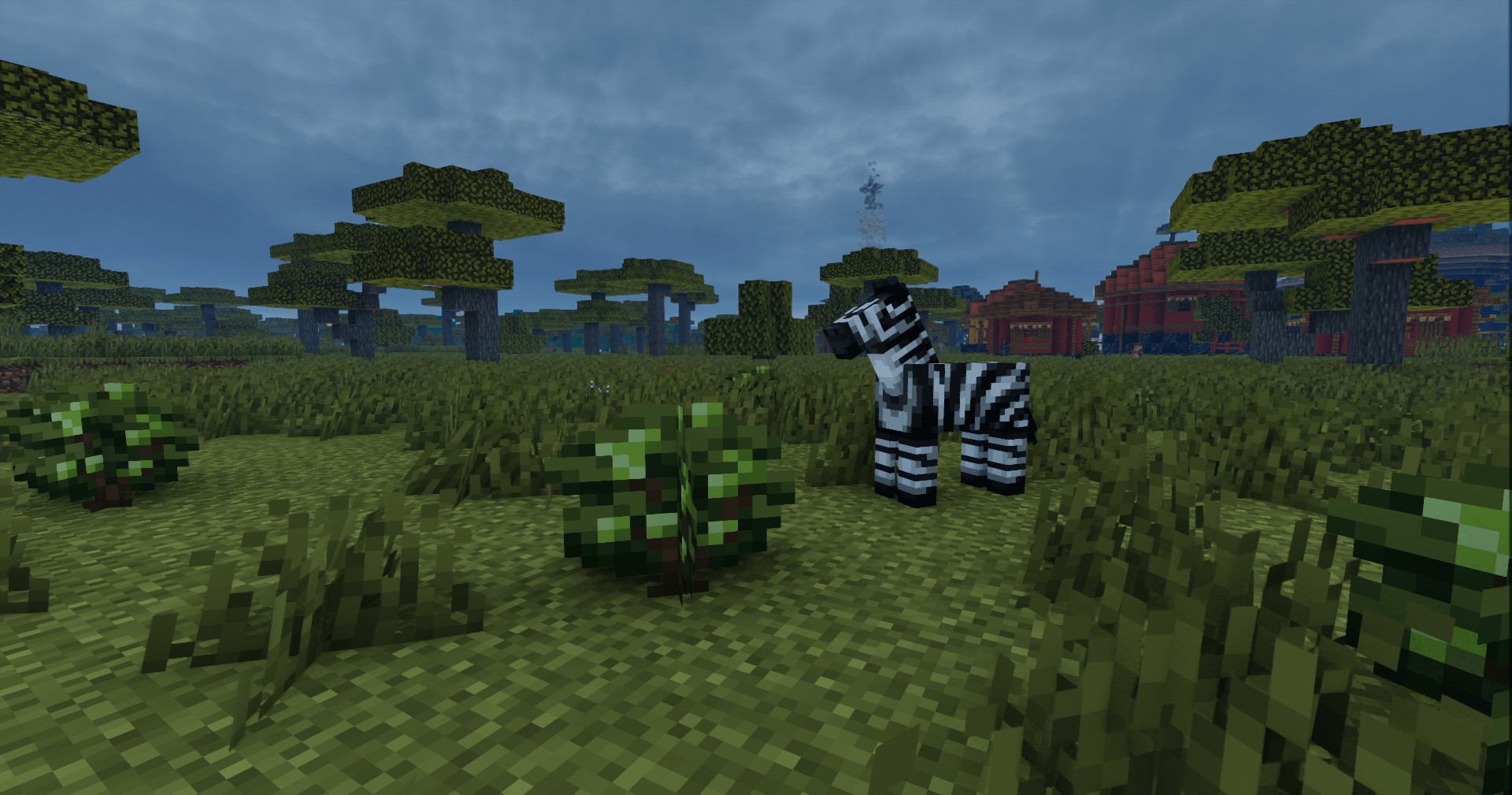
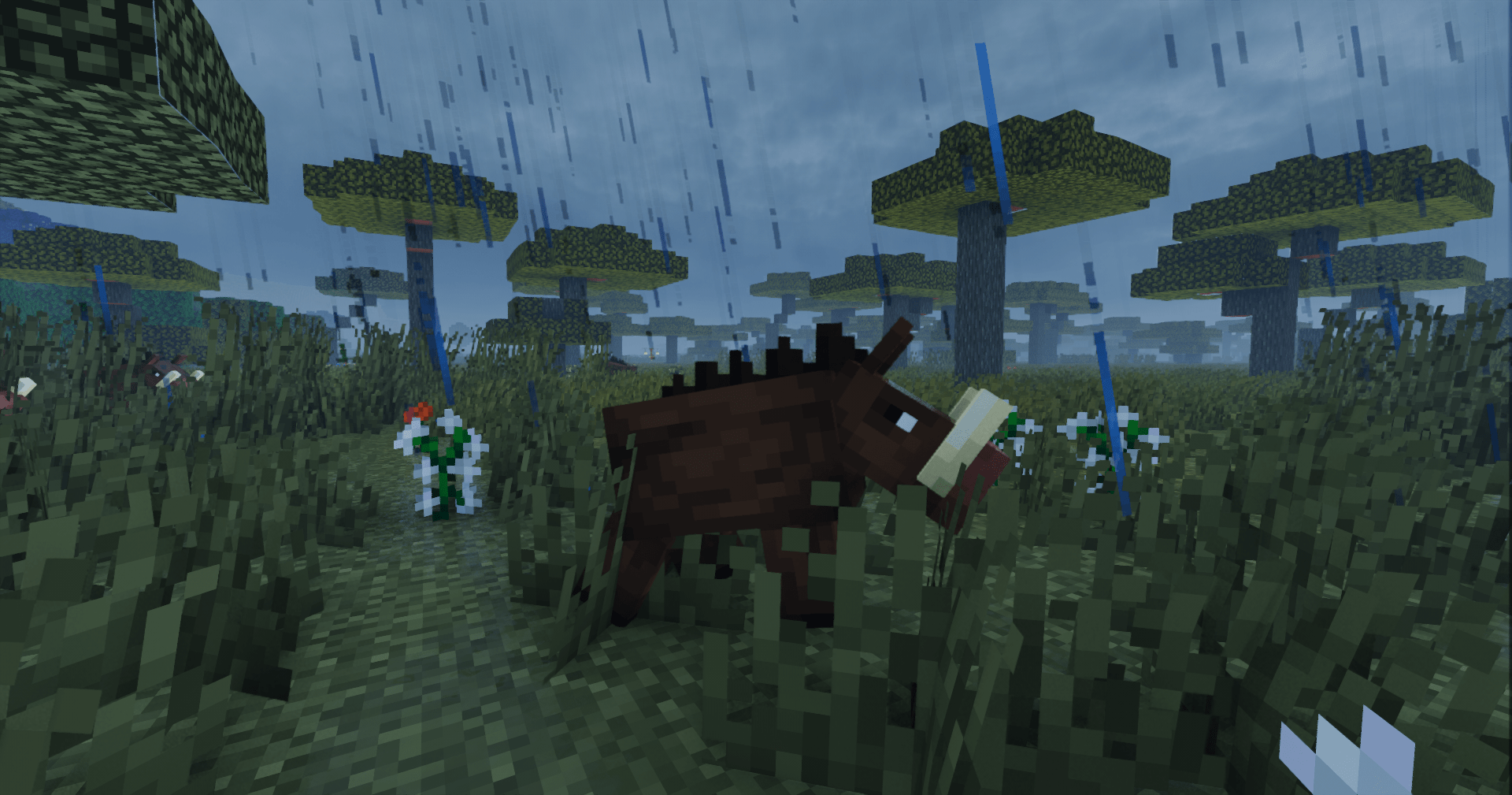
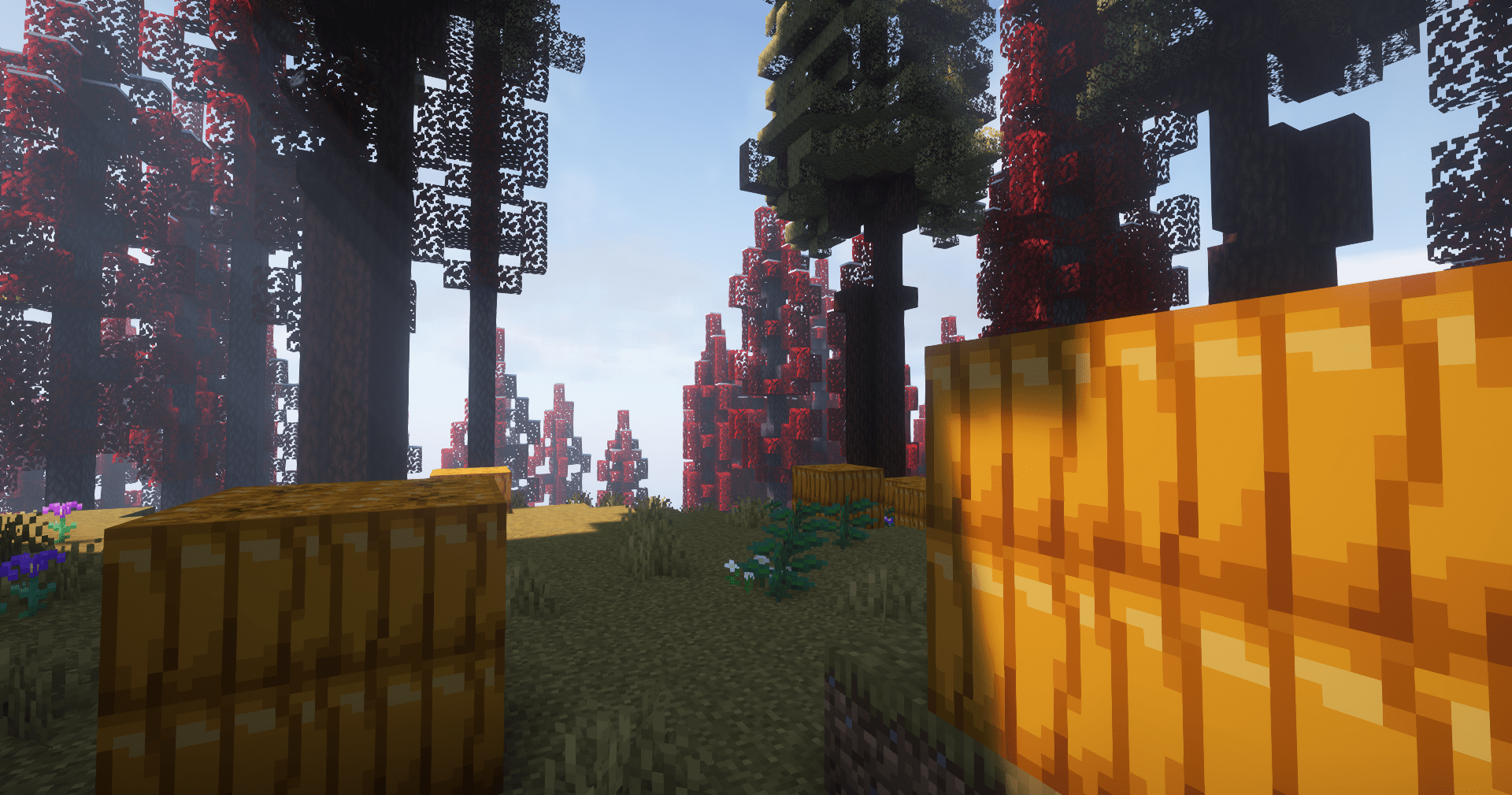
Nether:
Spoiler
With shaders
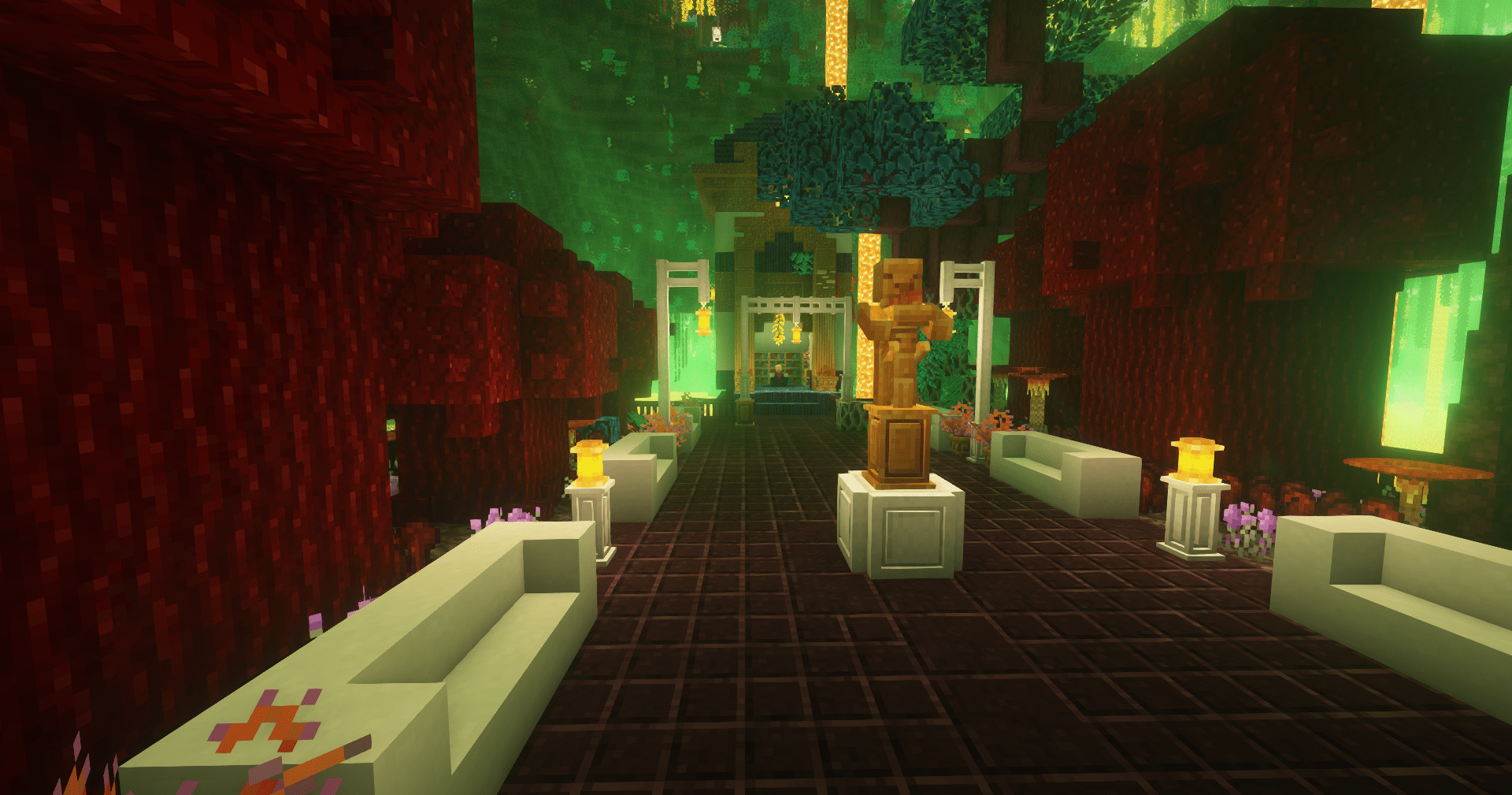
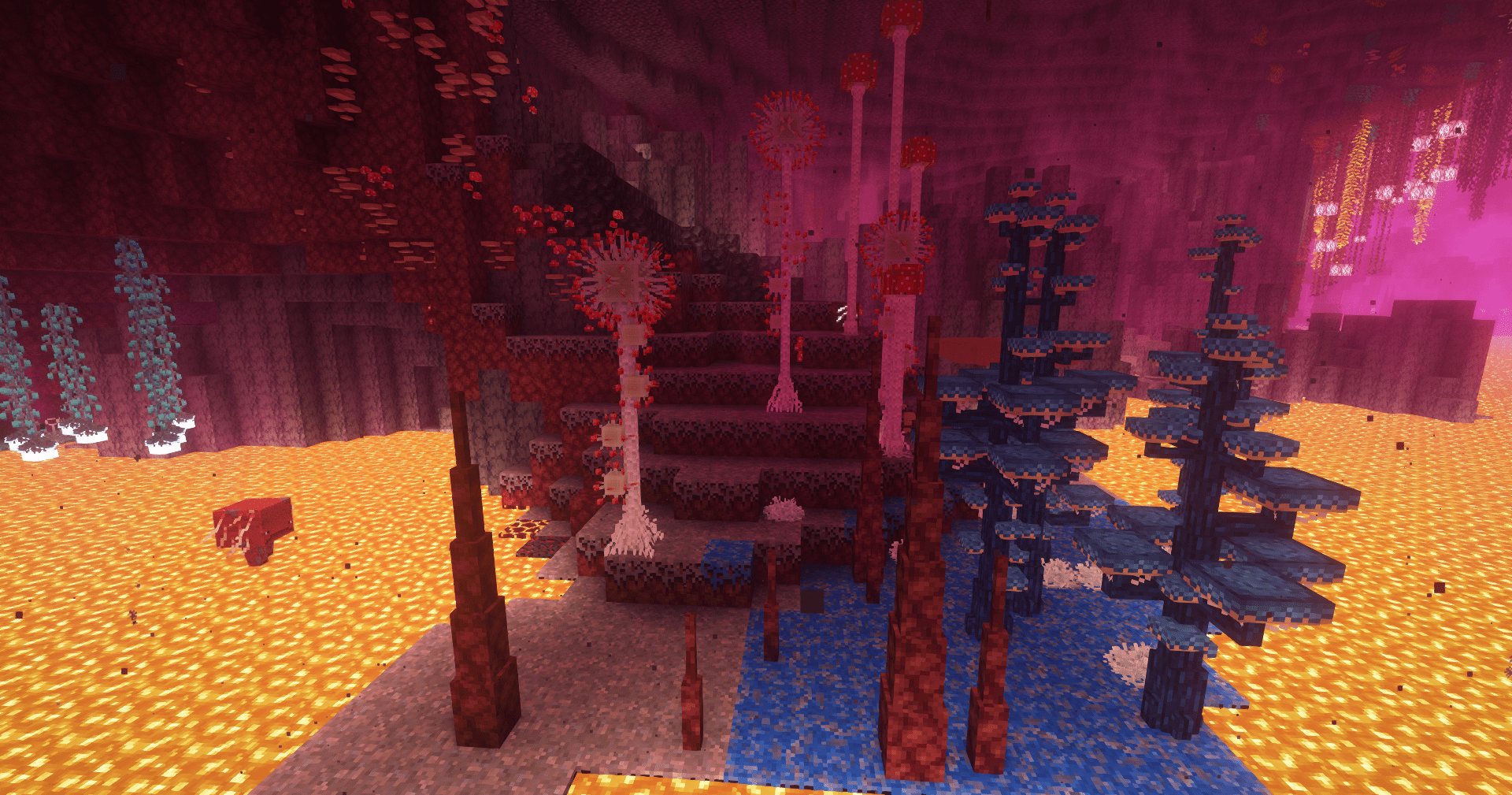
End:
Spoiler
With shaders









– shader presets included
– controller support
– all images were taken in survival with [freecam mod](https://modrinth.com/mod/freecam)
Xp Withdrawal
# Xp Withdrawal
This plugin allows player to withdraw their xp to items that can be claimed by right clicking
## How to withdraw xp to items?
xp orbs are gotten from the command `/xpwithdraw`
– `/xpwithdraw all` – to withdraw all xp that you have
– `/xpwithdraw {amount}` – to withdraw a specific amount of xp
XP Tome
### Functionality
This mod adds a single item – the XP Tome. With the XP Tome you can store and retrieve XP. It can store up to 1395 XP by default (can be configured), which equals to having 30 levels on the XP bar.
### Usage
– Sneak + right-click to store XP
– Right-click to retrieve XP
### Recipe

### Config/Item Components
Note: For item components, “true” means the component is on the item, and “false” means it isn’t.
Note: If you want to change the default item components of the XP Tome you can still use the config file, however that comes with caveats explained therein. Consider creating a Data Pack and override the XP Tome’s recipe with the components set as you wish. [Here’s an example recipe.](https://gist.github.com/bl4ckscor3/074fc98a3206a01c8ff239923174543d) More info about [data packs](https://minecraft.wiki/w/Data_pack) and [recipes](https://minecraft.wiki/w/Recipe) on the wiki!
– *max_xp* – The maximum amount of XP points that the XP Tome can hold. The default value (1395) represents having 30 levels on the XP bar.
– *retrieval_percentage* – The percentage of XP that the book will give back, as a sort of cost of using it. Example: If this config value is set to 0.75, and an XP Tome has 100 XP stored, attempting to retrieve these 100 XP will give back 75 XP. Note: This will not be 100% accurate, as Minecraft’s XP does not use decimals.
– *retrieve_until_next_level* – Setting this to true will remove only as much XP from the book at a time as is needed for the player to reach their next level.
– *retrieve_xp_orbs* – Setting this to true will remove XP from the book in XP orb form. This is useful if you want to use XP from the book for tools enchanted with Mending.
– *store_until_previous_level* – Setting this to true will store only as much XP from the player’s XP bar until reaching the previous level, meaning only one level at maximum will be added to the book’s storage at a time.
The configuration file for Minecraft versions 1.14.4-1.20.1 can be found in the serverconfig folder of your world.
### Further Info
This mod was created by me, following a request by Shivaxi. It is based off of [XP Book](https://www.curseforge.com/minecraft/mc-mods/xp-book) and was recreated due to a duplication bug in the original mod, as well as a bug which causes the enchanting table to reset each time the book is used. As this mod uses the same modid and item id as the original, the two mods can not be installed at the same time and switching between them will not lose you any items. I did not take any code or assets from the original mod.
You are allowed to use this mod in any modpack.
XP Storage – Trinkets
[](https://modrinth.com/mod/music-control/versions)
[](https://discord.com/invite/eNwkve8k7c)
[](https://github.com/sf-inc/xp_storage_trinkets/issues)
**NO PORT TO FORGE PLANNED!** *(but feel free to port it by yourself and link it)*
***The mod is fully configurable to enable only changes that you like***
# Description
This mod aims to improve your gameplay with [XP Storage](https://modrinth.com/mod/xp-storage) and [Trinkets](https://modrinth.com/mod/trinkets), both required of course. In this extension, you can craft **Trinkets** with the magic gem already present in the main mod: **Crystallized Lapis**.
This is a short description, full description below.
# FAQ
– **Does it work on a server?** Yes, it works on a server. File needed for **both** client **and** server
– **Can I include it in my modpack?** Yes, you are free to include this mod into your modpack
– **For any other things:** Feel free to share your experience, problems, enhancement ideas in the Discord server, or directly creating issues on the GitHub
# Full description
Recipes
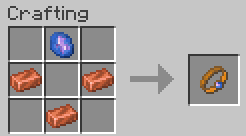
## XP Conduit
– 3 Copper Ingots and 1 Crystallized Lapis
– The XP Conduit is a ring, so you can wear it in both mainhand and offhand ring slots
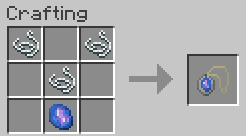
## XP Saver
– 3 Strings and 1 Crystallized Lapis.
– The XP Saver is an amulet, so you can wear it in necklace slot
How to…
## Use
– **XP Conduit:** When you wear it, **75%** of the experience you get will **automatically** be transferred in XP Book(s) from your inventory. However, this has a cost: each experience transferred use your ring until your ring become fully damaged!
– **XP Saver:** When you wear it, **50%** of the experience you had before to die will **automatically** be transferred in XP Book(s) from your inventory. However, this has a huge cost: each death use your amulet and make it completely damaged!
## Repair
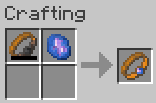
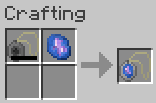
Don’t worry! These trinkets don’t break, but you’ll have to repair them with a new Crystallized Lapis to be able to use their power again. Note that you can repair them even though they’re not fully damaged

[Click Here to Support my Projects](https://billing.kinetichosting.net/aff.php?aff=850)
Psitadditions – XP Plus
**Experience Plus** is a datapack allowing you to collect, store and manage your experience using new blocks, items and game mechanics. What’s better than being able to securely store your experience!
## **- New Blocks:**
**Added unique blocks and 3d models**
– Experience Crystal –
_Animated block dedicated to storing experience_
– Experience crystal Filler –
_Animated block dedicated to the transfer of the player’s xp to the crystal_
– Experience crystal Drainer –
_Animated block dedicated to the transfer of the crystal xp to the player_
– Experience Player Pad –
_Block allowing you to activate the transfer of experience_
– **Experience Crystal Setup:**
_Use all Xp Plus custom blocks for create the Experience Crystal Setup and transfert your experience_
## **- New enchantments:**
**Compatible with vanilla enchantments**
– Experience Bottler –
_Allows you to bottle experience recovering on entities_
– Experience Sword I-II-III –
_Increases the amount of experience gained from killing mobs_
– Experience Pickaxe I-II-III –
_Increases the amount of experience gained from mining blocks_
_Obtainable with the enchantment table and trade with villagers_
## **- New advancement page**
– Find 6 new achievements and challenges to complete
### **More information**
This datapack is **Multiplayer friendly** !
Minecraft versions supporteds: 1.21.1
**IMPORTANT:** [Psitadditions resource pack](https://modrinth.com/resourcepack/psitadditions-resource-pack) is required for 3D models and custom items ! ! !

XP-Health
### XP-Health is a Minecraft datapack that dynamically scales a player’s maximum health based on their experience level.
As players level up, their health steadily increases, starting from 5 hearts at level 0. Each subsequent level adds half a additional heart, up to a maximum of 255 hearts at level 500. Once players reach level 500, their experience points are reset to 0 and capped at level 500, preventing any further health increases beyond this point. This datapack provides a powerful incentive for players to continue exploring, fighting, and gaining experience, as their health grows with every level.
XP Crystals
# XP Crystals
Ever wished you could bank your hardearned **XP** without the risk of dying and losing it all? With **XP Crystals**, you can **store** and **retrieve** your experience safely, using items that are fully compatible with **survival** gameplay.
_Available as **mod** or **datapack**._

## Features
– Store XP in craftable crystals
– Crystals come in multiple tiers, each with a different capacity:
– Tier I: 3 levels
– Tier II: 10 levels
– Tier III: 30 levels
– Tier IV: 50 levels
– Tier V: Infinite XP storage
– Survival oriented, with balanced crafting recipes.
– Multiple Advancements
– Easy to use: right click to deposit or withdraw XP
– Settings menu for both admins and normal players
– Serverside (resource pack required for clients)
### Settings
admins may use /trigger xp_crystals.globalsettings
players may use /trigger xp_crystals.settings
Player Settings
Sound Effects [Turns on or off soundeffects per player]
Global Settings
– Strict Mode: Enables accurate XP point calculation instead of using XP levels only (Enabled by default)
– Toggle global sound effects on or off.
– Hardcore Mode: Automatically awards an achievement that can only be obtained by dying.
– Uninstall Function: Removes all data left over from the datapack/mod~~~~.
### installation
**Mod Version:**
– Singleplayer: Add the mod into the mods folder. Done
– Multiplayer: Server requires mod, Clients only need resource pack
**Datapack Version:**
– Singleplayer: add datapack into the worlds datapack folder, add the resource pack to your resource pack folder.
– Multiplayer: Server requires datapack, Clients only need resource pack
## Need Help? Want to offer feedback?
join the [Discord](https://discord.gg/PjaKmhWEFT)
XP Boost Enchantment
# XP Boost Enchantment
[](https://discord.gg/5UdcDa5xNC)
[](https://modrinth.com/datapack/xp-boost-enchantment)
[](https://github.com/lullaby6/data-packs/blob/main/LICENSE)
## 📖 Description
New enchantment with three levels for get extra xp on using tools and weapons!
The enchantment can be obtained from the enchantment table, loot chests or trading with villagers.
## ⌨️ Commands
Give:
“`mcfunction
/loot give @s loot xp_boost_enchantment:xp_boost/
“`
Enchant:
“`mcfunction
/enchant @s xp_boost_enchantment:xp_boost
“`
## 🪪 License
[AGPL-3.0-or-later](https://github.com/lullaby6/data-packs/blob/main/LICENSE)
## 👾 Bugs/Issues
Please report any problem/bug/issues in the [Discord Server](https://discord.gg/5UdcDa5xNC).
## 💌 Donate
– [Donate on Ko-Fi](https://ko-fi.com/lullaby45743)
– [Donate on PayPal](https://www.paypal.com/paypalme/lucianobrumer)
## 🎁 Server Hosting
Creating your own server can be a very lengthy, tedious and costly process.
But with BisectHosting, you get your own server in just a couple of clicks! With their 24/7 support and fast-response time, no issues shall stand in your way!
Interested? Then we’ve got a deal for you!
https://bisecthosting.com/lullaby

XP-Book
# 📗 XP-Vault: The Professional XP Ledger
**XP-Vault** (v1.21.11) is a high-performance, survival-integrated utility designed to bridge the gap between risk and reward. By providing a balanced “Banking” system for your experience levels, it adds a layer of strategy to your survival world while protecting your time investment from accidental deaths.
—
## ✨ Primary Features
* 🔒 **Persistent Storage:** Stored levels are linked to the player via scoreboards, meaning they persist through death and even if the book is lost or destroyed.
* 📈 **Precision increments:** Full control with buttons for **1, 3, 10, or 30** levels.
* ⚡ **Bulk Operations:** Rapidly clear your XP bar or withdraw your entire bank with **[STORE ALL]** and **[TAKE ALL]** buttons.
* 🔊 **Dynamic Feedback:** Includes high-fidelity vanilla sound effects and color-coded chat messages to confirm every transaction.
* 🛠️ **Universal Access:** Designed with the `/trigger` system, allowing **Survival players without OP/Cheats** to use the interface seamlessly.
> 
—
## 🔨 Survival Crafting & Initialization
We believe in “Vanilla+” balance. The recipe is expensive enough to feel earned, requiring 8 Bottles o’ Enchanting.
**The Recipe Pattern:**
* **Outer Ring:** 8x Experience Bottles
* **Center:** 1x Regular Book
* **Output:** 1x Knowledge Book (Auto-converts to XP-Vault upon holding)
> 
—
## 💻 Technical Documentation (For Server Admins)
XP-Vault is built for stability and zero TPS impact. It avoids “Every-Tick” heavy NBT scanning, favoring a lightweight trigger-based architecture.
### 📊 Scoreboard Management
The pack uses the following internal objectives:
* `exp_stored`: The master objective. Stores the player’s banked level count.
* `exp_current`: A temporary calculation buffer for XP bar data.
* `exp_takeX` / `exp_storeX`: Individual trigger objectives.
### 🛠️ Admin Utility Commands
* **Check a Player’s Bank:** `/scoreboard players get exp_stored`
* **Manually Set a Balance:** `/scoreboard players set exp_stored 50`
* **Add/Reward Levels:** `/scoreboard players add exp_stored 10`
* **Spawn a Vault Book:** `/function exp_book:give_book`
### 🧪 Testing Procedures
To verify the pack is working correctly after installation:
1. Run `/reload` and look for the “[Book of Experience] Datapack loaded” message.
2. Grant yourself 30 levels: `/experience add @s 30 levels`.
3. Craft or give yourself the book and click **[STORE ALL]**.
4. Run `/scoreboard players get @s exp_stored`. If it returns **30**, the system is 100% operational.
—
## 📝 Changelog v1.0.0 (v1.21.11)
* **1.21.x Component Migration:** Fully updated to the new `written_book_content` and `item_component` syntax (1.20.5+).
* **Recursion Optimization:** Rewrote the `take_all_loop` to handle massive level counts (1000+) without causing server hanging.
* **Syntax Hardening:** Replaced deprecated `clickEvent` keys with modern `click_event` formatting for 1.21.11 compatibility.
* **Auto-Conversion:** Improved the knowledge book detection logic to be more responsive.
—
## ⚖️ License & Permissions
**License:** MIT License
* ✅ **You may:** Use this in modpacks, featured on servers, and modify the code for personal use.
* ❌ **You may not:** Re-upload this to other platforms (9Minecraft, etc.) or claim it as your own creation.
* 💎 **Credit:** Mentioning “Sentrax” or linking to this Modrinth page is appreciated but only required if you redistribute modified versions.
—
## 📥 How to Install
1. Download the `XP-Vault.zip`.
2. Open your Minecraft world folder -> `datapacks`.
3. Drop the `.zip` inside.
4. Join the world and type `/reload`.
—
**Author:** Sentrax
**Compatibility:** 1.20.5, 1.20.6, 1.21, 1.21.11
**Checkout my other datapacks from [OPSIBA007](https://modrinth.com/user/OPSIBA007)**