# ABOUT:
**Miasma** – Cel-shading shader, familiar to many from the game **Borderlands**. In this interpretation, the shader transforms the world of Minecraft into a toxic, acidic planet that is uninhabitable but mesmerizing to look at!
– Miasma: the world breathes poison.
– Light bends through venomous air.
– Soil hums with decay.
– Step carefully—the planet remembers.
##### _Perfect for: Players looking for a unique, stylized experience, horror maps, or creating content with a bold, artistic look._
## INSTALL THE SHADERS
– Download Client Which Supports Installing Shaders Such As Optifine And Iris
– Download The Shaders
– Copy Shaders to /.minecraft/shaderpacks
– Launch Minecraft, Go To Options –> Video Settings –> Shaders
– Choose **Miasma**
RU 🐻
# О:
**Miasma** — шейдер с эффектом «цел-шейдинг», знакомый многим по игре **Borderlands**. В этой интерпретации шейдер превращает мир Minecraft в токсичную, кислую планету, непригодную для жизни, но завораживающую взгляд!
– Миазмы: мир дышит ядом.
– Свет преломляется в ядовитом воздухе.
– Почва гудит от гниения.
– Шагайте осторожно — планета помнит.
##### _Идеально подходит для: игроков, которые ищут уникальный стилизованный опыт, карты в жанре хоррор или создают контент с ярким художественным оформлением._
## УСТАНОВИТЕ ШЕЙДЕРЫ
– Загрузите клиент, поддерживающий установку шейдеров, таких как Optifine и Iris
– Загрузите шейдеры
– Скопируйте шейдеры в /.minecraft/shaderpacks
– Запустите Minecraft, перейдите в «Настройки» –> «Настройки видео» –> «Шейдеры»
– Выберите **Miasma**
DE 🍺
# ÜBER:
**Miasma** – Cel-Shading-Shader, vielen bekannt aus dem Spiel **Borderlands**. In dieser Interpretation verwandelt der Shader die Welt von Minecraft in einen giftigen, sauren Planeten, der unbewohnbar ist, aber faszinierend anzusehen!
– Miasma: Die Welt atmet Gift.
– Das Licht wird durch die giftige Luft gebrochen.
– Der Boden summt vor Verfall.
– Gehen Sie vorsichtig – der Planet erinnert sich.
##### _Perfekt für: Spieler, die ein einzigartiges, stilisiertes Erlebnis suchen, Horror-Karten oder die Erstellung von Inhalten mit einem kühnen, künstlerischen Look.
## INSTALLIEREN DER SHADER
– Client herunterladen, der die Installation von Shadern wie Optifine und Iris unterstützt.
– Shader herunterladen.
– Shader in den Ordner „/.minecraft/shaderpacks” kopieren.
– Minecraft starten, zu „Optionen” –> „Videoeinstellungen” –> „Shader” gehen.
– **Miasma** auswählen.
Very basic but effective shader that applies dithering and other vintage screen effects to make the iconic low-res look and feel of Minecraft seem even more low-res!
There isn’t much to say about this shader for now.
Mello
# Mello
Mello is a shader designed to deliver high performance with great visuals.
It uses efficient and minimal algorithms for visuals to get better performance.
It has different profiles and configurable options.

– Soft Large Bloom
– Filtered Shadows
– Volumetric Fog and Water
– Accurate Subsurface Scattering
– Reflections
## Coming Soon :
– Clouds
– Dynamic lighting
– Penumbra shadows
– More accurate effects
– More efficient code
Currently in development
minecraft CRT
# mCRT
mCRT is a simple highly customizable analog horror shader primarily designed to emulate CRT monitors.
—
### Features
– Customizable pixel size
– Various colorful overlays
– Fully adjustable fog
– Customizable scan flicker
– Variable screen static
– Chromatic aberration

—

—

This shader is an adaptation (and expansion) of Xor’s wonderful CRT shader for GameMaker, which can be found [here](https://mini.gmshaders.com/p/gm-shaders-mini-crt).
Outline Shader
English
Outline Shader
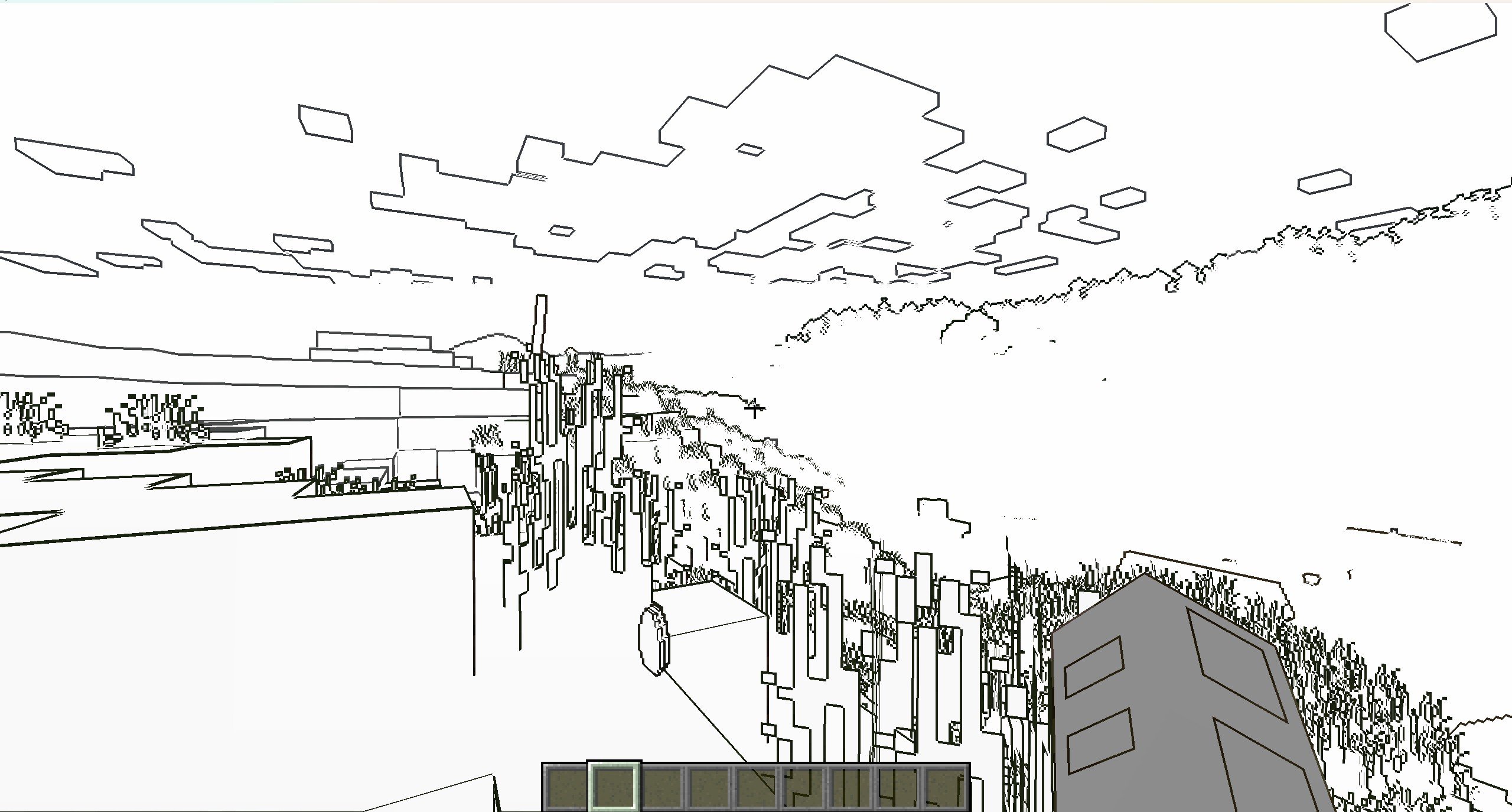
It’s a NPR shader,which based on the original style, which can add outline for game object and make the graphics more cartoonish
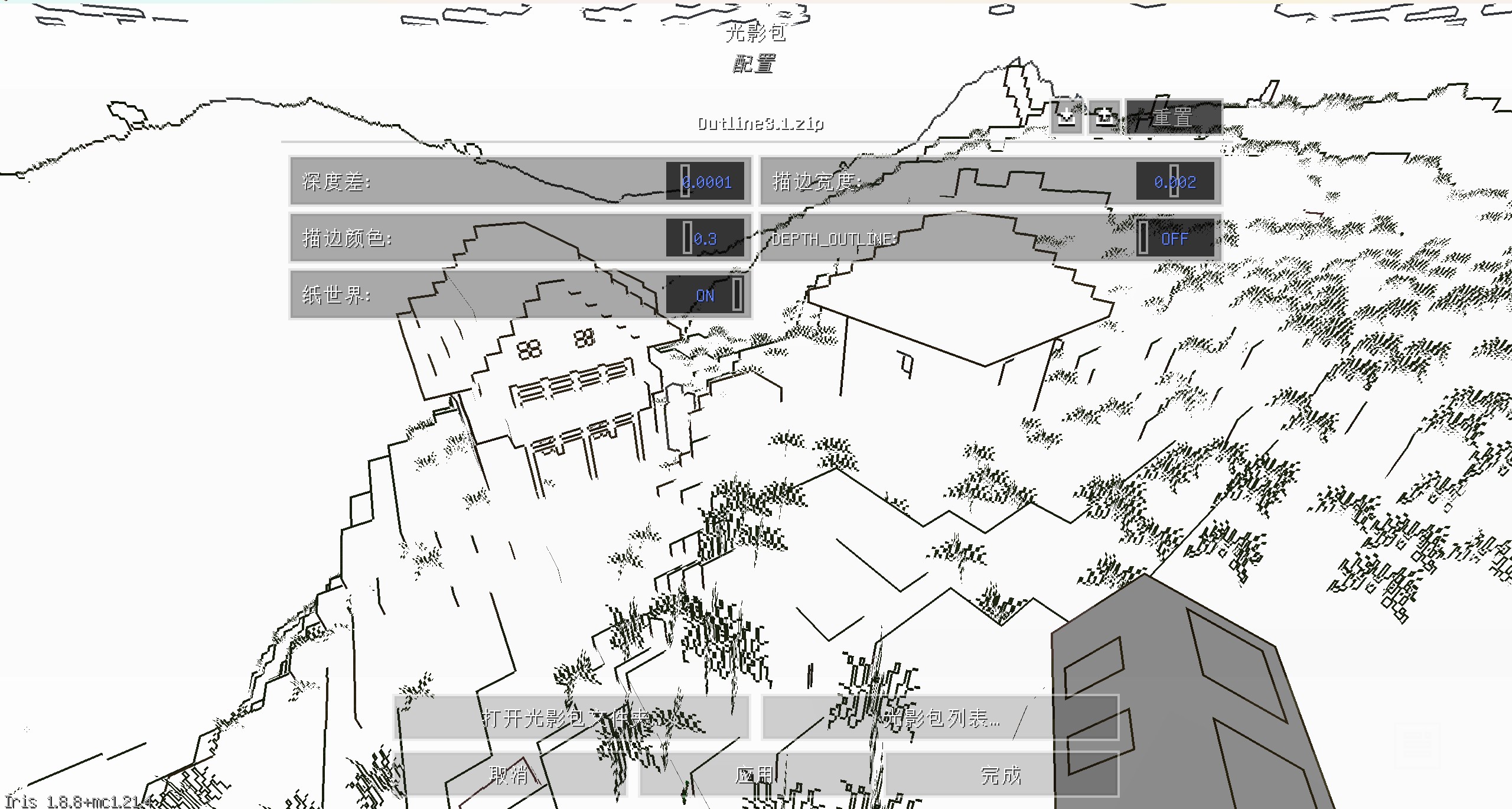
You can set outline width and outline color at shader pack settings page
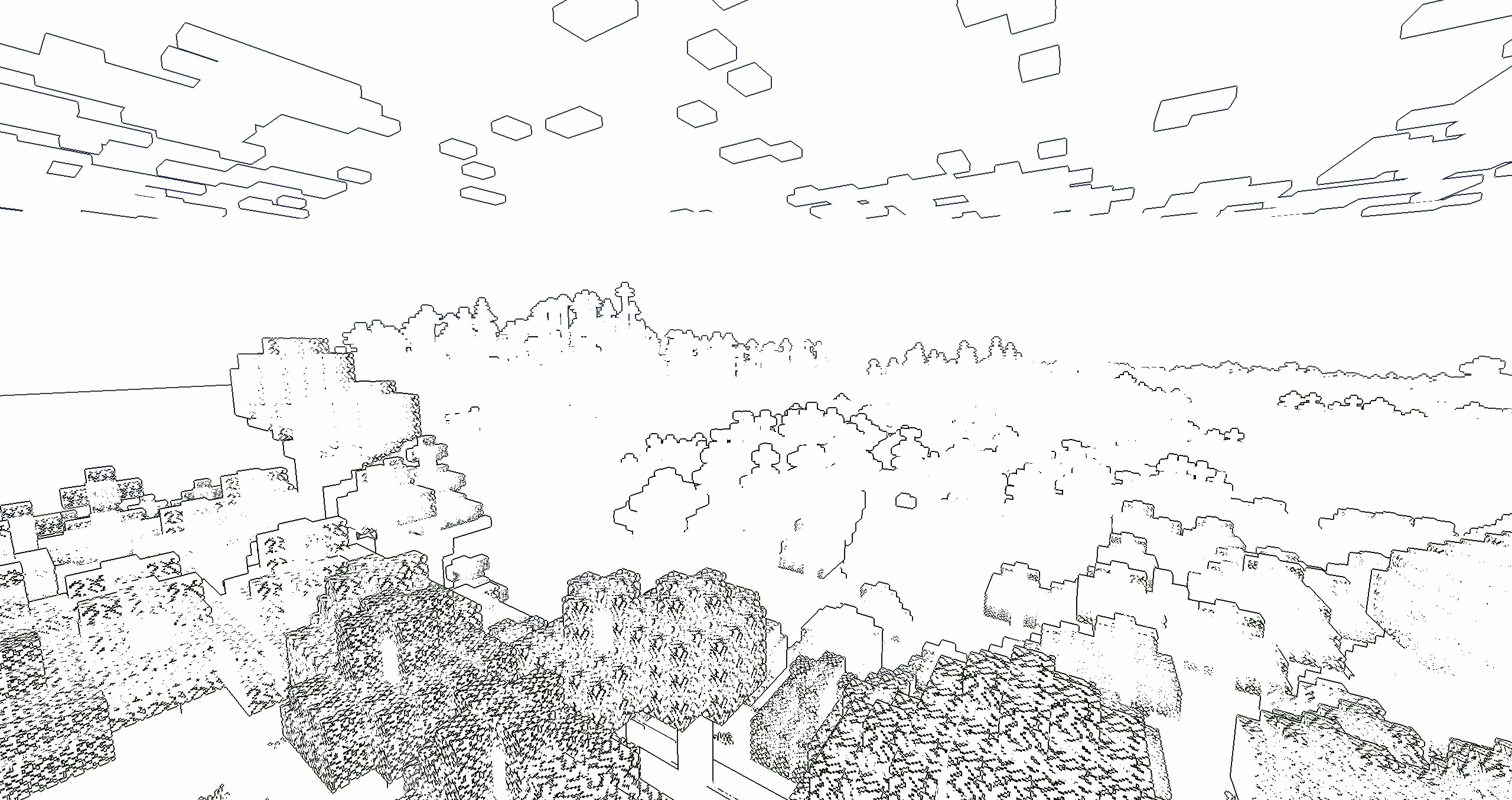
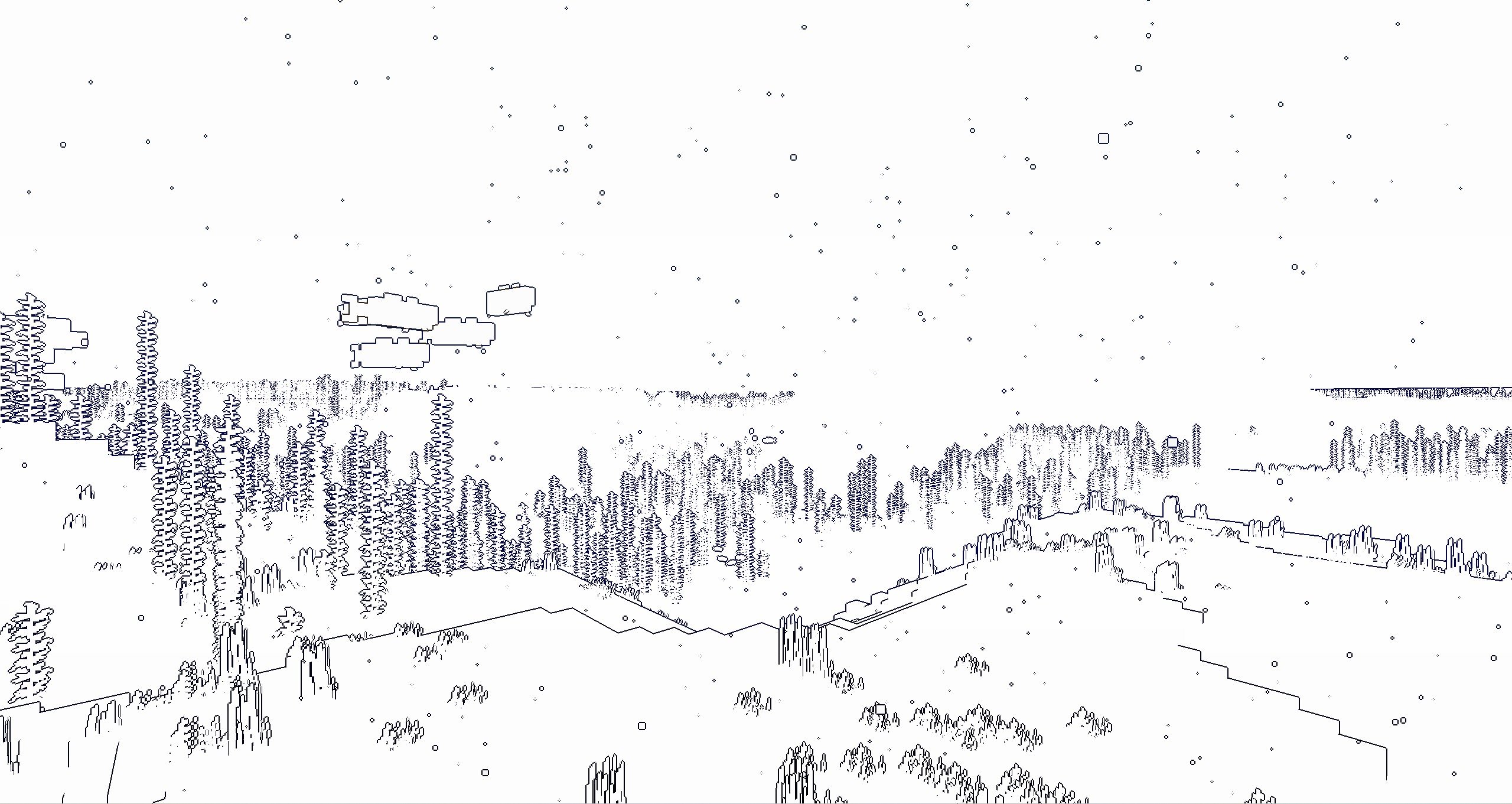
if you turn on the “paper world” option,the world will only have outline
If you like this shader,please buy me a coffee,THANKS!
**MakeUp** aims to provide the best quality / performance ratio, building a shader that can be adapted to anyone’s resources. Build the shader you want! All the effects are optional!, and you will only consume the resources that you need.
**¡Compatible with Optifine and Iris!**
## Optional features:
* Shadows
* Optional volumetric clouds
* Antialiasing (TAA)
* Depth of field
* Enhanced ambient occlusion
* Water reflection and refraction
* Motion blur
* Optional bloom
* Optional chromatic aberration
* Auto-exposure
* Shader for all native dimensions
* FAST!
* And more…
## Tested on
* Minecraft 1.12.+ – 1.21.x
* Nvidia, Intel, AMD (It’s not guaranteed to work on each and every existing model)
* Windows and Linux
## You can
* You can use the shader without restrictions.
* You can fork the shader from: [https://github.com/javiergcim/MakeUpUltraFast](https://github.com/javiergcim/MakeUpUltraFast)
* You can modify this shader for any purpose.
* If you modify or use the shader PLEASE add a credit.
## Color schemes
It can be boring that everything looks the same all the time. Choose a color scheme according to your tastes and change it whenever you want.
## Recommendations
Leave Optifine’s native shader options at their default values, otherwise you may see shader quality reduced. Customize using only the options of the shader itself.
Shadows and depth of field are resource-intensive effects. You can remove them if you need more performance, and it will still look great.
## Donation
If you think this work deserves a small stipend, please donate! I will be eternally grateful to you:
[Donation via PayPal](https://www.paypal.com/donate/?hosted_button_id=4N9Q5RMZL2CVN)
Make Your Own Shaders
This is a Tutorial Series that will teach you how to make your own Shaders!
Each version here has a YouTube video that walks you through everything. It Teaches you in an interactive way, so that you can play around and have fun being creative, instead of just copy-pasting code and not knowing how it works.
… More
…you can watch the whole playlist on YouTube, and the files for each episode are also free on Patreon. They are here for anyone who has a problem accessing Patreon.
Each video should also be linked in the change log for each version.
### ABOUT
A simple Minecraft shaderpack that adds grayscale, bloom and noise effects. Explore a Minecraft world transformed by a scary shader of the unnatural. When you go into this gray world, you might feel curious. The landscapes you know from Minecraft look different now, covered in a ghostly covering of shades.
### ADDITIONAL INFORMATION
who sitting on V1.0 please update to the new version of the shader, as it does not work with Iris.
### INSTALLATION
– Download and install Optifine
– Download the shaderpack
– Put the shaderpack inside `.minecraftshaderpacks`
– Launch Minecraft
– Enjoy!
thank you for accepting my idea and using it for different scenarios and scenes
A cinematic, realistic shader pack for Minecraft Java Edition.
Luxora Shaders delivers warm, film-like visuals with golden lighting, natural sky gradients, and clean post-processing. Designed for players who want their worlds to look stunning without the over-processed look.
## Features
* **Cinematic Lighting** — Warm golden sunlight with natural color grading across all times of day
* **4 Color Schemes** — Cinematic, Natural, Golden Hour, and Moonlit
* **Beautiful Water** — Reflections, caustics, wave normals, and optional foam
* **God Rays** — Screen-space lightshafts around the sun
* **Bloom** — Soft glow on lanterns, torches, and bright surfaces
* **Volumetric Clouds** — Fancy clouds with silver lining effect
* **Ambient Occlusion** — Adds realistic depth to blocks and surfaces
* **Waving Vegetation** — Plants and leaves sway in the wind
* **Adjustable Sun/Moon Size** — Scale from 0.5x to 3x
* **Anti-Aliasing** — TAA, SMAA, and optional image sharpening
* **Distant Horizons Support** — Works with the DH mod
* **Custom Tonemap** — Unique “Luxora” tonemap operator for cinematic highlights
* **Depth of Field & Motion Blur** — Optional camera effects
* **3 Performance Profiles** — Fast, Fancy, and Fabulous
## Requirements
* Minecraft Java Edition
* Iris Shaders or OptiFine
## Credits
* Based on code from the Mellow Shader by TheCMK.
* Made by HoneyStudios.
Lumina Shader – Lite
Lumina Lite is the high-performance edition of the original Lumina Shader. Specifically rebuilt to provide a vibrant and beautiful visual experience for players with low-end PCs, laptops, or integrated graphics.
Enjoy Minecraft with amazing colors and fluid performance (60+ FPS on most systems) without the lag of heavy shaders.
🚀 Key Features
Maximum Performance: Optimized code for high FPS and total stability.
Vanilla+ Aesthetic: Classic 2D square clouds and clean fog.
Smart Shadows: Balanced shadow quality to save system resources.
Vibrant Atmosphere: Enhanced colors that maintain the “Lumina” soul.
📜 Credits & License
Developed by Benjiaa.
IMPORTANT: This shader is based on Complementary Shaders by EminGT. Special thanks for his incredible work.
Original Project: https://modrinth.com/shader/complementary-reimagined