Sparkles: Stardust Labs Resourcepack
**We have rebranded!** This resourcepack combines the old “Incendium Optional Resource Pack” and “Stardust Biome Name Fix”.
# Sparkles: Stardust Labs Resourcepack
This is an **optional** resource pack for all of Stardust Labs’ projects! Here are the main features:
– Custom mob/item textures for Incendium
– A fix to allow biome names to show on minimaps and similar mods
– Translations for Incendium, and all future projects in need of them
## Addons
Sparkles has a set goal: Incendium textures and translations. However, if you want more from the Stardust Labs datapacks/mods, we have addons! At this moment, we have only one.
– [Alpha Islands](https://modrinth.com/resourcepack/sparkles-addon-alpha-islands) adds old alpha textures to Terralith’s two Alpha Islands biomes
## Why can’t I see some textures?
In order to see the custom textures/models for the mobs, shields, and Elytra, you must use a mod that supports custom entity textures. If on **Forge**, Optifine does work, but we no longer recommend Optifine in any scenario. Otherwise, for both **Fabric** and **Forge**, download the following mods:
– [Entity Texture Features](https://modrinth.com/mod/entitytexturefeatures)
– [Entity Model Features](https://modrinth.com/mod/entity-model-features)
– CIT Resewn
– [Fabric](https://modrinth.com/mod/cit-resewn)
– [Forge 1.18 – 1.19](https://www.curseforge.com/minecraft/mc-mods/cit-reforged) (unofficial fork)
– [Forge 1.20](https://www.curseforge.com/minecraft/mc-mods/forge-cit) (unofficial fork)
Don’t worry, though! They are **not required**, but just recommended. Most (~85%) of the other textures will display fine, such as the swords, tools, and items!
It should be noted that even though our [wiki](https://stardustlabs.miraheze.org/wiki/Incendium) shows the Voltaic Trident as having a texture, that texture is not implemented.
## What about Bedrock Edition?
Some Java server owners may choose to run their Incendium server using GeyserMC, which allows Bedrock users to connect. However, Java resourcepacks do not work on Bedrock, so Bedrock users will not be able to enjoy the textures. Thankfully [**Dat1Mexican**](https://modrinth.com/user/Dat1Mexican) has created a Bedrock port of Sparkles! You can check it out [here](https://www.planetminecraft.com/texture-pack/sparkles-incendium-geysermc-pack/).
## Can I translate it to my own language?
Yes! This resourcepack provides translations for several languages just by using it. They are added the the main resourcepack periodically. Click the button below to visit our translation website – this is the *only* place we accept translation contributions. If you need assistance with contributing, ask in our [Discord Server](https://discord.gg/stardustlabs).
[](https://weblate.catter.dev/projects/stardust-labs)
—–
### Credits
– Kuma, for making the original [Biome Name Fix](https://modrinth.com/resourcepack/stardust-biome-name-fix) resourcepack. This handled just the biome translations, until it was merged into Sparkles.
– Tera, for the creation of the original Incendium Optional Resourcepack. It has now been “recreated” into this one.
SP Mods Translator
EN
—
List of translated mods:
– Better Third Person
– Camera Utils
– Capes
– Chat Heads
– ClickThrough
– DeathLog
– FastQuit
– Female Gender Mod
– MaLiLib
– MiniHUD
– Perspective Mod Redux
– Raised
– Sodium
– Reese’s Sodium Options
– Status Effects Bars
– Xaero’s World Map
RU
—
Список переведённых модов:
– Better Third Person
– Camera Utils
– Capes
– Chat Heads
– ClickThrough
– DeathLog
– FastQuit
– Female Gender Mod
– MaLiLib
– MiniHUD
– Perspective Mod Redux
– Raised
– Sodium
– Reese’s Sodium Options
– Status Effects Bars
– Xaero’s World Map
Souls-Like Death
The audio file included within this pack has been sourced from the original work “Dark Souls” (available for purchase on [STEAM](https://store.steampowered.com/app/570940/DARK_SOULS_REMASTERED/) and discussed [here](https://en.bandainamcoent.eu/dark-souls/dark-souls)) created by [Bandai Namco](https://www.bandainamcoent.com/), with them retaining all rights and ownership of said sound. It is used here for comedic purposes and parody, and is not meant to compete with or detract from the sales of the original work.
Replaces the death sound and text with those from the “Dark Souls” series of games.
Includes:
– replaced death text.
– replaced death sound without strange pitch-shifting effects.
Sonic Bumpers – S2 Bumper
Another edition of Sonic Bumpers, this time based on the Sonic 2 bumpers! It was a little annoying to fit the bumper sprite from S2 into a 16x square, specially because the red part doesn’t have shadows, only highlights.
End Poem Turkish Translate – Son Şiir Türkçe Çeviri
This resource pack addresses a common issue where the End Poem section remains in English even when the game language is set to Turkish. Now, players can enjoy the End Poem in Turkish, enhancing their gaming experience and fostering a deeper emotional connection. Experience the End Poem in your native language to enrich your gameplay journey!
Bu kaynak paketi, oyunun dili Türkçe bile olsa End Poem (Son Şiir) bölümünün Türkçe olmadığı bir durumu düzeltiyor. Artık oyuncular, Son Şiir’in keyfini Türkçe olarak çıkarabilirler. Oyun deneyimini daha da zenginleştirmek ve duygusal bir bağ kurmak için Son Şiir’i ana dilinizde deneyimleyin!
Sodium & Addons – Русский перевод
### Русский перевод для мода Sodium
Этот ресурс пак добавляет неофициальный перевод на русский язык оптимизирующему моду Sodium и дополнений к нему (Chloride, Embeddium, Sodium Extra)
### Russian translation for the Sodium mod
This resource pack adds an unofficial Russian translation to the optimizing mod of Sodium and its add-ons (Chloride, Embeddium, Sodium Extra)
Sodium Japanese Localization
**Sodium japanese localization!!**
This resource pack provides sodium setting gui in Japanese.
It will delicer a more comfrotable setting operation for the Japanese.
Sodium is the most amazing optimized mod.
I hope this mod will be used by more people!
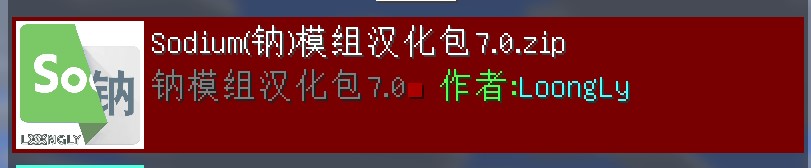
钠-汉化包(Sodium Chinese Localization Pack)


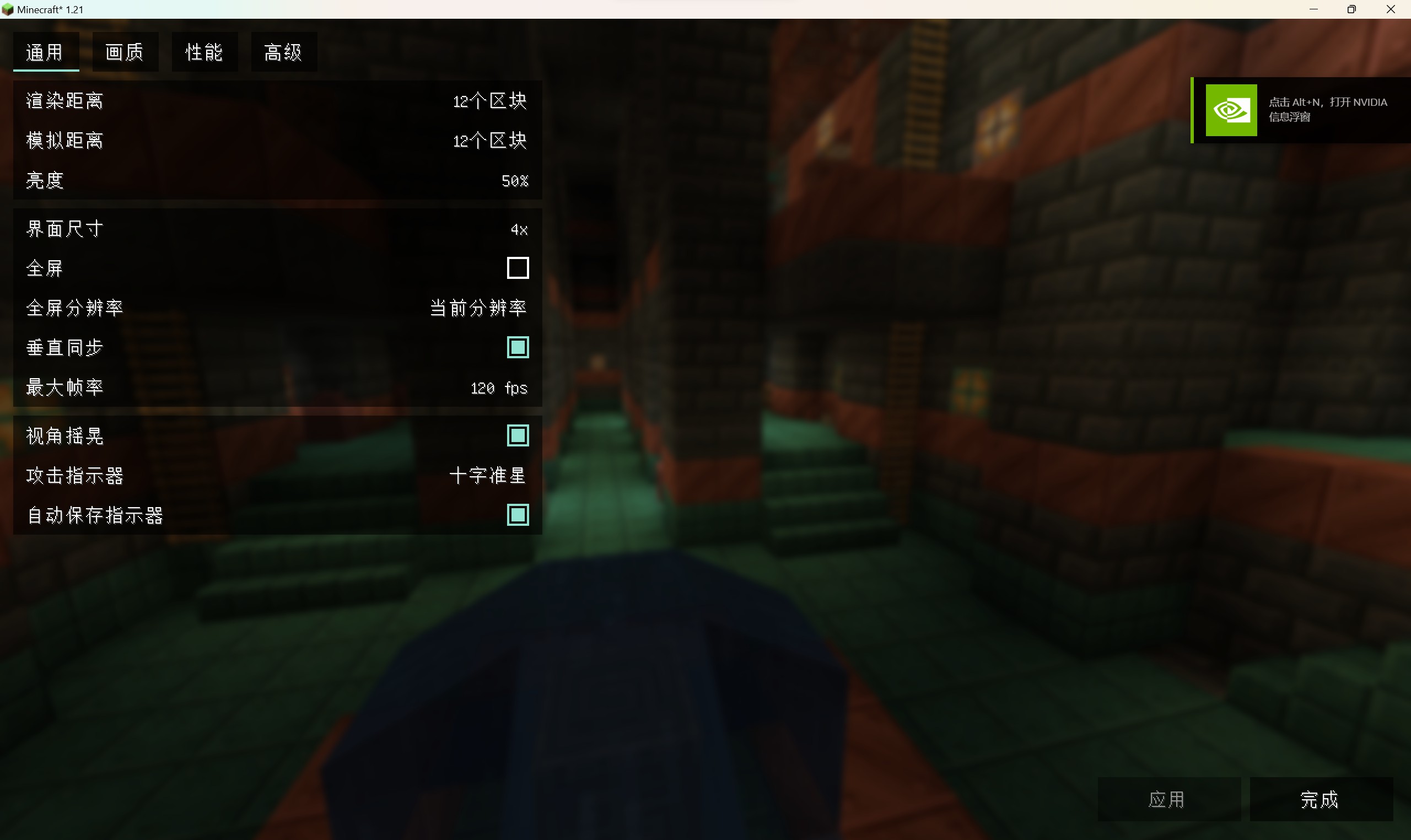
# 钠模组的汉化包
本资源包支持汉化我的世界版本1.17+的钠模组(1.16.3-1.16.5较为特殊,需通过汉化模组汉化 [下载链接](https://modrinth.com/mod/mc1.16.5-sodium-chinese-localization-pack))
同时也支持汉化我的世界版本1.16+的铷模组和Embeddium模组
支持简体中文和繁体中文
安装时提示不兼容属于正常现象,直接安装即可
特别鸣谢law4x
如果你觉得这个汉化包不错的话,能否请我喝杯咖啡?感激不尽!

# 鈉模組漢化包
本資源包支持漢化Minecraft版本1.17+的Sodium模組(1.16.3-1.16.5較為特殊,需通過漢化模組漢化 [下载链接](https://modrinth.com/mod/mc1.16.5-sodium-chinese-localization-pack))
同時也支持漢化Minecraft版本1.16+的Rubidium模組Embeddium模组
支持簡體中文和繁體中文
安裝時提示不相容屬於正常現象,直接安裝即可
特別鳴謝law4x
如果你觉得这个汉化包不错的话,能否请我喝杯咖啡?感激不尽!
# Sodium Chinese localization package
After installing the sodium mod, install this data pack to localize the module(1.16.3-1.16.5 is quite special, with a suffix of jar, [Download link](https://modrinth.com/mod/mc1.16.5-sodium-chinese-localization-pack))
Supports Simplified Chinese and Traditional Chinese
Special thanks to Law4x

Smooth Entity Shadows
Makes the Shadows under Entities Smooth. The closest you can get without shaders and optifine!

VS Vanilla:

Smooth Craft Texture
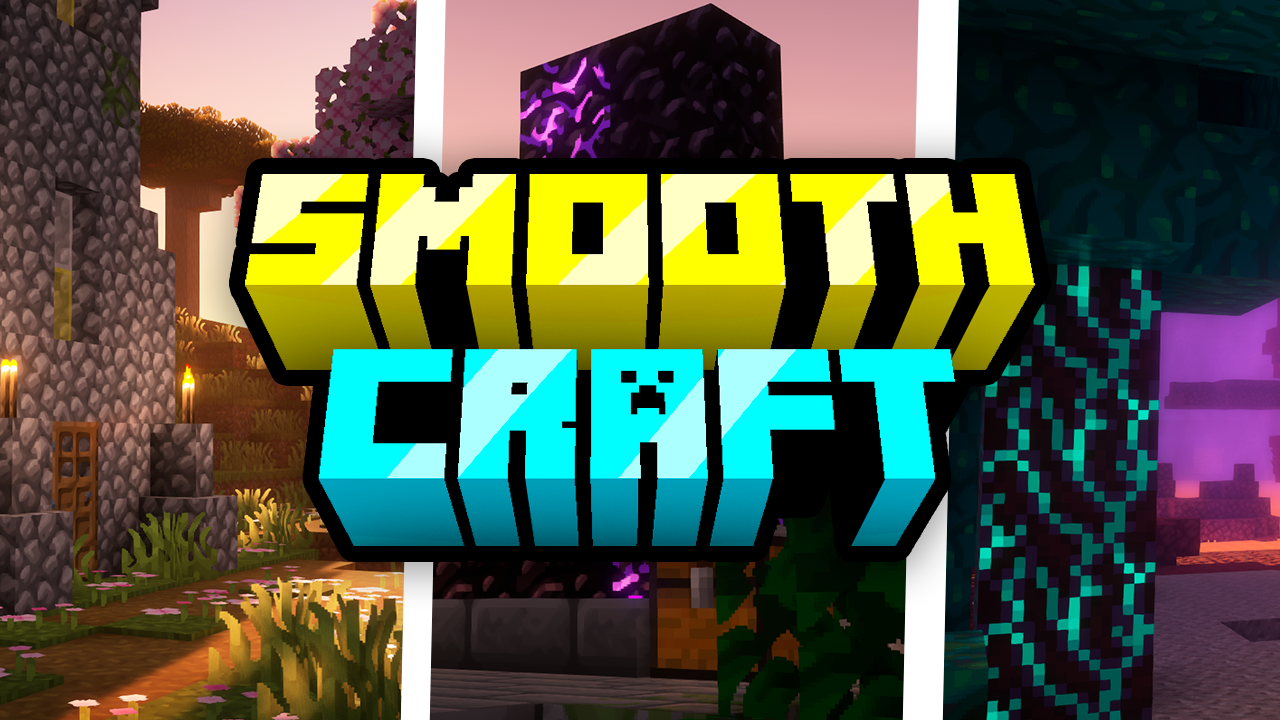
Smooth Craft is an elegant and refined texture that transforms the Minecraft landscape. With it, all blocks in the game gain a smoother and more polished appearance, ideal for those looking for a more modern and clean aesthetic. Each texture has been carefully crafted to ensure a pleasant visual experience while maintaining the essence of the game. Get ready to explore the world of Minecraft in a whole new way with Smooth Craft.
Modifications:
All blocks in the game receive a new, smoother and more polished texture, providing a renewed visual experience.
The texture maintains fidelity to the game’s original elements, but with a touch of elegance and modernity.
The color palette has been adjusted to ensure visual harmony across all areas of the game, from simple buildings to complex landscapes.
Item and object textures have also been improved to fit the new style, providing a consistent experience throughout the game.
Compatibility:
Smooth Craft is compatible with the latest versions of Minecraft, ensuring players can enjoy the texture in their latest adventures.
The texture is compatible with mods that do not directly change the textures of the blocks, ensuring a consistent experience even with the addition of modifications to the game.
Installation:
To install Smooth Craft, simply download the texture file and place it in the textures folder of your Minecraft client.
Be sure to select the Smooth Craft texture in the game’s options menu to start enjoying its smooth, sleek new appearance.
## Ajude Com qualquer Quantia ( Não Reenbolsável )
## [Livepix](https://livepix.gg/heycronus)