Lower Dirt Path
## Lower Dirt Path
This resource pack changes the dirt path side texture to cover more of the block.
_If you want to support us and our work, please consider checking out [our similar resource packs](https://modrinth.com/collection/OH2qbMBD) or all of [our resource packs](https://modrinth.com/organization/vanilla-collective)!_
Installation
To install this resource pack, select your Minecraft version in the download menu, and copy the downloaded file into Minecraft’s `resourcepacks` folder. Alternatively, if you are using the [Modrinth App](https://modrinth.com/app), you can easily add this resource pack to an instance by selecting “Install with Modrinth App” in the download menu.
For more detailed installation instructions, see the [Minecraft Wiki](https://minecraft.wiki/w/Tutorial:Loading_a_resource_pack).
Screenshots
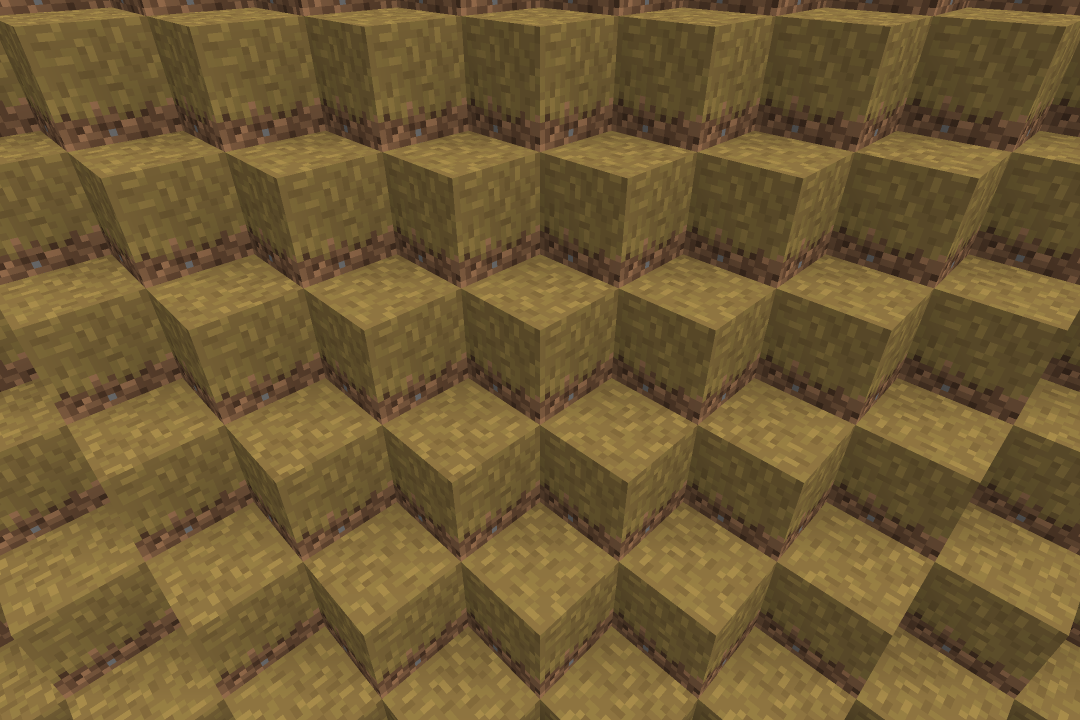
Lower Mycelium
## Lower Mycelium
This resource pack changes the mycelium side texture to cover more of the block.
_If you want to support us and our work, please consider checking out [our similar resource packs](https://modrinth.com/collection/OH2qbMBD) or all of [our resource packs](https://modrinth.com/organization/vanilla-collective)!_
Installation
To install this resource pack, select your Minecraft version in the download menu, and copy the downloaded file into Minecraft’s `resourcepacks` folder. Alternatively, if you are using the [Modrinth App](https://modrinth.com/app), you can easily add this resource pack to an instance by selecting “Install with Modrinth App” in the download menu.
For more detailed installation instructions, see the [Minecraft Wiki](https://minecraft.wiki/w/Tutorial:Loading_a_resource_pack).
Screenshots
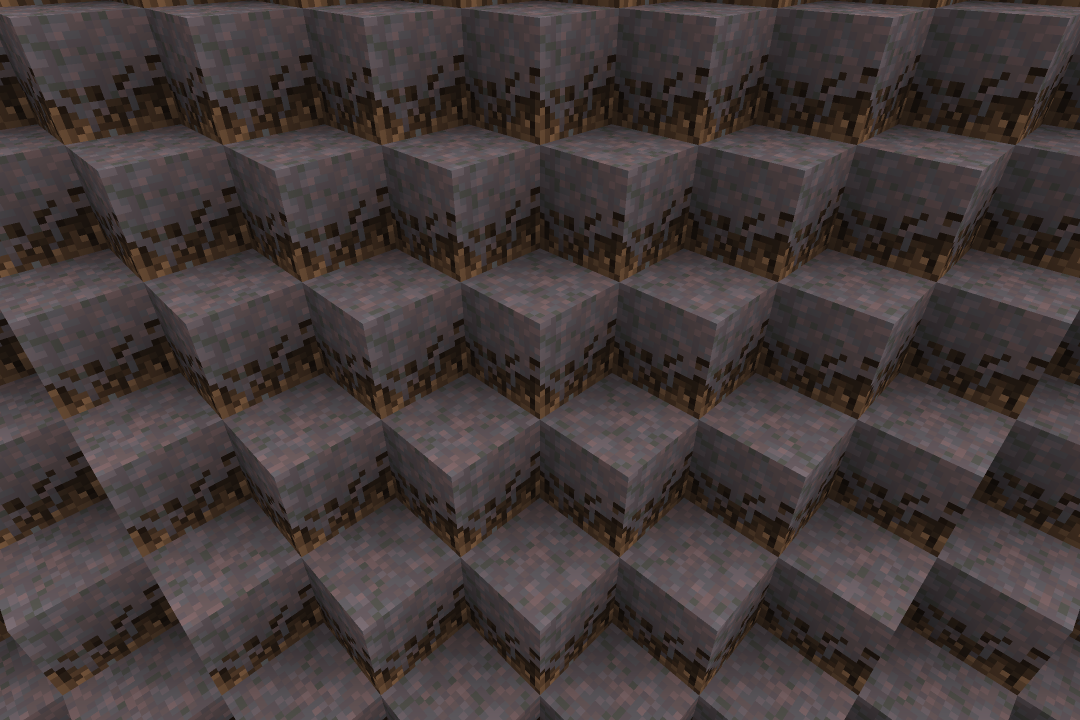
Lower Grass
## Lower Grass
This resource pack changes the grass side texture to cover more of the block.
_If you want to support us and our work, please consider checking out [our similar resource packs](https://modrinth.com/collection/OH2qbMBD) or all of [our resource packs](https://modrinth.com/organization/vanilla-collective)!_
Installation
To install this resource pack, select your Minecraft version in the download menu, and copy the downloaded file into Minecraft’s `resourcepacks` folder. Alternatively, if you are using the [Modrinth App](https://modrinth.com/app), you can easily add this resource pack to an instance by selecting “Install with Modrinth App” in the download menu.
For more detailed installation instructions, see the [Minecraft Wiki](https://minecraft.wiki/w/Tutorial:Loading_a_resource_pack).
Screenshots
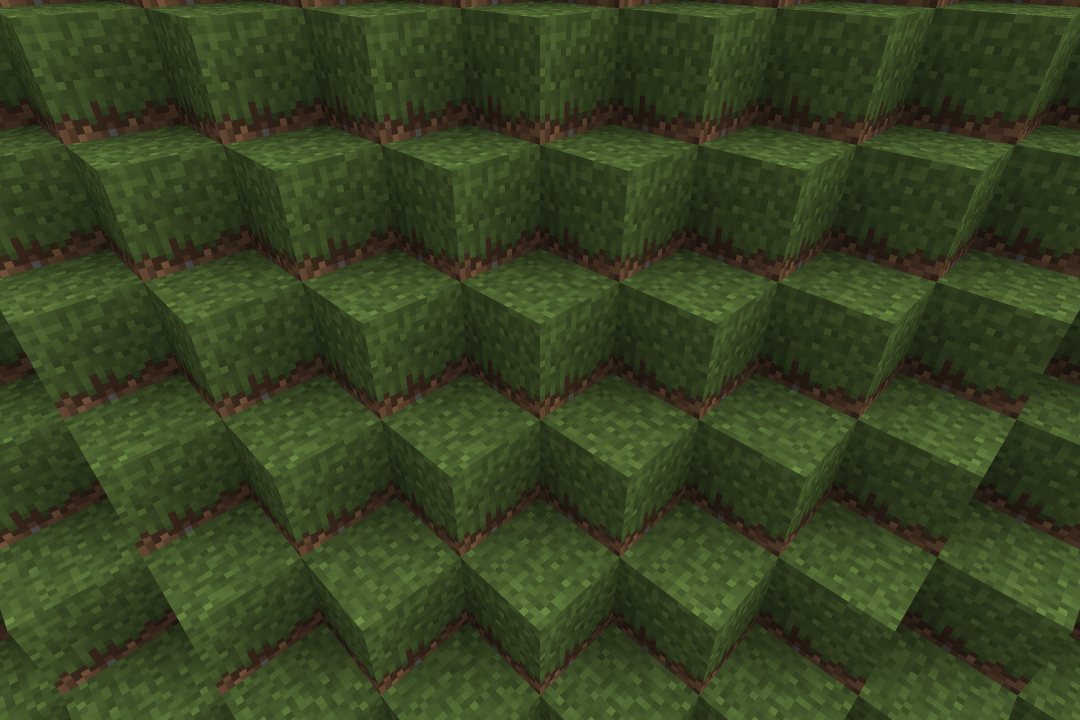
Lower Crimson Nylium
## Lower Crimson Nylium
This resource pack changes the crimson nylium side texture to cover more of the block.
_If you want to support us and our work, please consider checking out [our similar resource packs](https://modrinth.com/collection/OH2qbMBD) or all of [our resource packs](https://modrinth.com/organization/vanilla-collective)!_
Installation
To install this resource pack, select your Minecraft version in the download menu, and copy the downloaded file into Minecraft’s `resourcepacks` folder. Alternatively, if you are using the [Modrinth App](https://modrinth.com/app), you can easily add this resource pack to an instance by selecting “Install with Modrinth App” in the download menu.
For more detailed installation instructions, see the [Minecraft Wiki](https://minecraft.wiki/w/Tutorial:Loading_a_resource_pack).
Screenshots
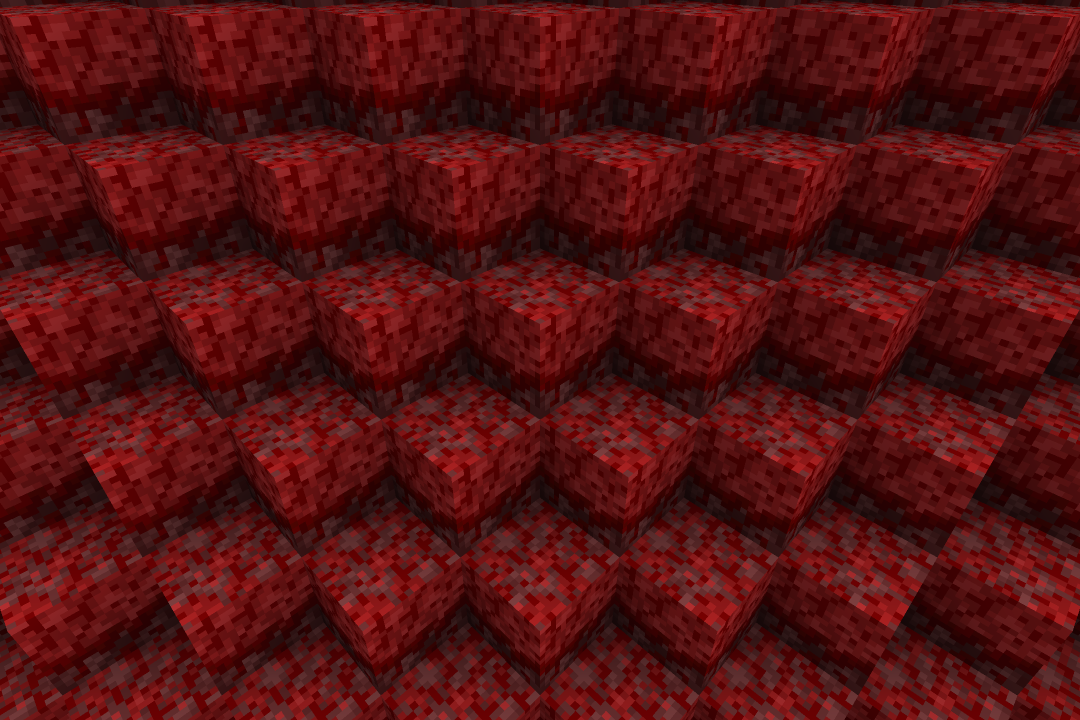
Inward Block Destroy Animation
## Inward Block Destroy Animation
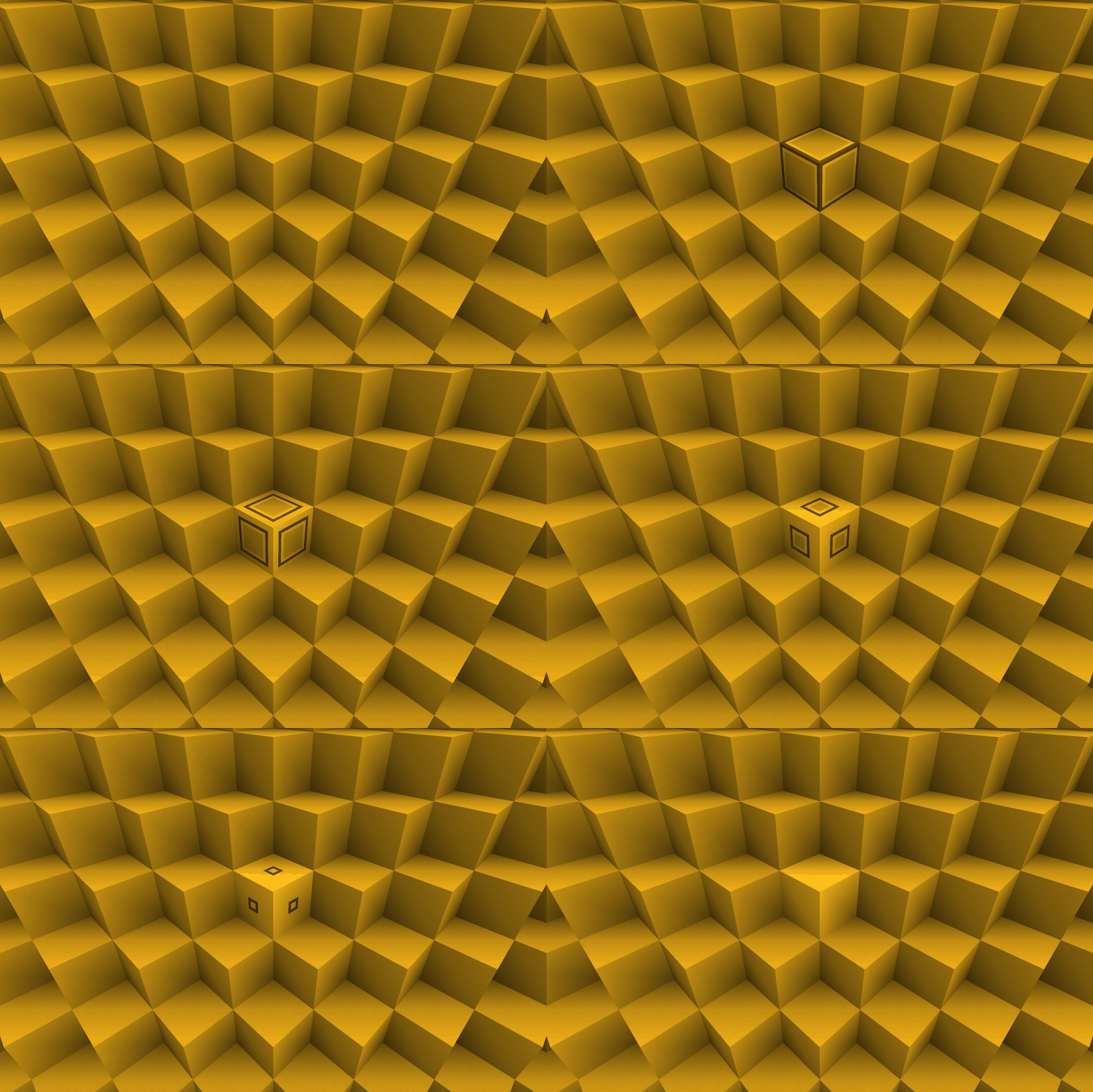
This resource pack changes the block breaking animation to an inward animation.
_If you want to support us and our work, please consider checking out [our similar resource packs](https://modrinth.com/collection/pDyfaXpW) or all of [our resource packs](https://modrinth.com/organization/vanilla-collective)!_
Installation
To install this resource pack, select your Minecraft version in the download menu, and copy the downloaded file into Minecraft’s `resourcepacks` folder. Alternatively, if you are using the [Modrinth App](https://modrinth.com/app), you can easily add this resource pack to an instance by selecting “Install with Modrinth App” in the download menu.
For more detailed installation instructions, see the [Minecraft Wiki](https://minecraft.wiki/w/Tutorial:Loading_a_resource_pack).
Screenshots
Grass Sides
## Grass Sides
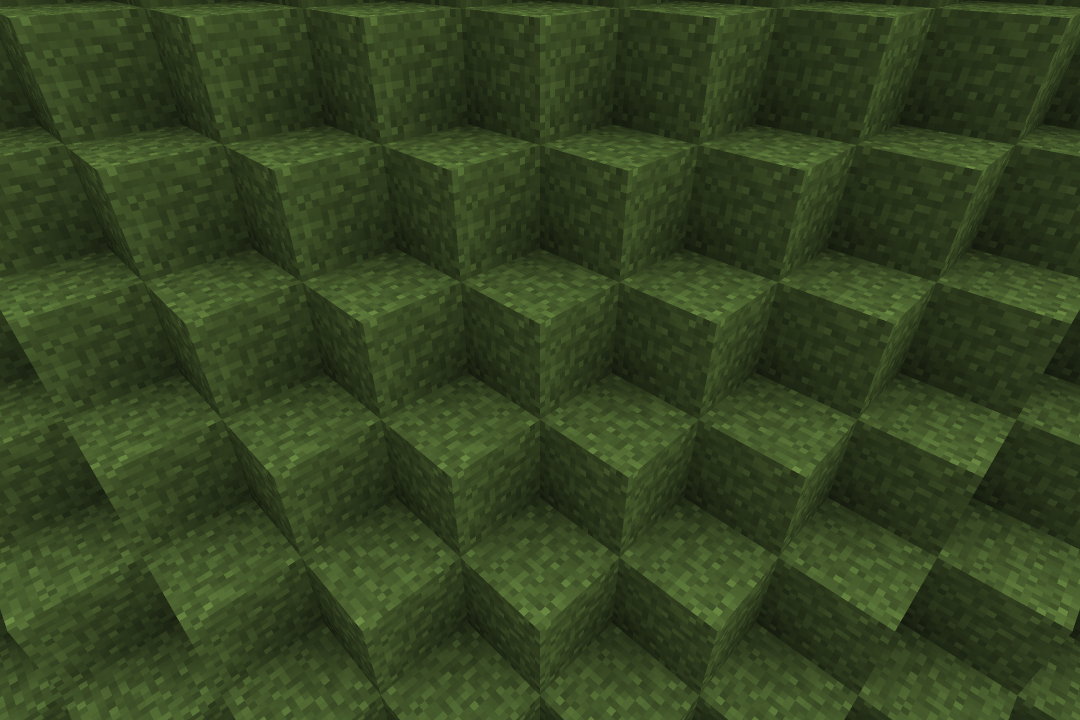
This resource pack changes the grass side texture to cover the entire block.
_If you want to support us and our work, please consider checking out [our similar resource packs](https://modrinth.com/collection/8NSVBwVB) or all of [our resource packs](https://modrinth.com/organization/vanilla-collective)!_
Installation
To install this resource pack, select your Minecraft version in the download menu, and copy the downloaded file into Minecraft’s `resourcepacks` folder. Alternatively, if you are using the [Modrinth App](https://modrinth.com/app), you can easily add this resource pack to an instance by selecting “Install with Modrinth App” in the download menu.
For more detailed installation instructions, see the [Minecraft Wiki](https://minecraft.wiki/w/Tutorial:Loading_a_resource_pack).
Screenshots
Crimson Nylium Sides
## Crimson Nylium Sides
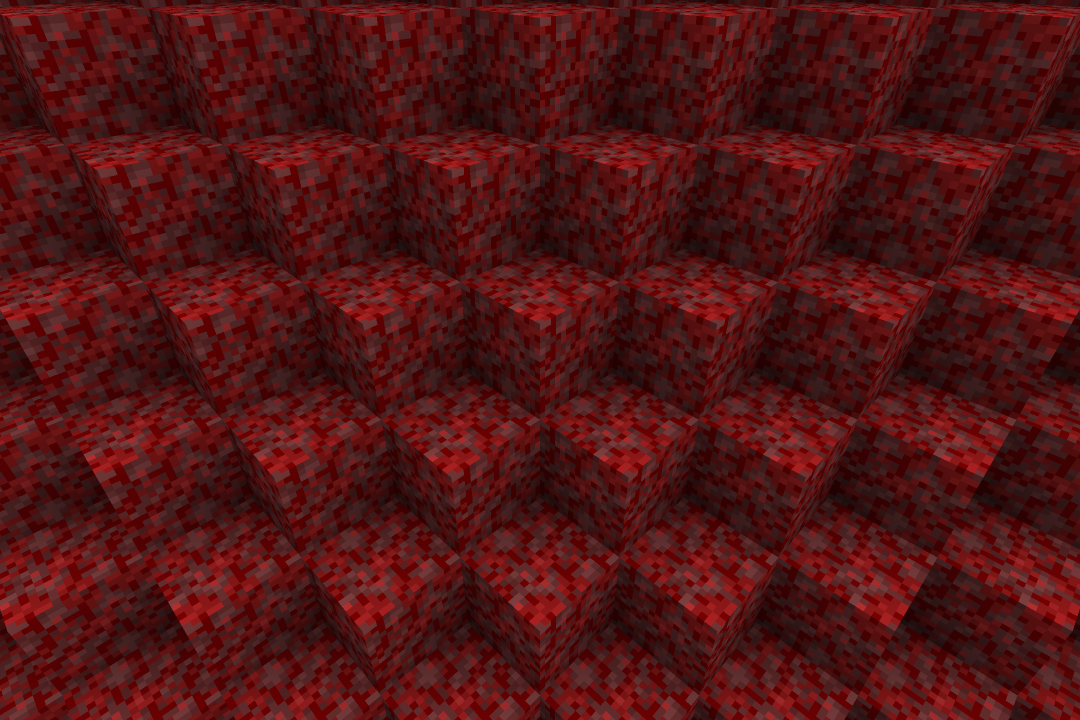
This resource pack changes the crimson nylium side texture to cover the entire block.
_If you want to support us and our work, please consider checking out [our similar resource packs](https://modrinth.com/collection/8NSVBwVB) or all of [our resource packs](https://modrinth.com/organization/vanilla-collective)!_
Installation
To install this resource pack, select your Minecraft version in the download menu, and copy the downloaded file into Minecraft’s `resourcepacks` folder. Alternatively, if you are using the [Modrinth App](https://modrinth.com/app), you can easily add this resource pack to an instance by selecting “Install with Modrinth App” in the download menu.
For more detailed installation instructions, see the [Minecraft Wiki](https://minecraft.wiki/w/Tutorial:Loading_a_resource_pack).
Screenshots
Circular Block Destroy Animation
## Circular Block Destroy Animation
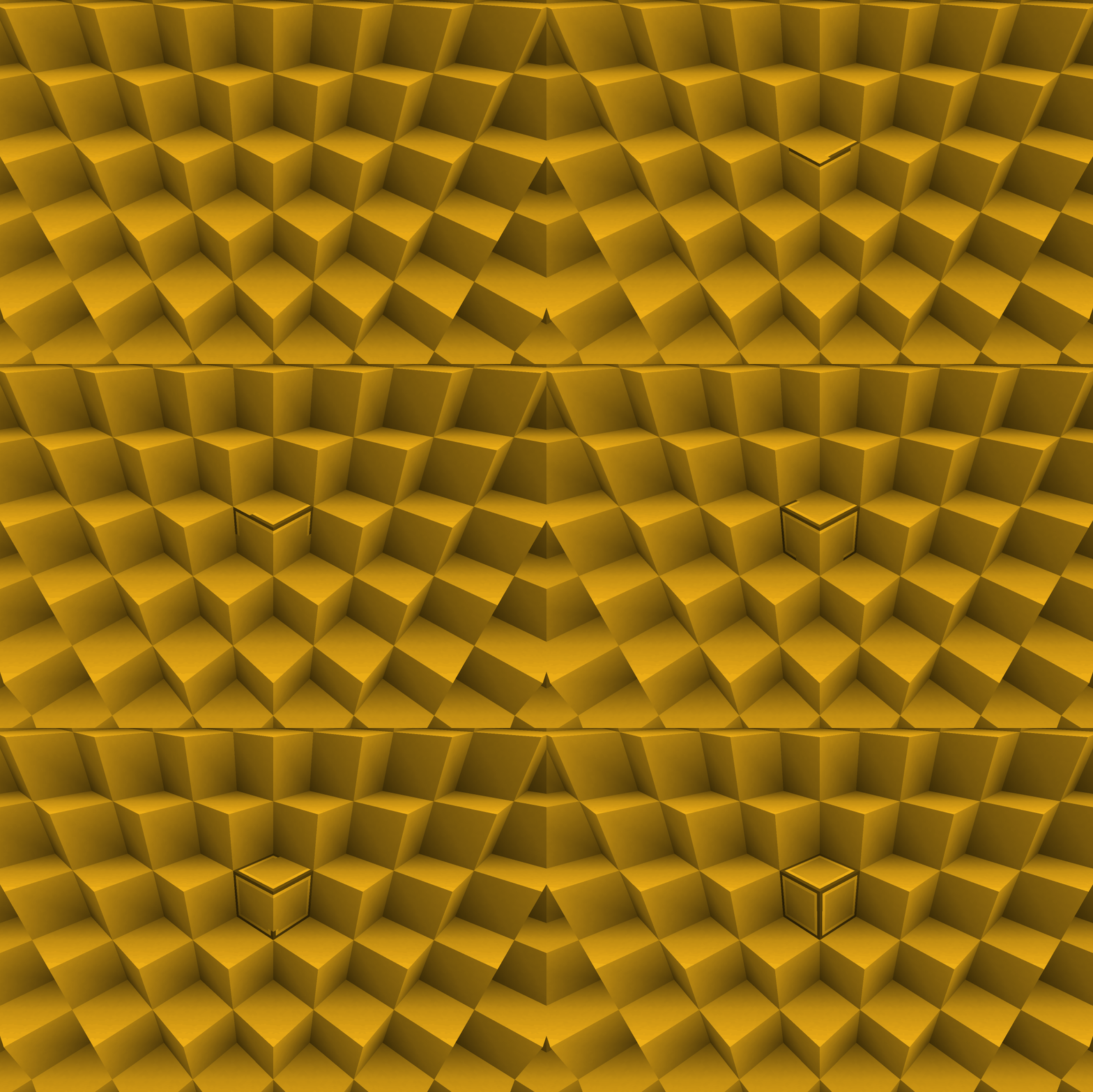
This resource pack changes the block breaking animation to a circular sweep animation.
_If you want to support us and our work, please consider checking out [our similar resource packs](https://modrinth.com/collection/pDyfaXpW) or all of [our resource packs](https://modrinth.com/organization/vanilla-collective)!_
Installation
To install this resource pack, select your Minecraft version in the download menu, and copy the downloaded file into Minecraft’s `resourcepacks` folder. Alternatively, if you are using the [Modrinth App](https://modrinth.com/app), you can easily add this resource pack to an instance by selecting “Install with Modrinth App” in the download menu.
For more detailed installation instructions, see the [Minecraft Wiki](https://minecraft.wiki/w/Tutorial:Loading_a_resource_pack).
Screenshots
Vanilla Cloud Fix
**Vanilla Cloud Fix** addresses two issues that I have with vanila clouds. The clouds are now properly centered on the player, and correctly fade out at the edge of the sky. This resourcepack uses vanilla shaders and may not work correctly for future versions.
Minecraft versions 1.21.2 and above please use the latest version!!
Vanila Cloud Fix (1.21.2+) (v1.1)
Older Minecraft versions use Vanilla Cloud Fix 1.17-1.21.1 (v1.0.1)
When using with versions below 1.20.2, you will be told that the pack is made for an older version. You can safely ignore this and it should work!
**Vanilla Cloud Fix** is also on [curseforge](https://www.curseforge.com/minecraft/texture-packs/vanilla-cloud-fix).
Note that some performance enhancing mods already correct for the cloud issues present in vanilla, so the effects of this shader can vary.
## Features
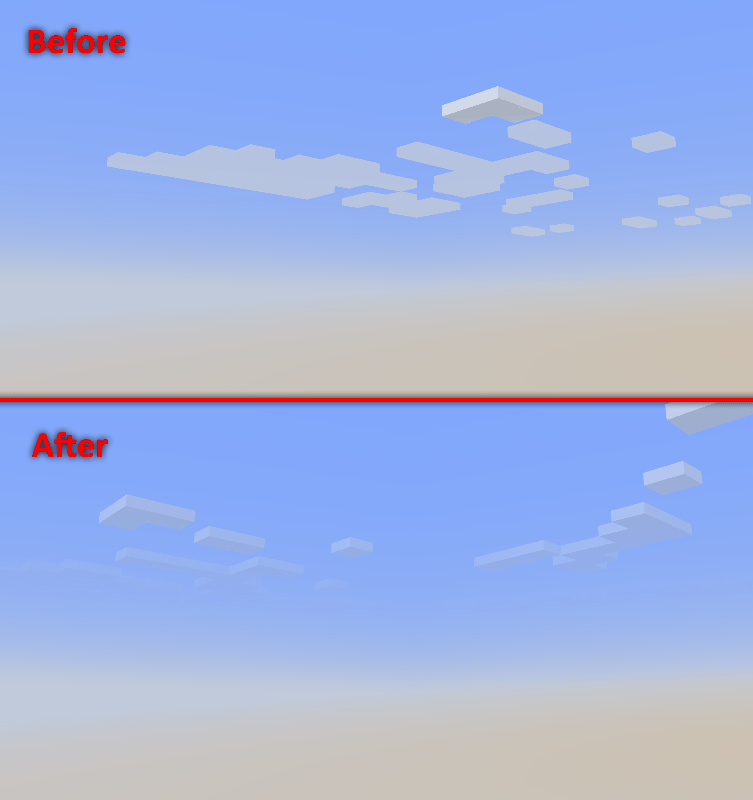
Vanilla clouds don’t always appear to fade out correctly at the edge of the view. **Vanilla Cloud Fix** improves the fade out by properly scaling opacity with distance. View the results below.
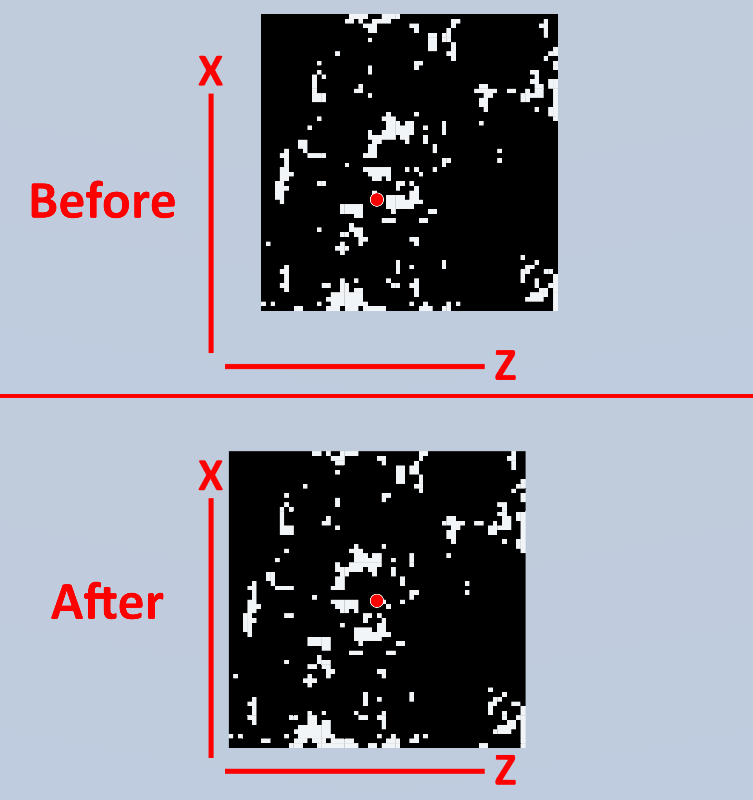
The vanilla clouds are not properly centered on the player and have an inaccurate offset in the positive X and Z direction, as shown in the figure below. **Vanilla Cloud Fix** corrects this offset using an approximation of -7 to correctly center the clouds. View the results below.
This comparison uses real screenshots at Y level 600~ looking down at the clouds using a modified cloud shader.
Vanilla 8x
This time I present you Vanilla 8x pack.
this a simple 8 pixel texture pack for minecraft
this pack change the 16 pixel texture to 8 pixel
this pack gives allmost same textures in 8 pixel
graphics are very adaptable same as default but in 8 pixel.
this pack gives you new way of minecraft experiance.
as its name “Vanilla 8x” its provides vanilla graphics but in 8 pixel.
more the 1000+ texture is changed.
Optifine required for texture pack.
materials are:-
1) all types of Tools
2) all types of Sword
3) Shield
4) all types of Armor
5) Trident
6) Bow
7) Elytra
8) All types of Arrow
9) all types of blocks
10) all entitys
11) all trees
12) end
13) nether
14) over world
15) all flowers
16) water
17) lava
18) clouds
19) all types of saplings
20) all types of leaves
21) nether portal
22) end portal
23) grass
24) glass
25) full interface
26) gui
27) cross bow
28) rain
29) mob effects
30) all paintings
31) signs
32) maps
33) enviroment
34) particles
this pack is supported both single player world and multiplayer servers.
version supported
form- 1.16 TO Latest version
make sure you check the file version before downloading the pack
all versions have separate files
Enjoy the “Vanilla 8x Pack”.
THANKS FOR DOWNLOAD.