Wither Spawn Egg
It allows players to craft a Wither spawn egg, giving them the ability to summon the powerful boss whenever they choose, making gameplay more exciting, challenging, and customizable in their Minecraft world.
It allows players to craft a Wither spawn egg, giving them the ability to summon the powerful boss whenever they choose, making gameplay more exciting, challenging, and customizable in their Minecraft world.
**YOU NEED GECKOLIB**
**This mod adds an animation after a Wither altar has been built, to make players feel more involved in the game and actually feel that a Boss Battle is about to come, instead of the boring, usual, immediate spawn of the Wither, that makes it feel useless.**
(You can disable the animation with the command: “/gamerule witherSpawnAnimation false” but this won’t take effect on already built altars)
**Important:**
-This mod is NOT compatible with “Wither Spawn Fix”, but if you still want both the spawn animation and the spawn fix you can install “Wither Spawn Fix W.S.A. Compatible”
### **IN THIS VIDEO THERE IS A GRAPHICAL BUG IN THE ANIMATION THAT IS NOW FIXED**
**Works with Cracker’s Wither Storm Mod too!**
**Wither Spawn Fix W.S.A. Compatible**
**Excalibur resource pack compatibility! (by Ruseky)**
**Also try Golem Spawn Animation!**
**CurseForge**


—-
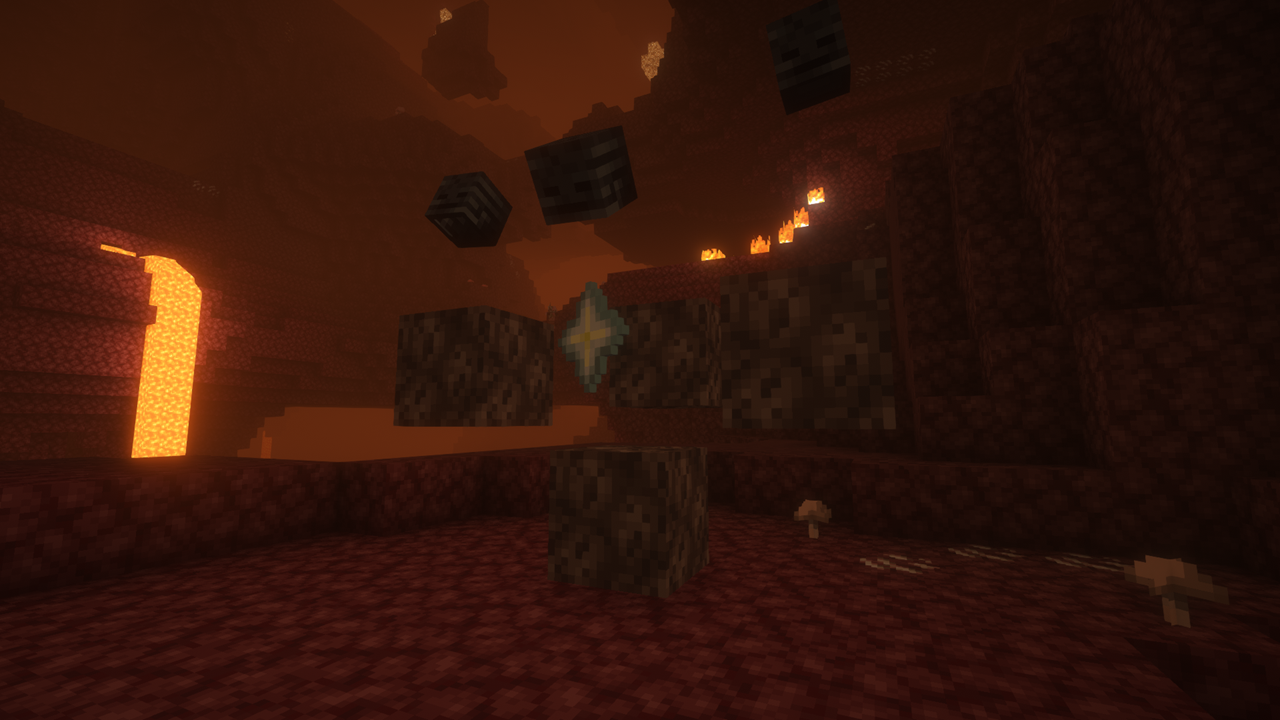
This is a data pack/mod that adds naturally generating shrines dedicated to the all-powerful Wither. For obvious reasons, I recommend using a boss overhaul mod like Wither’s Wrath to have the Wither’s might be worthy of praise.
—-
# Q&A
### Q: Can I use this in my modpack?
A: Of course, just please make sure to give credit, whether the modpack is on Curseforge, Modrinth, or any other site.
*As long as you don’t attempt to claim the mod as your own, I don’t mind.*
### Q: Can I redistrubute this?
A: Unless you’re in a third-world country, no.
### Q: I have a suggestion!
A: Leave a comment on the PMC page! Click here to do that. (You will need a PlanetMinecraft account first)
### Q: I don’t have any other questions
A: If you like what I do, you can donate to my Ko-Fi, my CashApp, or buy me a coffee!

# **Social**


# **Support the project**

  
## 🌻 Introduction:
Adds a few more variants to the new Wildflower block, bringing a little more colour to your world! Designed so each quadrant is varied, not just each block.
No mods are required.
## 🎨 All of my Creations:
– Wisp’s Reworked Vanilla
– Wisp’s Colourful Wildflowers
– Simple Grass Flowers
– Bare Bones Grass Flowers
– Simple Lower Grass Sides
– Fancy Full Block Grass
– Artisanal Nether Bricks
– Simple Rustic Glass
– Raven Phantoms
– Better Breeze Rods
## 🤔 Frequently Asked Questions:
**Q: How do I install the pack?**
A: Follow this guide.
**Q: Can you port this to Bedrock?**
A: I currently have no plans to port this to Bedrock.
**Q: Can someone else port this to Bedrock?**
A: No, I do not allow third-party ports of my packs.
**Q: Can you add this feature?**
A: Maybe! Comment any suggestions and we can see what happens.
**Q: I found a bug!**
A: Comment all bugs and I will fix them as soon as possible.
**Q: Does this pack work on X version?**
A: The pack is confirmed to work as far as **1.15**. It is unlikely to work on any earlier version due to changes to filenames.
**Q: Can I add this to my modpack?**
A: Of course! You must give credit and can not claim any of my work as your own.

## Replaces Totem of Undying with the Life Wisp from Origin Realms

## This **Pack** is not affiliated with Piston Solutions the creators of Origin Realms
If you encounter any bugs hit me up on Discord (loogicarry) or my Twitter, where you can also check out my other work
DO NOT REUPLOAD / REDISTRIBUTE THE PACK
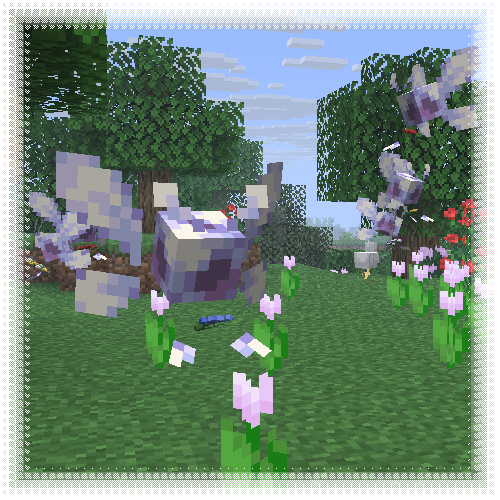
This resourcepack transforms allays into vibrant, cartoony wisps, mostly inspired by Navi from TLOZ :]
**Entity Model Features required!**

**Wireless Chargers** adds chargers which can **charge nearby blocks** and **players!** A charger’s **effective area can be highlighted** with a toggle.

###  Basic Wireless Player Charger
– Charges players’ items in a 9x9x9 area
– Charges at 50 FE/t per player
###  Advanced Wireless Player Charger
– Charges players’ items in a 13x13x13 area
– Charges at 200 FE/t per player
###  Basic Wireless Block Charger
– Charges blocks in a 5x5x5 area
– Charges at 50 FE/t per block
###  Advanced Wireless Block Charger
– Charges blocks in a 7x7x7 area
– Charges at 200 FE/t per block

### FAQ
**Can I use your mod in my modpack?**
Yes, feel free to use my mod in your modpack

### Discord
For future content, upcoming mods, and discussion, feel free to join the SuperMartijn642 discord server!


# WinterWibe:
**With the help of his plugin you can make snow fall all over the server without the need for a snow biome**
## Commands:
“`
/ww true – “enable snow”
/ww false – “disable snow”
/ww ficks true/false = version 1.0 . Changed biomes from Netherworld to Overworld biomes, If you Enable (True) this command then the plugin will automatically Fix biomes back to Netherworld (The plugin will Fix all biomes that will be loaded until you write
/ww ficks false)
/ww timer true = enable automatically turn on snow on a timer that you set in the config.
/ww delsnow truefalse = The winter is to end and i think much peoples do not want to have snow all time, so this command delete all snow that is not at snow biomes, Please Make world Backup Before start this command, because she can make mistakes and delete snow that actually shold stay there.
“`
## NEW Version 1.8:
## Commands New:
“`
/ww anotherbiomdetool = Then you get a stick, you can set a territory, like in the “Privat Plugin” Then you can write a next command.
/ww anotherbiome [biome] = set biome at terrytorry that you set. example command /ww anotherbiome Plains
“`
## Config:
“`
# Speed of snow accumulation (1.0 = normal Minecraft speed)
# Higher value = snow covers ground faster.
snow-speed: 1.0
# Settings for the Nether Biome Fixer (/ww ficks)
nether-fix:
# Should the plugin print a report to the console every 10 minutes?
log-to-console: true
# Automatic Winter Timer Settings
timer:
# How long will the pause (in minutes).
# 60 means how long after 1 snow the plugin will wait to start 2.
interval-minutes: 60
# How long the winter lasts (in minutes).
# Example: 10 means it snows for 10 minutes, then stops.
duration-minutes: 10
“`
## Recommendations:
If you have snow enabled, it is advisable to disable it before restarting or shutting down the server. Nothing will happen if you forget, but it is better to be sure that nothing will happen.
Minimal Speed: 0.34
## Another info:
**A little story about why I created this plugin:**
I wanted to add a little Christmas cheer to my server and decided to make snow all over the server, but when I searched almost everything I could, I couldn’t find what I wanted, so I created a plugin :).
**Approximate operation of the plugin:**
When you write /ww true the plugin saves data about the chunks that are loaded and then changes all the chunks that are loaded to chunks of the snow biome.
And when you write /ww false, then all the chunks that the plugin changed, the plugin puts on the biome that was there before
WinterTime brings the magic of winter to your Minecraft server with stunning, customizable snow effects. Whether you’re creating a holiday event or just want to add a seasonal touch, WinterTime is the perfect plugin to immerse your players in a snowy experience.
Features
Dynamic Snow Effects: Realistic snow particles that fall around players.
Configurable Settings: Customize the snow intensity, radius, falling speed, and more.
World-Specific Effects: Enable snow effects in specific worlds only.
Atmospheric Sounds: Add wind sounds for a more immersive winter atmosphere.
Snow Bursts: Sporadic, intense snow flurries for dramatic weather effects.
Performance Optimized: Designed to minimize lag while maintaining beautiful visuals.