Winning smile villager overlay
the best!!! overlay!!!! ever !!!!!!! all the villagers smile now, we have needed this for years and it has not been added to minecraft!!!!
the best!!! overlay!!!! ever !!!!!!! all the villagers smile now, we have needed this for years and it has not been added to minecraft!!!!
# Windows Pack
My Minecraft texture pack is designed around the unique constraint of using a 16-color Windows palette. While the result may not always be the most visually refined, the challenge of working within this limited palette allows for a distinct, retro aesthetic. Each texture in the game from blocks to items has been meticulously created using only these 16 colors:
### Palette 16x Windows :
– #000000 (Black)
– #7e7e7e (Dark Gray)
– #bebebe (Light Gray)
– #ffffff (White)
– #7e0000 (Dark Red)
– #fe0000 (Bright Red)
– #047e00 (Dark Green)
– #06ff04 (Bright Green)
– #7e7e00 (Dark Yellow)
– #ffff04 (Bright Yellow)
– #00007e (Dark Blue)
– #0000ff (Bright Blue)
– #7e007e (Dark Magenta)
– #fe00ff (Bright Magenta)
– #047e7e (Dark Cyan)
– #06ffff (Bright Cyan)
This limitation creates a pixel-art style that feels nostalgic and challenging, appealing to those who appreciate creative boundaries in game design.
## Info
This is a resource pack that changes the default Cursor to be more like Windows 3.1 to Windows XP.
## Preview
  
## Requirements
This requires [Minecraft Cursors](https://modrinth.com/mod/minecraft-cursor)
it’s just that simple. 🙂
[](https://www.curseforge.com/minecraft/mc-mods/fullscreen-windowed)
[](https://modrinth.com/user/PrincParshia)
—
## 📗 DESCRIPTION
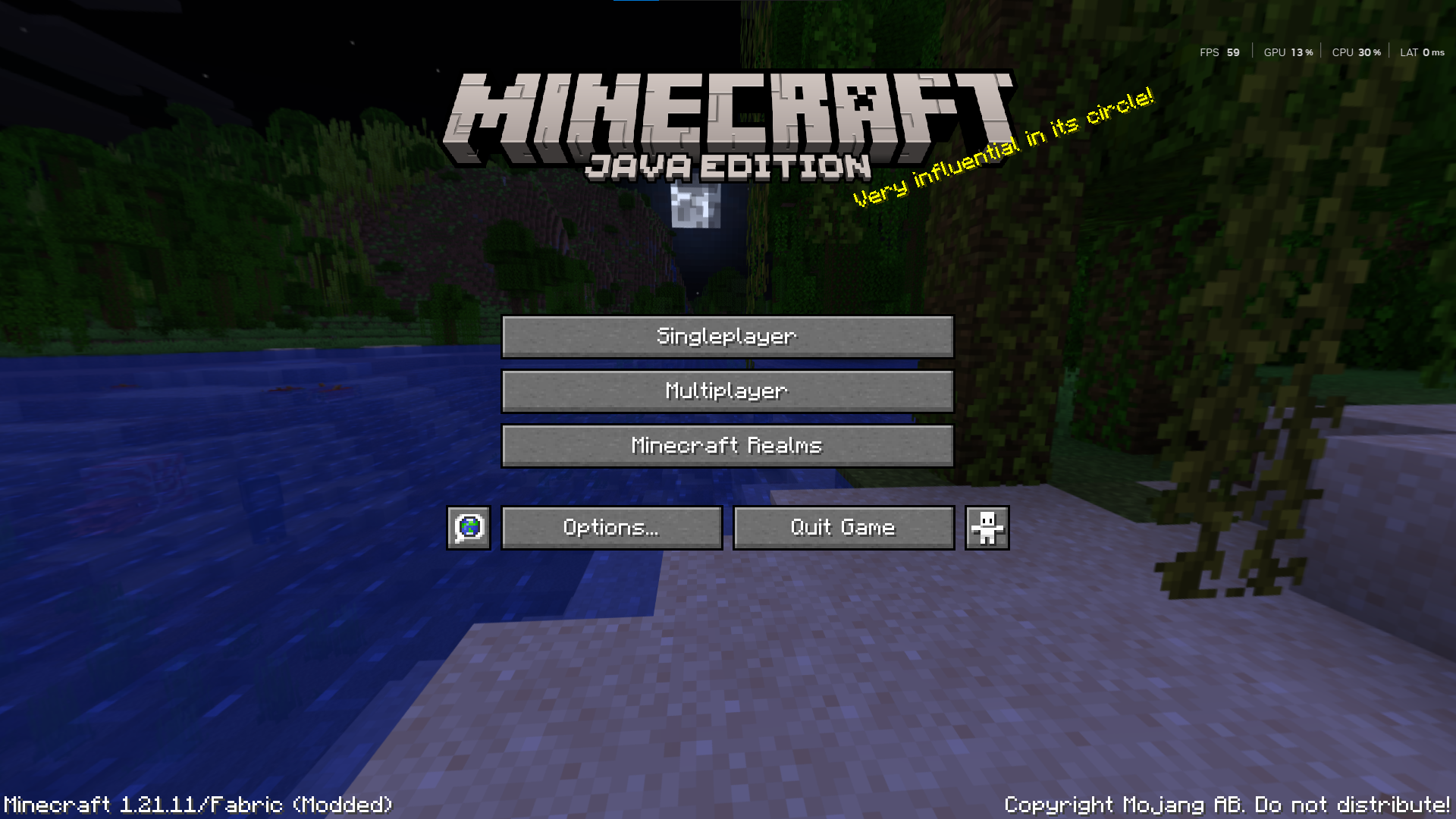
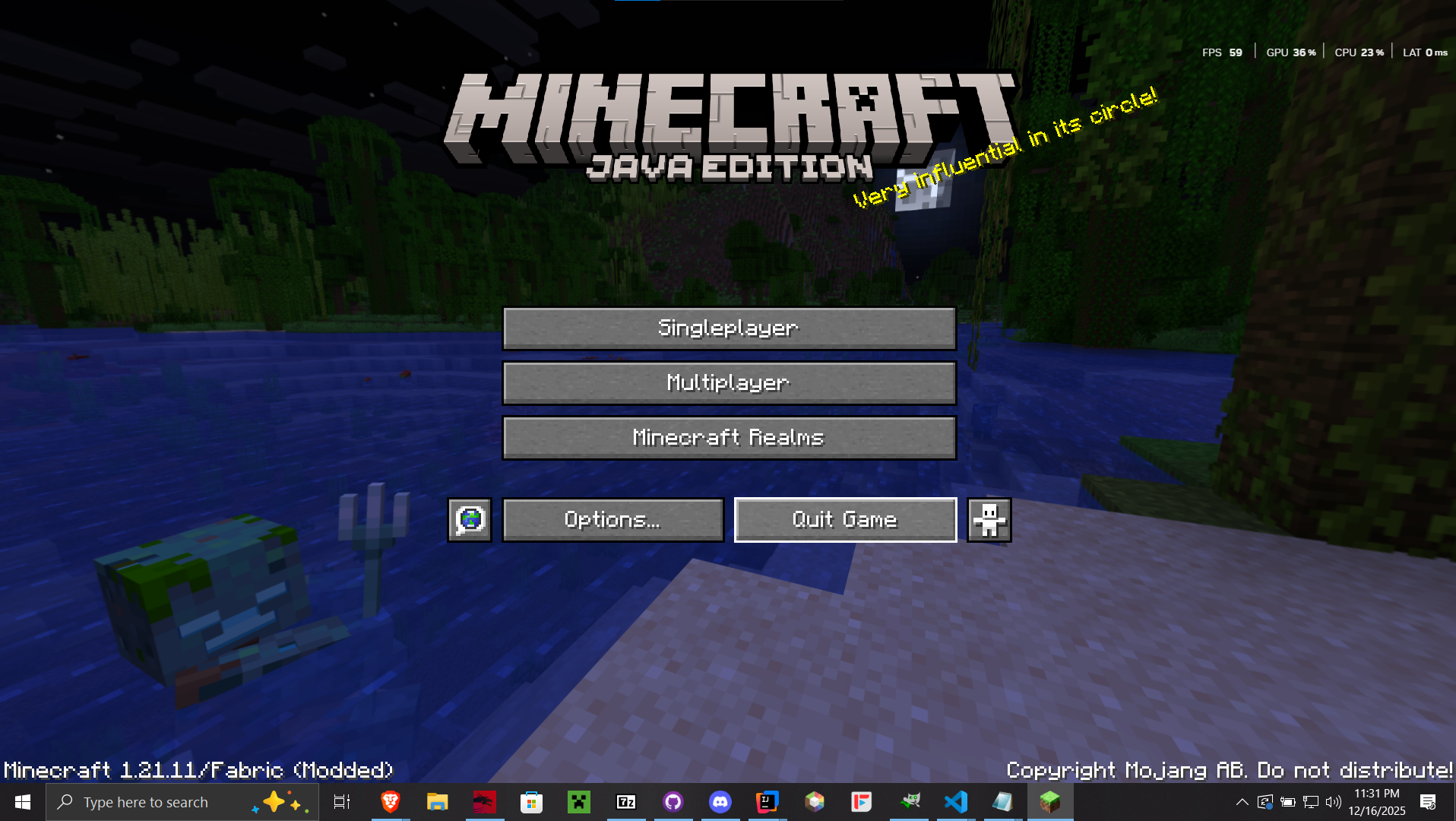
Windowed Fullscreen is a mod that allows you to hide the window title bar and access your taskbar/panel while in fullscreen mode. It’s perfect for players who want a cleaner fullscreen experience without losing the convenience of interacting with other system elements. This feature also known as Borderless Windowed or Borderless Fullscreen.
## ✨ KEY FEATURES
* **Windowed Fullscreen;** Maximizes the window to the monitor and hides the system taskbar when the window is focused (even if the taskbar is set to be always visible).
* **Borderless Windowed;** Maximizes the window to the available screen space. Similar to standard window maximization, but with a borderless appearance.
—
| **Windowed Fullscreen** | **Borderless Windowed** |
|—|—|
|  |  |
## 🧩 USAGE
* Press `F12` to toggle the Windowed Fullscreen mode.
* Press `F10` to toggle the Borderless Windowed mode.
—

# window-to-reality
Simple mod to modify the Minecraft window to allow transparency. Made for video creators and map makers.
Technically Fabric API is optional, but there are still bugs so I wouldn’t recommend removing it yet.
## Features
– Makes the Minecraft game window support transparency.
– Adds four utility blocks with different breakable/passthrough combinations:
– `cutout` – breakable, solid
– `cutout_barrier` – unbreakable, solid
– `cutout_window` – breakable, passthrough
– `cutout_void` – unbreakable, passthrough
– Clear Sky builtin texturepack:
– Enables transparent sky rendering by modifying the sky shader and removing fog.
## Version Support
– Active updates are primarily done for the latest version.
– Older versions may receive releases and updates if requested or contributed through community pull requests.
No additional content features are currently planned. NeoForge support not planned.
## Compatibility
– No guarantee that mod custom screenshotting or rendering will work.
– Any texturepacks that modify `core/terrain.fsh` and `post/transparency.fsh` should apply the same fixes, otherwise transparency will break.
Allows one to enchant the harness with Wind Boost (I – IV).
### How to Install/Use:
– Server:
> Download the [Datapack](https://modrinth.com/datapacks/wind-boost-enchant/versions/2.0.0) or the [Mod](https://modrinth.com/datapacks/wind-boost-enchant/versions/2.0.0+mod). Depending on the server software you use, if it’s Paper or Spigot, use the Datapack and put the .zip in the Datapacks folder. If it’s Fabric or NeoForge, use the Mod and put it in the Mods folder.
– Singleplayer
> Download the [Datapack](https://modrinth.com/datapacks/wind-boost-enchant/versions/2.0.0) or the [Mod](https://modrinth.com/datapacks/wind-boost-enchant/versions/2.0.0+mod), depending on what you want! If you choose the Datapack, you will need to select the Datapack manually when creating a new world, or place it inside the Datapacks folder of an existing world. If you choose the Mod, you can simply put it inside your client’s Mod folder, and the Datapack should be active in every single-player world you join.
In both situations (singleplayer/server), it’s important to restart the world/server after adding the datapack/mod! Data-driven enchantments are an experimental feature and **cannot** simply be reloaded by `/reload`.
To check if the Datapack/Mod is installed correctly, either craft a new harness or recolor an old one. After that, the item should have “Enchantable” inside its lore. If it does, you can simply put the harness inside an enchanting table and enchant it with Wind Boost I-IV! If it doesnt you did something wrong ¯_(ツ)_/¯
—
#### Feedback, Suggestions and Bug Reports:
[](https://github.com/VincPlyz-MC/Wind-Boost-Enchantment/issues)
## The wilted rose, recent emoji slang, has now been added into the world of Minecraft.
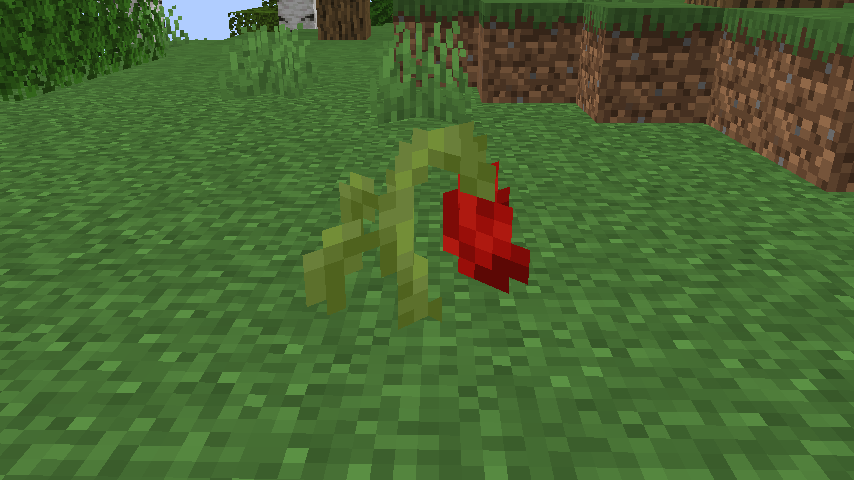
They can be found in Forests and Flower Forests. To be more specific, anything in the **wiltedrose:has_wilted_rose** biome tag.
You can craft it into red dye, and also place it into a Flower Pot.
Making a Suspicious Stew with them gives you Instant Damage.
This resource pack changes all cave sounds in the game.
I really recommend using [Sound Physics Remastered](https://modrinth.com/mod/sound-physics-remastered) since it will work great!
(If you use it personally in any videos or showcases please credit me thanks! :3)
Also term name of “Willow” is my old username on CF and Minecraft. If anyone is wondering why this RP is called like that.
# A recreation of the [WildLife](https://www.youtube.com/playlist?list=PLU2851hDb3SHoR1-ABT15P2-LhWEM71MJ) series by [Grian](https://www.youtube.com/@Grian)!
Note: For now, there is no plan to add superpowers wildcard as it is complex and will require mods
# Usage
## [Resource Pack](https://modrinth.com/resourcepack/wildlife-rp) (optional but recommended)
## Compatibility: Works with 1.21.3+
## Commands:
“`mcfunction
/wildlifeinfo # Gives info about the plugin
/wildcard # Activates a random wildcard (wildlife.activate)
/wildcardc
/wildlife
/lives set
/wildcardstop # Stops any currently running wildcards
“`
Currently available wildcards are –
– Height_Modifier (from ep 1)
– Food_Randomizer (from ep 2)
– Deadly_Snails (from ep 3)
– Fast_Runner (from ep 4)
– Trivia_Bot (from ep 5)
– Random_Mobs (from ep 6)
/wildlife start starts the series, basically giving each player 6 lives
/wildlife continue loads lives from previous session (saved when server stops or /wildlife stop is run)
/wildlife stop stops the life counter and any current wildcard
For trivia questions, you can get the questions from [here](https://github.com/ArmyFury/WildLife/blob/main/trivia.yml). Download this file and place it in ~/plugins/WildLife
### Also check out:
– [SummonFriendlyMobs](https://modrinth.com/plugin/summonfriendlymobs)
– [WoolBurner](https://modrinth.com/plugin/woolburner)




## The leaves sway graciously, with their movement effected by wind and the weather.

## A variant of the Hickory Forest, but the leaves have 4 different colours and glow during night!
