No Fogg
# 🧊 No Fogg Pack — Clear Vision, No Mods
Say goodbye to fog and explore your Minecraft world with total clarity! This texture pack removes all fog from every dimension — Overworld, Nether, and The End — without needing OptiFine or any other mods.
## 🔍 Features:
❌ No fog anywhere — super clear visibility
✅ Works in vanilla Minecraft — no OptiFine needed
💨 Lightweight and lag-free
🎮 Safe for servers and multiplayer
👀 Keeps original look — no weird textures, just better visibility
## ⚙️ How to Use:
Download from the curseforge.
Enter the game and activate the recourse pack
Play and enjoy 🙂
## 📌 Notes:
Compatible with versions 1.8 and all above
Works with most shaders, but some may re-add fog — check shader settings
You can use it with other resource packs too!
No Fog – Clear View Resource Pack
No Fog is a lightweight, client-side resource pack designed to give you maximum visibility and a cleaner look to your Minecraft world. By disabling the default fog effect, it allows you to explore vast landscapes, distant builds, and hidden structures without the haze that usually blocks your view.
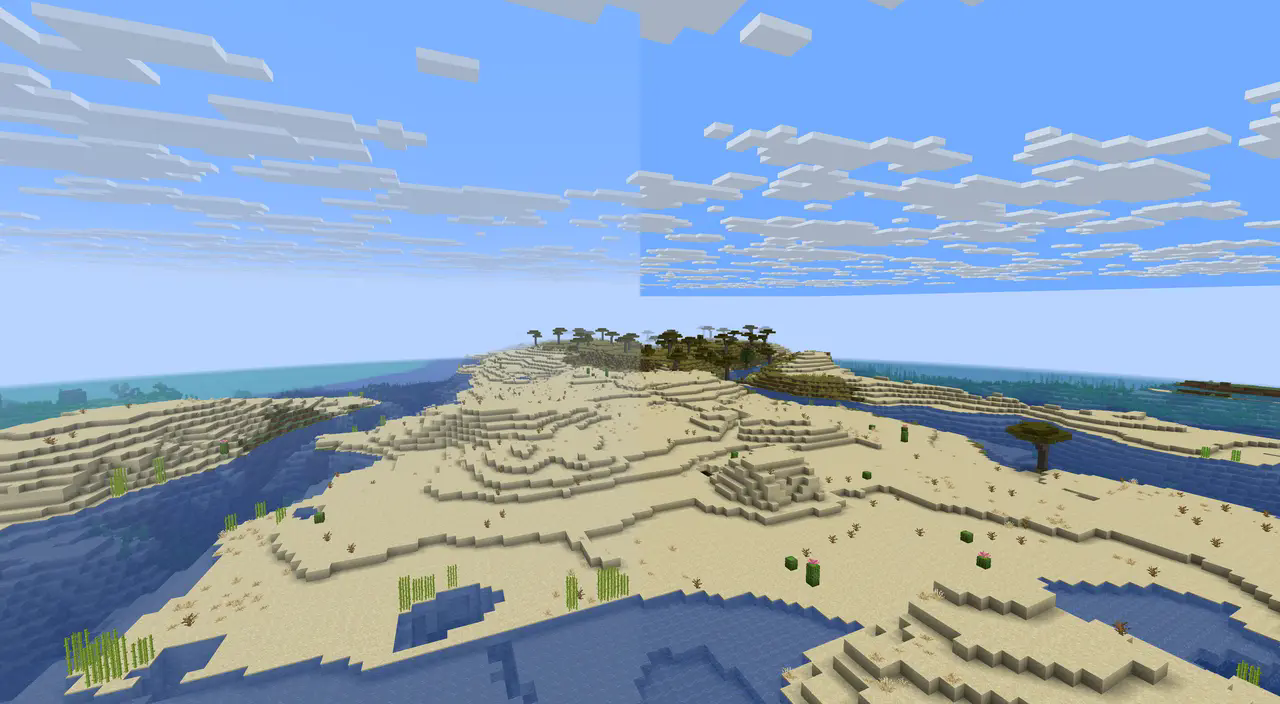
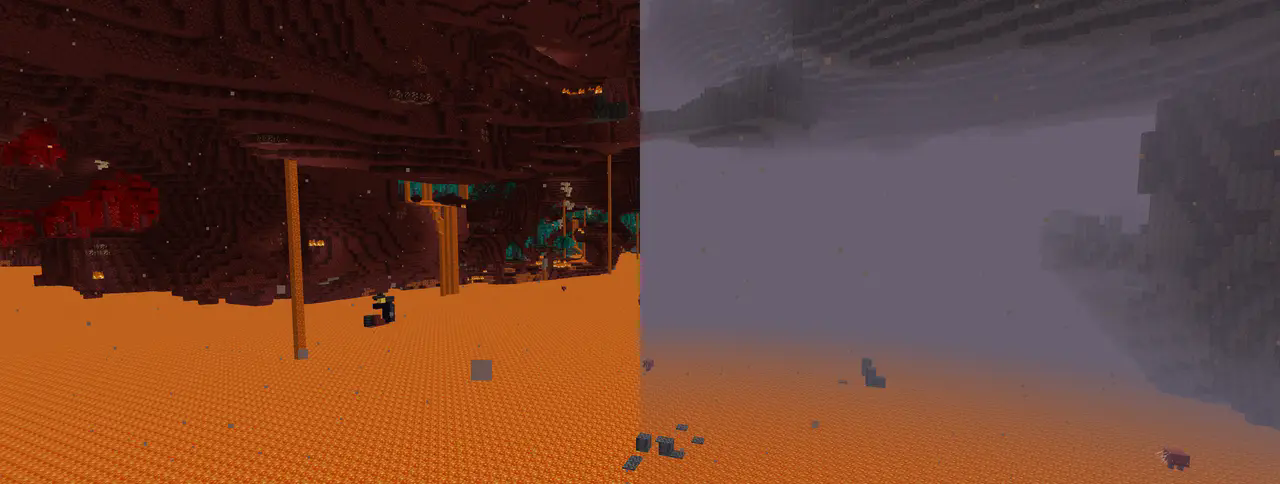
This pack works seamlessly across most modern Minecraft versions, requires no mods or extra configuration, and keeps the original style of the game intact — just with clearer sightlines. Perfect for builders, explorers, and anyone who wants a sharper, unobstructed view of their adventures.
## ☕ Support the Developer
If you enjoy No Fog and want to support my work, consider helping me continue creating free mods for everyone ❤️
[](https://ko-fi.com/novaxi)[](https://www.curseforge.com/members/novaxi)
No environmental fog / volumetric fog
### This pack is incompatable with sodium
This resource pack removes the environmental fog / volumetric fog added in 1.21.6
Check out my other resource pack [Restore the Classics](https://modrinth.com/resourcepack/restore-the-classics) that adds other tweaks
The reason I split Restore the Classics and this project is because I do not know of a way to do this with sodium and I want Restore the Classics to work with sodium.
No Shade
This pack removes the shadows from entity models, including chests, boats, minecarts, items, mobs, players, and more. Has a strange retro feel, maybe good for adventure maps?
Does NOT make mobs or players glow in the dark!
No Dark Inventory Overlay
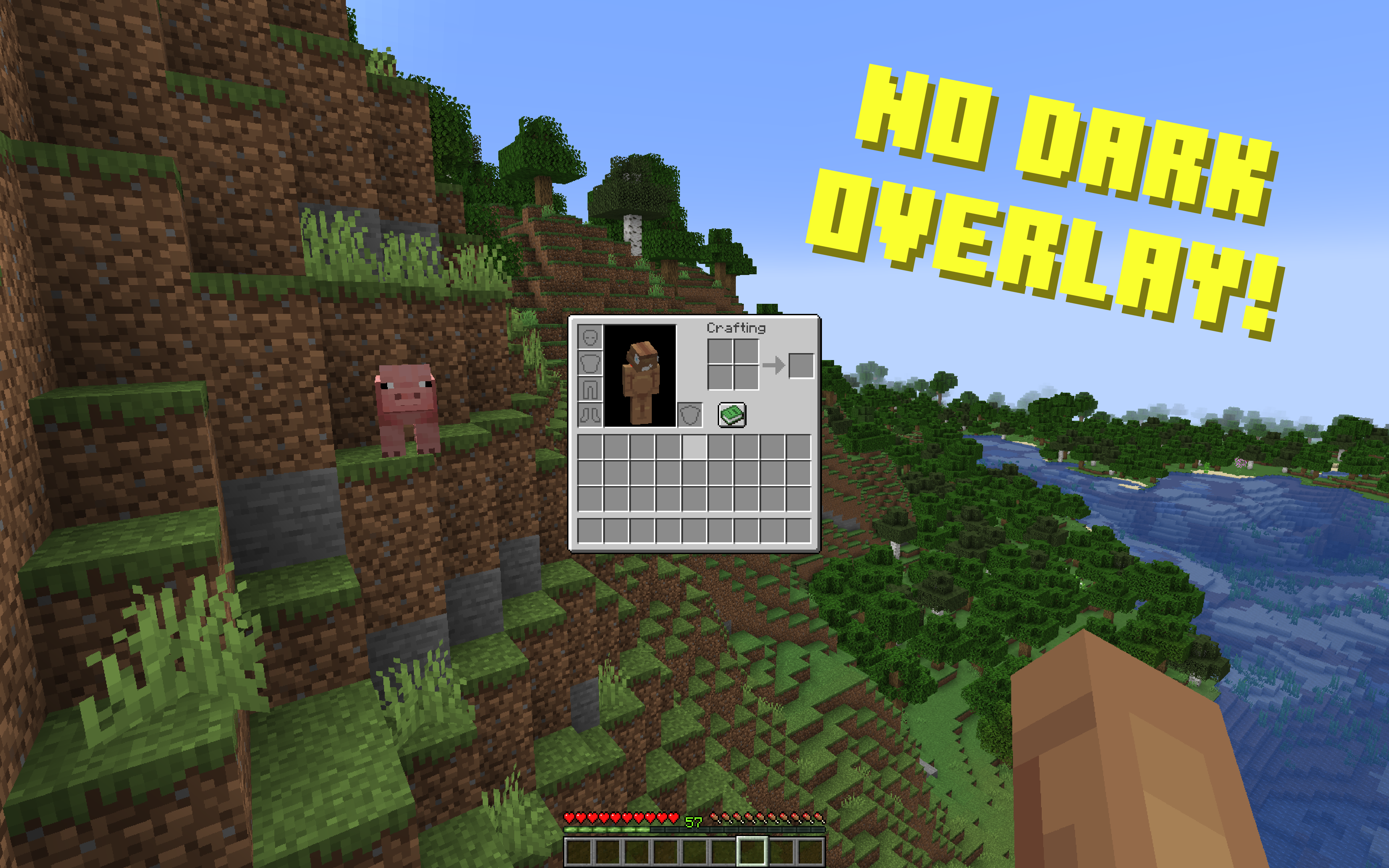
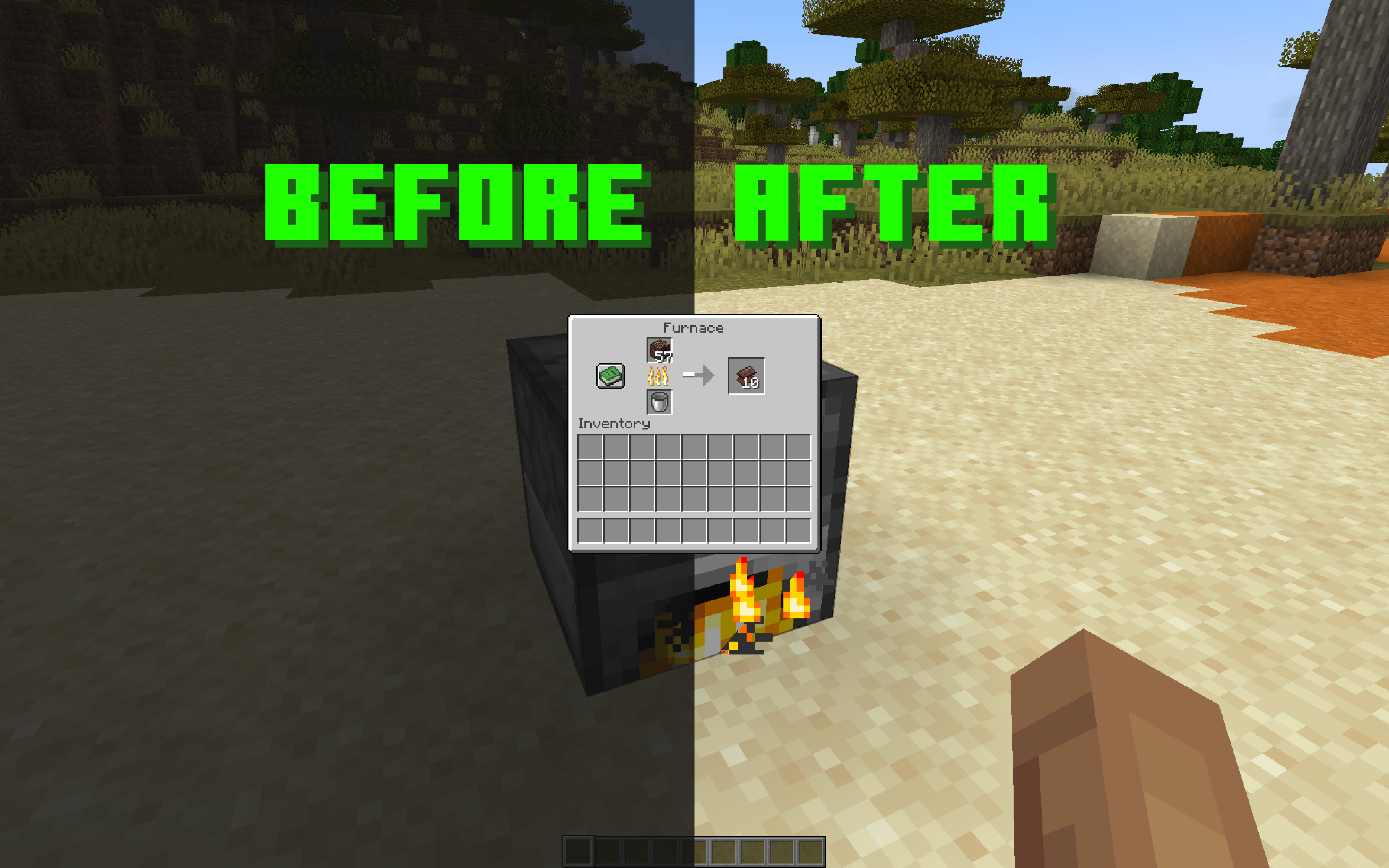
## No dark background overlay from inventories and pause menu
—
This resource pack removes dark background overlay from all different types of inventories and pause menu.
Afaik I am the first one who made this without using any mods.
### Versions: 1.17.1 — 1.21.11+
For the versions above 1.20.4 pause menu will not be affected because mojang changed the overlay to a different one, with blur, which you can remove in vanilla video settings.
### Works with both **Optifine** and **Sodium**.
—
—
Note:
You can also customize **transparency** and **color** of the dark background overlay to whatever you want. To do that, open a file called `rendertype_gui.vsh` (if you are on versions 1.17.1 – 1.19.4, open the file `position_color.vsh` instead), go to line 18 and change the value of `vertexColor.a` to whatever you want. 0 is fully transparent (it is set by default), 1 is the opposite, 0.5 is 50% transparent. To change the color of the overlay, delete the whole line 18 and change it to `vertexColor = vec4(0, 0, 0, 0);`, and then change zeros to values you want. The first zero is for red, the second is for blue, the third is for green, and the fourth is for alpha aka transparency.
You can pick a color and get corresponding values for it on [this website](https://rgbcolorpicker.com/0-1).
Nirvana Tobacco
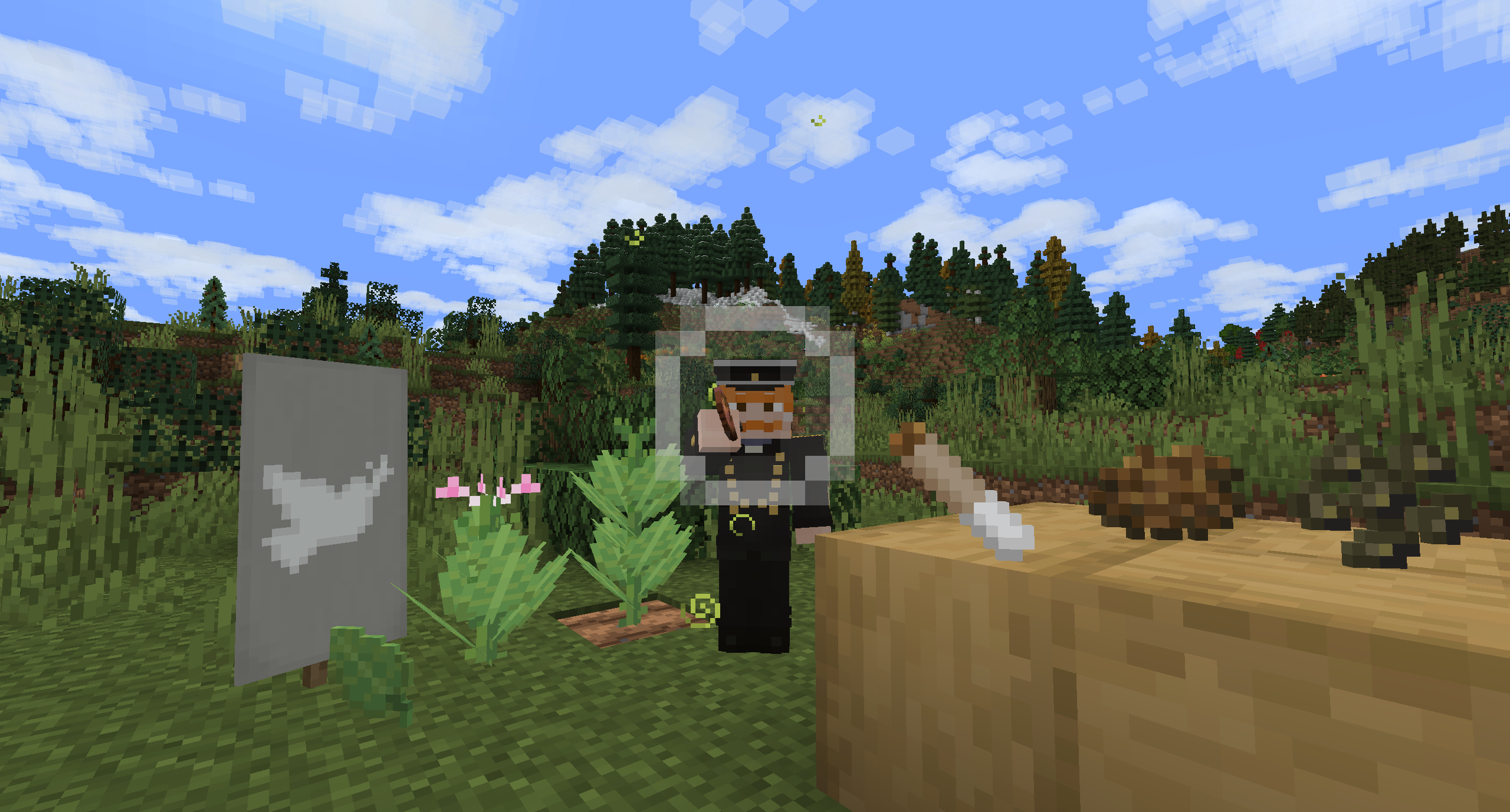
This pack changes [Nirvana](https://modrinth.com/mod/nirvana-mod)’s hemp to tobacco, joint to a roll-up cigarette as well as adjusts the Peace shade and old pipe’s holding animation.
Nikyi’s Moss
# **Nikyi’s Moss**
> Nikyi’s Moss is a texture pack for **Hypixel Skyblock** that is designed to give the **Crimson Isles** a fresh look
.
> **Mossy Nether Textures**: Replaces most blocks in the crimson Isles with more grassy textures
– E.G. Netherrack -> Moss
> **Watery lava:** Lava is now semi-transparent with water textures, requires [I See Lava](https://modrinth.com/mod/i-see-lava)

> **Grey-blue Nether Sky**: With [Polytone](https://modrinth.com/mod/polytone), sky and fog in the nether are now grey-blue instead of the default red

> **Auto adaptive replacement:** automatically refers to your **main texture pack**’s textures
(the ones placed below this pack, if none, uses default minecraft textures)
> **Dependencies:**
– [Iris](https://modrinth.com/mod/iris)
– [Polytone](https://modrinth.com/mod/polytone)
– [Continuity](https://modrinth.com/mod/continuity)
– [I See Lava](https://modrinth.com/mod/i-see-lava)
– Unofficial I See Lava for 1.21.8+: https://github.com/jlstout1998/I-See-Lava/releases
NightVision: Warm
### **Be Sure To Follow On Instagram to get future updates and to resolve quires:** **[@nv.labs.official](https://www.instagram.com/nv.labs.official/)**
### 💡 About this pack
This pack is a warm variant of the original [NightVision: Standard](https://modrinth.com/resourcepack/nv_1.21.x) project, keeping the same lightmap-based visibility boost while adding a subtle orange tint that makes nighttime skys feel cozier without washing out contrast or depth. It works in survival, creative, and on servers that allow client-side resource packs, and stays lightweight since it only edits Minecraft’s core lightmap instead of relying on external shader loaders.
_**[Note: This pack doesn’t change the way caves look at night]**_
### **🎮 Use cases**
– Mining and caving without placing torches everywhere.
– Building at night while still clearly seeing block shapes and colors.
– Exploring, raid prep, and general gameplay when you want better visibility but not flat fullbright.
### **⚙️ Compatibility**
Made for Minecraft 1.21.x (also works with 26.1). Works with vanilla and most vanilla-style packs if this pack is above them in the resource pack list. May conflict with packs or shaders that modify the same lightmap.fsh (fullbright, night-vision fixes, etc.). Also works with [Sodium](https://modrinth.com/mod/sodium) when [PolyTone](https://modrinth.com/mod/polytone) is installed.
### **Be sure to check out our other project:** [DarkGUI](https://modrinth.com/resourcepack/dark_gui), [SmartComms](https://modrinth.com/mod/smartcomms), [NightVision: Standard](https://modrinth.com/resourcepack/nv_1.21.x)
NightGlow Visual Pack
NightGlow Visual Pack is a carefully crafted visual enhancement designed to transform the look and feel of your Minecraft world without compromising performance. It brings a fresh layer of depth to the game by enhancing lighting, boosting color vibrancy, and refining environmental details to create a more immersive and visually satisfying experience.
At night, the world no longer feels dull or overly dark—instead, it glows with subtle brightness that preserves the atmosphere while improving visibility. Water appears clearer and more dynamic, reflecting light in a way that adds realism and depth to oceans, rivers, and lakes. Grass, trees, and terrain feature richer, more saturated colors, making every biome feel alive and distinct.
This pack focuses on balance: improved visuals that still respect the original style of the game. It doesn’t aim to completely change Minecraft’s identity, but rather to elevate it—keeping the familiar blocky charm while enhancing clarity and smoothness.
Whether you’re exploring, building, or surviving, NightGlow Visual Pack delivers a polished visual upgrade that makes every moment more enjoyable—especially during nighttime adventures.
Night Vision Fix
**NO LONGER NEEDED IN 26.1+**
Use [Boosted Brightness](https://modrinth.com/resourcepack/boosted-brightness-rp) if you want it to be brighter and full bright
Old Description
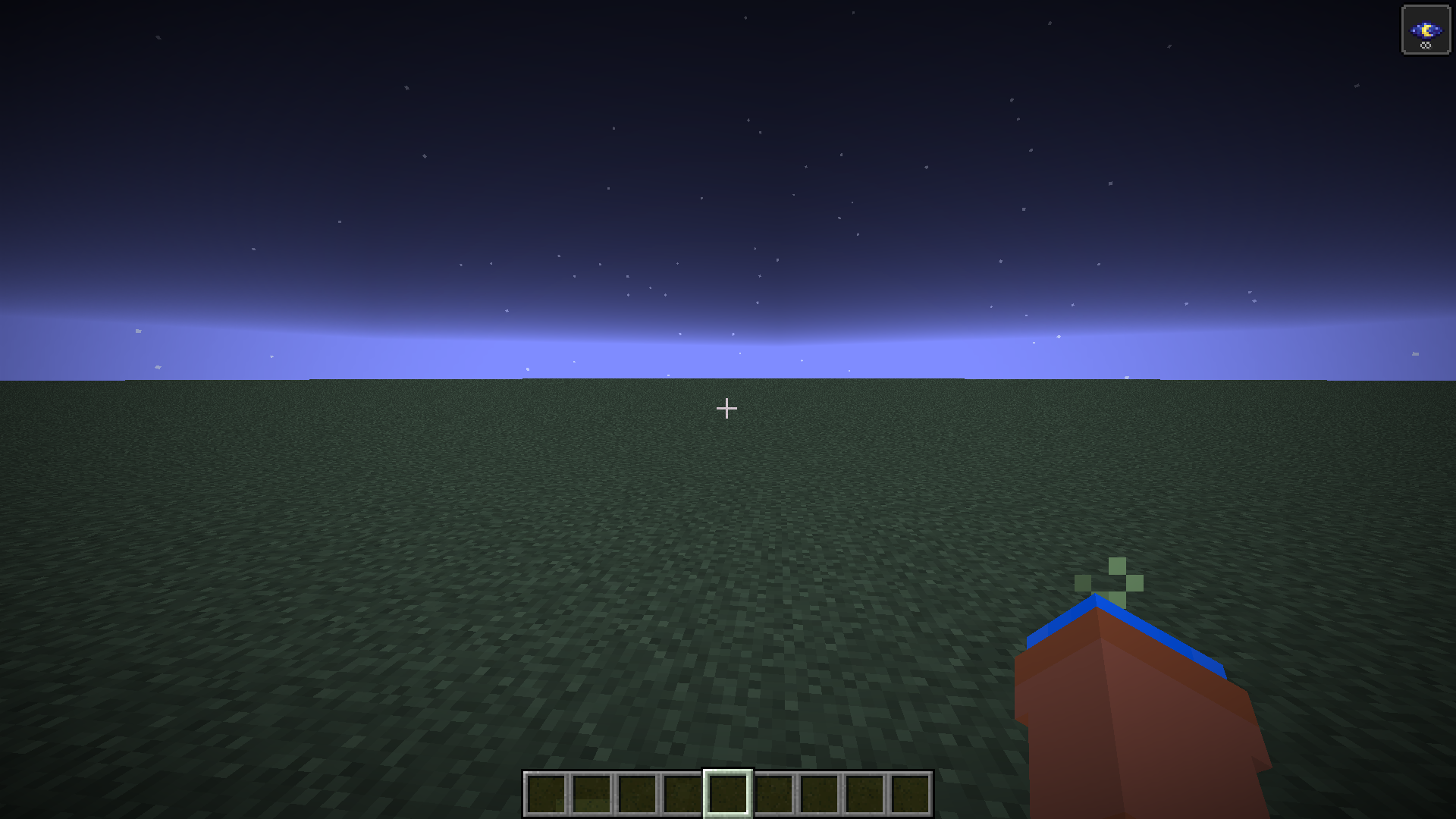
In Minecraft 1.21.9 Mojang changed how night vision works for the worse. They made it so that it always uses moody lighting for night vision calcuations. This resourcepack uses core shaders to revert this change. Fixes [MC-301543](https://bugs.mojang.com/browse/MC/issues/MC-301543)
This pack may not work with other shaders that modify the same shader I used such as fullbright
# Images
### Before
### After