## A Minecraft Texturepack
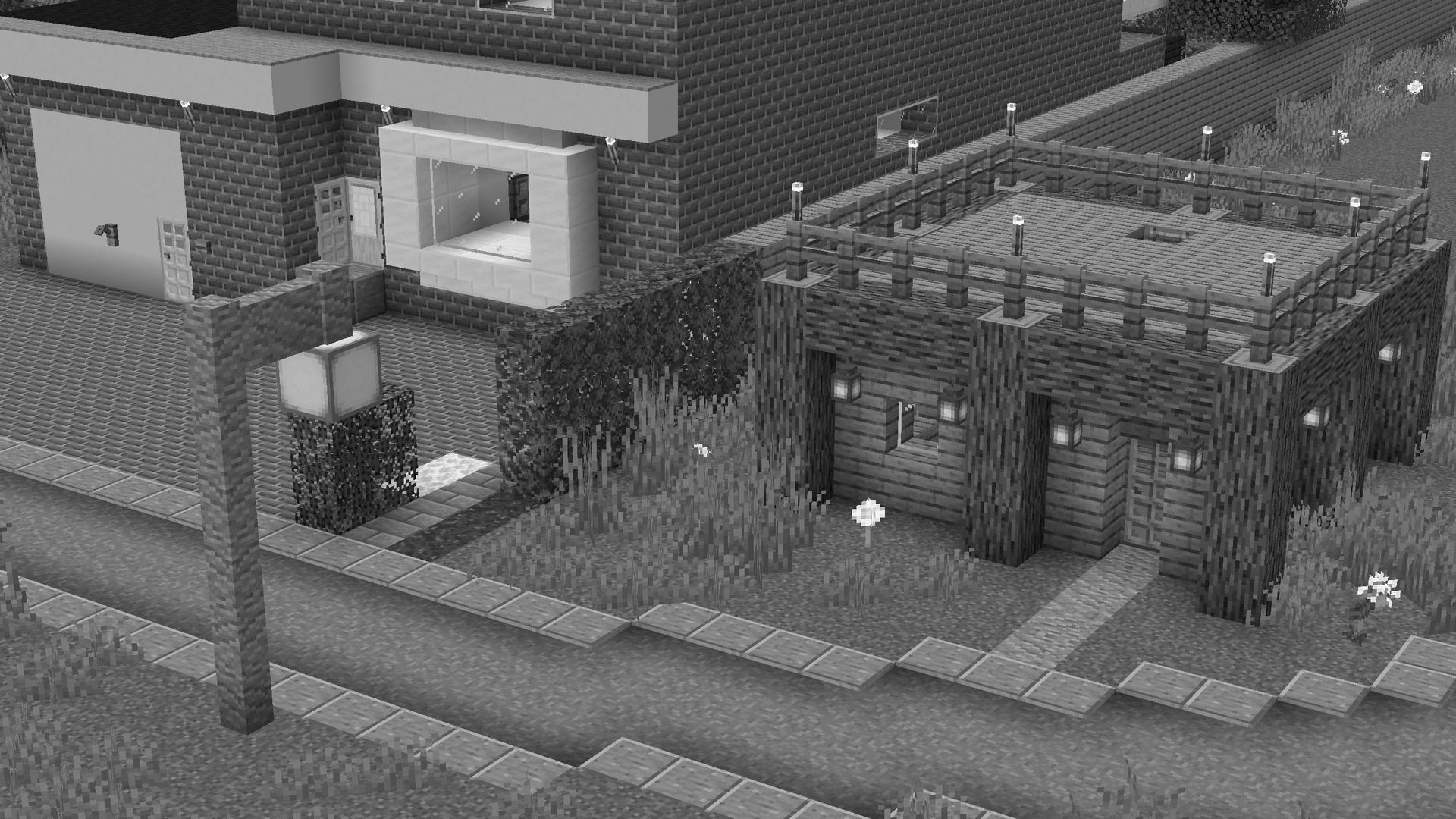
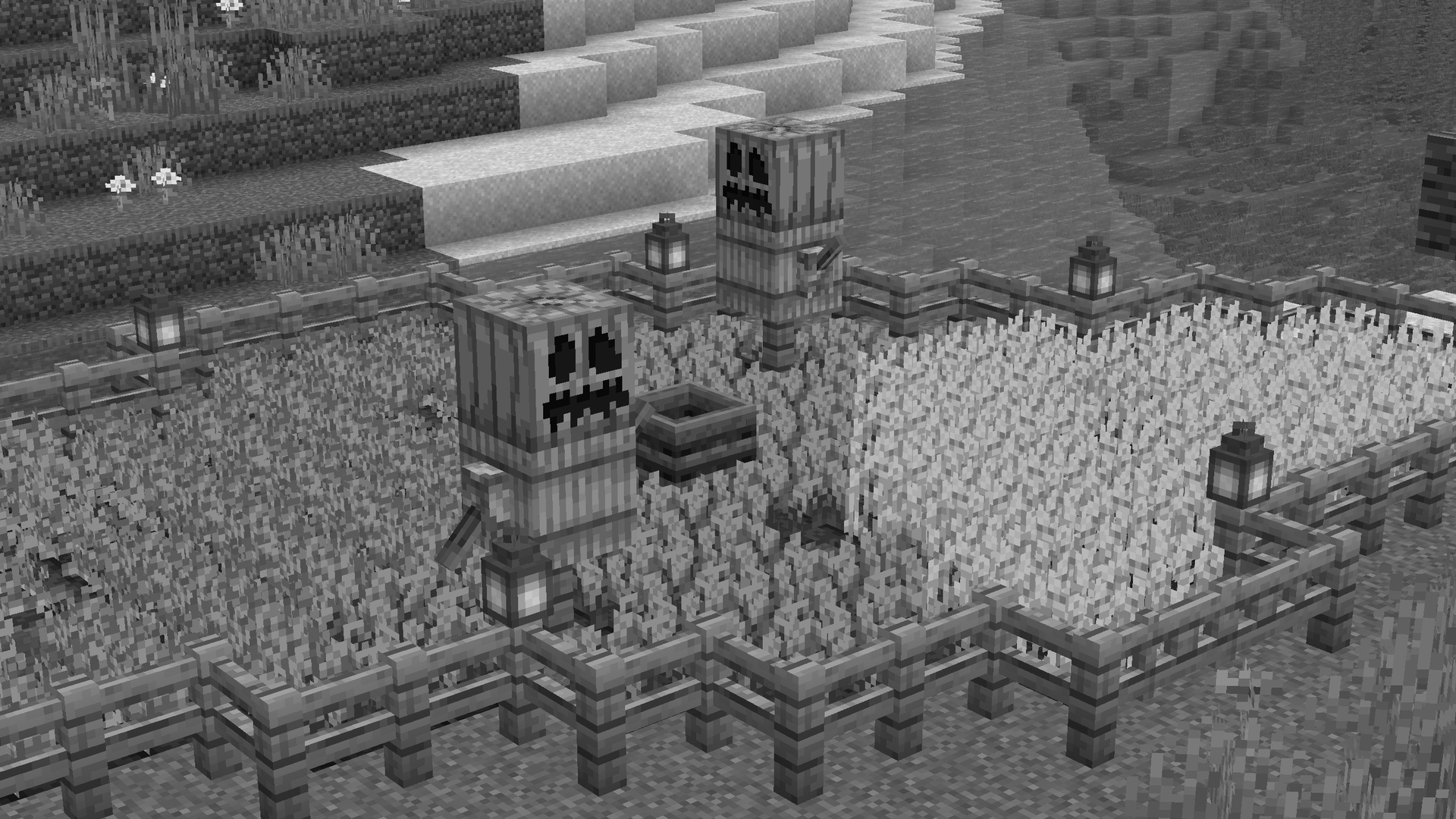
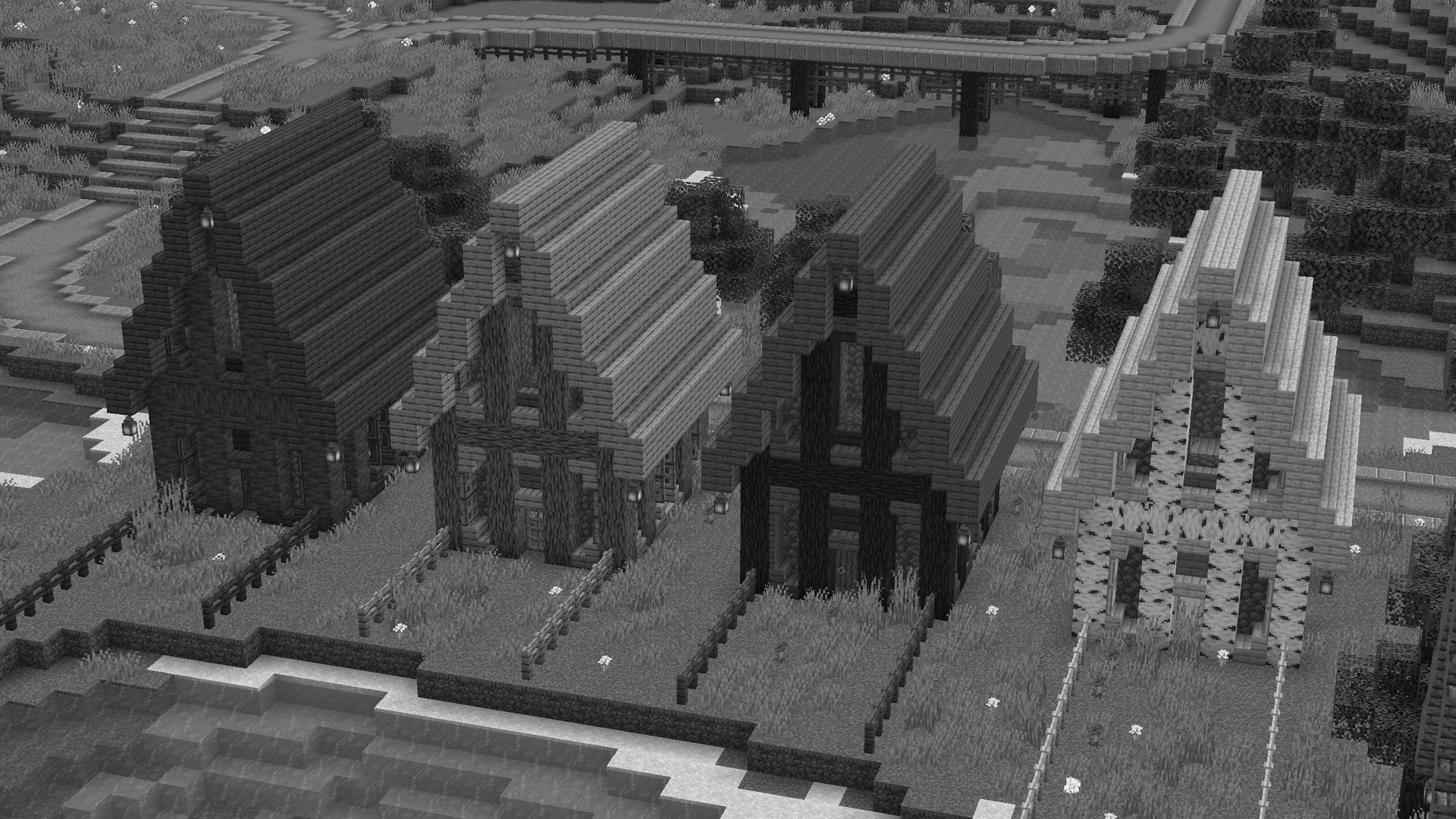
PaleCraft is inspired by the bone texture and is a
Black & White styled texturepack. Most textures are
still vanilla, only the ore blocks and some items
are updated. I changed some coreshaders for better
block and hitbox outlines. and a custom XP-Number
color.
## Reason for Creation
The vanilla minecraft textures are great, thats why I kept as many as a I could. But after the years it just felt kinda borring to me and the inventory did not matched my prefrences anymore. So I created PaleCraft. First it started as ‘Honied’, based on my old Minecraft-Name ‘Honey_Bottle’. This Texturepack was very colorful and had a pastel-looking layout. I copied a lot of things from other Packs and used them for my personal one. Some block textures even were from Soartex. After 2 years I decided that pastel colors and random upscaled block textures are just not mine anymore and I created PaleCraft. PaleCraft updates some texts in Minecraft to make the Menu and tools feel better and more clear. It also renewed the whole Inventory in a very simple and transparent way and textured a lot of things in minecraft bone colors. I think this texturepack, with all its core-shaders, GUI imporvements, better font and overall look is just perfect to me. It is the perfect Vanilla+ version of a Texturepack I always wanted and I hope you guys enjoy it too! <3
Join my Discord Server!]( https://discord.ewanhowell.com/)
[
Join the Resource Pack Development Discord Server!]( https://resourcepacks.ewanhowell.com/)
[
Subscribe on YouTube!]( https://www.youtube.com/@EwanHowell)
[
Follow me on Twitter!]( https://twitter.com/ewanhowell5195)
[
Support me on Ko-fi!]( https://ko-fi.com/ewanhowell)
p1kl’s 3D Items

—
Revamp Minecraft with 3D items, now available for every version 1.21+! This pack transforms a variety of items to have unique 3D models, with the mission to eventually make every item 3D!

—
Thanks to these guys for creating the following assets included in this pack!
> _Core Shaders by **[Tixul](https://modrinth.com/user/tixul)**_
Many parts of this pack are inspired by the following projects:
> _Weskerson’s 3D Items, MB-3D Items, the various Fresh 3D Items packs, Maddox’s 3D Gear, and Actions & Stuff._
—

—
While this pack does add 3D items, please note that the custom models do not show up in GUIs, Item Frames, or Shelves.
However, this pack comes with a special feature that allows for every item to be 3D in item frames when renamed to its original name.
> _e.g. rename a Diamond Sword to “_Apple_”, then rename it back to “_Diamond Sword_”, and it will become 3D when placed in an Item Frame._
—

—
As of the last few updates, this pack is now compatible with the following mods:
> _**[Hold My Items](https://modrinth.com/mod/hold-my-items)** versions 5.0L1-5.1.1 for all available versions_
>
> _**[Punchy!](https://modrinth.com/mod/punchy-fpa)** versions 2.3-2.4 for all available versions_
>
> _**[ResPackOpts](https://modrinth.com/mod/respackopts)** to disable the tool, armor, and bucket models in this pack_
Backports for this pack go all the way to 1.21+, however some versions require mod dependencies:
### 📋 About
This resourcepack provides a redesign of everything that is not specifically part of the “Minecraft” game concept. This includes, for example, the settings, advancements, menus and the world border. But not containers of workbench or oven, etc.
—
### ⚙️ Compatibility
This pack can be used with other resourcepacks without any issues. Some resource packs may change the same things as Ozone, it is therefore advisable to **place Ozone at the top of the resource packs**.
In addition, **OptiFine should ideally be used**, as some things require its functionality.
#### ✔️ Personal Recommendation
The Lunar Client and its mods, such as the Menu Blur mod, fit perfectly with the design of Ozone. Also, some things get even more better when having an shader like BSL activated.
—
📦 Features
Menus
Buttons, Sliders
Recipe book
Advanvement menu
Resourcepack/Datapack menu (WiP), World/Server selection, World creation menu (WiP)
Environment
World border
Rain, Snow
Hotbar
Gamemode switcher
Tooltips (Core shader)
Resource loading screen (OF)
Click sound
⚠️ Known issues
Tooltips become invisible when having Lunar Clients Scrollable Tooltips mod enabled
> You can simply enable it as ResourcePack (Copy the .zip into the Resourcepack directory).
> If you are using Sodium or Iris, the Sodium Core Shader Support mod is required.
* This pack is incompatible with Optifine!
* Requires Fabulous Graphics mode in your Video Settings to work.
* Only Works on 1.21.5+
* May not work on older versions.[due to 1.21.5’s coreshader changes]
For Sodium Compat
You MUST install the
[Sodium Core Shader Support Mod](https://modrinth.com/mod/sodium-core-shader-support)
[![Sodium Core Shader Support [Dependancy]](https://cdn.modrinth.com/data/G8yJPRdl/2d322f159405e6c26b1962acb6b0b23ba11aded8.png)](https://modrinth.com/mod/sodium-core-shader-support)
[![Sodium Core Shader Support [Dependancy]](https://cdn.modrinth.com/data/cached_images/60374cd6a601b8c6cbdd82e57f34d613761c845b.png)](https://www.planetminecraft.com/texture-pack/outlines-new-contours-improved/)
## Showcase
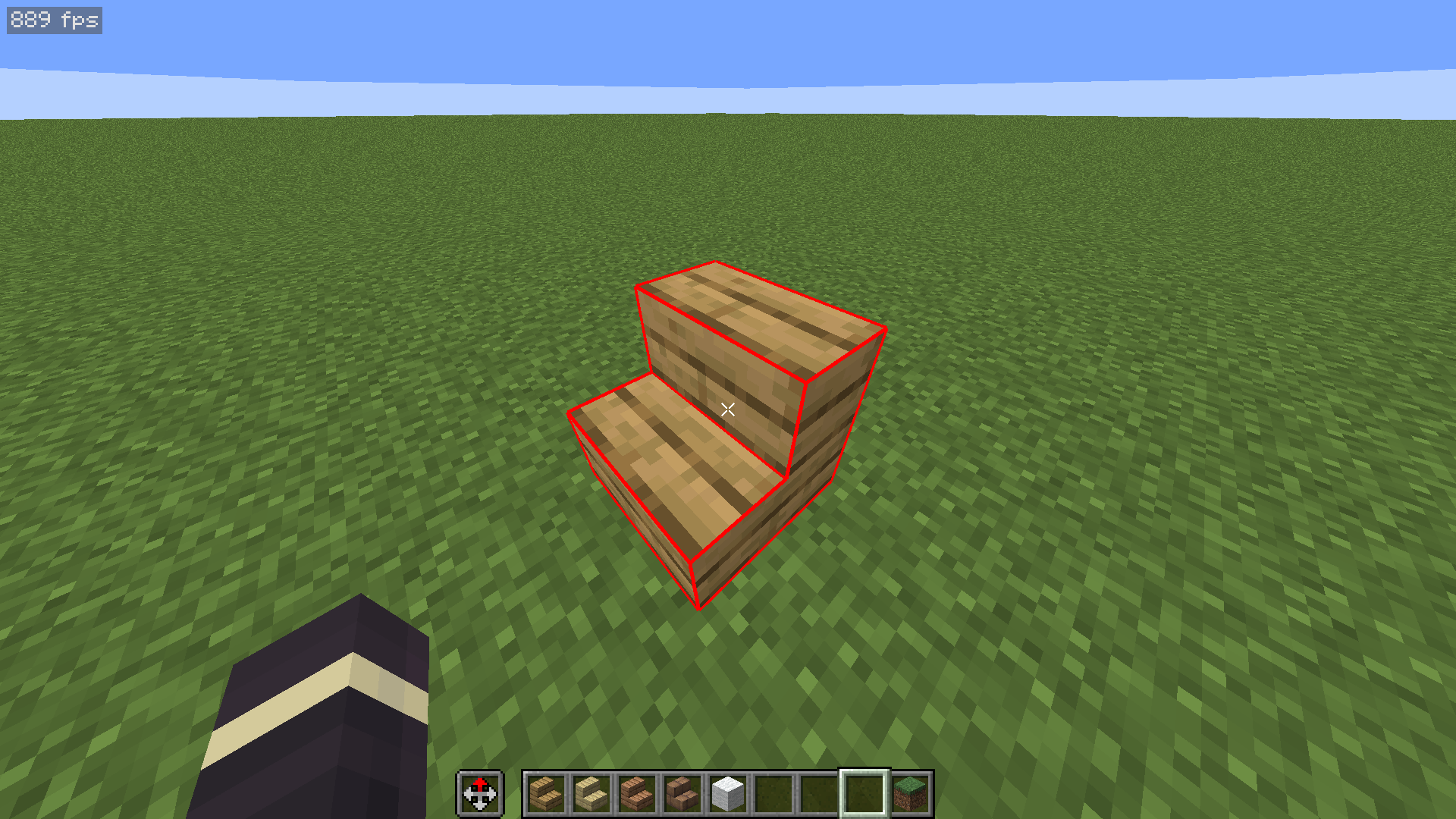
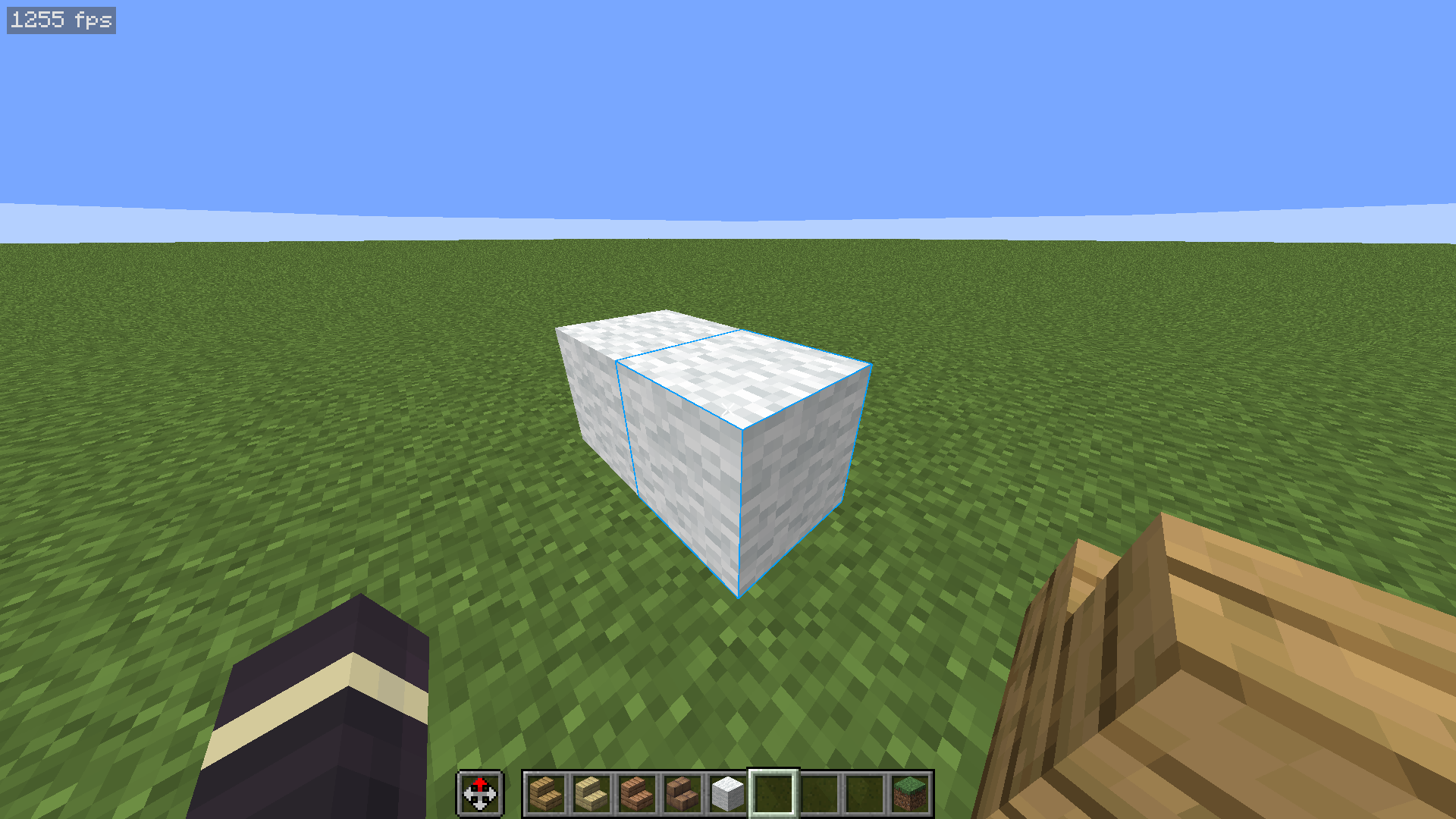
## Description
If you ever wanted to customize the color of the outlines around blocks that you look at, then this is the right texture pack for you. It works completely in Vanilla Minecraft 1.21+ so you don’t need to worry about installing any other mods. You can also easily disable it by just taking the pack off!
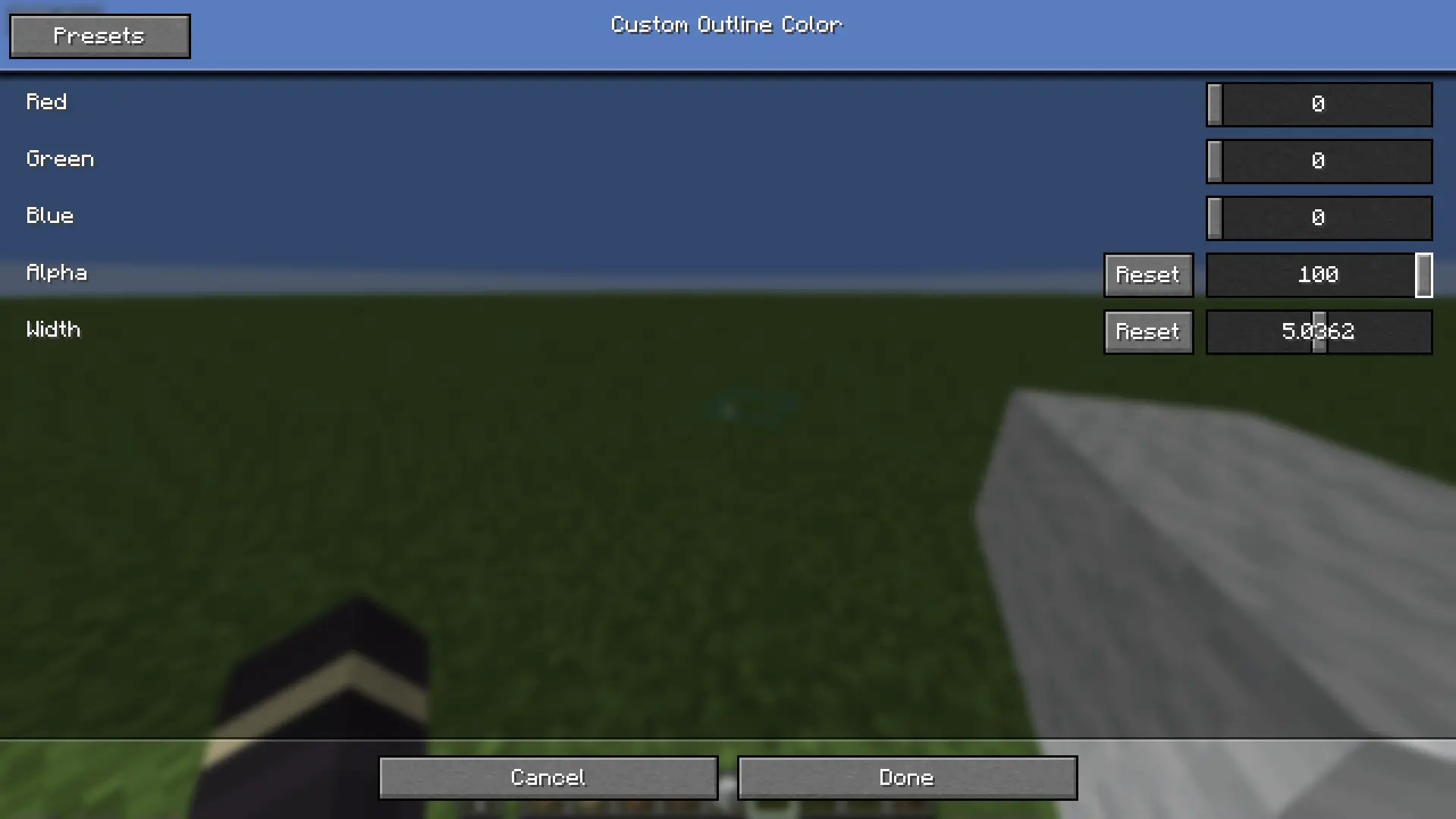
Optionally, you can install a mod called respackopts that will allow you to have settings for the texture pack. This will allow you to easily customize how the outlines look on the fly. Alternatively, there’s a configuration file inside the texture pack itself that you can customize. You can find instructions on how to actually use the texture pack below.
## How to Use
1. Install and apply the texture pack
2. (Optionally) for easier customization, install the [respackopts](https://modrinth.com/mod/respackopts) mod
3. If you did step 2, you will see a new settings button appear on the texture pack ingame. You can use these settings to customize the color, transparency, and width of the outlines
4. If you skipped step 2, you can instead open the texture pack in your files, navigate to `assets/minecraft/shaders/include` then open the `custom_outlines.glsl` file. You will find the options near the top of the file.
## Support
If you want to suggest anything, report a bug, or vote on future packs, then [join my discord](https://discord.gg/gymTft2GbV)
This pack adds clean white outlines to all items, giving tools and objects a sharper and more defined look. The outlining makes items stand out on-screen and gives them a cleaner, more polished appearance overall.
Suggestion:
Use this pack with a shader to make the outline effect look even better — shaders enhance the overall appearance and make the outlined items look more appealing in-game.
This texture pack sharpens and adds outlines to Minecraft textures, giving your game a more detailed and refined look while keeping the original style.
Recommendation: Use this pack with a shader to make your game look like the preview images. The shader used in the preview is Prizma Shader.
Note
This pack was originally made for the Bedrock Edition, and I have ported it to Java Edition. All preview images shown here were captured in the Bedrock version.
outline shader

### **-ˏˋ🌠▫ Inspirationˊˎ-**
> An outline shaders resource pack, inspired by spheya´s shaders for systemzee. it has the white and black outline.
### **-ˏˋ📝▫ Requirementsˊˎ-**
> Graphics: fabulous
> Install as a usual resource pack
### **-ˏˋ�▫ Personalˊˎ-**
>[](https://twitter.com/giikiflop)
[](https://twitter.com/giikiflop)
[](https://codeberg.org/GiikiS2)
[](https://www.youtube.com/@giiki_s2)
[](https://giikis2.nekoweb.org/)
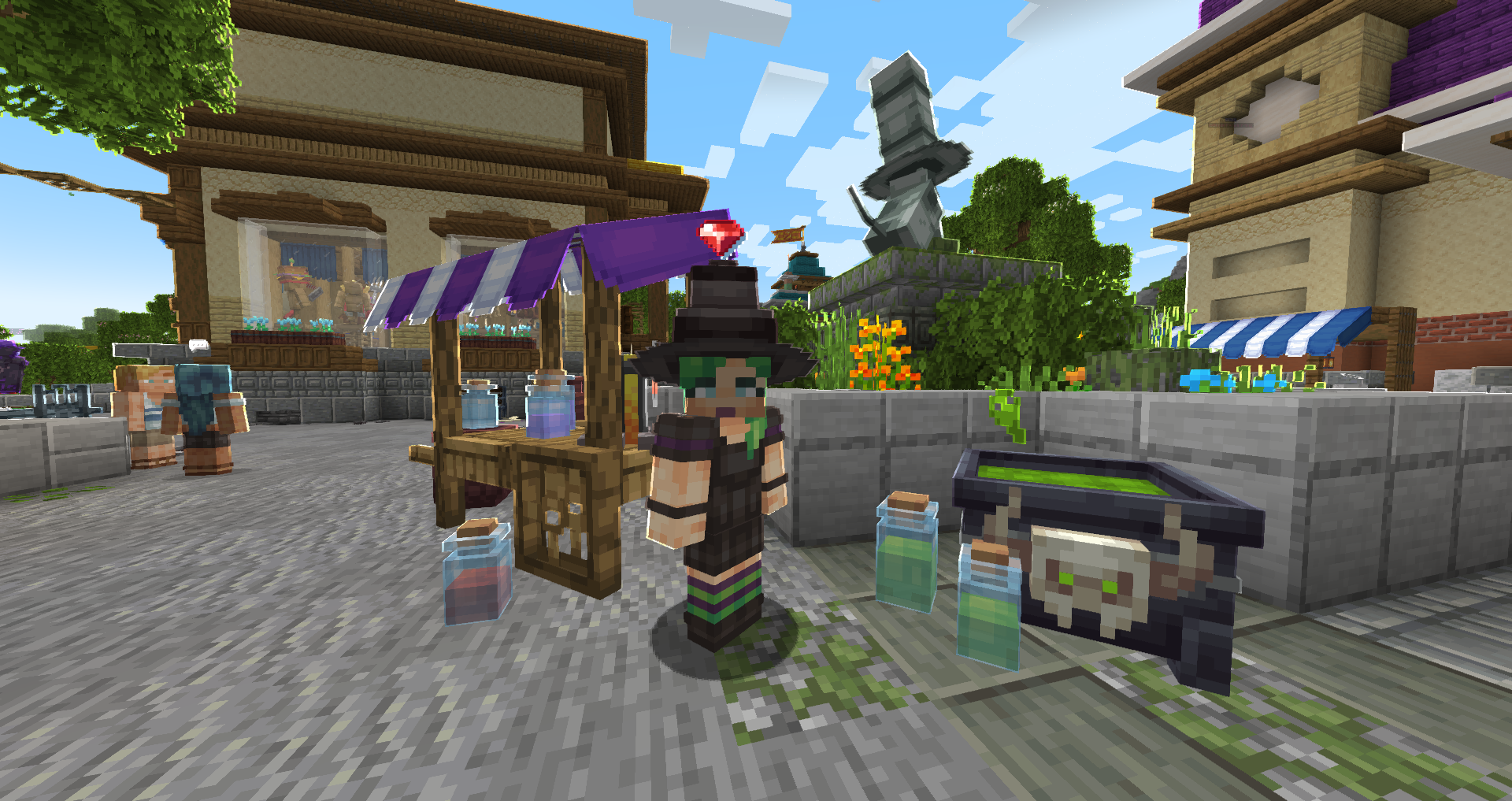
Orion
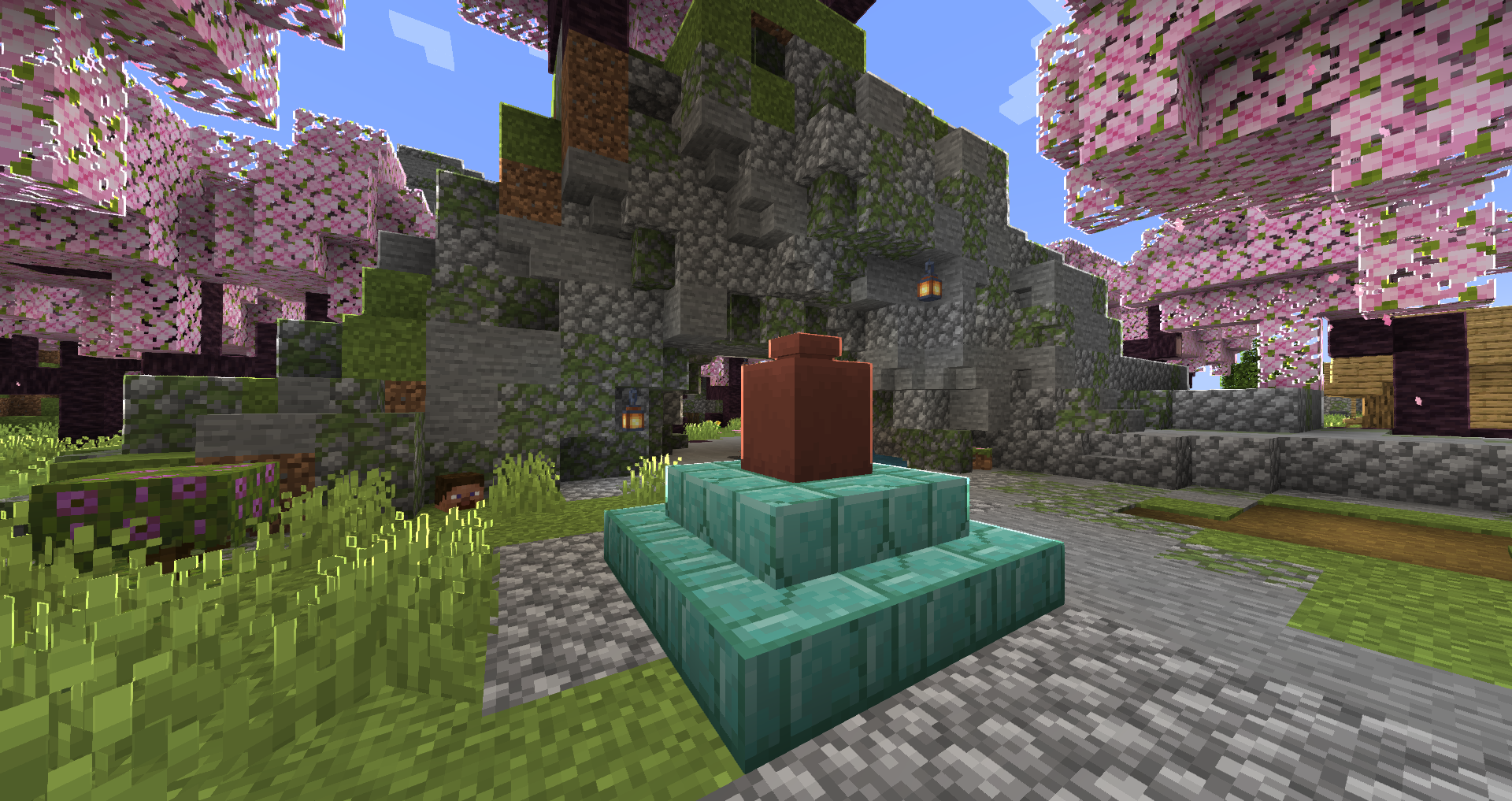
What awaits you in Orion?
🚀 **Blazing-Fast Performance:** Under-the-hood shader optimizations designed to make your game run like never before.
🌿 **Vanilla Tweaks Enhancements:** Enjoy the subtle beauty of the Clearer Water and Nicer Fast Leaves tweaks, courtesy of the amazing Vanilla Tweaks team (https://vanillatweaks.net/).
⚙️ **Built-in Animation Control:** Includes our custom configuration to disable certain animations for even greater performance.