Chandler’s Retro Shader
In an interest study of performance to vs visual fidelity, this shader boldly sacrifises performance for worse visual fidelity.
This is more experimental than anything but it is certainly playable. Higher bayer sizes will provide more dither patterns but effect performance.
cel shader
This project is a simple post-processing cel shader with 16 (configurable) brightness steps. It also increases saturation by 20%, but that can be changed
In a normal rendering process the brightness is continues. With a cell shaders this is different. As here the calculated brightness is put trough a filter that results in a few steps of brightness instead of a continuum. This results in a cartoon like effect.
To get the most out of this shader is recommend you use a texture pack with few colors per texture as possible or one that already has a cartoon like style.
Cartoony
[](https://discord.gg/XgH4EpyPD2)
# 🎨 Cartoony for Minecraft
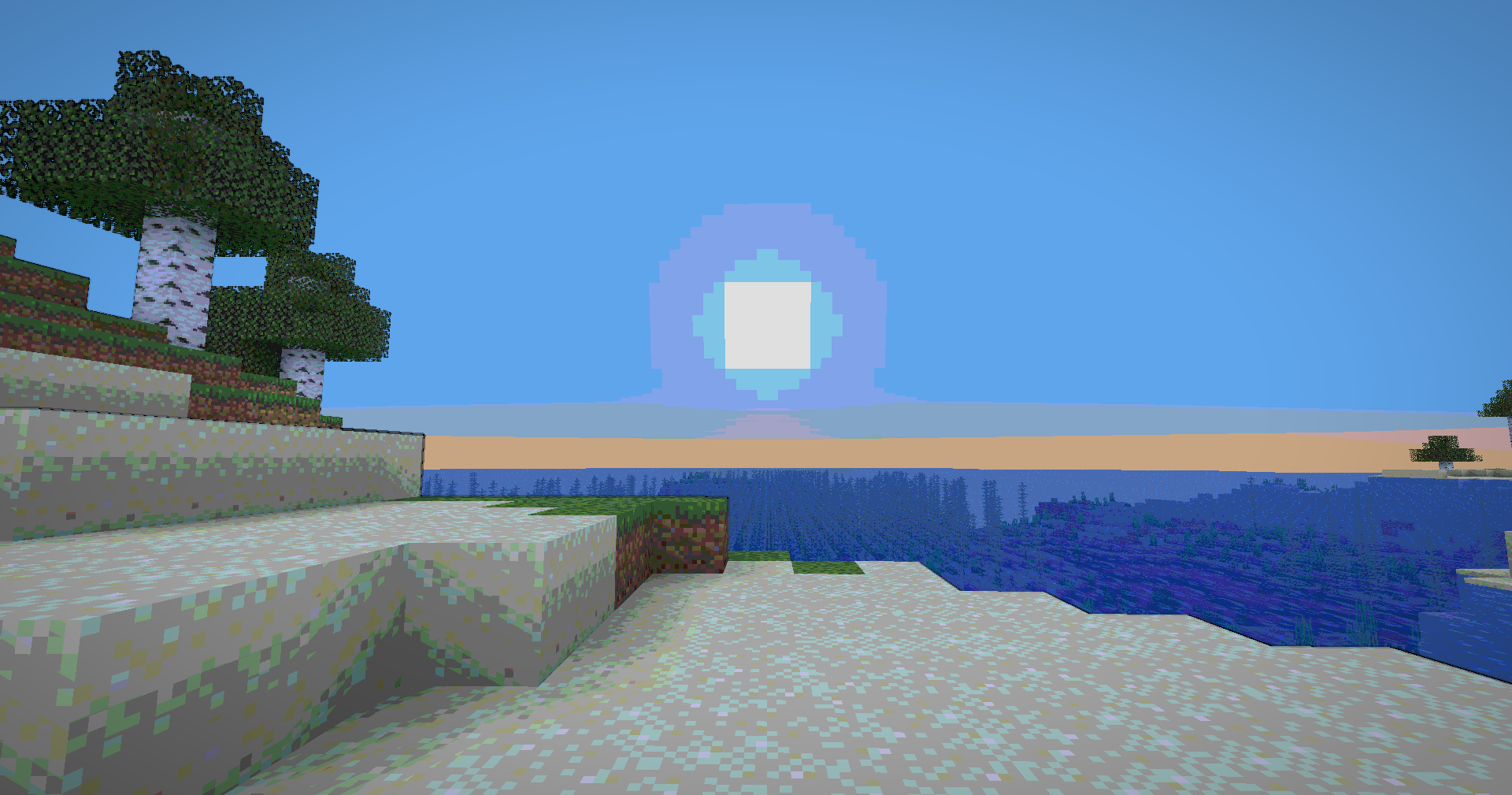
 Transform your Minecraft world into a vibrant, animated masterpiece! This shader pack brings a cel-shaded, cartoon aesthetic to your gameplay with smooth lighting, bold outlines, and stylized color grading.
## ✨ Features
### Visual Effects
* **Cel-Shaded Lighting** – Smooth, stepped lighting that creates that iconic cartoon look
* **Dynamic Outlines** – Depth-based edge detection with smooth, artistic borders
* **Color Banding** – 8-level color quantization with seamless transitions
* **Enhanced Colors** – Carefully tuned saturation and warmth for a vibrant world
* **Cinematic Vignette** – Subtle darkening at screen edges for focus and depth
* **Optimized Contrast** – Balanced brightness that preserves detail without harsh shadows

[](https://kcbhosting.com/aff/xsoras)


**🧠 Lamapi: Next-Gen Open Source AI**
Pushing the boundaries of accessible intelligence. Whether you need lightweight efficiency or industrial-grade reasoning, the **Next Series** delivers.
**Why build with Lamapi?**
– ⚡ **High Efficiency:** From compact 1B models to powerful 70B reasoning engines.
– 🌍 **Multilingual Mastery:** Optimized for superior performance in English & Turkish.
– 🛠️ **Ready to Deploy:** State-of-the-art open weights available immediately.
**Explore our models and start building:**
🔗 https://huggingface.co/Lamapi

**🚀 KCB Hosting: Power Meets Reliability**
Looking for a host that takes your gaming experience as seriously as you do? We provide robust infrastructure ensuring smooth gameplay and enterprise-grade uptime.
**Why switch to us?**
– 💎 **7-Day Free Trial:** Experience the quality risk-free (No commitment).
– 🛡️ **99.9% Uptime SLA:** Your server stays online, guaranteed.
– ⏰ **24/7 Support:** Expert help whenever you need it.
🔥 Experience the difference with 25% off your first month,
Use code **XSORAS**
**Deploy your server now:**
🌐 [https://kcbhosting.com](https://kcbhosting.com/aff/xsoras)
💬 https://discord.gg/kcbhosting


### Technical Features
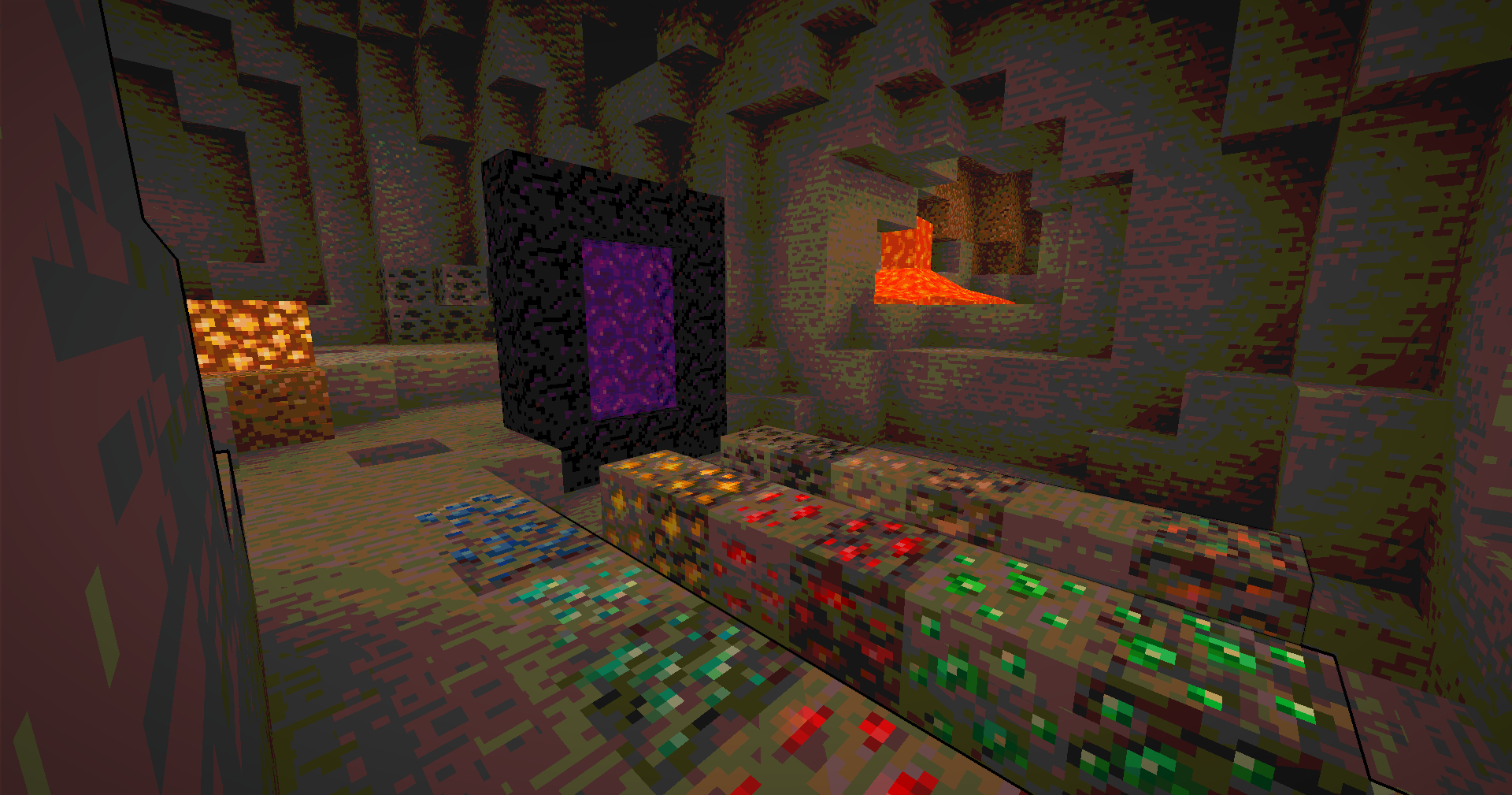
* **Full Lightmap Support** – Torches, lava, and all light sources work perfectly
* **Normal-Based Shading** – Subtle 3D depth effect while maintaining the cartoon style
* **Smooth Tonemap** – Reinhard tonemapping with gamma correction for accurate colors
* **Hand Rendering** – Special lighting pass for held items to ensure visibility
* **Performance Optimized** – Efficient shader code that runs smoothly on most systems
## 🎮 Perfect For
* Builders who want a unique artistic style
* Content creators looking for standout visuals
* Players who love animated aesthetics
* Anyone tired of ultra-realistic shaders
## 📋 Requirements
* Minecraft 1.12+ (GLSL 120 compatible)
* OptiFine or Iris Shaders
* Mid-range GPU recommended

## 🚀 Installation
1. Download the shader pack
2. Place the `.zip` file in your `shaderpacks` folder
3. Open Minecraft and go to Options → Video Settings → Shaders
4. Select the Cartoonie
5. Enjoy your animated world!
 **Enjoy your cartoon adventure!** 🎬✨
Cartoonikal
# Cartoonikal!
Techniques used in hand-drawn art, in the form of a Minecraft shader.
Version 1 features a vanilla look, but with effects such as cel shading, cross hatching, emphasized (and slightly wavy) edges, and a tiny bit of blur (only in darker areas)! More features and improvements coming soon!
This shader should be very light on FPS, and was made for use on latest versions of Iris, but should work on older verisons and Optifine. Looks best with a dynamic lights mod and the Bare Bones pack. If you want the light flicker disabled, use [Ari’s Accessiblity Tweaks](https://modrinth.com/mod/aris-accessibility-tweaks)
Check out the gallery for how it looks!
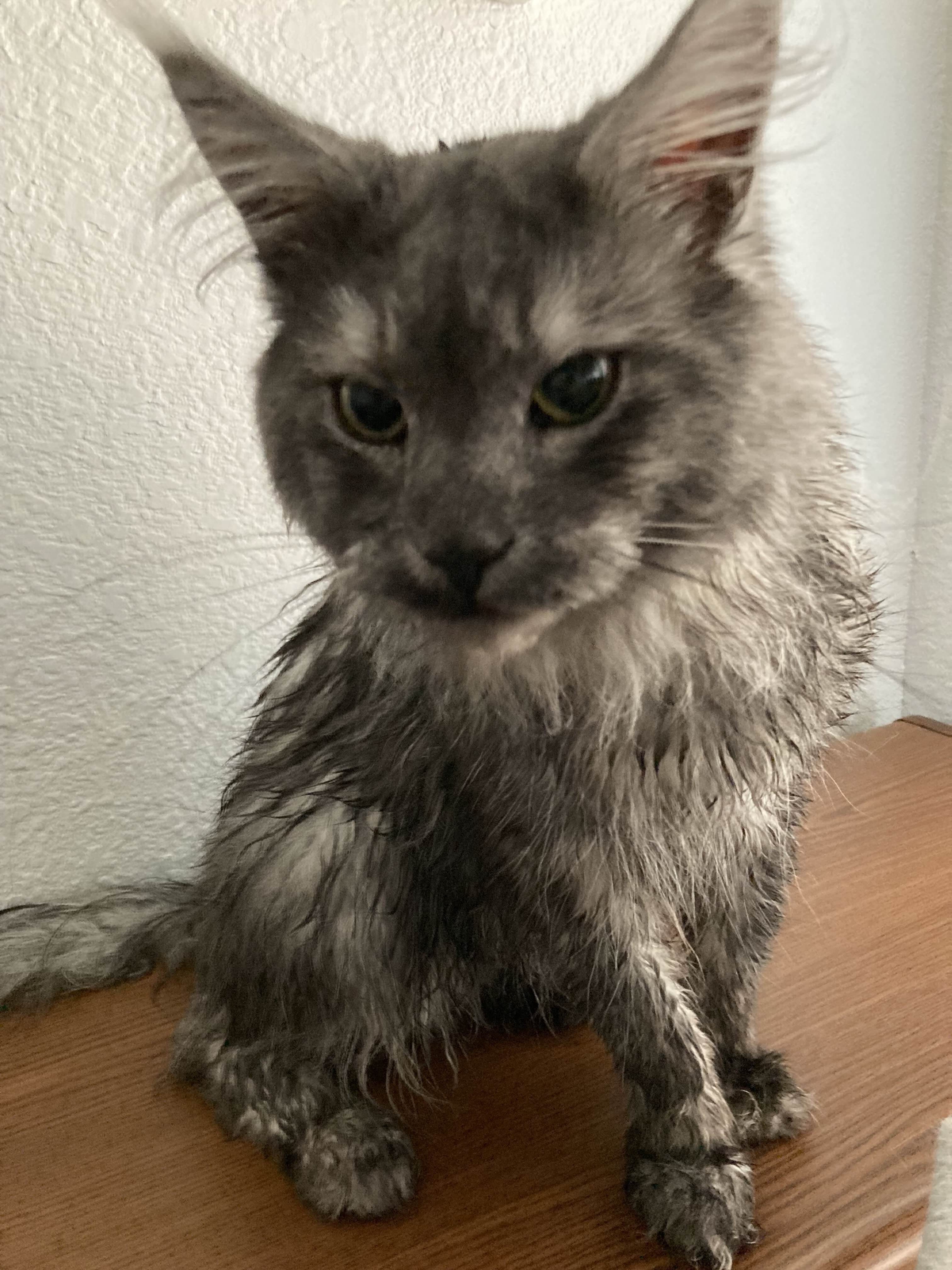
Shoutout to Diamond for the name idea and icon, featuring my cat Kenny!
BSL Shaders
[](https://modrinth.com/resourcepack/bsl-minipacks)
## ABOUT
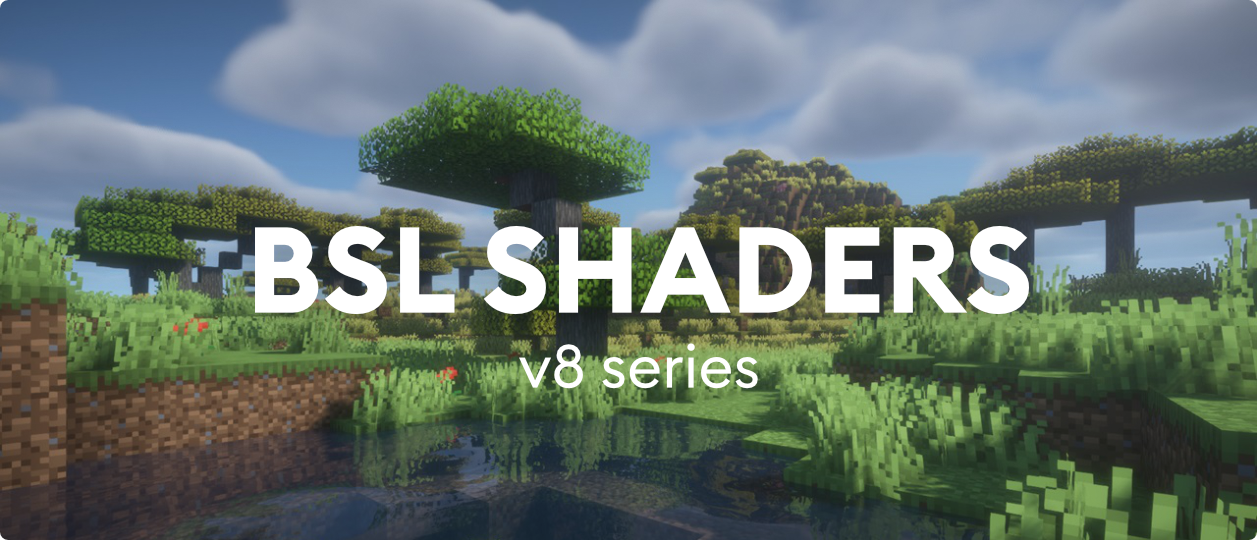
BSL Shaders is a shaderpack made exclusively for Minecraft: Java Edition. It’s bright, colorful, and distinct. This shader includes realtime shadows, volumetric light, ambient occlusion, bloom, customizable clouds and water, and built in anti-aliasing. Additional effects are available, such as depth of field, motion blur, specular and normal mapping, celshading, world curvature, and more.
## QUICK LINKS
– [**capttatsu.com**](https://capttatsu.com/bslshaders/) is this project’s official site, read the detailed description, FAQs and changelog here.
– Follow me on [**Bluesky**](https://bsky.app/profile/capttatsu.com) and/or [**X/Twitter**](https://twitter.com/capttatsu) to get news on my shaderpack.
– [**Join my discord server**](https://discord.com/invite/ZJd7jjA) for discussion, question, feature request, and bug report.
– Like my shaderpack? Consider supporting on [**Patreon**](https://www.patreon.com/capttatsu).
## AGREEMENT
You’re allowed to…
– Use this shaderpack for taking screenshots and videos.
– Modify the shaderpack for personal use.
– Publish your heavily modified version of the pack with my permission.
You’re not allowed to…
– Redistribute the shaderpack without my permission.
– Claim (and rename) my shaderpack (or its code) as your own.
– Use monetized URL shorteners to my site or files.
## INSTALLATION
– Download and install Optifine or Iris
– Download the shaderpack
– Put the shaderpack inside .minecraftshaderpacks
– Launch Minecraft
– Open Options, Video Settings, Shaders
– Choose BSL Shaders
BrighterAccessibility
# BrighterAccessibility
## Overview
**Compatible with Distant Horizons**
**BrighterAccessibility** is a custom shader designed to enhance visibility for visually impaired players by making the world brighter. This shader aims to improve accessibility.
## Installation
1. Download the `BrighterAccessibility.zip` file from the link provided.
2. Extract the contents into your Minecraft shaderpacks folder.
3. Launch Minecraft and select the BrighterAccessibility shader from the iris shaders menu.
## Usage
Once installed, the shader will automatically adjust the brightness levels, making dark areas easier to see for visually impaired players. Enjoy a more accessible Minecraft
### This shader is intended solely for accessibility purposes. It should not be used to gain gameplay advantages. If you have any concerns or feedback, please reach out to me.
###
## Screenshots
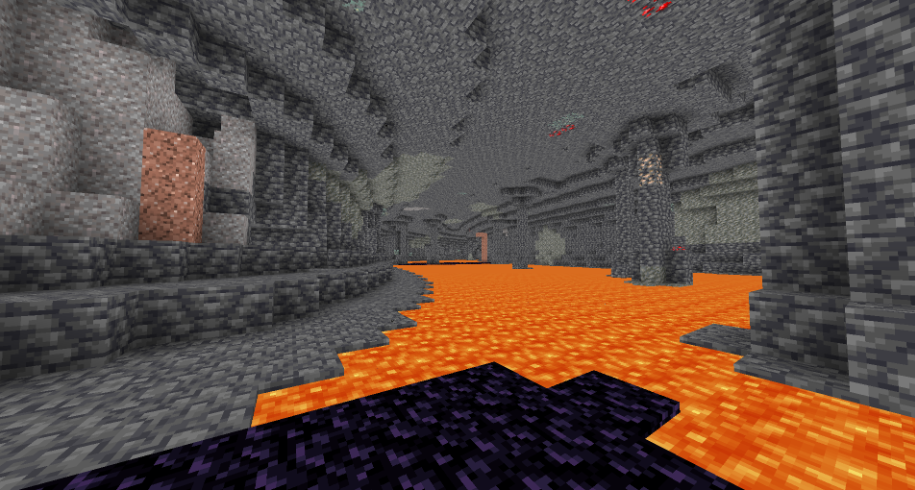
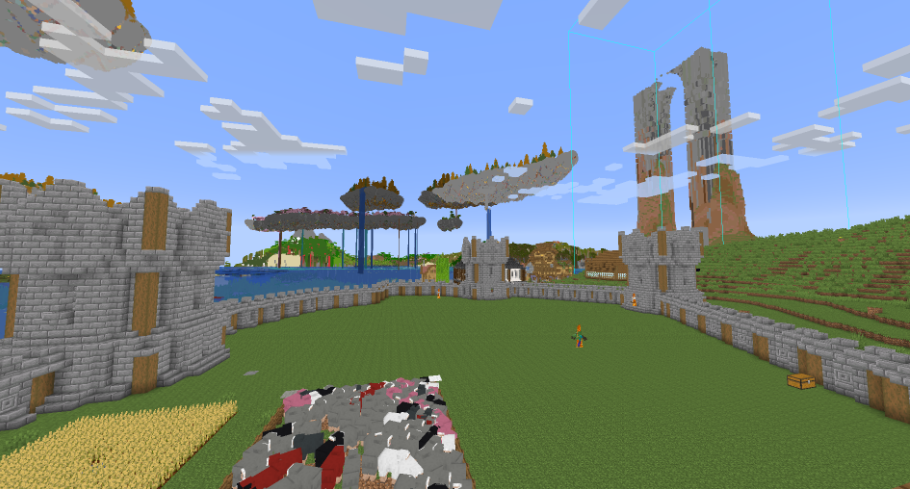
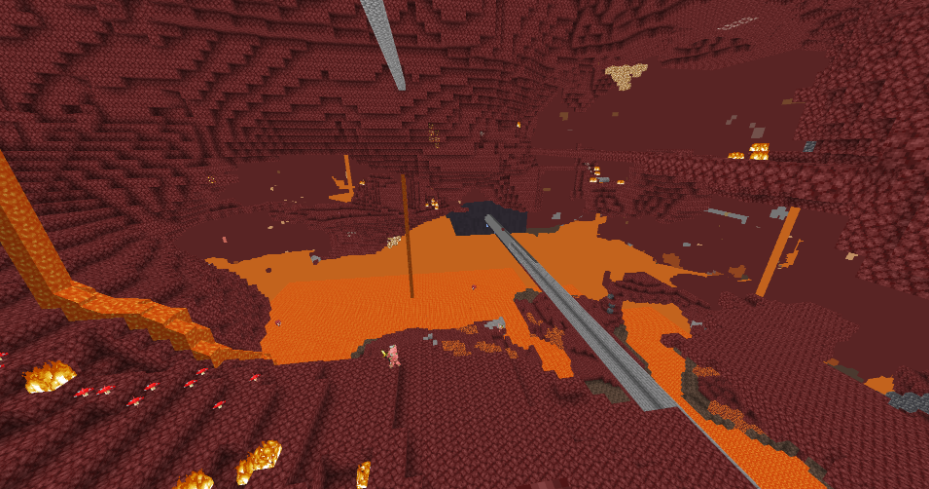
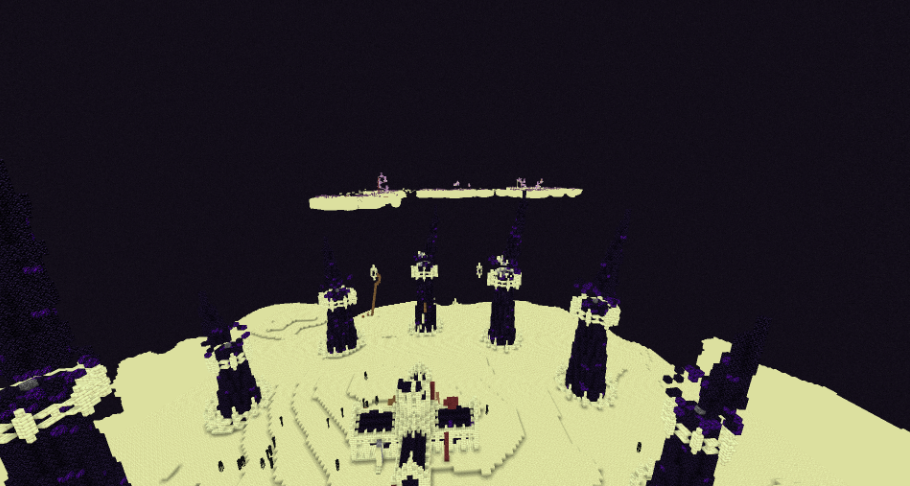
Blocky Shader
# Blocky
Blocky Enhances the Vanilla Style in a Performance Friendly Way

**Feature include:**
– Shadows
– Colored Shadows
– Distant Horizon Support
– Basic PBR Support (RP Required, Normals and Specular)
– Anti Aliasing (FXAA, From Simon Rodriguez’s blog post)
– Height Based Analytical Height Based Fog
– Waving Tree Leaves and Water
– Bloom
– Hardcoded Emmissives
Black & White
This shader just erases every color on your screen and makes it black & white instead (a.k.a. a grayscale), nothing much.
This shader uses the Unlicense, by which it means you can do anything with it.
You can’t get any bug in this shader at all, but there is a bug report if you want to report something.
Black & White Shader
This Shader is 100% Black & white, not a grayscale shader.
The shader can look ugly, but you have chosen it !
Preview

Want an inverted version ?
click [here](https://modrinth.com/shader/white-black-shader) !
I am not going to create a basic shader, because of many they are, i will just create some cursed ones.
enjoy !
BitNixelet
# BitNixelet Shader Pack
## ⚠️ BETA VERSION ⚠️
**Hey! This shader is still in development, so there might be bugs and weird stuff. If something breaks – don’t panic, that’s normal for beta :)**
## What is this?
Basically, I’m making a shader that turns Minecraft into an old-school pixel game from the 90s. You know, like on old consoles – everything square and with huge pixels? Something like that.
*For now only pixelation works, I’ll add the rest later*
## What it does
### 🎮 Makes everything pixelated
– You can adjust how much to “pixelate” (from 1 to 100)
– I set 32 by default – looks pretty good
– Works simply: takes a bunch of pixels, mixes them into one big one making an 8-bit game analog
### 🎨 Old colors
– Cuts the palette down to 16 shades per color (like in old games)
– Creates those “steps” between colors
– Just like on ancient computers
### ✨ Tweaks the picture
– Slightly changes brightness so it’s not too dark
– Makes colors 20% brighter
– Generally tries to make it look good
### 📺 TV Noise (optional)
– Adds old CRT TV static noise effect
– Animated grain that moves over time
– Can be turned on/off in shader settings
– Makes it feel like playing on an old television
## How to configure
### Main settings
– `PIXELATION` – how much to pixelate (1-100)
– 1 = almost no pixelation (very fine)
– 100 = strong pixelation (big squares)
– `NOISE` – TV static effect (0/1)
– 0 = no noise
– 1 = old TV static noise
### How it works inside
1. Takes the picture and “rounds” pixels into blocks
2. Cuts the number of colors to 16 per channel
3. Adjusts brightness and saturation so it doesn’t look ugly
## What it runs on
– Need Iris (won’t work without it)
– Minecraft 1.16+ (haven’t tested on older versions, might not work), recommend playing on 1.20.1
– Doesn’t lag even on weak computers
– OpenGL 2.1 is enough (that’s a very old standard)
## How to install
1. Download and install Iris if you don’t have it yet
2. Drop the `BitNixelet` folder into the `shaderpacks` folder
3. In Iris settings select this shader
4. Adjust the pixelation setting as you like
## What’s currently buggy
– Sometimes artifacts appear if you pixelate too much
– Some blocks might look weird
– Interface gets blurry with strong pixelation (don’t know how to fix this yet)
## Fixed bugs
– Fixed wrong pixelation math that caused weird scaling
– Fixed edge artifacts by preventing texture sampling outside bounds
– Fixed pixel centering for cleaner pixelation blocks
– Fixed potential crashes from division by zero in color calculations
– Fixed color overflow issues with proper clamping
– Fixed inverted pixelation logic (now higher values = more pixelation)
– Fixed NOISE setting not working properly with true/false values
– Optimized luminance calculations for better performance
—
*Made for those who miss pixel games from childhood*