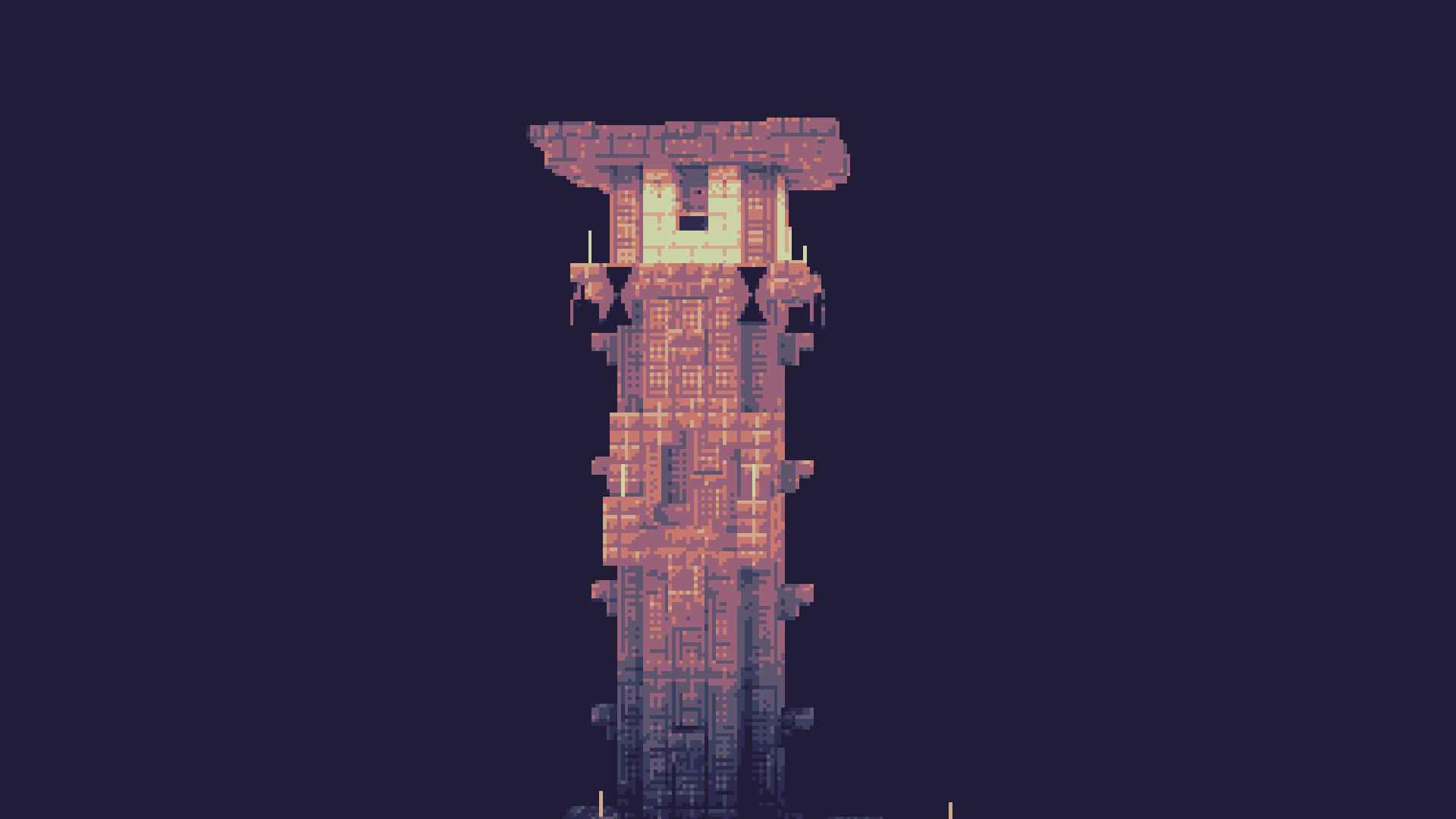
✏️SketchBound
# ✏️ **SketchBound Shader**
Transform your Minecraft world into a **living sketchbook**! This unique stylized rendering shader brings an artistic pencil-drawn aesthetic to your gameplay, featuring hand-drawn style outlines and dynamic sketch-like hatchwork that makes every block look like it was sketched by an artist.
—
## 📺 **Trailer**
—
## ✨ **Features**
✏️ **Pencil-style outlines** – Give everything a hand-drawn appearance
🎨 **Dynamic hatching** – Mimics traditional sketching techniques
🌈 **Triple visual modes** – Choose between grayscale, vibrant color, or blue pen presets
⚙️ **Extensive customization** – Tweak settings to match your artistic vision
—
## 💬 **Community & Support**

Join our Discord
Share screenshots, suggest features, or get help with the shader! Your feedback helps make **SketchBound** even better.
—
## 🙏 **Credits**
Special thanks to **XorDev** for allowing the use of block model distortion, Voronoi texture effects, and water glare techniques from the [Unsquare Shaderpack](https://github.com/XorDev/Unsquare-Shaderpack) that help bring this artistic vision to life!
SillyWankerShader
# About
[Discord](https://discord.gg/QCDXyjzQeU)
Silly Wanker Shader is a minecraft shader which aims to bring the vanilla look of minecraft while still having “shader” features any other shaders have. We also have a big heart for having as much features as possible. If you liked the shader you should also check out [Escheridia](https://modrinth.com/shader/escheridia)
# Download
– [GitHub](https://github.com/bomba-cat/SillyWankerShader)
– [CurseForge](https://www.curseforge.com/minecraft/shaders/sws)
– [Modrinth](https://modrinth.com/shader/sillywankershader)
# Credits
– [QuirkyPlague](https://modrinth.com/shader/escheridia), Developer
– Explo_GR, Developer
– Victor, Playtester, @VIC_TOR_ on YouTube
– Yoon, Logo Creator and Artist, @yoon_gm on Discord
– YSS Community, Special love to them
Shaderific (Vanilla Shader)
**I no longer have the time or patience to work on this project, and I don’t plan to update it in the near future. If you are a shader dev and are interested in picking up this project, feel free to contact me on Discord.**
A somewhat simplistic shader built using vanilla Minecraft’s rendering pipeline.
This shader is a resource pack, so don’t add it to the shader packs folder, use the resource packs folder instead!
This shader may be incompatible with certain rendering or performance mods, and is meant to be used purely vanilla (though should still be compatible with most mods). Known incompatibilities are Sodium and Optifine.
Features included:
– Waving foliage
– More natural lighting with soft shadows
– Bloom
– Automatic exposure
– Depth of field
– Sparkling night sky
– Colored moon
– Gradual fog (originally from [Confogurable (Classic)](https://modrinth.com/resourcepack/confogurable-classic))
– Gleaming armor (from [the pack with the same name](https://modrinth.com/resourcepack/gleaming-armor))
– Square entity shadows
– Stylistic highlights, a light outline around blocks and entities
– Glowing/shiny gems (there is a known issue with some item models, may be fixed in a later update)
– More foggy nether portal
– Advanced beacon block model
– Not really shader-related but 3D rails and randomized hay blocks with partially connecting textures
– Double layered clouds (there is a known issue with going above them, it may be fixed in a later version)
– Better water coloration in some places
– Tilted rain
– Custom player skin features including blinking, customizable damage color, damage expression, emissive pixels, and a cape! Help setting this up will be provided on request in the discord server.
– Built-in compatibility with [Stable Player Display](https://github.com/bradleyq/stable_player_display) when Shaderific is applied on top
Note that this pack is still in beta so there may be graphical inconsistencies and performance issues in certain scenarios. Help is provided in my discord.
Rose World Shader
**English version:**
Rose World Shader — See the World Through Rose-Colored Glasses 🌹
Transform your Minecraft into a dreamy, romantic world with a warm pink tint. Soft peach highlights, deep rose shadows, a gentle dreamy flicker, and a subtle vignette — like you’re literally wearing rose-colored glasses. Perfect for Valentine’s Day or just a more magical Minecraft experience.
**Features:**
– Warm pink tint across the entire world
– Deep rose shadows, soft peach highlights
– Subtle dreamy light flicker
– Gentle goggle-style vignette
– Beautiful pink sky and rose-tinted moon at night
– No performance cost
Compatible with Minecraft 1.17–1.21.x via OptiFine or Iris.
Subscribe so you don’t miss any updates! If you have questions or need support, join our Discord.
**Русская версия:**
Rose World Shader — Смотри на мир через розовые очки 🌹
Превращает твой Майнкрафт в сказочный романтичный мир с тёплым розовым тинтом. Мягкие персиковые хайлайты, глубокие розовые тени, лёгкое мерцание и нежная виньетка — как будто ты буквально надел розовые очки. Идеально для Дня влюблённых или просто более волшебного Майнкрафта.
**Возможности:**
– Тёплый розовый тинт на весь мир
– Глубокие розовые тени, мягкие персиковые хайлайты
– Лёгкое сказочное мерцание света
– Нежная виньетка как через очки
– Красивое розовое небо и розовая луна ночью
– Никаких потерь производительности
Совместимо с Minecraft 1.17–1.21.x через OptiFine или Iris.
Подписывайтесь, чтобы не пропустить обновления! Если есть вопросы — заходите в Discord за поддержкой.
Retrowave Shader
**English version:**
Retrowave Shader — Transform Minecraft into a Synthwave World 🌆
Turn your Minecraft into a stunning retrowave aesthetic. Purple-pink gradient sky, neon-shifted terrain colors, CRT scanlines, chromatic aberration and a vignette — like playing inside an 80s synthwave music video.
**Features:**
– Purple-pink gradient sky with stars
– Neon color shift — blues become electric, greens become cyan
– CRT scanlines for that retro monitor feel
– Chromatic aberration — neon color bleed
– Boosted saturation for vivid neon visuals
– Dark purple ambient tint on terrain
– Subtle vignette
– No performance cost
Compatible with Minecraft 1.17–1.21.x via OptiFine or Iris.
Subscribe so you don’t miss any updates! If you have questions or need support, join our Discord.
—
**Русская версия:**
Retrowave Shader — Превратите Minecraft в мир Synthwave 🌆
Превращает твой Minecraft в потрясающую ретровейв эстетику. Фиолетово-розовый градиент неба, неоновые цвета, CRT сканлайны, хроматическая аберрация и виньетка — как будто играешь внутри клипа synthwave 80-х.
**Возможности:**
– Фиолетово-розовый градиент неба со звёздами
– Неоновый сдвиг цветов — синий становится электрическим, зелёный — циановым
– CRT сканлайны для ретро монитора
– Хроматическая аберрация — неоновое свечение по краям
– Усиленная насыщенность для ярких неоновых цветов
– Тёмный фиолетовый амбиент тинт на terrain
– Лёгкая виньетка
– Никаких потерь производительности
Совместимо с Minecraft 1.17–1.21.x через OptiFine или Iris.
Подписывайтесь, чтобы не пропустить обновления! Если есть вопросы — заходите в Discord за поддержкой.
PSX Shader
# Features:
1. Vertex Snap (My favorite, and most crucial effect)
2. Custom Texture Filtering
3. Posterization
4. Scale Lines
5. Pixelization
6. Distant Horizons Support
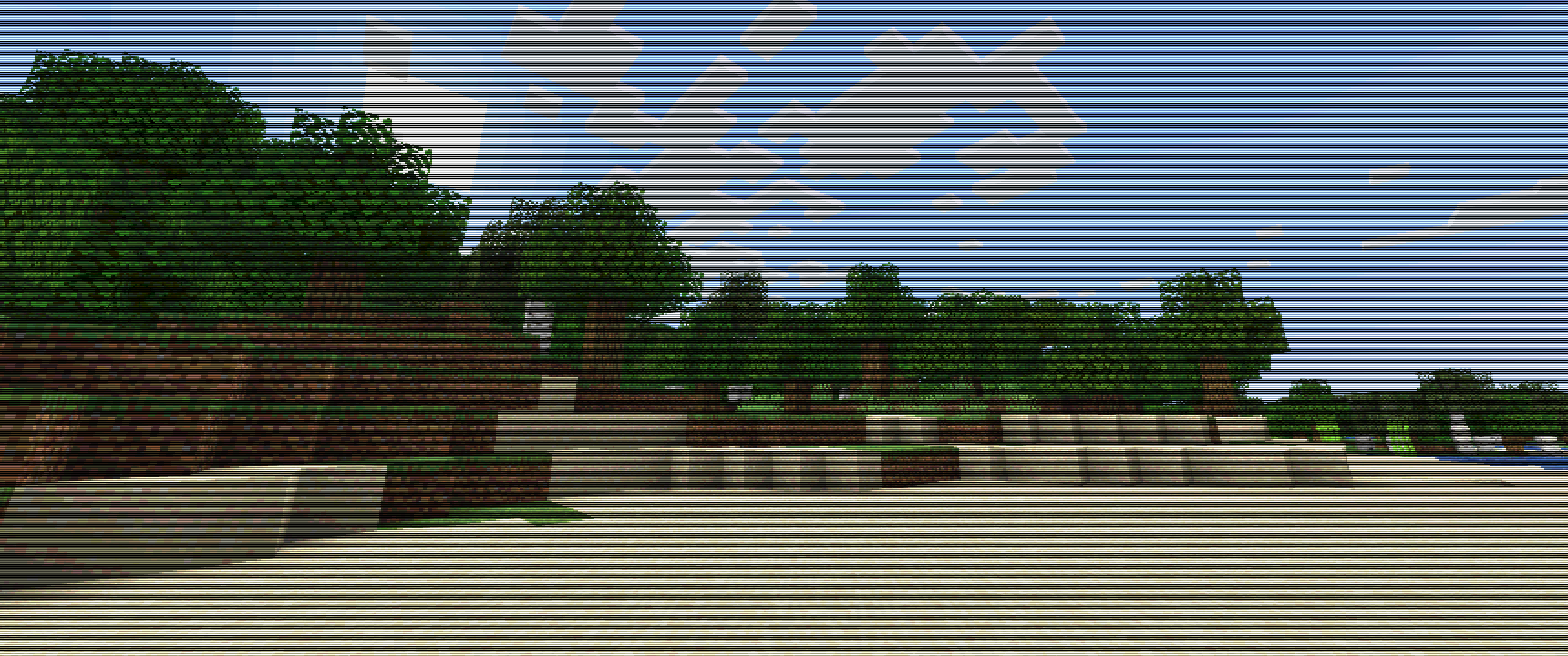
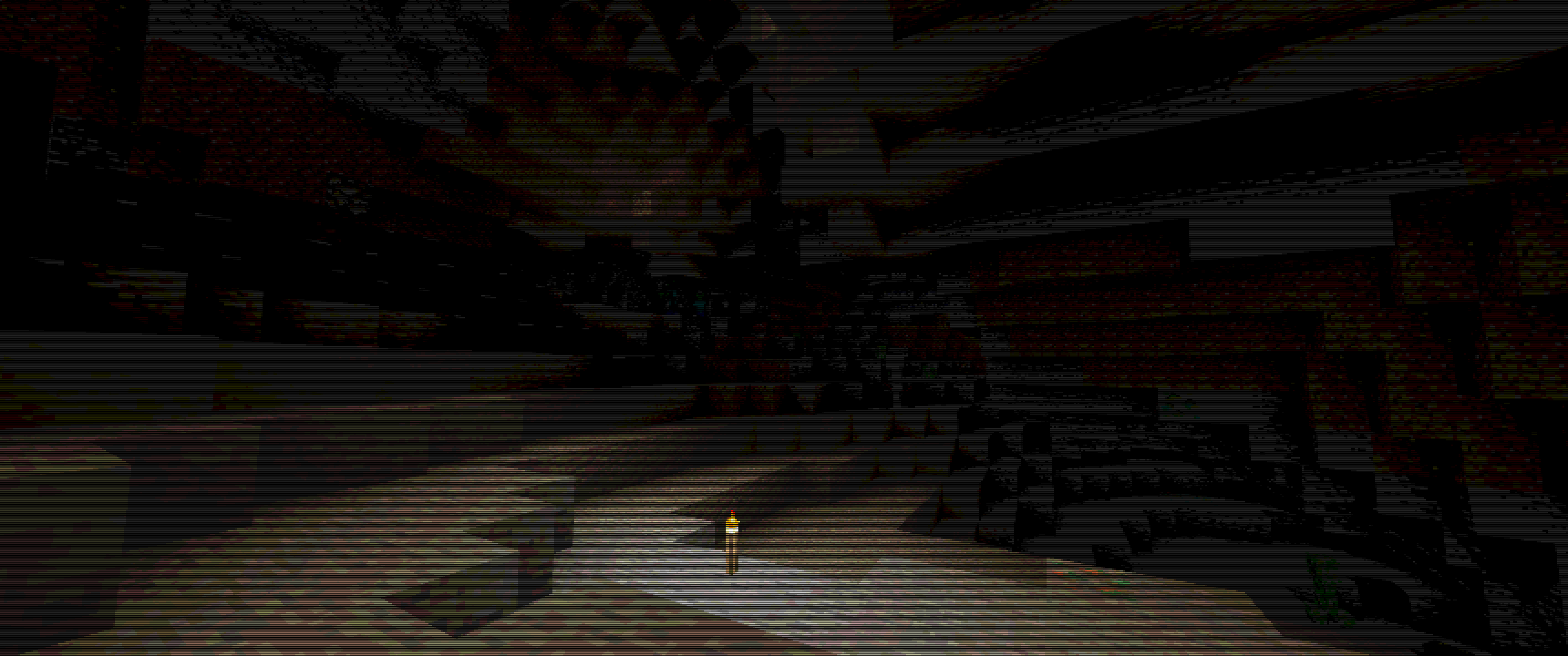
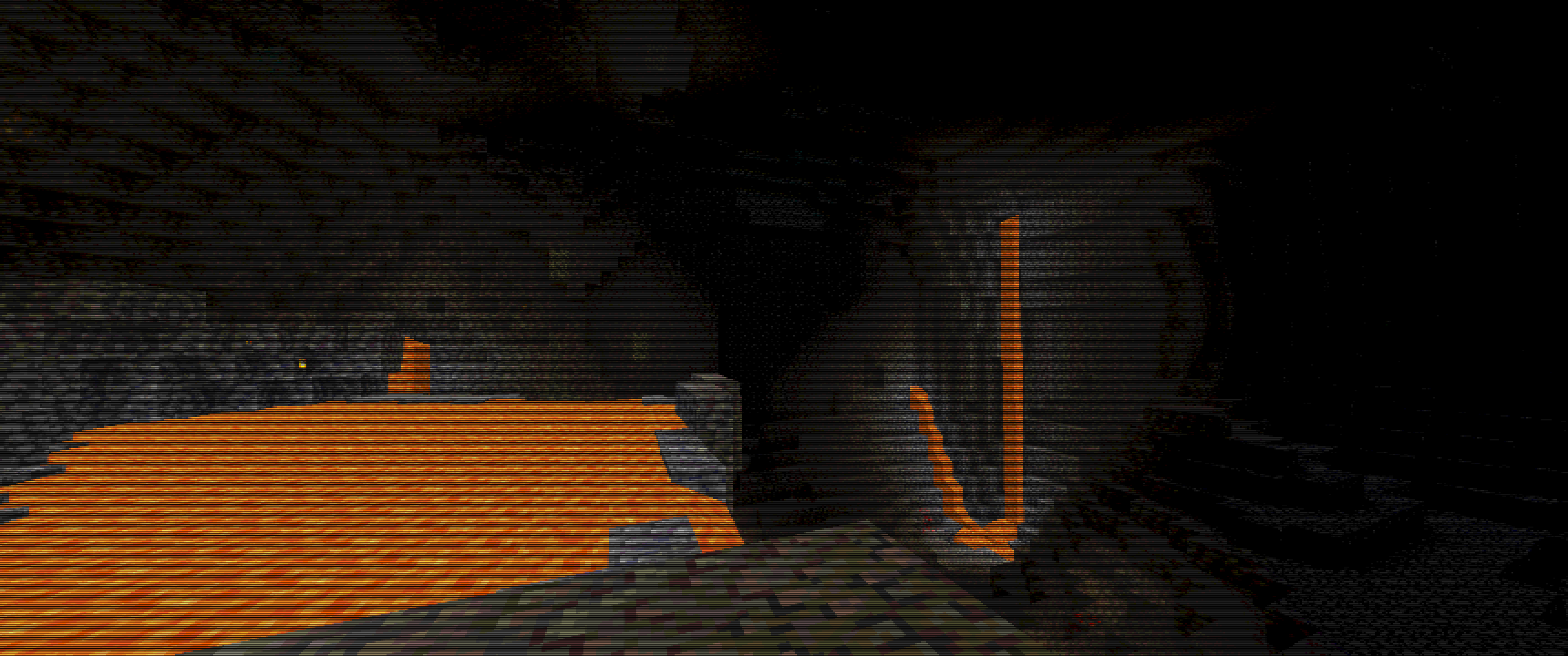
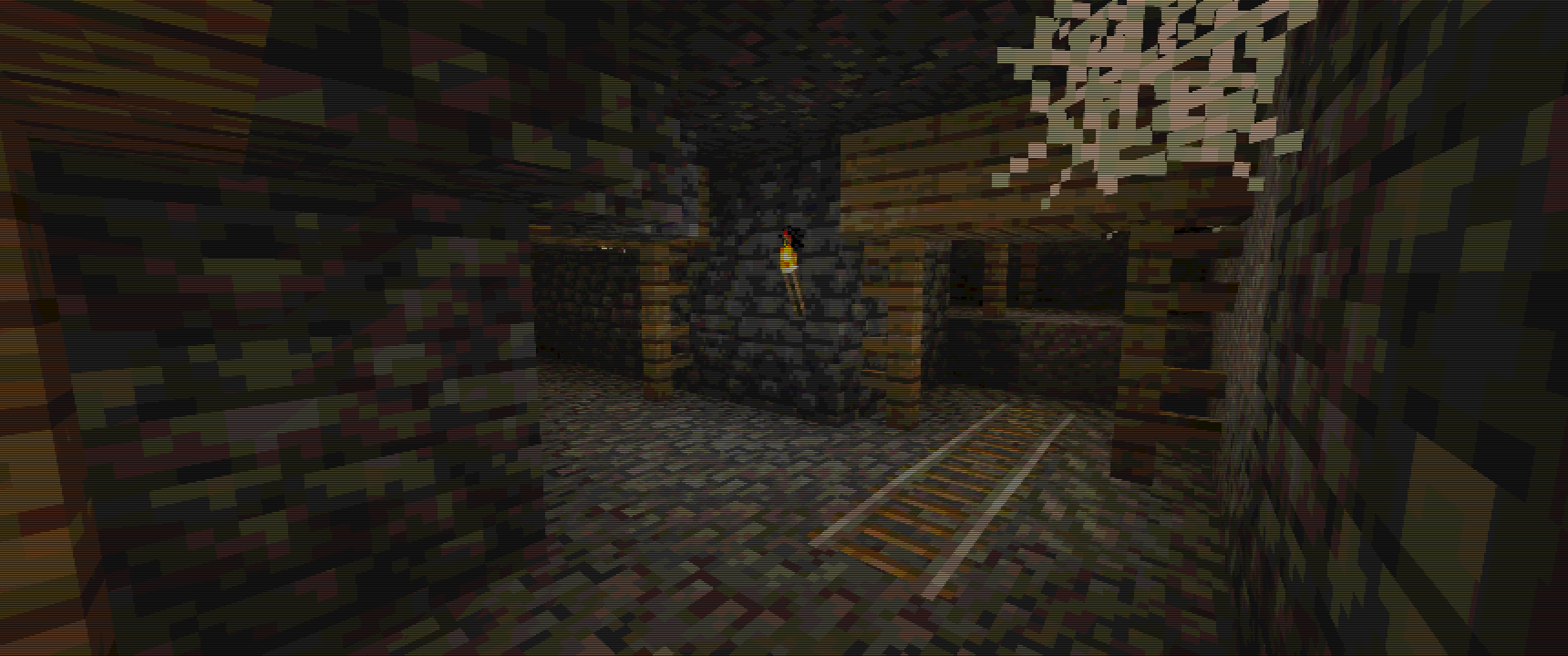
# Some Examples :
Keep in mind, viewing experience might be different on different resolutions, due to scale lines, you can see weird lines appear on images…
For example my Display is 3440×1440, so its 1440p 21:9, and this is how I tested it.
For best images I recommend going into gallery of this project!
Images
Overworld :
Cave :
Lava Cave :
Mineshaft :
Prismarine Shader
**ABOUT**
+ Prismarine is a BSL Shaders edit. It aims to provide beautiful visuals at moderate performance cost.
**KEY FEATURES**
+ Fancy volumetrics (clouds, fog, Nether & The End smoke)
+ Custom sky effects (nebulae, auroras, planar clouds, stars, moon smoke)
+ Integrated PBR resourcepack
+ Cinematic blur effects (depth of field, motion & distant blur, bloom)
+ Fancy water effects (refraction, caustics, light absorption & scattering and underwater light shafts)
PosterizationShader
## **PosterizationShader – Artistic Posterization Shader**
Transform your Minecraft into a stylized poster with this lightweight shader pack!
**What is posterization?** Posterization is an artistic effect that reduces the number of colors in an image to discrete levels, creating a unique visual style with clearly defined color bands instead of smooth gradients.
**Features:**
– Customizable posterization effect (4-32 levels)
– Maximum performance – virtually no impact on FPS
– Full compatibility with Optifine and Iris Shaders
– Supports Minecraft 1.16+
**Configuration:**
Change the POSTERIZATION_LEVELS parameter in the shaders.properties file:
– 4 – Extreme posterization (very few colors)
– 8 – Medium posterization (default, recommended)
– 16 – Light posterization
– 32 – Barely noticeable posterization
**Installation:**
1. Install Optifine or Iris + Sodium
2. Place PosterizationShader.zip in your .minecraft/shaderpacks/ folder
3. Activate the shader in video settings
**Technical Details:** The shader works by quantizing the RGB channels of each pixel at the final rendering stage, which allows for high performance while creating a unique visual effect.
Perfect for:
– Screenshots and artistic content
– Players who want a unique visual experience
– Low-end PCs (shader is very lightweight)
PixelCraft Shaders
##  A Complementary Shaders Edit
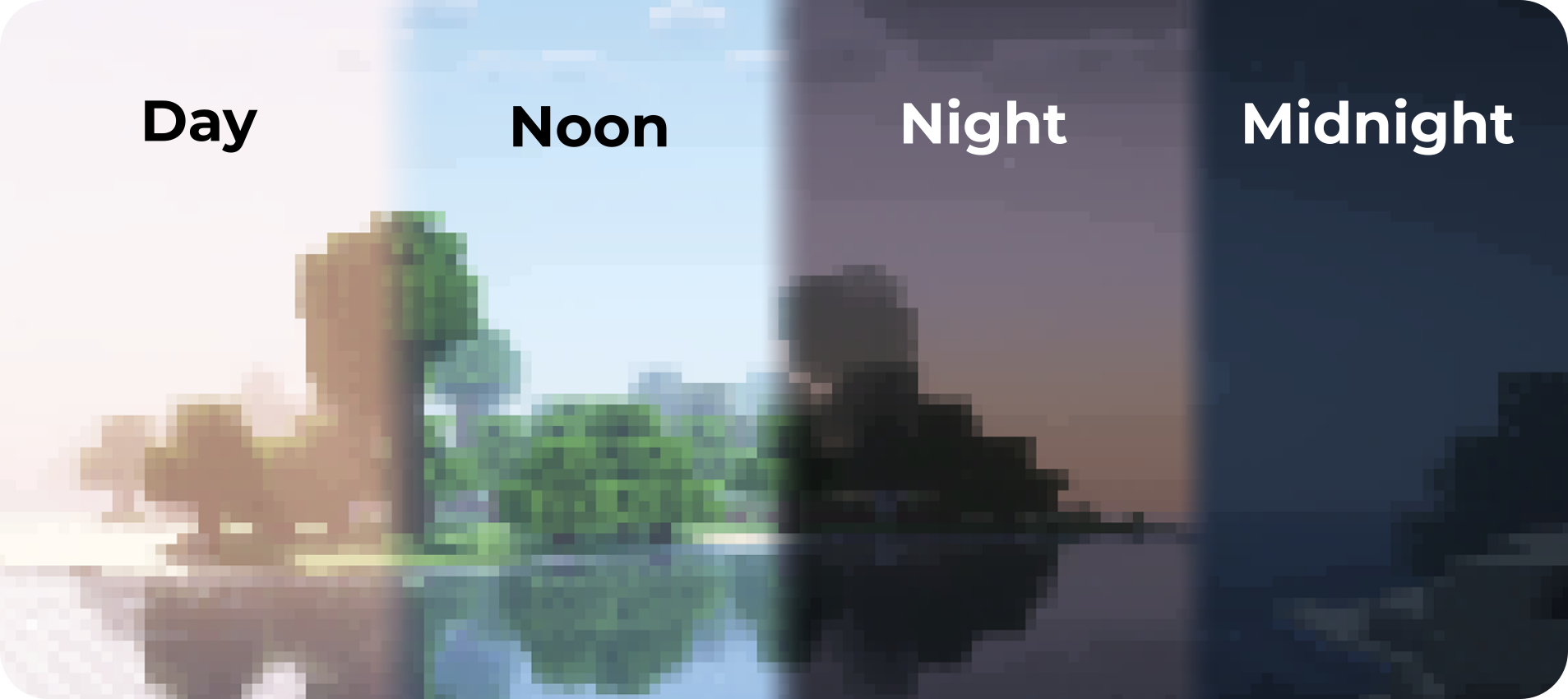
PixelCraft Shaders is a [Complementary Shaders](https://modrinth.com/shader/complementary-reimagined) edit, developed by [SpacEagle17](https://linktr.ee/SpacEagle17), aiming to replicate pixel art. Every screenshot is a new piece of art brought to life!
**Important notice: Please don’t report any bugs to Emin, contact information is below.**

## 🔗 Links
* **Support SpacEagle17 on [Patreon](https://www.euphoriapatches.com/support/) and get access to Preview Versions!**
* **[Website](https://euphoriapatches.com)** of Euphoria Patches – the main project of SpacEagle17!
* **Contact: https://euphoriapatches.com/contact**
## Sponsored by Ember Host
Looking for an affordable and reliable Minecraft server host? Check out [**Ember Host**](https://www.euphoriapatches.com/ember-referral)! I personally love working with them – they offer incredible value for the price, are highly underrated, and have an amazing support team.
By clicking the banner below, you’ll get a **10% discount on your first purchase** and support the development of Euphoria Patches, with 50% of your first purchase going directly to its creator. Alternatively, use the code **EUPHORIA** at checkout to claim your discount!
Special thanks to Emin the developer of [Complementary Shaders](https://www.complementary.dev/) and all testers on Discord! This project would have been impossible without you!
Phial
# Phial
Phial is a work-in-progess shader that aims to add several post-processing options to mimic pixel art.
As of the latest version it has:
– Color quantization to limit the screen colors to a arbitrary color palette. (defaults to the [Ressurect 64](https://lospec.com/palette-list/resurrect-64) palette)
– Customizable pixel mapping to lower the screen resolution
– Ordered dithering
– Customizable vignette
## Custom Palettes
To input custom palettes, you can unzip the shader and locate the palette file at:
“`
shadersassetspalette.glsl
“`
This requires a special format of storing colors, namely a vector 3 normalized GLSL array. To quickly convert a list of hex colors to this format, you can use the following site:
https://snorfield.github.io/palette-to-shader/
Once converted, you can simply open the `palette.glsl` file in a text editor such a notepad and replace the contents. Don’t forget to save!
All you need to do to see the changes is reload the shader.