MakeUp – Ultra Fast
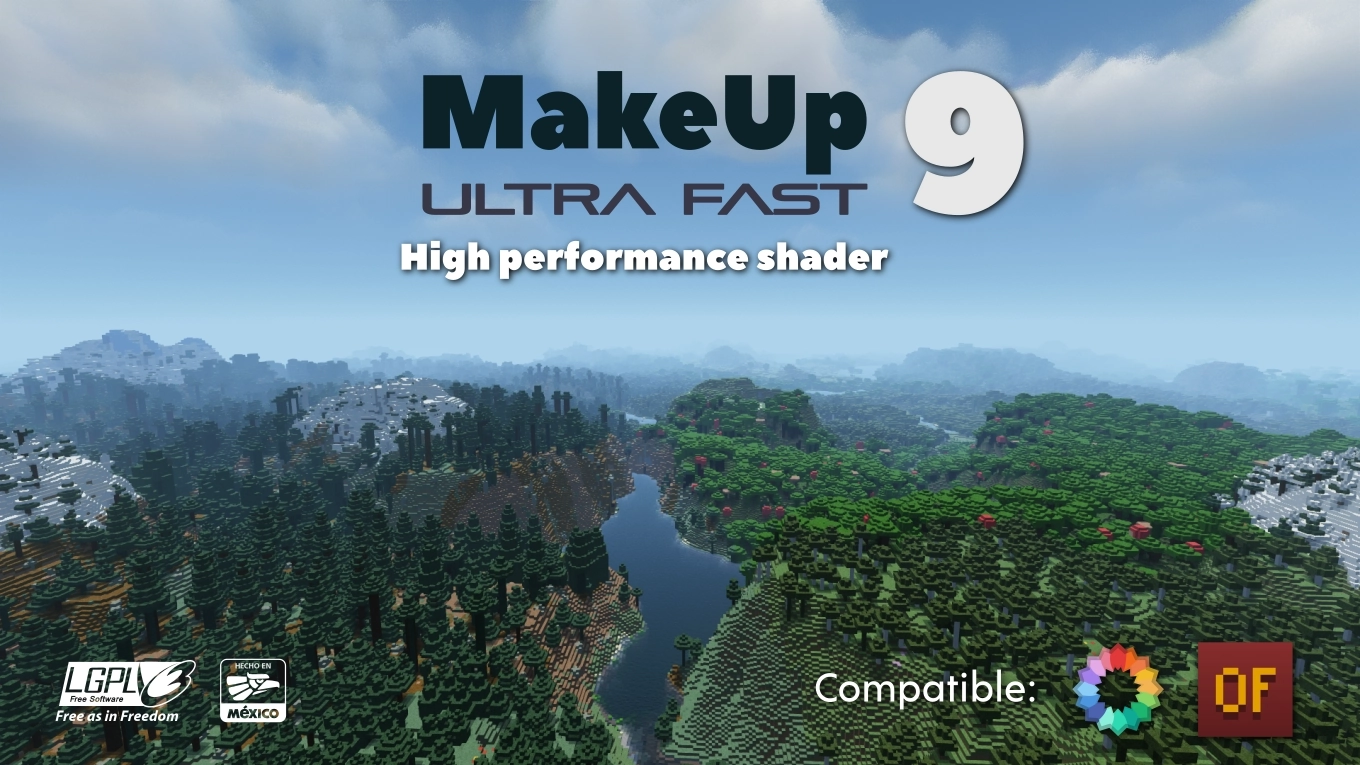
# MakeUp Ultra Fast
**MakeUp** aims to provide the best quality / performance ratio, building a shader that can be adapted to anyone’s resources. Build the shader you want! All the effects are optional!, and you will only consume the resources that you need.
**¡Compatible with Optifine and Iris!**
## Optional features:
* Shadows
* Optional volumetric clouds
* Antialiasing (TAA)
* Depth of field
* Enhanced ambient occlusion
* Water reflection and refraction
* Motion blur
* Optional bloom
* Optional chromatic aberration
* Auto-exposure
* Shader for all native dimensions
* FAST!
* And more…
## Tested on
* Minecraft 1.12.+ – 1.21.x
* Nvidia, Intel, AMD (It’s not guaranteed to work on each and every existing model)
* Windows and Linux
## You can
* You can use the shader without restrictions.
* You can fork the shader from: [https://github.com/javiergcim/MakeUpUltraFast](https://github.com/javiergcim/MakeUpUltraFast)
* You can modify this shader for any purpose.
* If you modify or use the shader PLEASE add a credit.
## Color schemes
It can be boring that everything looks the same all the time. Choose a color scheme according to your tastes and change it whenever you want.
## Recommendations
Leave Optifine’s native shader options at their default values, otherwise you may see shader quality reduced. Customize using only the options of the shader itself.
Shadows and depth of field are resource-intensive effects. You can remove them if you need more performance, and it will still look great.
## Donation
If you think this work deserves a small stipend, please donate! I will be eternally grateful to you:
[Donation via PayPal](https://www.paypal.com/donate/?hosted_button_id=4N9Q5RMZL2CVN)
Lymbo Shader
### ABOUT
A simple Minecraft shaderpack that adds grayscale, bloom and noise effects. Explore a Minecraft world transformed by a scary shader of the unnatural. When you go into this gray world, you might feel curious. The landscapes you know from Minecraft look different now, covered in a ghostly covering of shades.
### ADDITIONAL INFORMATION
who sitting on V1.0 please update to the new version of the shader, as it does not work with Iris.
### INSTALLATION
– Download and install Optifine
– Download the shaderpack
– Put the shaderpack inside `.minecraftshaderpacks`
– Launch Minecraft
– Enjoy!
thank you for accepting my idea and using it for different scenarios and scenes
Luxora Shaders

# Luxora Shaders
A cinematic, realistic shader pack for Minecraft Java Edition.
Luxora Shaders delivers warm, film-like visuals with golden lighting, natural sky gradients, and clean post-processing. Designed for players who want their worlds to look stunning without the over-processed look.
## Features
* **Cinematic Lighting** — Warm golden sunlight with natural color grading across all times of day
* **4 Color Schemes** — Cinematic, Natural, Golden Hour, and Moonlit
* **Beautiful Water** — Reflections, caustics, wave normals, and optional foam
* **God Rays** — Screen-space lightshafts around the sun
* **Bloom** — Soft glow on lanterns, torches, and bright surfaces
* **Volumetric Clouds** — Fancy clouds with silver lining effect
* **Ambient Occlusion** — Adds realistic depth to blocks and surfaces
* **Waving Vegetation** — Plants and leaves sway in the wind
* **Adjustable Sun/Moon Size** — Scale from 0.5x to 3x
* **Anti-Aliasing** — TAA, SMAA, and optional image sharpening
* **Distant Horizons Support** — Works with the DH mod
* **Custom Tonemap** — Unique “Luxora” tonemap operator for cinematic highlights
* **Depth of Field & Motion Blur** — Optional camera effects
* **3 Performance Profiles** — Fast, Fancy, and Fabulous
## Requirements
* Minecraft Java Edition
* Iris Shaders or OptiFine
## Credits
* Based on code from the Mellow Shader by TheCMK.
* Made by HoneyStudios.
E-LITE shaders (MakeUp edit)

# ABOUT
E-LITE shaders (formerly known as LITE) is a modification of [MakeUp – Ultra Fast](https://modrinth.com/shader/makeup-ultra-fast-shaders) that aims to make it fancier while maintaining great performance. It adds a lot of customisation as well as a Portuguese translation, and is ideal for use on most PCs, with highly adaptable graphics profiles.
**_DO NOT use OptiFine preview versions, they are very buggy._**
# TESTED ON:
– Minecraft 1.12.2 – 26.1.x
– NVIDIA, AMD and Intel, NO warranty that it works on all hardware.
– Windows 10 and 11.
# Features:
Majority of these features can be turned off or reduced to enhance performance.
– Shadow casting and colored shadows.
– Style button for fast switching of Realistic looks and Vanilla.
– Godrays.
– Smart sharpening TAA and FXAA.
– Screen-Space reflections on blocks and water.
– Realistic and Vanilla clouds/water.
– Ambient occlusion.
– Bloom, Motion blur and Depth of Field.
– +5 customized color schemes.
– Optional auto-exposure
– Distant horizons support (Iris only)
– And more…
# [Gallery](https://modrinth.com/shader/lite-shaders/gallery)
How to config?
## PROFILES:
– Minimum: Pure shader.
– Very low – MAX: Progressively increase the quality and amount of effects at the cost of performance.
– Choose the best for you!
## COLOR SCHEME:
– Change the color of sky and lighting. Realistic+ is the default and most recommended.
## STYLE:
– By clicking on the style button, you switch between Enhanced and Vanilla, Enhanced aims to be realistic, and Vanilla preserves the Minecraft aesthetic.
## SCREENS:
– Basic: Basic features of shader.
– Lighting: Shadow quality, distance, light intensity, etc.
– Effects: Majority of options of shader, separed into sub-screens, such as Rendering, Camera, etc.
– Misc: Extra options, like seasons, selection line, etc.
– Info: Information about the shader.
# How to install?
– First, you need Iris shaders or OptiFine: https://irisshaders.dev/ https://optifine.net/downloads
– Put E-LITE shaders.zip folder at .minecraft/your_instance/shaderpacks
– Launch Minecraft with Iris or OptiFine installed.
– Open: “Options -> Video Settings -> Shaders”
– Choose E-LITE shaders.
# Recommendations:
– Minecraft Java 1.12.2, previous versions works but with some bugs.
– “Medium” profile.
– Smart leaves turned off, as it can break lighting.
# CREDITS:
MakeUp – Ultrafast original creator: Javier Garduño.
Links:
https://www.planetminecraft.com/mod/makeup-ultra-fast-shader
https://www.curseforge.com/minecraft/customization/makeup-ultra-fast-shader
https://github.com/javiergcim/MakeUpUltraFast
Modified and translated by Entokito.
## Credits for forks of E-LITE shaders:
– Add the credits of MakeUp and these links: (https://modrinth.com/shader/lite-shaders) (https://www.curseforge.com/minecraft/shaders/lite-shaders) plus creator credit: Modified and translated by @Entokito
Made in Brazil!
# WARNING:
_**This shader is only available on MODRINTH, CURSEFORGE and PLANET MINECRAFT. Downloading it from any other site may not be safe. I haven’t officially uploaded it to any other site.**_
Liquorice Shaders
> Hey! 这个着色器包需要[Iris](https://www.irisshaders.dev/)。This shader pack requires [Iris](https://www.irisshaders.dev/) to run.
## ABOUT
Liquorice is a Minecraft shader pack for Iris. It’s been designed with the intention of being exceptionally lightweight, while still providing supplementary graphics options.
In the list below, you can review the various feature the Liquorice shaders has to offer.
### Features
| | |
| – | – |
|Ambient Occlusion | 环境光遮蔽
|Bloom | 高光
|Specular Highlighting | 镜面高光
|Approximated Water Caustics | 近似下水光焦散
|Color Corrections | 色彩校正
Most settings can be toggled from the settings menu if you believe they are impacting performance.
## TO-DO
I do have future plans for the Liquorice Shaders. As a note for myself and others, they are as follows:
– Add Optifine support.
– Add a boat-water texture mask.
## LICENSING
© 2025 by BewitchedFlora, distributed by Crafts and Steam. Some rights reserved.
This work is licensed under the Apache 2.0 license and is provided “AS IS”, without warranties or conditions. The full license is linked below.
– https://www.apache.org/licenses/LICENSE-2.0
Lantern-shader
# LanternShader
A lightweight shader pack~
—
#### About:
This is a shader pack featuring beautiful color palettes and pixelated shadows.
It is lightweight enough to have minimal performance impact, allowing it to run smoothly even on some integrated graphics cards.

Kute
This lightweight Minecraft shader gives your game a gentle dreamy glow without slowing things down It’s perfect for players who want a cozy, soft vibe while keeping smooth gameplay and super friendly on performance ^-^
Kappa Shader
[](https://youtu.be/QWAb4RLTiMk)
## **What is the Kappa Shader?**
A shaderpack that aims towards a realistic, but also authentic look. So it is not plainly using physically accurate vales and equations like many other packs do. Instead, while still using many accurate calculations, it is tweaked to reproduce what you could observe in nature, which usually goes beyond just having equations to describe most phenomenons.
## **What features does it offer?**
* Dynamic soft shadows
* Screen-space path-tracing (SSPT)
* Temporal Anti-Aliasing and Upscaling (TAAU)
* Procedural realistic skybox with multiple cloud layers
* Screen-space reflections and optional offscreen environment reflections (when enabling the reflection capture)
* Volumetric fog
* Random per-day and daytime driven weather parameters controlling clouds and fog
* labPBR resourcepack support
* Various optional lens effects such as depth of field, lens flares and vignette
and many, many more.
## **Any Requirements?**
* Optifine for 1.16 or newer/Iris 1.5.0 or newer
* GTX 1050/RX 560 or similar/better (has to support OpenGL 4.0, something faster than those is recommended though)
* Windows/Linux
* **DUE TO REPEATED ISSUE-REPORTS: Intel HD 5000 Graphics and older are NOT supported!**
## **External Links:**
* My Website: [Link](https://rre36.com/kappa-shader)
* My Discord Server: [Link](https://discord.gg/y5xzQ6H)
[](https://www.patreon.com/bePatron?u=19790203)
john
# john
John is a really fast shader, high fps anywhere from intergrated graphics to high end GPU’s!
It looks best when you use PBR resource packs!
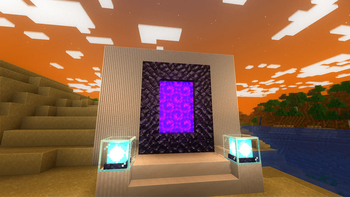
**This shader has:**
– waving plants/leaves/water
– simple specular sky reflections
– emmisive textures support
– colored shadows
– fog
– clouds
– outlines
– high fps on any machine
_Iris only at the moment_
Insanity Shader






A stylized, horror themed Iris shaderpack with high customizability and performance.
Check out Fear Nightfall, the official modpack that Insanity was made for.
Insanity is based from BSL Shaders by Capt Tatsu! With expanded customizability, new clouds, and a unique scary atmosphere

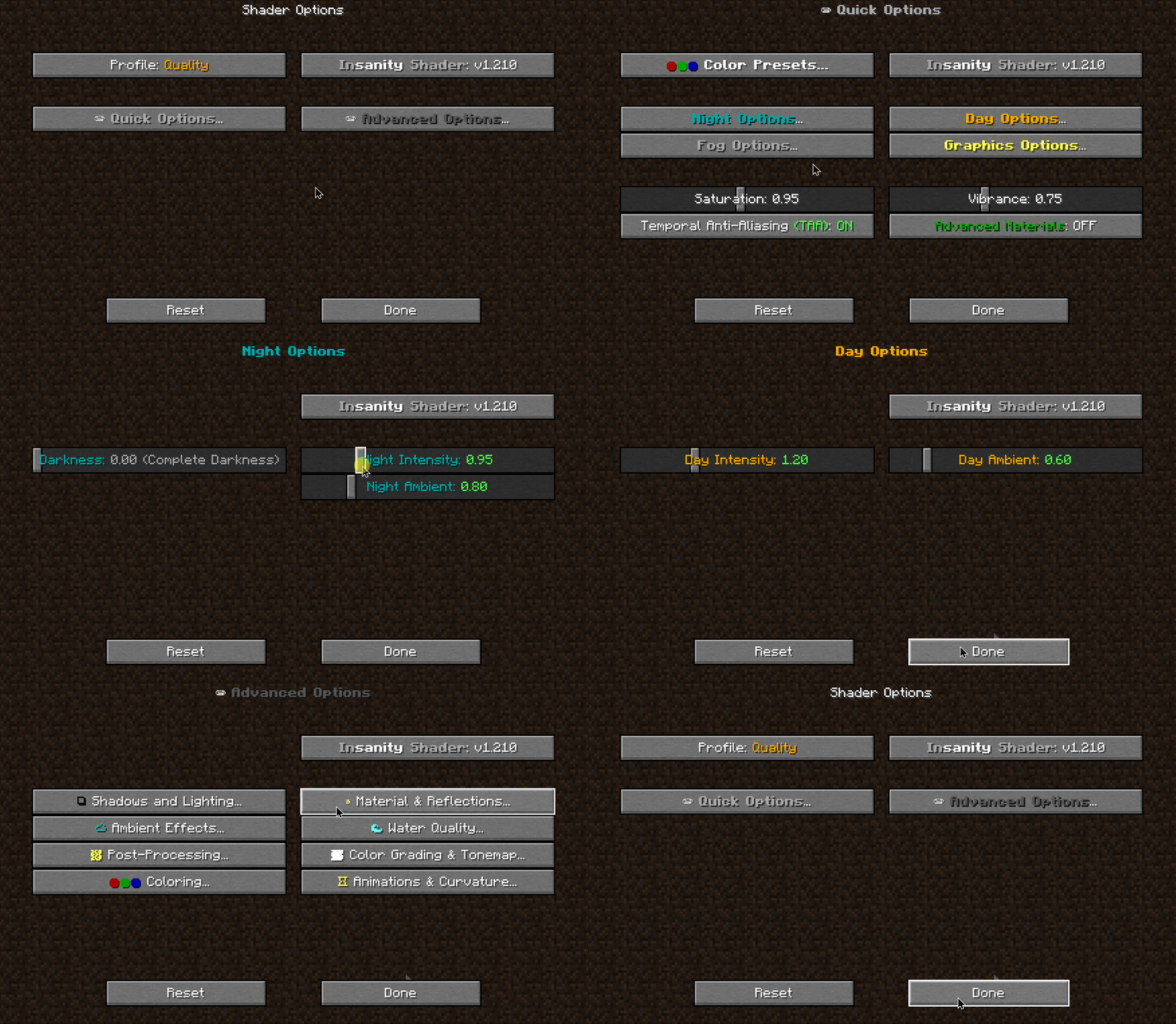

- 🧟 Horror styled gameplay. Great for horror modpacks!
- 📓 Highly customizable shader configuration. Expanded from BSL’s limits.
- ⛈️ Immersive weather. From foggy mornings to torrential rains.
- 📝 User-friendly menu. Including a quick options menu with easy to configure settings.
- 💻 Runs on most modern PC’s! Optimized even for modern low end GPUs.
- 🔦 Always bring some torches. Not only the night is dark, the Nether and End are even worse!
- 🌎 Wide compatibility across versions. Supports all newer MC versions, even 1.19 using Iris!
- ☀️ Support for “realistic” texture packs*
* Please enable “Advanced Materials” on the Materials and Reflections settings
Can I share the shader with my friends/community/followers?
Yes, of course. Just don’t distribute the files. If you want to share the shader, send the link to this modrinth page.
Can I make a video using this shader?
Feel free to make any video with the shader, crediting would be appreciated, but it’s not necessary 🙂
If you plan on making a review, don’t forget to share it in the comments of this page so we can see it!
How do I install the shader? (Iris)
The recommended way to use Insanity is through Iris Shaders, an alternative to OptiFine
- To install it, download it from their website, open the .jar file and install it in your .minecraft folder
- Then download Insanity and place the .zip file onto .minecraftshaderpacks
- Open Minecraft using the Fabric Loader that Iris installed and go to Video Settings > Shaders and select Insanity
- Enjoy the darkness.
Made with 🖤 by ElocinDev
Special thanks to Capt Tatsu for making BSL