Reverie
Reverie is a minecraft shader with a semi-realistic, dreamy style. It features a physically based atmosphere and advanced indirect lighting techniques.
Support for both **Distant Horizons** and **Voxy** is available, with more mods coming in the future.
### Dynamic weather system
Weather elements such as cloud cover, fog, and wind direction adapt dynamically based on biome, season, and altitude. Still, having every location always look the same would feel repetitive. To keep things fresh, these parameters are slightly randomized every time the shader loads, so each day looks unique, much like in the real world!
### Powerful & Customizable
Reverie has a streamlined customization system. Most light colors are customizable (with more to come). If you’re performance constrained, then rest assured. Set the profile to ‘Toaster’ and enjoy good performance (60fps on my laptop’s integrated graphics) with minimal visual compromises.
### Beautiful screenshots
The built-in screenshot mode freezes the weather, so you can get your shots lined up just right! Enable cinematic effects like depth of field, lens flare or chromatic aberration, to get the vibe you want exactly. Reverie also has advanced color balancing options, as well as several tonemappers to choose from.
### Requirements
– Iris 1.8 or higher.
– Minecraft 1.21+ (older versions might work)
### Hardware compatibility
– Nvidia: works
– AMD (windows): works
– Intel (windows): unkown
– Mesa: works
– Mac: broken, and cannot be fixed
### Issue reporting
If you’re running into problems, head over to [GitHub](https://github.com/thecmk/reverie-shader) and report them.
RetroVision
# RetroVision Shader
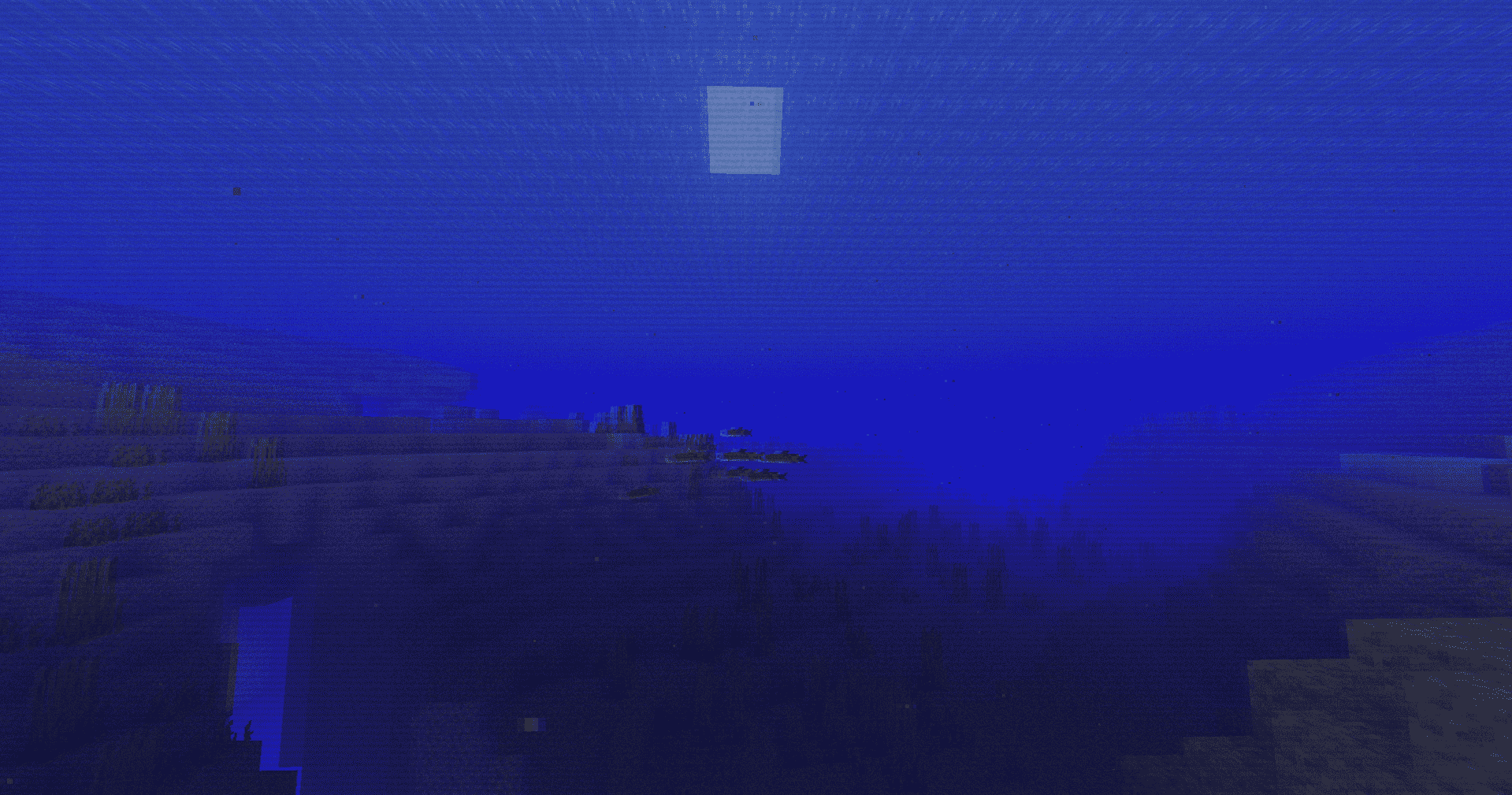
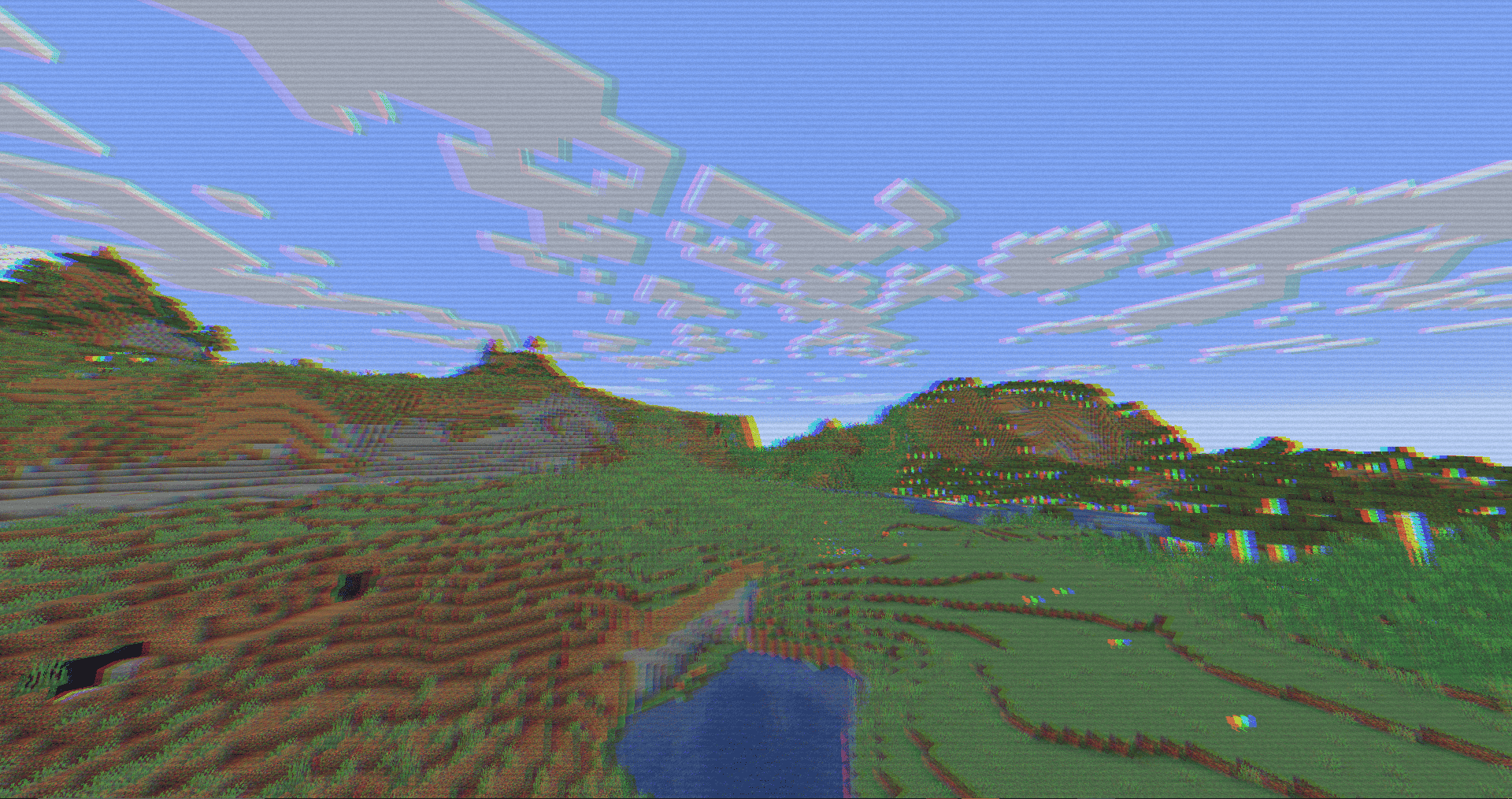
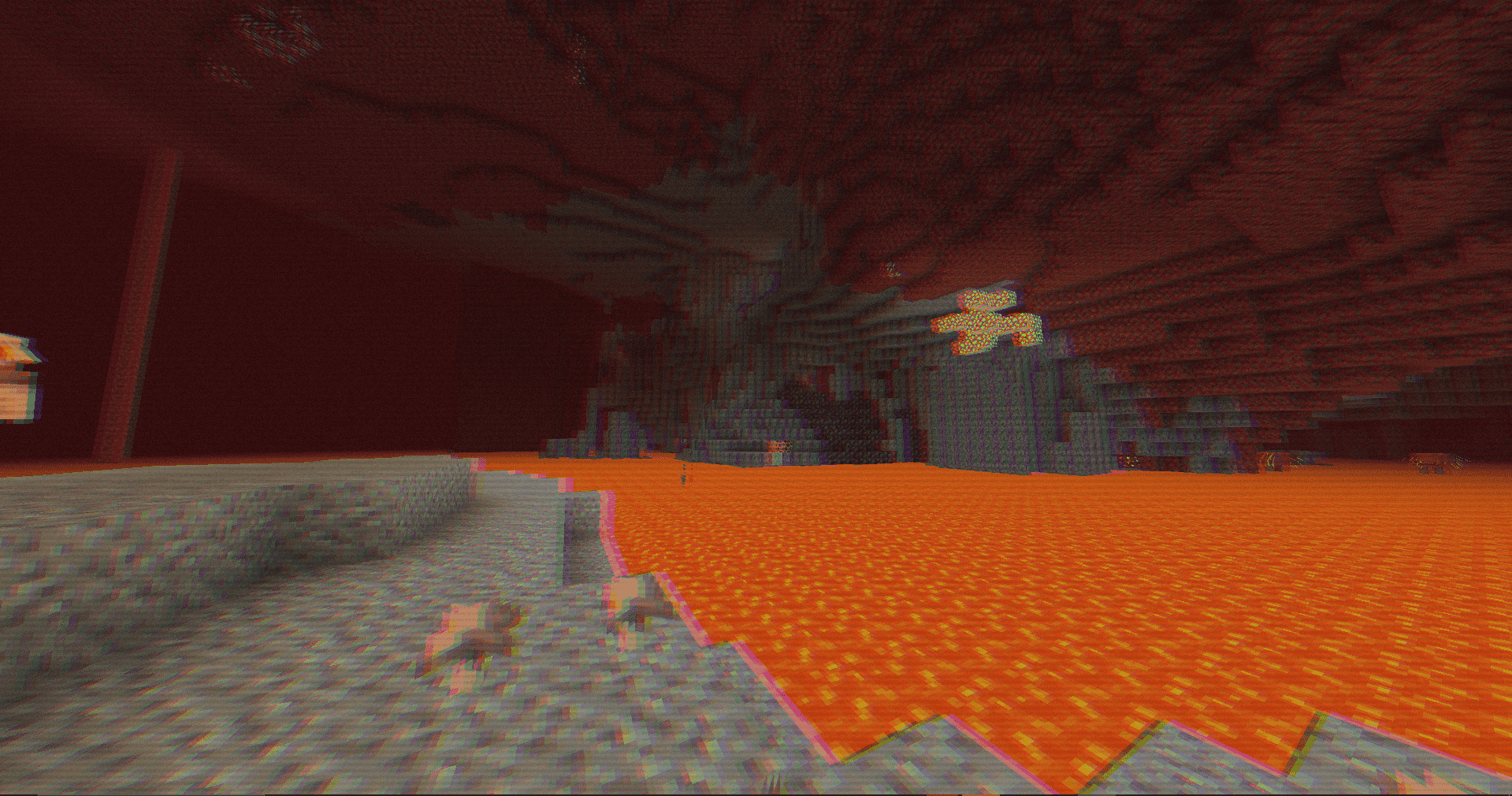
The **RetroVision Shader** is a unique Minecraft shader that transforms the game’s visuals into a retro-inspired, VHS-like aesthetic. It applies a variety of visual effects to create a Dreamcore aesthetic while maintaining the core Minecraft experience. This shader evokes a sense of nostalgia, allowing players to relive the charm of classic gaming while exploring the blocky landscapes of Minecraft.
## Key Features:
– **VHS Aesthetic:** RetroVision mimics the characteristics of old-school VHS tapes, featuring soft, grainy textures and a slightly muted color palette that captures the essence of retro media.
– **Dreamcore Vibes:** By incorporating dreamlike visuals, RetroVision introduces an ethereal quality to your Minecraft world. The blend of surreal colors and hazy effects creates an immersive atmosphere, perfect for exploration or building.
– **Smooth Compatibility:** Fully compatible with both Iris and Optifine, ensuring seamless integration into your Minecraft setup. Enjoy the enhanced visuals without sacrificing performance.
## Optional Features:
– **Motion Blur:** Enhance your gameplay with motion blur, adding a cinematic touch to your adventures as you navigate through the world.
– **Gamma Adjusted:** This feature allows you to tweak brightness levels, making it easier to explore darker areas while maintaining the retro aesthetic.
– **Black and White Option:** Embrace the vintage feel even further by switching to a monochrome palette, reminiscent of early gaming experiences.
## Usage Permissions:
**You Can…**
– Use this shader pack for stunning screenshots and captivating videos, perfect for sharing your creative endeavors.
– Modify it for personal use, tailoring the experience to fit your own vision and gameplay style.
– Publish your heavily modified version, as long as you give credit to the original creator.*
– Share it in modpacks or on servers, allowing other players to enjoy the nostalgic vibes of RetroVision.
**You Cannot…**
– Share the shader pack in its original form without my permission. Please respect the effort and creativity behind this work.
If you want to contact
Contact to: [email protected]
Explore the world of Minecraft through a nostalgic lens with RetroVision, where every pixel tells a story of creativity and memory. Dive into a unique gaming experience that combines the familiar with the fantastical, and transform your Minecraft adventures today!
—
Rethinking Voxels
# Rethinking Voxels
This shader is an edit of [Complementary Reimagined](https://www.complementary.dev/reimagined) that aims to be decently fast (when compared to path tracing shaders) while having block lights cast sharp shadows.
### Notes
The lighting system is not perfect. Occasional sudden brightness changes are a side-effect of the way it works and cannot be completely removed without hurting performance or removing sharp shadows from light sources. To do the latter, disable `Per-Pixel Lighting` in the `Rethinking Voxels Settings`.
This shader is developed on Iris, using an AMD graphics card on linux, and it is also tested on an NVidia graphics card on linux. While it usually works on other platforms, bugs that appear only there are not caught by my testing and hence they take longer to fix. To use this shader pack, the Iris shader loader is required. Beta 18d and older versions also work on OptiFine.
### Contact
If you need support, please join the [shaderLabs discord server](https://discord.gg/8wT5KxF4TZ), where this shader has a channel (#rethinking-voxels-gri573).
### Partnership
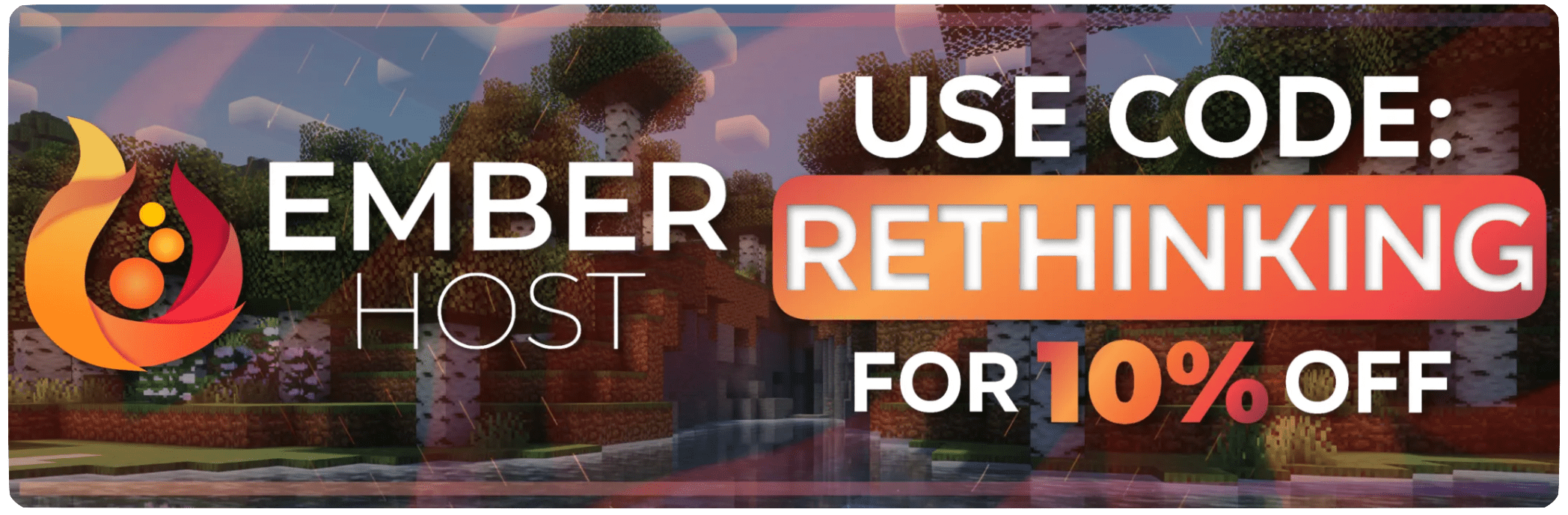
I have entered a partnership with Ember, a Minecraft server hosting provider. This is because Ember hosts the complementary SMP server and has provided a better hosting experience / customer support than the previous hosting service, and because they reached out asking about it. If you need to host a Minecraft server and wish to support Rethinking Voxels’ development at the same time, do check them out! Using the promotional code `RETHINKING` in a first-time purchase will redirect 70% of the first month’s fee to me as well as give you a 10% discount.
[](https://billing.ember.host/aff.php?aff=13)
### Media
Video by youtube user iambeen that showcases rethinking voxels beta 18d (with custom settings), compared to the original reimagined:
Relumination
### Purpose
This shader aims to be a fairly lightweight alternative to vanilla lighting, adding various other impacts on light and its color to provide an interesting and colorful world!
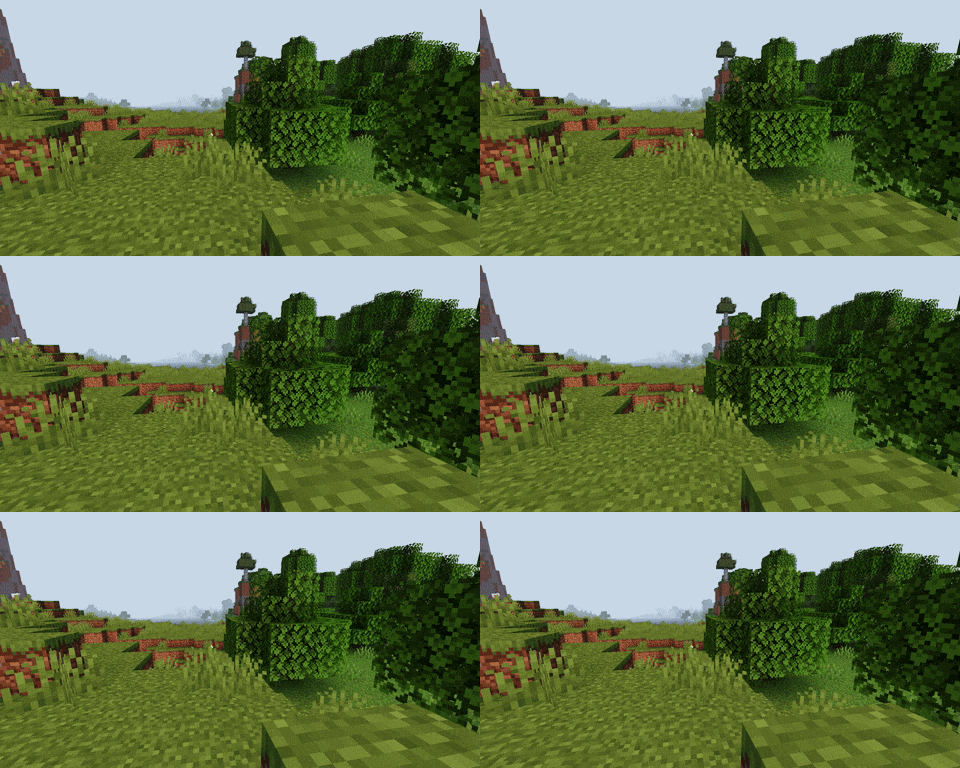
|Wind Passing by the Trees|
|————————-|
### Features
– Light intensity and color adjusts based on numerous factors including sun & moon locations, light level and more!
– Directional lighting on blocks, items, and entities
– Held item light
### Planned
– Light impacted clouds with scattering
– Light impacted fog
RedHat Shaders
– About
RedHat is a shaderpack that for Iris and Optifine.
It is an edit of an old version of Chocapic13, and has many features.
RedHat’s main features are lighting effects such as Godrays (3D, or 2D, if you have a low-end machine), Shadows, Underwater Light Absorption, and many more.
The shaderpack features reflections too, and reflects some light on all surfaces, to make everything look more similar to the Minecraft trailers style.
There are many cinematic options such as Lens Flares, Depth of Field (Chromatic Aberration included), Grain, Tilt Shift, and others.
The colors, which change depending on the time, make everything more realistic yet they keep the fantasy vibe.
There are many effects related to movement as well. All foliage or hanging things such as lanterns wave. Along those there are Waving Hand and Waving Camera options too, configurable as well.
If that wasn’t enough, RedHat supports all versions from 1.7.10 up to 1.21, and it supports custom skyboxes!
Lastly, there are many atmospherics effects such as Fog and Clouds, Round moon and sun, and other things like PBR support, Auto-Exposure, Stars, and many, many other things.
There are a lot of ways you can customize the shaderpack, and make it look like the way you want.
– Requirements
GPU: Must support OpenGL 3.2 and have at least 1GB of VRAM. AMD, NVIDIA and Intel are all supported (You’ll have to decrease some settings to play smoothly with Intel GPUs).
CPU: Must have a minimum clock speed of 1GHz
RAM: Must have located at least 1.5-2GB of RAM to your game
OS: Windows (7,8, 8.1, 10, 11), Linux (Mesa drivers might lead to issues)
Shadermod: Optifine or Iris
MC Version: 1.7.10, up to 1.21
> Light Settings Recommendation: i3/i5 3-4th Gen, 4GB DDR3 RAM, GT 1030 2GB GDDR5
> Balanced Settings Recommendation: i5/i7 8-9th Gen, 8GB DDR4 RAM, GTX 1050 Ti 4GB GDDR5
> Heavy Settings Recommendation: i5/i7/i9 10th+ Gen, 16GB DDR5 RAM, GTX 1660 Ti 6GB GDDR6
If you use RedHat without meeting these requirements, then keep in mind you’ll take a risk.
RedHat is a pretty heavy shaderpack, thus do not expect it to be FPS friendly on the default settings.
Raincore
—
The rain never stopped in 1998.

[](https://github.com/myueqf/Raincore/stargazers)
#### About:
Raincore is a shader pack that captures the petrichor scent of moist earth after the rain, featuring distinct pixelated effects and grain/lo-fi.
This is my fifth shader pack, built upon my previous work, [Lantern](https://modrinth.com/shader/lantern-shader). I hope you enjoy it! (^-^)
#### Performance:
No high-end hardware is required; integrated graphics are sufficient for a smooth experience.
For the best visual balance, a render distance of 8 chunks is recommended. While you can go lower, it is best kept between 8 to 11 chunks.
#### Links:
– >[Github](https://github.com/myueqf/Raincore)
– >[Discord](https://discord.gg/9ATsdr2ms7)
– >[CurseForge](https://www.curseforge.com/minecraft/shaders/raincore)
#### FAQ:
– **Q**: Can I include this shader in my Modpack?
– **A**: Distributing this shader as part of a modpack without modifying its source code is not considered creating a derivative work. Other components of the modpack are not bound by the GPLv3 license.
Pyvtron Shaders
## [Pyvtron Shaders](https://pyvton.pages.dev/minecraft-shaders/pyvtron)
Pyvtron shader is a shader that tries to look realistic.
This shader has a extreme realistic 8k resolution sky and and a beautiful water color
Stuff: Light-Rays, Dirty Lens, Ambient Occlusion, Much Settings, Fog and More!
If you want to support me please make videos on youtube, tiktok or other platforms (so that Pyvtron Shaders becomes better known)
And don´t forget to download the newest version!
### Requirements
– AMD CPU. Intel is not compatible with this shader!
– Nvidia GPU Or AMD GPU.
– A graphics card that supports OpenGL 4.6 or OpenGL 4
– Iris Shaders Mod. Other Shaders Mods are **NOT SUPPORTED OR TESTED**
Installation
1. First download [Iris Shaders](https://www.irisshaders.dev/) (This is only the Installer or download [the mod](https://modrinth.com/mod/iris))
2. Run the .jar and click on Install.
3. Download the latest version of Pyvtron.
4. Open the Minecraft Launcher. You’ll see the Iris Shaders profile sellect you profile and Start Minecraft.
5. Go to Options → Video Settings → Shaders → Shaderpacks Folder.
6. Drag the downloaded shaderpack into the shaderpacks folder.
7. Select the shaderpack ingame.
8. Enjoy.
## Please Check Also My Other Shaders Out:
### [Pyvtron VX](https://pyvton.pages.dev/minecraft-shaders/pyvtron-vx) (Version X)
Pyvtron VX (Version X) Is realistic and has much much more detail and has much more realism than Pyvtron Shaders!
### Blacklist:
– KLauncher
– Xenolith
– Minecraftzw
– FoxyCraft
### Whitelist:
– 9Minecraft
– Zonacraft
– Feed The Mods
– Minecraft-France
## 1. Allowed Actions
You can upload it to a site but the download link must be one of CurseForge, Modrinth, Github or [My Website](https://pyvton.pages.dev/minecraft-shaders/pyvtron)
“Modify the project for personal use only, without sharing or publishing it.
Record and upload videos, screenshots, and streams showcasing Pyvton Shaders on platforms like YouTube, Twitch, TikTok, etc., including monetization, under these conditions:
## 2. Prohibited Actions
Uploading, rehosting, or distributing any version of Pyvton Shaders using your own links.
Using any ad-based or monetized link services (e.g., AdFly, Linkvertise, Boosters).
Bundling or embedding Pyvton Shaders into:
Modpacks, resource packs, launcher tools, or shader collections.
Minecraft servers or launchers, in any form—pre-installed, downloadable, or bundled.
Any third-party software or shader management tools.
Sharing modified versions unless:
You received explicit written permission from Pyvton.
The modified version contains significant original work.
It is licensed under the same license.
No monetization is involved unless approved by Pyvton.
Using parts of the project (e.g., code or textures) in other projects without permission.
Add a download link in the description
Prismarine Shader
**ABOUT**
+ Prismarine is a BSL Shaders edit. It aims to provide beautiful visuals at moderate performance cost.
**KEY FEATURES**
+ Fancy volumetrics (clouds, fog, Nether & The End smoke)
+ Custom sky effects (nebulae, auroras, planar clouds, stars, moon smoke)
+ Integrated PBR resourcepack
+ Cinematic blur effects (depth of field, motion & distant blur, bloom)
+ Fancy water effects (refraction, caustics, light absorption & scattering and underwater light shafts)
Potato Shaders

## What is the Potato Shader?
This is a shaderpack that tries to stay as lightweight as possible to, as its name might suggest, even be usable on a literal potato of a PC. However it still tries to enhance the visuals in a reasonable way, despite lacking the fabled dynamic shadows and other effects of expensive nature. It also provides a degree of customizability through various ingame settings to allow you to get the experience you want.
## What features does it offer?
* Dynamic Colors
* Tonemapping
* Bloom
* Depth of Field
* Motionblur
* Temporal Anti-Aliasing
* Ambient Occlusion
* Custom Water
* Normalmap Support
and many more.
## Any Requirements?
* OptiFine for 1.12 or newer/Iris 1.5.0 or newer
* A graphics card supporting OpenGL 4.0
* Windows/Linux
* **Intel HD 5000 Graphics and older are NOT supported on Windows (blame Intel Drivers)!**
## External Links:
* The Offical Website of this Project: [Link](https://rre36.com/potato-shader)
* My Discord Server: [Link](https://discord.gg/y5xzQ6H)
[](https://www.patreon.com/bePatron?u=19790203)
PixelCraft Shaders
##  A Complementary Shaders Edit
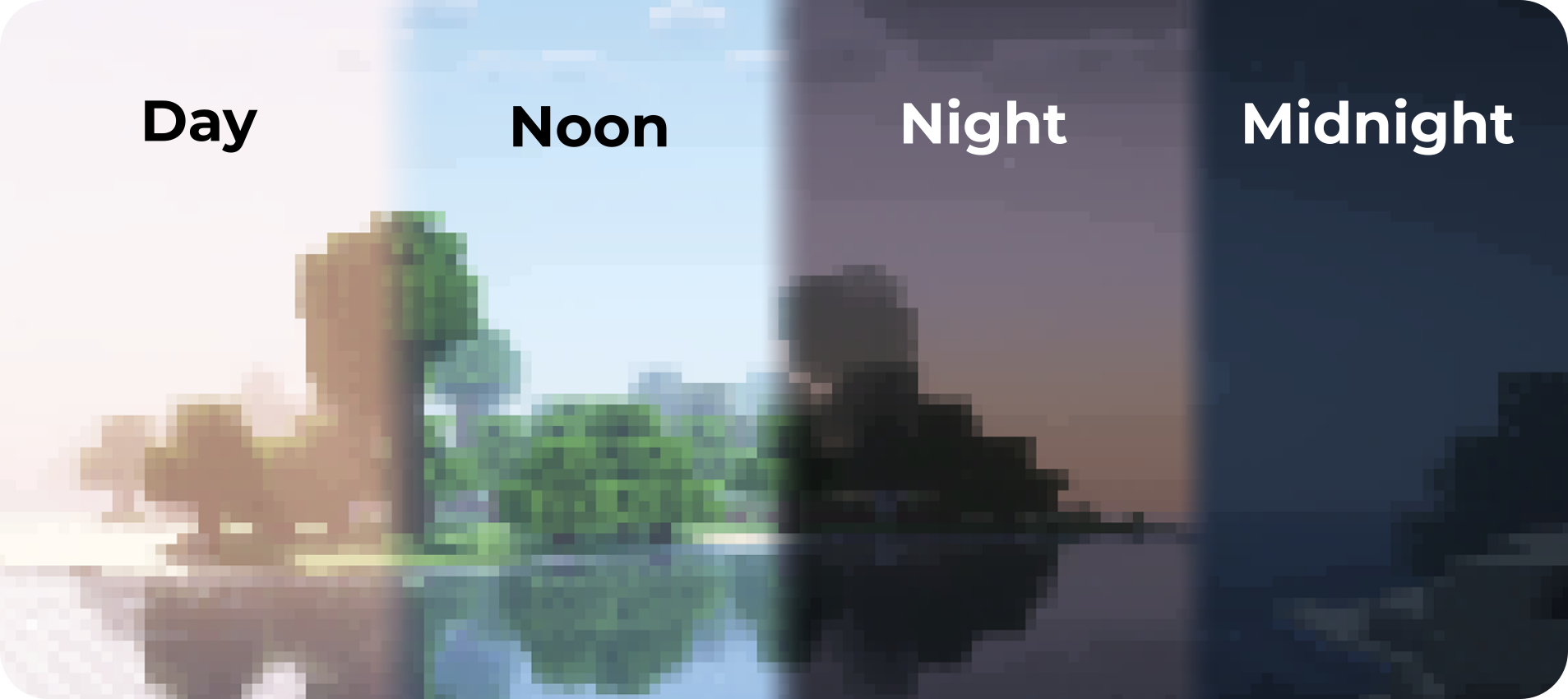
PixelCraft Shaders is a [Complementary Shaders](https://modrinth.com/shader/complementary-reimagined) edit, developed by [SpacEagle17](https://linktr.ee/SpacEagle17), aiming to replicate pixel art. Every screenshot is a new piece of art brought to life!
**Important notice: Please don’t report any bugs to Emin, contact information is below.**

## 🔗 Links
* **Support SpacEagle17 on [Patreon](https://www.euphoriapatches.com/support/) and get access to Preview Versions!**
* **[Website](https://euphoriapatches.com)** of Euphoria Patches – the main project of SpacEagle17!
* **Contact: https://euphoriapatches.com/contact**
## Sponsored by Ember Host
Looking for an affordable and reliable Minecraft server host? Check out [**Ember Host**](https://www.euphoriapatches.com/ember-referral)! I personally love working with them – they offer incredible value for the price, are highly underrated, and have an amazing support team.
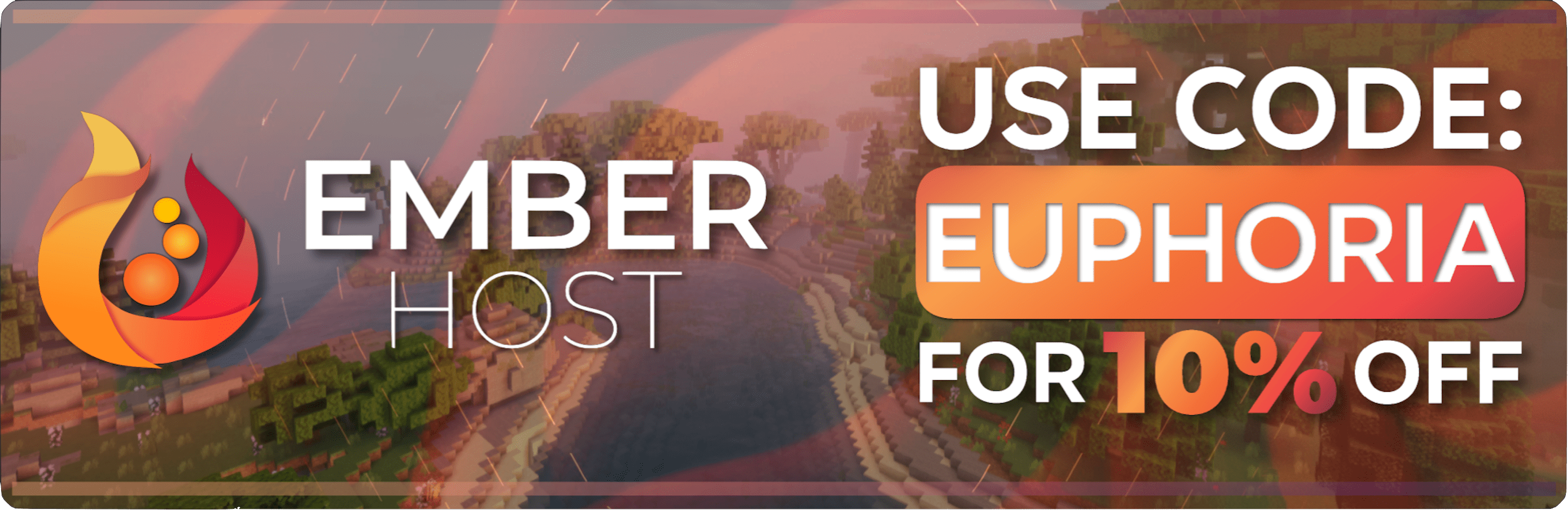
By clicking the banner below, you’ll get a **10% discount on your first purchase** and support the development of Euphoria Patches, with 50% of your first purchase going directly to its creator. Alternatively, use the code **EUPHORIA** at checkout to claim your discount!
Special thanks to Emin the developer of [Complementary Shaders](https://www.complementary.dev/) and all testers on Discord! This project would have been impossible without you!


