X-mas chests
**With this Resource Pack, you will always have Christmas texture of chests.**
**With this Resource Pack, you will always have Christmas texture of chests.**
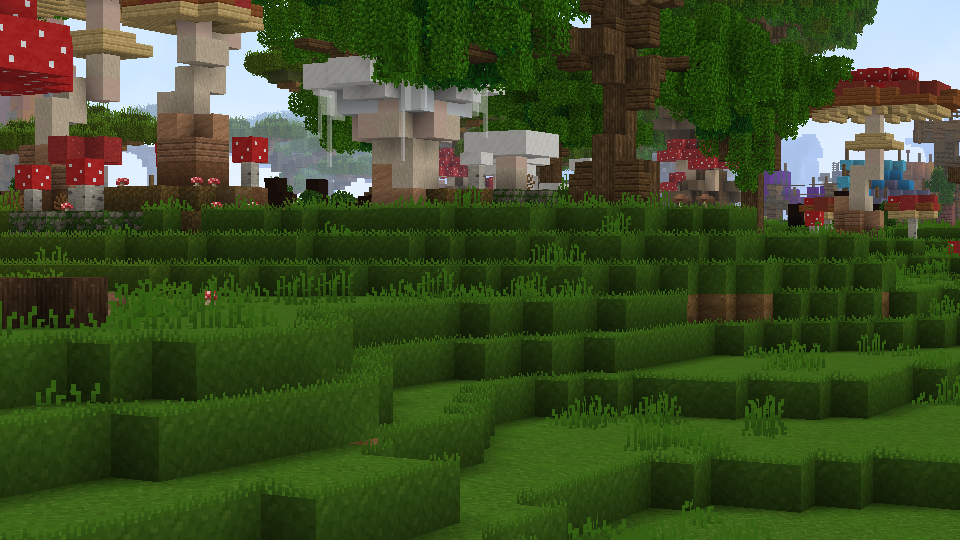
Makes so the side of Wynncraft’s grass blocks are green, just like the Optifine Fast Grass option
# Wynncraft Cyan flame
**NOTICE:** Please install [Continuity](https://modrinth.com/project/1IjD5062) for the best experience!

[](https://modrinth.com/resourcepack/wynncraft-cyan-flame)
[](https://gitlab.com/met4l.mix/wynncraft-cyan-flame/-/blob/main/LICENSE.md)
[](https://discord.gg/aDX9f6euwX)
[](https://ko-fi.com/K3K51RMPIV)
> **Features**
– Recolor **regular fire** with **cyan (or soul) fire**.
– Most red colored block got recolored to blue.
– Supported some custom model mobs in Wynncraft.
– Emissive block and weapon in the dark.
– Cyan-flame themed fire weapon.
—————————————
> **Credit**
– Some text in .mcmeta generated by https://gradleuu.github.io/predposledni/
> **Note**
– Make sure to place it on top of the server pack (require [Server Pack Unlocker](https://modrinth.com/mod/server-pack-unlocker) or [Serverpack Priority](https://modrinth.com/mod/serverpack-priority))
– If blocks do not glow (because of **Sodium**), you will need [Continuity](https://modrinth.com/mod/continuity) with **_Emissive ON_**.
– If you are using **sodium** and the _lava fog_ is not recolored then install [Sodium Core Shader Support](https://modrinth.com/mod/sodium-core-shader-support).
– For the **smaller-fire** version, you can use it without the **main** version.
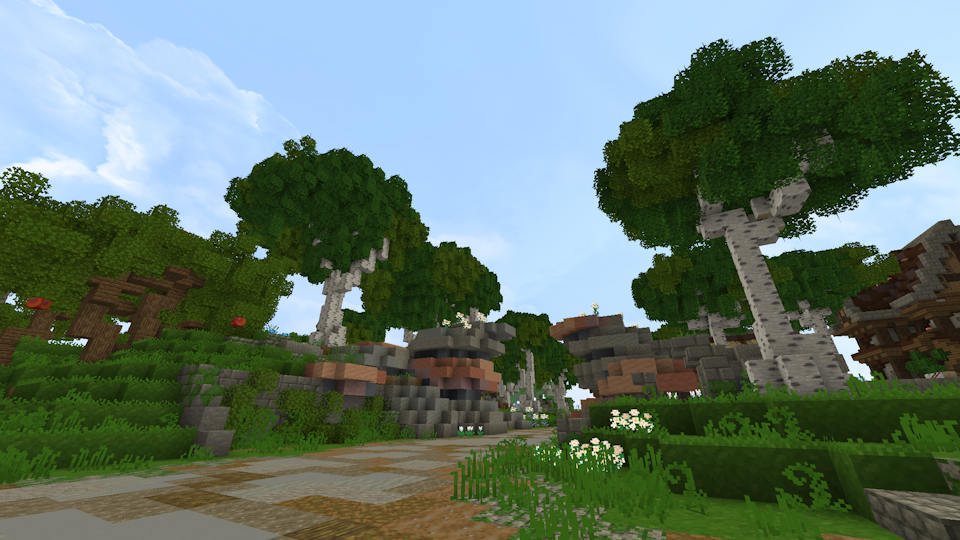
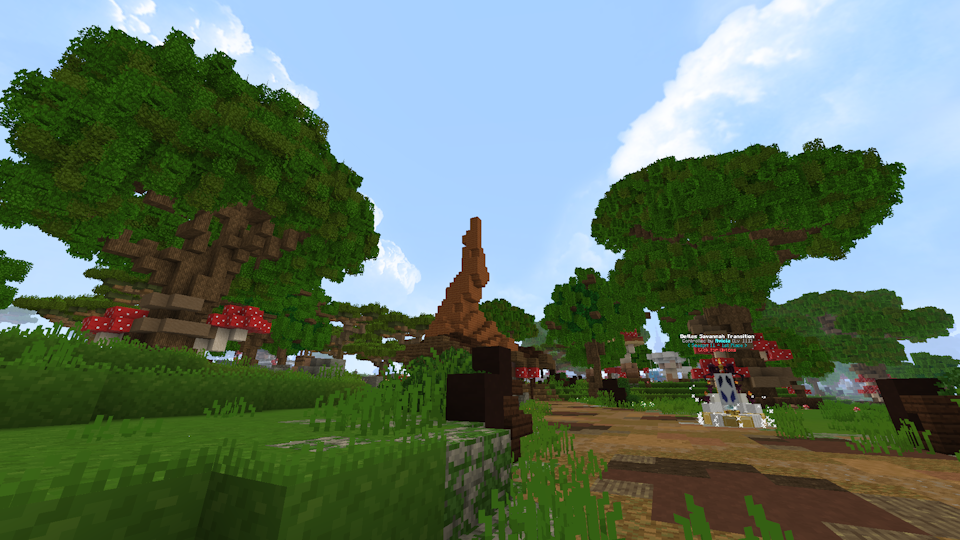
Have you ever wished Wynncraft had bushy leaves to make its foliage prettier?
**No?**
Well, here it is anyways
Examples:
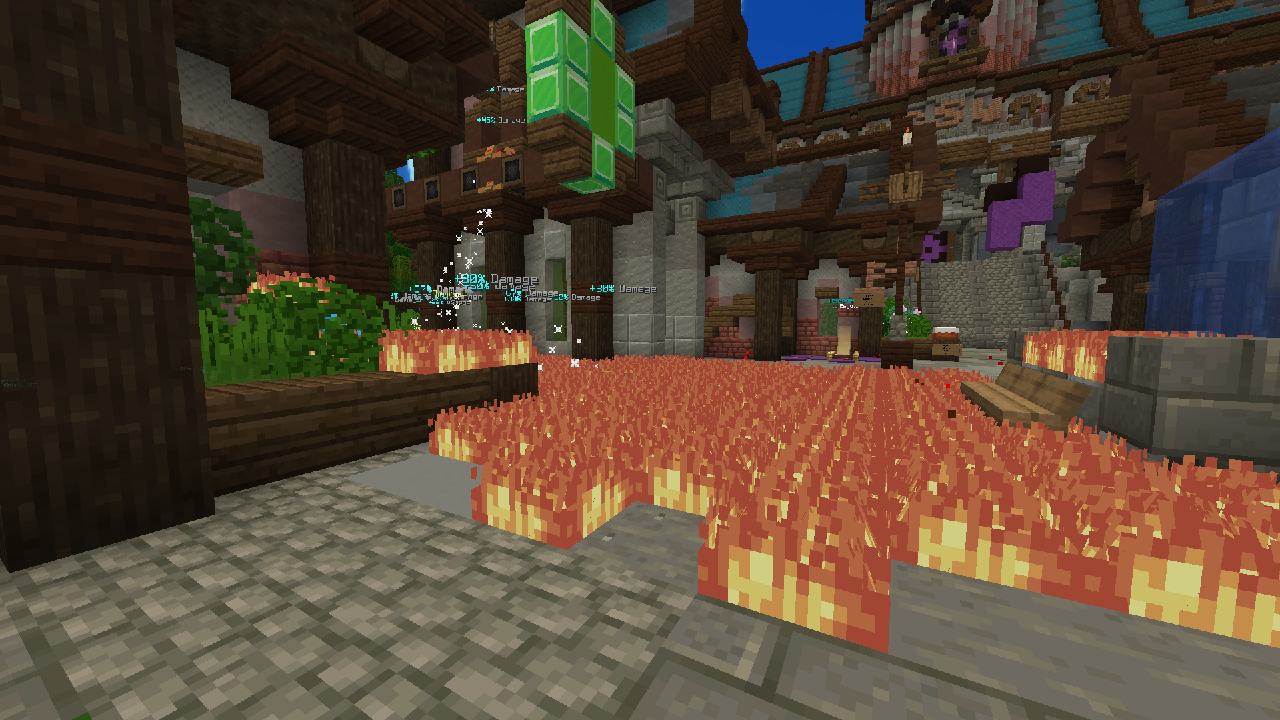
**Makes a series of changes to the Wynncraft’s fire-related textures to make them much less annoying and obstructive. This can be useful if playing with Fire Creep, especially when paired with Nuclear Emesis.**
## Texture Changes
– Fire is now much less vibrant
– Fire is now much lower (hud fire included)
– Fire does not emit any particles anymore
– Arrows do not release flame particles anymore
– Fire is now 95% quieter
## Preview
## Dependency
_Note: this pack only works if it is placed above the server resource pack. To do that you can use [Server Pack Unblocker](https://modrinth.com/mod/server-pack-unlocker)._

##
📘 **Check the guide to discover all additional items [here](https://zachopixel.com/texture-packs/ww1/guide)**
⚠️ **This texture pack requires OptiFine or CIT Resewn mod to work properly.**
##
### 🌍 Discover World War I
Transform your Minecraft world into a true **World War I battlefield!** Equip weapons, uniforms, themed items, and blocks to recreate intense trench warfare and war-torn landscapes.
##
### 🎨 Theme & Textures
The textures are designed to immerse you in a harsh and realistic war setting, **with a somber aesthetic and desaturated tones** that reflect human suffering, and the wear of the front lines. With a wide variety of blocks and items, you can build trenches, fortifications, and more to faithfully recreate the atmosphere of the conflict.
##
### 🔪 Enhanced Combat
Beyond war-themed textures, World War I **includes a wide variety of guns and items**: uniforms, rifles, pistols, machine guns, melee weapons, grenades, and more. All of this is enhanced by immersive sounds—realistic gunfire, explosions, bullet impacts, and screams—that put you in the heart of total war.
##
### 🧰 Custom Weapons & Uniforms
To fully enjoy this resource pack, **you’ll need OptiFine or CIT Resewn installed**.
How does it work? By renaming certain items using an anvil, you’ll change their appearance and unlock unique visual variants.
📜 See the full list of available items here: https://zachopixel.com/texture-packs/ww1/guide
This resource pack adds worms to dirt, for just a little more personality in your world. There is not yet any worms on the side of grass, I plan to add that in the future. To install, open the resourcepacks folder in your Minecraft installation and drop the .zip in there.
This is a silly resource pack that edits the Stonecutter and Grindstone to use full-block models, sort of like a lot of other older workstations did. The Stonecutter uses the textures from the older scrapped Stonecutter block, while the Grindstone textures are “custom” (edited from the furnace textures lol). It’s intended to be used with a resource pack like [Golden Days](https://modrinth.com/resourcepack/golden-days), otherwise these will stick out like a sore thumb.
Note that while the have different models, the hitboxes aren’t changed, as such would be impossible for a resource pack. If you want to fix this, [Nostalgic Tweaks](https://modrinth.com/mod/nostalgic-tweaks) has options in the Eye Candy > Block Candy > Custom Hitbox section that lets you *mostly* convert them to actual full blocks (aside from a LITTLE jank).
This pack adds 2d icons for a few of the game’s workstations, being the anvil (and its variants), composter, grindstone and lectern. These blocks were picked to sorta make it more of a consistent “rule” that complexly shaped workstations get shown as sprites rather than renders, and in the composter’s case it was because I decided to drawn a parellel between it and the cauldron, with both of them being UI-less workstations and having similarly shaped recipes.
– the current version of the pack is compatible with 1.21.9 to 26.1.
# Makes work tables truly 3D!
**This resource pack remodels tables to be 3D while only using vanilla textures.**
It affects:
– Crafting Table
– Smithing Table
– Cartography Table
– Fletching Table
1. Open resource pack menu and disable Tables 3D
2. Close and re-open resource pack menu (Trust me)
3. Click ‘Open Pack Folder’
4. Open ‘Tables 3D.zip’
5. Open ‘ADDONS’ Folder
6. Move desired addon into the ‘resourcepacks’ folder from Step 3
7. Enable packs with all addons above ‘Tables 3D’
8. Click ‘Done’