
This resource pack **replaces the default Japanese font** with a true **pixel-style bitmap font**. In the vanilla game, Japanese characters appear thin and non-pixelated, which **does not reflect the authentic look**.
## Features
– Includes bitmap PNGs for:
– **Kana** (Hiragana: 87 characters, Katakana: 90 characters)
– **Kanji** (CJK: 6,356 characters)
– **Latin Extended** (15 characters)
– **Miscellaneous Symbols** (338 characters)
– **Arrows** (6 characters)
– **Mathematical Symbols** (37 characters)
– **Technical Symbols** (1 character)
– **Block Elements** (17 characters)
– **Geometric Shapes** (16 characters)
– **General Symbols** (15 characters)
– Based on the free-to-use **Misaki Gothic 2 (美咲ゴシック第2)** font
– Makes Japanese text in-game **sharper, more authentic**, and faithful to the **classic pixel aesthetic**
Itsmooth
This is **Itsmooth**!
In this pack, all(most) all textures are 8px by 8px. This is half of the usual 16px by 16px.
Fun fact: Itsmooth is a **Simplistic** texture pack, and may even improve game performace, although this isn’t a guarantee.
Check out my YouTube: https://www.youtube.com/c/Itsme64
Trailer Video: https://youtu.be/jAcR6uSRuTo
**MESSAGE ON 28/02/25:** Itsmooth is NOT yet 100% completed, although I’m working very hard to bring this pack to full completion as soon as possible :))
As of 28/02/25 this pack is **recontinued** *yay*
Although you might not expect it from a simple Minecraft Texture Pack, but this pack actually has a very interesting back story:
This pack also exists for Minecraft Bedrock Edition: https://www.curseforge.com/minecraft-bedrock/addons/itsmooth
Do you often work with texture packs? Check out my texture pack conversion website, allowing cross-version texture pack converting (even Bedrock to Java and Java to Bedrock): https://www.convertmcpack.net/
ItemSymbol
When designing storages, you usually use frames, because you can put an item on them. This is clearer than writing text on signs.
But the frames have many minuses: fragility, high cost and a limit of 1 item.
This resourcepack makes it possible to write on signs (chat, books, names of items, etc.) any texture of blocks and items!
You can write several textures on one signs, write text, draw pictures, write icons in chat and much more!
FAQ:
Spoiler
Q: How do I write this on a sign?
A: Click on the “Wiki” or this button. Start typing the name of the texture (it often matches with the name of the item) in search field and press Enter, similar options should be displayed on the right. Then select the size you need: 1 or 3 rows. Click on the texture you want to copy. And finally insert it into the game using Ctrl+V
Q: Where can these symbols be used?
A: In ANY text fields inside the game. In addition to tablets, you can write in chat, books, names of objects or mobs, perhaps even in the names of worlds and servers. But remember that the symbols are NOT displayed outside the game
Q: What languages are supported?
A: Any! The resourcepack uses a unused custom unicode character range, that does not replace any usable character
Q: Why the symbol I write on the sign is black?
A: The text on the signs is black by default, which is why the texture is completely blacked out. Click the sign with a white dye and the texture will be fully colored as original item! (You can also use colored and glowing dyes. Experiment with other colors!)
Q: Some textures are flattened, how can I fix it?
A: Due to the way the game works, animated textures may not be displayed correctly. To fix it, you need to fix the code manually for each texture. I plan to fix all vanilla animated textures soon
Q: Is it compatible with other resource packs?
A: Fully compatible! All textures are taken from the active resourcepack. You can even use high-resolution resourcepacks!
Q: Will the resource pack work on a server?
A: Yes. Most servers will not interfere with it’s functioning and other players that are using it will see everything as you do
Q: The resource pack has many versions, will it work if I update the game?
A: Yes! I try to keep full compatibility between versions. You won’t see textures from new versions of the game on the old version. If you are using the portable version, it has all the textures in it, so you will see block textures that are not present on your version of the game
Please give me feedback in the comments on PlanetMinecraft! I will be very grateful to you
I’m testing a “Portable” version for fast loads! It should behave the same as the original version, but it should load much faster due to the fact that I saved it in a faster format, sacrificing the support of the user’s resource pack. If you want to see your textures on the signs use the original version!
Items on Ores
This resource pack shows, which items do various ores drop when mined without Silk Touch. Direct drops are preferred, but sometimes smelted item is also considered.
It works with any resource pack (set this one as topmost), but you do need Fabulously Optimized, Continuity or OptiFine.
* Q: I don’t see any ores now!
* A: You need Fabulously Optimized, Continuity or OptiFine.
* Q: It doesn’t work at all!
* A: Make sure it is set as the topmost resource pack. It may not work if any other resource pack changes the block/item models.
* Q: Why is gilded blackstone not supported?
* A: Because the wiki says it is not an ore and it looks like a normal building block anyway. You’ll find it on my other pack, Items on Blocks.
* Q: I want more blocks!
* A: Check out Items on Blocks.
* Q: I want to know about infested blocks!
* A: Check my profile.
* Q: Please backport to…
* A: No, there are enough backports already. See the last question below.
* Q: Bedrock support?
* A: No, I don’t think the block models work the same there…
* Q: I’ve already seen a pack like this…
* A: This pack is inspired by Zach’s Easier Ores, Easy Ore and Easy Ore Identification. However, they were all limited to the default resource pack so I made my own that works with any pack.
Items on Blocks
This resource pack shows, which items do various blocks drop when mined without Silk Touch. Direct drops are preferred, but sometimes smelted item is also considered.
It works with any resource pack (set this one as topmost), but you do need Fabulously Optimized, Continuity or OptiFine.
* Q: It doesn’t work at all!
* A: You need Fabulously Optimized, Continuity or OptiFine. Make sure it is set as the topmost resource pack. It may not work if any other resource pack changes the block/item models.
* Q: What about the ores?
* A: Check out Items on Ores.
* Q: What about the infested blocks?
* A: Check my profile.
* Q: Some blocks are still not supported!
* A: Yes, I skipped some very common blocks to prevent making the worlds too ugly. These include: stone-like, dirt-like, sand-like, tree-like, mushroom-like, snow, coral and blocks with custom models (e.g. campfire).
* Q: Please backport to…
* A: Nah.
* Q: Bedrock support?
* A: No, I don’t think the block models work the same there…
Item Highlighter Simple Icons
# What does it change?
This resoursepack replaces stars from item highlighter mod to 2×2 small squares.
# Any requirements?
Only the item highlighter mod on any version.
# How does it look like?
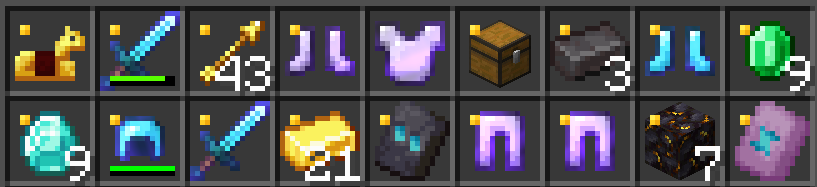
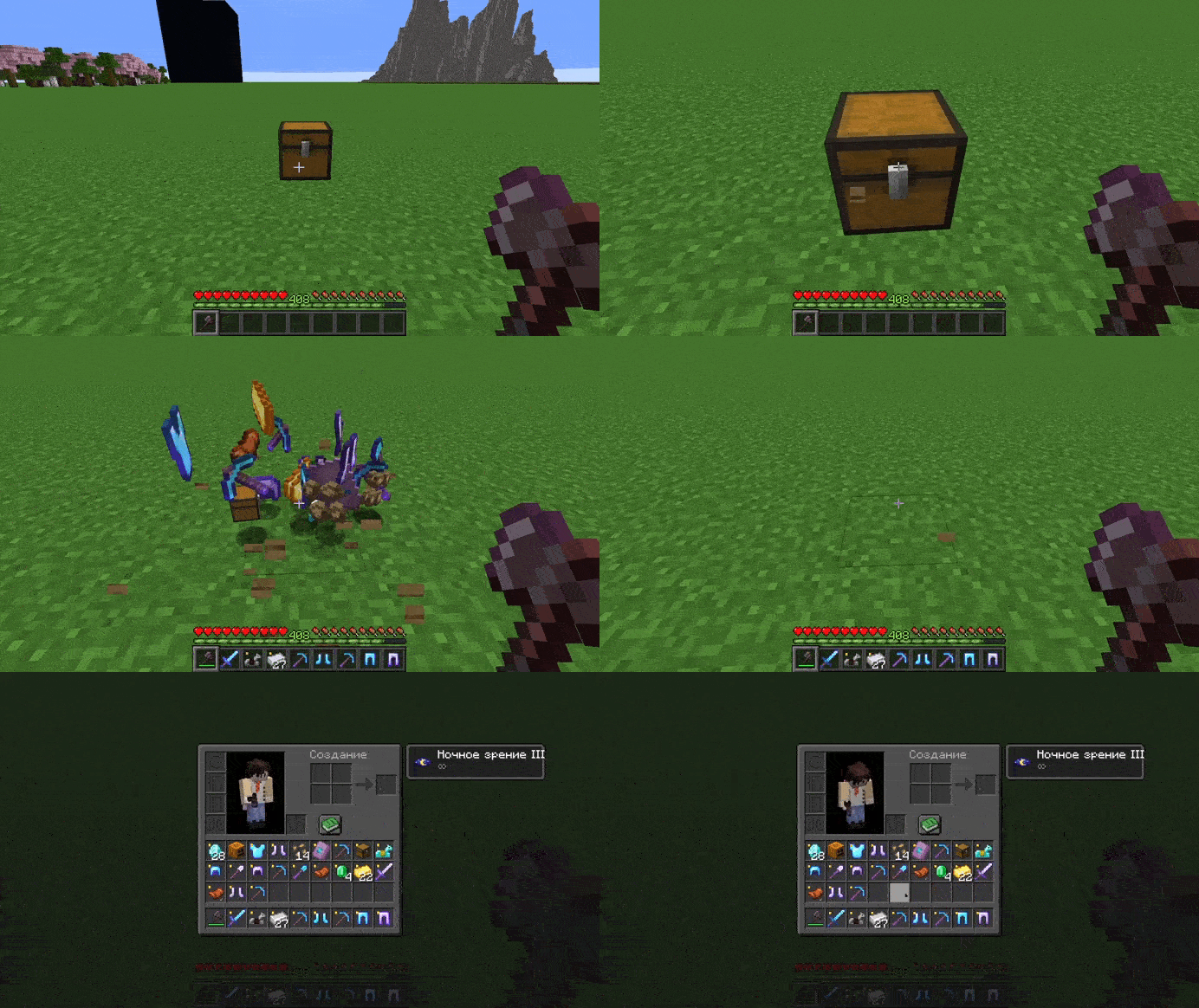
No 3rd Person Items
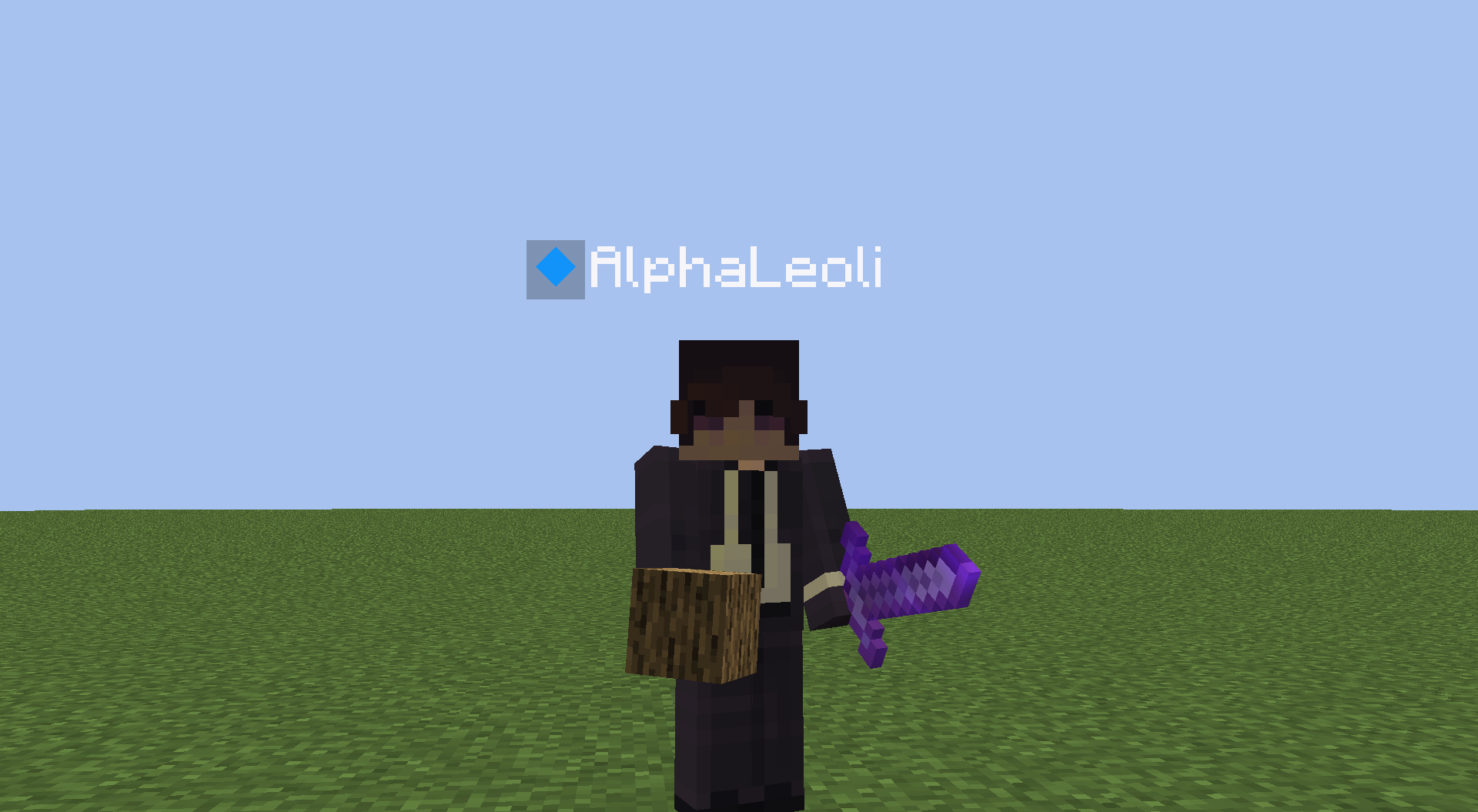
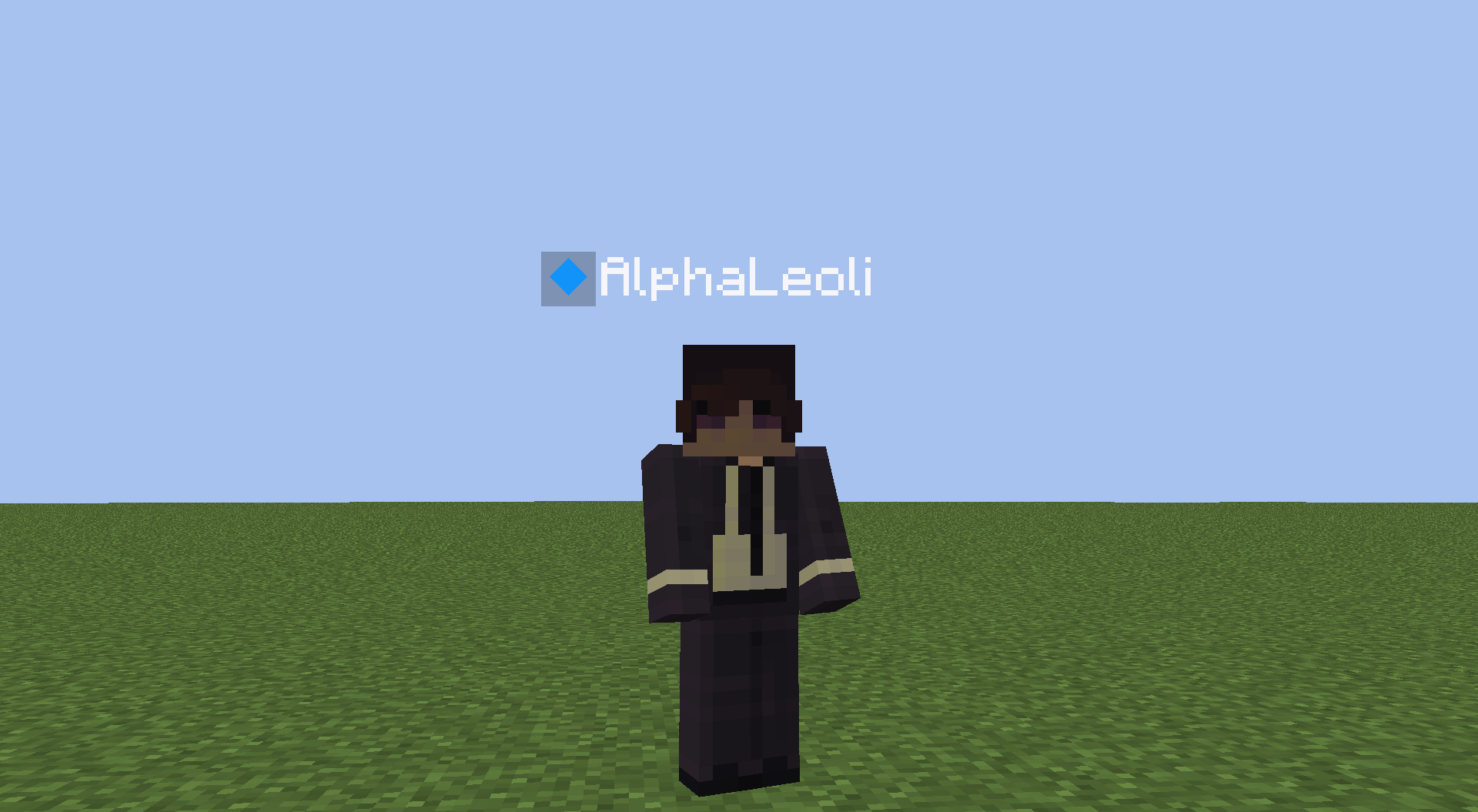
This texture pack makes it so you can’t see any items that other players are holding. If you don’t care about seeing other people’s items, then you can install this texture pack to get an fps boost when you’re around a lot of people.
# Without the Pack
# With the Pack
https://www.alphaleo.li/resourcepacks
Clean Concrete
# Clean Concrete
This is a Resource Pack that makes concrete textures more clean and solid.
## Example:
### Vanilla textures:

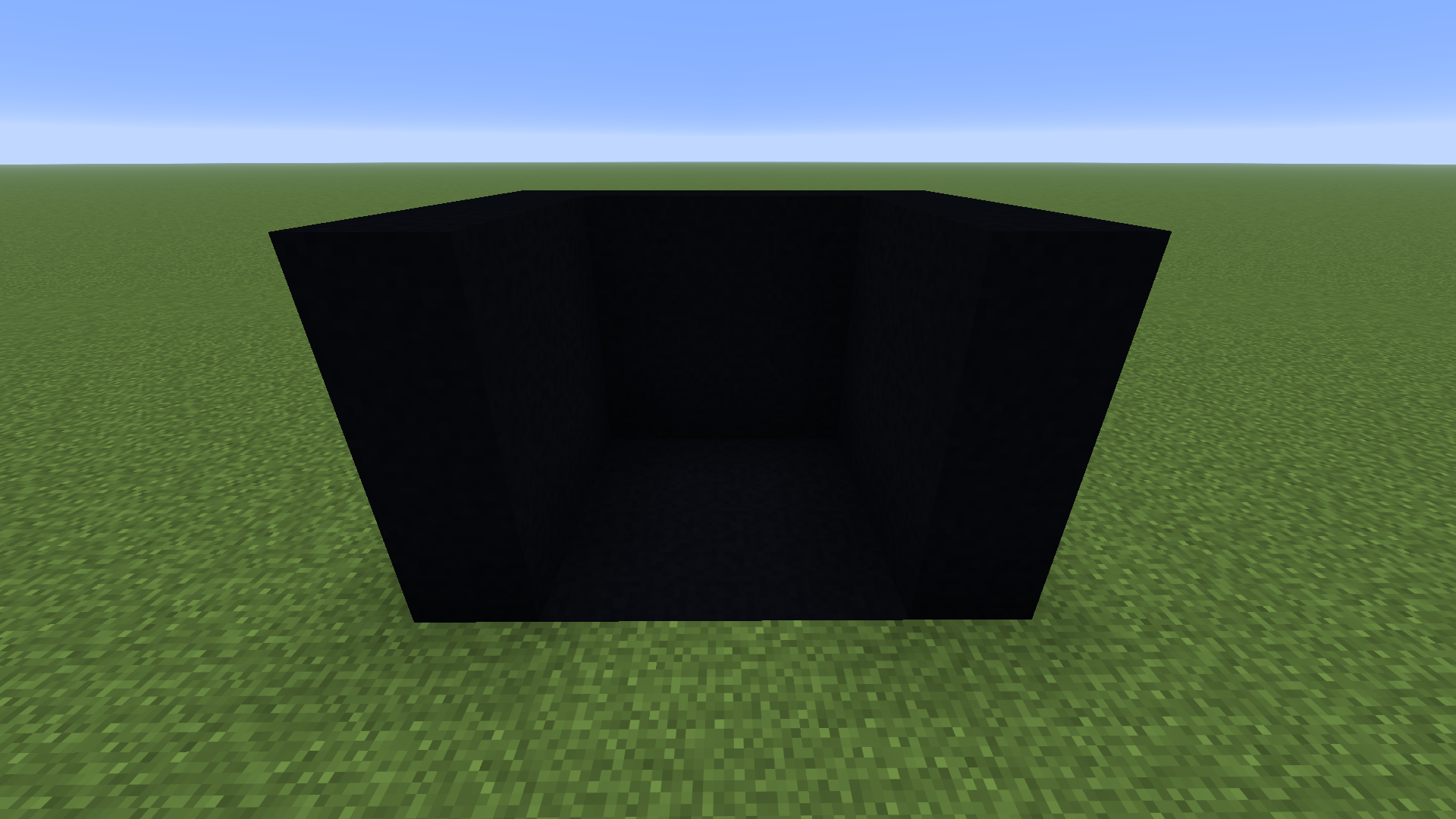
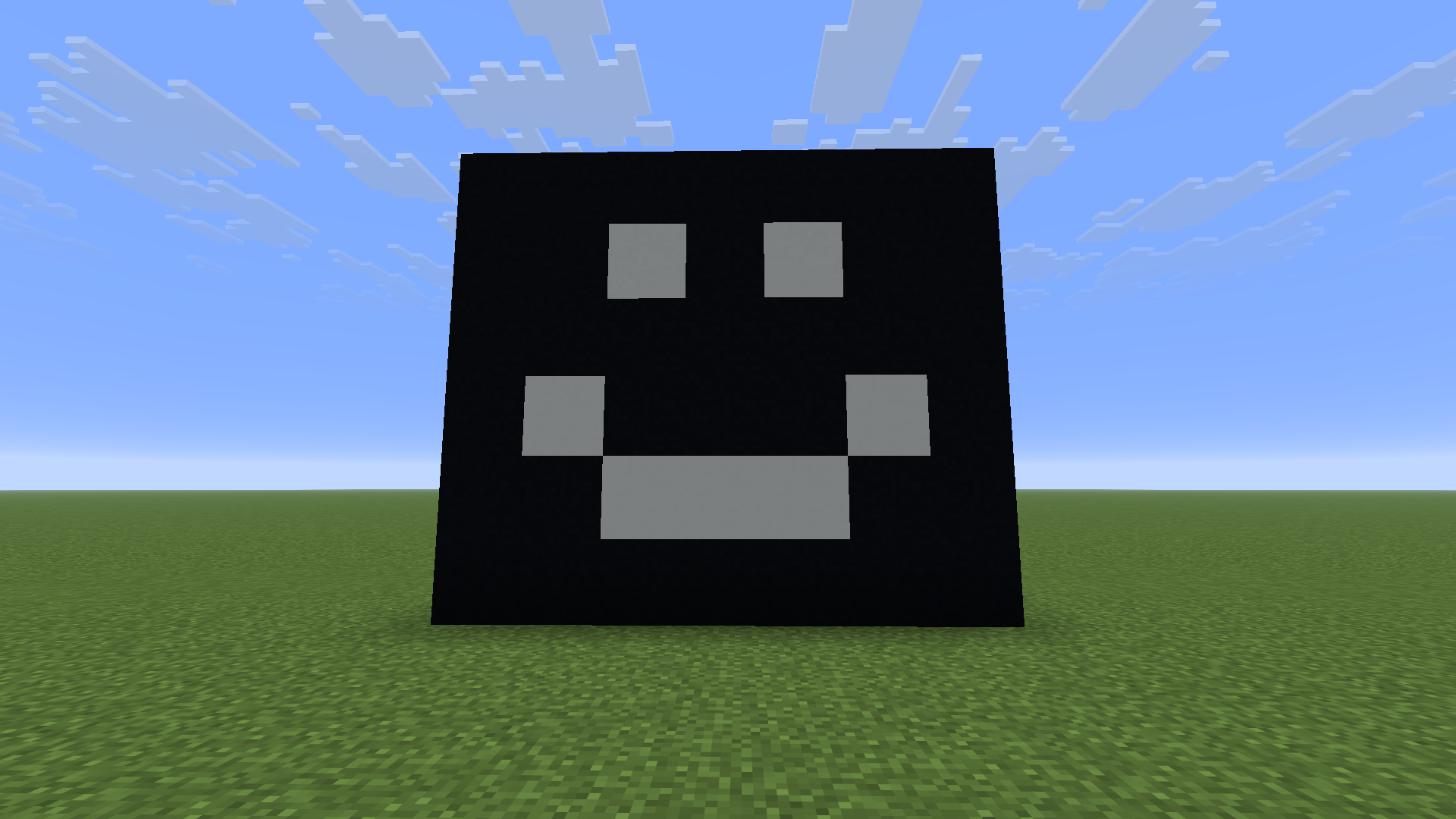
### Resource Pack Textures:
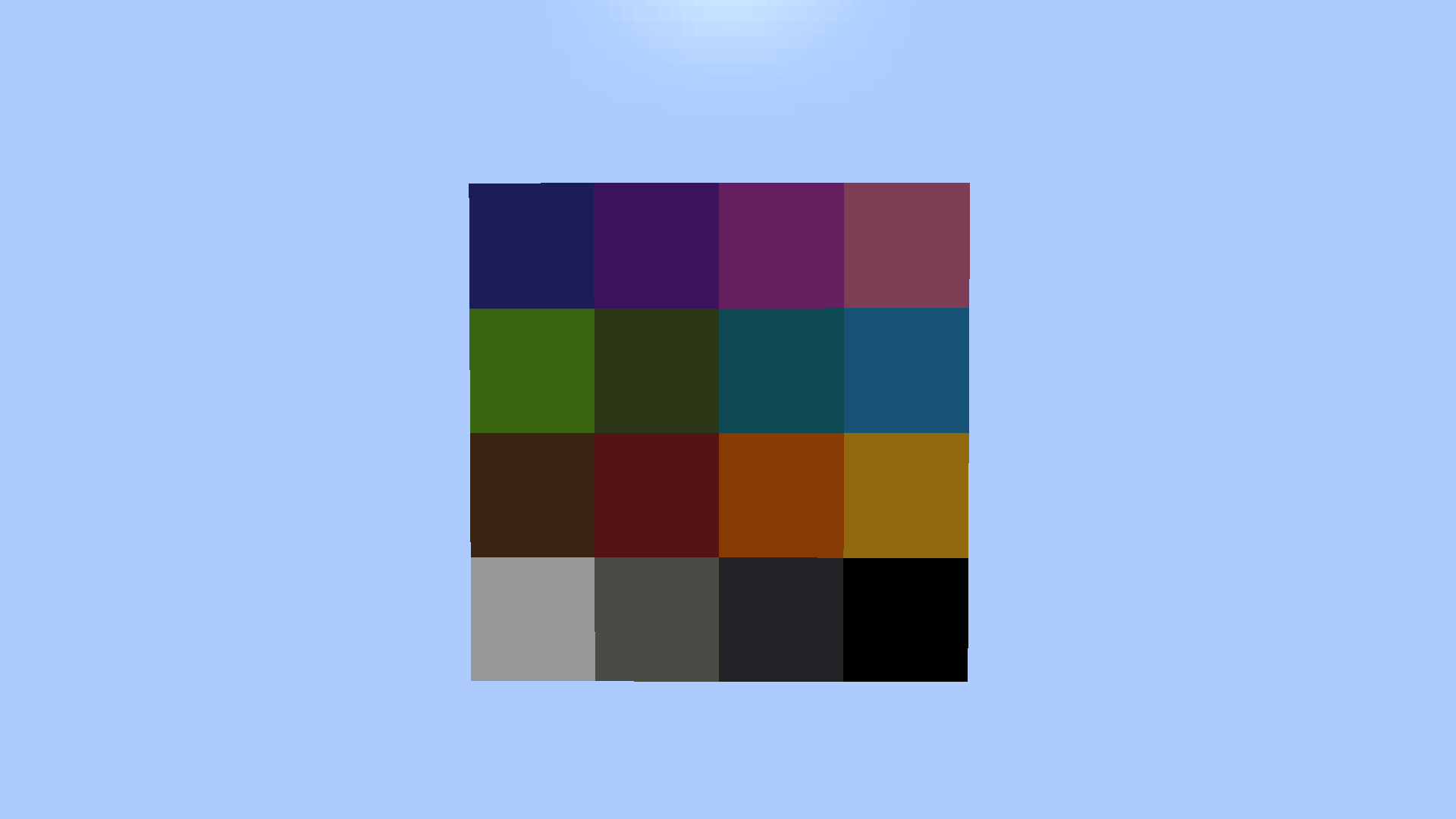
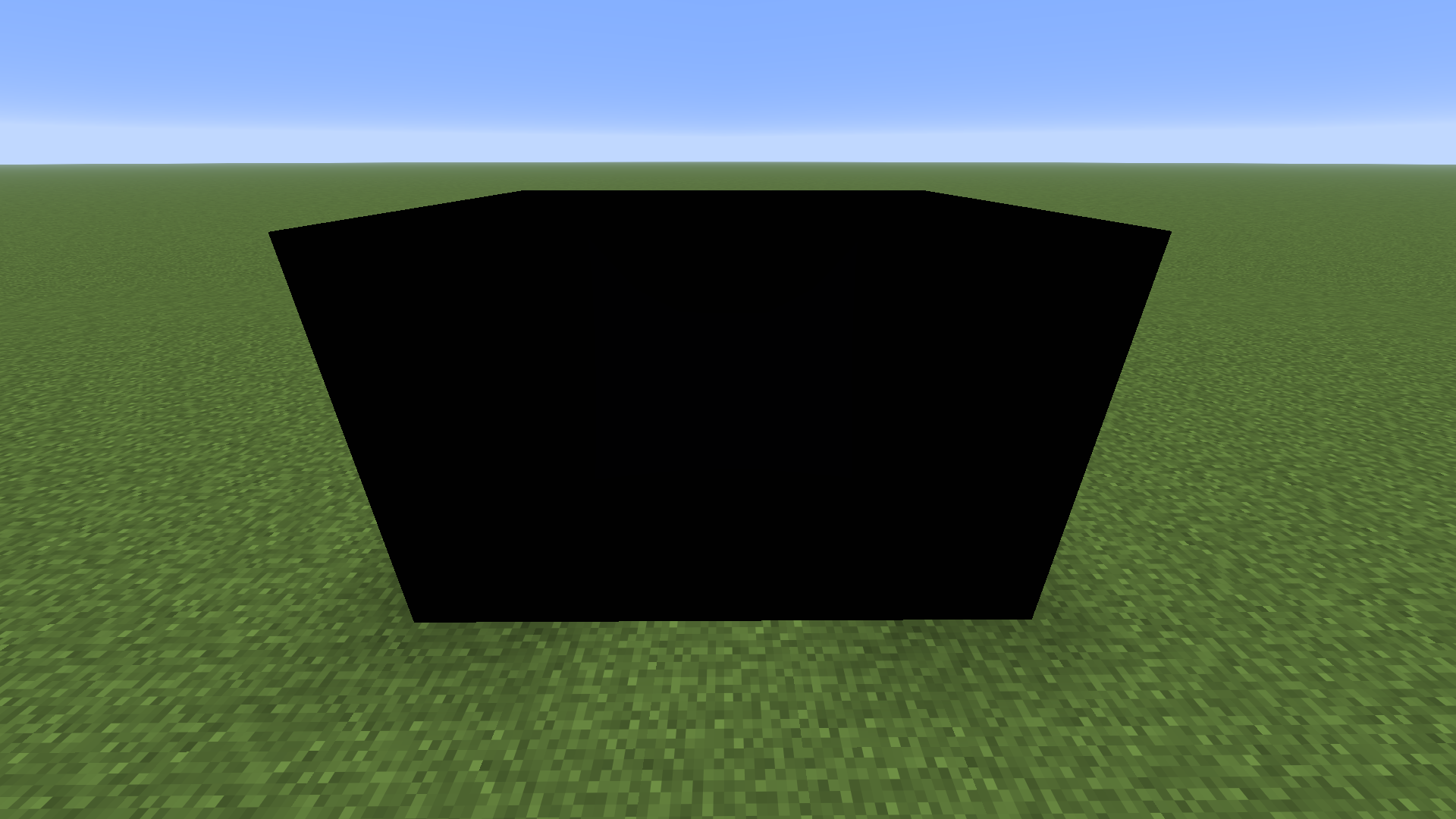
Changes is more visible in-game.
This Resource Pack is for version 1.21.X, but you can try to use it in older versions
Iron Blood Sword+
The “Blood Sword” Minecraft texture pack is a popular choice among players who enjoy adding a darker and more intense atmosphere to their gameplay experience. This pack typically features a sword design that incorporates elements like blood splatters, ominous symbols, or a more menacing appearance compared to the standard sword texture. The pack aims to enhance the visual impact of wielding a sword in Minecraft, making combat encounters feel more intense and immersive. Players who enjoy a more ominous or edgy aesthetic in their Minecraft worlds often find the “Blood Sword” texture pack to be a compelling addition to their gameplay, adding a touch of darkness and mystery to their adventures.
Invisivible falling leaves
# Invisible falling leaves
Do you dont like these new falling leaves? Then use this Resource pack it is simply making them Invisible. There are multyplie Versions of it so you can choose your favorite, there is one that is making all falling leaf particels invisibile and others which arent removing the Cherry or Pale oak ones + combiantion.
If you like this texture pack, try my others from my Invisible leaf collection too.
**Make sure the resource pack is above the others.**