Prettier high enchant tooltip
 |  |  | 

You can buy monthy subscription to get faster updates on KO-FI
****
#
**About**
If you had ever played on servers, or tested command for yourself, you probably know about this underdeveloped tooltip that says for example “enchantment.level.12” instead of Enchant XII. This pack changes it for it to be good looking as name says.
Powder Snow Alerts
# Powder Snow Alerts
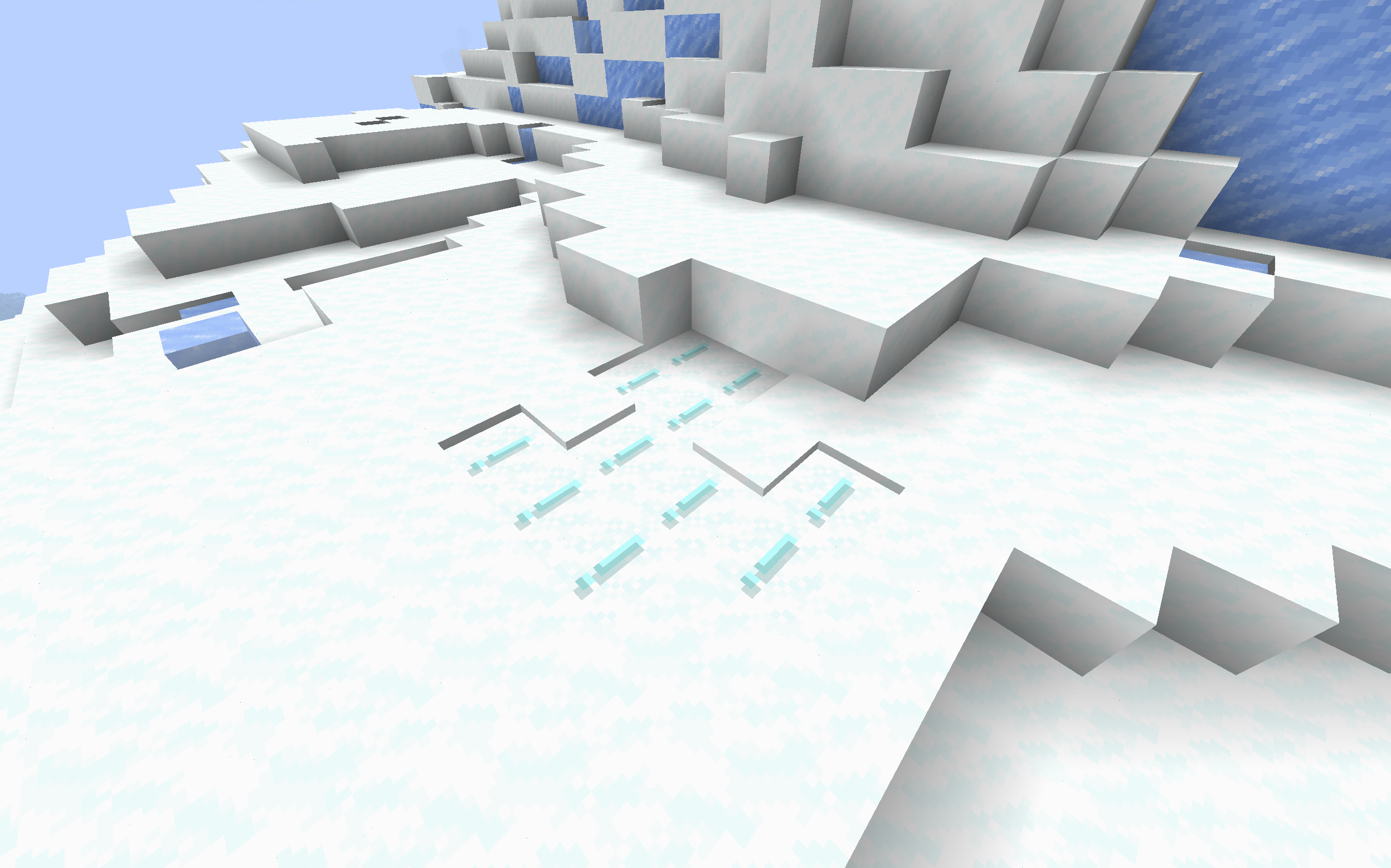
Makes powdered snow have an exclamation mark.
Thats it.
### Example
## FAQ
### Not Updated to version x:
The pack should work on all versions of the game, but if not, open an issue
### Usage in projects/modpacks:
I dont care if you use it in a project, however please credit me.
Potato3D
# Potato3D
The ~~Future~~ Past of Rendering is Now, and it’s all in Java™!
Potato3D is an alternative implementation of Mojang’s Blaze3D rendering api, that handles all the rendering
on cpu / with java code (aka it’s a 3d software renderer).
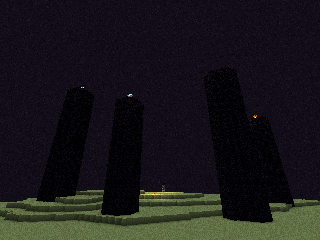
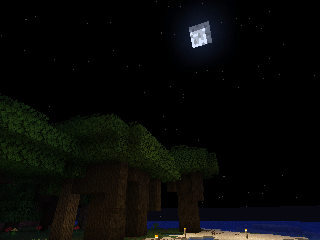
And all of it in crisp 320×240 and playable performance*!
Fully compatible with Minecraft 26.1.x and Herdcraft 26w14a!
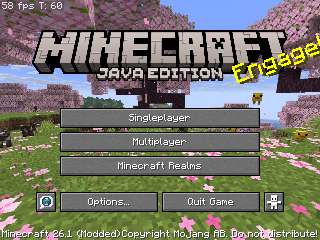
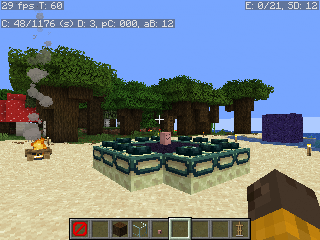
## Some in game screenshots:
## Incompatibilities:
– Sodium – Requires OpenGL, so it won’t work with reimplementation
– Iris – Requires OpenGL, just like above.
– Immediately Fast – Probably requires OpenGL
– Or just anything using raw OpenGL or vanilla Blaze3D implementation.
– Anything using custom core shaders – Potato3D doesn’t support any GLSL shaders, as all the rendering is handled on java side.
PixelMplus
UniformフォントをPixelMplusに変更するリソースパックです。
Resource pack to change Uniform font to PixelMplus.
幅12ピクセルと幅10ピクセルのバージョンがあります。
Versions of 12 pixels wide and 10 pixels wide are available.
—
PixelMplus: https://itouhiro.hatenablog.com/entry/20130602/font
Phong lon VietNam
– Welcome to my first project, my name Harrry.
– This project is the custom resource pack for Minecraft
– It change texture of the spear into phong lon (boar spear in **VietNam**)
– It doesn’t change any thing (expect the spear)
Peace Of Mind Music Disc
This texture pack replaces the music disc “13” and replaces it with the song “Purity” by A$AP Rocky ft. Frank Ocean. This makes it so that the name of the music disc is changed, and the music from that song is played. This music is from the album “Testing,” featuring many different artists, but for Purity, it features Frank Ocean.
Particle Rain
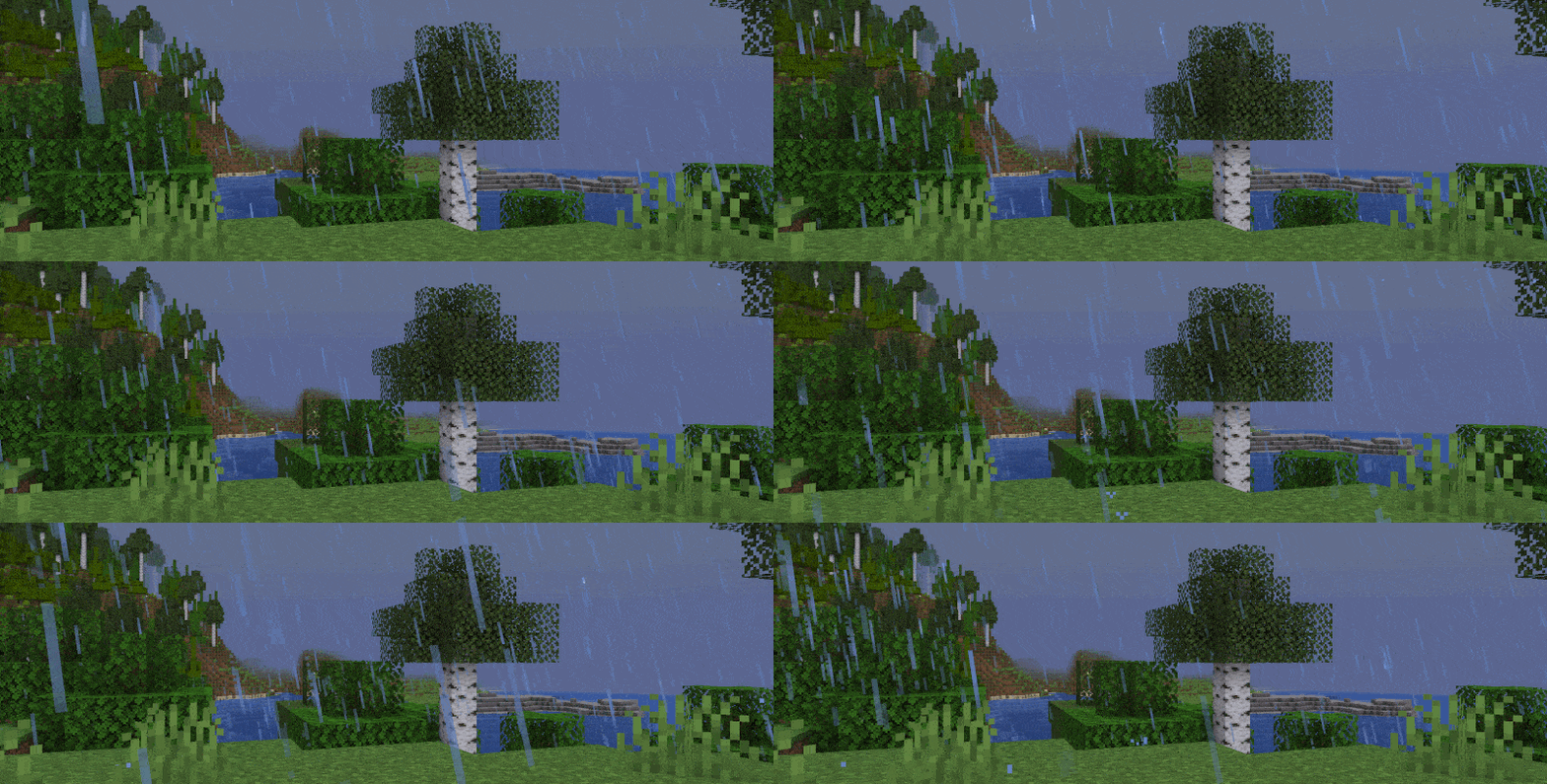
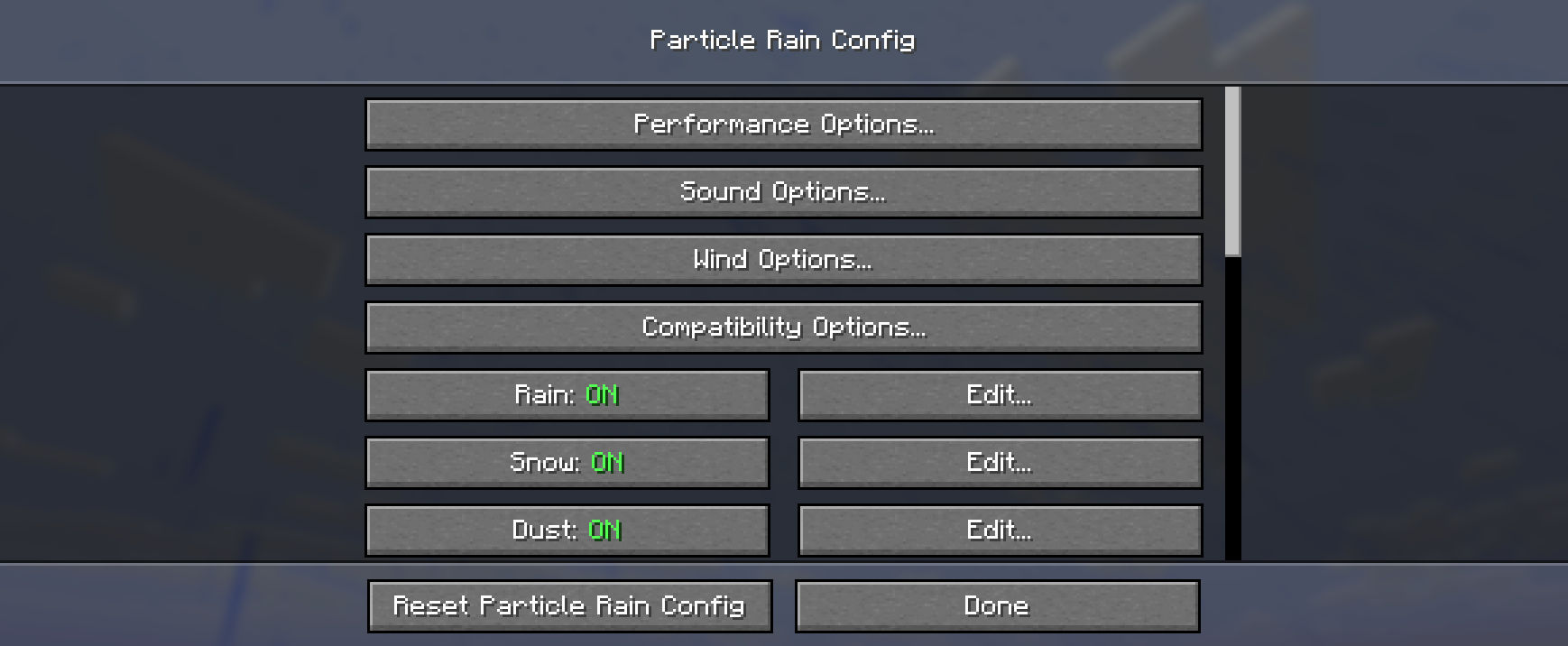
**Particle Rain** replaces the default weather with prettier particle effects, and adds some additional fog, wind, and sandstorm weather effects. You can disable, add, or customise weather effects with the in-game config menu.
Fabric versions require Fabric API.
For **config**, use command `/particlerain` or your loader’s mod list menu
For common **mod compatibility** issues, see here.
### Rain Particles
Falls at an angle, as if blown by wind. The wind is stronger during stormy weather.
### Snow Particles
Rotate slowly as they fall.

### Sandstorms
Dust and shrubs blow through deserts and other dry biomes. Supports modded biomes. Will match the color of the block below.

### Biome Tint
Rain and water particles match the biome’s water tint. In vanilla biomes, the tint is not this strong.

### Water Ripples
Appears when rain falls onto water. Will match the resolution of your resource pack.

### Water Streaks
Appears when rain hits a wall made of a hard material. (can be configured to appear on any block)

### Mist
Moisture hangs in the air in wet/spooky biomes and after rainfall.


### Better Rain Haze
There is a haze effect for each weather type. These effects can be enabled in the config (`/particlerain`). They are disabled by default as they might look odd with some shaders or perform poorly on older systems.
### Configuration & Custom Effects
You can create all kinds of atmospheric particle effects for specific blocks and biomes or edit the existing effects using the built in configuration menu.
Access the menu via the command `/particlerain` or through the mod menu.

### ~~Puddles~~
Puddles feature has been moved to its own mod: https://modrinth.com/mod/puddles-floods/
Mod compatibility notes
| Name |
Issue |
Solution |
| Serene Seasons & similar mods |
Rain in deserts |
This is typically a feature of mods that add seasons, not a bug or incompatibility. |
| Particull |
Weather effects missing |
¯_(ツ)_/¯ Remove Particull |
| Particle Core |
Flickering or disappearing effects |
In particle core’s config, set culling mode to bounding box or add particles to the blacklist. |
| Particle Tweaks |
crash in Minecraft 1.20 |
use particle tweaks 1.1.1 instead of the latest version. |
| Complementary & Astrocraft |
Black sun |
Disable ‘Sun/Moon during rain’ in Complementary’s settings |
| Eureka helms |
Eureka helms sometimes breaks random number generation, causing incorrectly placed effects in some scenarios. |
¯_(ツ)_/¯ |
### Other shader pack issues
Shader pack support varies by minecraft version. Some shader packs do not fully support particles.
Please check for or submit an issue if you run into other problems!
## Resource pack support
Particle Rain generates its snow and rain textures using the game’s weather textures, so it remains compatible with resource packs without them needing to include extra particle textures.
### Including custom weather effects
Resource packs can include custom weather effects, or override existing effects, by providing a file at
`assets/particlerain/particles.json`. See here the default version of this file.
Particle effects can use any texture provided in the particles folder in your pack (or in other mods and packs).
You can create or edit particles with the in-game menu, and copy-paste the `particles.json` from
`config/particlerain` into your resource pack once you’re done!
PackTimer
# PackTimer
## Update
If you update, run the function “`/function timer:update“` if there are any problems!
## Features
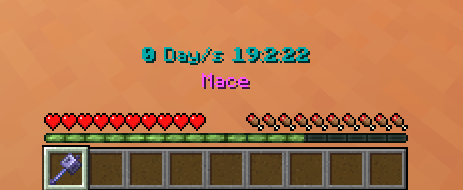
– Timer with Day Counter
– Milliseconds Counter 😀
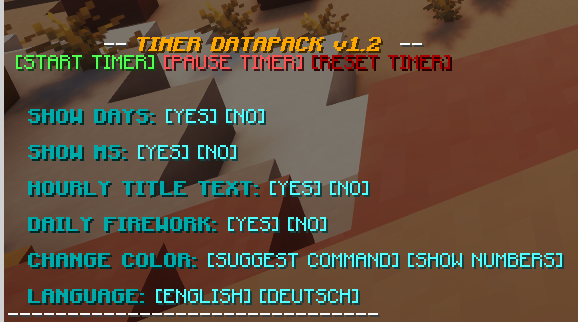
– Easy to use
– English and german language options
– 16 different colors supported
– Simple to install and update
## Tags
Disabling the interface:
“`
/tag PLAYERNAME add timer.disable_interface
“`
Disabling the timer:
“`
/tag PLAYERNAME add timer.disable_timer
“`
## How to use
– Make sure you have commands enabled or have OP on a server.
– Type: “`/trigger timer.interface“`
– Change some settings or start the timer!
### Installation
1. Install the Datapack
(note: In Minecraft the Datapack may appear to be “unsupported”, but it still works if you downloaded the correct version.)
2. Make sure you have commands enabled
3. Run the command “`/trigger timer.interface“`
Outstanding Outlined Ores!
Outstanding Outlined Ores changes the textures of Minecraft ores to add a small border around them, so you can see the ores much easier and faster so you don’t get fooled by other blocks.
This pack works best with shaders, as they can even glow!
Outstanding Outlined Ores is your best choice for Outlined Ores Resource Packs, as Outstanding Outlined Ores updates for EVERY VERSION (including Snapshots!) and as fast as we can!
This pack just changes ores, no clutter, no extra blocks, no “incompatables version” messages.
EXTREMELY IMPORTANT DISCLAIMER: If you downloaded this from KLauncher or any site other than CurseForge, Modrinth, MCreator or NexusMods, or MinecraftStorage, you are using an unauthorized copy that may be outdated or unsafe. These “mod reposting” websites may contain malacious code or adverts that are intrusive.
Important disclaimer: VERSIONS BELOW 1.19 ARE NOT SUPPORTED! These versions of the resource pack have not been tested, and might break textures while using the pack.
Oustanding Outlined Ores changes:
All Coal Ores
All Copper Ores
All Iron Ores
All Redstone Ores
All Gold Ores
All Emerald Ores
All Lapis Ores
All Diamond Ores
Nether Gold
Nether Quartz
Ancient Debris
Gilded Blackstone
Ore Vein Miner





# Ore Vein Miner
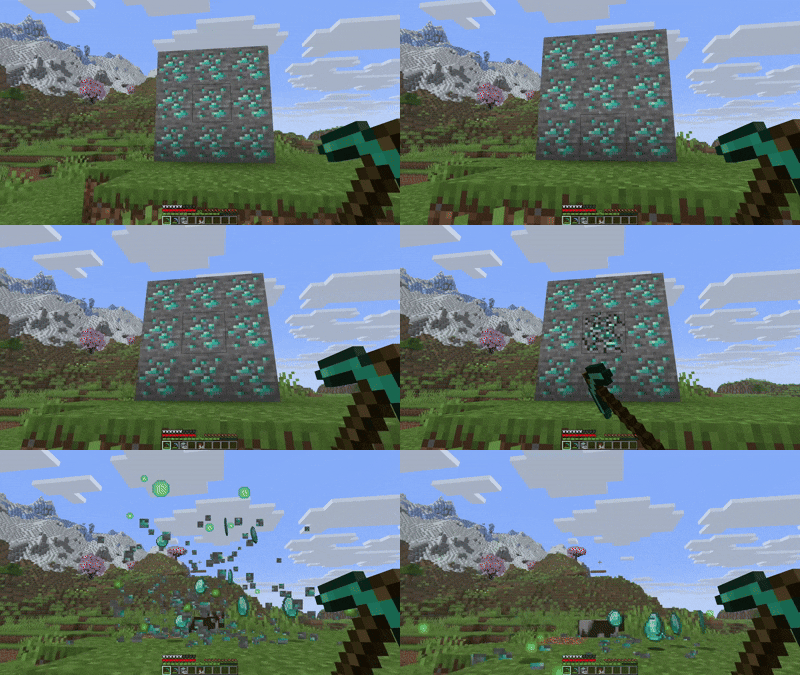
It automatically mines connected ore blocks when you break one with a pickaxe while crouching.

## How It Works
– Crouch (Sneak) and mine any ore block with a pickaxe. The entire connected vein will be mined automatically (**Silk Touch Compatible**)
## Notes
– Automatically disables vein mining when **Fortune** enchantment is detected