No Villages
## ✅ Features
– Changes the World Generation to **REMOVE** Villages.
## ‼️Disclaimer
**May not work** in **existing** Worlds
## ✅ Features
– Changes the World Generation to **REMOVE** Villages.
## ‼️Disclaimer
**May not work** in **existing** Worlds
Removes the Vignette Effect (The dark corners effect of the screen):

# No Rocket Usage
Rocket flying is annoying! (and unfair, too.)
## Highlights
It prevents firework usage by breaking the equipped elytra upon usage, simple as that.
## Installation
### Datapack
– Make a new world, click on **Datapacks** and put the `.zip` file inside of the `datapacks` folder.
– For existing worlds, put the datapack inside of the `datapacks` folder of that world.
### Mod
– Move the `.jar` file into the `mods` folder.
– Alternatively, you can go to the Mods page and click on **Add File** when using MultiMC or Prism Launcher.
## Extras
This project was made as an experiment to make a functional GitHub repository. Nonetheless, this project will be maintained and updated from time to time on breaking changes.
## License
No Rocket Usage is unlicensed.
Removes shadows under mobs, making them shadowless.

VS Vanilla:

You can now call yourself a vampire.
## ✅ Features
– It removes Enchantments anyhow from **NEW** Trades. What else could I say?
Do you think the custom dialog warning button is obnoxious? Well, here’s a mod that gets rid of it! No configs, just drop it in and go.
Removes the Armor Icons from the HUD, for a cleaner GUI. Protection still works!
v1.20.2 (latest) and above is compatible with every other resourcepack.
Just select and put this resourcepack above others in order to work.
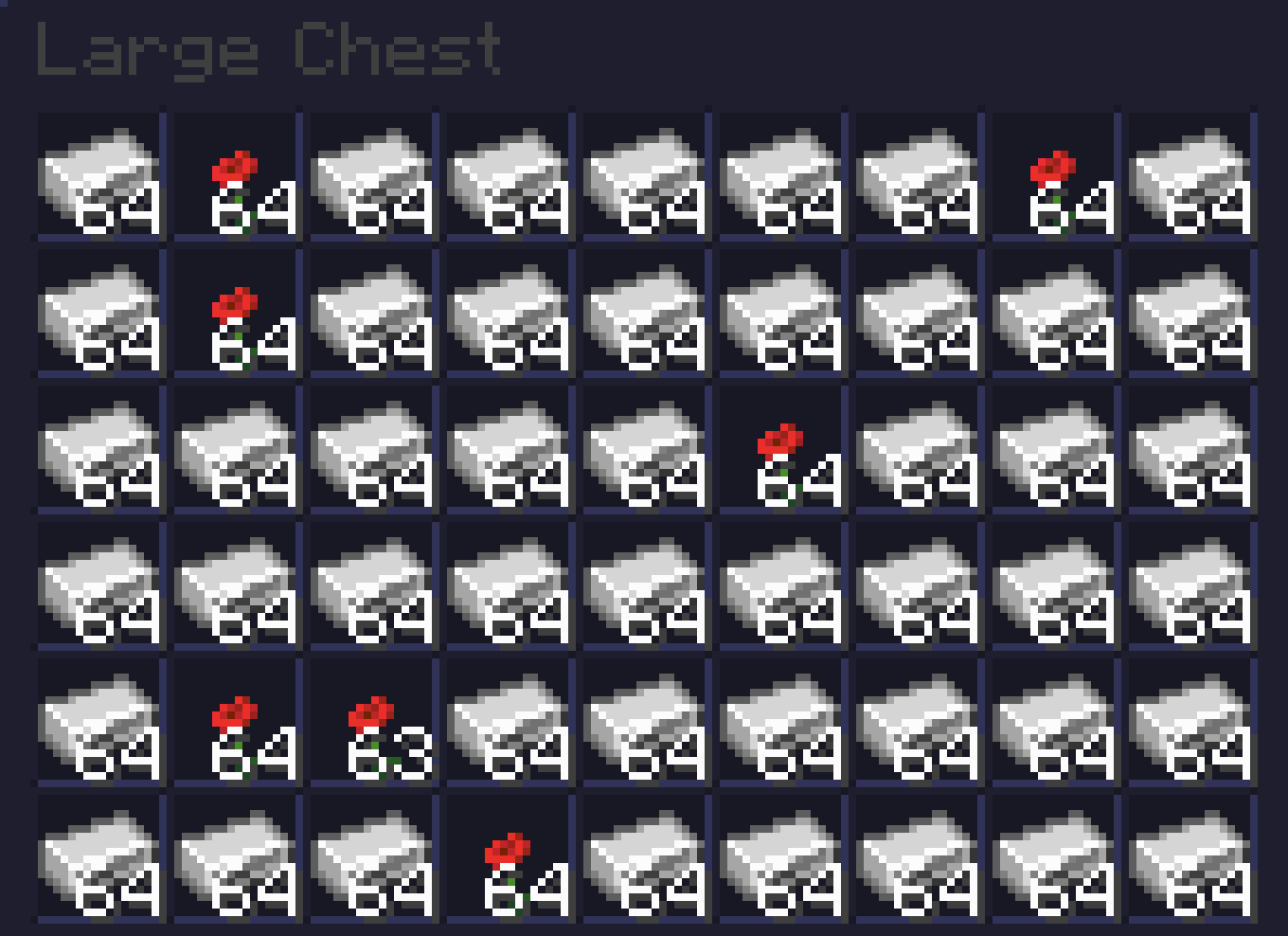
# Ever get tired of your iron farms filling up with Poppys?
Well worry no more as I have fixed your problem!
This simple Datapack removes Poppys from the Iron Golem loot table so you don’t need those pesky sorters!
This pack is based off of No Iron Golem Poppy Drops which hasn’t been updated for awhile.
# BEFORE
# AFTER
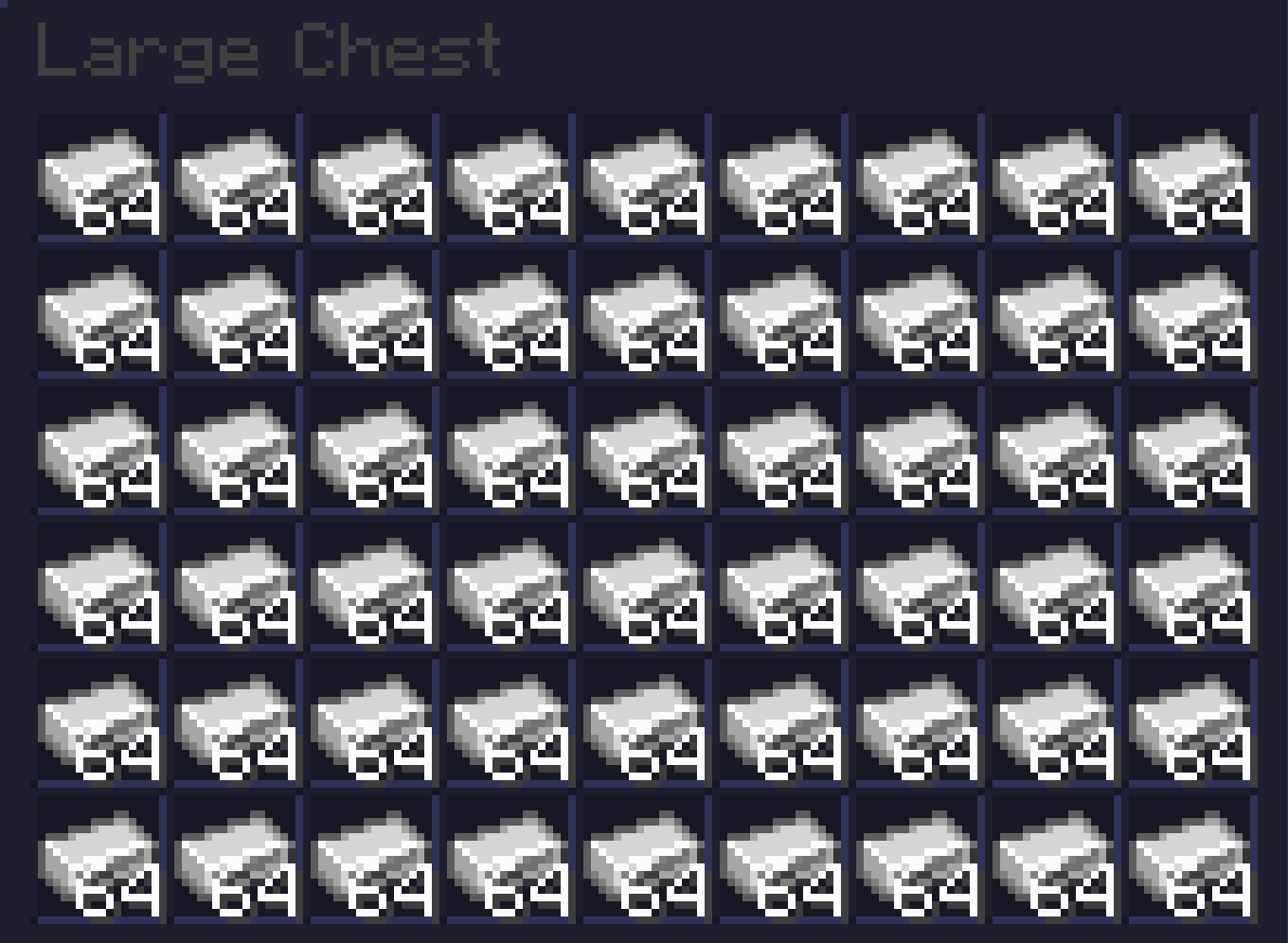
Beautiful, innit?
## INSTALLATION GUIDE
– Go to your saves folder located here on Windows:
“`
C:Users(your name)AppDataRoaming.minecraftsaves
“`
– Put the zipped file in the data packs folder, and either restart your world or execute /reload
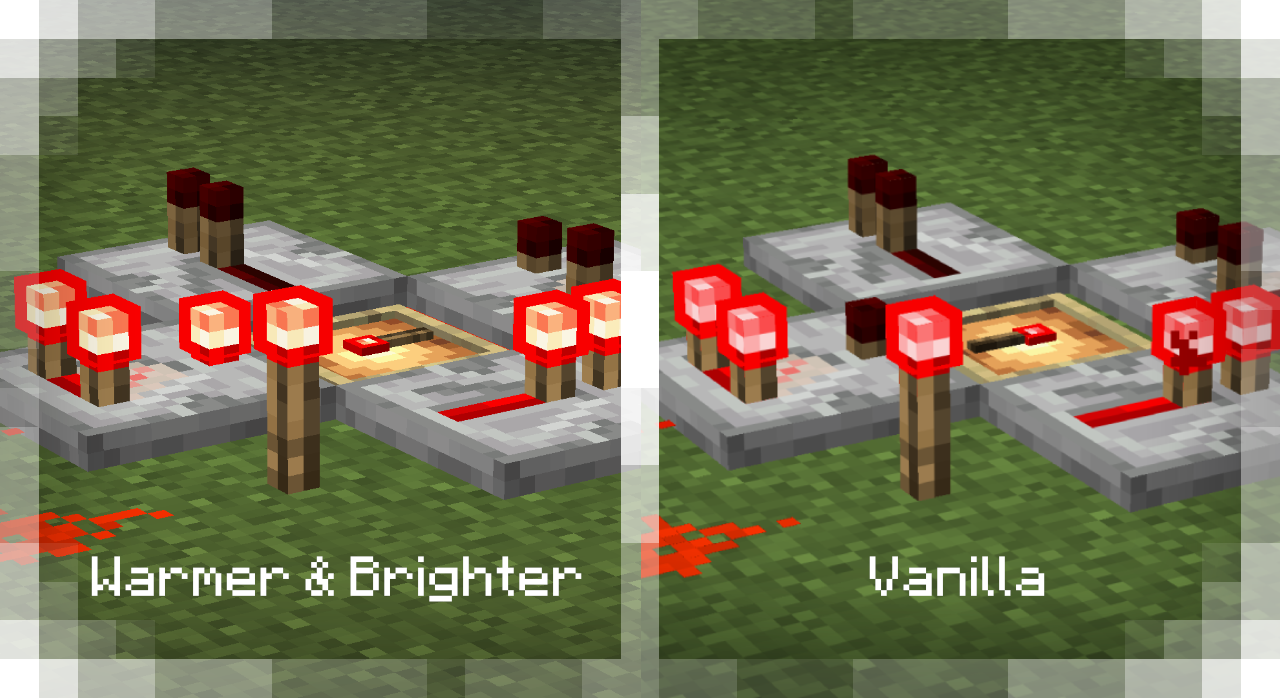
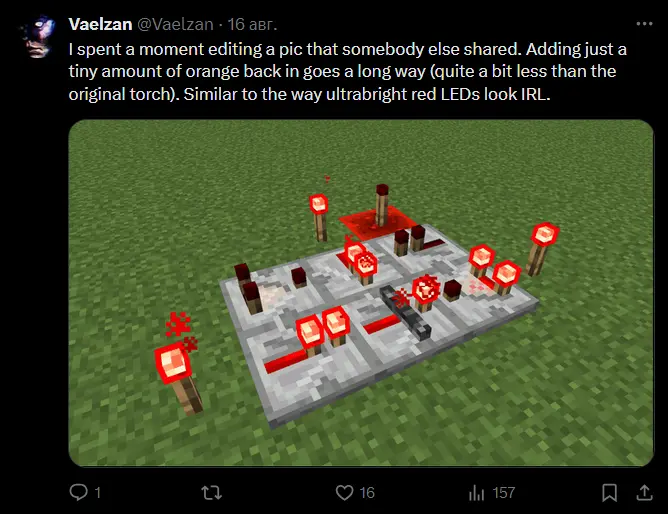
### This resource pack simply makes the colors of the new redstone torch warmer and brighter.
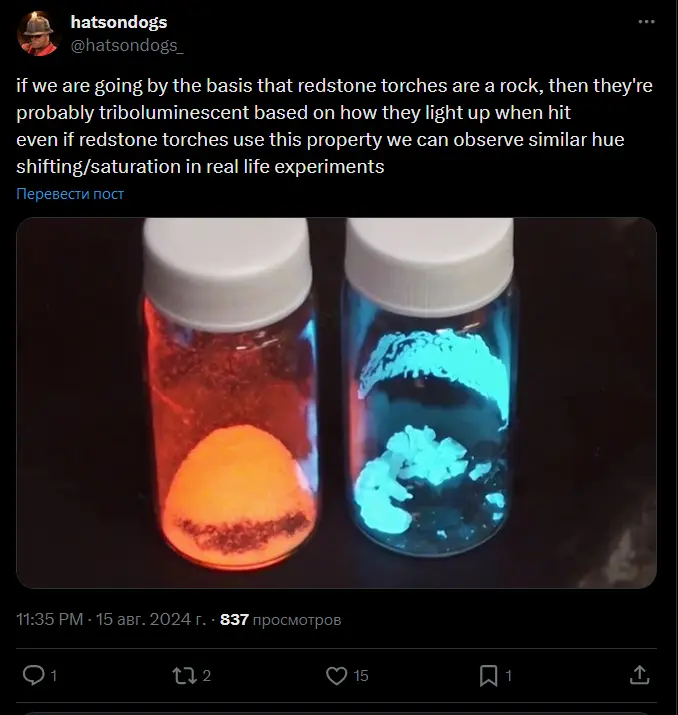
## Inspired by these tweets
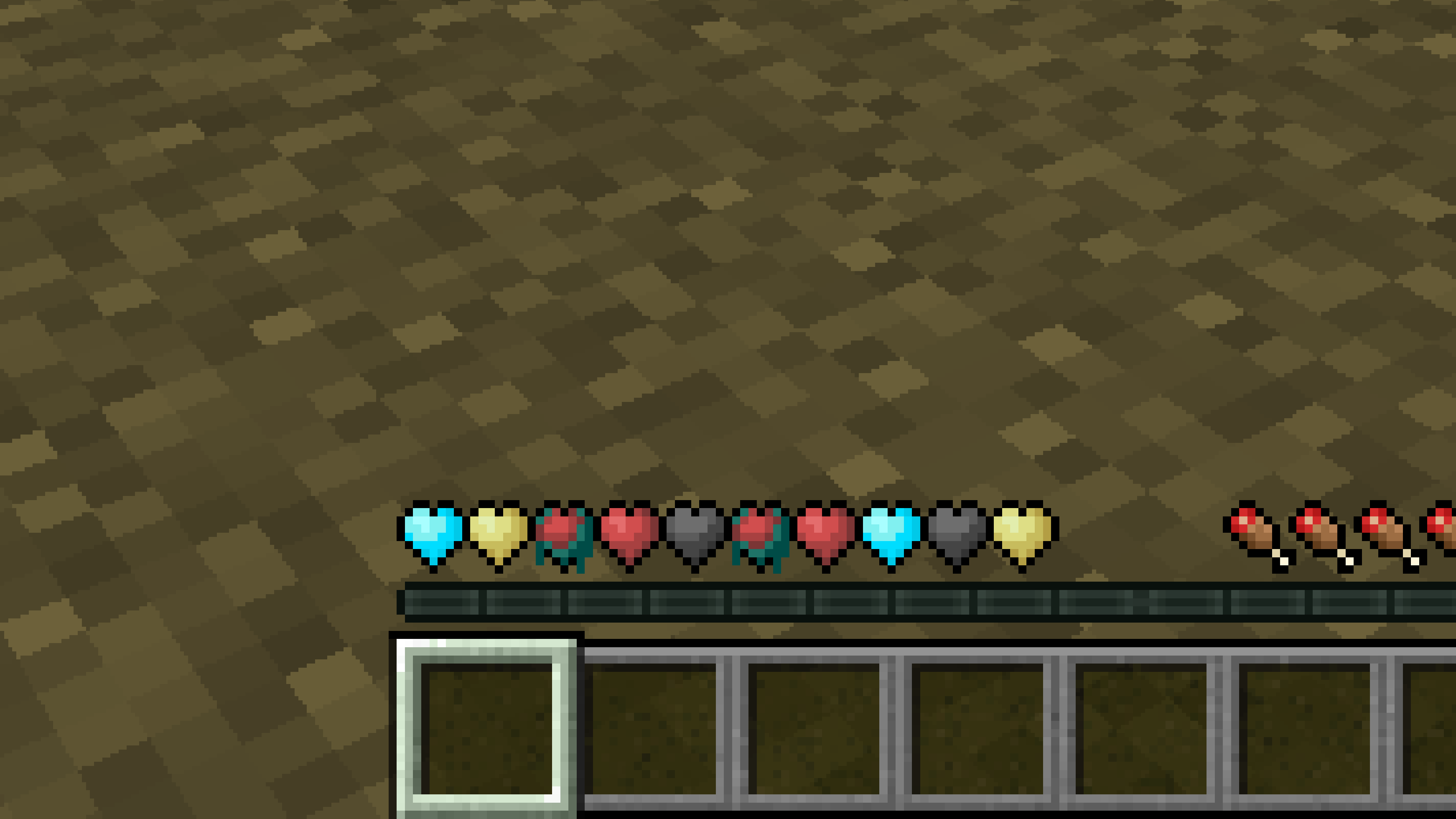
# **New Hearts, classic colors**
**Not a fan of the pastel hearts in the New Hearts texture pack?**
**This texture pack is for you.**
—
—