o7 7TV Totem of Undying
– ENG: **O7** is an emoji that represents giving a salute. O represents a person’s head, and 7 represents a raised hand with a bent elbow
– RU: **O7** это эмодзи, который означает отдание чести. О символизирует голову человека, а 7 — поднятую руку с согнутым локтем
– Тотем Я уже Красный-totem-of-undying)
– Тотем Меллстрой
– Colored Bricks
– MACAN Music Discs
– MACAN Totem of Undying
NoPanorama
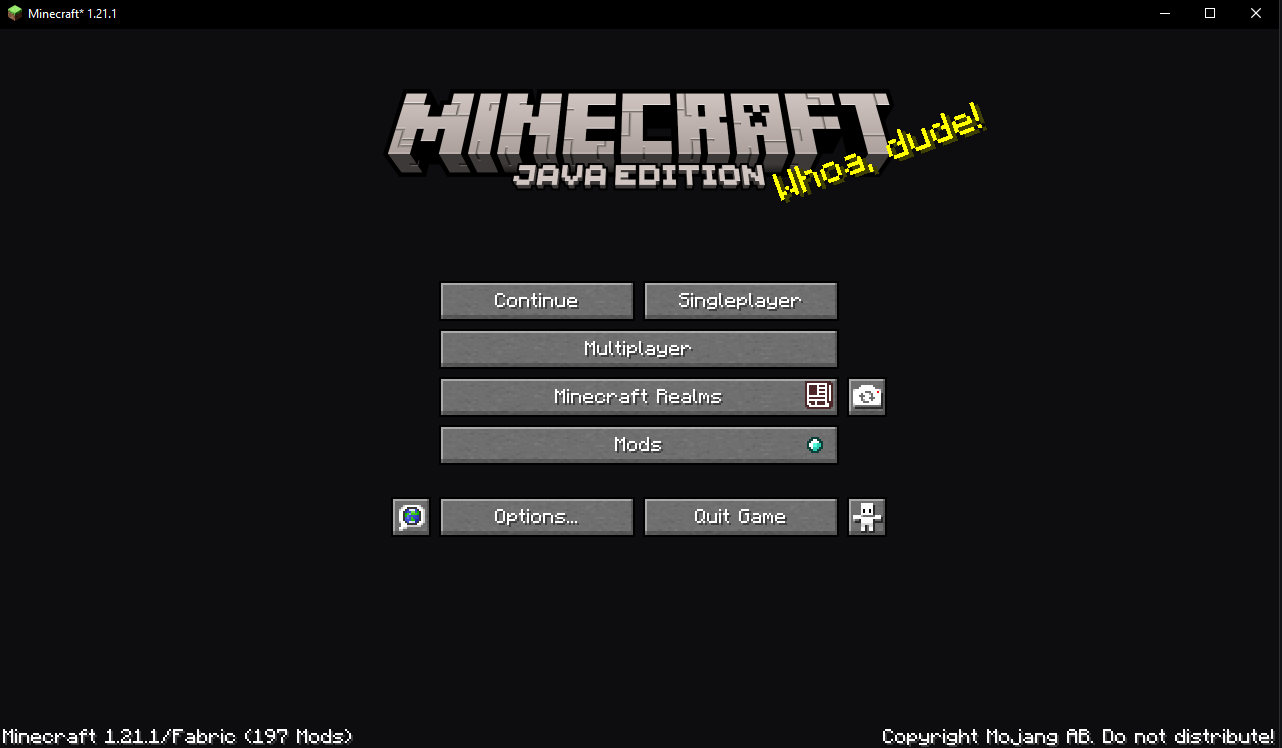
The game’s main menu changes to a minimalistic gray and blue
No More Pumpkin Blur
**🎃 No more Pumpkin Blur**
**✨ Say goodbye to the pumpkin blur!**
Tired of the annoying blurry overlay when wearing a carved pumpkin?
This pack removes the blur effect so you can finally see clearly while staying safe from Endermen 👀💥
**🔧 What it does:**
– ✅ Removes the carved pumpkin overlay
– ✅ Keeps everything else vanilla-friendly
– ✅ Perfect for survival, PvP, or just looking cool!
**🧩 Works with:**
Minecraft Java Edition
Compatible with Vanilla, OptiFine, Sodium, and more
Plug-and-play — no setup needed!
**📦 Installation:**
Download the pack
Drop it into your resourcepacks folder
Enable it in-game
Done! 🎉
💬 Feedback welcome! Enjoy a clearer Minecraft experience!
Black Shield
# Black Shield
This resource pack replaces the default shield with a custom 3D model.
The design uses a black theme.
No OptiFine required. Vanilla compatible.
## More Shield Themes
– Blue
– Creeper
– Dark Red
– Mirror
– Navy Blue
– Rabbit
– Red
no.
# no.
This resource pack removes all miecraft textures: buttons, fonts, menus, icons, and most of the UI. The game becomes nearly impossible to navigate because nothing is displayed anymore. This pack is not designed for gameplay — it is simply a minimal, empty, and fully stripped‑down experience.
—
## ⚠️ Warning
This pack also removes **all** UI elements, including:
– Buttons
– Fonts
– Click sounds
Because of this, you may not be able to access settings, menus, or even disable the pack normally (unless you’re lucky to disable it).
To deactivate it, you must **rename the pack’s folder** so Minecraft cannot load it, or **delete the pack** from your resourcepacks directory.
Use with caution.
No Villages
## ✅ Features
– Changes the World Generation to **REMOVE** Villages.
## ‼️Disclaimer
**May not work** in **existing** Worlds
No Vignette Effect – Remove Dark Shadow Borders/Corners/Edges
Removes the Vignette Effect (The dark corners effect of the screen):

No Rocket Usage
# No Rocket Usage
Rocket flying is annoying! (and unfair, too.)
## Highlights
It prevents firework usage by breaking the equipped elytra upon usage, simple as that.
## Installation
### Datapack
– Make a new world, click on **Datapacks** and put the `.zip` file inside of the `datapacks` folder.
– For existing worlds, put the datapack inside of the `datapacks` folder of that world.
### Mod
– Move the `.jar` file into the `mods` folder.
– Alternatively, you can go to the Mods page and click on **Add File** when using MultiMC or Prism Launcher.
## Extras
This project was made as an experiment to make a functional GitHub repository. Nonetheless, this project will be maintained and updated from time to time on breaking changes.
## License
No Rocket Usage is unlicensed.
No Rename italic


This datapack removes the default italic formatting applied to renamed item names in Minecraft. Instead of the usual italic text, item names will appear in a clean, normal font for better readability and a more polished UI experience.


`/trigger no_italic.fix`: to fix the item name formatting.
– In multiplayer, only one player can use the system at a time.
– In single-player, it can be used without any restrictions.
– It only applies to items placed in hotbar slots.
– Additionally, this does not work with colored or custom-styled item names.


No Entity Shadows
Removes shadows under mobs, making them shadowless.

VS Vanilla:

You can now call yourself a vampire.