
—
Ice Cream is a resource pack that refreshes the looks of Minecraft while maintaining the vanilla feel of the game.
This pack features a bunch of new textures that remain similair to the base game. The perfect resource pack for those who want to stay true to vanilla! (hence why it’s name :P)
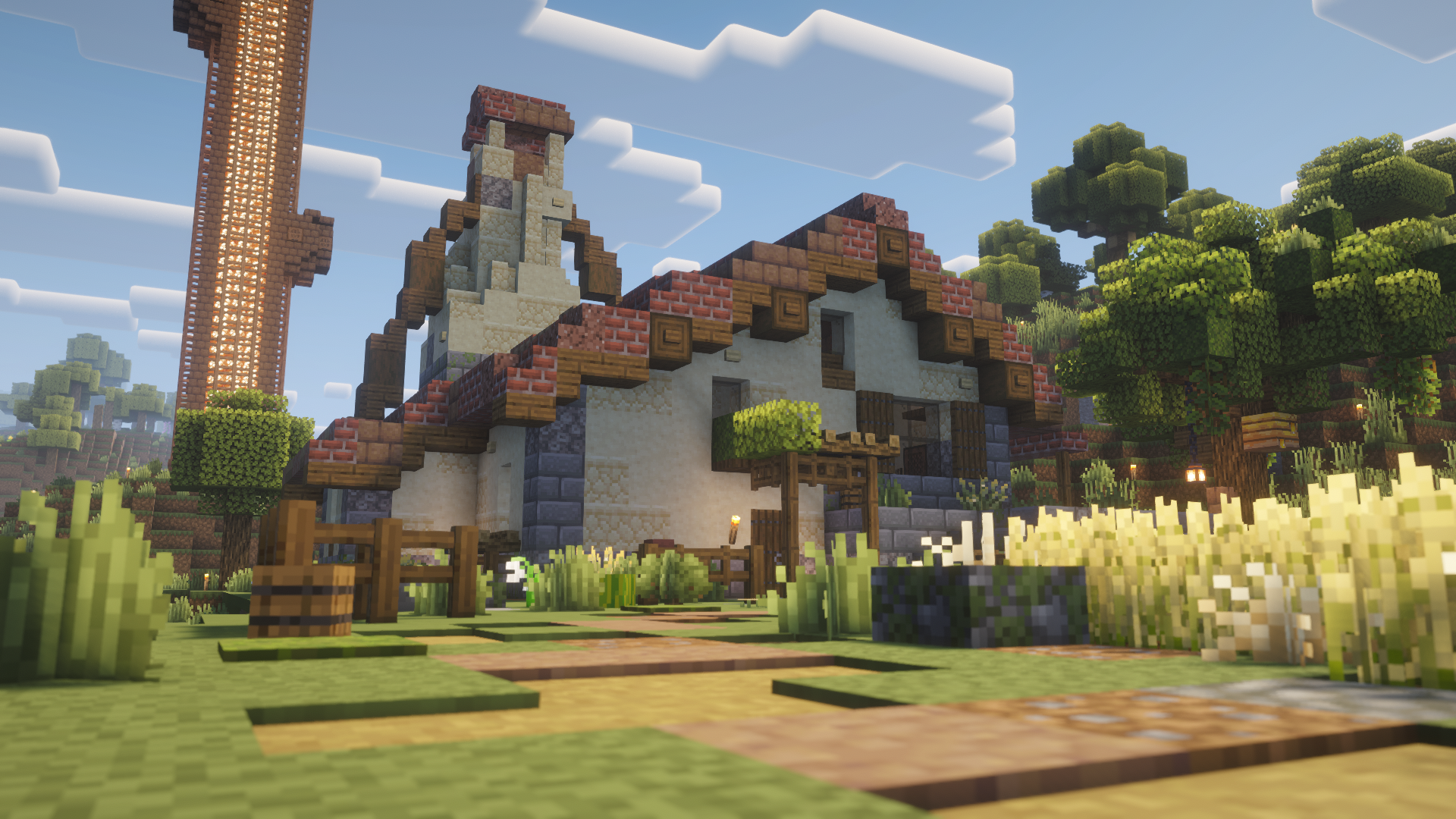
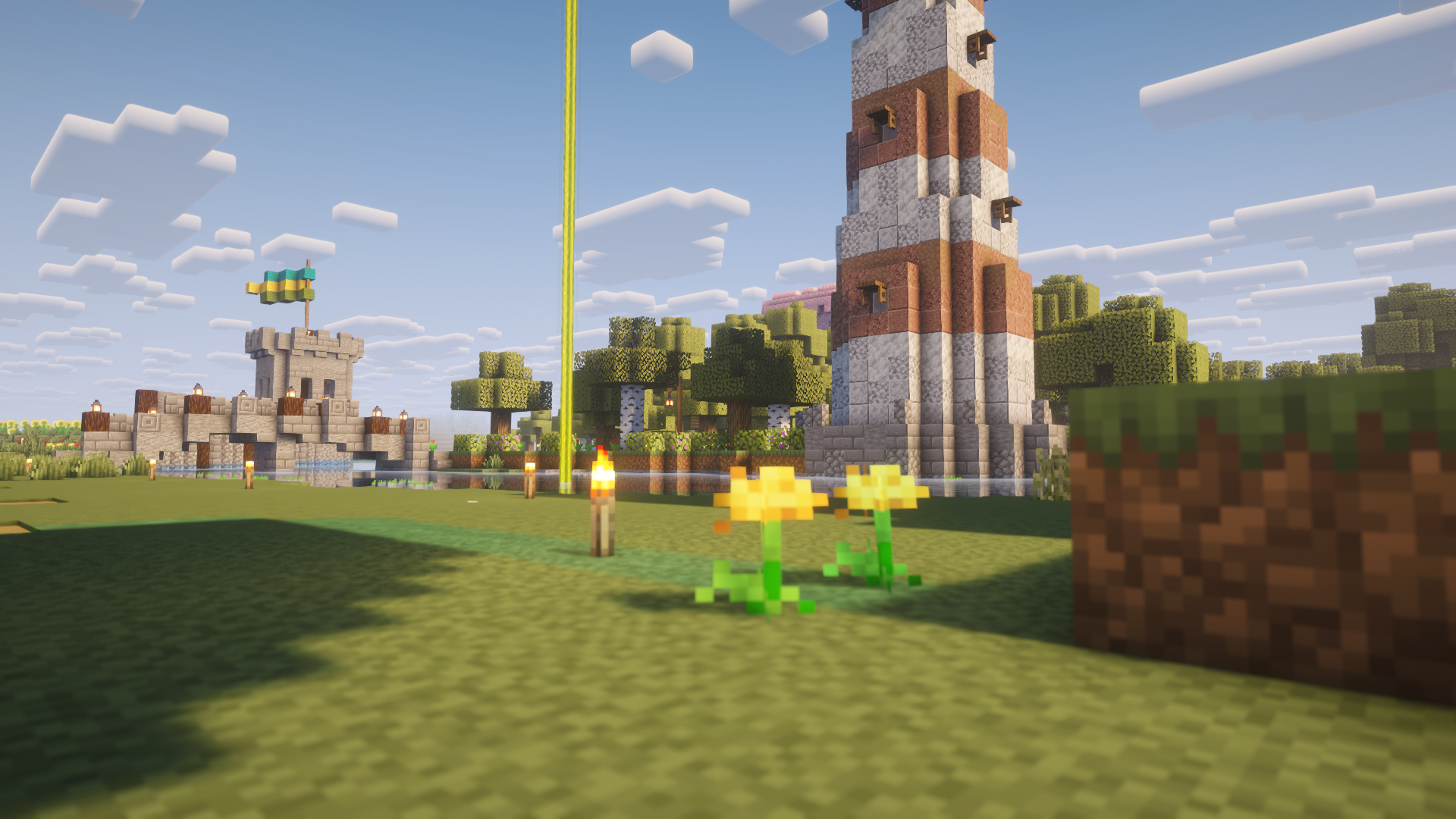
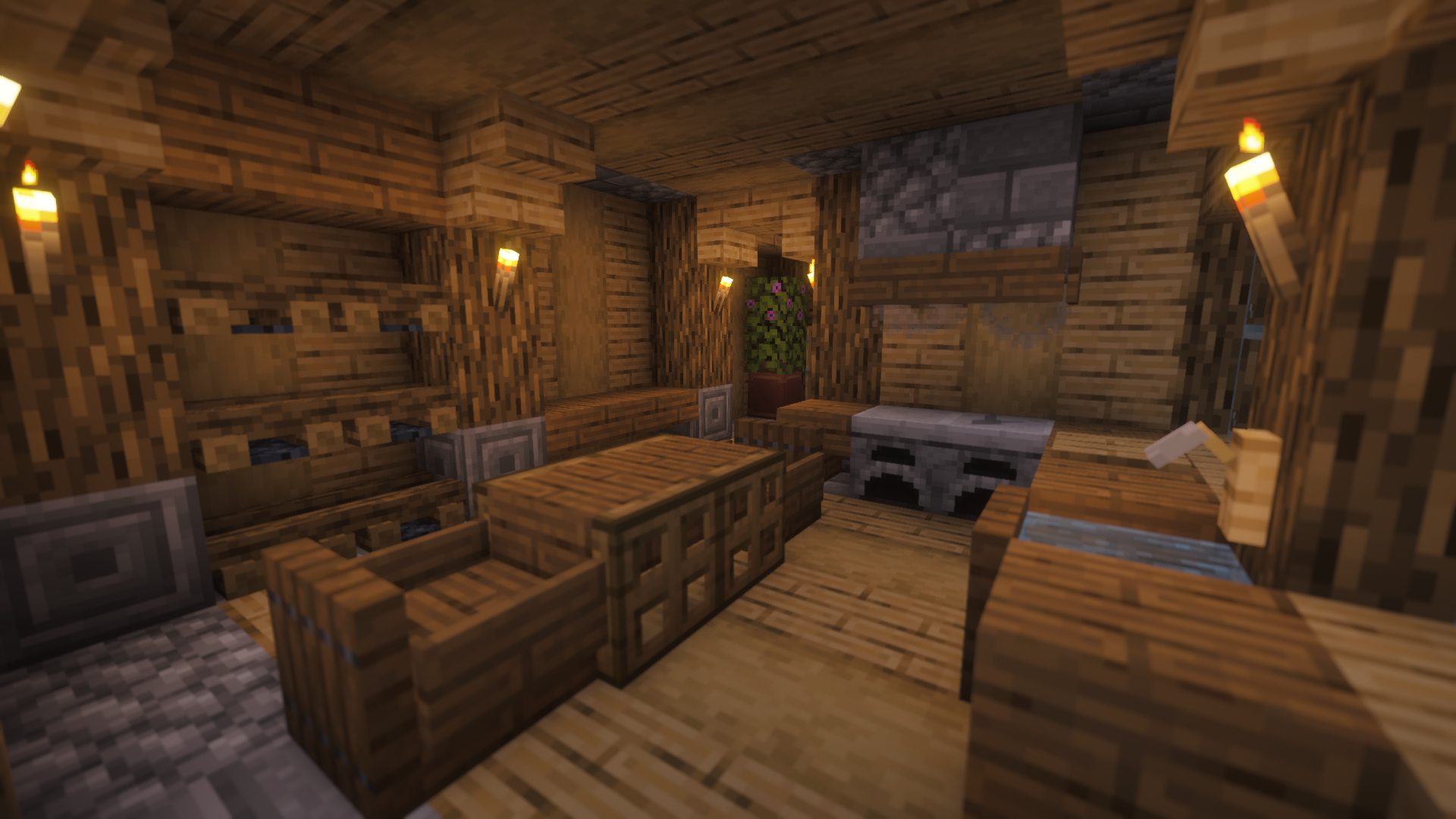
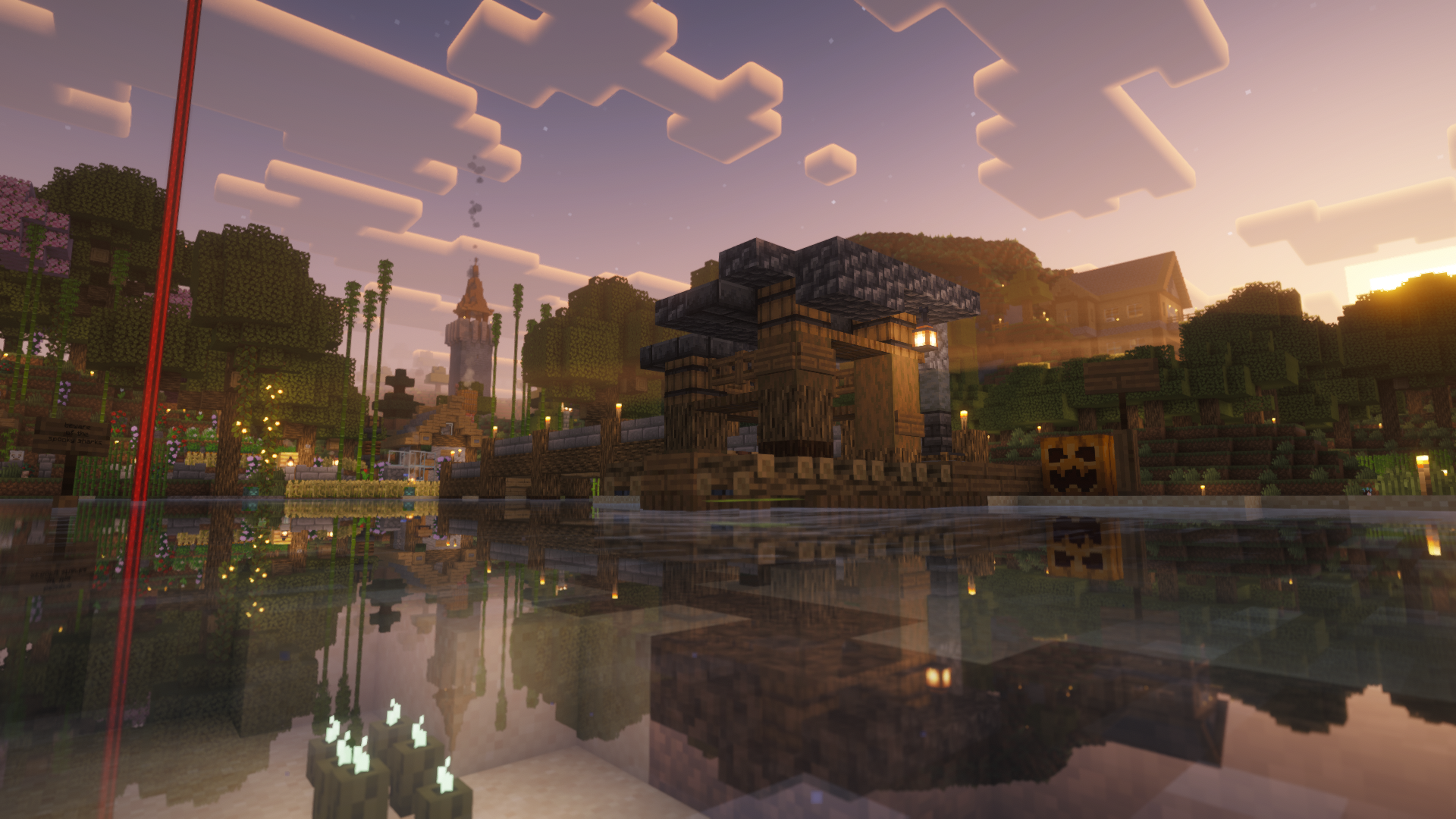
**Please note:** This resource pack is currently in a beta stage. This means that some textures may or may not be changed in a future version. During the beta period, Ice Cream will receive multiple updates.
I Editor
## ⚡ I Editor: A Revolution in the World of Minecraft and Customization

### 🚀 Open a New Era of Creativity in Minecraft
**I Editor (Item Editor)** is not just a datapack, it’s a true breakthrough in the possibilities of item editing! 🛠️ Forget the boring limitations of vanilla Minecraft. Now you can become a true Master Smith, controlling every tiny detail of your inventory. Turn an ordinary sword into a legendary artifact or create a potion with unique properties — it’s all in your hands! ✨
——
⚠️ **Important:** All editing functions are performed through commands. Make sure command usage is allowed on your server or world to unlock the full potential of this datapack.
——
### 🔥 Key Features
* **💯 Full Customization:** Change *absolutely everything*: durability, enchantments, name, description, and even potion effects!
* **🎮 Intuitive Interface:** A clear menu and easy-to-use controls that even beginners can understand.
* **⚙️ Powerful Tools:** Create truly unique items that don’t exist in the standard game.
* **🖱️ Flexible Settings:** Adjust all parameters through a user-friendly graphical interface — no more confusing commands.

Hintful Advancements
# 💡 Hintful Advancements
## ❓ Description
Advancements and the recipe book have done much to guide players into discovering Minecraft mechanics, yet much remains nigh-unfindable within the game itself. Powering enchanting tables, activating conduits, marking banners on a map… how is a player (unaided by external sources) expected to discover such features?
This data pack fills in the blanks with 24 new advancements focused on features left obscure by the base game. Each advancement is carefully crafted to reveal new possibilities, while not spoon-feeding every detail. Beyond mere tutorialization, this pack aims to encourage exploration and experimentation. In keeping with vanilla, the icon, title, and description of each advancement are deliberately chosen to concisely deliver both hints and humor.
Supports all Minecraft: Java Edition versions from `1.20.3` snapshot `23w41a` through `26.2-snapshot-3`.
See Modrinth or GitLab for downloads and changelog.
If you like this pack, you may also enjoy Hintful Audio Cues.
## ➕ Added Advancements
Advancement spoilers
### 🌳 Minecraft
– 📚 “Multi-Book Structure” (level up enchanting table)
### 🧭 Adventure
– 💧 “If You Catch My Drip” (harvest dripped liquid from a cauldron)
– 🔽 “9000 Mud Drips Edition” (dry mud into clay via dripstone)
– ☁️ “Pillar of Smoke” (use campfire to create a lot of smoke)
– 🔱 “Shock Tester” (try every lightning-based mob transformation)
– 💀 “Getting Ahead” (hit certain mobs, then have a charged creeper deal the final blow)
– ☃️ “Face Reveal” (shear a snow golem)
– 🤖 “Iron Supplements” (repair an iron golem)
– 🗺️ “Local Positioning System” (get a map)
– 🪪 “Persistent Mob” (name a mob)
– 📍 “Point of Interest” (mark a named banner on a map)
– 🖼️ “Who Framed Yonder Map-It?” (frame a map)
– ❌ “X Marks the Spot” (find buried treasure)
– 🫧 “Still Sea Thru It, You Conduit” (activate a conduit)
– 🛟 “Rings of Power” (complete a conduit frame)
### 👨🌾 Husbandry
– 🍄🟫 “From Flower Buds to Taste Buds” (get suspicious stew from a special bovine)
– 🎂 “The Cake Is Alight” (light a cake)
– 🐢 “Teenage Scutant Ninja Turtles” (get a turtle shell)
### 🔥 Nether
– 🧊 “Basalt the Earth” (discover unending basalt)
– 🛏️ “Beds Away!” (sleep in the Nether)
– ❤️ “Kill ‘Em with Kindness” (attack the undead with healing potions)
– 🌋 “Spice Cube” (get a froglight)
### 🕳️ The End
– 🎃 “Frienderman” (name an enderman without triggering it)
– 🚀 “Rocket Science” (fly via elytra above the highest blocks)
## 🧩 Mod Compatibility
This pack is designed with mods in mind; many advancements are implemented using tags rather than hardcoded block/item/entity lists. The standardized common tags are used whenever possible; and for things not covered by those, tags in my own `zeb` namespace are used for anything not specific to this data pack.
Built-in support is provided for the following mods:
– Colourful Enchanting Tables
– More Enchanting Tables (met))
– More Pumpkins
– Pumpkins Accelerated
– White Pumpkins
If you spot any places where compatibility with another mod or pack could be improved, let me know on GitLab.
If you’re a mod/pack developer wanting to add/remove advancement criteria (e.g. adding another mob to the list for “Shock Tester”), consider using Patched.
As for mods I *recommend* using with this data pack, see AdvancementsFullscreen and AdvancementsSearch.
## 🤔 Developer Commentary
If you’re curious about my opinions and reasoning regarding which advancements I chose to implement and how I implemented them, check out this document on the GitLab.
## 💬 Bugs, Suggestions, and Feedback
Found a bug? Have an idea to improve the pack? Let me know by opening an issue on the GitLab.
## 🏅 Credits
### Advancement Titles, Descriptions, and Ideas
“Point of Interest”: Banner pattern yoinked from Lime’s Advancements by slicedlime; title was actually just coincidentally the same, though.
“Who Framed Yonder Map-It?”: Inspired by “Map Wall” from Lime’s Advancements, but now it has a funnier name.
“X Marks the Spot”: Title taken from Lime’s Advancements, and the description is derived from the description of the “Bad Sailors” advancement in that pack.
“Still Sea Thru It, You Conduit”: Title inspired by “You Con-du-it” from Lime’s Advancements.
“Face Reveal”: Title taken from similar advancement in Lime’s Advancements.
“Getting Ahead”: Title taken from Lime’s Advancements.
“Teenage Scutant Ninja Turtles”: Title taken from Lime’s Advancements.
### Other
Ray-casting logic based on Raycasting Engine/Framework by itskegnh.
Pack `.zip` files optimized via PackSquash.
Shout out to Rutherford (username `.rutherford`) from the “Minecraft Commands” Discord, who suggested a fix for false positives when interacting with allays for the “Persistent Mob” advancement on data formats before 89.
Shout out to PiroPito, whose blind playthrough of Minecraft was a big inspiration for making this pack.
Props to everyone at Mojang who works or previously worked on Minecraft and brought the in-game tutorialization to where it is now.
And of course, a very special thanks to the Lord God, without Whom none of this would have been possible.
## 👨⚖️ License
I’m not even sure if the contents of this data pack are copyrightable, but insofar as they are, see `LICENSE.txt`.


