Baby Pink Tooltip (Frame-only Alt-BG Monochrome)
#
Baby Pink Tooltip (Frame-only Alt-BG Monochrome)

Replaces the default Minecraft Tooltip with a **Baby Pink Tooltip (Frame-only Alt-BG Monochrome)**.
Looking for different colors/flags or styles? Check out the Pride Tooltips Organization Page!
Looking for packs with the same color(s)/flag but with different styles?
Can’t find a color, flag, or style you are looking for?
Feel free to open an issue on GitHub or join the Pridecraft Discord and ping `@rotgruengelb`!
Color Palette
The following colors where used to create this pack:
* #ffd7fc
Style
Frame-only Alt-BG Monochrome = A simple monochrome style with one color. This style only applies the color to the frame, leaving the background as the default Minecraft texture.
Additional Information
* build_time: `2026-02-26T18:59:08+01:00`
* build_user: `rotgruengelb`
## Installation
Download and place into your `resourcepacks` folder. (Only works in versions **after 1.21.1**)
## About Pride Tooltips
A collection of resource packs that change tooltips to be colorful and/or pride themed.
### Rotgruengelb (Developer & Artist):


### Pridecraft Studios:
If you also want other bits of your UI to be themed with pride:

You can chat with us and check out the source of our projects here:


### Additional Credit
* Cursor texture, used in the banner, from the Minecraft Cursor Mod by fishstiz.
* The Pridecraft team for all their support and help.
Gradient Tooltip

“Adds a smooth, soothing color gradient to your item tooltips, giving them a clean and modern look. The border gently fades between shades of cool blue, creating a calm and elegant feel. The classic Minecraft font is refined for smoother edges and better readability, making every tooltip look crisp and polished.”
—
Color and Custom Tooltips Available:
1. Red Gradient Tooltip.
2. Green Gradient Tooltip.
3. Blue Gradient Tooltip.
4. Pink Gradient Tooltip.
5. White Gradient Tooltip.
6. Golden Crown Tooltip.
7. White Skull Tooltip.
8. Solid black Tooltip
9. Shadow Black Tooltip
Pack Modify:
– Smooth gradient tooltips for a calm, modern look.
– Enhanced tooltips with easier-to-read font.
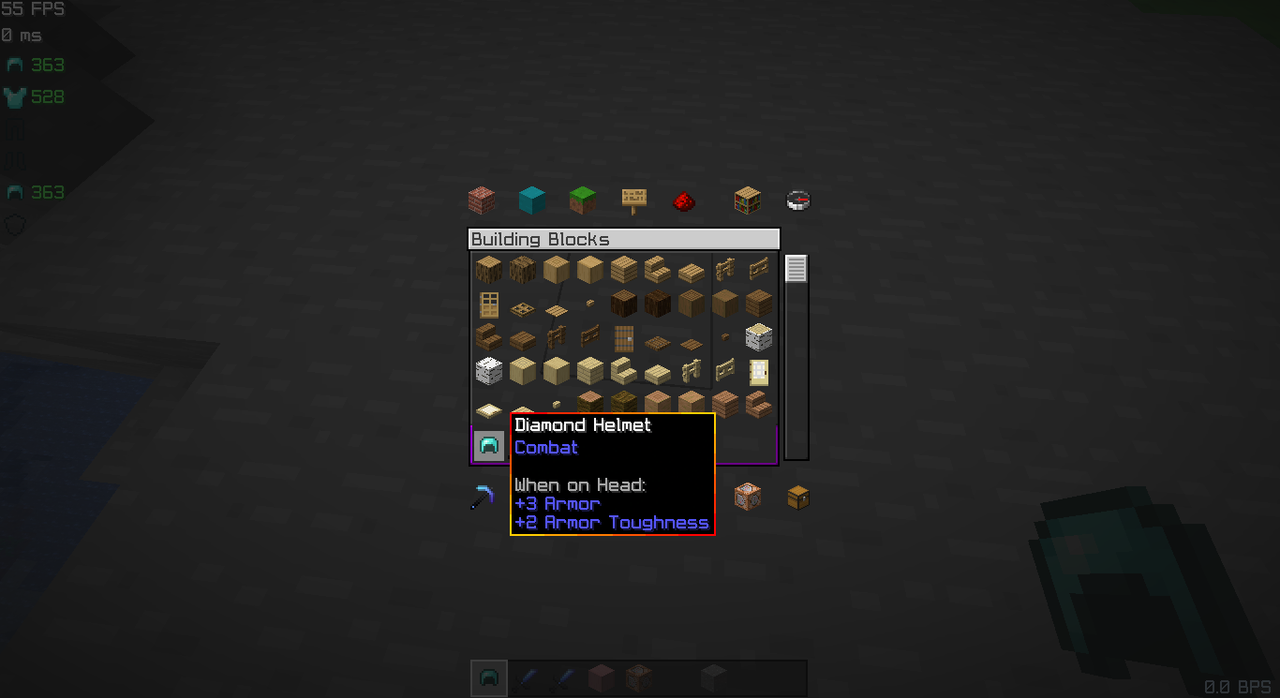
– Want a personalized touch or have a cool idea? DM me on Planet Minecraft ↗
Tool Trim TP
# Tool Trim TP
Free and open-source resourcepack for Minecraft 1.21 and higher that works with Tool Trim datapack.
## Features
This resourcepack adds models for tool items.
This resource pack is currently only supported in 16x format.
Tool Trim DP
# More Tool Trim DP
Free and open-source datapack for Minecraft 1.21 and higher that adds tool customisation as with armor trim.
## Features
All types of swords, pickaxes, shovels, axes and hoes can be trimmed.
Bow, crossbow, trident and mace will be supported in a future version.
This datapack requires the installation of the Tool Trim resourcepack.
Tom’s New Painting Textures
# New Textures (Paintings)
This texture pack **replaces** the latent **Minecraft paintings** with new ones **or simply increases the resolution of the existing** paintings. If the modpack is not available in one version, try the next or previous version; perhaps they are compatible.
# Important:
If you want to use the texture pack for your modpacks, feel free to do so, but please write the following in the description below:
**Important: _Contains the resource pack [Tom’s New Painting Textures] by [GuSchu Gaming], licensed under CC BY 4.0._**
Tommy’s Custom music
This is to add my own custom music to minecraft, if you know coding, you can edit the resurce pack too! added music that fits a calm theme, took some music that i have no idea of they are copyrighted, if so, please dm me on my discord server!
TofuCraftReload
# TofuCraftReload
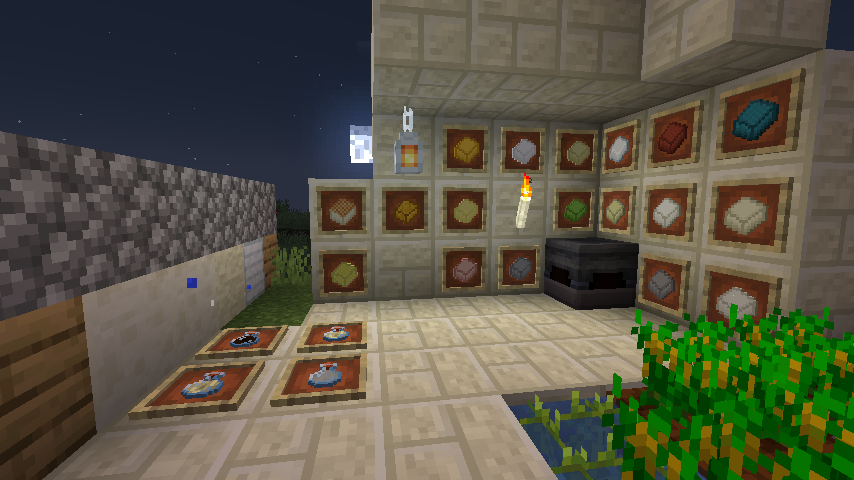
## Summary
A farming mod that starts with soybeans and allows you to cook and build with tofu.
soy food is make good your health for survival
There are even armor and weapons made from solidified tofu!
There is also the world of tofu and industries that use tofu!
大豆から始まり、料理をしつつ豆腐で建築もできちゃう農業mod
大豆からできた食品は、あなたのサバイバルの手助けになるでしょう
さらには豆腐を固めて作る防具や武器まで!
そして豆腐ワールドや豆腐を使った工業も!?
If you want Discussion about this mod? join that discord!
## Discord
If you want Discussion about this mod? join that discord!
このmodについて話し合いたい?ディスコードでディスカッションしよう!
https://discordapp.com/invite/BMy4CX5
## Supported Mod:
Farmer’s delight (Add More Food)
Patchouli
Create(Suppport Automation)
### Credit:
The Aether Team. who made original Music Manager Source Code (https://www.curseforge.com/minecraft/mc-mods/aether)
iduki and turtton helping Revamped Content
46mofu for add new texture.
@siu_lab helping translation and making showcase
Rutl-Tri made tofu world music! (https://twitter.com/RoundDelta)
@MajinThorin753 make classic texture!
@uind_w helped Texture too!
RizaSTAR helped new items!
azzy helped new mob!
moromorochan allowed me to use some renderings from his secret project!
Timer for Speedrun
## Description
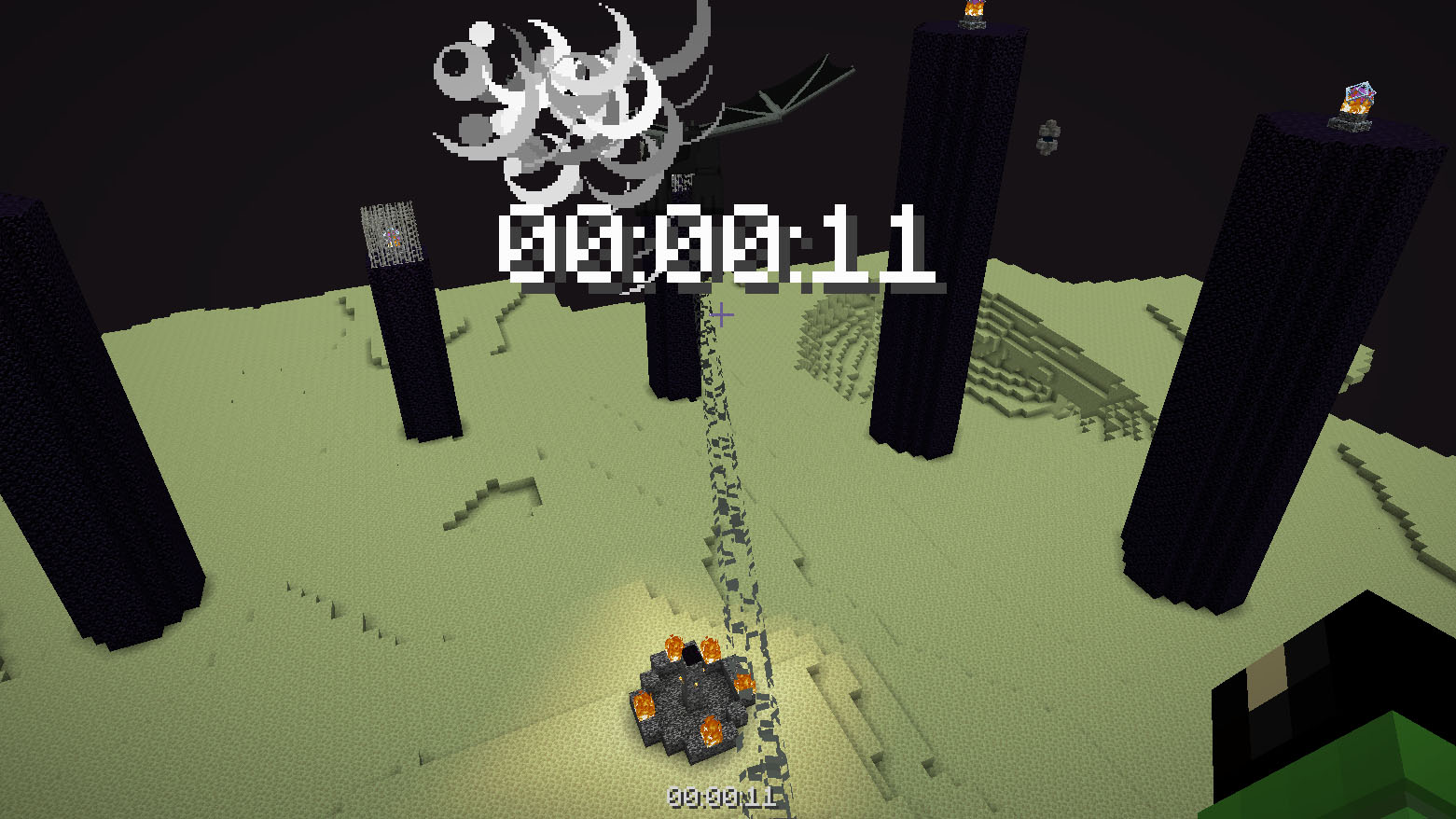
Datapack or mod adds an automatic timer for speedrunning.
## How to use
The timer is activated automatically when you enter the world. The timer stops when you enter the end portal.
## Dependencies
– Fabric loader requires Fabric API
ThirtyFangs’s Kingdom
# Features
– New villages types
– Deepslate castle
– Haunted mansion (with exclusive, vanilla friendly loots you can’t get in normal survival)
– 2 brand new temples (one in the overworld, one in the nether)
– Pillager fortress
– Improved forests
Third Person Control
# speclib/thirdpersoncontrol!
– This datapack allows players to control entities in THIRD PERSON via WASD, Jump and Sneak INPUTS!
– This datapack only works in **1.21.4 and above**!
### Modules:
– Camera Interpolate
# How to Use:
### Third Person Control:
The Third Person Control is a part/main module of the datapack which allows players to control entities with WASD. It takes player input via the new Player Input predicates and calculates and applies Motion Vector into the Motion NBT of the entity. The datapack also allows players to spectate entities (in third person). The camera positions are initialized in `tpc:gb/load`. All entities seen in that function file are controllable with WASD, jump and sneak. Some entities have special controls, like the entities which can fly can gain altitude with holding down jump.
– Spawn Entity and Control In Third Person: `/function tpc:summon {entity:”armor_stand”}`
– Spectate an Entity with a Specific Tag: `/function tpc:spectate {tag:”temp_tag”}`
– Spectate a Random Entity with a Specific Tag: `/function tpc:spectate_random {sub_tag:”temp_tag”}`
– Unspectate Entities: `/function tpc:remove`
### Camera Interpolate (Module):
The Camera Interpolate Module allows users to interpolate to a specific ‘X’ and ‘Y’ rotation, with a particular ‘SPEED’ value. When the command is ran, the player camera will find the shortest path to the given rotation coordinates and interpolate and the provided speed. The Module also allows players to switch from Controlling the Entity to Spectating It. When Spectating the Entity, their Camera will randomly interpolate to a random direction every 10 seconds.
– Interpolate Camera: `/function camera:interpolate {“x”:10,”y”:30,”speed”:200} // Greater the Speed Value, Slower the Interpolation.`
– Interpolate to a Random Direction: `/function camera:interpolate_random`
– Toggle from Entity Controller → Entity Spectator (and vice versa): `/function camera:toggle_control`