Bad Apple Shaders
# Bad Apple Shaders
  
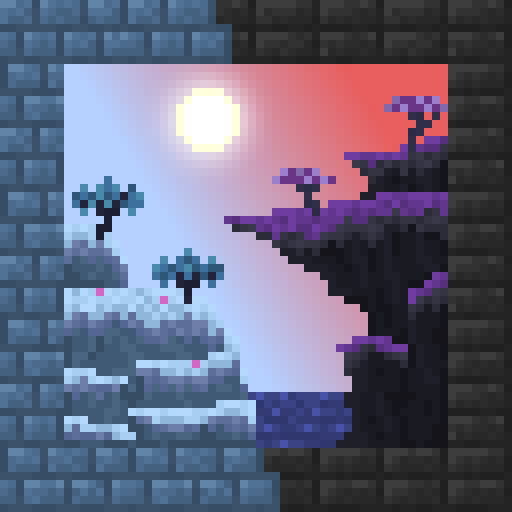
This is an Iris/OptiFine shader which changes rendering to look like [【東方】Bad Apple!! PV【影絵】](https://youtu.be/FtutLA63Cp8)
 
## Screenshots

## FAQ
Q: Does this work on OptiFine?
A: Yes. **This does come with an epilepsy warning if you are on an m-series mac.**
Q: Does this work on Iris/Oculus?
A: Yes.
Q: Does this work on 1.8?
A: The Legacy version should work with 1.8.
## Pridepack
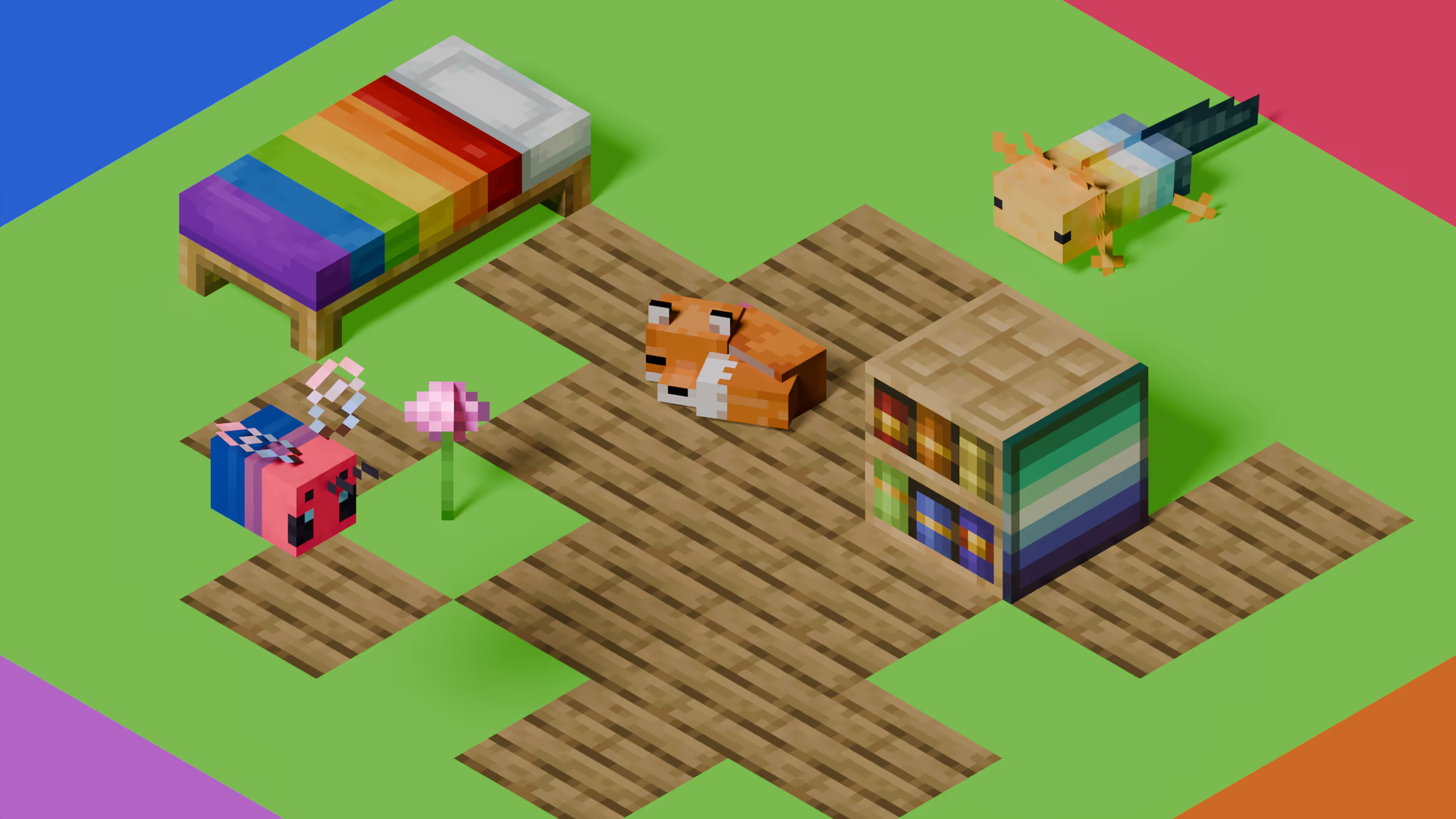
[Pridepack](https://pridecraft.gay/pridepack) is a Resource Pack made by [Pridecraft Studios](https://pridecraft.gay). It comes with many LGBT Pride additions, such as paintings, beds, mobs and Main Menu changes. If you’re interested in gaying your game, you should check it out!
Stoner Dark red
Welcome to the vibrant Red Edition of the Stoner Dark project! In this version (v1.14.6), we have redesigned the GUI to provide a sleek, dark aesthetic accented with bold red highlights for a unique visual experience.
Key Features in this Version:
Selected Colored Buttons: Key interface buttons, such as Minecraft Realms, have been customized with a striking red color to provide a strong visual contrast.
UI Enhancements: Updated textures for AppleSkin, Mod Menu buttons, and improved inventory management layouts.
Special Update Support: Full compatibility for the “Potato” April Fools’ update and modern versions like 1.21.x and 26.x.
Custom Icons: Unique icons next to the Options and Quit Game buttons to enhance the pack’s visual identity.
Compatibility
This pack is designed to work seamlessly on:
Minecraft 1.21.x and newer.
Recent Snapshots including 26.1.2.
Support for the Craftmine version and 25w14 updates.
Why Choose Stoner Dark?
This project is part of a growing series with 5 projects and over 90 downloads. We focus on delivering a GUI that is simple, easy on the eyes, and professionally designed for technical players.
Tip: Look for the color-coded filename in your resource pack menu: §e§ Stoner!_Dark v1.14.6 §c§ red.zip.
Developed by: Oidal
Follow the project on Modrinth for upcoming color variants including Green, Orange, and Purple!
Stoner Dark green
Welcome to the fresh Green Edition of the Stoner Dark project! In this version (v1.14.6), we have redesigned the GUI to provide a sleek, dark aesthetic accented with vibrant lime green highlights for a refreshing visual experience.
Key Features in this Version:
Selected Colored Buttons: Key interface buttons, such as Minecraft Realms, have been customized with a striking lime green color to provide a strong visual contrast.
UI Enhancements: Updated textures for AppleSkin, Mod Menu buttons, and improved inventory management layouts.
Special Update Support: Full compatibility for the “Potato” April Fools’ update and modern versions like 1.21.x and 26.x.
Custom Icons: Unique icons next to the Options and Quit Game buttons to enhance the pack’s visual identity.
Compatibility
This pack is designed to work seamlessly on:
Minecraft 1.21.x and newer.
Recent Snapshots including 26.1.2.
Support for the Craftmine version and 25w14 updates.
Why Choose Stoner Dark?
This project is part of a growing series with 5 projects and over 90 downloads. We focus on delivering a GUI that is simple, easy on the eyes, and professionally designed for technical players.
Tip: Look for the color-coded filename in your resource pack menu: §e§ Stoner!_Dark v1.14.6 §a§ green.zip.
Developed by: Oidal
Follow the project on Modrinth for upcoming color variants including Orange and Purple!
Stoner Dark
Stoner is a sleek, modern, and high-contrast Dark UI resource pack designed to provide a clean and eye-straining-free experience for Minecraft players. Heavily inspired by the “Bare Bones” and “Default Dark Mode” aesthetics, Stoner focuses on simplifying the interface while maintaining a bold, professional look. For More professional look is (font) [Here](https://modrinth.com/resourcepack/stonerfont)
📁 Versions History
v1.0: First stable release.
v1.12: Added Bare Bones style elements.
v1.13.5:
🗑️ Removed Bare Bones blocks and items to keep the pack focused on UI.
🍞 Added custom Toasts (pop-up notifications).
🖼️ Replaced the classic Minecraft icon with the official Stoner icon.
v1.13.8:
⏸️ Added the Stoner Pause Menu icon (Available in the “Icons” resource pack).
v1.14.1:🖱️Aded Castom Cursor.
v1.14.6:🖼️Replaced Apple Skin Hanger Textures and Mod Menu buttons and inventory management
v1.14.8:📙Aded Book and Quill GUI
v1.14.9:Replaced Stoner Logo to Minecraft Style
😎 Pro tip: the Light version of Stoner is [Available Now](https://modrinth.com/resourcepack/stoner-light)
Stone Rooms
My social networks

—
## Description👀
**This datapack/mod adds 2 underground structures to your world, the first structure is for the upper parts of the caves (where the stone is), and the second structure is for the lower parts of the caves (where the deepslate is)**
**You can see screenshots of the rooms by going to the Gallery section**
—
## Useful Сommands🔧
– **Use /locate structure elysianfields:stone_rooms for see dungeon coordinates**
– **Use /place structure elysianfields:stone_rooms for spawn dungeon**
—
– **Use /locate structure elysianfields:stone_rooms_deepslate for see dungeon coordinates**
– **Use /place structure elysianfields:stone_rooms_deepslate for spawn dungeon**
—
Update Log⚒️
### Update V1.2:
* **Bug fix**
* **Balancing Enchantment**
* **Slightly reduced the chance of dungeon spawning**
—
Steak of Undying
Super simple texture pack that changes your Totem of Undying texture to a steak! For the time being, this works in any version of 1.21, and generally, this should work in any version from 1.14 to 1.21 (because in 1.14 they changed the item textures, and I’m not really sure if this the steak texture matches the one before 1.14). This pack is actually heavily inspired by Beppo’s Totem of Undying texture, so I decided to make that into an accessible for everyone pack! The translations for it are currently available in 30 of the most popular/common Minecraft languages.
Squared Shadow
This is a Texture Pack, originally designed for “[Better Than Adventure!](https://www.betterthanadventure.net/)”, and consequentially Beta 1.7.3 (although it will work with ANY version of Minecraft that has a Shadow, since the location and filename has never changed, despite the outdated Resource Pack version warning), that gives the Entities a squared Shadow, instead of a circular one. Consistency, my beloved.
# CREDITS
– Shadow texture and “pack.png” made by AndreWharn.
– Do not use the assets without permission, please!
# Thanks for using this pack! 😀
Square Entity Shadows
Makes the Shadows under Entities Squares. How they should’ve been from the start!

VS Vanilla:

Specific Songs
# Specific Songs
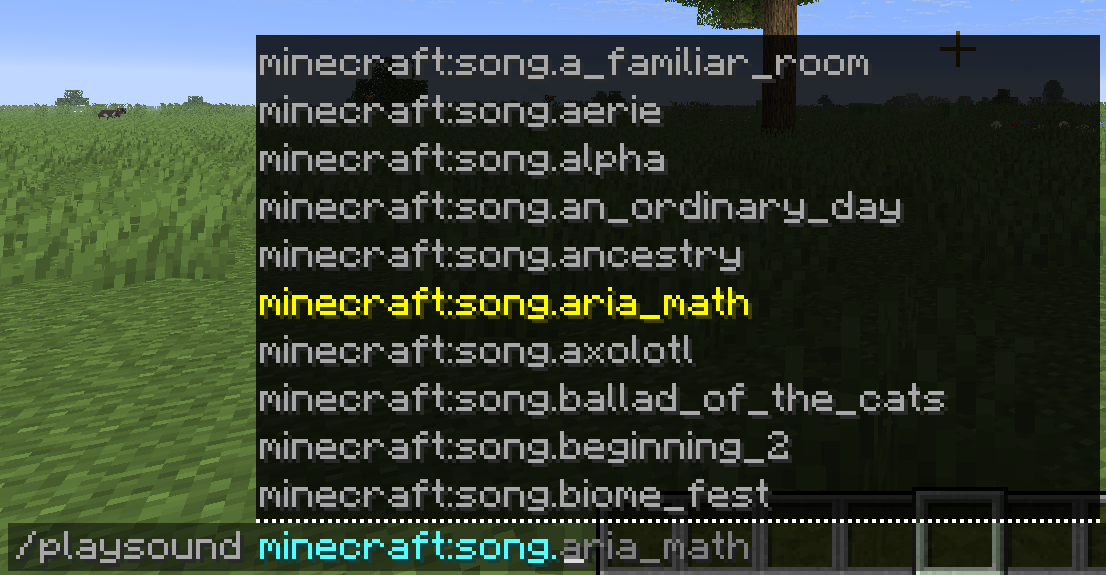
This is Specific Songs, a resource pack that allows the player to play all of the songs from the soundtrack in their world with the “`/playsound“` command. This includes all the songs from all upcoming game drops and updates.
To play a song, use the sound key:
`minecraft:song.`
## Note that:
If you install a version with songs from a recent version on an older version, the newer songs will not play even though they may be valid options in the sound selection of the command. All songs that are still in snapshot phase will have the sound key `minecraft:song.snapshot.`.
Spawn Animations Compats
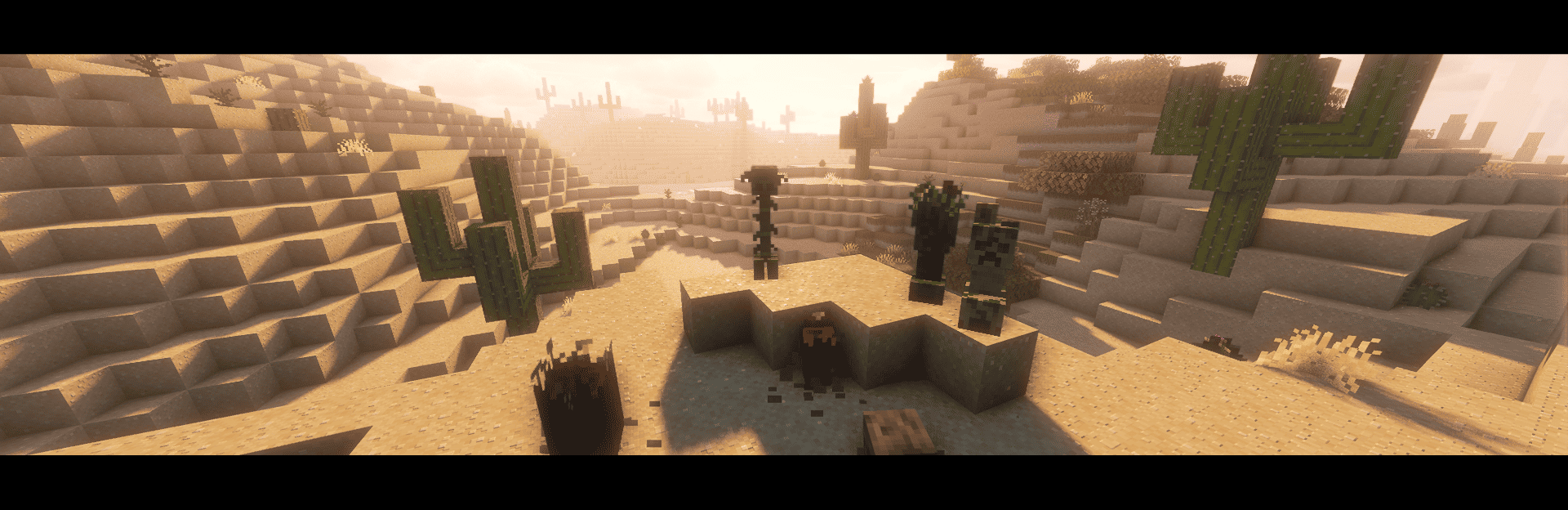
## This datapack adds [Spawn Animations](https://modrinth.com/datapack/spawn-animations) compatibility to the modded entities.

#
### Compatibility List:
#

The mod you need compatibility for isn’t there? **Open a suggestion on [GitHub](https://github.com/Fyoncle/spawnanimations-compats/issues/new?template=suggestions.yml)!**