Svrve’s Dragon Egg
[
](https://www.planetminecraft.com/member/nickshoof/) | [](https://www.curseforge.com/members/nickshoof/projects) | [](https://modrinth.com/user/NickShoof) | [](https://discord.com/)
[
](https://ko-fi.com/nickshoof)
You can buy monthy subscription to get faster updates on KO-FI
****
#
**About**
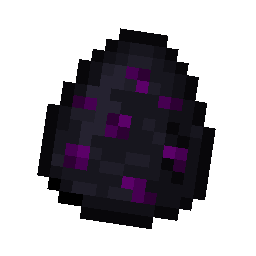
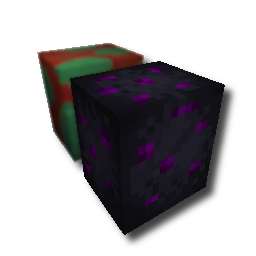
With this pack i modeled the dragon egg becouse why it its so old looking and different than sniffer’s.
.
#
**FAQ**
> **How to install resourcepacks?**
– There are a lot of tutorial out there on youtube, that will explain this better than me, but just download something from trusted sites like modrinth or curseforge, then drag this file to folder that will pop out if you click “Open Pack Folder” in Minecraft.
> **Can i use some textures from Svrve’s Dragon Egg in my pack**
– As long as its not distributed, yes you can. If you want to publish it, just ask me before doing it.
Immersive Torches
[
](https://www.planetminecraft.com/member/svrve/) | [](https://www.curseforge.com/members/svrve/projects) | [](https://modrinth.com/user/Svrve) | [](https://discord.com/)
[
](https://ko-fi.com/svrve)
You can buy monthy subscription to get faster updates on KO-FI
****
#
**About**
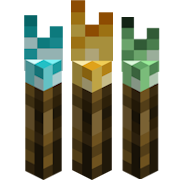
This pack is all about torches, make them an item texture, animate it, change model, also animate it. Thats all.
.
#
**FAQ**
> **How to install resourcepacks?**
There are a lot of tutorial out there on youtube, that will explain this better than me, but just download something from trusted sites like modrinth or curseforge, then drag this file to folder that will pop out if you click “Open Pack Folder” in Minecraft.
> **Can i use some resources from it in my pack?**
After installing it, open the file you downloaded (.zip). Here you will find licence. Read it.
SuperFancyClouds: Refabricated
### Refabricated / Rearchitected / Reneoforged
This is an unofficial continuation of **[SuperFancyClouds](https://modrinth.com/mod/superfancyclouds)** original by [ami-wishes](https://modrinth.com/user/ami-wishes).
– This mod is a fabric port of SuperFancyClouds in the beginning, so named “refabricated”.
– Since 1.7.4 we support multiloader powered by Arch-Api, this mod is rename to “rearchitected”.
– Since x.9.1 we support neoforge but without arch, this mod is rename to “reneoforged”.
# SuperFancyClouds
A client/server side mod makes your Minecraft sky full of more stereoscopic and dynamic clouds.
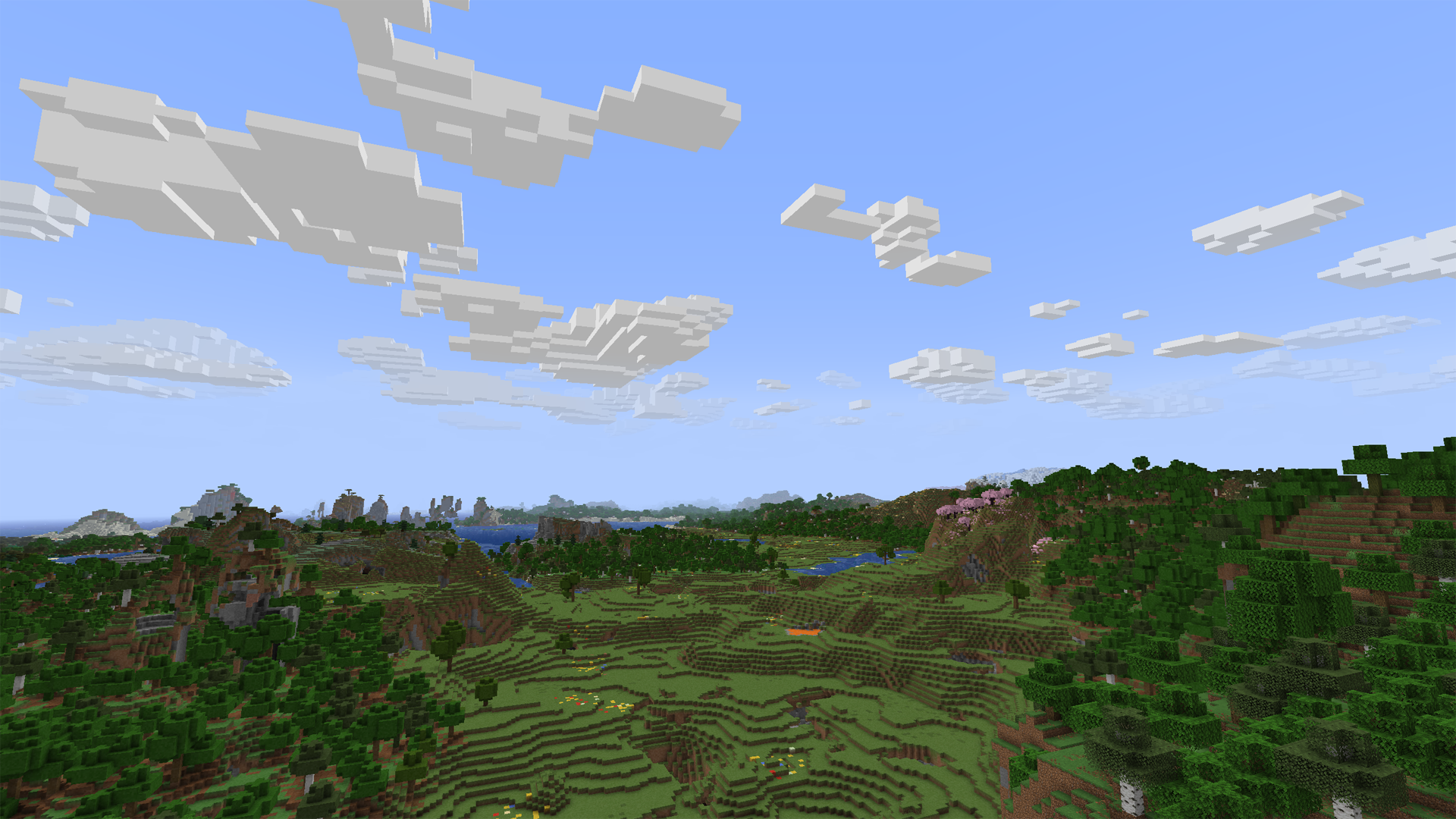
Tap the `Images` on navigator bar for more preview.
## Beyond the Original
– Cloud height / density / width / thickness and other contents is **highly configurable**.
– Cloud can detect current **weather** and **biome** to change its density.
– Cloud will get blush at dawn or dusk.
– Cloud bottom will get darker when its thickness is high.
– Cloud will **dodge** from higher mountains or tall building. (>1.7.0, inspired by [RealisticClouds](https://www.curseforge.com/minecraft/mc-mods/realisticclouds))
– Cloud can detect biome chunk-by-chunk for more accurate and rational placing. (>1.7.0, personal revival from RealisticClouds, it’s a nice mod 🙂
– Rain can only appear where is cloud above.
– Dimension divide config supported.
– And more…
### Fix
– Cloud will not be culled in view boundary.
– Cloud will not refresh when playing for too long.
– Improved flicker issue when player across chunk border.
## Mod relationship
### Dependence
#### For all platform:
– **Architectury API** is required (for multiplatform version).
– **Cloth Config** is optional to build config screen on client.
#### Fabric extra:
– **Fabric API** is required.
– **Mod Menu** is optional to access config screen on client.
### Compatibility
– [Distant Horizons](https://modrinth.com/mod/distanthorizons) ‘s LOD chunk no longer covered by SFCR (manually enable required).
– [Particle Rain](https://modrinth.com/mod/particle-rain) ‘s rain particle no generated where is no clouds (manually enable required).
– [SereneSeasons](https://modrinth.com/mod/sereneseasons) & [Fabric Seasons](https://modrinth.com/mod/fabric-seasons) can changing SFCR cloud density by different seasons.
### Incompatibility
Obviously incompatible with most mod who modified cloud render system. Include **Cull Clouds**, **Extended Clouds** and the others. If you put SFCR with it together, they will throw some issue even crash.
– If you encounter a crash with **Sodium**,try disable its cloud mixin by add `mixin.features.render.world.clouds=false` to _.minecraft/config/sodium-mixins.properties_
– **Iris** or other shadermod break SFCR when shader is enable on v2.0.
– Can be ignored if you installed **Distant Horizons** and enable DHCompat in SFCR config at same time.
## Q&A
### Few cloud?
It’s maybe normal due to cloud noise sampler and dynamic density feature. You can decrease `sample steps`, `biome affect`, and increase `common density` in config screen to let the sampler generating more clouds. (The density curve is not straight but like a stair. You may need to move larger range on density slider to make it effect.)
Fog may also cover the clouds. You can disable it to check the clouds amounts.
If you set a high value of biome affect and play in desert or savanna, there may not be a cloud in the sky. Its based on biome downfall value and times with cloud density.
### Client or Server?
Client side only is OK. But if it have both side installed and enable server function in config, SFCR can make every player have same shape of clouds.
On dedicated server, there is a command list for its administrators to control SFCR feature & config remotely. Simply type in “_/sfcr help_” then enter in chat bar you’ll see it.
### Version supports?
Latest Minecraft version will get newest maintenance.
Stable mod version may backport to older Minecraft version in someday.
### Modpacks?
Free to use under [MIT License](https://github.com/Rivmun/SuperFancyCloudsRefabricated/blob/1.19.2/LICENSE).
## Link
You can submit your suggestion or issue on [Github](https://github.com/Rivmun/SuperFancyCloudsRefabricated/issues).
Or, also [](https://www.curseforge.com/minecraft/mc-mods/superfancyclouds-refabricated)
Summit


> ### **THIS RESOURCE PACK REQUIRES THESE MODS TO FUNCTION:**
> 1. **[ETF](https://modrinth.com/mod/entitytexturefeatures)**
> 2. **[EMF](https://modrinth.com/mod/entity-model-features)**
> 3. **[Continuity](https://modrinth.com/mod/continuity)**
> 4. **[Polytone](https://modrinth.com/mod/polytone)**
# Summit: Minecraft At Its Peak
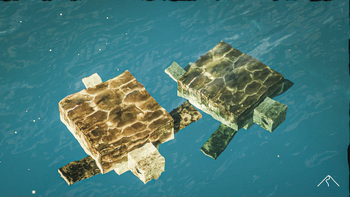
**Summit** is a realistic texture pack for Minecraft, designed to enhance your game with a touch of natural beauty. It’s subtle, refined, and compatible with a range of systems.
## Summit 64x is now free!




## Features:
– **Varied Resolutions:** Choose from 16x to 64x to match your system.
– **Balanced Realism:** Enhanced textures that feel right at home in Minecraft.
– **Optimized Performance:** Smooth and efficient gameplay experience.
**Rediscover Minecraft with Summit!**
[Patron]: https://patreon.com/Summitmc?utm_medium=clipboard_copy&utm_source=copyLink&utm_campaign=creatorshare_fan&utm_content=join_link
[1]: https://i.imgur.com/vZ1vIat.png
[2]: https://www.optifine.net/home “Redirect to Optifine”
[3]: https://i.imgur.com/a7UsCgN.png
[4]: https://irisshaders.dev/ “Redirect to Iris”
[5]: https://i.imgur.com/XCZiKxy.png
[6]: https://patreon.com/Summitmc?utm_medium=clipboard_copy&utm_source=copyLink&utm_campaign=creatorshare_fan&utm_content=join_link “Redirect to Patreon”
Bad Apple Shaders
# Bad Apple Shaders
  
This is an Iris/OptiFine shader which changes rendering to look like [【東方】Bad Apple!! PV【影絵】](https://youtu.be/FtutLA63Cp8)
 
## Screenshots

## FAQ
Q: Does this work on OptiFine?
A: Yes. **This does come with an epilepsy warning if you are on an m-series mac.**
Q: Does this work on Iris/Oculus?
A: Yes.
Q: Does this work on 1.8?
A: The Legacy version should work with 1.8.
## Pridepack
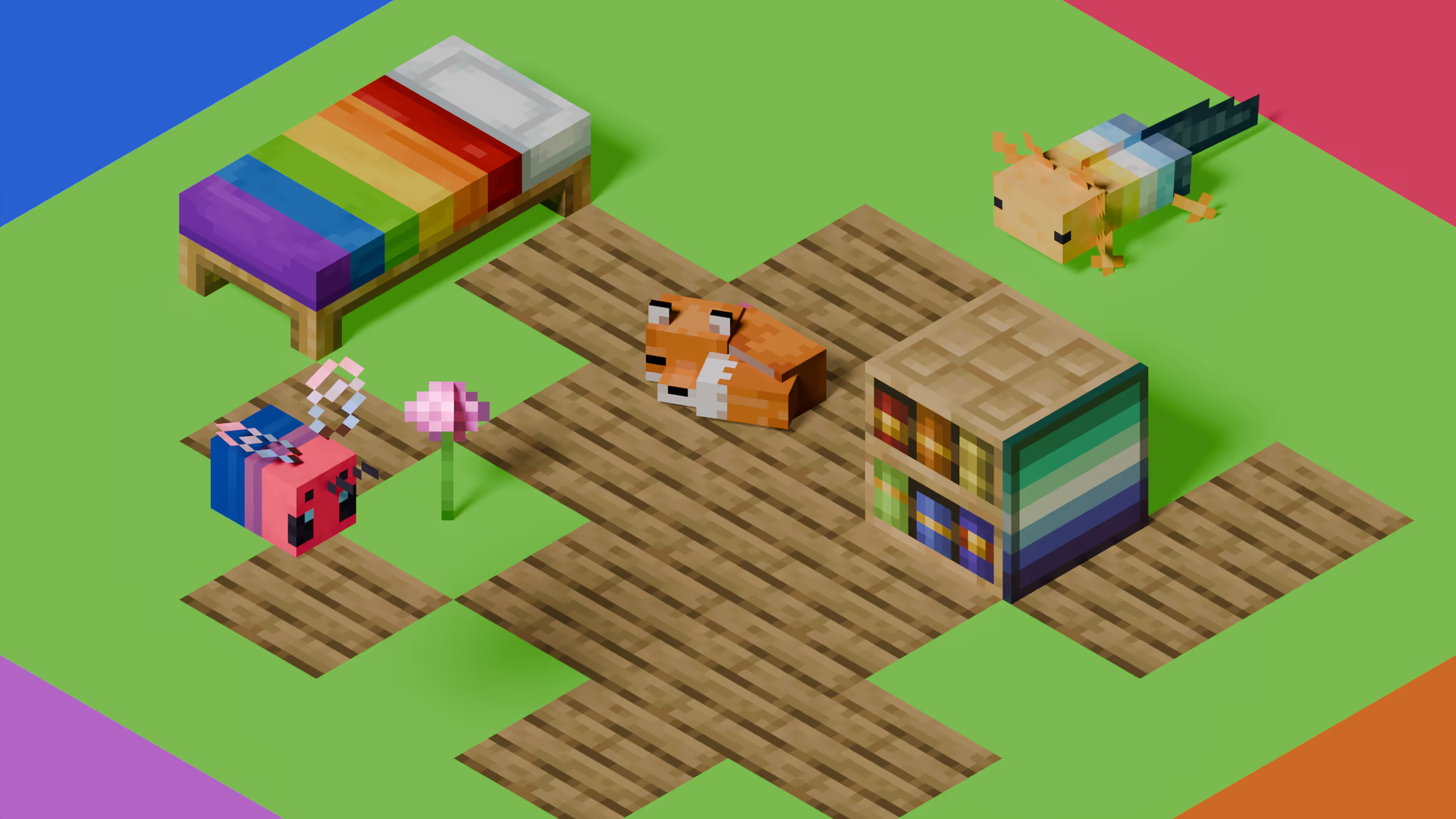
[Pridepack](https://pridecraft.gay/pridepack) is a Resource Pack made by [Pridecraft Studios](https://pridecraft.gay). It comes with many LGBT Pride additions, such as paintings, beds, mobs and Main Menu changes. If you’re interested in gaying your game, you should check it out!
Stoner Dark red
Welcome to the vibrant Red Edition of the Stoner Dark project! In this version (v1.14.6), we have redesigned the GUI to provide a sleek, dark aesthetic accented with bold red highlights for a unique visual experience.
Key Features in this Version:
Selected Colored Buttons: Key interface buttons, such as Minecraft Realms, have been customized with a striking red color to provide a strong visual contrast.
UI Enhancements: Updated textures for AppleSkin, Mod Menu buttons, and improved inventory management layouts.
Special Update Support: Full compatibility for the “Potato” April Fools’ update and modern versions like 1.21.x and 26.x.
Custom Icons: Unique icons next to the Options and Quit Game buttons to enhance the pack’s visual identity.
Compatibility
This pack is designed to work seamlessly on:
Minecraft 1.21.x and newer.
Recent Snapshots including 26.1.2.
Support for the Craftmine version and 25w14 updates.
Why Choose Stoner Dark?
This project is part of a growing series with 5 projects and over 90 downloads. We focus on delivering a GUI that is simple, easy on the eyes, and professionally designed for technical players.
Tip: Look for the color-coded filename in your resource pack menu: §e§ Stoner!_Dark v1.14.6 §c§ red.zip.
Developed by: Oidal
Follow the project on Modrinth for upcoming color variants including Green, Orange, and Purple!
Stoner Dark green
Welcome to the fresh Green Edition of the Stoner Dark project! In this version (v1.14.6), we have redesigned the GUI to provide a sleek, dark aesthetic accented with vibrant lime green highlights for a refreshing visual experience.
Key Features in this Version:
Selected Colored Buttons: Key interface buttons, such as Minecraft Realms, have been customized with a striking lime green color to provide a strong visual contrast.
UI Enhancements: Updated textures for AppleSkin, Mod Menu buttons, and improved inventory management layouts.
Special Update Support: Full compatibility for the “Potato” April Fools’ update and modern versions like 1.21.x and 26.x.
Custom Icons: Unique icons next to the Options and Quit Game buttons to enhance the pack’s visual identity.
Compatibility
This pack is designed to work seamlessly on:
Minecraft 1.21.x and newer.
Recent Snapshots including 26.1.2.
Support for the Craftmine version and 25w14 updates.
Why Choose Stoner Dark?
This project is part of a growing series with 5 projects and over 90 downloads. We focus on delivering a GUI that is simple, easy on the eyes, and professionally designed for technical players.
Tip: Look for the color-coded filename in your resource pack menu: §e§ Stoner!_Dark v1.14.6 §a§ green.zip.
Developed by: Oidal
Follow the project on Modrinth for upcoming color variants including Orange and Purple!
Stoner Dark
Stoner is a sleek, modern, and high-contrast Dark UI resource pack designed to provide a clean and eye-straining-free experience for Minecraft players. Heavily inspired by the “Bare Bones” and “Default Dark Mode” aesthetics, Stoner focuses on simplifying the interface while maintaining a bold, professional look. For More professional look is (font) [Here](https://modrinth.com/resourcepack/stonerfont)
📁 Versions History
v1.0: First stable release.
v1.12: Added Bare Bones style elements.
v1.13.5:
🗑️ Removed Bare Bones blocks and items to keep the pack focused on UI.
🍞 Added custom Toasts (pop-up notifications).
🖼️ Replaced the classic Minecraft icon with the official Stoner icon.
v1.13.8:
⏸️ Added the Stoner Pause Menu icon (Available in the “Icons” resource pack).
v1.14.1:🖱️Aded Castom Cursor.
v1.14.6:🖼️Replaced Apple Skin Hanger Textures and Mod Menu buttons and inventory management
v1.14.8:📙Aded Book and Quill GUI
v1.14.9:Replaced Stoner Logo to Minecraft Style
😎 Pro tip: the Light version of Stoner is [Available Now](https://modrinth.com/resourcepack/stoner-light)
Stone Rooms
My social networks

—
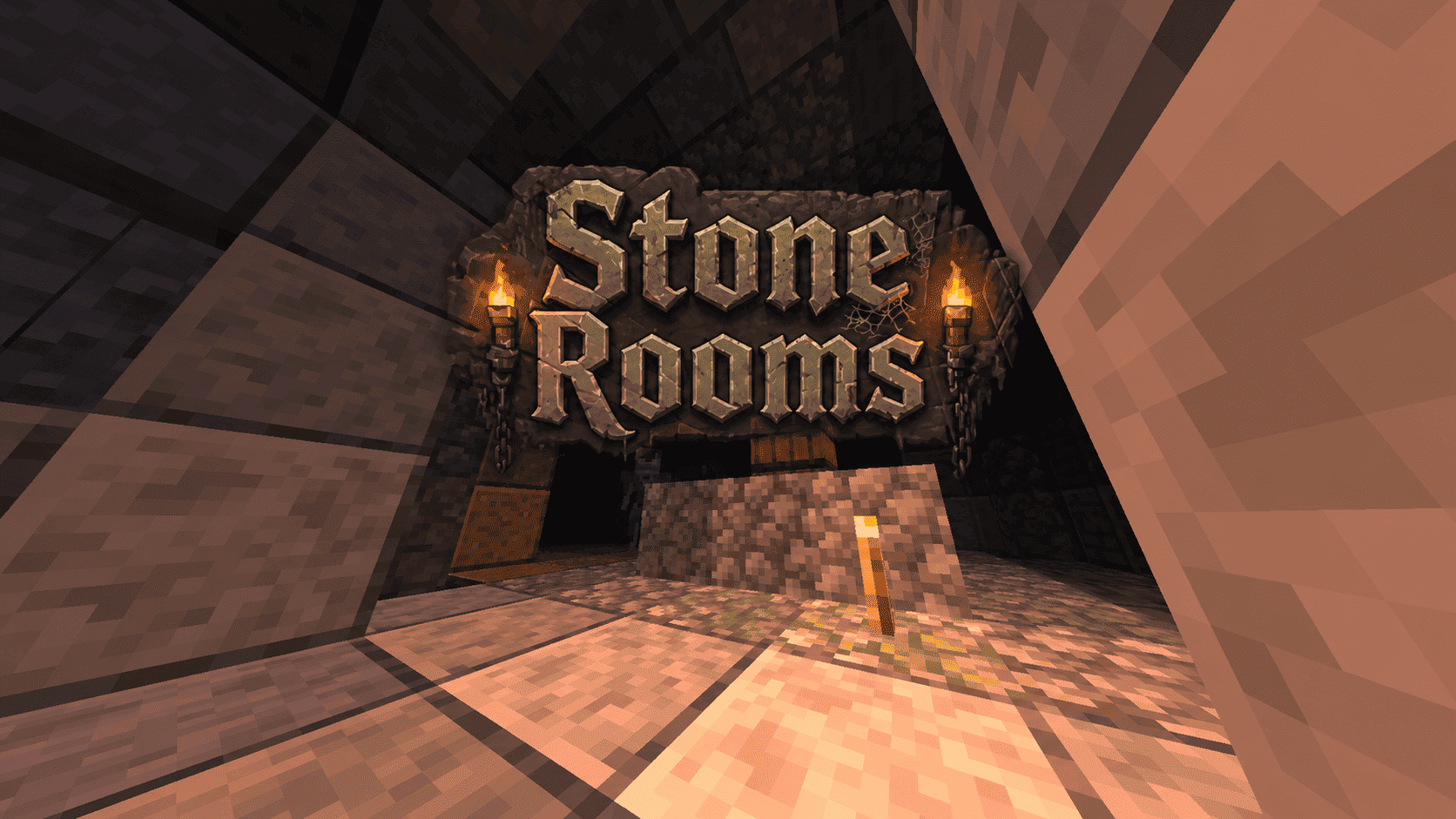
## Description👀
**This datapack/mod adds 2 underground structures to your world, the first structure is for the upper parts of the caves (where the stone is), and the second structure is for the lower parts of the caves (where the deepslate is)**
**You can see screenshots of the rooms by going to the Gallery section**
—
## Useful Сommands🔧
– **Use /locate structure elysianfields:stone_rooms for see dungeon coordinates**
– **Use /place structure elysianfields:stone_rooms for spawn dungeon**
—
– **Use /locate structure elysianfields:stone_rooms_deepslate for see dungeon coordinates**
– **Use /place structure elysianfields:stone_rooms_deepslate for spawn dungeon**
—
Update Log⚒️
### Update V1.2:
* **Bug fix**
* **Balancing Enchantment**
* **Slightly reduced the chance of dungeon spawning**
—
Steak of Undying
Super simple texture pack that changes your Totem of Undying texture to a steak! For the time being, this works in any version of 1.21, and generally, this should work in any version from 1.14 to 1.21 (because in 1.14 they changed the item textures, and I’m not really sure if this the steak texture matches the one before 1.14). This pack is actually heavily inspired by Beppo’s Totem of Undying texture, so I decided to make that into an accessible for everyone pack! The translations for it are currently available in 30 of the most popular/common Minecraft languages.