Reimagined
### Want early access to new updates, behind the scenes content or some extra goodies while supporting me and Reimagined’s development? Consider donating to my Patreon! <3

### Reimagined, a love letter to Minecraft
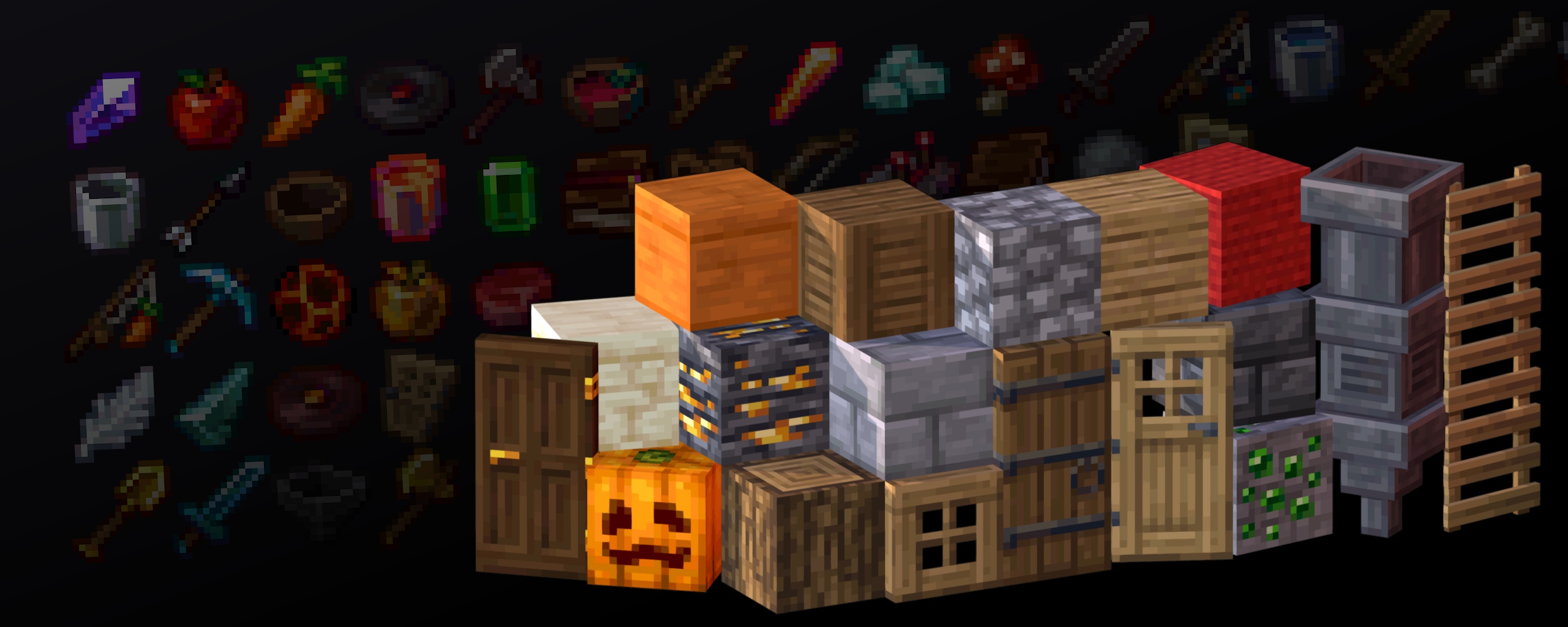
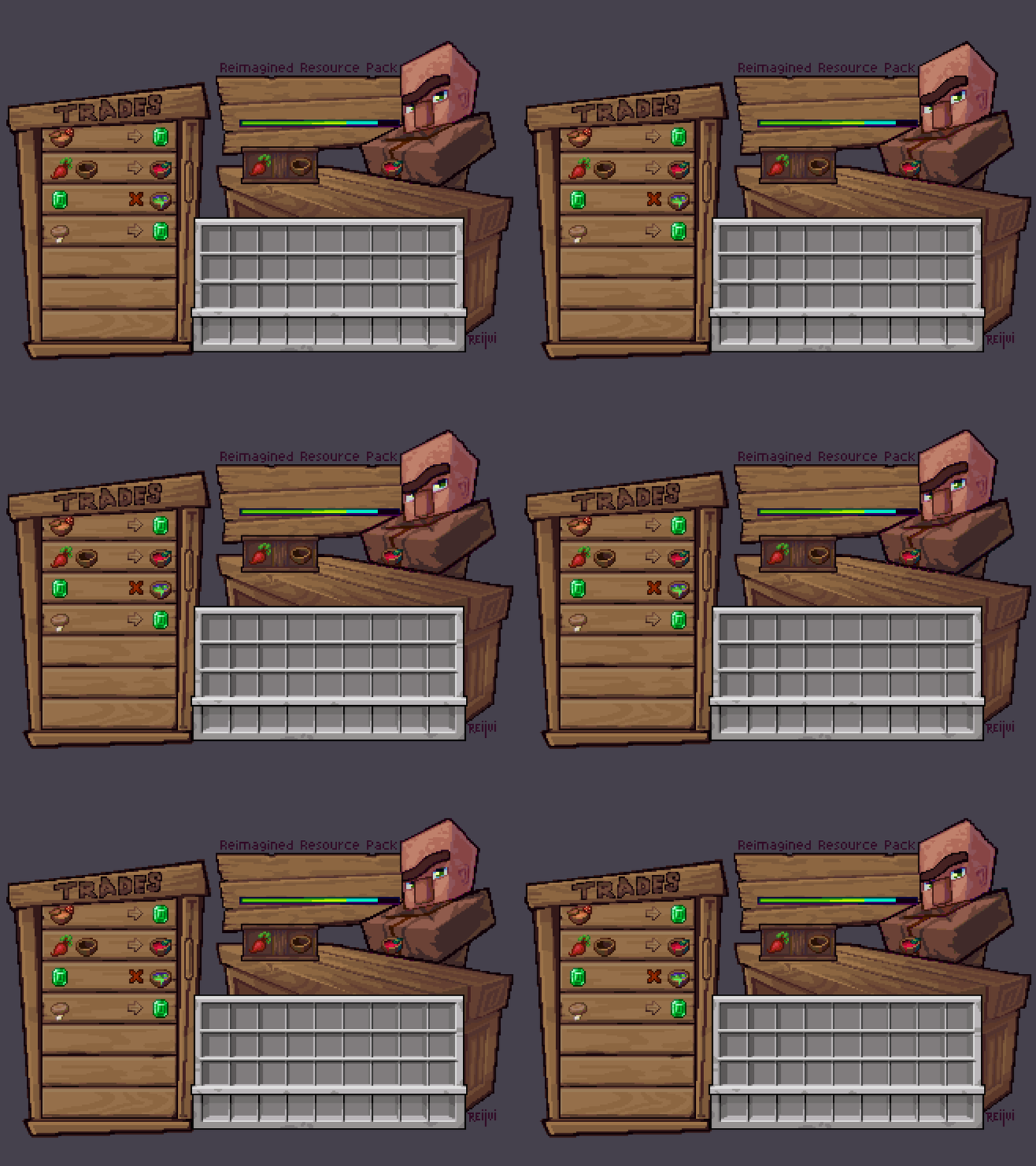
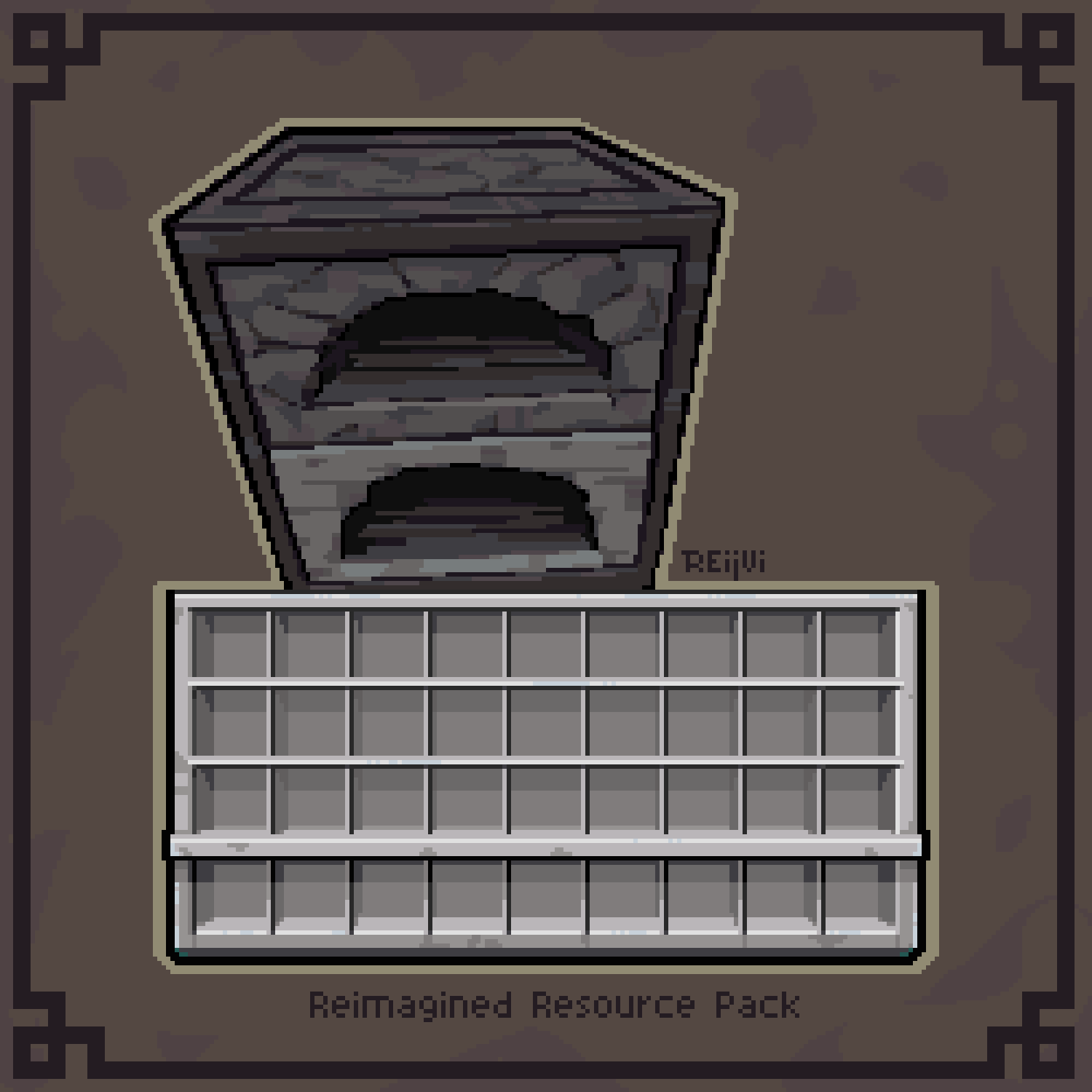
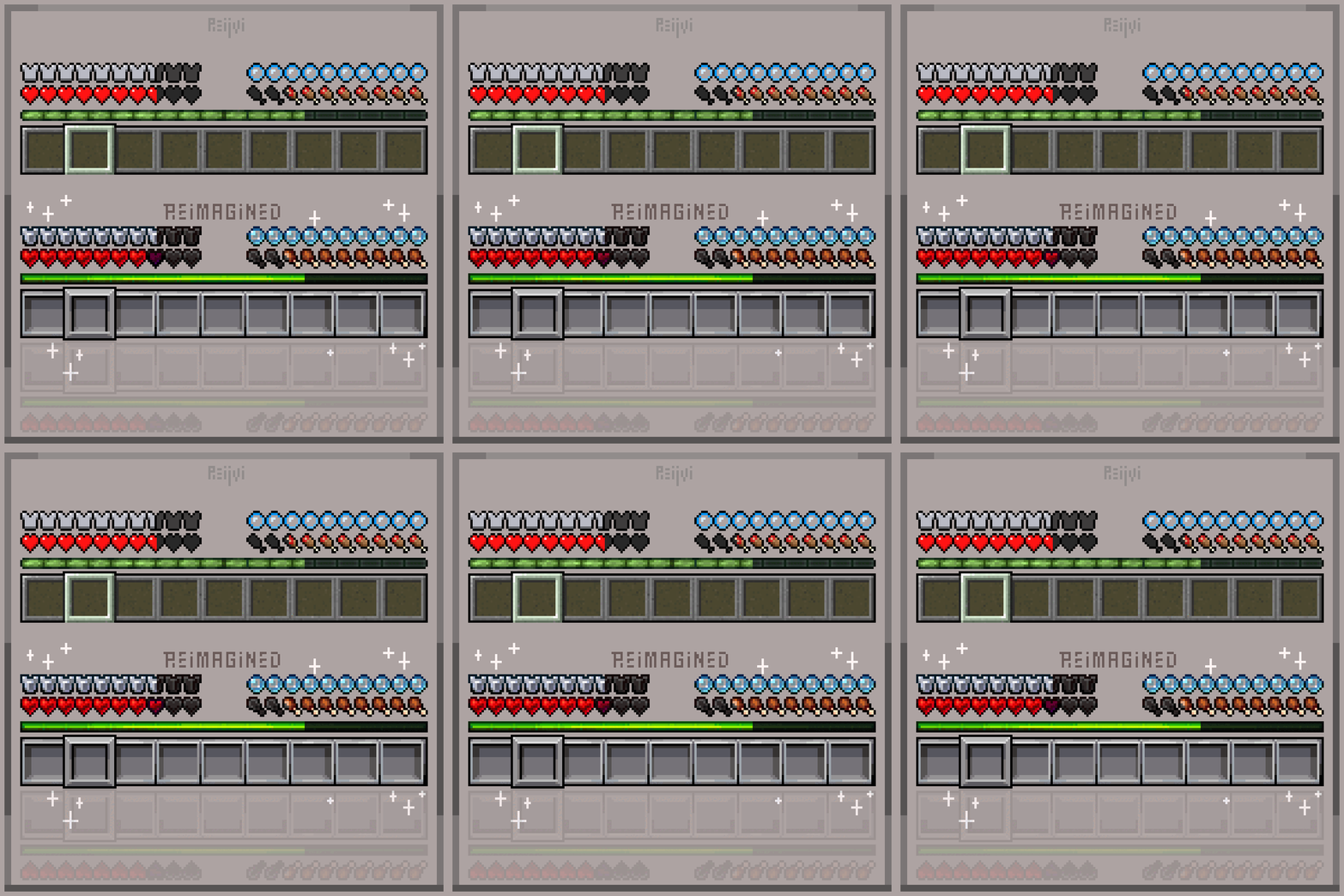
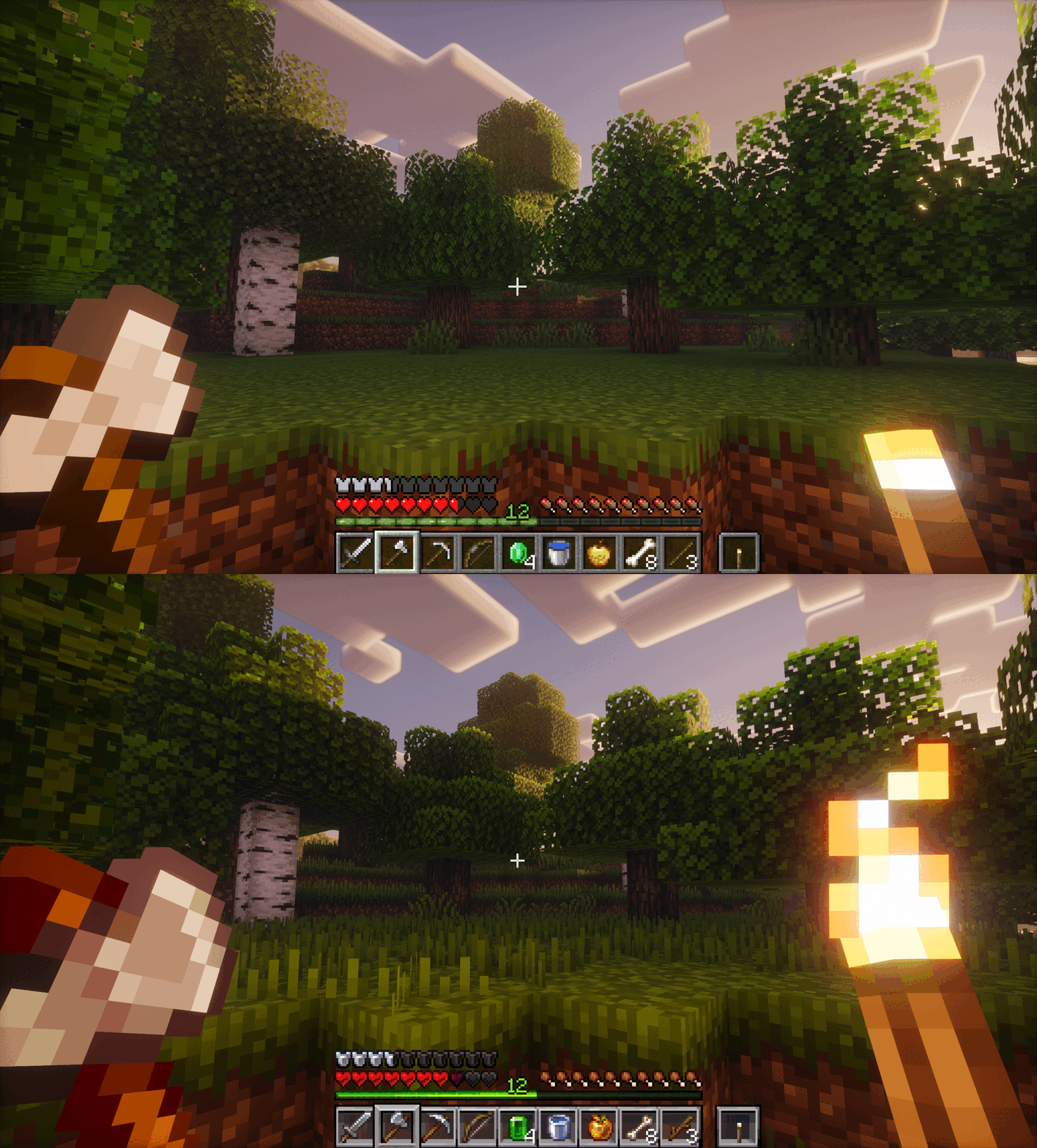
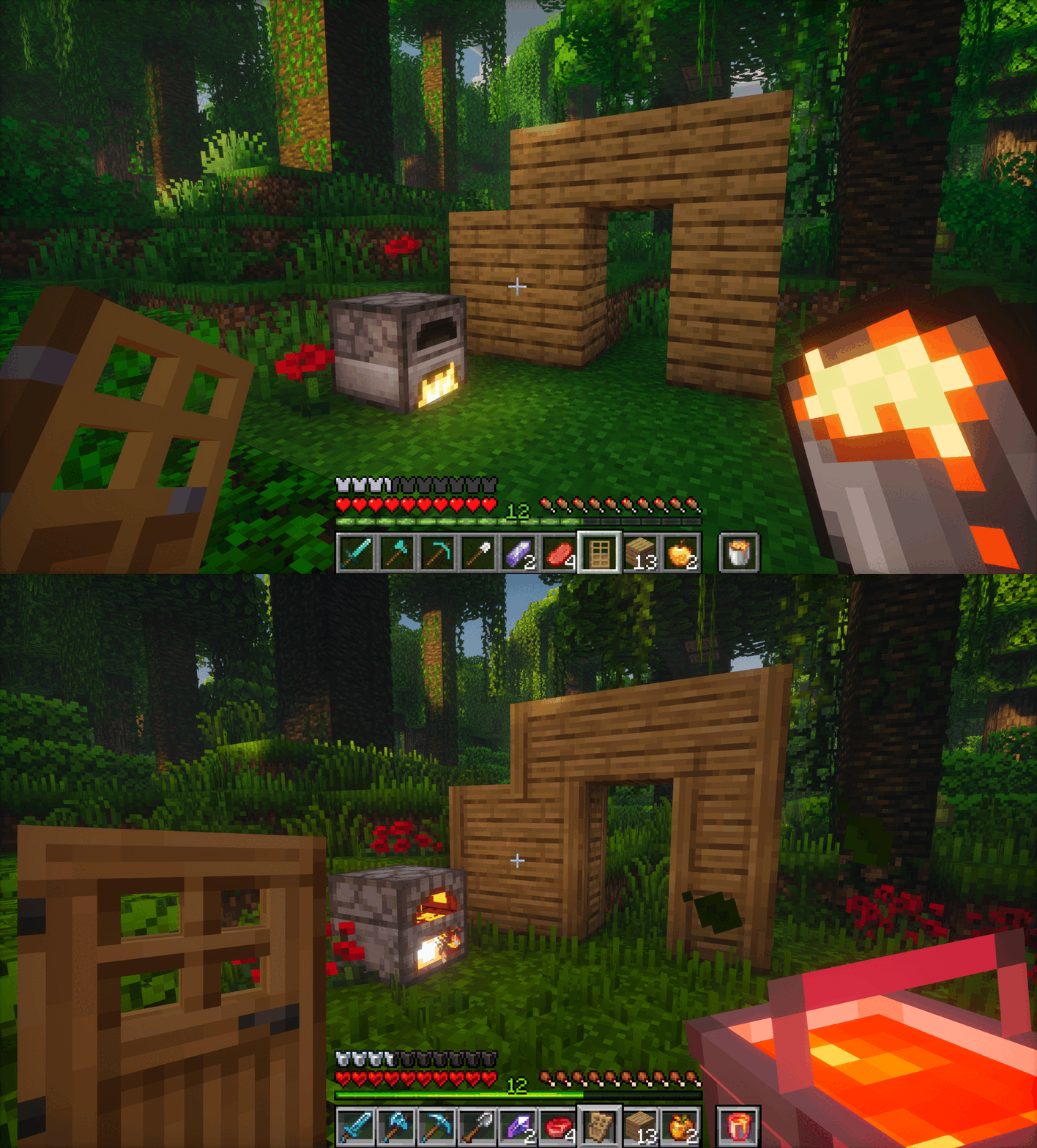
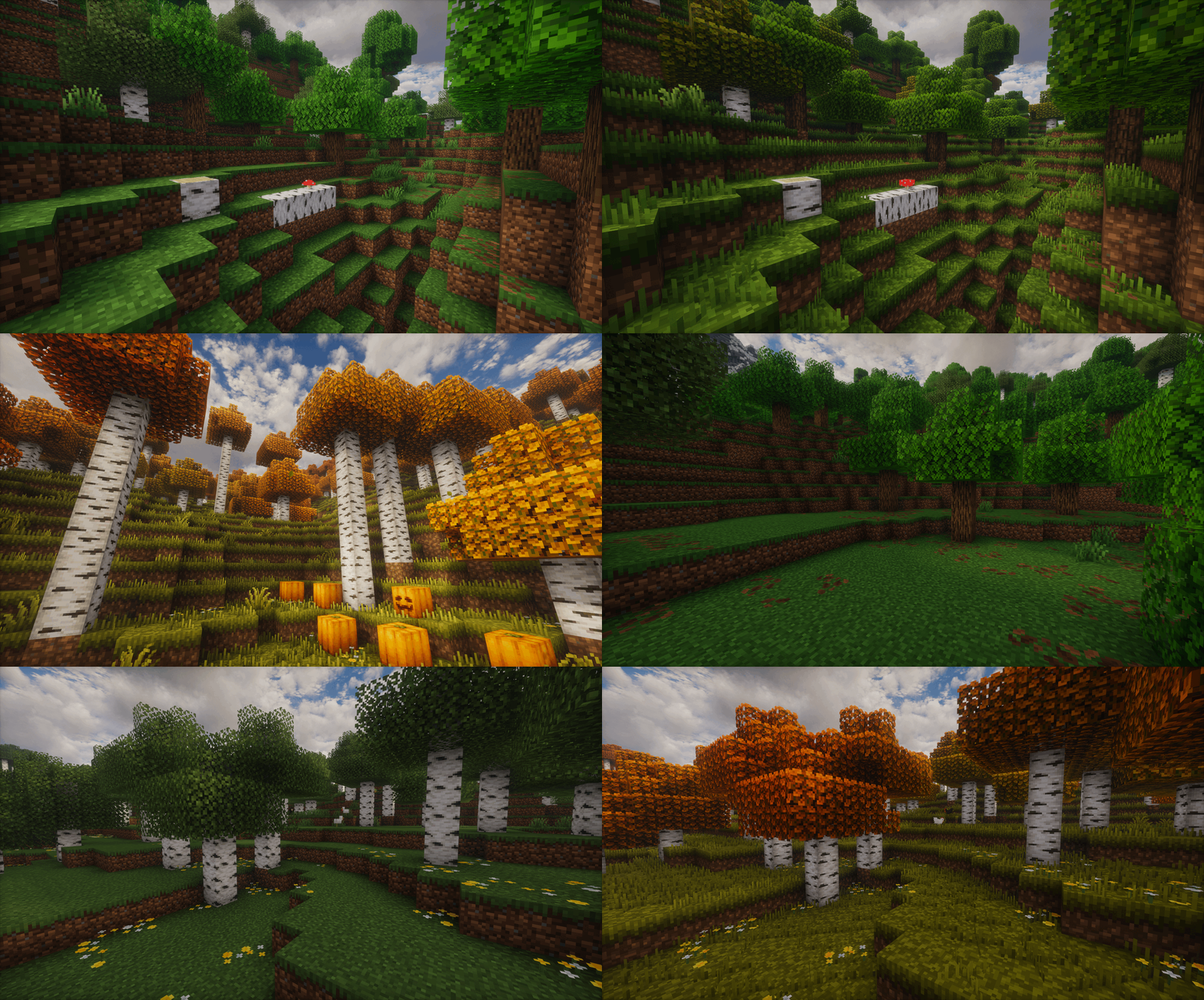
Reimagined is a constant work in progress which is an extensive overhaul changing as much as possible in big and subtle ways. From hundreds of new block variants, completely new remade guis, new sounds, animations, biome colors, mobs, particles and so on! Reimagined should hopefully have a bit of everything people can enjoy.
It'll hopefully will give your pixel world a bit more of an immersive feel, while keeping that cozy familiar Minecraft charm.


### TO GET ALL OF THE REIMAGINED FEATURES, PLEASE USE THESE MODS:
Mod List
Required mods for the full Reimagined experience, Pack may or may not break if missing any of these:
EMF & ETF
Needed for custom Mob models
POLYTONE
Used for a better colormap, better sodium parity and so on (Villager GUI for pre-1.21.6 versions)
CONTINUITY
Used for Connected Textures, like plank borders, carpet ctm, grass overlays, etc
RESPACKOPTS 1.21+
Used to further customise Reimagined with in-game settings. This one is needed currently for improved grass or bushy leaves since it’s enabled via a setting.
If you want Grassy Grass without Respackopts, be sure to use the Grassy Grass Addon
MODEFITE PRE-1.21.4
Needed to backport features from newer versions, this includes stuff like 3D buckets or items when held in hand. This one isn’t needed if you’re on 1.21.4+

Recommended mods for a smoother, more optimised Reimagined experience:
SODIUM

## Features

Show Features
# A couple of notable features:
## A new Reimagined GUI

## Animated Features


# An Immersive World

# New Foliage
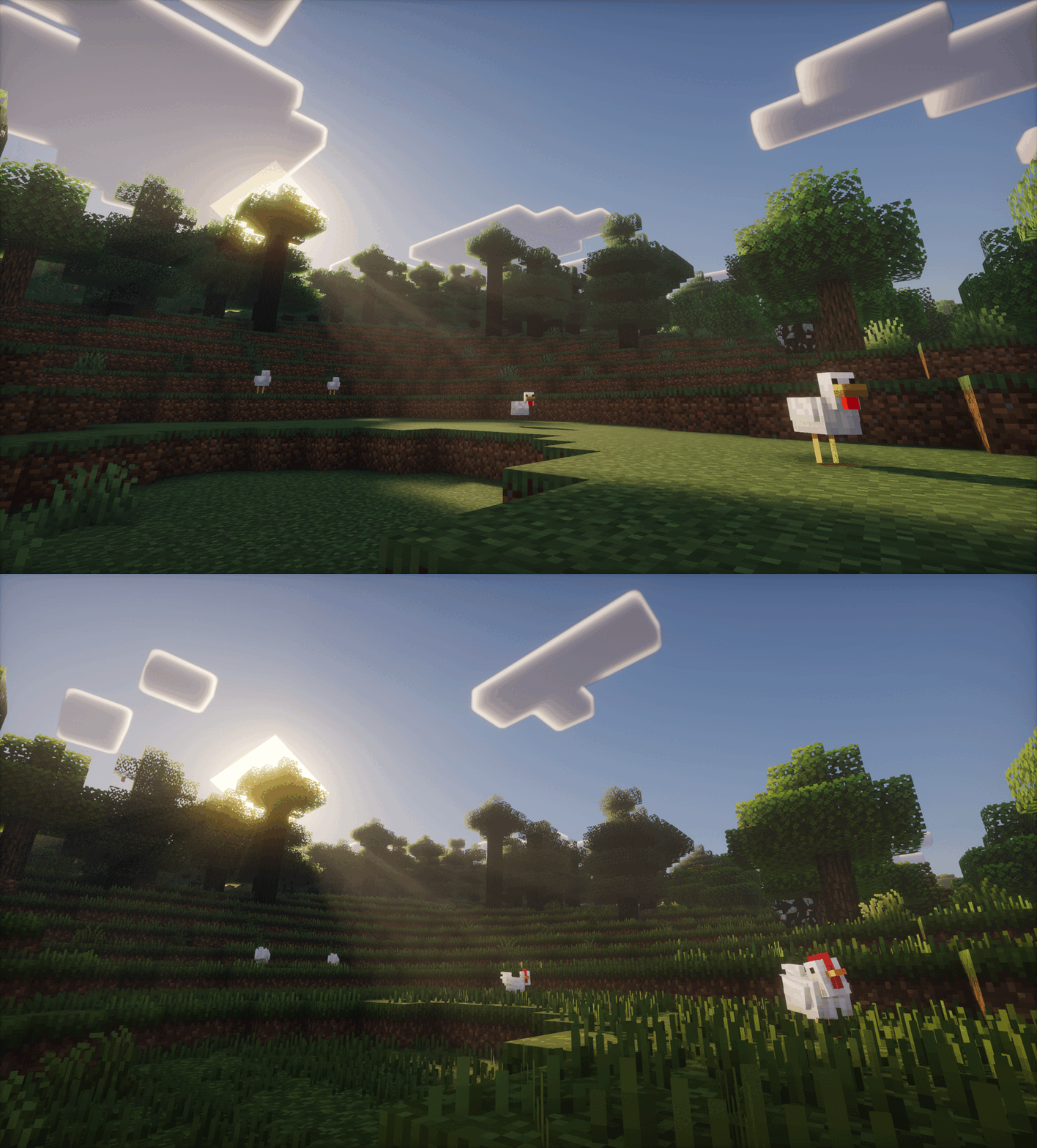

# Mob Variation
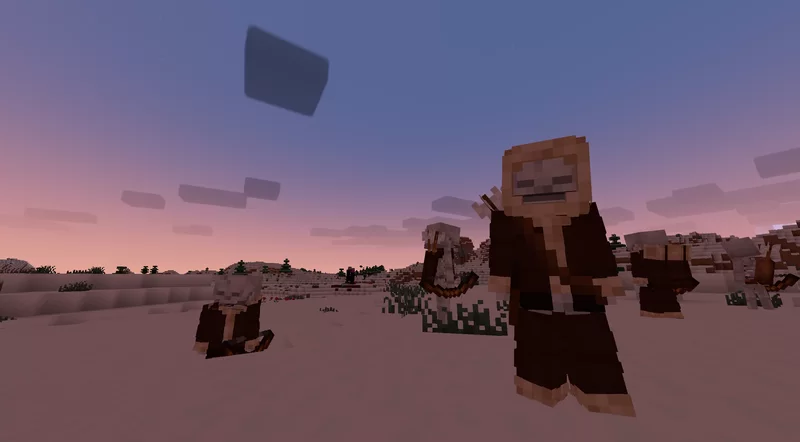
# And much, much more!


Show Addons
Official Addons:
Fresh Animations Compatibility Patch

Unofficial Addons:
Healthbars (Spryzeen’s Health bars compatibility addon)
Emissive Ores
Darkmode GUI

It is recommended to play on the US English language, since I’ve renamed and modified a few text colors and names, some of which affect the gui!

CREDITS
-un_roman (PMC) for being super kind and creating the Reimagined text logo!
-RickyMemester (PMC) for letting me borrow a few of his original ore texture variants which I’ve previously used in my older “Randomize It” and modified quite a bit.
-DartCat25 (PMC) for letting me borrow his “Menus – Enchanted”, as well as his “Rotating Items” shader for some of Reimagined’s features to work.
-Godlander (PMC) for letting me borrow his “Animated Skin” shader for some of Reimagined’s features to work.
-Cosmoman, (PMC) has helped and contributated with loads of textures, porting deepslate ores, consistency changes and so on.
-ShrimpSnail, (PMC) let me borrow and repurpose their enchanting book cem animation from their The Great Shrimpsby pack.
-EwanHowell, (PMC) has helped me with honestly more than I can count, biggest reason I even know how to make resource packs
-Complementary Reimagined for being the go to screenshot shader (ironic I know)




Want to support Reimagined? For no extra cost, I get a part of the revenue via the purchases made through this link
Red String
This resource pack will colour the string (tripwire) red when it placed. You now can see the string clearly and cannot be trapped by tripwire hook trap.
I don’t have chance for testing the new version of this resource pack, if there is any issues, please report here : https://github.com/break08/red-string/issues and you can also try download tested older versions (which doesn’t support many versions of minecraft).
If errors happened, try to…
Go to .zip file of resource pack -> pack.mcmeta
**Method 1**: In pack.mcmeta, remove
“supported_formats”: {
“min_inclusive”: x,
“max_inclusive”: x
}
and remove the `,` from description line
**Method 2**: Remove
“meta”: {
“game_version”: “x”
}
and remove `,` next to `}` above these removed lines
**Method 3**: Do both Method 1 and 2
**Method 4**: Report issues for me and use one of these versions:

**List of not tested versions: 1.0.1-mc1.13-1.21.11, 0.0.1-mc1.6.1, 0.0.1-mc1.9**
**Before using this:**

**After using this resource pack:**

Try my other resource packs:
**1**. Lined Redstone – Replace the vanilla dusty redstone lines with straight-line designed redstone
**2**. Mark the Powder Snow – Border the powder snow blocks and help you to avoid falling into them
and mods =):
**1**. New NameTag Recipe – Backport the Name Tag recipe of Minecraft 26.1
Rebalanced Music
# Rebalanced Music
Tweaked version of Balanced Music. Older tracks now have an equal chance of playing compared to newer tracks (where applicable).
Yeets the non-menu music from the menu, and evens out the weight of newer music. The new music is great, but it plays instead of the old tracks far too often. Seriously, why does Rubedo have a weight of 6?
### Important:
If you have other resource packs that change music or sounds, put them above this. This pack uses the `replace` option to remove music, and will remove any music added if placed above that pack.
Changes
Entries in **bold** are subject to change.
Entries in _italics_ are not applicable as of the latest Minecraft: Java Edition snapshot.
Entries in ~~strikethrough~~ are not applicable as of the latest stable Minecraft: Java Edition version.
Menu Music: Menu Music + Update Music -> Menu Music (1.18+)
Basalt Deltas: So Below weight 7 -> 1 (1.16+)
Crimson Forests: Chrysopoeia weight 7 -> 1 (1.16+)
Nether Wastes: Rubedo weight 6 -> 1 (1.16+)
Soul Sand Valley: So Below weight 7 -> 1 (1.16+)
Badlands: Crescent Dunes weight 2 -> 1 (1.20+)
Bamboo Jungle: Bromeliad weight 2 -> 1 (1.20+)
Cherry Grove:
* Below and Above weight 2 -> 1 (1.21.6+)
* ~~_Bromeliad weight 3 -> 1 (1.20-1.21.5)_~~
* ~~_Echo in the Wind weight 3 -> 1 (1.20-1.21.5)_~~
* ~~_Featherfall 3 -> 1 (1.21-1.21.5)_~~
Desert:
* ~~_Crescent Dunes weight 3 -> 1 (1.20-1.21.5)_~~
* Fireflies weight 2 -> 1 (1.21.6+)
Dripstone Caves:
* Eld Unknown weight 2 -> 1 (1.21+)
* Endless weight 2 -> 1 (1.21+)
* pokopoko weight 2 -> 1 (1.21+)
* Wending weight 2 -> 1 (1.18+)
Flower Forest: Featherfall weight 2 -> 1 (1.21+)
Forest: Broken Clocks weight 2 -> 1 (1.21.6+)
Frozen Peaks: Stand Tall weight 2 -> 1 (1.18+)
Grove: Lilypad weight 2 -> 1 (1.21.6+)
Lush Caves:
* ~~_Aerie weight 1 -> 2 (1.19-1.21.5)_~~
* ~~_Firebugs weight 1 -> 2 (1.19-1.21.5)_~~
* ~~_Labyrinthine weight 1 -> 2 (1.19-1.21.5)_~~
* ~~_Left To Bloom weight 2 -> 1 (1.18-1.18.2)_~~
* ~~_Left To Bloom weight 4 -> 2 (1.19-1.21.5)_~~
* O’s Piano weight 2 -> 1 (1.21.6+)
Jungle: Bromeliad weight 3 -> 1 (1.20+)
Meadow: One More Day weight 2 -> 1 (1.18+)
Old Growth Taiga:
* Aerie weight 1 -> 3 (1.19+)
* Firebugs weight 1 -> 3 (1.19+)
* Labyrinthine weight 1 -> 3 (1.19+)
Sparse Jungle: Bromeliad weight 2 -> 1 (1.20+)
Stony Peaks:
* Eld Unknown weight 2 -> 1 (1.21+)
* Stand Tall weight 2 -> 1 (1.18+)
Versioning scheme
The version name consists of the minimum supported stable Minecraft: Java Edition version followed by the iteration of the resource pack for that version of Minecraft: Java Edition. If there is no supported stable Minecraft: Java Edition version, then the minimum supported Minecraft: Java Edition version is used instead.
For example, version 1.16.2 v1 means that it is the first iteration of the resource pack to support at least Minecraft: Java Edition version 1.16.2. Meanwhile, version 21w39a v2 means that it is the second iteration of the resource pack to support at least Minecraft: Java Edition version 21w39a.
The maximum supported Minecraft: Java Edition version is specified in the changelog of the respective version of the resource pack.
Random Item Speedrun
## Random Item Speedrun
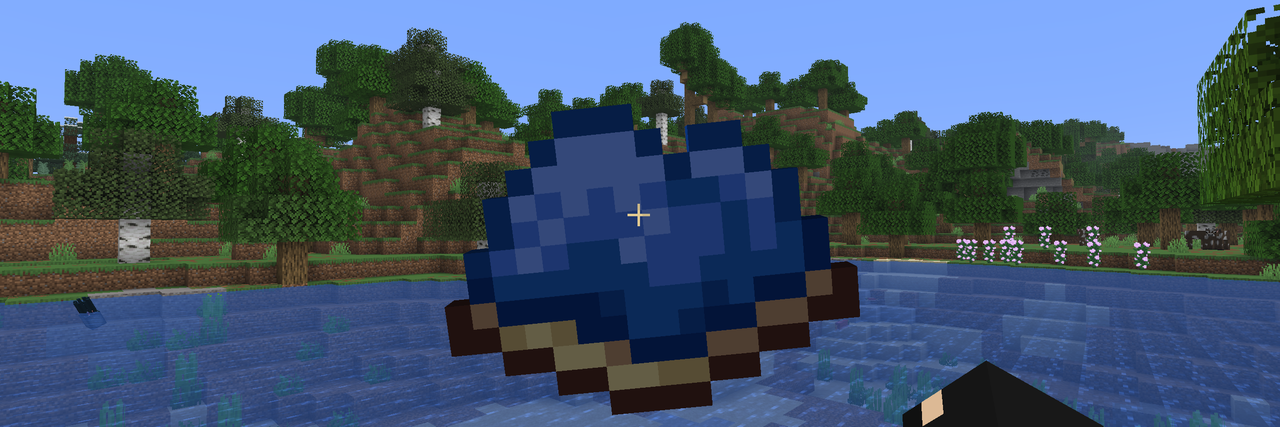
This mod tests the player’s gear by forcing them to collect one randomly selected item
## Usage
After installing the mod, press the Y key (default) to open the run start screen. This screen displays a list of speedruns and additional information about each run by tapping on the desired run. To start a speedrun, press the corresponding button, and the item you need to collect will appear on the screen. For more accurate run information, the item name and elapsed time will be displayed in the corner of the screen.
The mod has settings where you can change the HUD parameters (more customization options are planned for the future).

Since version 2.0, the mod has been running on the server. This means all players can participate in the same run simultaneously. The name of the player who finds the item will also be saved in the run list.
You can specify the difficulty of drop items in the mod settings:
* **Easy** – items that don’t require entering the Nether,
* **Normal** – items that don’t require entering the End,
* **Hard** – all items except those that take too long to obtain,
* **Hardcore** – all items.
To start/stop the game without entering the mod screen, you can assign a key in the binding settings. Pressing the key will then instantly change the game status.
## Settings
Click to open

## 🤝 Support
