WingAuth


# WingAuth
WingAuth is a modern Velocity authentication plugin for offline/hybrid networks.
## How it works
It runs login/register protection before players reach backend servers, using a Limbo-based auth flow.
Designed for server admins who want strong account protection with flexible setup.
## Key features
– Velocity-only architecture (runs the login on a virtual world)
– Session handling and brute-force protection
– Premium/hybrid and Floodgate-compatible scenarios (Bedrock support)
– Configurable messages and behavior
– Database-backed account storage (legacy-compatible migration path)
Windy

# Windy
Windy is a client-side mod that adds wind particles to your world. Inspired by the Breezy mod.
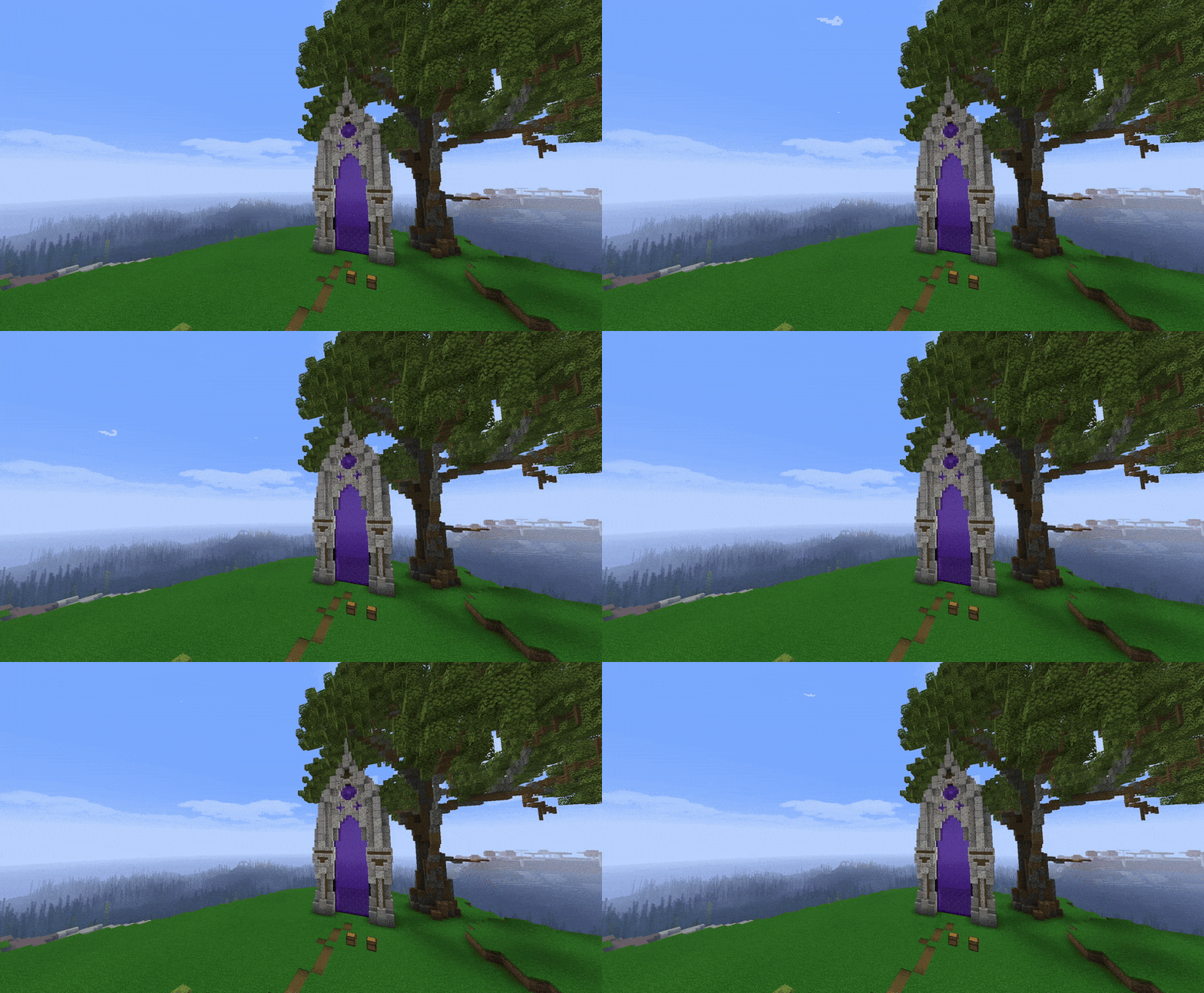
Windows 11 totem of undying
This texturepack replaces texture the totem of undying on the Windows start menu.Its based on Windows 11 and made also appear soon based on Windows 10,7 and XP.The texturepack was made for fans custom totems and the Windows
WindowPlayerHead
### WindowPlayerhead
A client-side Fabric mod that changes your Minecraft window icon to your player’s head.
### How It Works
When you join a server or singleplayer world, the mod:
1. Fetches your player head from Minotar
2. Caches it locally in `.minecraft/cache/windowplayerhead/`
3. Sets it as the Minecraft window icon via GLFW
The download happens asynchronously, so it won’t affect your loading times.
Windowed Fullscreen


—
## 📗 DESCRIPTION
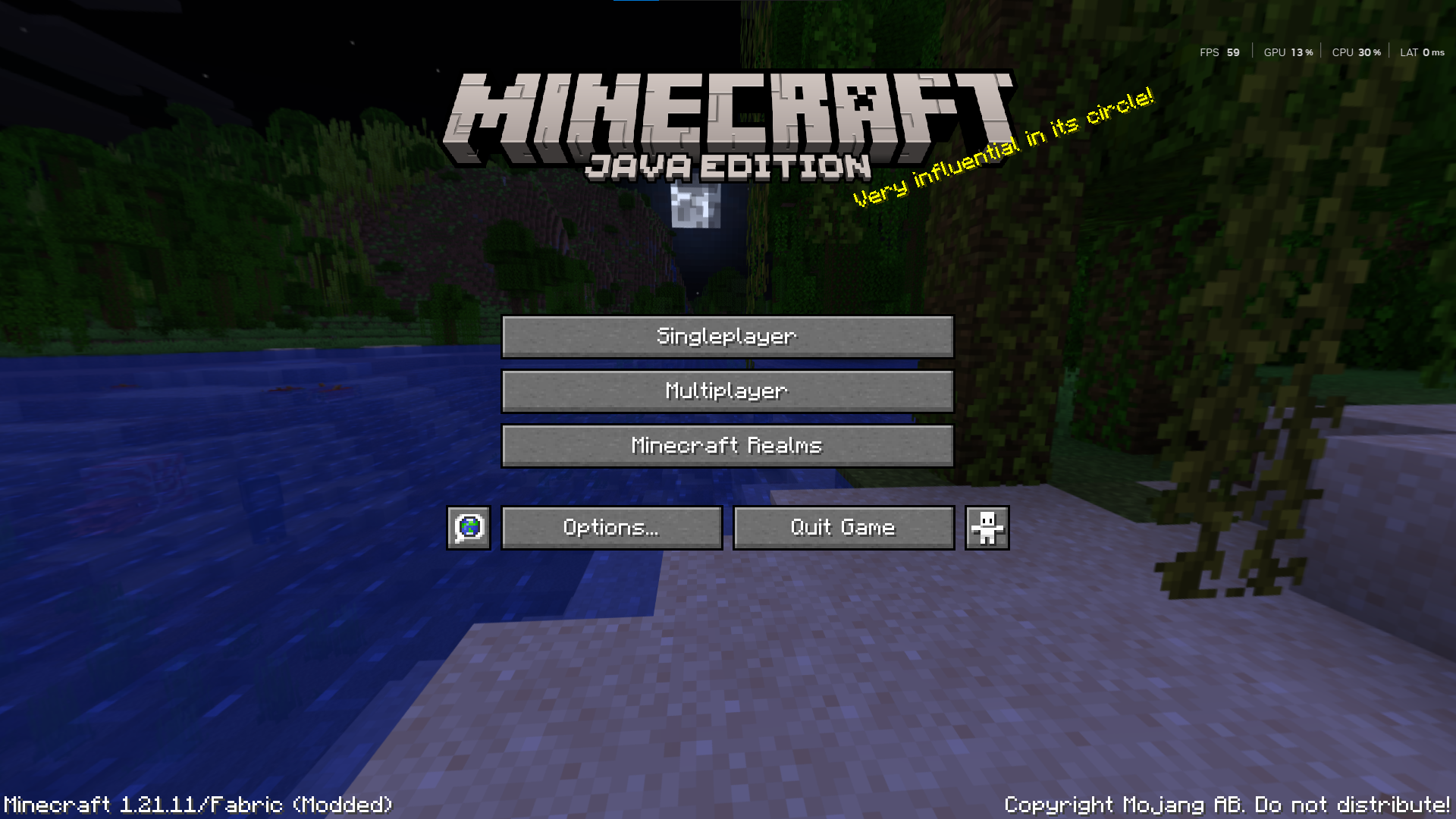
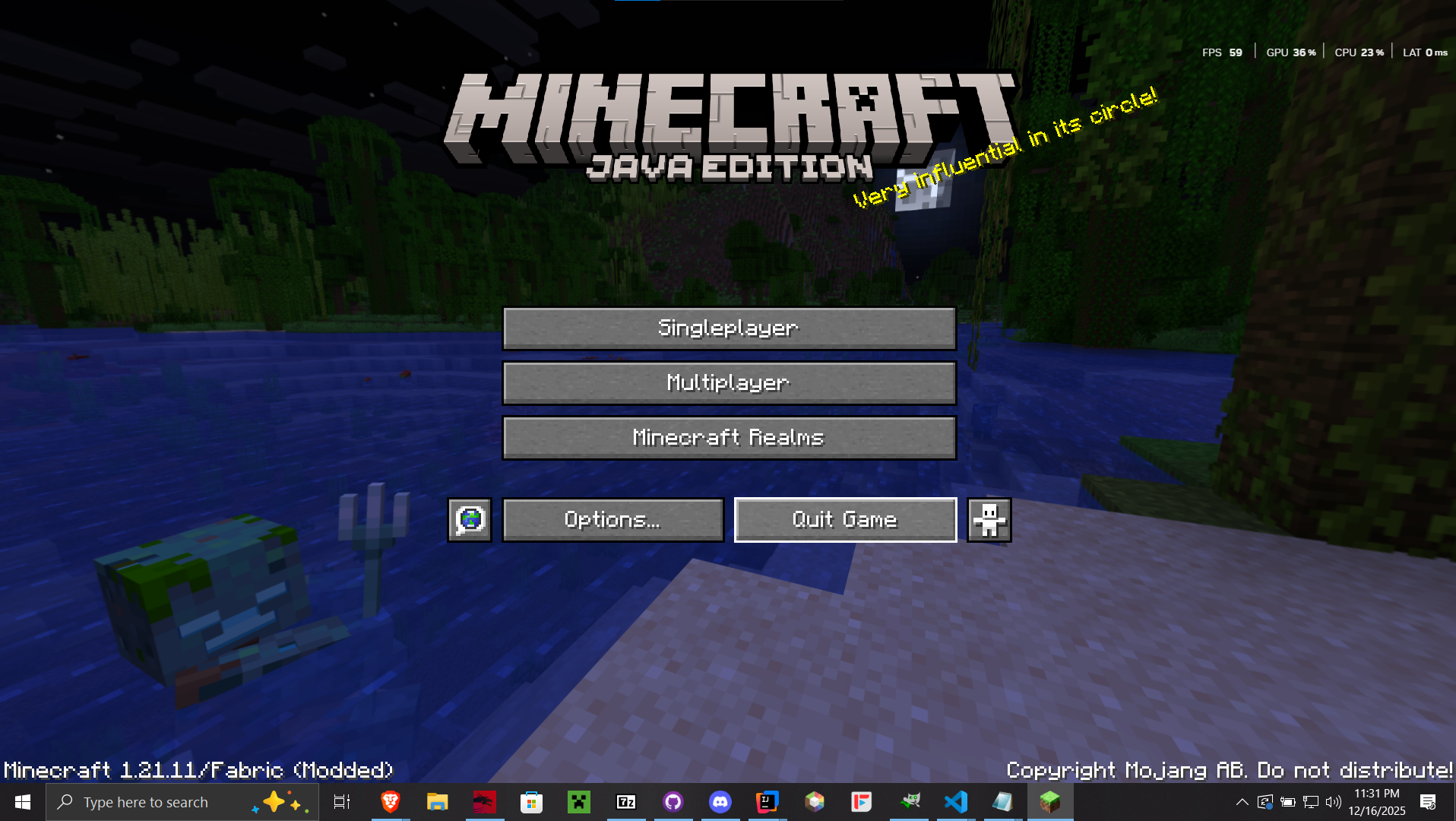
Windowed Fullscreen is a mod that allows you to hide the window title bar and access your taskbar/panel while in fullscreen mode. It’s perfect for players who want a cleaner fullscreen experience without losing the convenience of interacting with other system elements. This feature also known as Borderless Windowed or Borderless Fullscreen.
## ✨ KEY FEATURES
* **Windowed Fullscreen;** Maximizes the window to the monitor and hides the system taskbar when the window is focused (even if the taskbar is set to be always visible).
* **Borderless Windowed;** Maximizes the window to the available screen space. Similar to standard window maximization, but with a borderless appearance.
—
| **Windowed Fullscreen** | **Borderless Windowed** |
|—|—|
|  |  |
## 🧩 USAGE
* Press `F12` to toggle the Windowed Fullscreen mode.
* Press `F10` to toggle the Borderless Windowed mode.
—

Window to Reality
# window-to-reality
Simple mod to modify the Minecraft window to allow transparency. Made for video creators and map makers.
Technically Fabric API is optional, but there are still bugs so I wouldn’t recommend removing it yet.
## Features
– Makes the Minecraft game window support transparency.
– Adds four utility blocks with different breakable/passthrough combinations:
– `cutout` – breakable, solid
– `cutout_barrier` – unbreakable, solid
– `cutout_window` – breakable, passthrough
– `cutout_void` – unbreakable, passthrough
– Clear Sky builtin texturepack:
– Enables transparent sky rendering by modifying the sky shader and removing fog.
## Version Support
– Active updates are primarily done for the latest version.
– Older versions may receive releases and updates if requested or contributed through community pull requests.
No additional content features are currently planned. NeoForge support not planned.
## Compatibility
– No guarantee that mod custom screenshotting or rendering will work.
– Any texturepacks that modify `core/terrain.fsh` and `post/transparency.fsh` should apply the same fixes, otherwise transparency will break.
Window Size






—
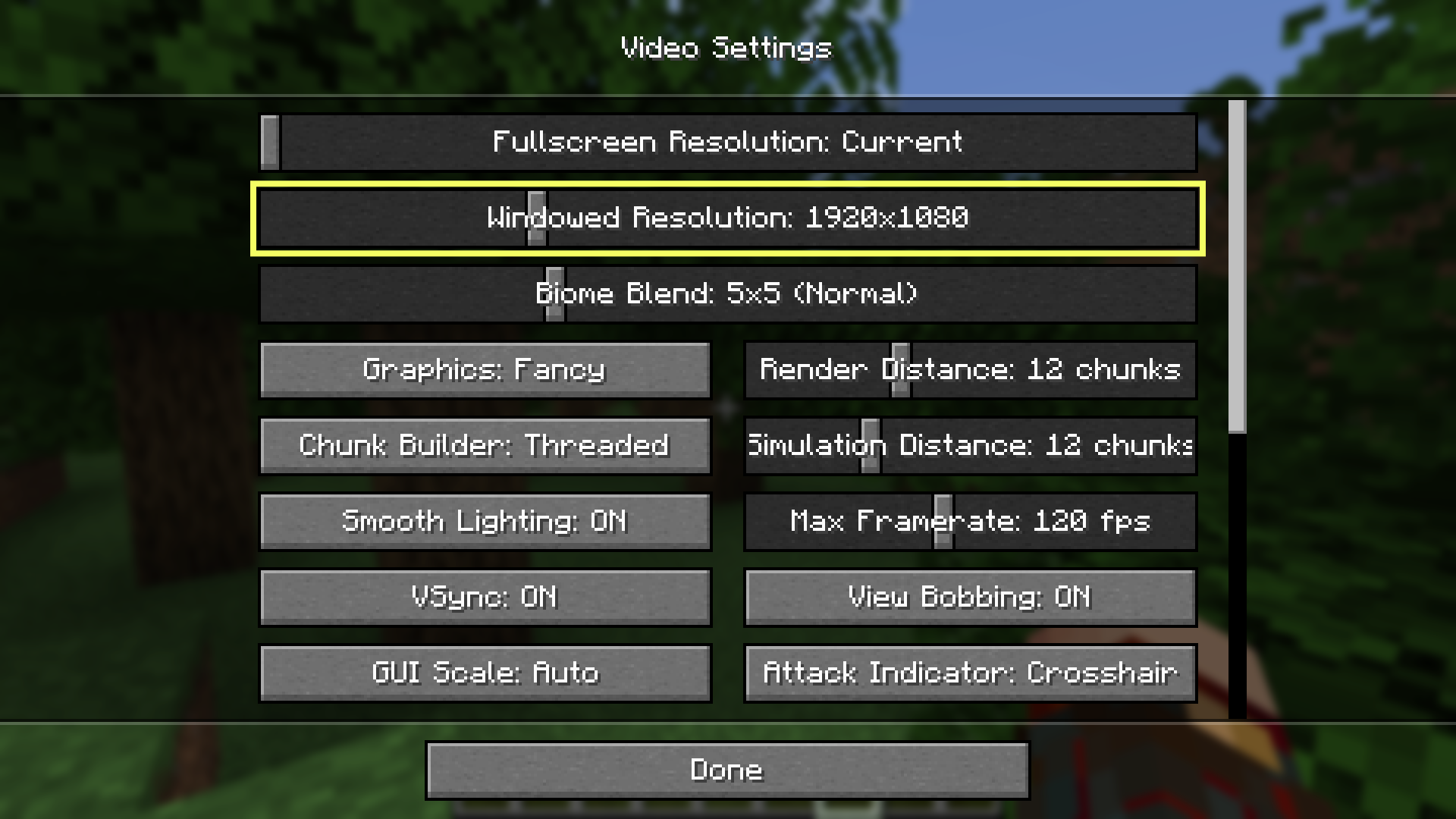
Permanently modify the Minecraft game’s (non-fullscreen) window size without having to edit options.txt! Simply resizing the window will automatically update the `overrideWidth` and `overrideHeight` properties in your options.txt, plus the video options screen in game will have a new slider for windowed resolution!
WindowFix
# WindowFix
WindowFix addresses a Windows-specific Minecraft issue where interacting with the title-bar system menu (right-click title bar, minimize, restore, etc.) may cause the game loop to hang or stutter.
## Environment
– Windows client
## Fix Modes
WindowFix provides two modes via client config:
1. Block native system menu (stability-first)
Blocks title-bar right-click system menu entirely to avoid entering the Win32 menu modal loop.
2. Native compatibility mode
Keeps native right-click system menu and enables `MNS_MODELESS` to reduce blocking likelihood.
## Configuration
Config file is generated after first launch:
`config/windowfix-client.toml`
Example:
“`toml
blockTitleBarSystemMenu = false
keepActiveDuringSystemMenu = true
“`
Restart the game after changing config values.
– `blockTitleBarSystemMenu`
– `true`: Disable title-bar right-click native system menu.
– `false`: Keep native system menu behavior.
– `keepActiveDuringSystemMenu`
– Only effective when `blockTitleBarSystemMenu = false`.
– `true`: Suppress transient focus-loss messages during system menu operations to reduce brief hitching.
– `false`: Keep default focus behavior.
## Usage
1. Put the built JAR into your client `mods` directory.
2. Launch the game and adjust `config/windowfix-client.toml` as needed.
## Log Keywords
Search these in `latest.log`:
– `Installed Win32 window hook for system menu freeze workaround.`
– `Enabled MNS_MODELESS on system menu.`
## Known Limitations
– Windows-only behavior.
– In native compatibility mode, brief hitching may still happen depending on system window management behavior.
WINDOW DOOR

This is a very small resource pack; future versions will continue to resource other editions.
**_The new version might be marked as incompatible, but it can actually display correctly._**
Feedback:https://forms.gle/vfNMyg4HZgxZsgFe9
##
在原本中空的門中央加入一些美觀的窗戶造型。(意味著實心的門將不會有任何改變:杉木門…)
這是一個很小的資源包,未來將繼續支援其他版本
**_新版本可能標示不相容,但實際上可以正常顯示。_**
反饋:https://forms.gle/vfNMyg4HZgxZsgFe9
Winded
**Ever wanted to actually not have to find Trial Chambers just to get Breezes? Why would they spawn so deep underground? Aren’t they supposed to be wind related mobs?**
_**If you have any of these questions or all of them then you’ve come to the right place!**_ With this Datapack/Mod Breezes will now be able to spawn in your world but in a rather balanced way! You’re going to have to go high up into the mountains if you want to hunt down Breezes at night!
**_You can contact me with feedback by messaging “dustfired” on Discord! State that you come from Modrinth or I will think you’re a scammer!_**
Breezes will spawn in your world with this Datapack/Mod in the following biomes between **Y 105 – 256**:
– Jagged Peaks
– Stony Peaks
– Snowy Slopes
– Frozen Peaks
– Cherry Groves
– Groves
– Meadows
– Wooded Badlands
– Savanna Plateau
**Note: They CAN spawn in caves as well as long as it’s within the Y range!**
This Datapack/Mod is compatible with **Die by the Sword**! It should be noted that **Breezes spawned by this Datapack/Mod WILL have a chance to spawn as Elites if you have Die by the Sword installed in your world/game!**