Nemo’s More Ladder Variants (MStV+)


—
# More Ladder Variants
Certainly any wood is suitable for ladder building – try it out!
Thanks to Nemo’s Carpentry, ladders are now available in all the colors of the forest.
What if I already have Nemo’s Carpentry installed?
Then this mod is fairly but not completely useless because it ensures compatibility with More Stick Variants (MStV) and provides ladder variant recipes for the crafting table. It also makes it compatible with Quad 1.3.0’s block replacement feature as can be seen below.

## Adding 11 new ladders (incl. Pale Oak) to Minecraft.
## Compatible with Quad 1.3.0+’s block replacement:

Looking through the window of a desert village fletcher: We can see that instead of _Oak Ladder_, _Oak Torch_ and _Birch Fletching Table_, the game now generates the village with a _**Jungle Ladder**_, a _**Jungle Torch**_ (from More Torch Variants) and a _**Jungle Fletching Table**_ (from More Fletching Tables).
—
**
Navy Blue Shield
# Navy Blue Shield
This resource pack replaces the default shield with a custom 3D model.
The design uses a navy blue theme.
No OptiFine required. Vanilla compatible.
## More Shield Themes
– Black
– Blue
– Creeper
– Dark Red
– Mirror
– Rabbit
– Red
Nautilus Shell Recipe
🐚 Nautilus Shell Recipe Datapack
Craft the heart of the conduit—no fishing luck required!
This datapack introduces a custom recipe for Nautilus Shells, making conduit crafting more accessible for builders and ocean explorers.
✨ Features
✅ Shapeless recipe using 1 Rotten Flesh + 1 Prismarine Shard
🧩 Lore-friendly integration with drowned drops and ocean monument progression
🔁 Modular JSON structure for easy editing and expansion
🛠️ Compatible with Minecraft 1.13+
Nautilus armor shell
Makes the Nautilus shell item more consistent with the Nautilus armor item. The Nautilus shell looks the same as the armor on the mob why doesn’t it look the same as an item?
Very pixly nice looks good, I did it in 2 minutes.
Name Tag Backport
## Description
This datapack/mod backports the name tag recipe added to the game in 26.1 Snapshot 2.

## Dependencies
– Fabric loader requires Fabric API
MyLuckyBlock
# Overview
Add a lucky block to Minecraft 1.21+ that players can break to trigger random events.
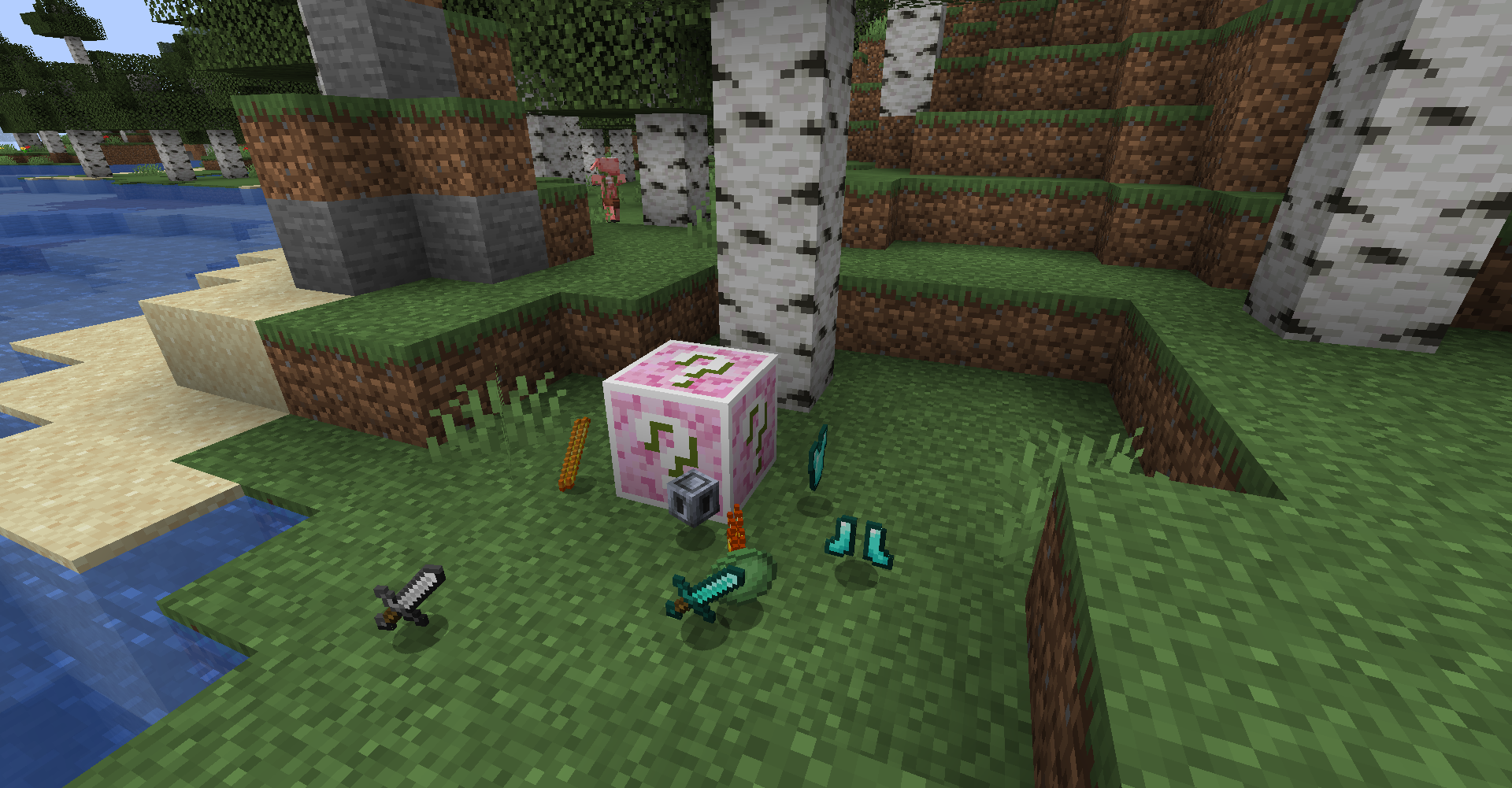
>Note: It’s easy to make addons by using datapack. (Wiki coming soon~)
# How to play
## World Gen
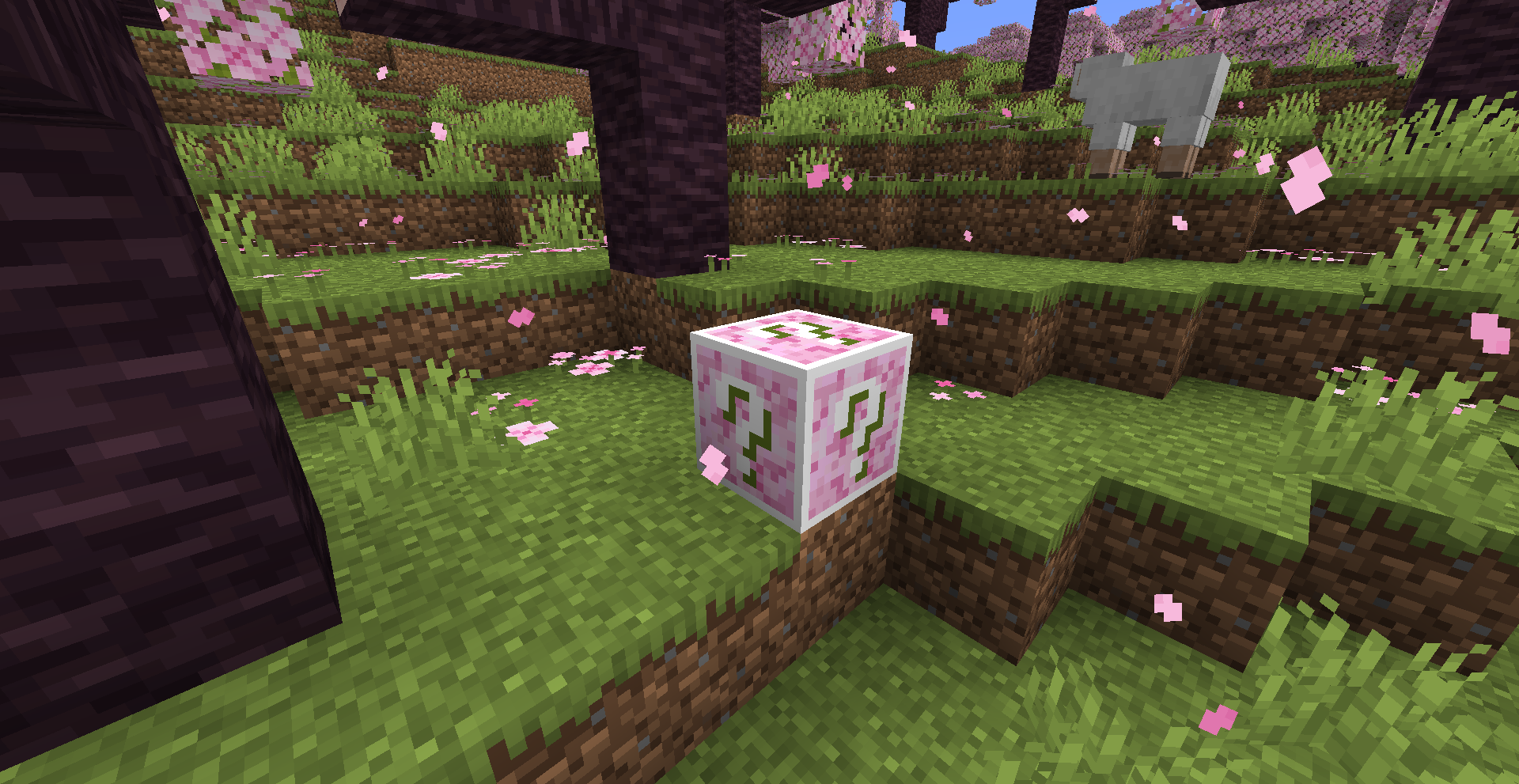
Lucky Block will be generated in vanilla biomes.
## Crafting
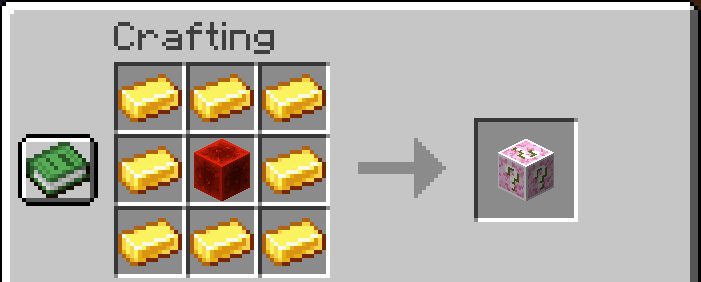
Lucky Block can be crafted with 8 gold ingots and 1 redstone block.
# Features
> Still Developing
– Drop Items
– Spawn Mobs
– Place Blocks
– Fall Blocks
– Place Chests
– Create Explosions
– Create Particles
– Send Messages
– Display Messages
# Attention
– May not English friendly?
– Memes from bilibili or somewhere
– Use SILK_TOUCH to avoid triggle events and drop itself
# Why
– Learn Minecraft Modding
– Have fun with my friends
– The original Lucky Block mod doesn’t update to minecraft 1.21+
Music Disc Recipe
### 📀 Music Disc Recipe Datapack
**Craft every vanilla music disc—no mob battles required!**
This datapack adds balanced, lore-friendly crafting recipes for all Minecraft music discs, making them accessible in survival gameplay.
### 🎵 Features
– ✅ Crafting recipes for **all vanilla music discs**
– 🧩 Shaped and shapeless formats for flexible integration
– 🔁 Modular JSON structure for easy editing and expansion
– 🛠️ Compatible with Minecraft **1.20+**
– 🧪 Works in singleplayer, multiplayer, and modded environments
Checkout my other projects:
Enchanted Golden Apple
Amethyst Shard
Horse Armour Recipe
Froglight Recipe
Music Disc Recipe
Heavy Core Recipe
Echo Shard Recipe
Mounts of Mayhem Plus



# 📖 Description
This datapack expands Mounts of Mayhem by adding new jockeys to the game.
– Wither Skeleton Wolf Jockey: A larger and undead variant of the wolf. It’s tamable, can be ridden. Its rider wields an enchanted bow and wears enchanted iron armor with a diamond chestplate. The wolf can also breathe underwater and in lava, and the player can make it sit or mount it depending on whether they are sneaking.
– Stray Goat Jockey: Introduced in the Frozen Riders update. A stray riding a goat, ready to charge through snowy biomes.
– Stray Polar Bear Jockey: Also from the Frozen Riders update. A stray mounted on a polar bear, bringing icy chaos to the tundra.
– Hoglin Jockey: Spawns with a piglin rider, equipped with either a spear or crossbow.
– Ghast Jockey: A chained ghast inspired by A Minecraft Movie, carrying a platform with a crossbow-wielding piglin, with the chance of additional piglins spawning above it
Motionomicon
# Motionomicon
This is a data pack that allows you to apply motion to a Player.
The name is a combination of the words *motion* and *Necronomicon* as it uses enchantments to apply motion.
## How to Use
There are two types of functions: one that allows you to set the motion with the specified value and one that allows you to add motion on top of the existing motion.
Any of the numbers specified can range from -9.9999 to 9.9999.
Digits outside of that range won’t be considered, meaning that 14.5 is the same as 4.5 and -23.8 is the same as -3.8.
These functions fail when the Player is in Spectator mode as motion cannot be applied when they are in said game mode.
The effects stack, which means you can call the functions multiple times and it will act appropriately.
For example, the following two calls result in a total motion of `[1, 1, 0]`:
“`mcfunction
function motion:set {x: 1, y: 0, z: 0}
function motion:add {x: 0, y: 1, z: 0}
“`
This also means that the effects are applied immediately.
Note that due to floating-point precision errors there might an ever so slight error with the actual motion, though this tends to be negligible.
Additionally, the screen might flicker sometimes due to the `rotate` command having already rotated the Player.
Please be wary of this.
### `motion:set` and `motion:add`
Both of these functions take the parameters `x`, `y`, and `z`, which are all numbers.
`motion:set` overwrites the current motion entirely.
`motion:add` adds the motion on top of the current motion.
#### Examples
Jump a single block upwards.
“`mcfunction
function motion:set {x: 0, y: 0.42, z: 0}
“`
Dash in the negative z direction.
“`mcfunction
function motion:set {x: 0, y: 0, z: -2}
“`
### `motion:set_rotated` and `motion:add_rotated`
Both of these functions take the parameters `left`, `up`, and `forwards`, which are all numbers.
These functions use the Player’s rotation as their axes instead of using the cardinal directions.
`motion:set_forwards` overwrites the current motion entirely.
`motion:add_forwards` adds the motion on top of the current motion.
#### Examples
Strafe left roughly 10 blocks.
“`mcfunction
function motion:set_rotated {left: 0.91, up: 0, forwards: 0}
“`
Jump and move forwards one block.
“`mcfunction
function motion:set_rotated {left: 0, up: 0.42, forwards: 0.27}
“`
More Villagers: Re-employed
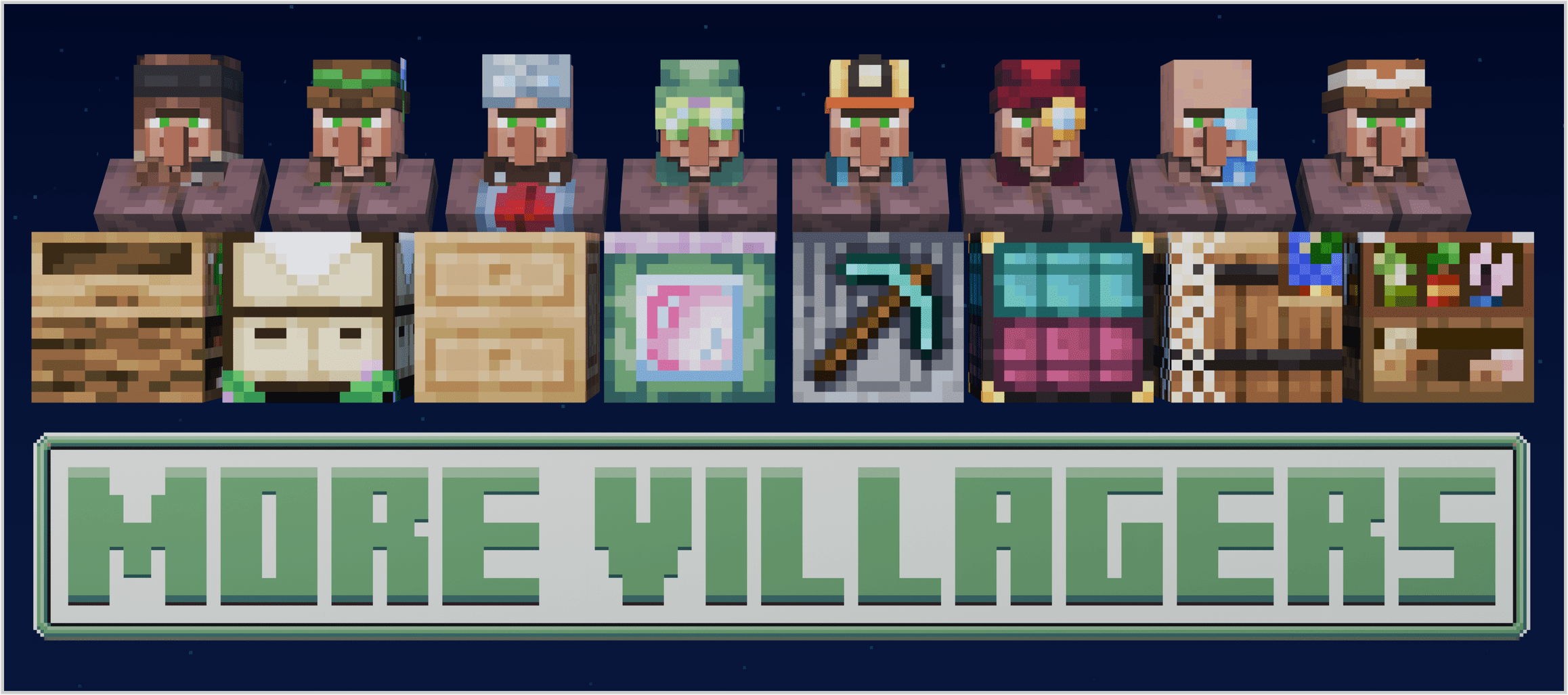
This is a port of More Villagers to newer versions, a mod that adds more villagers to the vanilla game with brand new professions and workstations, including unique trades and additional advancements.
### Visit __More Villagers__ for more info!
### This mod depends on VillagerAPI, make sure you have this installed alongside or the mod will not work as intended.

***
### 📝New Features:
Add your own custom villager professions and villager biome types without writing any code through `villagerpacks`, Visit https://morevillagers.neoterra.online/villager-pack-gen for more info.
* * *
### ⚠️Issues:
Do not report issues from this mod to the original author instead report them to the link provided on this page to the github issue tracker.
* * *
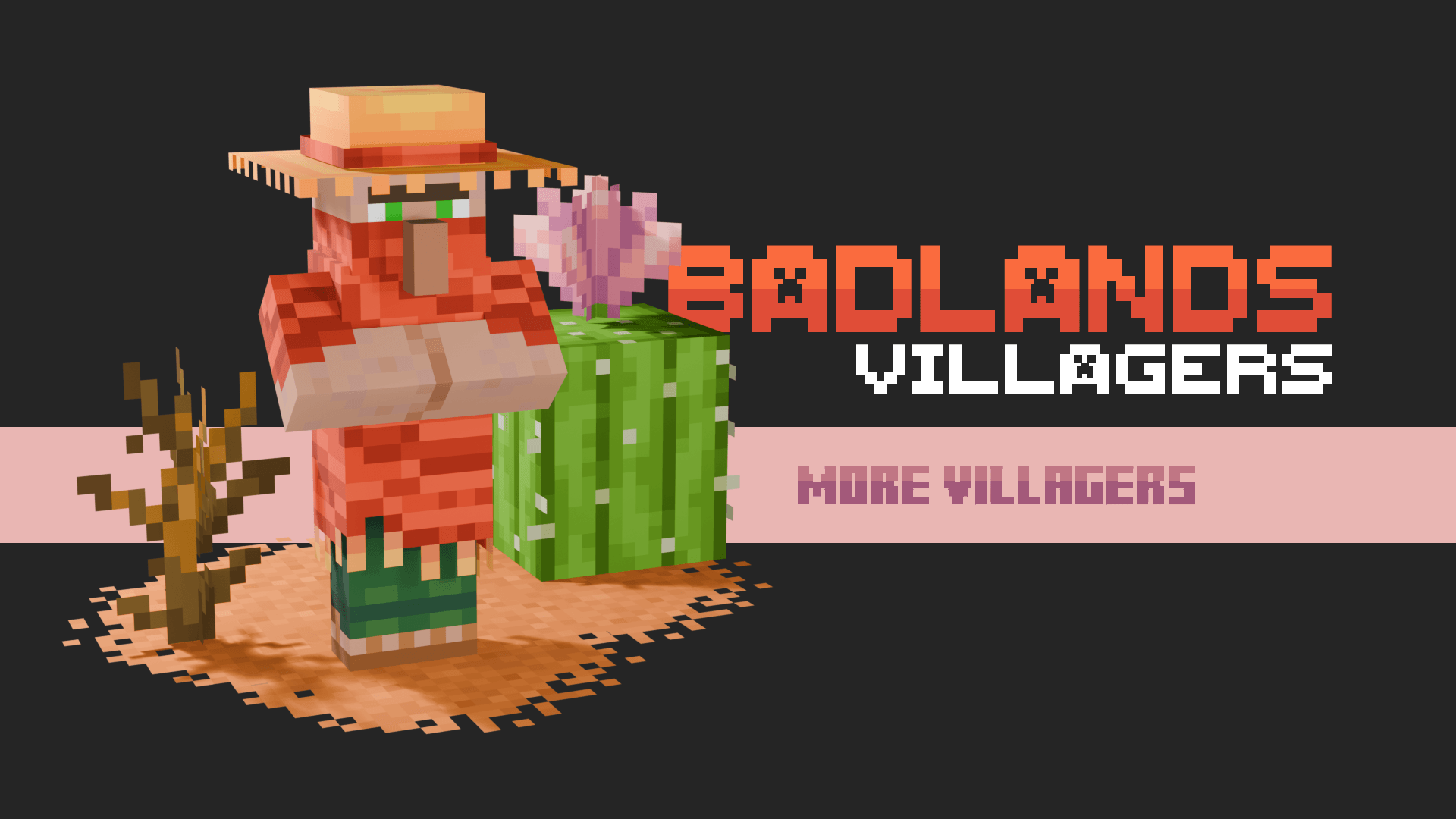
## INTRODUCING THE **BADLANDS** VILLAGERS
Spawns in **__Badlands__**, **__Wooded Badlands__** and **__Eroded Badlands__**
***
## RECIPES
Click to see the recipes!


## TRADES
Visit morevillagers.neoterra.online for a list of trades from the added villagers.