add biome blending to moss block, donesnt work with moss carpet unfortunatly.
/! NEEDS either continuity OR optifine to work as it use theyre CTM feature /!
smoothing also need continuity or optiphine as it was not intentional at firs, i will have to remake the texture in the plain for everyone one day but for now, everything in this pack need continuity or optifine
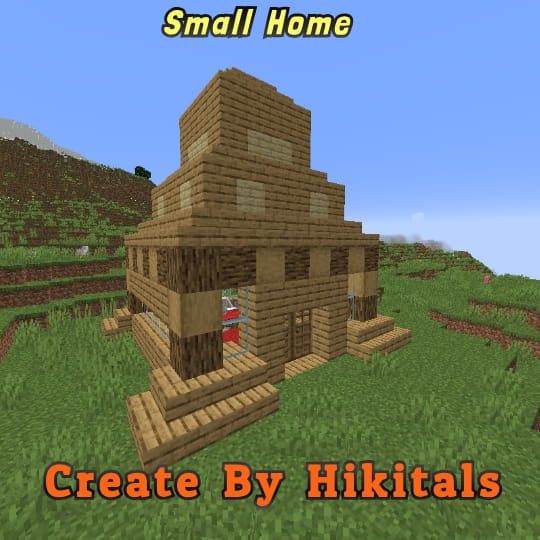
Small Home
My social networks
—
## Description👀
**This datapack adds a new dungeon to your world with a small house where there are a couple of chests of stoves and also beds with dogs**
—
## Useful Сommands🔧
– **Use /locate structure elysianfields:small_home for see dungeon coordinates**
– **Use /place structure elysianfields:small_home for spawn dungeon**
—
Small Shield & Totem
# Small Shield & Totem
### Features
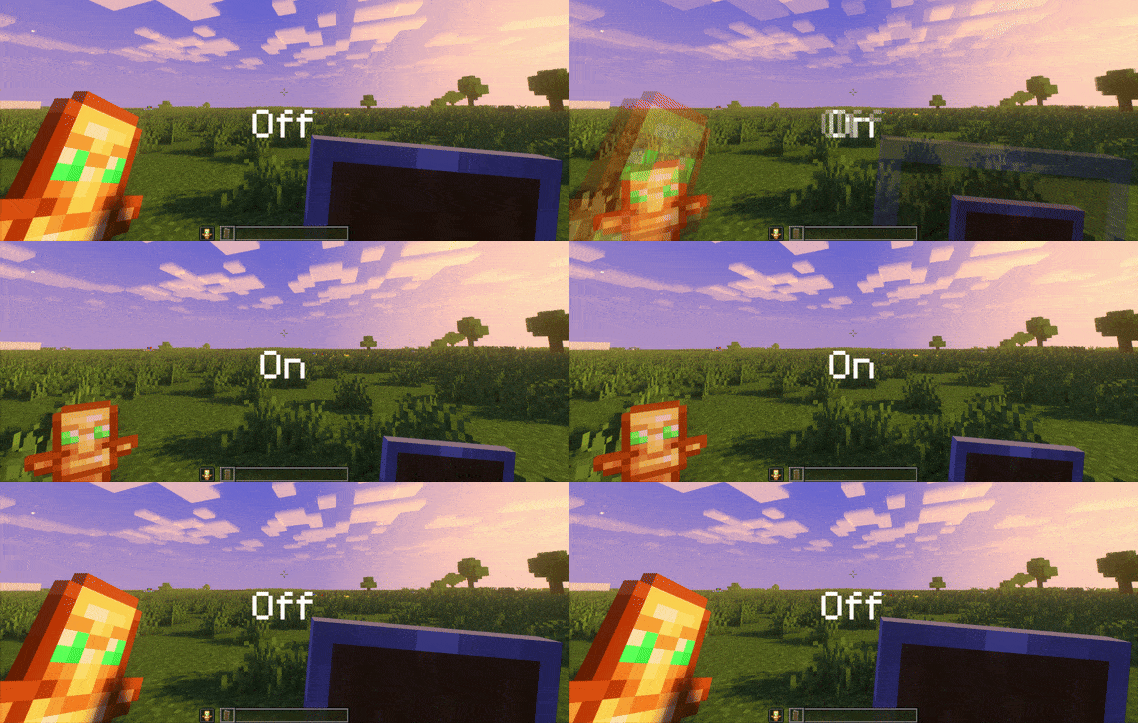
– Small shield
– Small totem
– Small totem pop
– Small totem pop particles
– No mods needed
### Compatibility
The pack works on all version from **1.9** to the **Newest**
⚠️ Versions 1.19.4 and below will tell you “the pack is for a newer version”, but it will work just fine
### Notice
Totem of undying will be extra small when placed in an item frame. This is unfortunately a side effect of the small totem pop effect
⠀
### Want a Minecraft server? Consider using Sparkedhost!
Use code ‘blob’ for 25% off
[](https://billing.sparkedhost.com/aff.php?aff=3085)
Truly Small Items
### Features
– Smallified equipment and miscellaneous items.
– Fixes multiple texture issues, such as the end crystal offset.
– Blends in well with vanilla textures.
– Fully compatible with other smallifying resource packs!
– Fully functional in any version from 1.5!
### Questions?
Be sure to make suggestions and report bugs or inconsistencies to the [Jotform](https://form.jotform.com/260524716060046)!
### What Version?
If you are using the Modrinth loader, it should automatically select the resource pack for your version!
In case you are not using the Modrinth loader, the letter determines which pack to install:
* P: 1.5 – 18w43a
* T: 18w43a – Latest
Slightly Brightly
This resource pack uses emissive block models to make the game slightly brighter without using any shaders.
If you’d like it to be slightly more brightly, then use a text editor like Notepad++ and run a replace command on ALL instances of “light_emission”: 2 to replace it with a number between 1-15.
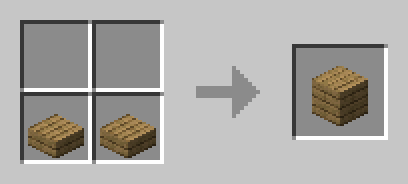
slab back
craft slabs back to blocks
slabs have to be side by side
Sky’s Relit Flames
A Minecraft Resource-Pack that revamps the looks of different flaming blocks, like torches
A skybox mod that allows you to use OptiFine skies in Fabric 1.21+
Join our discord: https://discord.gg/C8KKgbA8jy
## Notes
Special thanks to UsernameGeri for helping with the wiki, and also UsernameGeri & Zenith for helping with the logo!
## Support
Have any issues or need support? Feel free to use
the [issue tracker](https://github.com/lowercasebtw/Skyboxify/issues) to address that. If you are reporting a
crash, make sure you include information about the mods you are using and attach any relevant log files you have. If you
want to suggest features, join the [discord](https://discord.gg/C8KKgbA8jy)!
SKN’s Loopy Ores
Summary
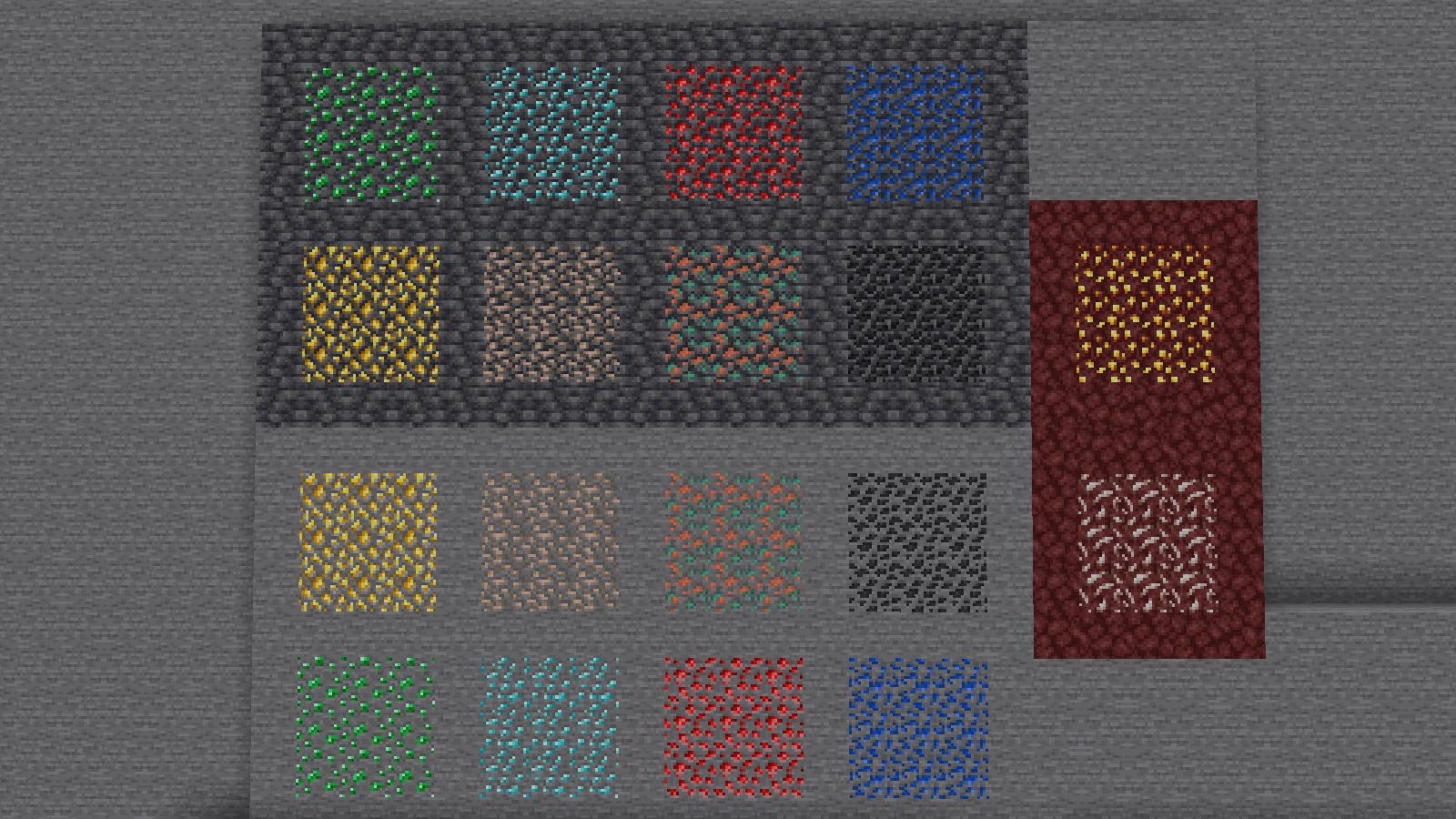
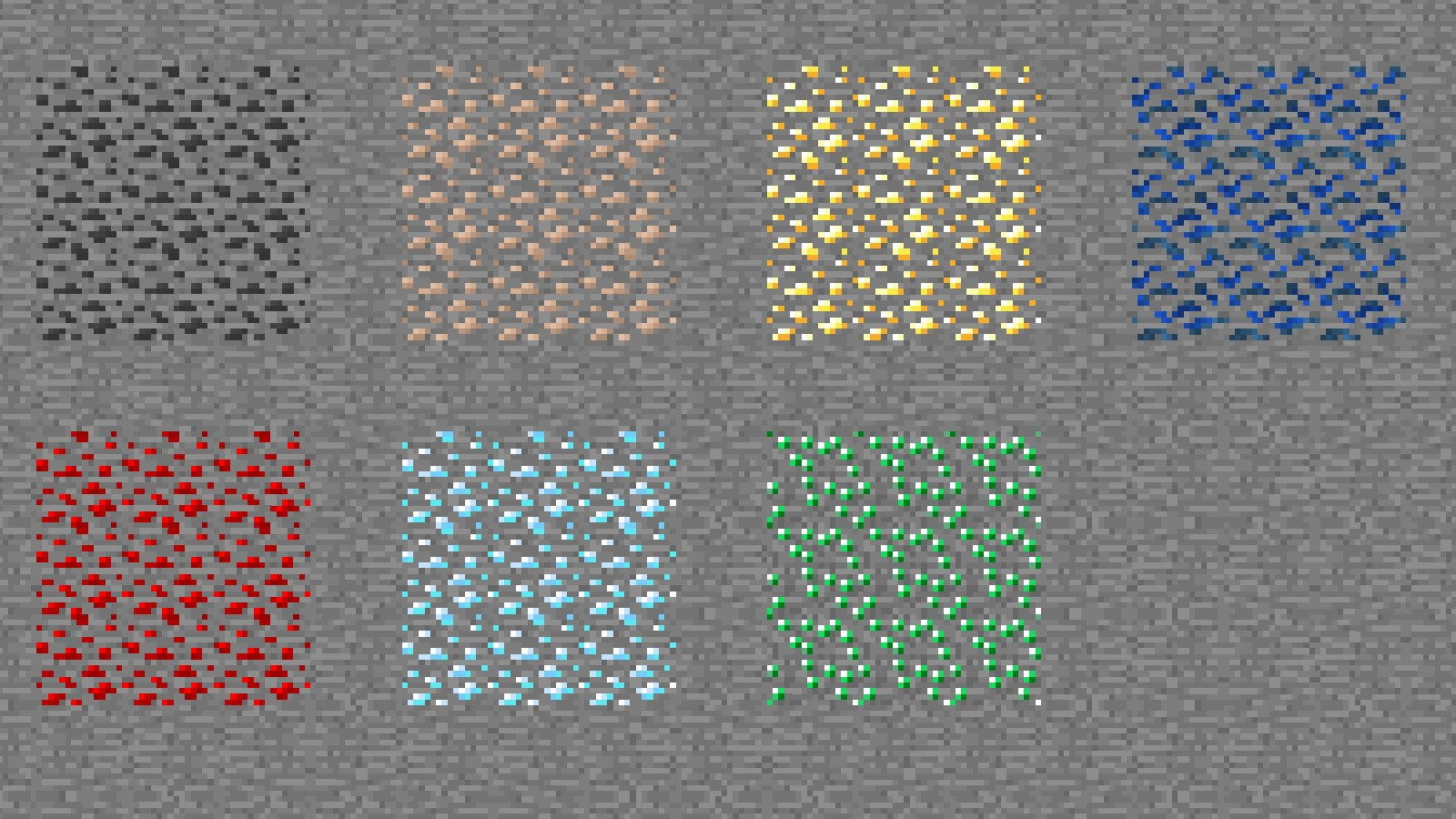
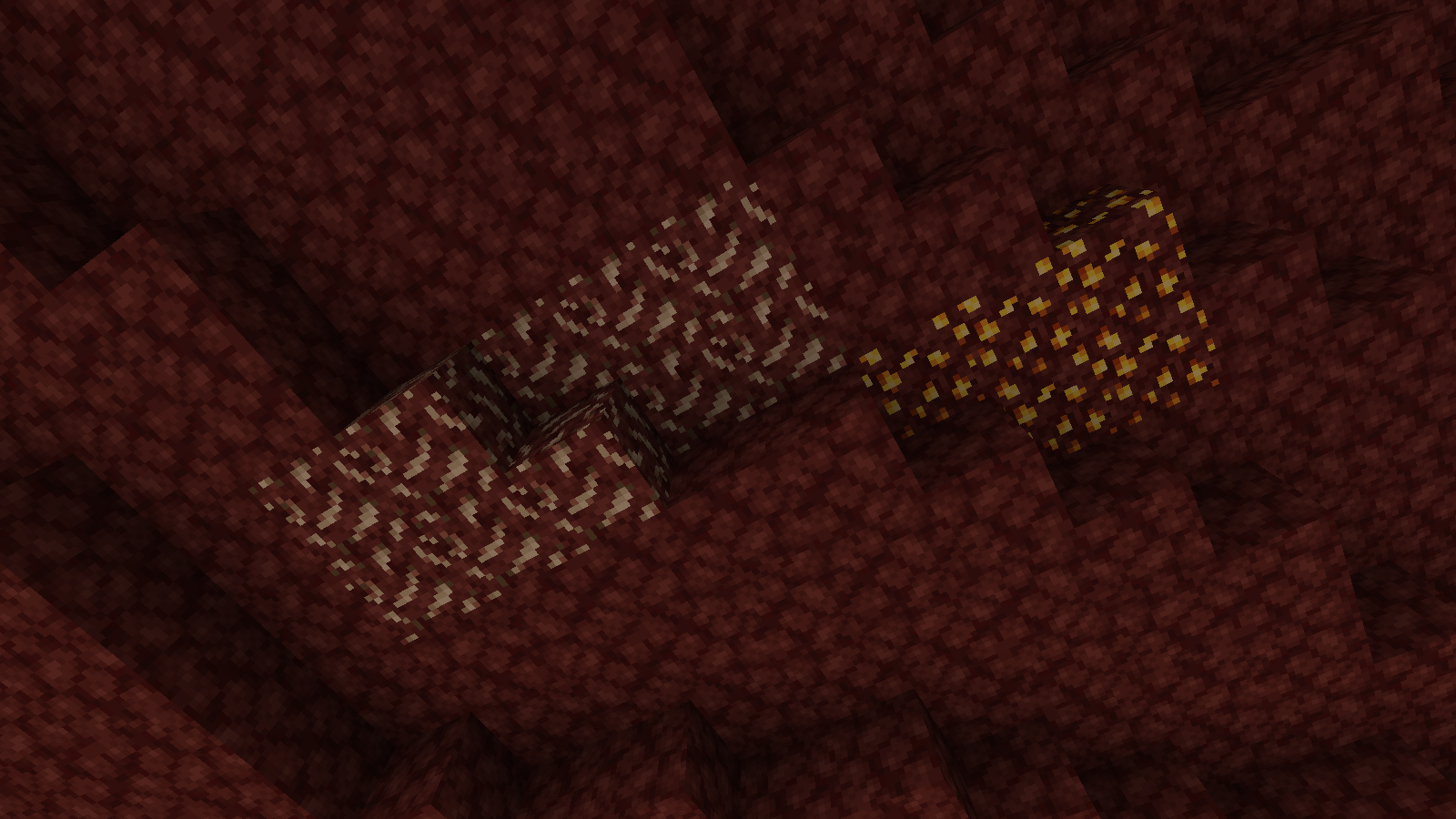
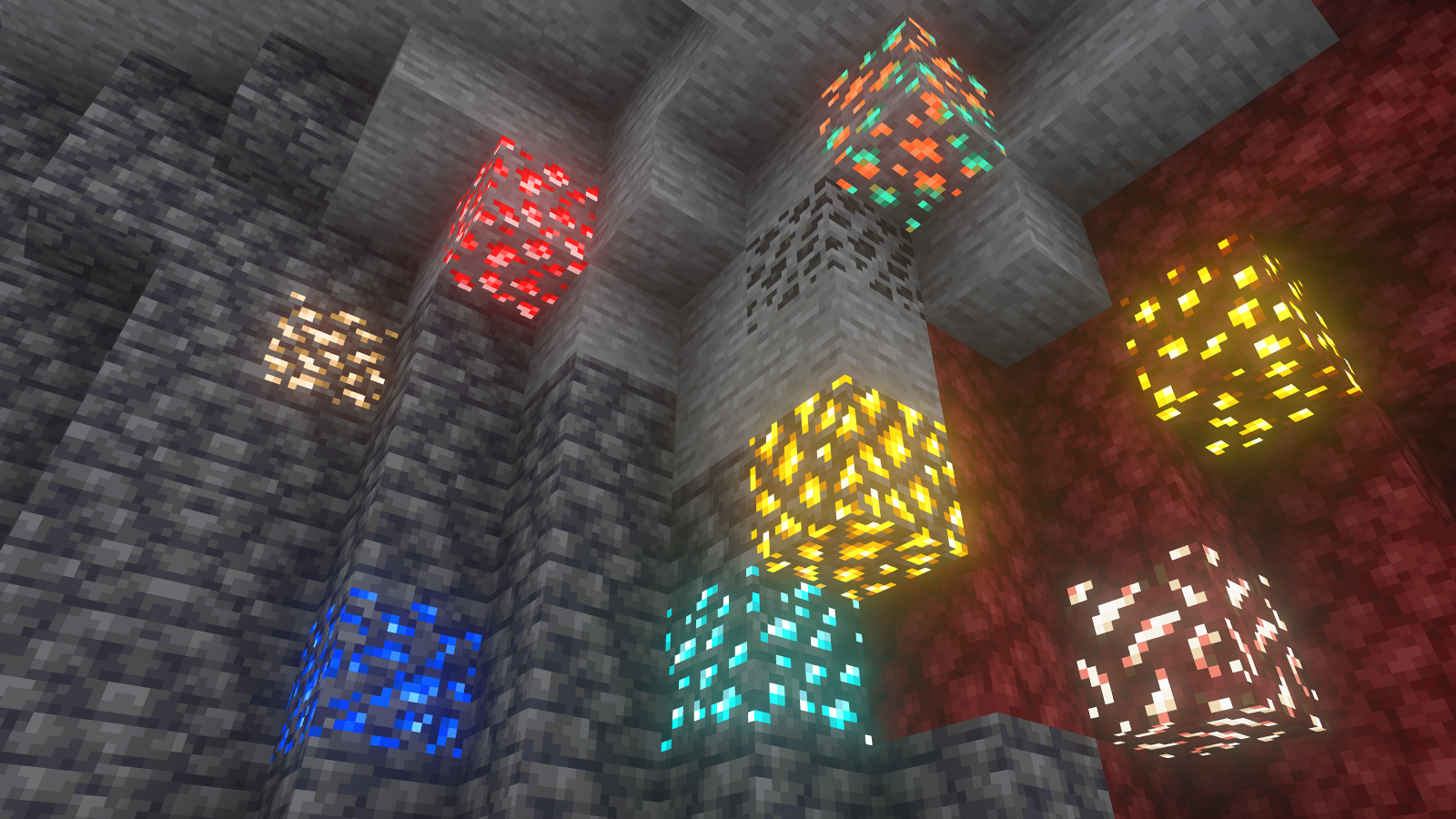
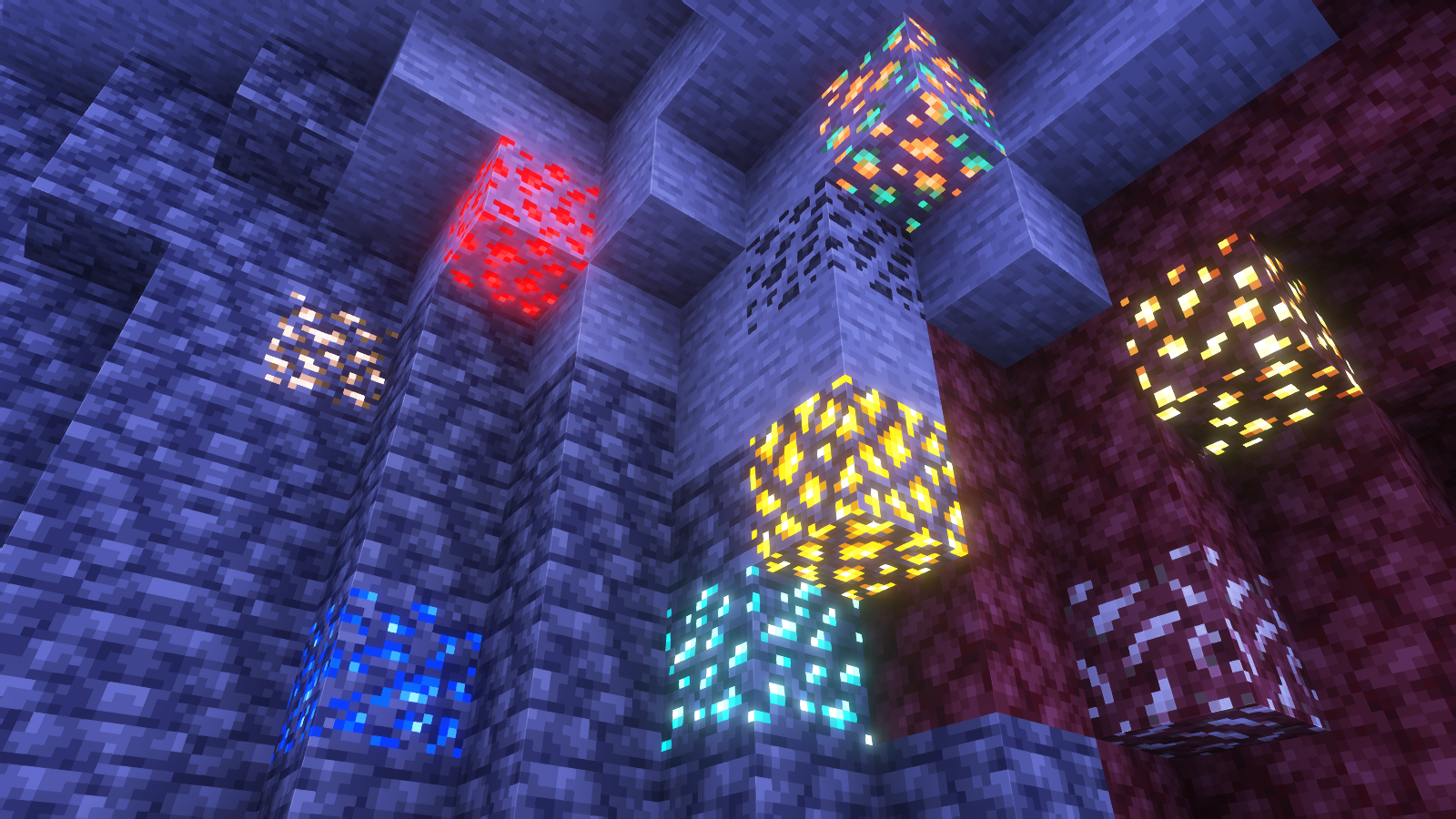
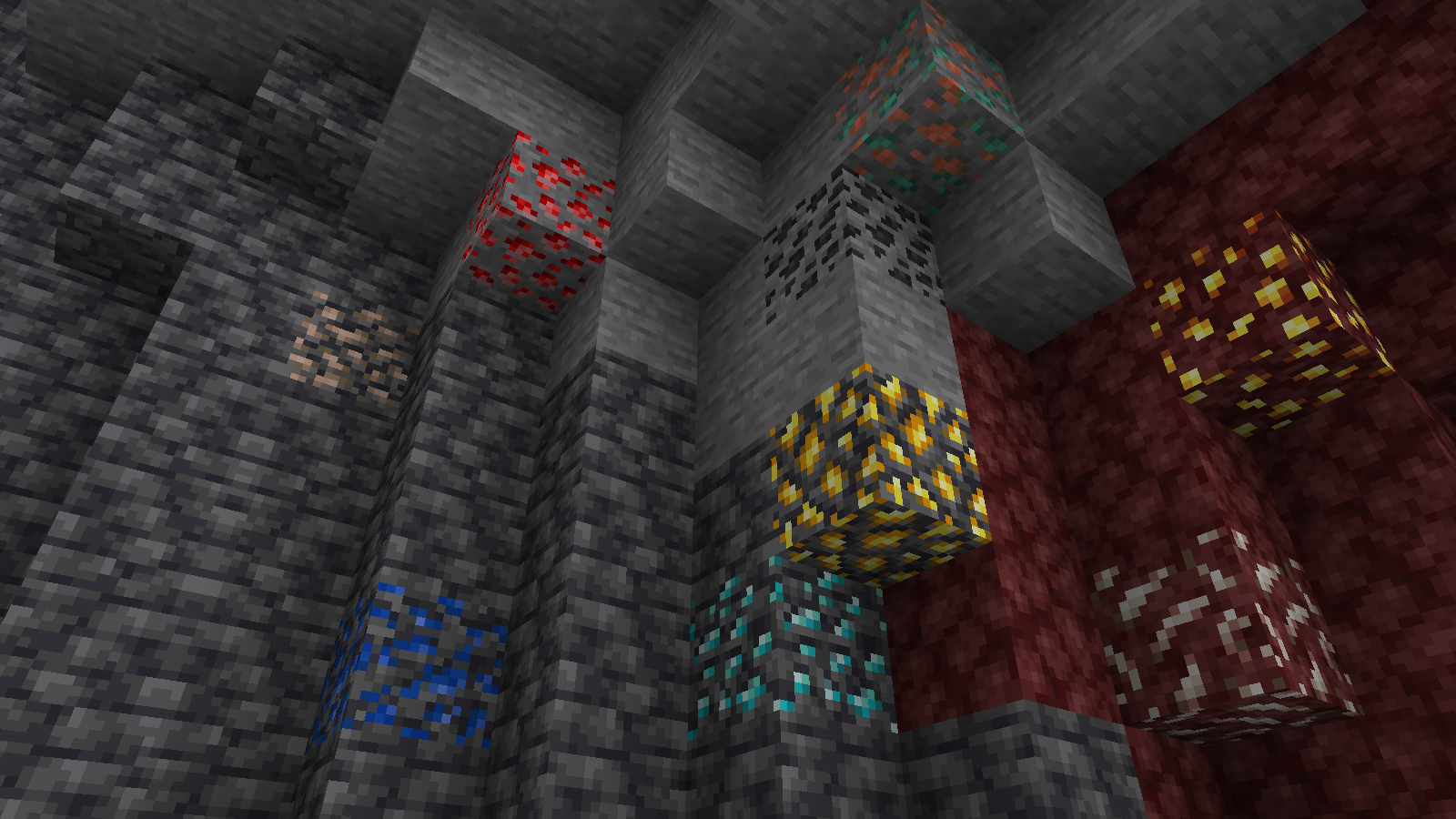
Vanilla ore textures have always seemed very “contained” in their blocks. You could draw a grid using the blocks themselves. This texture pack connects all those lonely ores together, albeit in a pretty rugged way.
This also functions as a more awesome version of all the “ore outline” resource packs.
I didn’t touch gilded blackstone or ancient debris because they’ve all been pretty cool textures already, and I wouldn’t be changing much. I included them in screenshots in the gallery, but I did not change them.
Images
All Ores Affected
1.19-Latest
1.6-1.8.9
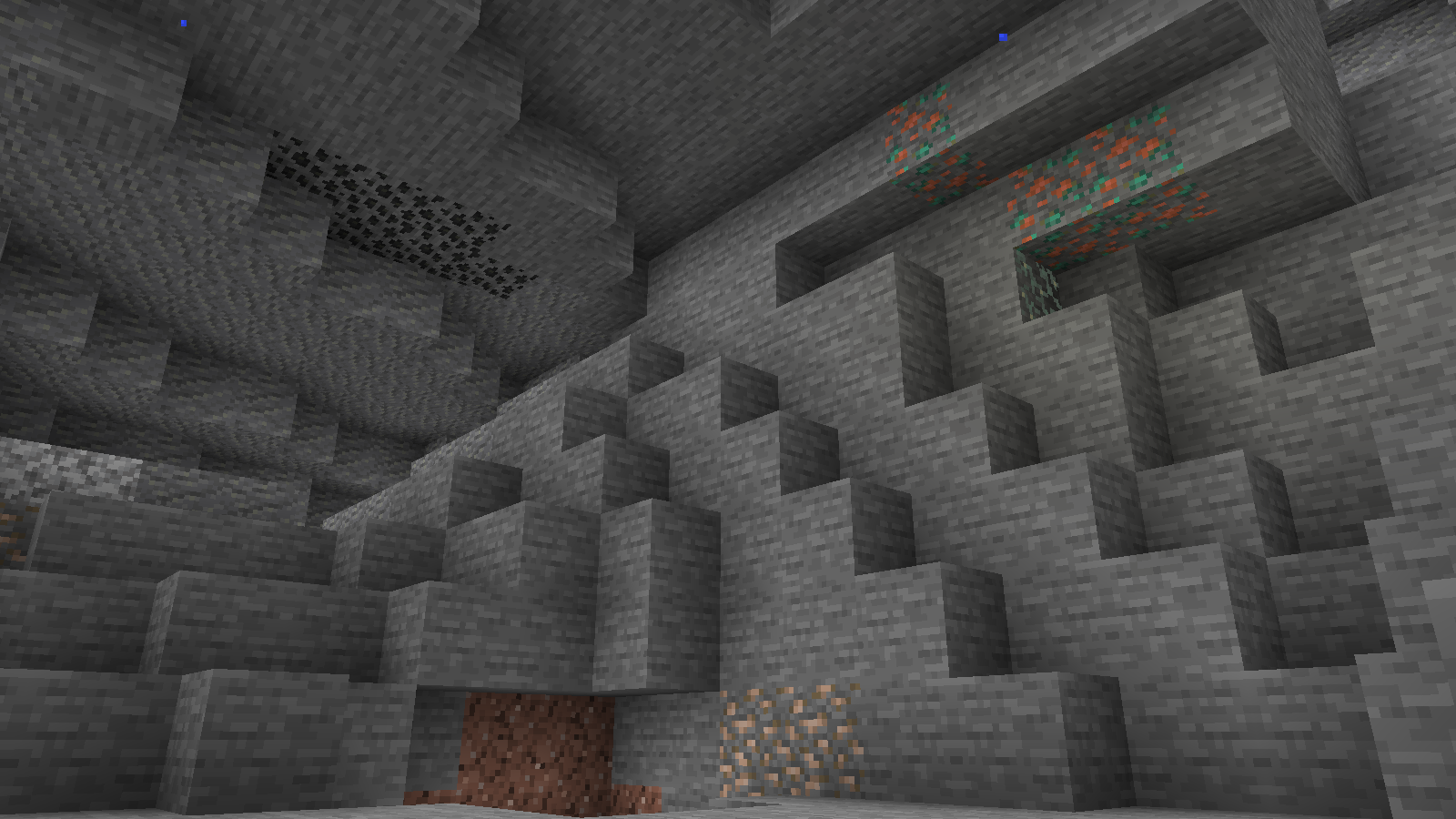
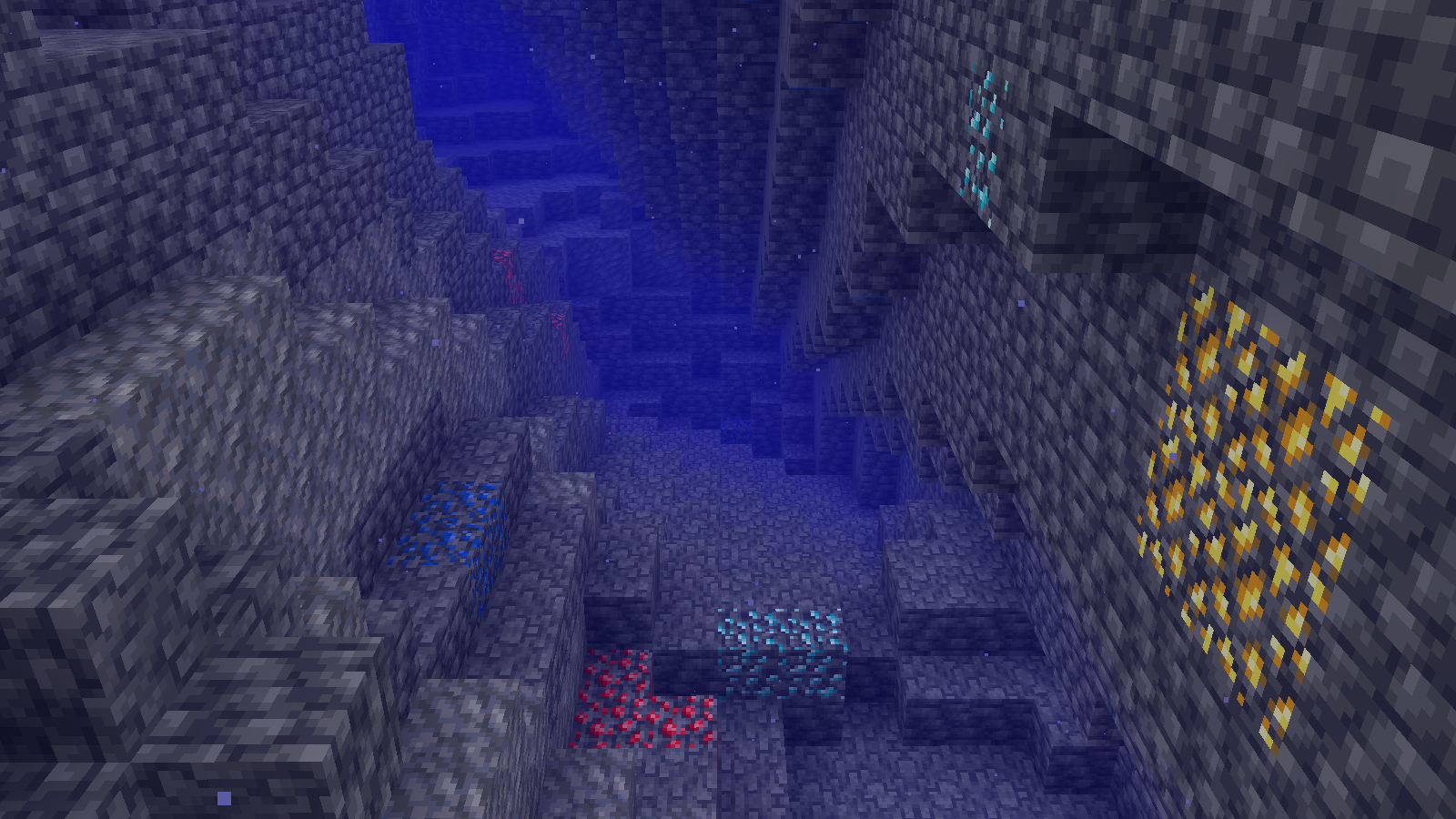
Ingame Screenshots
Shader Preview
Solas
Complementary Reimagined
None
All shaders used are linked in the gallery with their corresponding images.
If you have any questions, comments, or ideas, please check out the wiki link and post them there.
Sit Anywhere!
# Sit Anywhere!
Sit on stairs and slabs, in fact sit anywhere you’d like!
## ⚙️ Server side!
If you only install this datapack/mod on your server/LAN, it will work for everyone else without them needing to install it!
## 📖 Instructions:
To be able to sit on any surface that you want just look all the way down, quickly double tap sneak and then right-click! 😀
To sit on a slab or on stairs, just stand on it and right click it. As simple as that.
Or just use `/trigger sit` (only in 2.3.0+)
## 🤔 Why is this project better than the others?
– Because it’s primarily a datapack, that means you just drop it on your map or server and anyone can use it without having to install anything!
– I’ve made sure that it’s a datapack AND a mod, so that it can be active on any world you create! For maximum flexibility. Want to use it on a specific world? Use the datapack. Want it on every world you join, without even needing to setup it? Use the mod!
– Versatile and non-intrusive: like many seating mods, you can use any staircase or slab to sit on. But you’ll have to stand on it first! Because I’ve sat far too often by mistake without this feature. But you can also sit anywhere else! You’re not limited to slabs or stairs. They just have a well-defined place to sit, which centers them well.
– As its core is a datapack and not a mod, it’s less likely to be broken by future minecraft updates. Still possible but less likely.
## ⤵️ Installation:
### Datapack:
Download the latest release and put the datapack `.zip` file into the datapacks folder of your Minecraft world.
### Mod:
Download the latest release and put the mod `.jar` file into the mods folder of your Minecraft game.
## ✍️ Feedback, Questions & Suggestions
I’m always listening! If you happen to have questions, suggestions or just encountered a bug, then feel free to join my discord server to ask for help in the “mods and datapacks” section. [Click to join the server](https://discord.gg/kwzQWS4)