SobhanA11 modern Vanilla+ Cpvp (crystal pvp)
**hello!
this is a crystal and modern and mace pvp resource pack (with some survival features)**
🖼️Vanilla Minecraft textures like blocks and items have a width and height of 16 pixelsbut Some textures make the resolution of textures smaller than the default, such as 8x, and some bigger, such as 32x.
# 🌟main features
– 3d crystal item
– pvp crosshair
– glassed boats bottems
– BrewingStand Guide
– smaller totem and shield and mace
– very low fire effect
– Transparent GUI
– custom texture for items with some enchants
– show loading level of bow
– smal totem pop
– no explosion particle
– smoth water
– numbered redstone dusts
– A11 totem! (SobhanA11 logo)
– rounded edge hotbar gui
– smal foods
– unrandom textures
# 💠 Why Use This Pack?
Whether you are dueling in Crystal PvP, trying out the new mace mechanics, or just enjoying a survival world, this pack gives you:
– Better visibility during fights
– Cleaner UI & particles
– A mix of performance-friendly textures and modern style
🙌 Thanks for using my pack! Hope you enjoy it.
👤 So No Head? – Hide Helmets Stay Protected


**So No Head?** is a minimalist resource pack that **hides only the helmet model**, allowing player faces and hairstyles to be fully visible while still keeping helmets equipped. Perfect for **skin showcases**, **roleplay**, or **immersive storytelling** without sacrificing protection!
### Features
– **Helmet-only removal** – All other armor remains visible.
– **Unobstructed faces** – Great for creators, social servers, or cinematic use.
– **Lightweight and simple** – Purely visual.
### Compatibility Note
Due to how **armor textures are handled in Minecraft**, this pack will **not work correctly alongside other resource packs that modify armor models or textures**.
### Mod Support
Want support for a specific mod or armor set? Drop a suggestion on **[GitHub](https://github.com/NotToBlame/so-no-head)** or reach out directly!
### Want full invisibility?
Download [**🛡️ Hide Armor**](https://modrinth.com/resourcepack/hide-armor) to remove all armor visuals, not just helmets.
[](https://modrinth.com/resourcepack/hide-armor)
### Looking for more customization?
Check out [**Show Me Your Skin! by enjarai**](https://modrinth.com/mod/show-me-your-skin) for advanced personalization options.
This mod allows you to customize individual armor pieces and player appearances, with full server-side support.
[](https://modrinth.com/mod/show-me-your-skin)
License
👤 So No Head? is © NotToBlame. You are permitted to:
– ✅ Use in modpacks **if downloaded from official sources** (Modrinth, CurseForge)
– ✅ Create and publish **addon packs** (as long as no original files are included)
– ✅ Make **personal edits** (not for redistribution)
You may **not**:
– ❌ Reupload or redistribute this pack or its assets
– ❌ Include original files in your own uploads or forks
– ❌ Use the pack commercially without explicit permission
[Read the full license →](https://www.nottobla.me/assets/license.md)
SnifferBeGONE – Remove the sniffer sound
A resource pack that removes every sniffer sound, except for it’s death.
### Version support
– Every version after 1.20 is supported. As the sniffer was released that version.
**If you have any issues, please contact me through Discord.**
@zemewtf
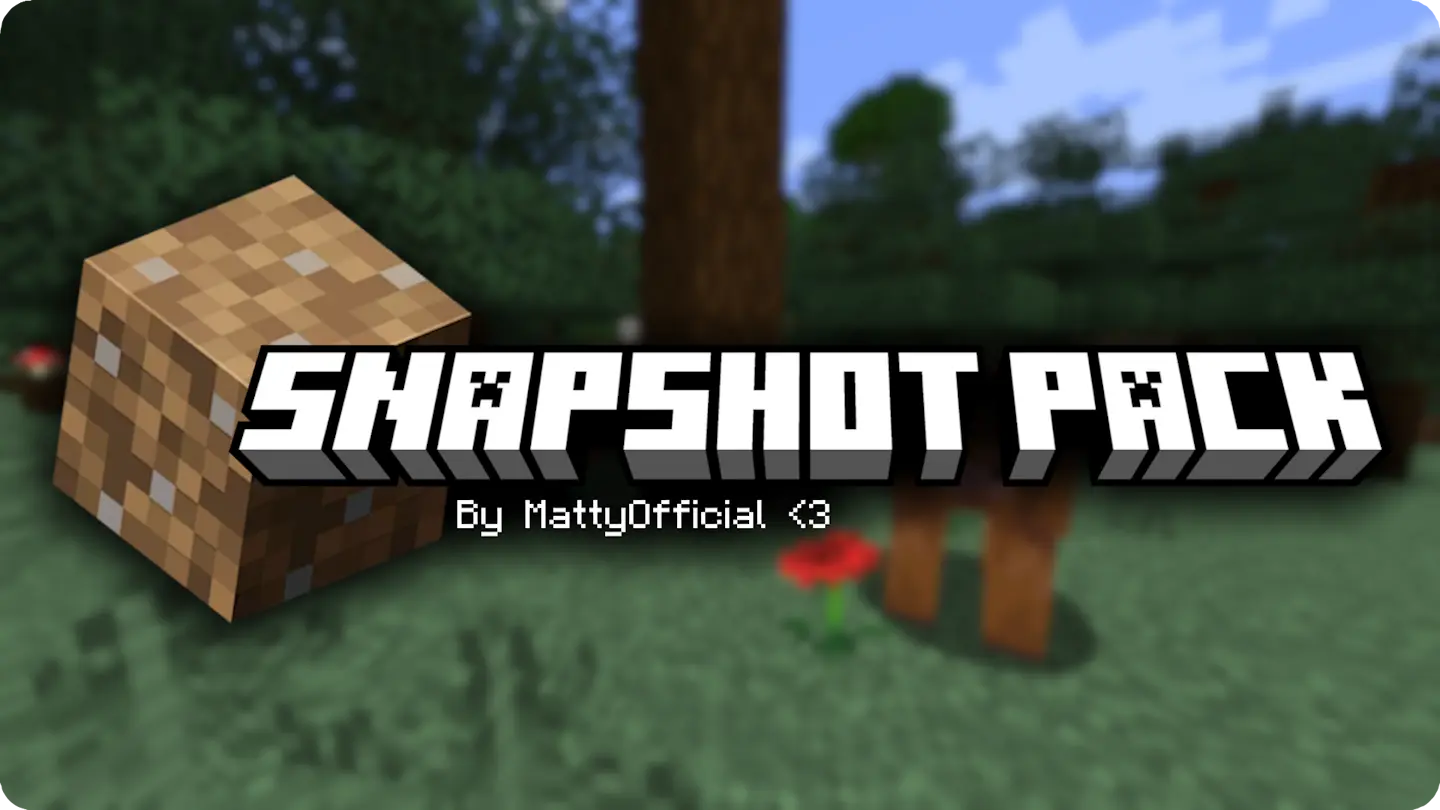
Snapshot Pack

—
Snapshot pack is a modpack cointaining **client-side only** mods to add **performance** and **quality of life** to every minecraft snapshot. Its small as it only uses mods that have shown to update every snapshot, but hopefully the pack will grow in the future.

—
The pack will get **as soon as a new snapshot comes out**, maybe a couple hours after at most (very rarely even a day, usually on the first snapshot of the new drop).
This means that the latest version of the pack will display the **wrong** version, this is cause modrinth’s API only updates a couple of days later. But don’t worry, **EVERY** update lines up with a new snapshot, so just keep the latest version and you won’t be left behind.
Smooth Entity Shadows
Makes the Shadows under Entities Smooth. The closest you can get without shaders and optifine!

VS Vanilla:

smooth biome moss
add biome blending to moss block, donesnt work with moss carpet unfortunatly.
/! NEEDS either continuity OR optifine to work as it use theyre CTM feature /!
smoothing also need continuity or optiphine as it was not intentional at firs, i will have to remake the texture in the plain for everyone one day but for now, everything in this pack need continuity or optifine
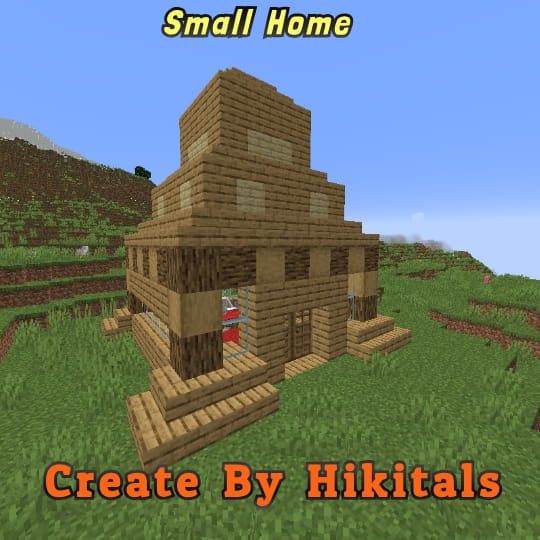
Small Home
My social networks

—
## Description👀
**This datapack adds a new dungeon to your world with a small house where there are a couple of chests of stoves and also beds with dogs**
—
## Useful Сommands🔧
– **Use /locate structure elysianfields:small_home for see dungeon coordinates**
– **Use /place structure elysianfields:small_home for spawn dungeon**
—
Small Shield & Totem
# Small Shield & Totem
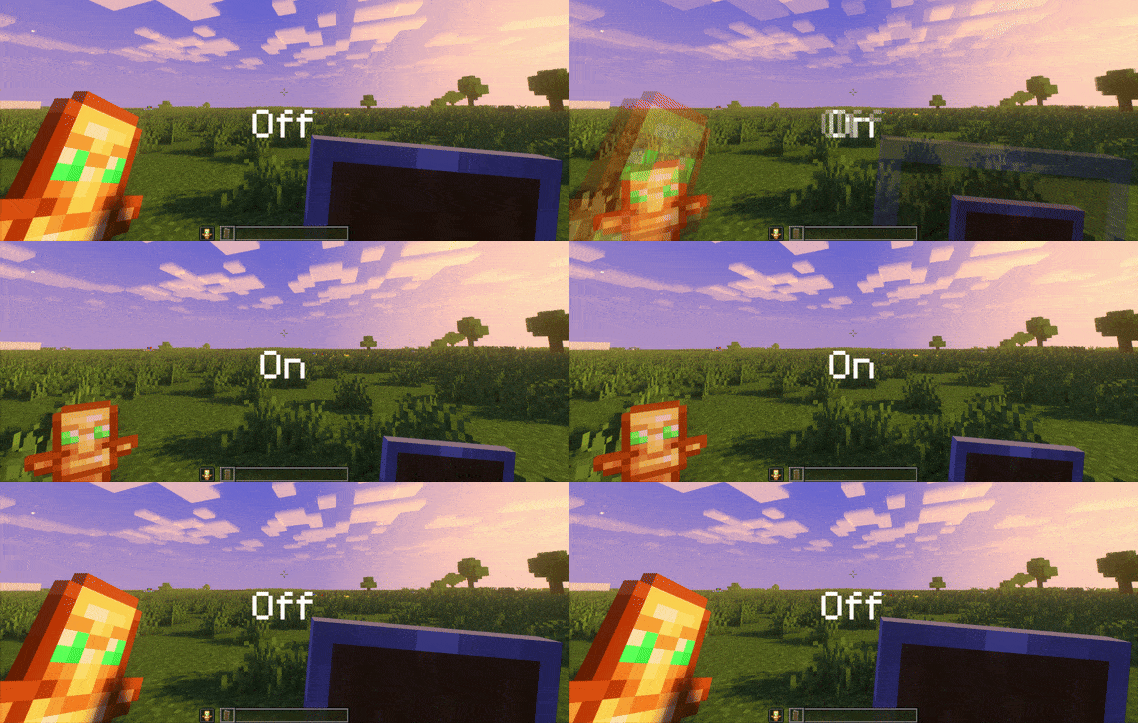
### Features
– Small shield
– Small totem
– Small totem pop
– Small totem pop particles
– No mods needed
### Compatibility
The pack works on all version from **1.9** to the **Newest**
⚠️ Versions 1.19.4 and below will tell you “the pack is for a newer version”, but it will work just fine
### Notice
Totem of undying will be extra small when placed in an item frame. This is unfortunately a side effect of the small totem pop effect
⠀
### Want a Minecraft server? Consider using Sparkedhost!
Use code ‘blob’ for 25% off
[](https://billing.sparkedhost.com/aff.php?aff=3085)
Truly Small Items
### Features
– Smallified equipment and miscellaneous items.
– Fixes multiple texture issues, such as the end crystal offset.
– Blends in well with vanilla textures.
– Fully compatible with other smallifying resource packs!
– Fully functional in any version from 1.5!
### Questions?
Be sure to make suggestions and report bugs or inconsistencies to the [Jotform](https://form.jotform.com/260524716060046)!
### What Version?
If you are using the Modrinth loader, it should automatically select the resource pack for your version!
In case you are not using the Modrinth loader, the letter determines which pack to install:
* P: 1.5 – 18w43a
* T: 18w43a – Latest
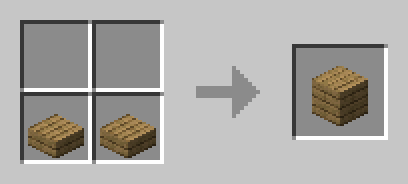
slab back
craft slabs back to blocks
slabs have to be side by side