Standard Bushy Leaves
# Minecraft’s unOfficial Bushy Leaves
Resource pack that adds variated bushy leaves. It is a part of the Minecraft unOfficial Proyect.
An idea… with so many iterations that almost seems insane that another one emerges now. But, against all odds in heaven and earth: The bushy leaves strikes back! with a twist: Now, there are different variations (3 in total) of bushy leaves, depending of the leaf type! Come on and try it now!
—-
### License
This project is licensed under the GNU Lesser General Public License v3.0 (LGPL-3.0).
You may use, modify, and redistribute it, provided that improvements to the library remain under the same license.
StackDeobfuscator
# Stack Deobfuscator
> **WARNING**
> This mod is obsolete for all Minecraft versions newer than 1.21.11. It will still be maintained for older versions.
Discord: https://discord.gg/XSB7jn9
Web Version: https://stackdeobf.net/
See wiki for configuration
## What does this mod do?
All errors displayed in the console and all crash reports will be remapped from unreadable production names (e.g.
`net.minecraft.class_310`) to readable mapped names (e.g. `net.minecraft.client.MinecraftClient`).
This allows mod developers to more easily identify issues in a non-development environment, as the errors are instantly
human-readable.
### Comparison
Before
“`
[23:13:08] [Render thread/ERROR]: Reported exception thrown!
net.minecraft.class_148: Manually triggered debug crash
at net.minecraft.class_309.method_1474(class_309.java:509) ~[client-intermediary.jar:?]
at net.minecraft.class_310.method_1574(class_310.java:1955) ~[client-intermediary.jar:?]
at net.minecraft.class_310.method_1523(class_310.java:1180) ~[client-intermediary.jar:?]
at net.minecraft.class_310.method_1514(class_310.java:801) ~[client-intermediary.jar:?]
at net.minecraft.client.main.Main.main(Main.java:237) ~[minecraft-1.19.4-client.jar:?]
at net.fabricmc.loader.impl.game.minecraft.MinecraftGameProvider.launch(MinecraftGameProvider.java:462) ~[fabric-loader-0.14.18.jar:?]
at net.fabricmc.loader.impl.launch.knot.Knot.launch(Knot.java:74) ~[fabric-loader-0.14.18.jar:?]
at net.fabricmc.loader.impl.launch.knot.KnotClient.main(KnotClient.java:23) ~[fabric-loader-0.14.18.jar:?]
at org.prismlauncher.launcher.impl.StandardLauncher.launch(StandardLauncher.java:88) ~[NewLaunch.jar:?]
at org.prismlauncher.EntryPoint.listen(EntryPoint.java:126) ~[NewLaunch.jar:?]
at org.prismlauncher.EntryPoint.main(EntryPoint.java:71) ~[NewLaunch.jar:?]
Caused by: java.lang.Throwable: Manually triggered debug crash
at net.minecraft.class_309.method_1474(class_309.java:506) ~[client-intermediary.jar:?]
… 10 more
“`
After (yarn/quilt mappings)
“`
[23:11:25] [Render thread/ERROR]: Reported exception thrown!
net.minecraft.util.crash.CrashException: Manually triggered debug crash
at net.minecraft.client.Keyboard.pollDebugCrash(Keyboard.java:509) ~[client-intermediary.jar:?]
at net.minecraft.client.MinecraftClient.tick(MinecraftClient.java:1955) ~[client-intermediary.jar:?]
at net.minecraft.client.MinecraftClient.render(MinecraftClient.java:1180) ~[client-intermediary.jar:?]
at net.minecraft.client.MinecraftClient.run(MinecraftClient.java:801) ~[client-intermediary.jar:?]
at net.minecraft.client.main.Main.main(Main.java:237) ~[minecraft-1.19.4-client.jar:?]
at net.fabricmc.loader.impl.game.minecraft.MinecraftGameProvider.launch(MinecraftGameProvider.java:462) ~[fabric-loader-0.14.18.jar:?]
at net.fabricmc.loader.impl.launch.knot.Knot.launch(Knot.java:74) ~[fabric-loader-0.14.18.jar:?]
at net.fabricmc.loader.impl.launch.knot.KnotClient.main(KnotClient.java:23) ~[fabric-loader-0.14.18.jar:?]
at org.prismlauncher.launcher.impl.StandardLauncher.launch(StandardLauncher.java:88) ~[NewLaunch.jar:?]
at org.prismlauncher.EntryPoint.listen(EntryPoint.java:126) ~[NewLaunch.jar:?]
at org.prismlauncher.EntryPoint.main(EntryPoint.java:71) ~[NewLaunch.jar:?]
Caused by: java.lang.Throwable: Manually triggered debug crash
at net.minecraft.client.Keyboard.pollDebugCrash(Keyboard.java:506) ~[client-intermediary.jar:?]
… 10 more
“`
After (mojang mappings)
“`
[23:04:12] [Render thread/ERROR]: Reported exception thrown!
net.minecraft.ReportedException: Manually triggered debug crash
at net.minecraft.client.KeyboardHandler.tick(KeyboardHandler.java:509) ~[client-intermediary.jar:?]
at net.minecraft.client.Minecraft.tick(Minecraft.java:1955) ~[client-intermediary.jar:?]
at net.minecraft.client.Minecraft.runTick(Minecraft.java:1180) ~[client-intermediary.jar:?]
at net.minecraft.client.Minecraft.run(Minecraft.java:801) ~[client-intermediary.jar:?]
at net.minecraft.client.main.Main.main(Main.java:237) ~[minecraft-1.19.4-client.jar:?]
at net.fabricmc.loader.impl.game.minecraft.MinecraftGameProvider.launch(MinecraftGameProvider.java:462) ~[fabric-loader-0.14.18.jar:?]
at net.fabricmc.loader.impl.launch.knot.Knot.launch(Knot.java:74) ~[fabric-loader-0.14.18.jar:?]
at net.fabricmc.loader.impl.launch.knot.KnotClient.main(KnotClient.java:23) ~[fabric-loader-0.14.18.jar:?]
at org.prismlauncher.launcher.impl.StandardLauncher.launch(StandardLauncher.java:88) ~[NewLaunch.jar:?]
at org.prismlauncher.EntryPoint.listen(EntryPoint.java:126) ~[NewLaunch.jar:?]
at org.prismlauncher.EntryPoint.main(EntryPoint.java:71) ~[NewLaunch.jar:?]
Caused by: java.lang.Throwable: Manually triggered debug crash
at net.minecraft.client.KeyboardHandler.tick(KeyboardHandler.java:506) ~[client-intermediary.jar:?]
… 10 more
“`
## Mappings Overview
Mappings are downloaded and parsed asynchronously. They are downloaded only once per version.
Yarn and Quilt refresh their version every 48 hours to check for updates.
| Mappings | Compatible Minecraft Versions | Download Size (zipped¹)² | Cached Size (gzipped)² |
|———-|———————————————|—————————————-|————————————-|
| Yarn | 18w49a (1.14 snapshot) or higher | `1.4 MiB` | `1.4 MiB` |
| Quilt | 1.18.2 or higher | `1.4 MiB` (+`1.1 MiB` below 1.19.2) | `1.4 MiB` (+`1.1 MiB` below 1.19.2) |
| Mojang | 1.14.4 and 19w36a (1.15 snapshot) or higher | `9.0 MiB` (uncompressed) + `559.1 KiB` | `1.3 MiB` + `558.6 KiB` |
¹: Mojang mappings are not compressed
²: Sizes as of 12th May 2024 (1.20.6 is latest)
Stackable Items
# Stackable Items
Maximize your inventory space with the Stackable Items Datapack! This datapack allows you to stack various items, such as totems, boats, signs, buckets, and more, up to 64 per slot. Supported on 1.20.5 and above.
## Known Limitations
All of the supportem items will work if achieved from drops (mob drops, block drops, etc) or crafting (crafting table, auto crafter, etc). However, items obtained from the creative inventory, loot chests or items stored prior to the installation of this datapack will not be stackable by default. **To make those items stackable, you can simply drop them in the ground and pick them up again**.
Also, on recipes that use the items modified to be stackable (such as crafting a chest boat with stackable boats), will not auto-fill the items in the crafting grid when using the recipe book. You can still see the recipe and craft them normally, it just won’t auto fill.
Buckets won’t be 64-stackable when you get them from emptying a water/lava bucket or using a lava bucket in a furnace or using a milk bucket in cake recipes. You can always drop them to fix it.
## Supported Items
– All the boats
– All the beds
– All the banners
– All the signs
– All the hanging signs
– All the chest boats
– All the minecarts
– All the music discs
– Armor stands
– Empty buckets
– Honey bottles
– Saddles
– Snowballs
– Eggs
– Ender pearls
– Totems of Undying
– Empty shulker boxes
## Installation
After downloading the `Stackable Items vX.Y.Z.zip` file (vX.Y.Z is the version number), you can install it by one of the following methods:
– **New SinglePlayer World**: When creating a new world, in the `More` tab, click on `Data Packs`, and drop the `Stackable Items vX.Y.Z.zip` file. The datapack will appear in the `Available` list, click in the arrow to add it to the `Selected` list and click `Done`.
– **Existing SinglePlayer World**: Click `Edit` in the world selection screen, click `Open World Folder`, go to the `datapacks` folder and drop the `Stackable Items vX.Y.Z.zip` file.
– **Multiplayer Server**: Drop the `Stackable Items vX.Y.Z.zip` file in the `datapacks` folder inside the world folder.
Speedometer
### Speedometer
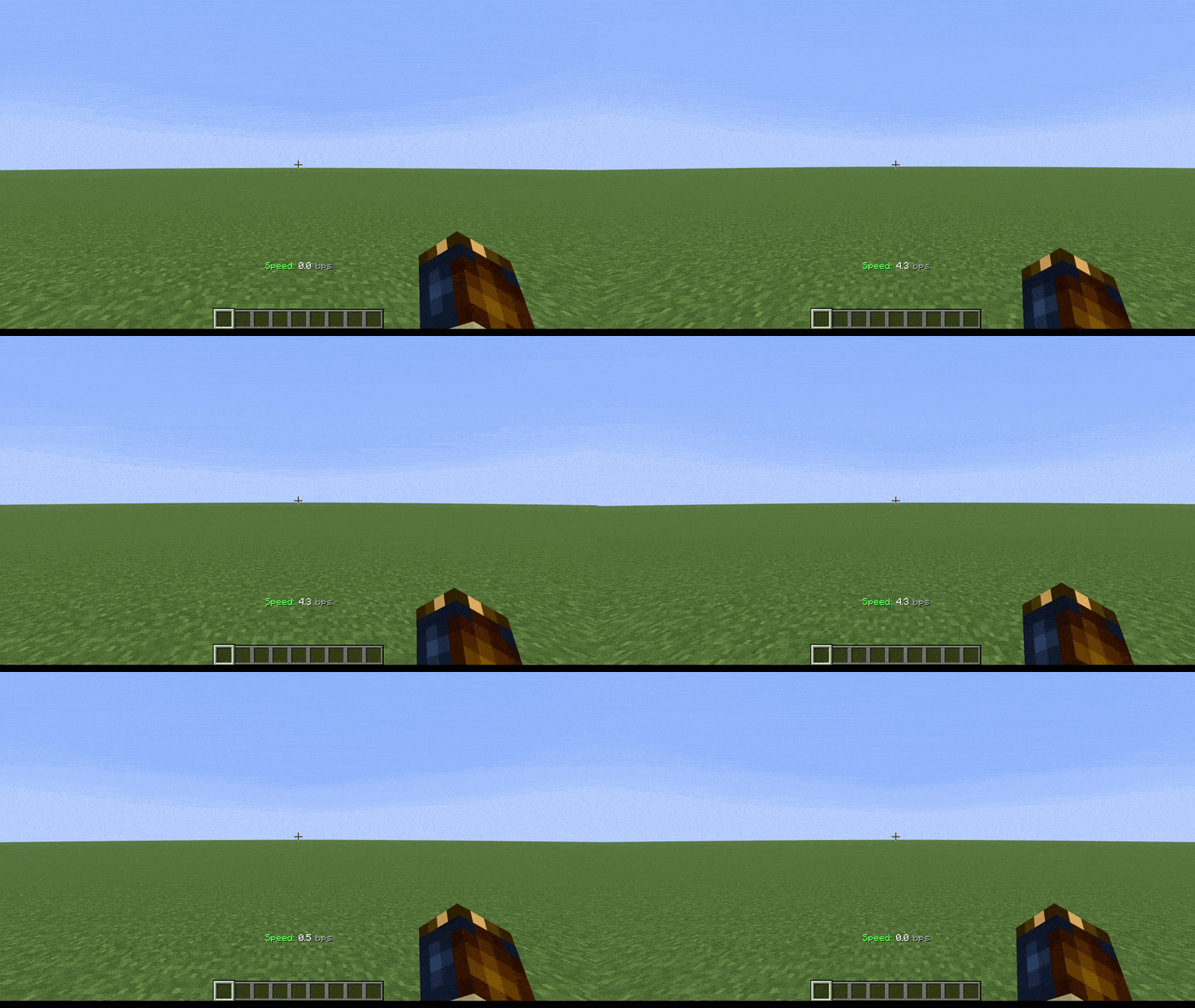
**This datapack displays your current movement speed in bps (blocks per second).**
Depending on your speed, the speedometer changes color; first to white, then to yellow, and finally to red
## Command
– **/function speedometer:on**
> To turn on the speedometer
– **/function speedometer:off**
> To turn off the speedometer
– **/function speedometer:toggle**
> Allows you to change the style.
SquareType
**Are you tired of the vanilla, boring font?
Do you want to try something new?
Or maybe you want to give your Minecraft a new look?**

With this resourcepack you can change vanilla, boring font to it’s squared analogue.
Here is a screenshot of how the game looks with vanilla font, and with my font. So that you can understand the beauty of this font without going into the game.

This font also supports Russian language.

# More:

You can find more versions on CurseForge
Squares HUD
**Squares HUD** is a simple redesign that swaps standard icons for **clean squares**, making the **interface** look much **sharper** and **more organized**. It’s a great choice if you’re tired of the default UI and want a **minimalist look** that keeps things **clear** without any extra fluff.
—
### Compatibility
The following projects are supported and feature matching square designs:


Squared Shadow
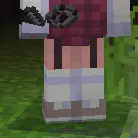
This is a Texture Pack, originally designed for “Better Than Adventure!”, and consequentially Beta 1.7.3 (although it will work with ANY version of Minecraft that has a Shadow, since the location and filename has never changed, despite the outdated Resource Pack version warning), that gives the Entities a squared Shadow, instead of a circular one. Consistency, my beloved.
# CREDITS
– Shadow texture and “pack.png” made by AndreWharn.
– Do not use the assets without permission, please!
# Thanks for using this pack! 😀
Square Entity Shadows
Makes the Shadows under Entities Squares. How they should’ve been from the start!

VS Vanilla:

Spryzeen’s Knight Armor x Leaf’s Copper Backport
Do you like 1.20.1?
Do you like copper tools and armor?
Do you like good looking tools and armor?
Then this resource pack is just the thing for you!
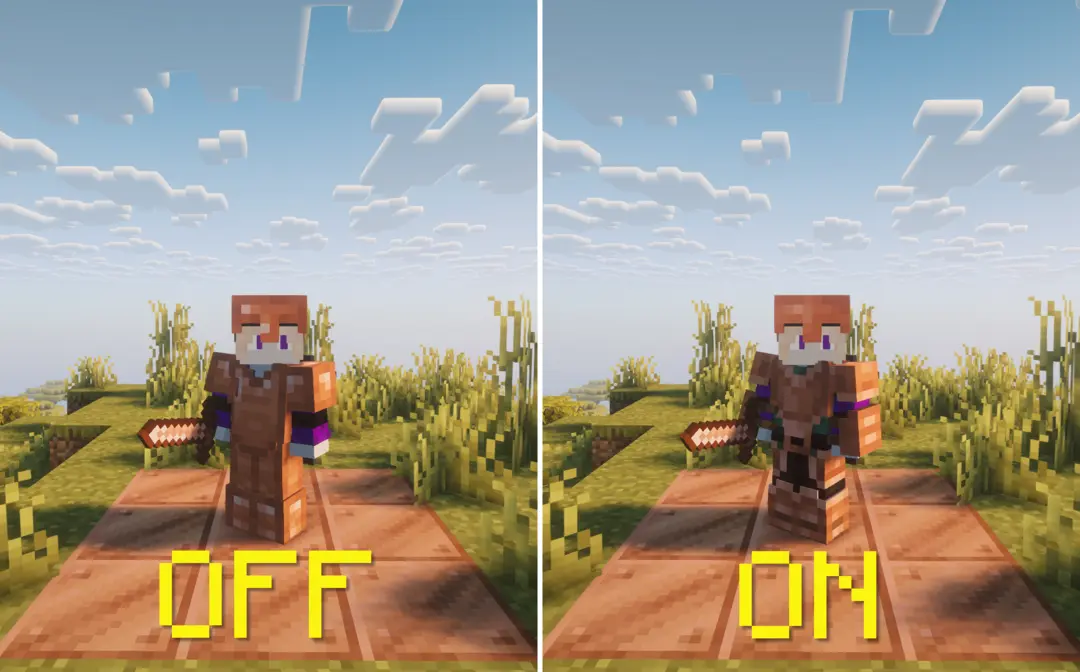
I took the textures from the latest version of Spryzeen’s Knight Armor, which added the copper armor and tools retexture and plapped it into Leaf’s Copper Backport’s texture folder.
And with that, I present to you:
## Spryzeen’s Knight Armor x Leaf’s Copper Backport
### Hey! Hey you!
I also made a mod that fixes the mismatch between the copper & iron inventory item and actual model itself, check it out here! I decided not to bake it into this mod since its a preference, because i actually think the mismatched version looks pretty cool too.
Note: At the time of making the preview, I didn’t think of that, so it shows as non-mismatched but it actually is without the second mod lol
spook’s tweaks
## [Latest version: v2.0.0 — Made for Minecraft 26.1.2]
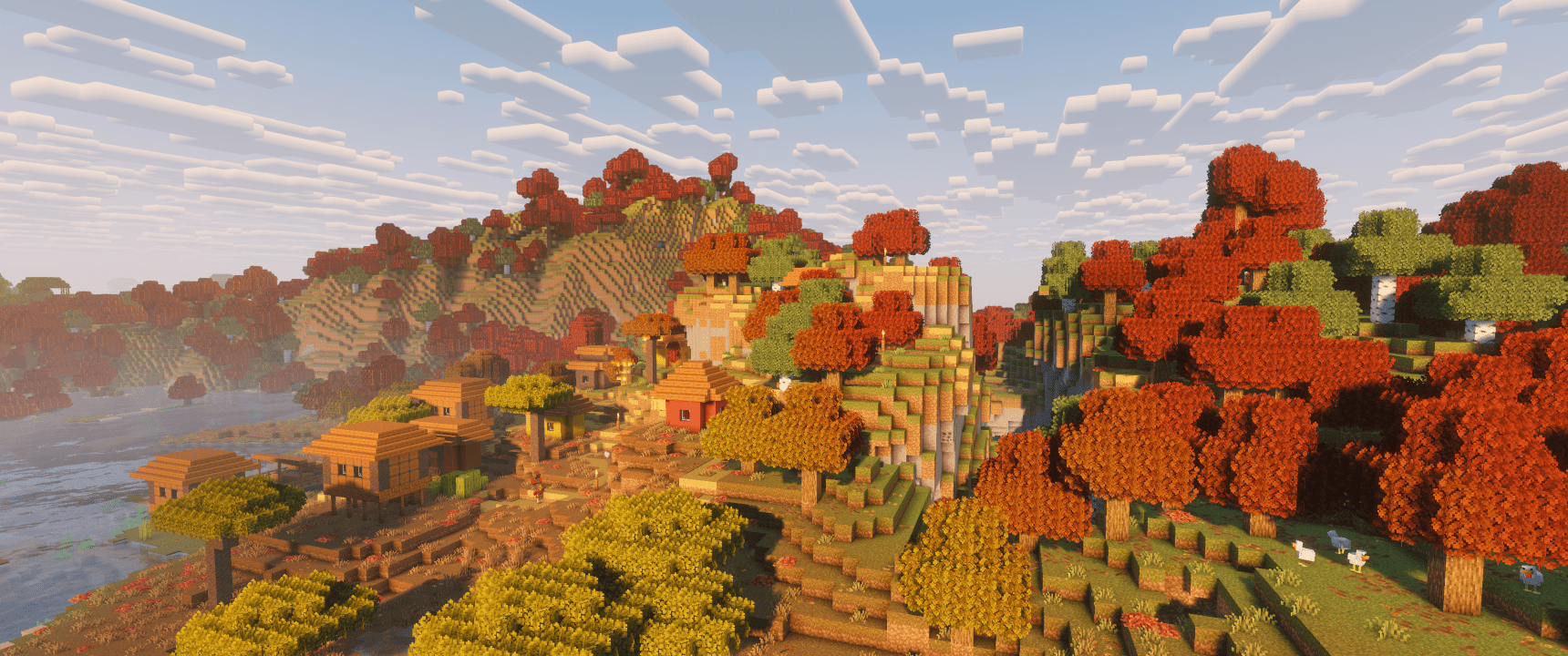
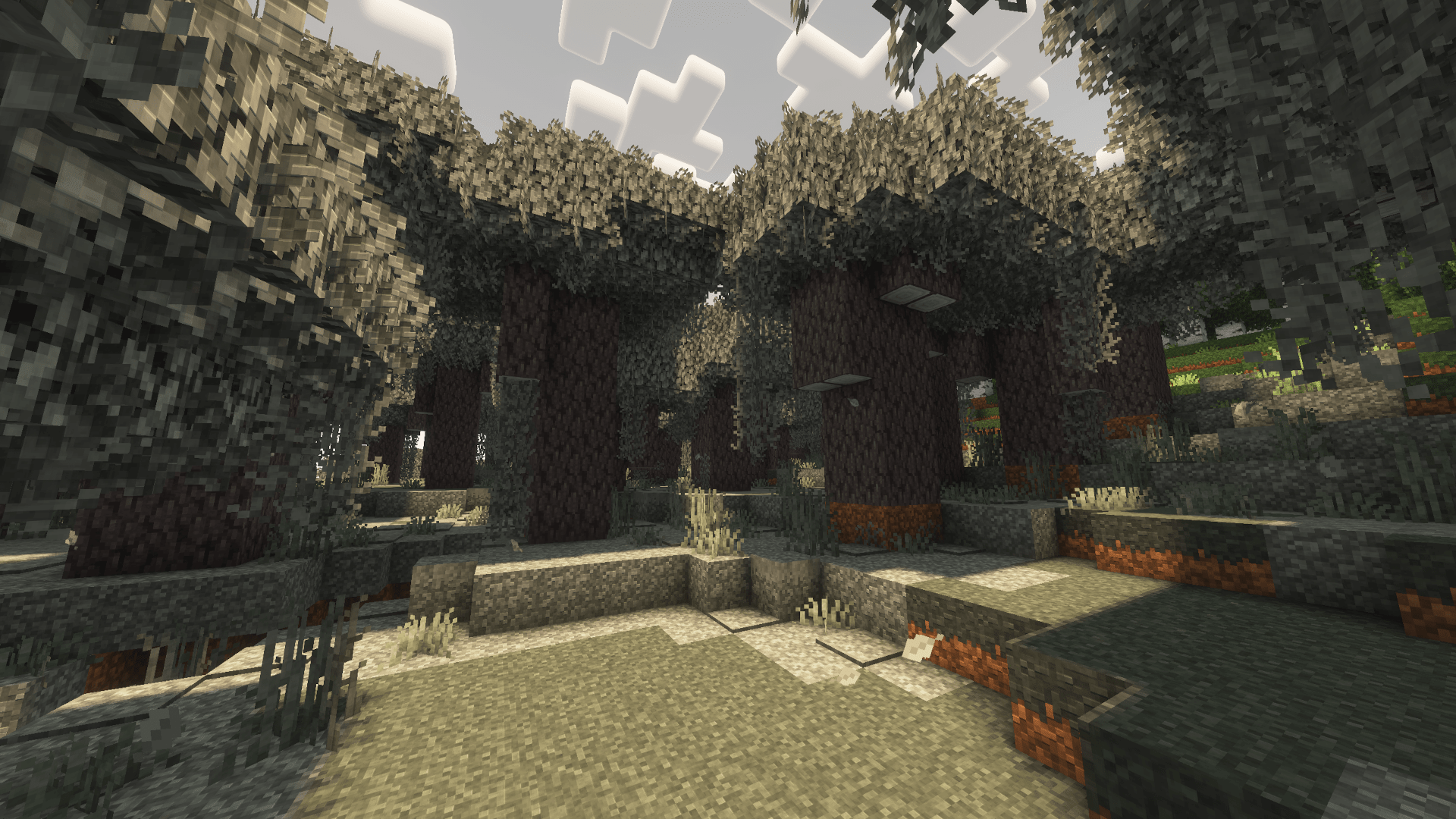
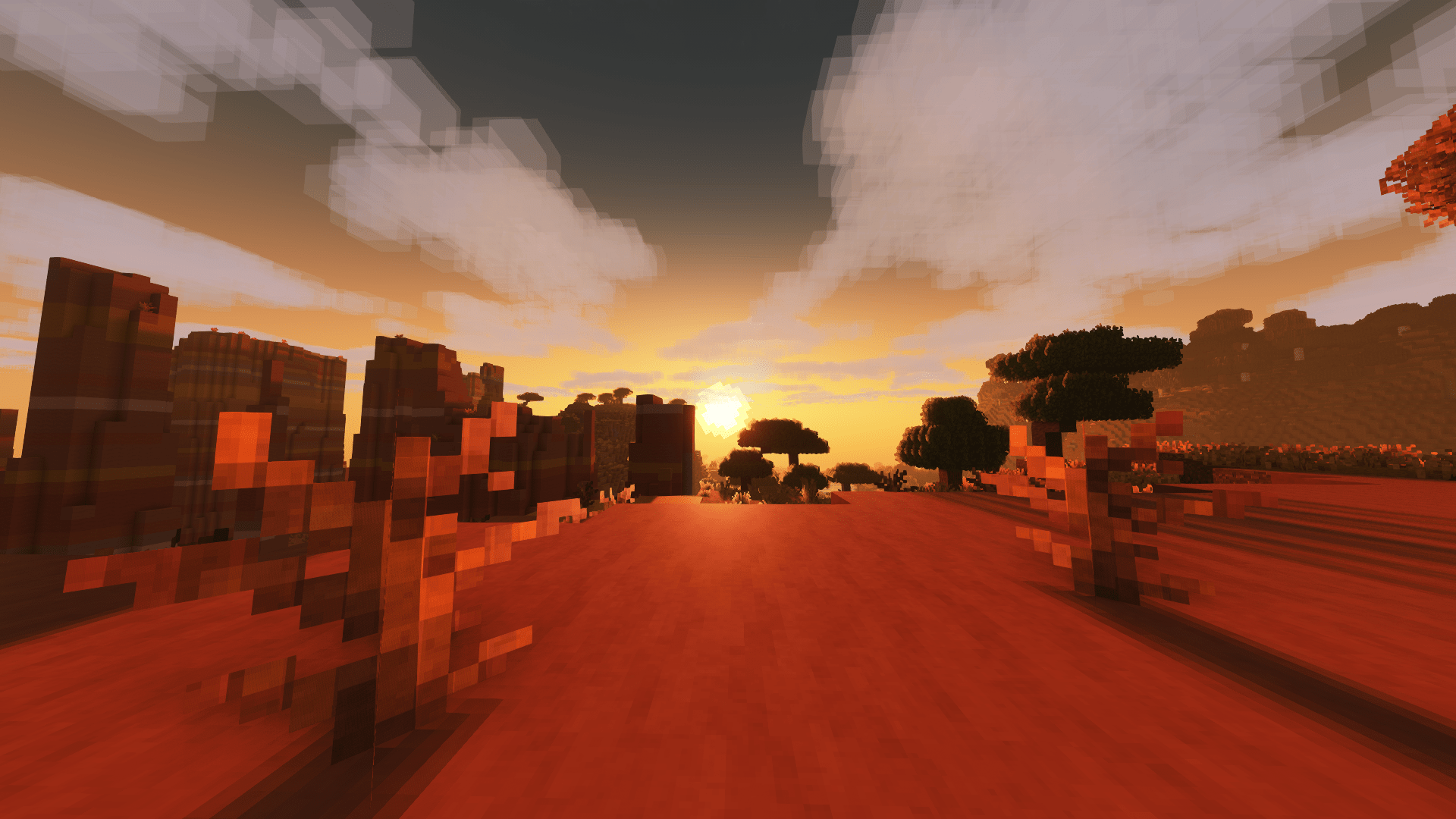
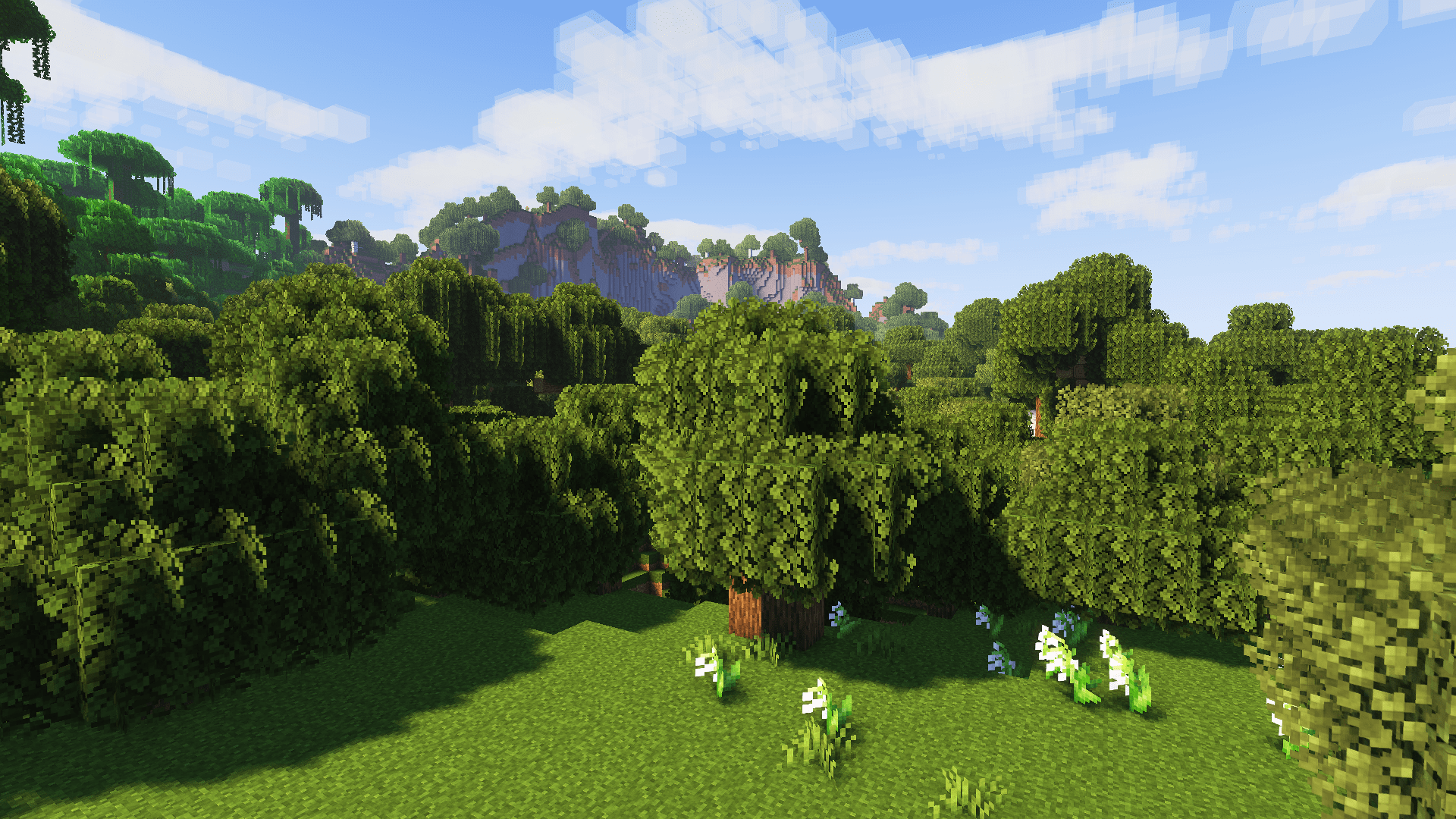
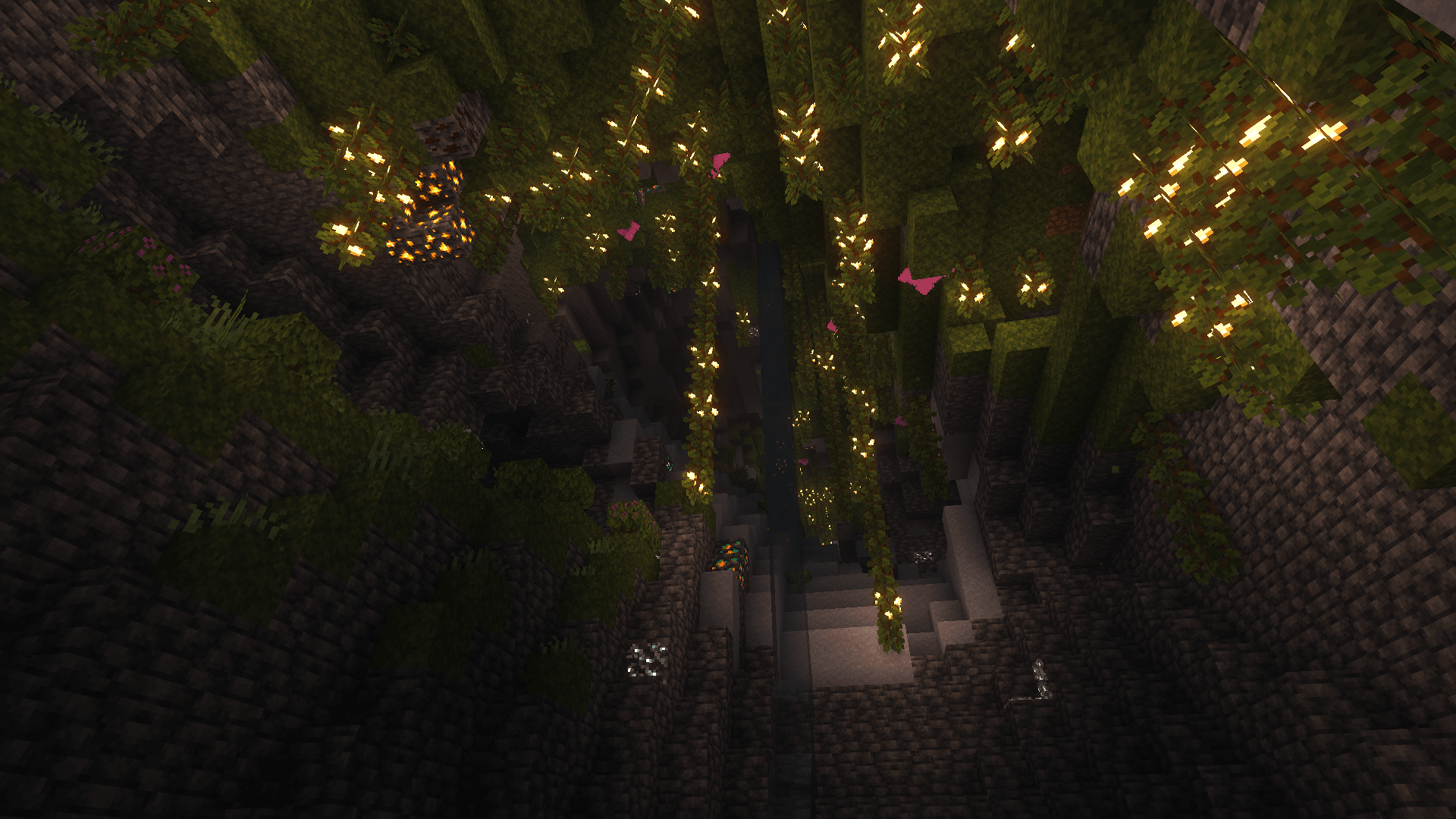
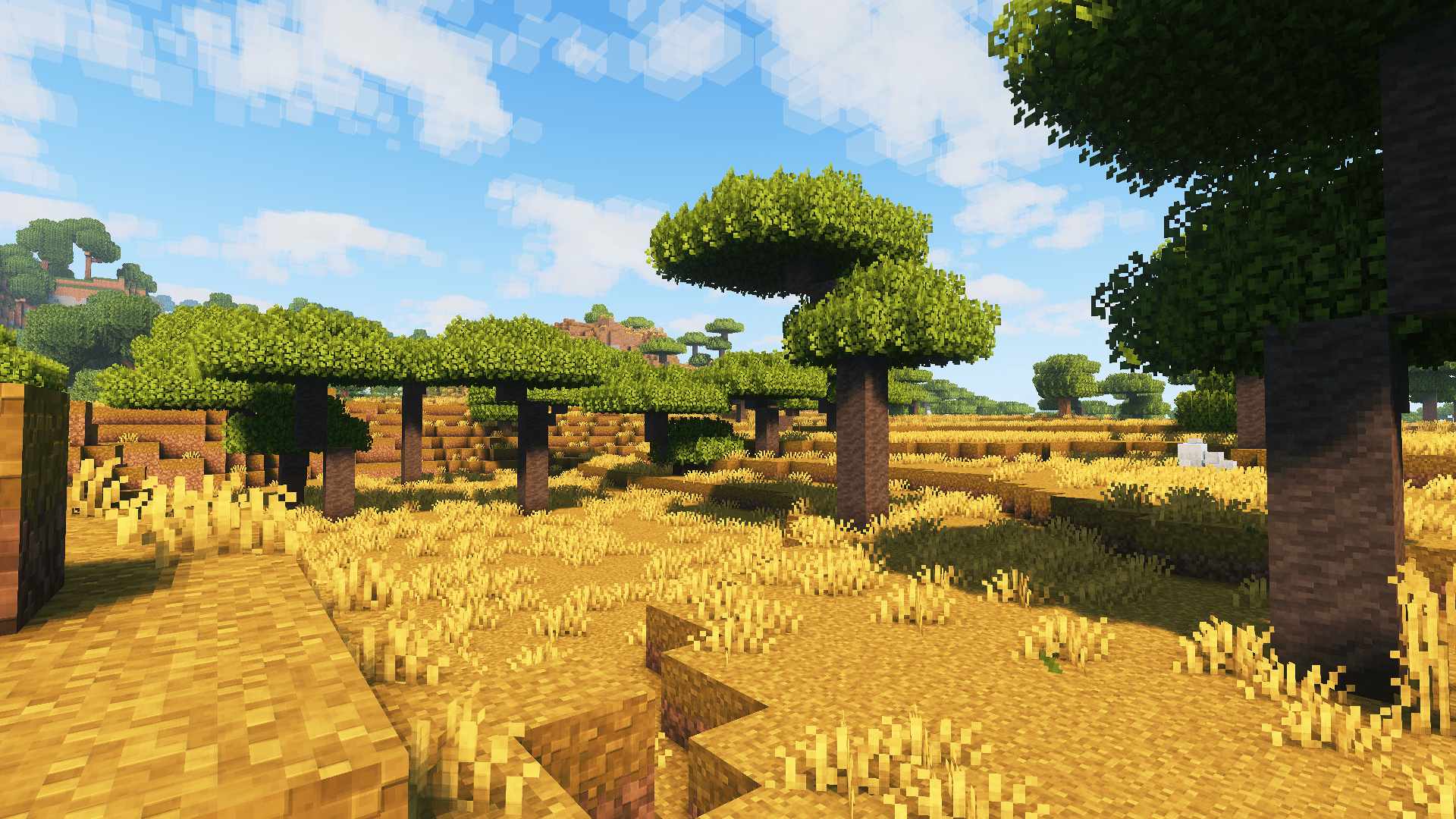
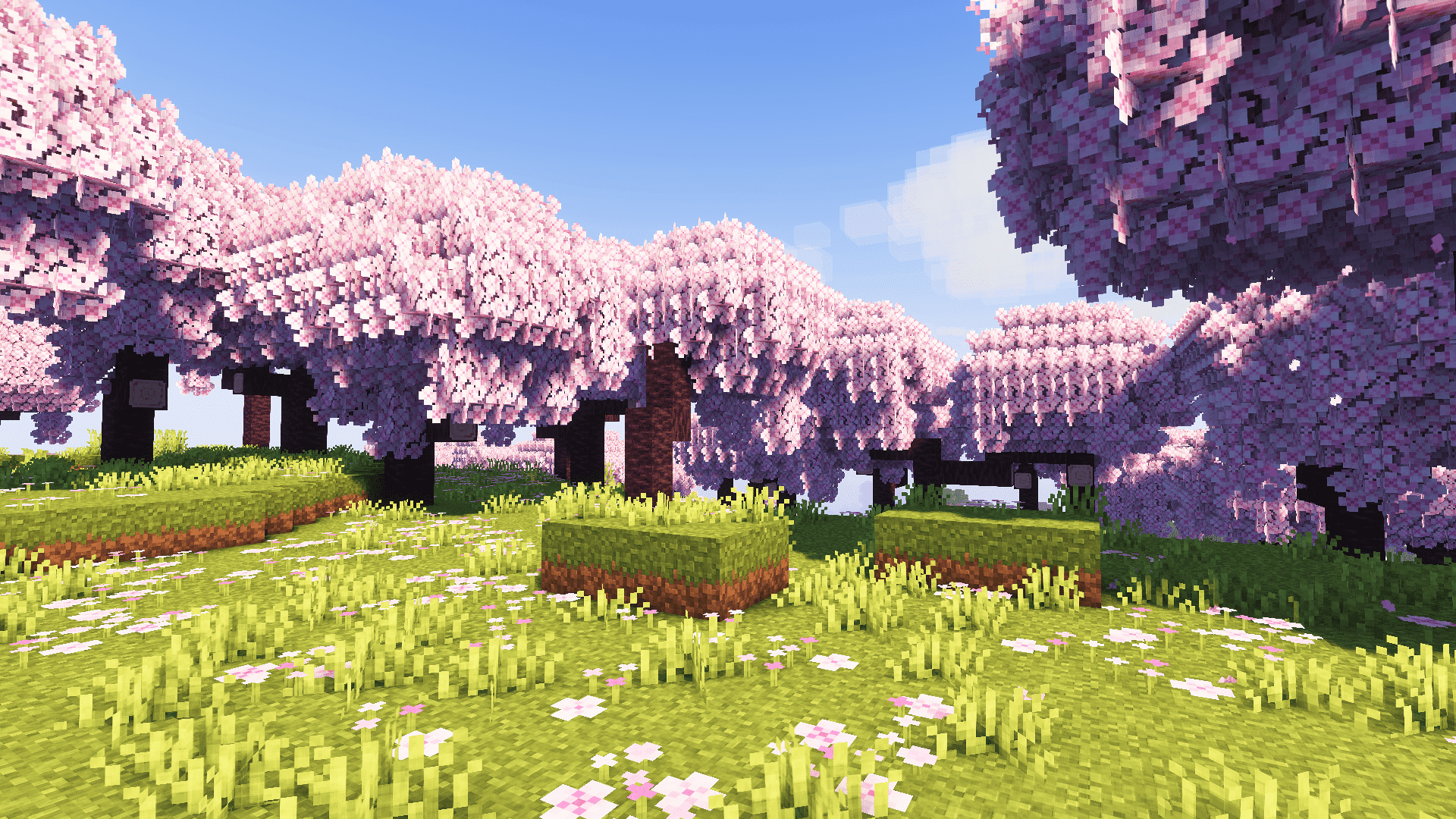
Introducing spook’s tweaks, which includes custom container UIs, dark UI, FreshAnimations v1.10.5 compatibility, & countless other tweaks and improvements to vanilla textures for blocks & items while still keeping the vanilla aesthetic.
## (All below images screenshotted using Complementary Reimagined shaders, the recommended shaderpack to use with this resource pack. Screenshots without shaders available in gallery tab. :))
### Dependencies:
– Entity Model Features (EMF)
– Entity Texture Features (ETF)
– FreshAnimations v1.10.5 (put below Psora’s Tweaks in resource pack list)
### Recommended:
– spook’s setup modpack
– Complementary Reimagined shaderpack
– AmbientSounds mod
– Sound Physics Remastered mod