Vivian Totem
# ABOUT
**This texture pack replaces the standard Totem of Immortality with the character Vivian from Zenless Zone Zero in high quality and replaces the sound of using the totem with the phrase “Careful!” straight from the game when the character charges an attack. Enjoy using and playing!**
# IMPORTANT
– ### **Is there a port on the Bedrock Edition?**
This texture pack is designed exclusively for Java Edition. We do not plan to release a version for Bedrock Edition.
– ### **Want to use it on Bedrock Edition?**
You can port the texture pack yourself, as long as you comply with all license terms.
– ### **Pack version warning ?**
There is a high chance that resource packs will work with different versions of Minecraft without the need to change the version of the pack, unless there is a major update that breaks resource packs.
Visual honey levels
**Visual Honey Levels** is a simple texture pack that adds clear visual indicators of honey levels in hives.
Now you can instantly tell when a hive is ready for harvesting without having to check it manually. This makes honey farms more convenient and beginner-friendly. :3
Visible Powder Snow and Cobwebs
A simple resource pack that makes Powder Snow and Cobwebs more visible by tinting them cyan.
Helps you avoid getting trapped, making it useful for both PvP and general gameplay.
Visible Particles
### What does this do?
This resource pack retextures potion particles to be visible. This is especially useful for finding invisible entities.
### How does it work?
It changes the the texture of the effect particle to 1 large pixel.
### What versions does this support?
This resource pack works for versions 1.14 (19w06a) and up.
Visibility toggle
This datapack simply allows you to toggle the visibility of an itemframe that you have placed by using the command:
“`
/trigger visibility
“`
### Installation
**If you get a message saying the pack is not supported in lower versions I have marked it as working in, ignore this as it will still work**
**Datapack installation:**
1. Locate the datapack folder for the specific world
2. Drag the Itemframes.zip file into the datapack folder
3. Enable the datapack with /datapack enable “file/Itemframes.zip”
**Mod installation:**
1. Follow the instructions on how to install your prefered modloader (be it Forge, Fabric, NeoForge or Quilt)
2. Drag the downloaded .jar file into (on windows) %appdata%.minecraftmods
3. Launch the world and start playing
**Please report any problems on my discord server.**
vi’s Wynn Edit

# A Red/Orange/Gold & Autumn Wynncraft GUI theme that also retextures the Wynntils GUI.
This pack was made mostly for personal use, apologies if some textures are not to your liking.
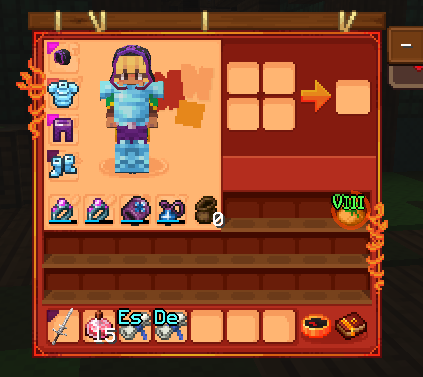
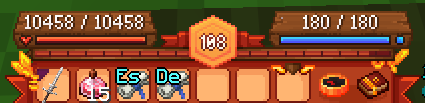
# Requirements
Requires “Server Pack Unlocker” to use on Wynncraft, place this pack above the default server resource pack.
Texture pack changes a bit more than the UI, some items are edited.
Inspired by brilliantknight’s Stone Tablet Theme. (deprecated)
IF YOU EXPERIENCE ISSUES WITH GUI ELEMENTS NOT APPEARING, TRY F3 + T FIRST.
If you encounter any issues, or would like to provide feedback, contact me on discord: @2four6
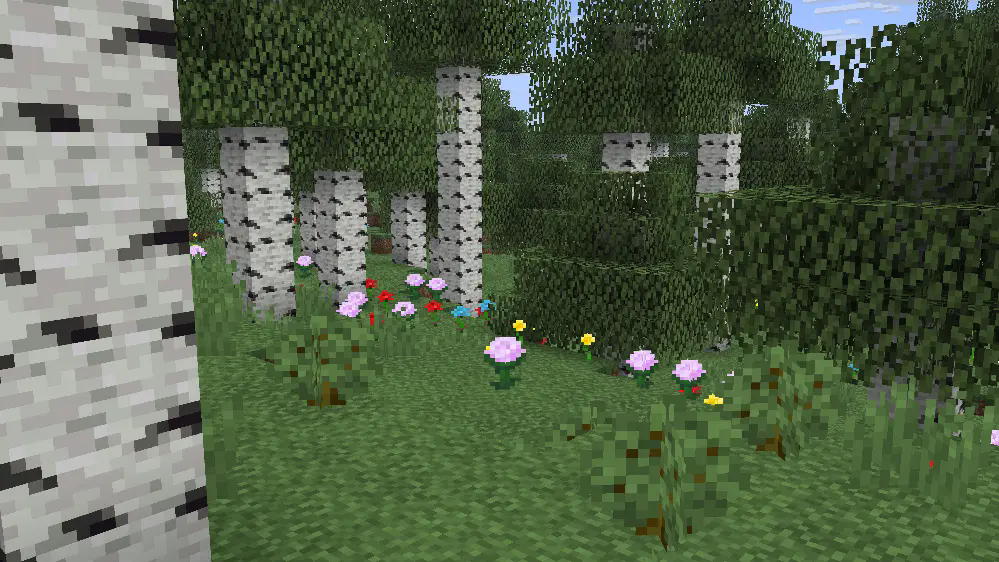
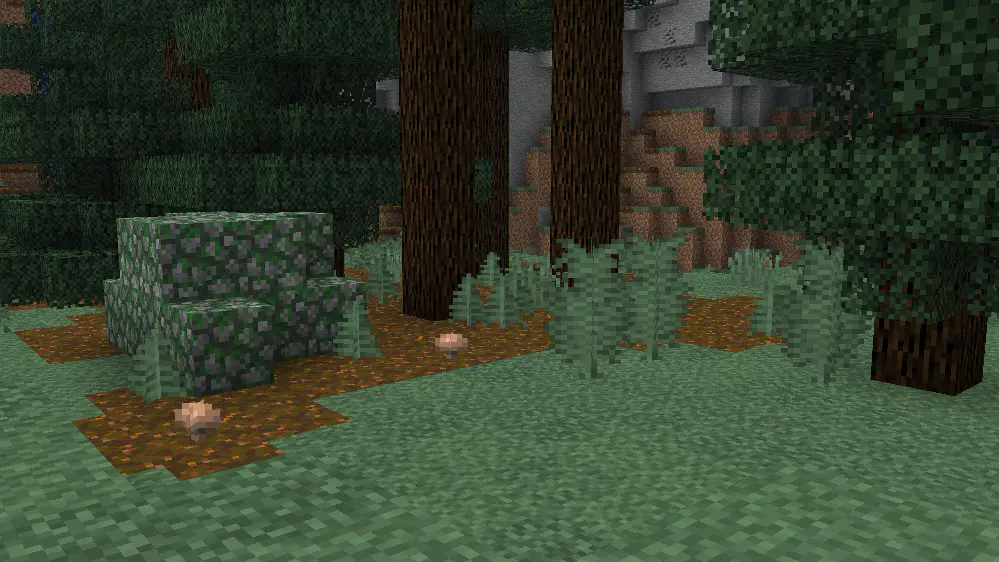
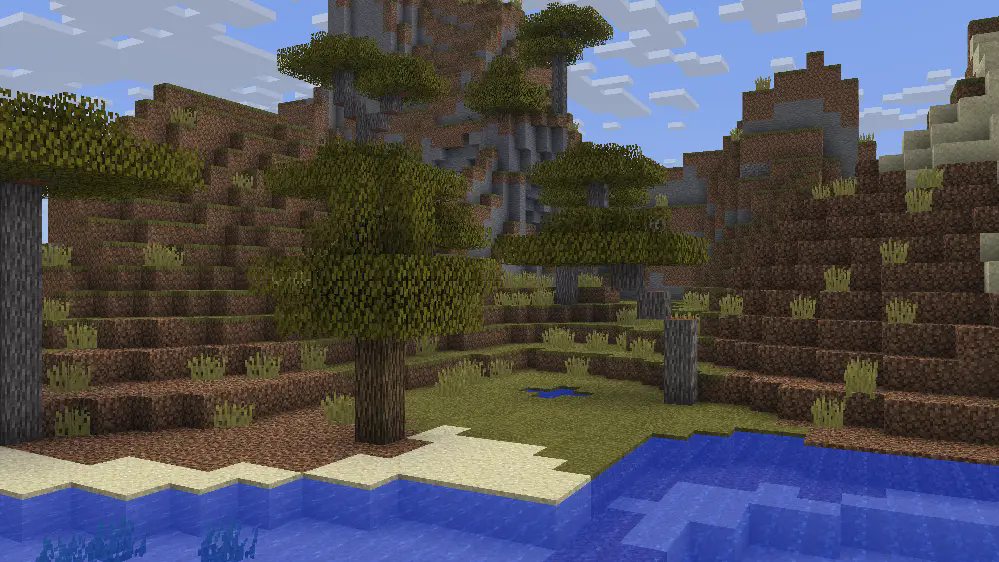
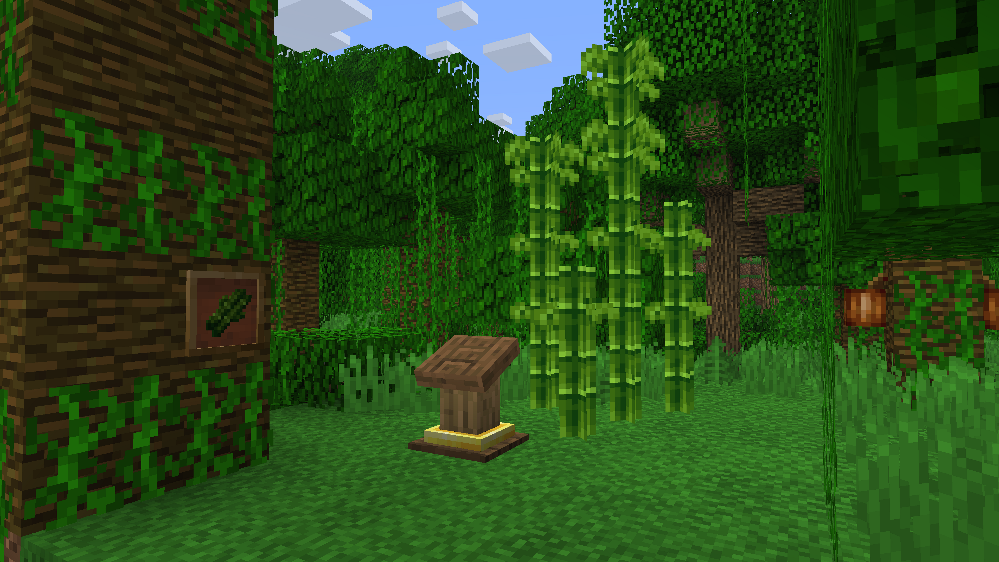
Vintage – Programmer Art Remade
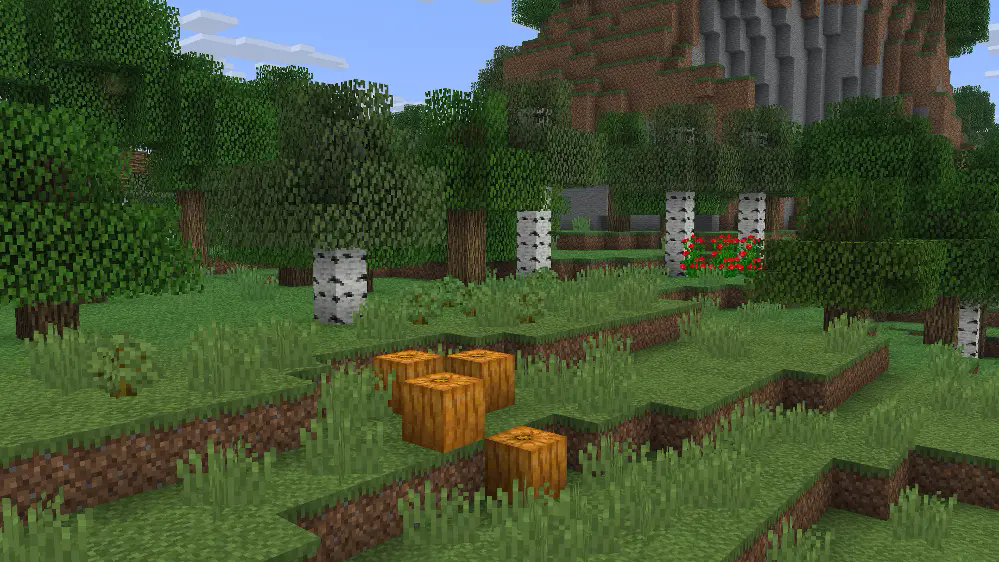
A pack that redesigns the game with a look inspired/based on classic textures, concept art, and cut features.
**This pack is best used with** [**Optifine**](https://optifine.net/home) **or Fabric** [**ETF**](https://modrinth.com/mod/entitytexturefeatures) **and** [**EMF**](https://modrinth.com/mod/entity-model-features) **mods!**
If you found any issues, please comment on the [PlanetMinecraft Page!](https://www.planetminecraft.com/texture-pack/vanilla-mix-w-i-p-preview)
#
More Screenshots
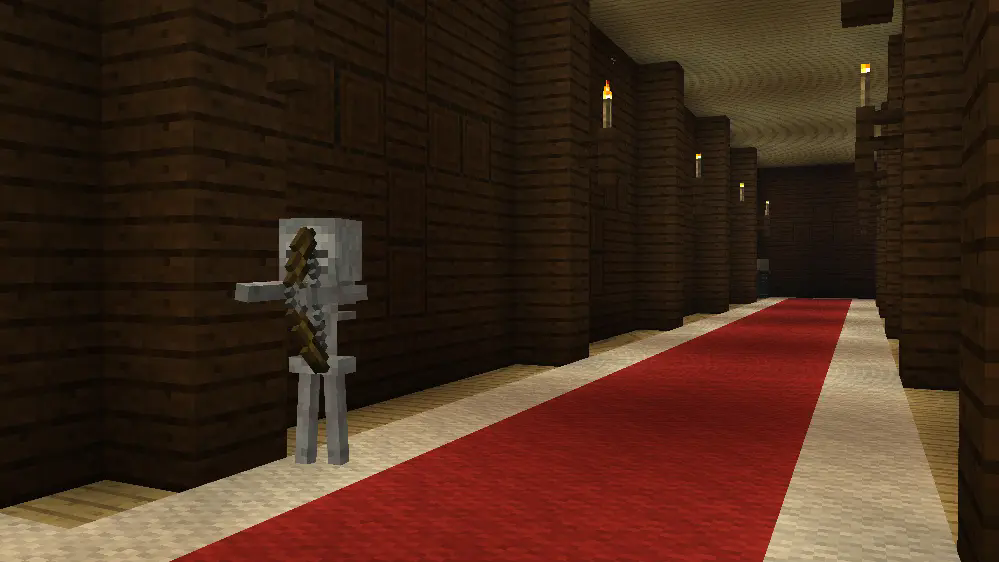
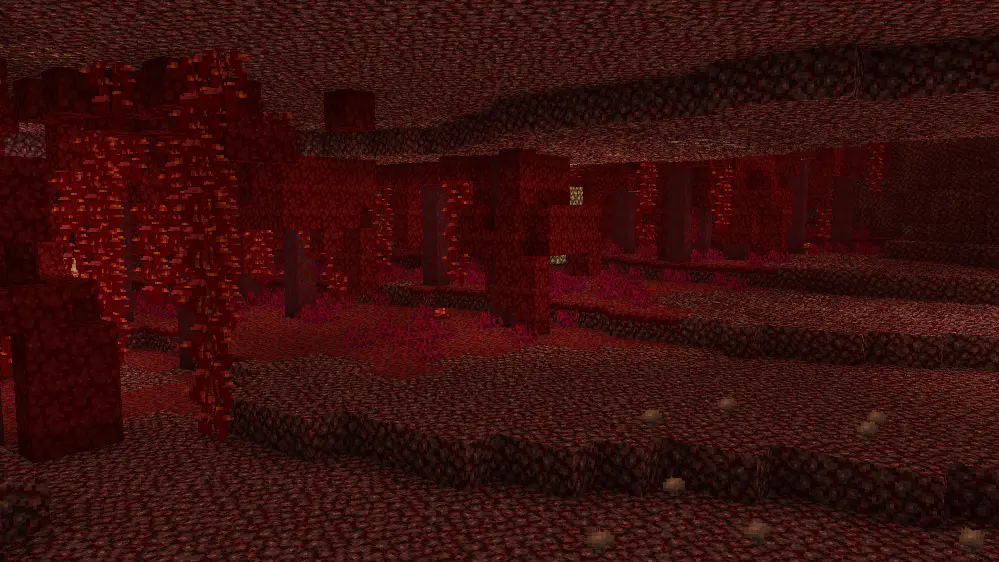
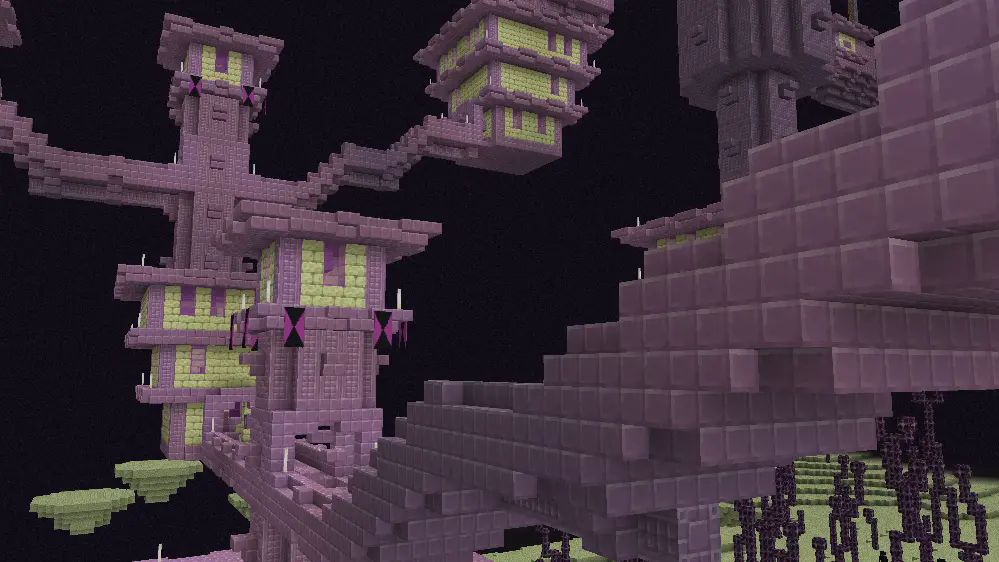
ㅤㅤㅤㅤㅤㅤㅤㅤㅤㅤㅤㅤㅤㅤㅤㅤㅤㅤㅤㅤㅤㅤㅤㅤㅤㅤㅤㅤㅤㅤㅤㅤㅤㅤㅤ [Vintage on Twitter/X](https://x.com/RedPierre01)
Terms of Use
If you wish to use a feature from Vintage in your own products, reach for permission and give credit.
## You are allowed to
– Promote or include the pack in videos, servers, etc. and link back to it.
– Use or modify one or more textures after receiving permission.
You are restricted from
–
– Redistributing the pack unofficially.
– Putting any feature under a paywall.
– Referring to it as your own work.
Vintage Resource Pack 2022 – 2026 RedPierre, Team UNNAMED.
Unused Minecraft Music by C418 from Alpha and Beta Albums.
vibrant rain
# 🌧️ vibrant Rain
A clean and minimal resource pack that makes Minecraft rain soft, transparent, and less distracting, while keeping a smooth and natural look.
## ✨ Features
🌫️ Smooth, blur-style rain streaks
👁️ Lower opacity for better visibility
💧 Subtle custom rain particles
🎯 Clean and minimal aesthetic
📦 What it changes
Rain visuals → softer and more transparent
Rain particles → lighter and less intrusive
### 🧠 Why use this?
Default rain can feel heavy and block your view.
This pack keeps the atmosphere while making rain lighter, smoother, and more cinematic.
### Modpack Usage:
You are free to include this resource pack in any modpack, whether hosted on Modrinth, CurseForge, or other platforms. No explicit permission is required, though credit is always appreciated!
**Made by duro_85** 😎
[especially made for vibrant experience!](https://modrinth.com/project/ECbnX2uw)
[join discord server!](https://discord.gg/cgDpVGXse6)
[try lighter version for clear view!](https://modrinth.com/project/GpVobbF8)
Vibrant Flowering Vines
A version of my [Multi-Color Flowering Vines](https://modrinth.com/resourcepack/multi-color-flowering-vines) pack with more vibrant and saturated colors!
The colors of flowers are:
– Orange
– Turquoise
– Pink
– White
– Red
– Yellow
– Cyan
You can change the amount of a certain color by altering the “weight” value inside the vine.json file in the blockstates folder of the pack
You may include a modified version of this pack in your modpacks if the change is to the “weight” value and nothing else.
Special thanks to [Hiveko](https://modrinth.com/user/Hiveko) for the idea and request!
[](https://www.planetminecraft.com/member/hippopotamoss/) [](mailto:[email protected]) [](https://www.paypal.com/paypalme/hippopotamoss)
Vertical Bobbing
# Vertical Bobbing


Brings back vertical view bobbing from Minecraft<=1.13.2 ([MC-225335](https://bugs.mojang.com/browse/MC-225335)).
Mojang removed it for no reason in 1.14 Pre-Release 2 so I added it back.