# What does this do?
This Datapack lets you use a stonecutter with stone/cobblestone to make smooth stone, and smooth stone slabs! That’s it basically.

Stillagers
I created a datapack which helps with villager lag in trading halls.
If you name tag a villager with “Stillager” or “stillager” they will stop moving and path finding altogether. This is done by setting the “NoAI” tag of the villager to 1. This typically eliminates restocks, so I have a function to manually restock all trades at 8:00 AM and 2:00 PM. This is mostly consistent with vanilla behavior, villagers restock twice a day at slightly random times, but their 4 phases of the day (work, gather, wander, and sleep) can be divided into 4 segments which is the logic behind the restock times.
If you want to disable this, you tag the villager with “Moveager” or “moveager” and the name disappears and their AI is restored.
This is particularly useful for trading halls where villagers are locked in 1×1 spaces. In my test world where I have a trading hall with ~150 villagers, it took the tps from 15 to 20, the MSPT from ~65 to ~50, and the FPS to ~30 to ~60 (where I have it capped). This has tremendous lag reduction impacts without the headache of doing double-carpet tricks, and is completely optional so villagers in mob farms or those that are naturally spawned are completely unaffected; this is opt-in.
The only mobs impacted by this are villagers. If you name another mob “Stillager” or “Moveager” it will be unaffected.
Special thanks to the VanillaTweaks team; this was made using their “SilenceMe” and “Track Raw Statistics” datapacks as templates.
This is my first datapack, so feedback is welcome.
The Steve Series Pack
**The texture pack has:**
– _6 invisible items (Pottery Sherds)_
– _A Darkness entity (that uses a Piglin as the base)_
– _Darkness Blockset (stairs, slabs, blocks and walls) [granite]_
– _5 colored light blocks (one for each base colored steve)_
– _Rainbow Stone_
– _A custom iron door texture_
**How to make the best Darkness entity:**
summon piglin ~ ~ ~ {IsImmuneToZombification:1,active_effects:[{id:regeneration,duration:200,amplifier:10,show_particles:0b}],HandItems:[{id:angler_pottery_sherd,count:1},{id:angler_pottery_sherd,count:1}],ArmorItems:[{id:angler_pottery_sherd,count:1},{id:angler_pottery_sherd,count:1},{id:angler_pottery_sherd,count:1},{id:angler_pottery_sherd,count:1}],HandDropChances:[0f,0f],ArmorDropChances:[0f,0f,0f,0f]}
**[Must be used inside of a command block.]**
Steak of Undying
Super simple texture pack that changes your Totem of Undying texture to a steak! For the time being, this works in any version of 1.21, and generally, this should work in any version from 1.14 to 1.21 (because in 1.14 they changed the item textures, and I’m not really sure if this the steak texture matches the one before 1.14). This pack is actually heavily inspired by Beppo’s Totem of Undying texture, so I decided to make that into an accessible for everyone pack! The translations for it are currently available in 30 of the most popular/common Minecraft languages.
Starry Night Sky Overlay
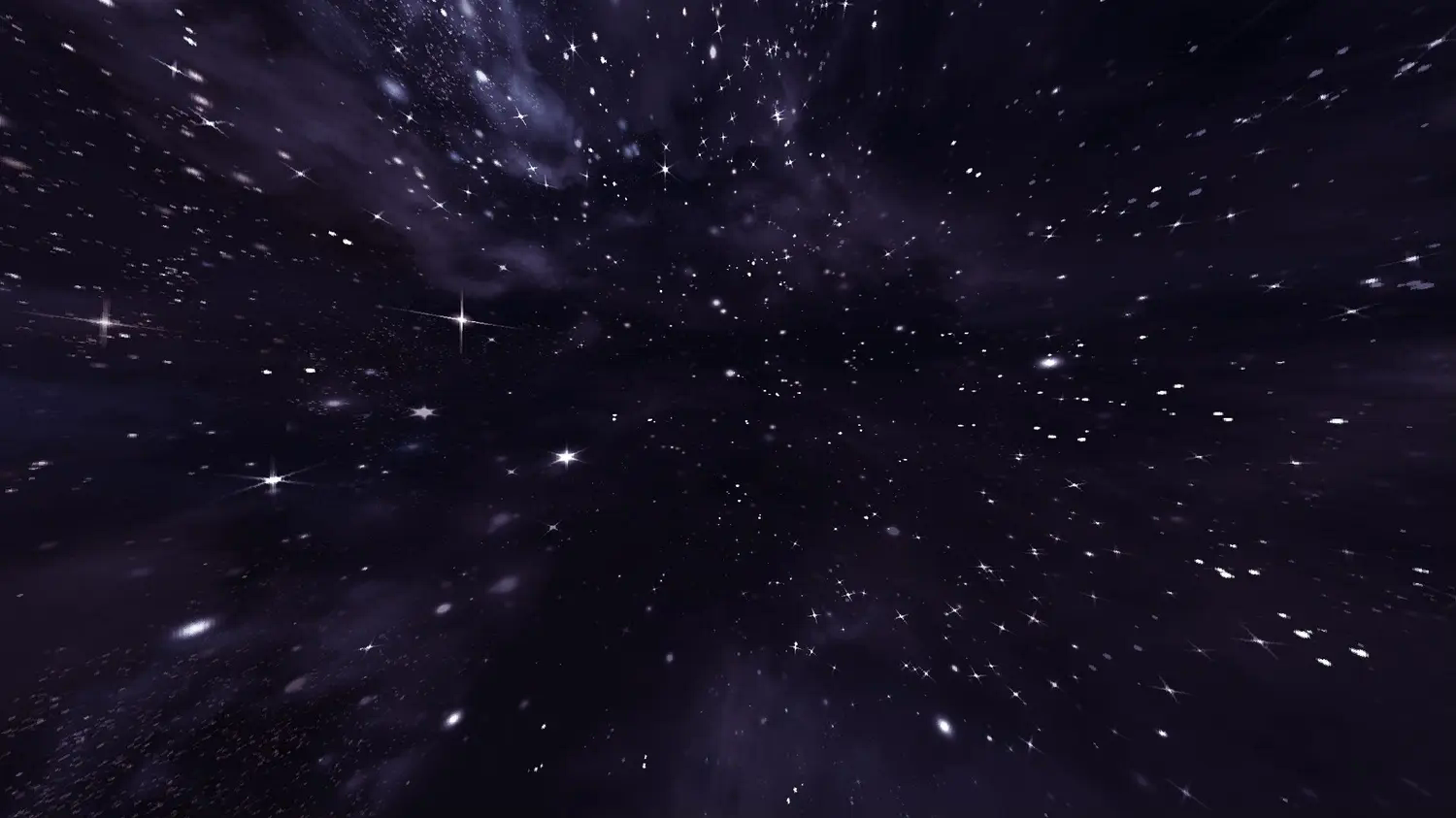
This resource pack contains a night sky filled to the brim with bright stars. The space-like atmosphere provides a beautiful scenery in-game.
**This resource pack requires either Skyboxify, Optifine, Nuit, or fabricskyboxes. Without it you will not be able to see it.**
If you want to see more like this join my discord: [https://discord.gg/YrSWPbWDUF](https://discord.gg/YrSWPbWDUF)
Stardew Valley Theme for Jade
Stardew Valley Theme for Jade 11.4+ (Minecraft 1.20+)
Note: The appearance on 1.20 ~ 1.20.1 is slightly different
Stardew Valley Music
This resource pack is all about adding Stardew Valley music in to Minecraft!
**Welcome to the Valley, Miner!**
Ever wished your Minecraft adventures had the soul of Stardew Valley? This pack replaces all of Minecraft’s ambient music (the songs that play randomly as you explore) with the iconic soundtrack from ConcernedApe.
🎵 How it works:
– The Overworld: Changes with the seasons! You’ll hear a random track from Spring, Summer, Fall, or Winter.
– The Nether: Danger has never sounded so good. The game swaps the fiery tracks for the atmospheric Mining songs from Stardew.
– The End: Face the Ender Dragon to the tune of the epic “Journey of the Prairie King” !
💿 Music Discs & More:
We didn’t stop there! We’ve replaced the standard Music Discs with the emotional scores from Stardew’s Heart Events. Plus, the Creative Mode music has been swapped for the upbeat tunes of the in-game Festivals.
Build. Mine. Fight. Relax. Experience both worlds like never before.
Stardew Valley Datapack
**The Stardew Valley Data Pack** includes **over [550 items](https://stardew-valley-minecraft-datapack.fandom.com/wiki/Category:Items)**, ranging in function from [weapon](https://stardew-valley-minecraft-datapack.fandom.com/wiki/Category:Weapons)/[tool](https://stardew-valley-minecraft-datapack.fandom.com/wiki/Category:Tools)/[armor sets](https://stardew-valley-minecraft-datapack.fandom.com/wiki/Category:Armor) from both Vanilla and [custom ores](https://stardew-valley-minecraft-datapack.fandom.com/wiki/Category:Ores), to special items that can be found in your Minecraft world, to **[new crops](https://stardew-valley-minecraft-datapack.fandom.com/wiki/Category:Crops)** that you can grow, harvest, and turn into other goods from Stardew Valley.
There are [new blocks](https://stardew-valley-minecraft-datapack.fandom.com/wiki/Category:Blocks), both decorative and functional, as well as [usable chairs and couches](https://stardew-valley-minecraft-datapack.fandom.com/wiki/Category:Chairs). There are changes to vanilla gameplay, such as finding [vanilla and custom items when mining](https://stardew-valley-minecraft-datapack.fandom.com/wiki/Custom_Stone_Drops), [small slimes dealing damage](https://stardew-valley-minecraft-datapack.fandom.com/wiki/Slime), and only being able to find certain [fish](https://stardew-valley-minecraft-datapack.fandom.com/wiki/Category:Fish) in certain conditions, all done to reflect gameplay in Stardew Valley. There’s lots to explore and even more to come!
**Works best with Optifine. Some key features do not visually appear without it.**
**Required resource pack:**
To use this data pack, you must download and equip the resource pack that is provided— if you wish to add Stardew Valley music, you may also download that one if you wish, though it is very large.
Join the discord here: https://discord.gg/d66eVYAahU
You can watch a video that goes in-depth into the datapack here!
Credit to ConcernedApe for all textures and music that are from Stardew Valley
Stardew Furnaces
## Minecraft Furnace -> Stardew Valley Forge GUI
Inspired by the Forge from Stardew Valley, this simple resource pack changes the texture of Minecraft’s Furnace (and Blast Furnace) to give it a more industrial look.
Watch the pipes heat up and simmer down as your ores are smelted and your fuel is depleted!
With [Respackopts](https://modrinth.com/mod/respackopts) installed you’ll be able to configure the resource pack, letting you turn each texture on or off as you please.
If you’re interested in a more complete GUI overhaul pack, consider checking out my much larger project [Overgrown Flowery GUI](https://modrinth.com/resourcepack/overgrown-flowery-gui), and for fans of Stardew Valley maybe take a look at the [Dew Drop project](https://modrinth.com/collection/1jZQOrlw)! <3
---
[](https://modrinth.com/user/coolbot100s)(https://www.curseforge.com/members/coolbot100s/projects) [](https://www.planetminecraft.com/collection/146032/all-garden-gals-content/) [](https://discord.gg/qxRVkGDjdJ) [](https://github.com/sponsors/coolbot100s)