Visible Powder Snow and Cobwebs
A simple resource pack that makes Powder Snow and Cobwebs more visible by tinting them cyan.
Helps you avoid getting trapped, making it useful for both PvP and general gameplay.
A simple resource pack that makes Powder Snow and Cobwebs more visible by tinting them cyan.
Helps you avoid getting trapped, making it useful for both PvP and general gameplay.
### What does this do?
This resource pack retextures potion particles to be visible. This is especially useful for finding invisible entities.
### How does it work?
It changes the the texture of the effect particle to 1 large pixel.
### What versions does this support?
This resource pack works for versions 1.14 (19w06a) and up.
This datapack simply allows you to toggle the visibility of an itemframe that you have placed by using the command:
“`
/trigger visibility
“`
### Installation
**If you get a message saying the pack is not supported in lower versions I have marked it as working in, ignore this as it will still work**
**Datapack installation:**
1. Locate the datapack folder for the specific world
2. Drag the Itemframes.zip file into the datapack folder
3. Enable the datapack with /datapack enable “file/Itemframes.zip”
**Mod installation:**
1. Follow the instructions on how to install your prefered modloader (be it Forge, Fabric, NeoForge or Quilt)
2. Drag the downloaded .jar file into (on windows) %appdata%.minecraftmods
3. Launch the world and start playing
**Please report any problems on my discord server.**

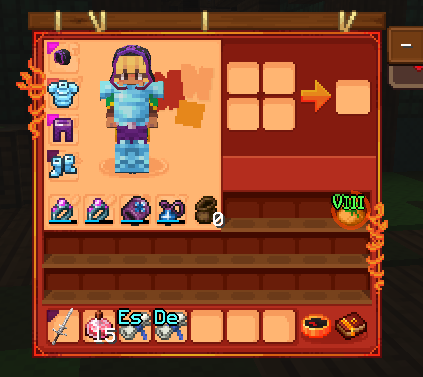
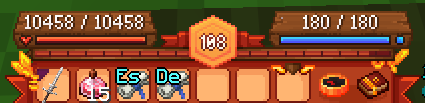
# A Red/Orange/Gold & Autumn Wynncraft GUI theme that also retextures the Wynntils GUI.
This pack was made mostly for personal use, apologies if some textures are not to your liking.
# Requirements
Requires “Server Pack Unlocker” to use on Wynncraft, place this pack above the default server resource pack.
Texture pack changes a bit more than the UI, some items are edited.
Inspired by brilliantknight’s Stone Tablet Theme. (deprecated)
IF YOU EXPERIENCE ISSUES WITH GUI ELEMENTS NOT APPEARING, TRY F3 + T FIRST.
If you encounter any issues, or would like to provide feedback, contact me on discord: @2four6

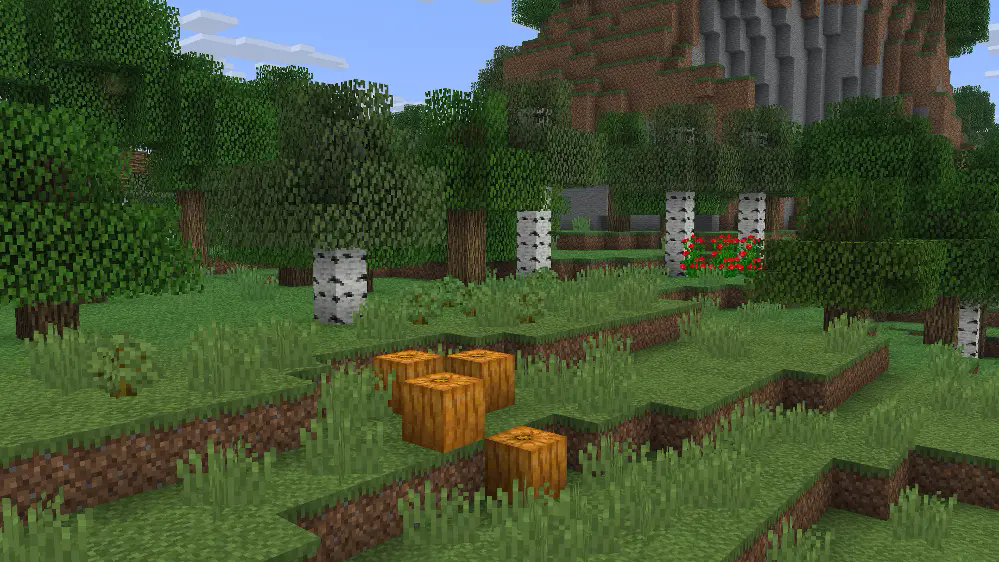
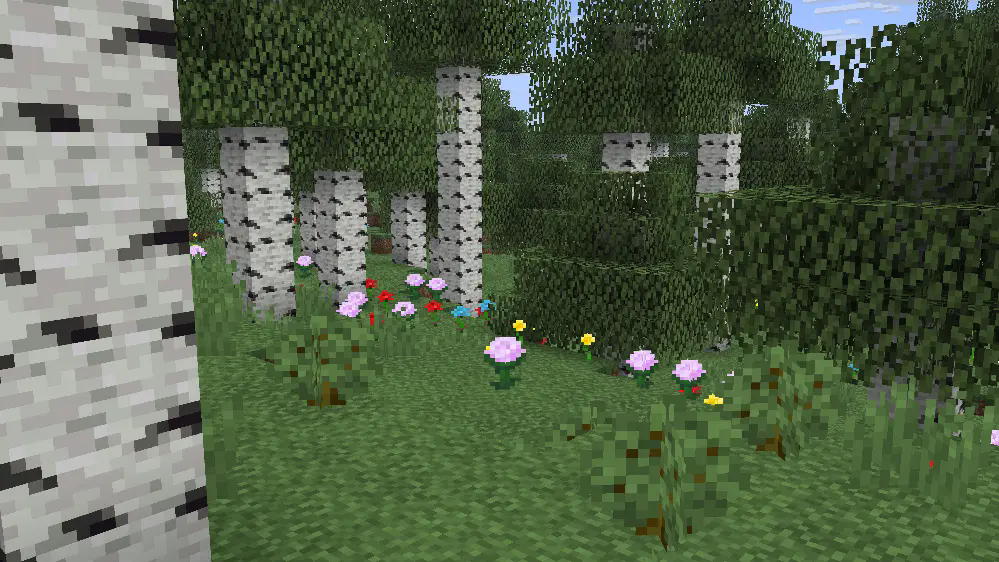
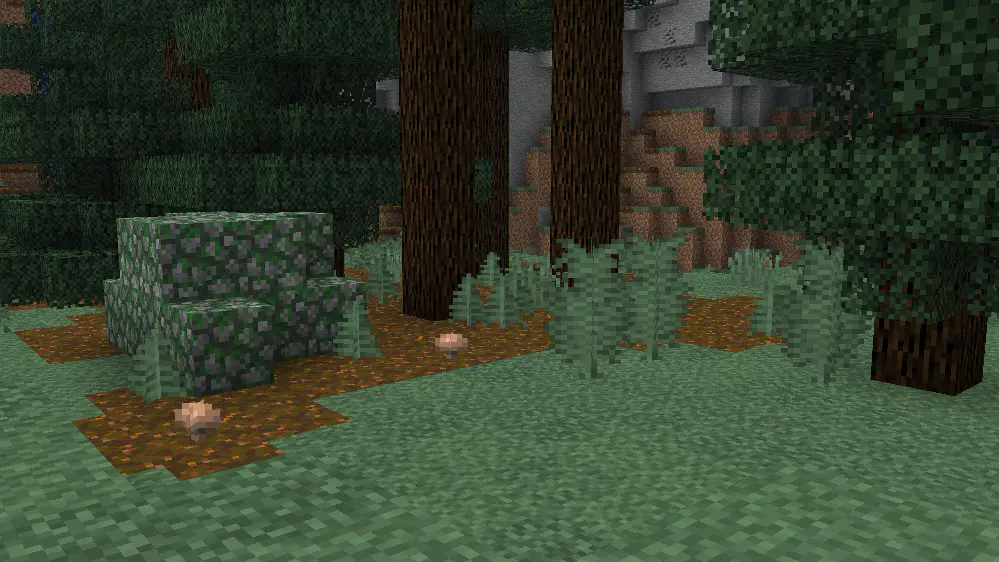
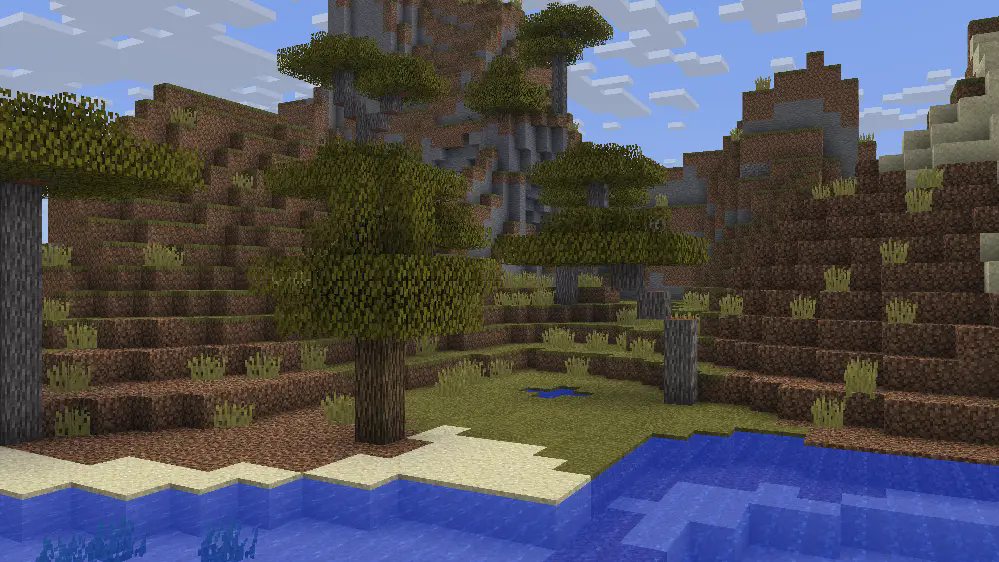
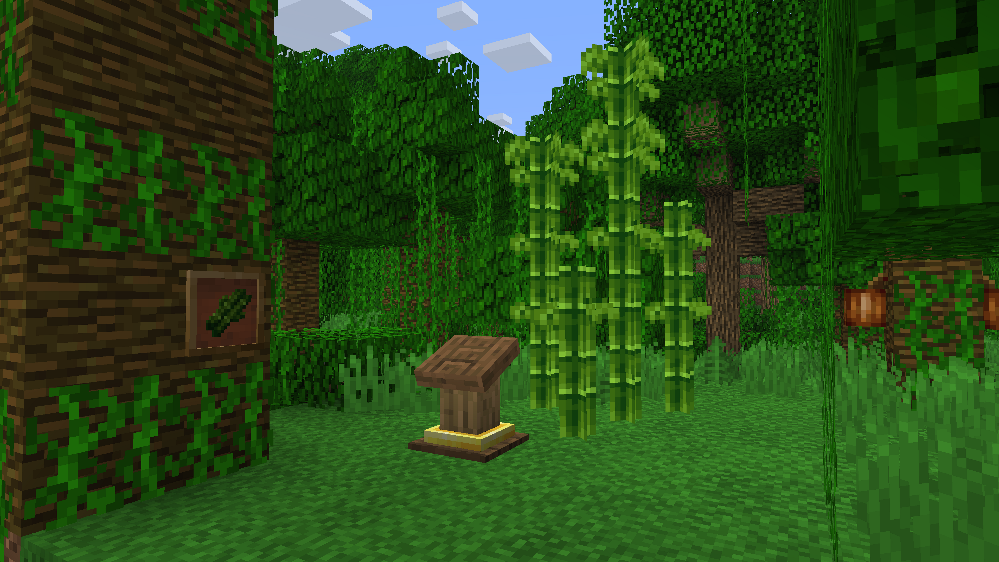
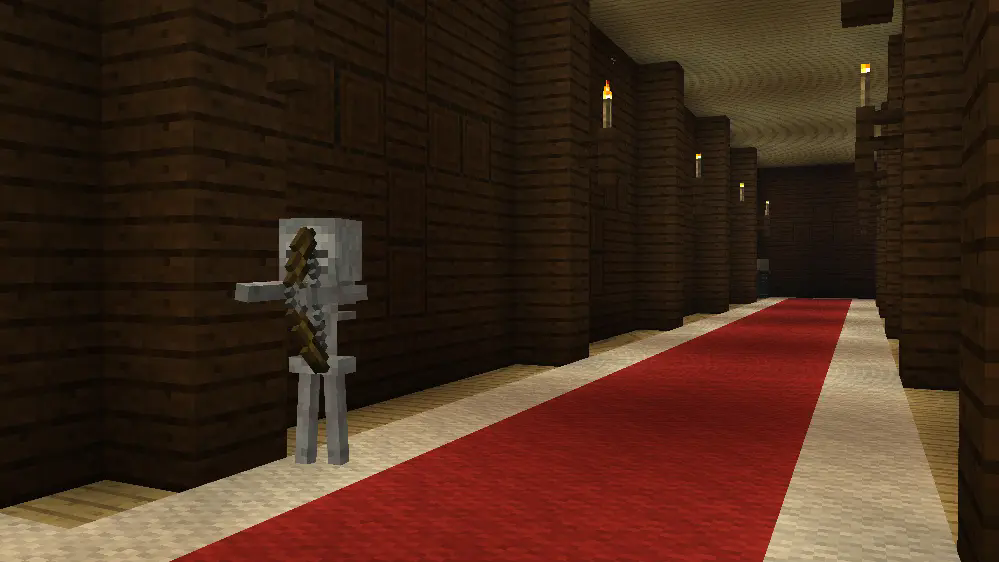
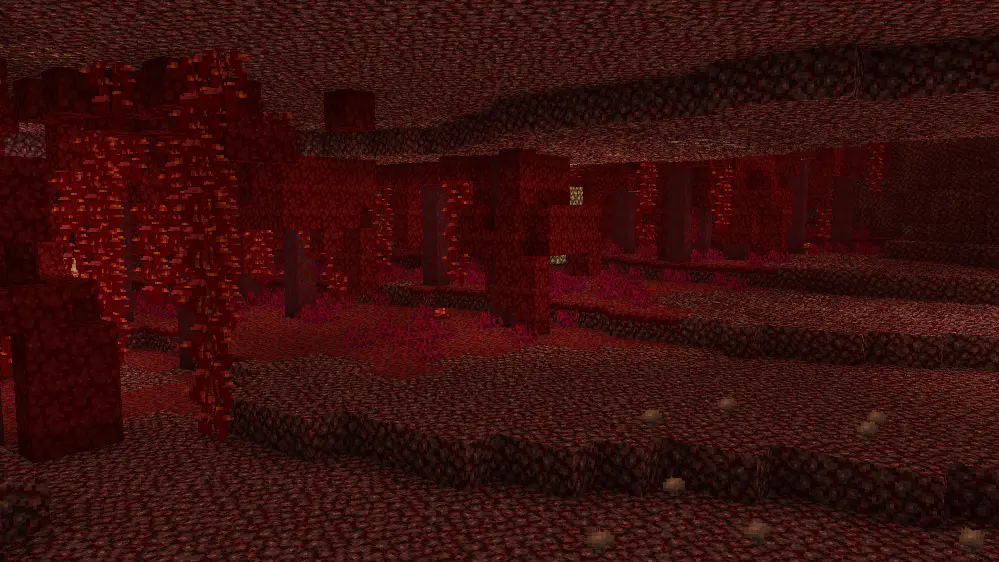
A pack that redesigns the game with a look inspired/based on classic textures, concept art, and cut features.
**This pack is best used with** [**Optifine**](https://optifine.net/home) **or Fabric** [**ETF**](https://modrinth.com/mod/entitytexturefeatures) **and** [**EMF**](https://modrinth.com/mod/entity-model-features) **mods!**
If you found any issues, please comment on the [PlanetMinecraft Page!](https://www.planetminecraft.com/texture-pack/vanilla-mix-w-i-p-preview)
#

ㅤㅤㅤㅤㅤㅤㅤㅤㅤㅤㅤㅤㅤㅤㅤㅤㅤㅤㅤㅤㅤㅤㅤㅤㅤㅤㅤㅤㅤㅤㅤㅤㅤㅤㅤ [Vintage on Twitter/X](https://x.com/RedPierre01)
If you wish to use a feature from Vintage in your own products, reach for permission and give credit.
## You are allowed to
– Promote or include the pack in videos, servers, etc. and link back to it.
– Use or modify one or more textures after receiving permission.
You are restricted from
–
– Redistributing the pack unofficially.
– Putting any feature under a paywall.
– Referring to it as your own work.
Vintage Resource Pack 2022 – 2026 RedPierre, Team UNNAMED.
Unused Minecraft Music by C418 from Alpha and Beta Albums.
# Villager Cure Discount Stacking
Want to cure villagers as much as you want to? Then this datapack is for you. You can now cure a villager up to 10 times for the ultimate discounts. Works for 1.20.2+
https://bugs.mojang.com/browse/MC-181190
### Technical details and limitations
These apply for v2.0 and above, see dropdown below for older versions details (very important)
Villagers can be cured up to 10 times, then it will reset back to 1 discount.
This datapack doesn’t support villagers sharing discounts to multiple players.
The discount is granted to the nearest player at the moment the zombie villager turns into a villager. Do not leave your villager in multiplayer as someone else could receive the discounts.
THIS NO LONGER APPLIES TO VERSIONS FOR 1.21.2+ – After you cure a villager, it will get a green number above its head (as a name), counting how many times it has been cured. If you rename the villager, it will start from one after being cured once more.
After cured twice of more, it will be killed and replaced by an identical clone which has appropriate discounts.
Due to some limitations, after being cured the villager will give the discount to the nearest player after turning back to a villager (not necessarily the player who gave him the golden apple) so you need to stay close (in multiplayer).
Villagers might lose level up progress, not levels.
Villagers level up correctly even after being cured multiple times.
Maximum is 10 times cure discount. If you cure for the 11th time, it will reset to one discount.
If you are trying to cure a villager with a specific trade set, try to level him to at least apprentice as he might reset his trades otherwise. This is most important when curing librarians.
If you find any bugs, discord link: https://discord.gg/PQFMab5ySp
**By downloading the datapack, you agree with the following:**
You are not allowed to redistribute this datapack in any way
You may modify this datapack, but distributing modified versions is not allowed
You can use this datapack in videos and other, but provide a link to this page in the description
You cannot take credit for the making of this datapack
You may download this datapack only from official sources – currently it is only on planet minecraft and modrinth
This datapack aims to add Village Guards in vanilla minecraft and it supports minecraft versions 1.16.2 to 1.21.11.
/function give:vg/spawn_egg/village_guard
Obtain Village Guard Spawn Egg
/function summon:vg/village_guard
Summons Village Guard
/function toggles:village_guards
Here you can toggle datapack specific features if you want. They are:
/function uninstall:village_guards
Starts the uninstallation process of this datapack.

This work is licensed under a Creative Commons Attribution-NonCommercial-NoDerivatives 4.0 International License.
Conditions that apply:
Open your .minecraft directory. Put the datapack into the saves/world_name/datapacks directory.
# 🌧️ vibrant Rain
A clean and minimal resource pack that makes Minecraft rain soft, transparent, and less distracting, while keeping a smooth and natural look.
## ✨ Features
🌫️ Smooth, blur-style rain streaks
👁️ Lower opacity for better visibility
💧 Subtle custom rain particles
🎯 Clean and minimal aesthetic
📦 What it changes
Rain visuals → softer and more transparent
Rain particles → lighter and less intrusive
### 🧠 Why use this?
Default rain can feel heavy and block your view.
This pack keeps the atmosphere while making rain lighter, smoother, and more cinematic.
### Modpack Usage:
You are free to include this resource pack in any modpack, whether hosted on Modrinth, CurseForge, or other platforms. No explicit permission is required, though credit is always appreciated!
**Made by duro_85** 😎
[especially made for vibrant experience!](https://modrinth.com/project/ECbnX2uw)
[join discord server!](https://discord.gg/cgDpVGXse6)
[try lighter version for clear view!](https://modrinth.com/project/GpVobbF8)
A version of my [Multi-Color Flowering Vines](https://modrinth.com/resourcepack/multi-color-flowering-vines) pack with more vibrant and saturated colors!
The colors of flowers are:
– Orange
– Turquoise
– Pink
– White
– Red
– Yellow
– Cyan
You can change the amount of a certain color by altering the “weight” value inside the vine.json file in the blockstates folder of the pack
You may include a modified version of this pack in your modpacks if the change is to the “weight” value and nothing else.
Special thanks to [Hiveko](https://modrinth.com/user/Hiveko) for the idea and request!
[](https://www.planetminecraft.com/member/hippopotamoss/) [](mailto:[email protected]) [](https://www.paypal.com/paypalme/hippopotamoss)