Transparent Potions
This small resource pack makes all potions appear **transparent**.
> ### [Check out my other packs!](
> [**All My Packs**](
> [**Visual Enchantments**](
> [**Transparent Items**](
>
> ### And my [Discord Server](
This small resource pack makes all potions appear **transparent**.
> ### [Check out my other packs!](
> [**All My Packs**](
> [**Visual Enchantments**](
> [**Transparent Items**](
>
> ### And my [Discord Server](
This texture pack makes **all GUIs transparent**, this allows for **better visibility** while in the inventory menu or in any GUI. as far as i know this **isn’t banned** in any major PVP servers or competitions. this is mainly made to help **competitive** players and for **convenience**.
and also compatible with Modmenu
This small resource pack makes crossbows appear **transparent**.
> ### [Check out my other packs!](
> [**All My Packs**](
> [**Visual Enchantments**](
> [**Transparent Items**](
>
> ### And my [Discord Server](
Simple **transparent buttons** in menus, compatible with **older AND newer versions** of the game. So yes, it works in **1.8**, just **ignore the red Incompatible marker** in the pack selection screen.
Have any specific mods you would like me to add support for? Join the [**discord**](https://discord.gg/cjBypn33tZ)!
This small resource pack makes bows appear **transparent**.
> ### [Check out my other packs!](
> [**All My Packs**](
> [**Visual Enchantments**](
> [**Transparent Items**](
>
> ### And my [Discord Server](


# **TP Utils**
This is a client side teleport utility mod that should greatly benefit creative players, making it much easier to get around. It includes, but is not limited to, improved and custom versions of the WorldEdit teleports (/thru & /jumpto). The teleports have a super high range and are extremely precise.
**Important:**
– This mod requires you to have cheats enabled in single player (default on a creative world) or to have permission to use TP commands in multiplayer.
– If you play on a multiplayer server make sure to set the right TP method in the config settings, many servers use `/tppos` instead of `/tp`
## **Teleports**
**TP Through**
*Usage:* `Keybind` *or* `/tpu through` *or* `/tpu thru`
Teleport through walls or pretty much anything else that’s in your way. It’ll teleport you to the exact opposite side of the obstacle without forcing you to the ground.
**TP on Top**
*Usage:* `Keybind` *or* `/tpu top`
Teleport to the first available free space above the block you’re looking at.
**TP Forward**
*Usage:* `Keybind` *or* `/tpu forward`
Teleport a certain amount of blocks into the direction you’re looking, including up- and downwards. This teleport however doesn’t let you through blocks and will either teleport you to the full configured distance away or right in front of the first obstacle that’s in your way.
**TP Ground**
*Usage:* `/tpu ground`
Teleport to first block below you, no matter the height you’re at.
**TP Up & Down**
*Usage:* `/tpu up` or `/tpu down`
Teleport a floor up or down, it’ll always put you on the ground.
**Chunk TP**
*Usage:* `/tpu chunk
Teleport to the coordinates of the entered chunk.
**TP Back**
*Usage:* `Keybind` *or* `/tpu back`
Teleport back to your previous location. This only works when you used a teleport method from this mod.
## **Configuration (File / Mod Menu)**
**TP Method**
*Default: /tp*
The tp method the mod should use to teleport you.
Any method that uses
It’s also possible to change this using this command: `/tpu method
**TP Through Range**
*Default: 256 (blocks)*
From how far should the mod be able to detect the block you’re looking at to teleport you through.
**TP on Top Range**
*Default: 256 (blocks)*
From how far should the mod be able to detect the block you’re looking at to teleport you on top.
**TP Forward Range**
*Default: 100 (blocks)*
How far should the mod try to teleport you forward.
**Allow Crawling**
*Default: False*
Allow the mod to teleport you into a 1 block high space.
**Allow Lava**
*Default: False*
Allow the mod to teleport you into lava.
**Set Bedrock Limit**
*Default: True*
Stop the mod from teleporting you below bedrock / the bottom world limit.
## **Versions & Dependencies**
**Required**:
[Fabric API](https://modrinth.com/mod/fabric-api)
[Cloth Config API](https://modrinth.com/mod/cloth-config) (Is needed to make the config work)
**Optional:**
[Mod Menu](https://modrinth.com/mod/modmenu) (This mod allows you to edit the configs in game)
**Required**:
[Fabric API](https://modrinth.com/mod/fabric-api) (0.31.0 or later)
**Optional:**
[Mod Menu](https://modrinth.com/mod/modmenu) (This mod allows you to edit the configs in game)
**Already included/embedded:**
[Cloth Config API](https://modrinth.com/mod/cloth-config) (Is needed to make the config work)
**Required:**
[Fabric API](https://modrinth.com/mod/fabric-api) (0.14.0 or later)
**Optional:**
[Mod Menu](https://modrinth.com/mod/modmenu) (This mod allows you to edit the configs in game)
**Already included/embedded:**
[Auto Config Updated API](https://github.com/shedaniel/AutoConfig) (Is needed to make the config work)
[Cloth Config API](https://modrinth.com/mod/cloth-config) (Required for Auto Config)
[Cotton Client Commands](https://github.com/CottonMC/ClientCommands) (Is needed to make any of the commands work)
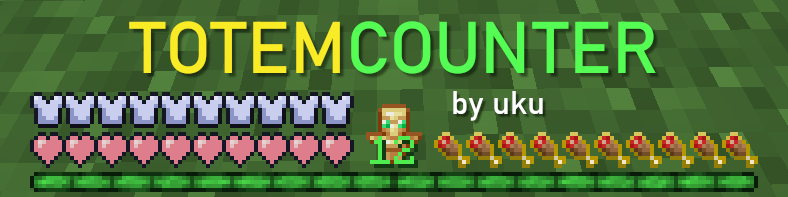

**TotemCounter** is a mod that shows the amount of totem pops for every player above their nametag, and shows how many totems you have in your inventory!
*Icon by [Marlow](https://youtube.com/@Marlowww), banner by me :3c*
## Features
* Pop counter in nametag
* Easy reset via options or keybinding
* Automatic reset on death or on match end (on supported servers)
* Show the amount of totems in your inventory
* Colored XP bar according the totem count
## Dependencies
* [ukulib](https://modrinth.com/mod/ukulib)
This texture pack is made for anyone who loves Kombucha! It turns the Totem of Undying texture into Kombucha! If you love Kombucha, be sure to download it!
# Torchcraft Lobby Panorama
This is a panorama of the lobby of the Dutch Minecraft server Torchcraft. You can use the resource pack in all new versions of Minecraft. If you have any questions or problems you can always send me a message on Discord (name: tibodp).
| Screenshot was made with the Nostalgia shader that you can download here: https://modrinth.com/shader/nostalgia-shader
## Support
If you have any problems, ideas, or other feedback about this project, please contact me via discord or email. You can contact me on Discord by sending a friend request, so you can send me a message.
Discord: tibodp
Mail: [email protected]
## 🌟 My other projects:
– [Torchcraft Lobby Panorama](https://modrinth.com/resourcepack/torchcraft-lobby-panorama)
– [The Ultimate Creator](https://modrinth.com/modpack/the-ultimate-creator)
– [Chromakey Blocks](https://modrinth.com/modpack/the-ultimate-creator)
– [No Worldborder](https://modrinth.com/modpack/the-ultimate-creator)
– [Vuurwerkshow Modpack](https://modrinth.com/modpack/the-ultimate-creator)
– [Vuurwerkshow Panorama](https://modrinth.com/modpack/the-ultimate-creator)
– [Vuurwerkshow Paintings](https://modrinth.com/resourcepack/vuurwerkshow-paintings)
## Tom’s Simple Storage Mod
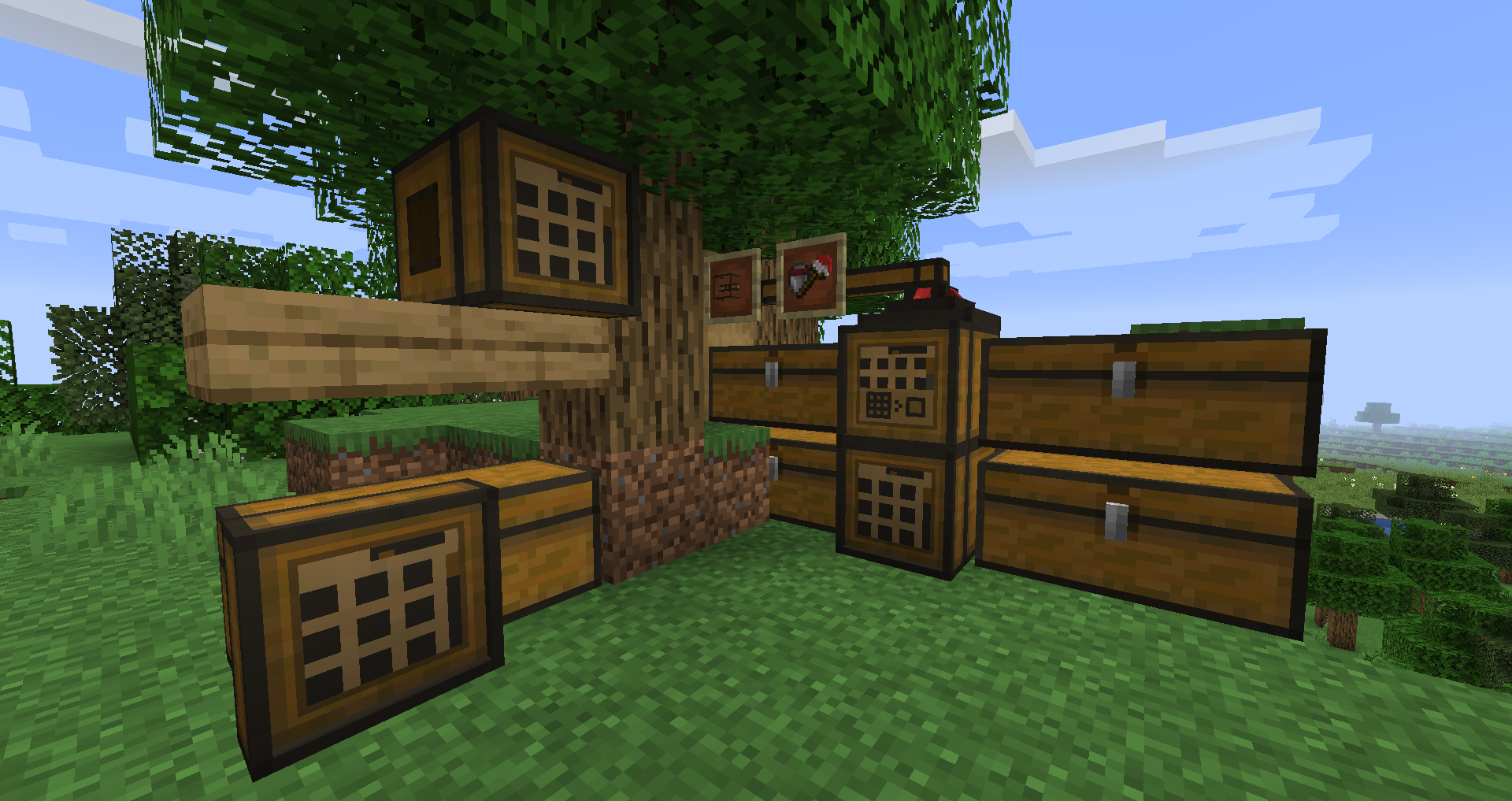
On Fabric [Indium](https://modrinth.com/mod/indium) is required if you have Sodium installed!
Simple vanilla style storage mod.
Features:
– Storage & Crafting Terminal
– Inventory Connector
– Open Crate
– Wireless terminal
– Filtered connectors
– Inventory Hopper
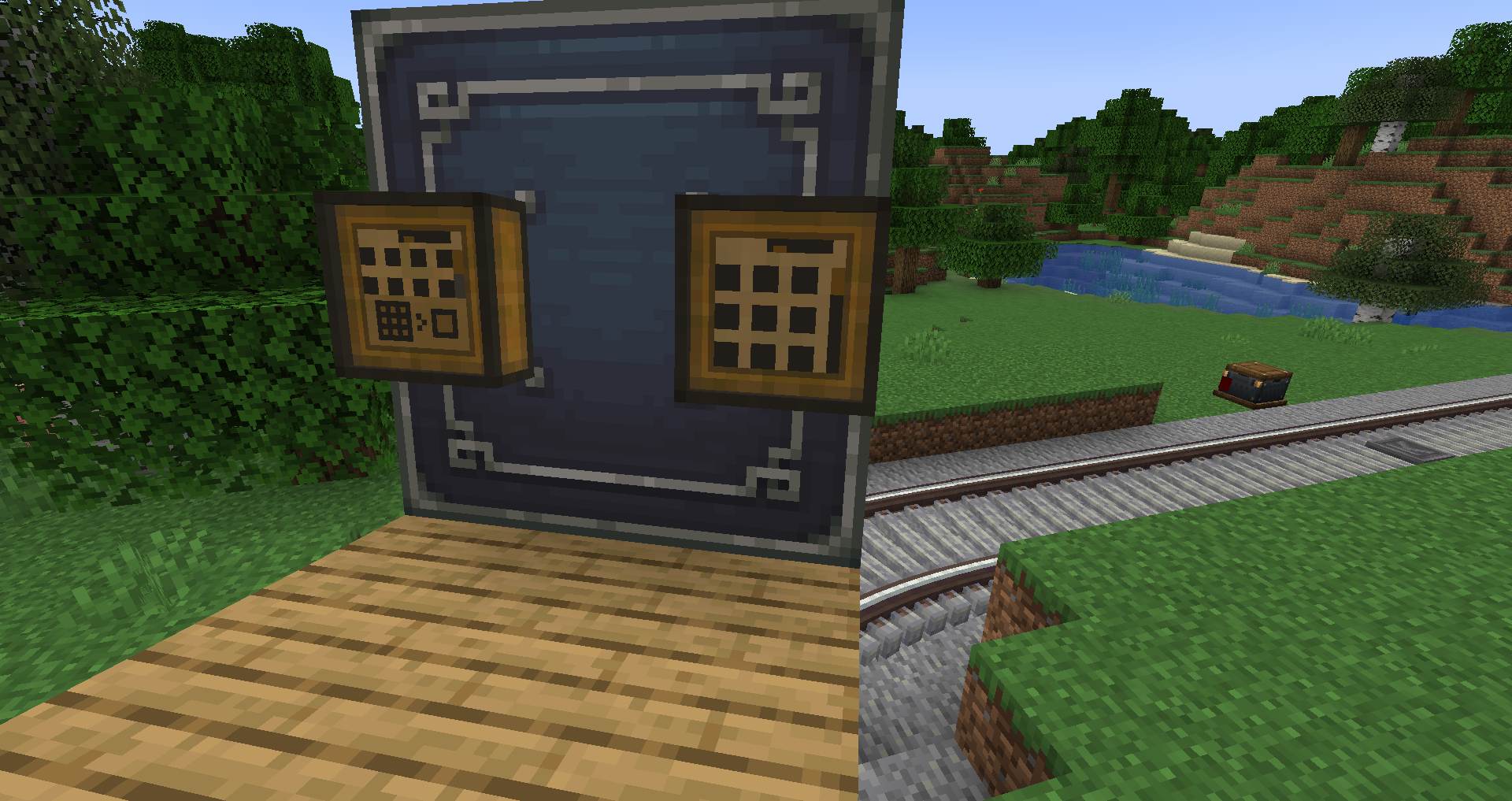
Terminals also work on create contraptions if [Create Contraption Terminals](https://modrinth.com/mod/create-contraption-terminals) is installed.
Mod Spotlights: