This is a Texture Pack, originally designed for “[Better Than Adventure!](https://www.betterthanadventure.net/)”, and consequentially Beta 1.7.3 (although it will work with ANY version of Minecraft that has a Shadow, since the location and filename has never changed, despite the outdated Resource Pack version warning), that gives the Entities a squared Shadow, instead of a circular one. Consistency, my beloved.
# CREDITS
– Shadow texture and “pack.png” made by AndreWharn.
– Do not use the assets without permission, please!
# Thanks for using this pack! 😀
Spawn Eggs Backported
# 25w08a Spawn Egg Textures – Backported!
This resource pack brings the **spawn egg textures** introduced in **Minecraft Snapshot 25w08a** to **all versions from Minecraft 1.14 snapshots up to 25w07a**! If you love the new spawn egg textures but prefer playing on older versions, this pack is perfect for you.
### ✨ **Features:**
– Backports **25w08a spawn egg textures** to **all versions from Minecraft 1.14 snapshots up to 25w07a**.
– Faithful to the vanilla aesthetic.
– Perfect for those who want the latest textures on older versions.
Enjoy and let me know if you find any issues! 🥚🎨
Spawn Animations
# Tschipcraft’s Spawn Animations
> A server-side data pack/mod for 1.14x-26.1x
Features
Hostile mobs dig out of the ground or poof into existence when they spawn.
This data pack/mod is designed to be as unintrusive as possible. Hidden entities including their worn armor and tools will only be invisible and silent.
Spawn Animations is completely server-side!
[-> For available settings and customization, take a look at the wiki <-](https://github.com/Tschipcraft/spawnanimations/wiki)
More sophisticated animations with Animated Java are planned for v2.0!
## Installation
Install either as:
* **Data Pack [DP]** ➜ Place `.zip` in your world's `datapacks` folder
* **Mod [Mod]** ➜ Drop into your `mods` folder and optionally install [MidnightLib](https://modrinth.com/project/codAaoxh) for a global config file and UI
For hiding entities with emissive layers in 1.20.4 or below, and generally smoother animations, you may additionally install [Pehkui](https://modrinth.com/project/t5W7Jfwy).
To manage settings, reset, or uninstall the pack, use the command `/trigger tschipcraft.menu` or `/function #tschipcraft:menu`.
## Demo GIFs
Click here to expand
## Compatibility
**Forge** is only natively supported until Minecraft 1.21.5.
For Minecraft 1.14, 1.15 or 1.16, you can use [a legacy version](https://github.com/Tschipcraft/spawnanimations/tree/master/other_editions).
For mod support, check out [Spawn Animations Compats by Fyoncle](https://modrinth.com/datapack/spawn-animations-compats).
## External Links
## Partner Offers
Want to buy **Hytale** or upgrade your edition? Use creator code `Tschipcraft` upon checkout for me to receive a commission! (The price for you stays the same)
SpASM
Straightforward, pure ASM (SpASM)
Allows registering class transformers that process all classes, without specifying the class’s names like in FabricASM.
**hello!
this is a crystal and modern and mace pvp resource pack (with some survival features)**
🖼️Vanilla Minecraft textures like blocks and items have a width and height of 16 pixelsbut Some textures make the resolution of textures smaller than the default, such as 8x, and some bigger, such as 32x.
# 🌟main features
– 3d crystal item
– pvp crosshair
– glassed boats bottems
– BrewingStand Guide
– smaller totem and shield and mace
– very low fire effect
– Transparent GUI
– custom texture for items with some enchants
– show loading level of bow
– smal totem pop
– no explosion particle
– smoth water
– numbered redstone dusts
– A11 totem! (SobhanA11 logo)
– rounded edge hotbar gui
– smal foods
– unrandom textures
# 💠 Why Use This Pack?
Whether you are dueling in Crystal PvP, trying out the new mace mechanics, or just enjoying a survival world, this pack gives you:
– Better visibility during fights
– Cleaner UI & particles
– A mix of performance-friendly textures and modern style
add biome blending to moss block, donesnt work with moss carpet unfortunatly.
/! NEEDS either continuity OR optifine to work as it use theyre CTM feature /!
smoothing also need continuity or optiphine as it was not intentional at firs, i will have to remake the texture in the plain for everyone one day but for now, everything in this pack need continuity or optifine
Small Shield & Totem
# Small Shield & Totem
### Features
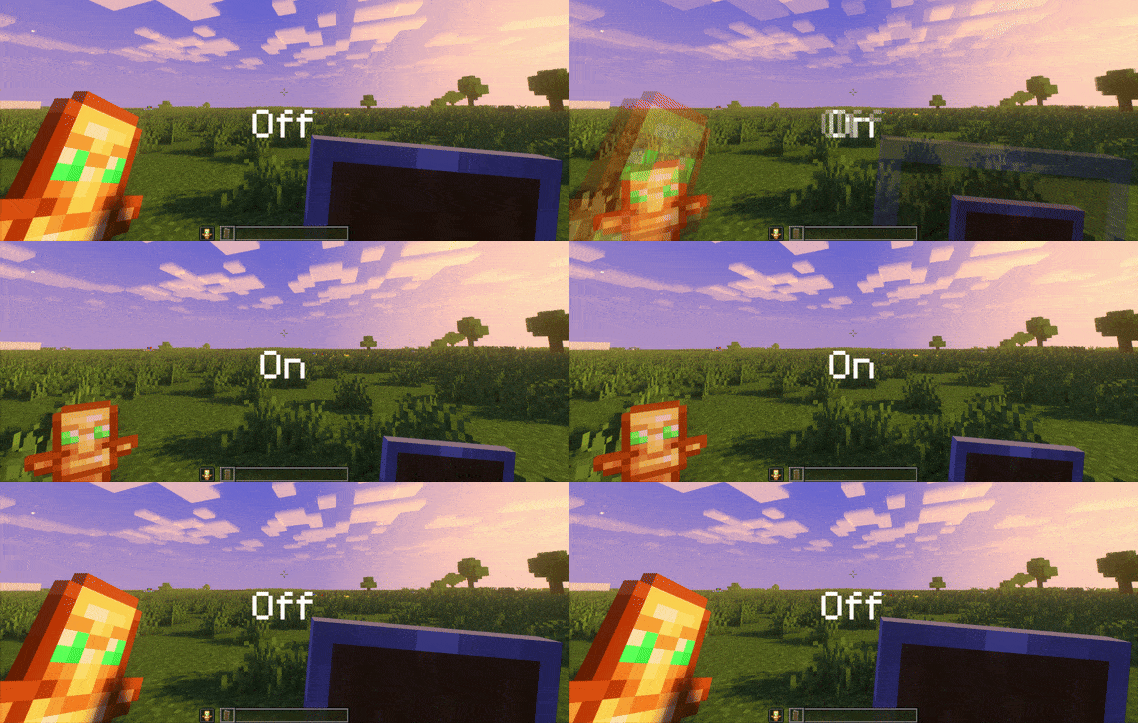
– Small shield
– Small totem
– Small totem pop
– Small totem pop particles
– No mods needed
### Compatibility
The pack works on all version from **1.9** to the **Newest**
⚠️ Versions 1.19.4 and below will tell you “the pack is for a newer version”, but it will work just fine
### Notice
Totem of undying will be extra small when placed in an item frame. This is unfortunately a side effect of the small totem pop effect
⠀
### Want a Minecraft server? Consider using Sparkedhost!
Use code ‘blob’ for 25% off
[](https://billing.sparkedhost.com/aff.php?aff=3085)
Truly Small Items
### Features
– Smallified equipment and miscellaneous items.
– Fixes multiple texture issues, such as the end crystal offset.
– Blends in well with vanilla textures.
– Fully compatible with other smallifying resource packs!
– Fully functional in any version from 1.5!
### Questions?
Be sure to make suggestions and report bugs or inconsistencies to the [Jotform](https://form.jotform.com/260524716060046)!
### What Version?
If you are using the Modrinth loader, it should automatically select the resource pack for your version!
In case you are not using the Modrinth loader, the letter determines which pack to install:
* P: 1.5 – 18w43a
* T: 18w43a – Latest
SKN’s Loopy Ores
Summary
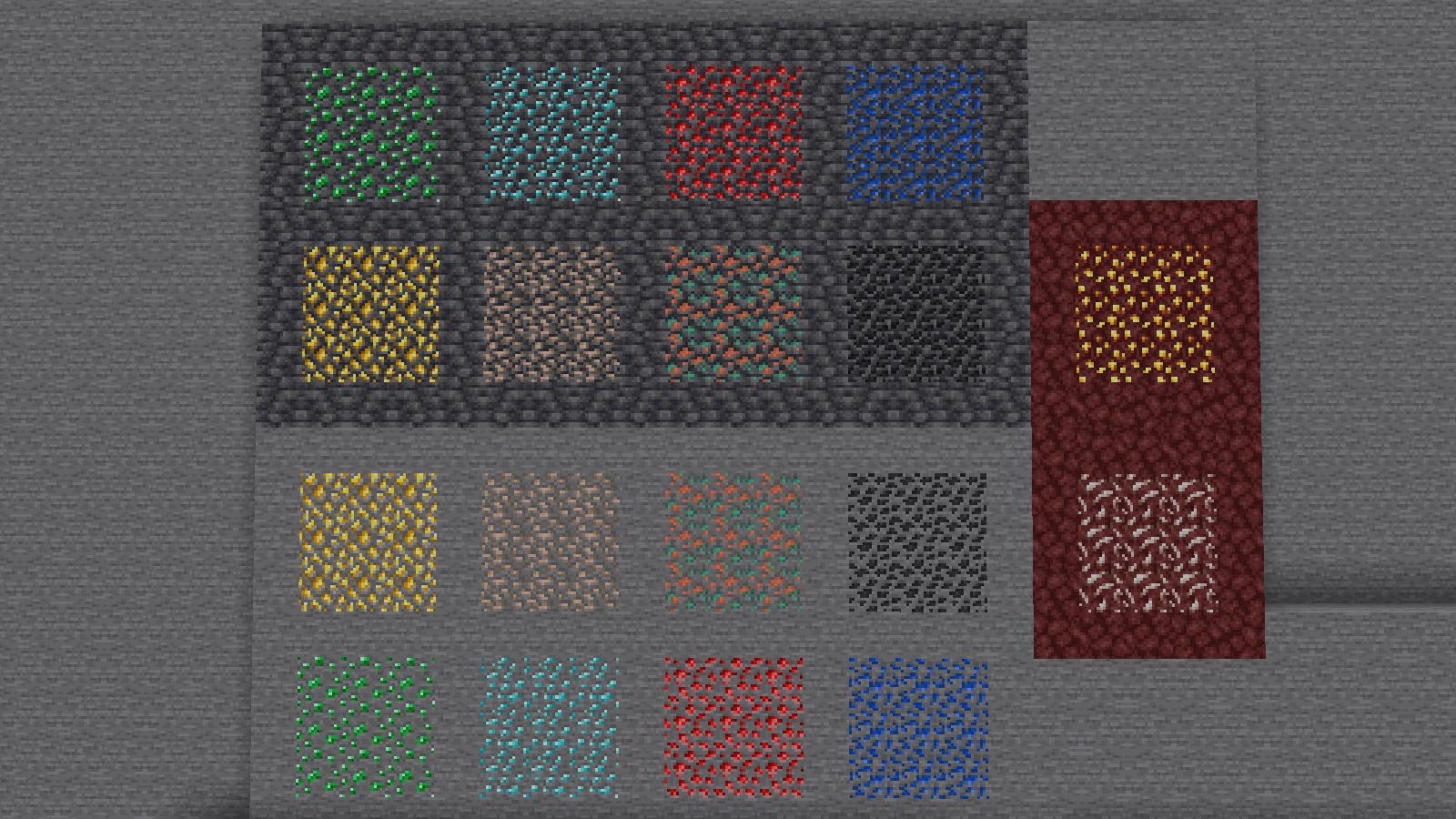
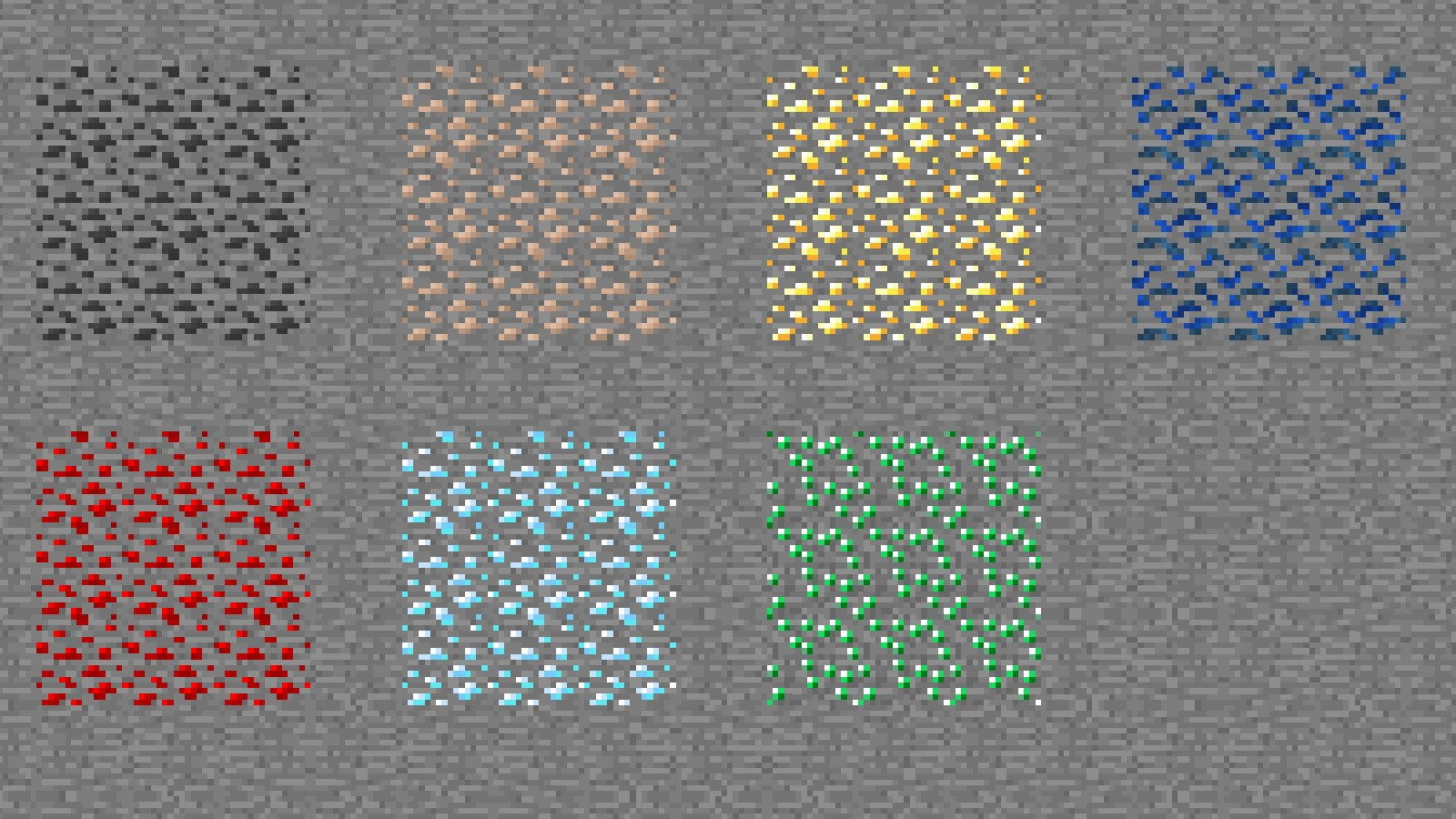
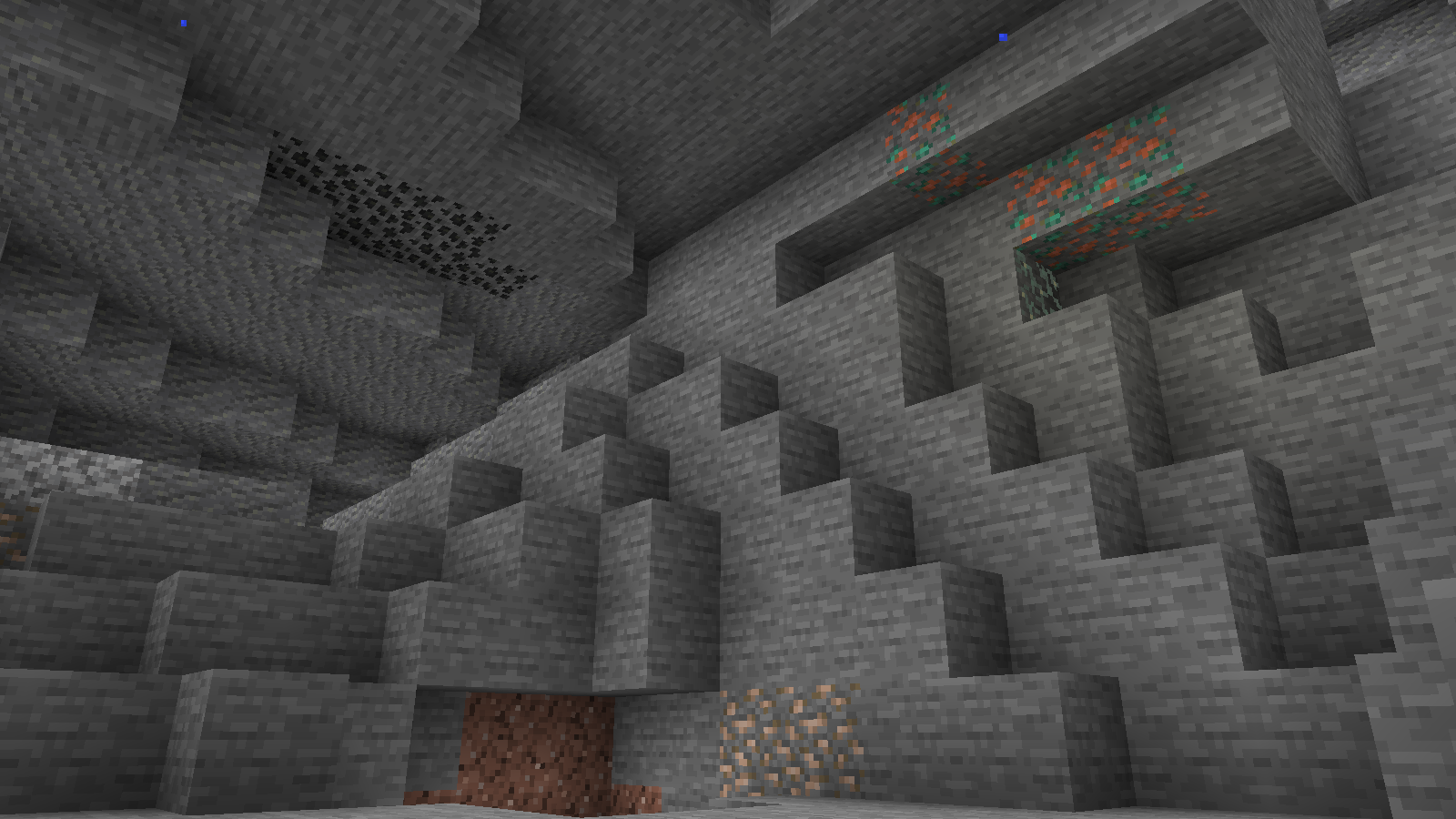
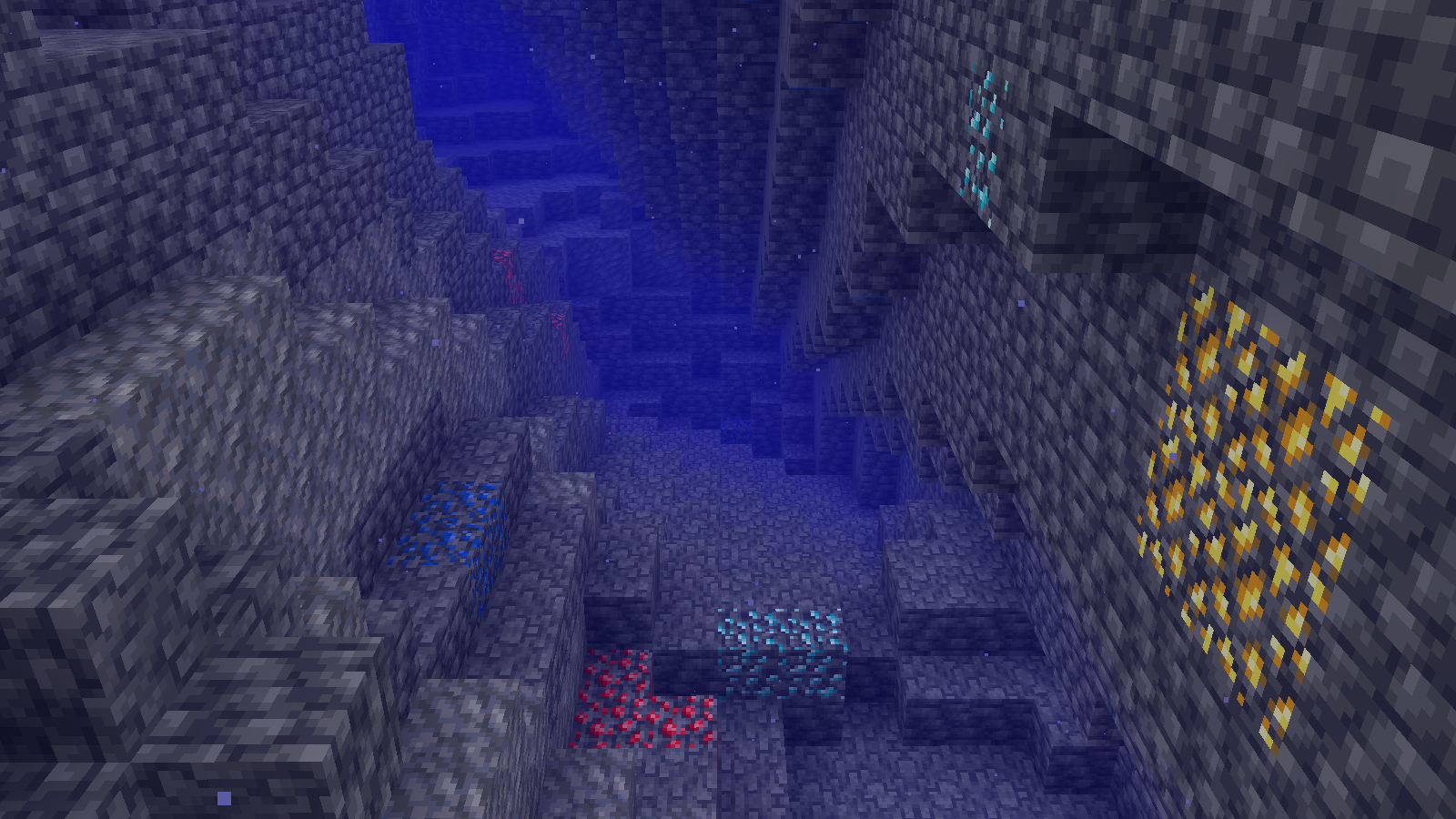
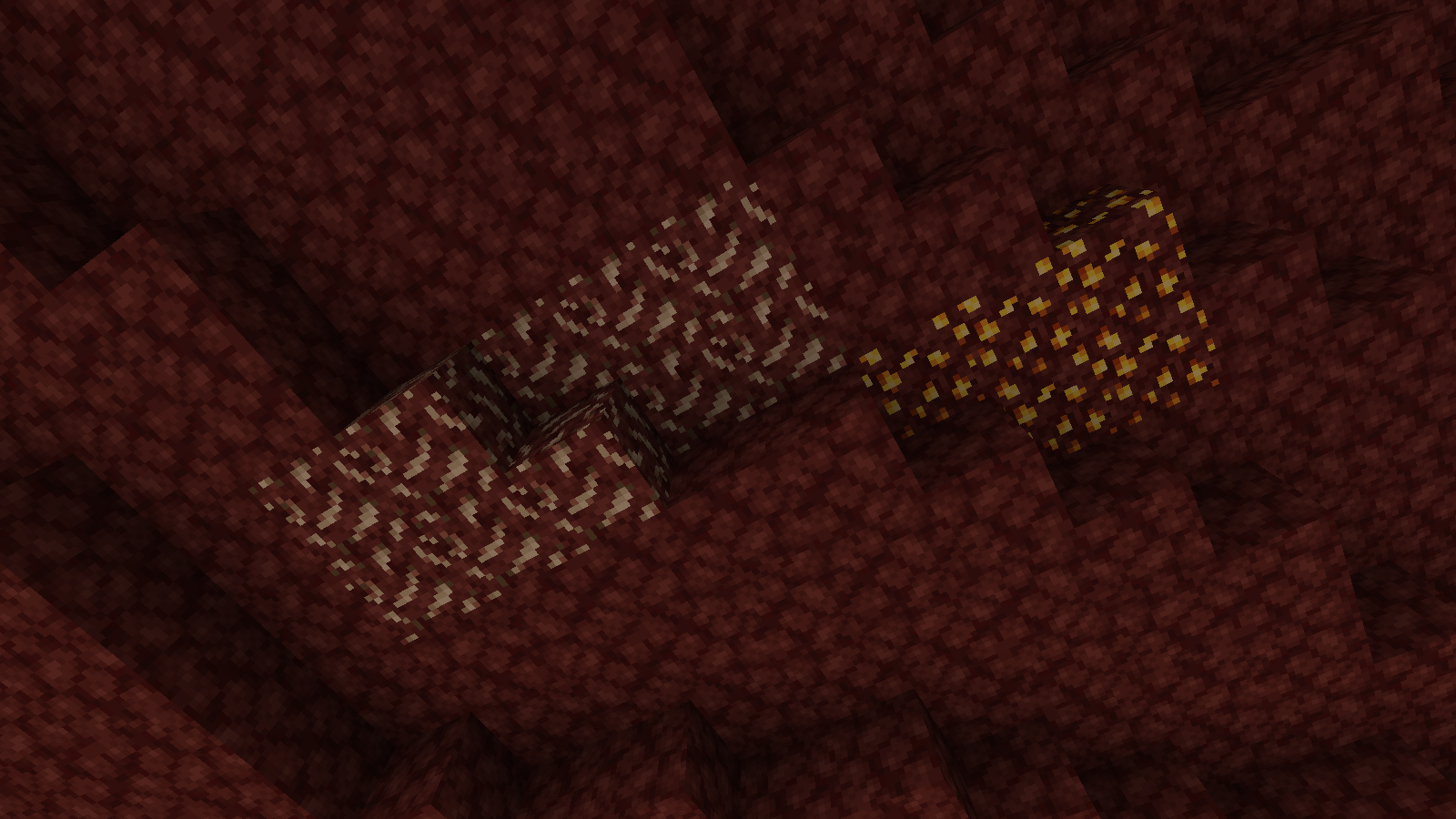
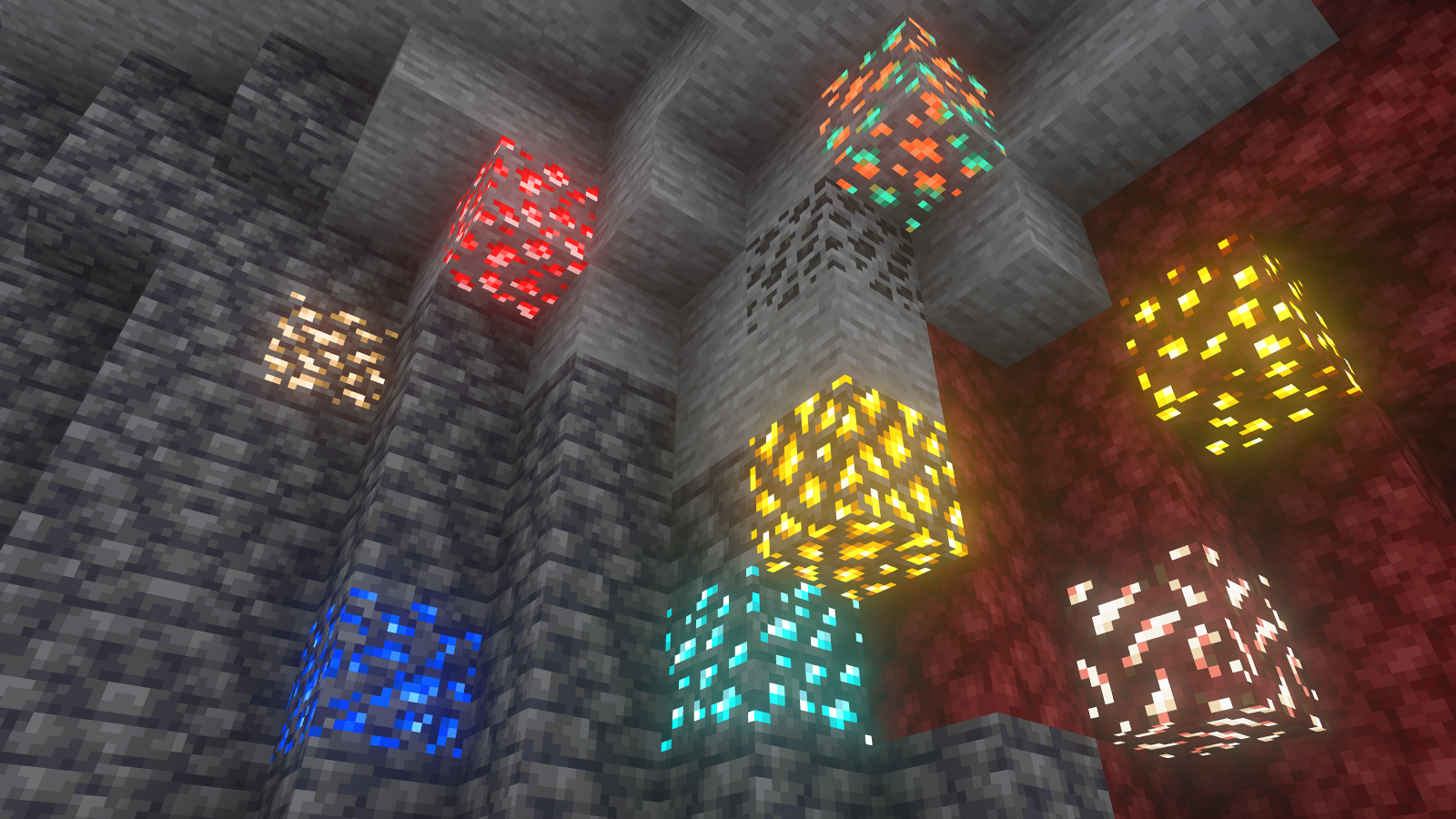
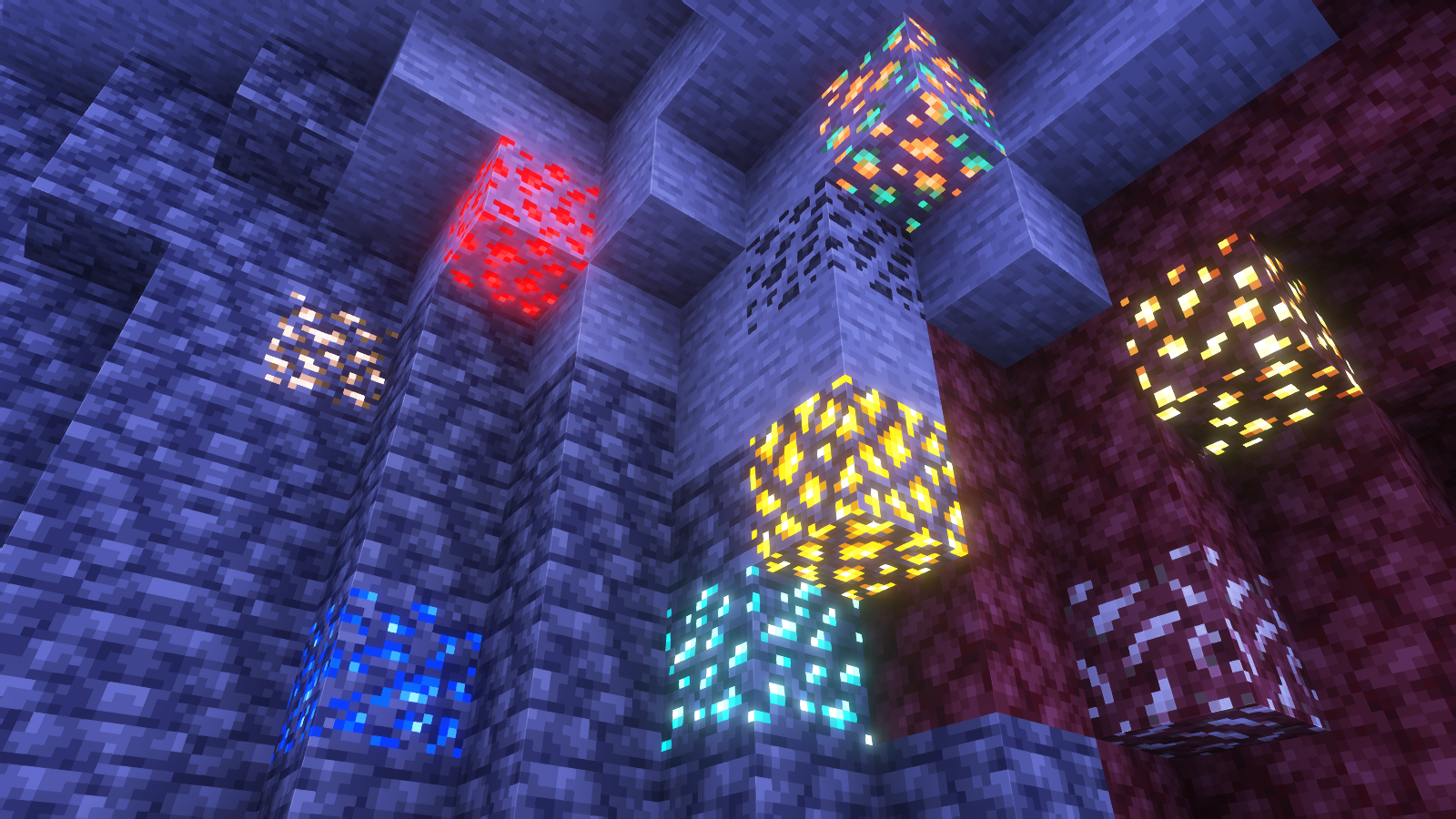
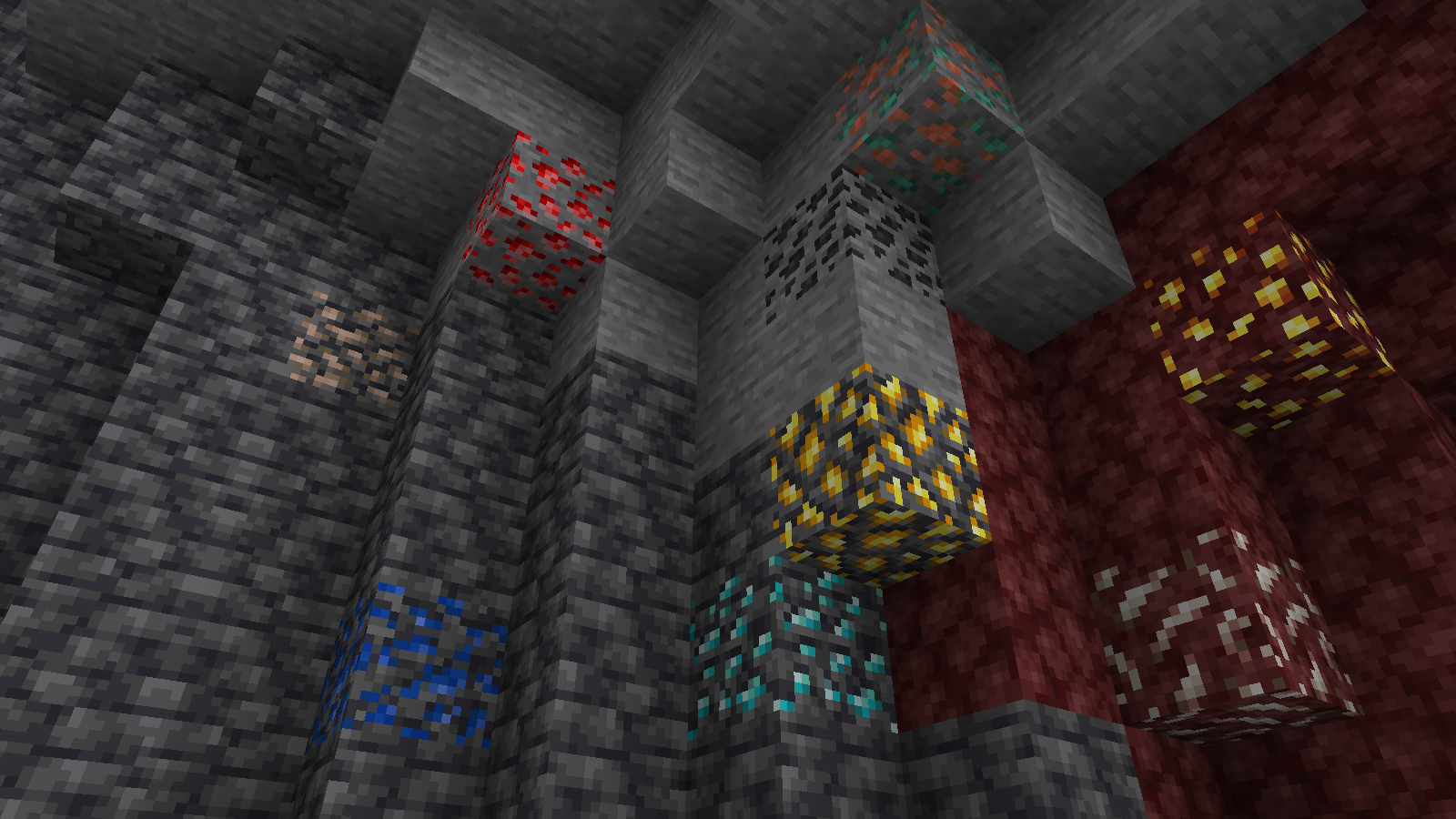
Vanilla ore textures have always seemed very “contained” in their blocks. You could draw a grid using the blocks themselves. This texture pack connects all those lonely ores together, albeit in a pretty rugged way.
This also functions as a more awesome version of all the “ore outline” resource packs.
I didn’t touch gilded blackstone or ancient debris because they’ve all been pretty cool textures already, and I wouldn’t be changing much. I included them in screenshots in the gallery, but I did not change them.
Images
All Ores Affected
1.19-Latest
1.6-1.8.9
Ingame Screenshots
Shader Preview
Solas
Complementary Reimagined
None
All shaders used are linked in the gallery with their corresponding images.
If you have any questions, comments, or ideas, please check out the wiki link and post them there.
Sit down everywhere!
This data pack allows you to sit down everywhere you want using the new (1.19.4) /ride command.
# How to Use
### /trigger Sit
If you want to stop sitting, just press your sneak key (shift by default).



 Features