Kid Named Finger Title Screen (Waltuh)
**Changes the Minecraft logo on the title screen (and the menu background) to a stupid shitpost I’ve had in my mind for a while.**
Two versions are available, one for 1.20 and up, and another for 1.19 and under. Make sure you download the correct version.
[](https://ko-fi.com/nanobuntv)
Special thanks to [Ewan Howell](https://ewanhowell.com) for making the [Blockbench plugin](https://www.blockbench.net/plugins/minecraft_title_generator) that made this possible.
This work is licensed under [CC BY-NC-SA 4.0](https://creativecommons.org/licenses/by-nc-sa/4.0)
Wagi’s Furry Villager – Compats
# English Description
## About
This resource pack enables [Wagi’s Furry Villager](https://modrinth.com/resourcepack/wagis-furry-villager)’s villagers to work with professions and merchants added by mods.
This resource pack requires [ETF](https://modrinth.com/mod/entitytexturefeatures), [EMF](https://modrinth.com/mod/entity-model-features), and [Wagi’s Furry Villager](https://modrinth.com/resourcepack/wagis-furry-villager) to function.
## Compatible Mods
– [Chef’s Delight](https://modrinth.com/mod/chefs-delight)
– Cook
– Chef
– [CozyStudios Core](https://modrinth.com/mod/cozystudios-core)
– Arborist
– Mystical Trader
– [Friends&Foes](https://modrinth.com/mod/friends-and-foes)
– Beekeeper
– [Supplementaries](https://modrinth.com/mod/supplementaries)
– Red Merchant
– [VillagersPlus](https://modrinth.com/mod/villagersplus)
– Horticulturist
– Occultist
– Oceanographer
– Alchemist
– [[Let’s Do] Vinery](https://modrinth.com/mod/lets-do-vinery)
– Wandering Winemaker
– [Guard Villagers](https://modrinth.com/mod/guard-villagers)
– Guard
– [Kaleidoscope Cookery](https://modrinth.com/mod/kaleidoscope-cookery)
– Chef
# Japanese Description
## このリソースパックについて
[Wagi’s Furry Villager](https://modrinth.com/resourcepack/wagis-furry-villager)の村人を、Modで追加された職業や行商人に対応させるリソースパックです。
このリソースパックを動作させるには、[ETF](https://modrinth.com/mod/entitytexturefeatures)と [EMF](https://modrinth.com/mod/entity-model-features)、[Wagi’s Furry Villager](https://modrinth.com/resourcepack/wagis-furry-villager)を必要とします。
## 対応しているMod
– [Chef’s Delight](https://modrinth.com/mod/chefs-delight)
– Cook
– Chef
– [CozyStudios Core](https://modrinth.com/mod/cozystudios-core)
– Arborist
– Mystical Trader
– [Friends&Foes](https://modrinth.com/mod/friends-and-foes)
– Beekeeper
– [Supplementaries](https://modrinth.com/mod/supplementaries)
– Red Merchant
– [VillagersPlus](https://modrinth.com/mod/villagersplus)
– Horticulturist
– Occultist
– Oceanographer
– Alchemist
– [[Let’s Do] Vinery](https://modrinth.com/mod/lets-do-vinery)
– Wandering Winemaker
– [Guard Villagers](https://modrinth.com/mod/guard-villagers)
– Guard
– [Kaleidoscope Cookery](https://modrinth.com/mod/kaleidoscope-cookery)
– Chef
Wagi’s Furry Villager
# English Description
## About
Changes the appearance of villagers, zombie villagers, and wandering traders into cute animals.
This resource pack requires [ETF](https://modrinth.com/mod/entitytexturefeatures) and [EMF](https://modrinth.com/mod/entity-model-features).
## How to Get Specific Patterns
You can give villagers specific patterns by naming them as follows:
* Brown Shiba Inu → dog_shiba_brown
* Gray striped cat → cat_stripe_grey
* Rabbit with upright ears and red eyes → rabbit_japanese
* Rabbit with floppy ears and red eyes → rabbit_lopear_japanese
Please refer to the gallery for strings to add after “dog” or “cat” or “rabbit”.
## Jobs and Patterns List

## Q&A
* Can I include this resource pack in a mod pack?
* Yes. You are free to include it in a mod pack and publish it.
* Can I publish or stream videos using this resource pack on a monetized channel?
* Yes. You are free to publish videos or live stream yourself playing, regardless of whether your channel is monetized or not.
## Future Updates
* Added more patterns.
* Allow different types of animals to spawn in different biomes.
* Replaced iron golems.
—
# Japanese Description
## このリソースパックについて
村人、ゾンビ村人、行商人の見た目を可愛い動物に変更します。
このリソースパックを動作させるには、[ETF](https://modrinth.com/mod/entitytexturefeatures)と [EMF](https://modrinth.com/mod/entity-model-features)を必要とします。
## 特定の柄を出す方法
村人に以下のように名前を付けることで、特定の柄にすることができます。
* 茶色の柴犬→dog_shiba_brown
* 灰色の縞模様の猫→cat_stripe_grey
* 立ち耳で赤い目のウサギ→rabbit_japanese
* たれ耳で赤い目のウサギ→rabbit_lopear_japanese
dogやcat、rabbitの後ろに付ける文字列は、ギャラリーを参考にしてください。
## Q&A
* このリソースパックをModパックに含めることはできますか。
* はい。自由にModパックに含めて公開することができます。
* このリソースパックを使用した動画を収益化したチャンネルで公開したり、配信したりできますか。
* はい。チャンネルが収益化しているかどうかに関わらず、自由に動画を公開したり、遊んでいる様子をライブ配信することができます。
## 今後のアップデートについて
* 模様のさらなる追加。
* バイオームごとに違う種類の動物が出現するようにする。
* アイアンゴーレムの差し替え。
Wagi’s Furry Agent
# English Description
## About
This resource pack changes the appearance of wolves when given a specific name.
This resource pack requires [ETF](https://modrinth.com/mod/entitytexturefeatures), [EMF](https://modrinth.com/mod/entity-model-features), and [ESF](https://modrinth.com/mod/esf) to function.
## How to Name
The appearance changes depending on the codename you give each agent, regardless of case.
Please check the gallery images for implemented agents.
## Q&A
* Can I include this resource pack in a mod pack?
* Yes. You are free to include it in a mod pack and publish it.
* Can I publish or stream videos using this resource pack on a monetized channel?
* Yes. You are free to publish videos or live stream yourself playing, regardless of whether your channel is monetized or not.
—
# Japanese Description
## このリソースパックについて
オオカミに特定の名前を付けた時の見た目を変更します。
このリソースパックを動作させるには、[ETF](https://modrinth.com/mod/entitytexturefeatures)と [EMF](https://modrinth.com/mod/entity-model-features)、[ESF](https://modrinth.com/mod/esf)を必要とします。
## 名前の付け方
大文字小文字の区別なく、各エージェントのコードネームを付けることで、見た目が変化します。
実装済みのエージェントは、ギャラリーの画像をご確認ください。
## Q&A
* このリソースパックをModパックに含めることはできますか。
* はい。自由にModパックに含めて公開することができます。
* このリソースパックを使用した動画を収益化したチャンネルで公開したり、配信したりできますか。
* はい。チャンネルが収益化しているかどうかに関わらず、自由に動画を公開したり、遊んでいる様子をライブ配信することができます。
Vuurwerkshow Panorama
English version of the description
This is a project for a Dutch server but if you are really interested you can read the translation in English here.
# Fireworks show panorama
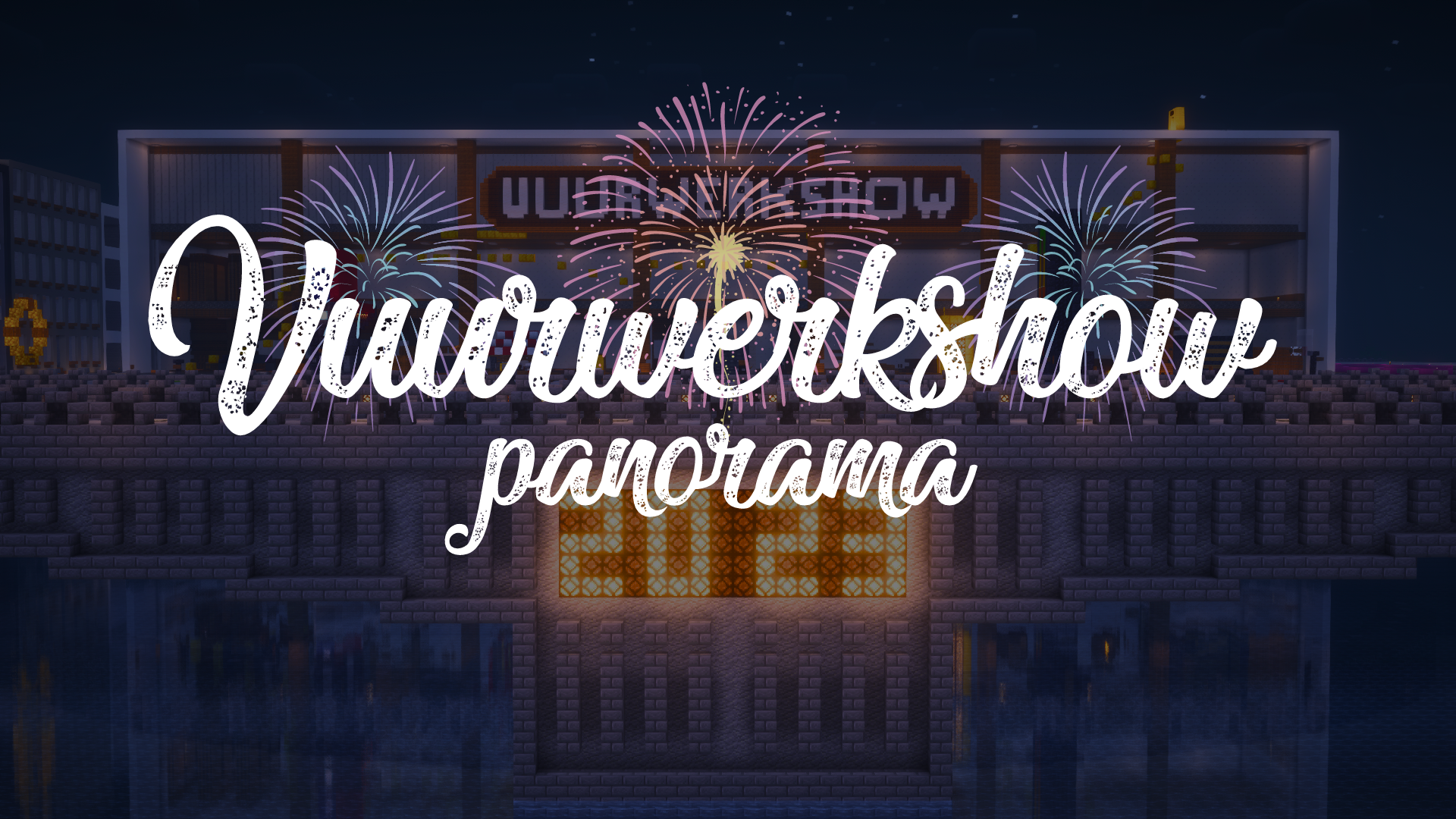
A panorama resource pack for the 2023-2024 New Year’s Eve fireworks show on the Torchcraft server!
## Explanation
Every year we organize a fireworks show at the end of the year with a number of players on the Dutch server Torchcraft to celebrate New Year’s Eve together. We start the evening with a speech, followed by the fireworks show that lasts about 10 minutes. Afterwards we have lots of fun activities such as giveaways, checkers, 4 in a row and much more! This year the show will take place on 27/12, announcement will follow soon.
Announcement ➤ [https://torchcraft.nl/forums/topic/16285-🎇-vuurwerkshow-2023-2024/](https://torchcraft.nl/forums/topic/16285-🎇-vuurwerkshow-2023-2024/)
## Support
If you have any issues, ideas, or other feedback about this project, please contact me via Discord or email. You can contact me on Discord by sending a friend request so you can message me.
Discord: tibodp
Email: [email protected]
# Vuurwerkshow panorama
Een panorama resourcepack voor de vuurwerkshow van 2023-2024 met oud & nieuw op de Torchcraft server!
## Uitleg
Elk jaar organiseren we met een aantal spelers op de Nederlands server Torchcraft een vuurwerkshow op het einde van het jaar om samen oud & nieuw te vieren. We beginnen de avond met een toespraak waarop daarna de vuurwerkshow volgt die zo een 10 minuten duurt. Daarna hebben we tal van leuke activiteiten zoals giveaways, dammen, 4 op een rij en nog veel meer! De show vindt dit jaar plaats op 27/12, aankondiging volgt binnenkort.
Aankondiging ➤ [https://torchcraft.nl/forums/topic/16285-🎇-vuurwerkshow-2023-2024/](https://torchcraft.nl/forums/topic/16285-🎇-vuurwerkshow-2023-2024/)
## Support
Als je problemen, ideeën of andere feedback hebt over dit project, neem dan contact met mij op via Discord of e-mail. Je kunt contact met mij opnemen op Discord door een vriendschapsverzoek te sturen, zodat je mij een bericht kunt sturen.
Discord: tibodp
Mail: [email protected]
## 🌟 My other projects:
– [Torchcraft Lobby Panorama](https://modrinth.com/resourcepack/torchcraft-lobby-panorama)
– [The Ultimate Creator](https://modrinth.com/modpack/the-ultimate-creator)
– [Chromakey Blocks](https://modrinth.com/modpack/the-ultimate-creator)
– [No Worldborder](https://modrinth.com/modpack/the-ultimate-creator)
– [Vuurwerkshow Modpack](https://modrinth.com/modpack/the-ultimate-creator)
– [Vuurwerkshow Panorama](https://modrinth.com/modpack/the-ultimate-creator)
– [Vuurwerkshow Paintings](https://modrinth.com/resourcepack/vuurwerkshow-paintings)
_Please only join the server if you speak Dutch because it is a Dutch-speaking server._
Vuurwerkshow Paintings
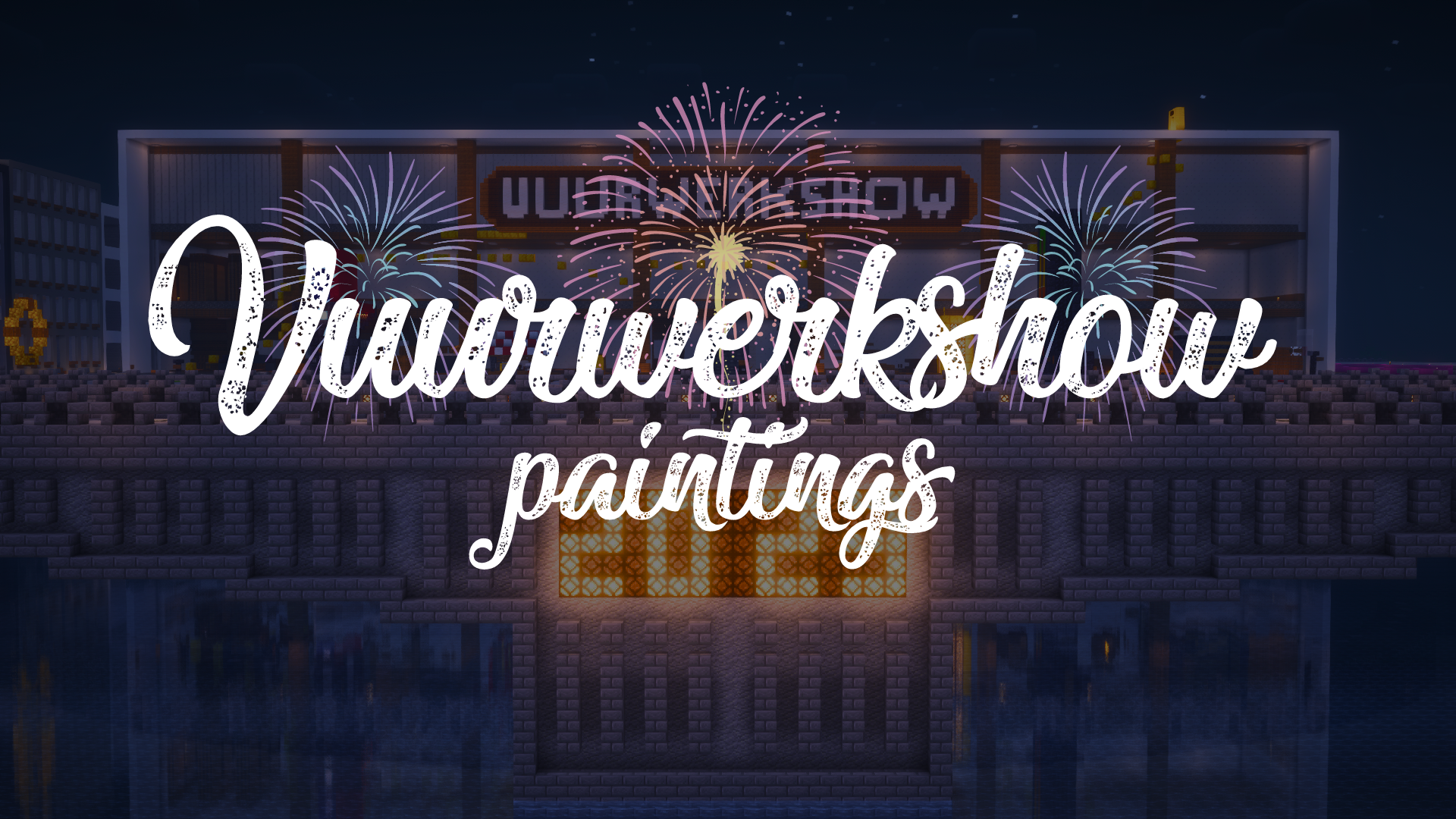
This resource pack turns all paintings into screenshots of the 2023-2024 fireworks show on the Dutch server Torchcraft.
## Support
If you have any problems, ideas, or other feedback about this project, please contact me via discord or email. You can contact me on Discord by sending a friend request, so you can send me a message.
Discord: tibodp
Mail: [email protected]
## 🌟 My other projects:
– [Torchcraft Lobby Panorama](https://modrinth.com/resourcepack/torchcraft-lobby-panorama)
– [The Ultimate Creator](https://modrinth.com/modpack/the-ultimate-creator)
– [Chromakey Blocks](https://modrinth.com/modpack/the-ultimate-creator)
– [No Worldborder](https://modrinth.com/modpack/the-ultimate-creator)
– [Vuurwerkshow Modpack](https://modrinth.com/modpack/the-ultimate-creator)
– [Vuurwerkshow Panorama](https://modrinth.com/modpack/the-ultimate-creator)
– [Vuurwerkshow Paintings](https://modrinth.com/resourcepack/vuurwerkshow-paintings)
_Please only join the server if you speak Dutch because it is a Dutch-speaking server._
VoiceChatX-Red
# VoiceChatX-Red
### 📖 About
– VoiceChatX-Red brings life to your Simple Voice Chat icons by adding smooth colors.
– It enhances visuals without changing the core look, making the icons feel more alife and engaging.
### ✨ Features
– Adds smooth color to the Simple Voice Chat mod
– Fully matches the theme aesthetic
– Keeps original item designs clean and simple
– Enhances visual feedback and immersion
– Lightweight and performance-friendly
### 🎯 Why Use This?
– Makes the icons have more color
– Improves overall visual experience
– Keeps a clean and consistent style
– Great for both survival and showcase worlds
– Adds detail without adding clutter
### ⚙️ Compatibility
– Designed for the Simple Voice Chat mod
– Works well alongside most other packs
– May conflict with packs that modify the same icons
– Safe to add or remove anytime
### 🤖 Info
🔗 Check out [All my resourcepacks](https://modrinth.com/user/Apenkont3000)
🐞 Report bugs in my [discord server](https://discord.gg/nf29GuwzRd)
VoiceChatX-Green
# VoiceChatX-Green
### 📖 About
– VoiceChatX-Green brings life to your Simple Voice Chat icons by adding smooth colors.
– It enhances visuals without changing the core look, making the icons feel more alife and engaging.
### ✨ Features
– Adds smooth color to the Simple Voice Chat mod
– Fully matches the theme aesthetic
– Keeps original item designs clean and simple
– Enhances visual feedback and immersion
– Lightweight and performance-friendly
### 🎯 Why Use This?
– Makes the icons have more color
– Improves overall visual experience
– Keeps a clean and consistent style
– Great for both survival and showcase worlds
– Adds detail without adding clutter
### ⚙️ Compatibility
– Designed for the Simple Voice Chat mod
– Works well alongside most other packs
– May conflict with packs that modify the same icons
– Safe to add or remove anytime
### 🤖 Info
🔗 Check out [All my resourcepacks](https://modrinth.com/user/Apenkont3000)
🐞 Report bugs in my [discord server](https://discord.gg/nf29GuwzRd)
VoiceChatX-Blue
# VoiceChatX-Blue
### 📖 About
– VoiceChatX-Blue brings life to your Simple Voice Chat icons by adding smooth colors.
– It enhances visuals without changing the core look, making the icons feel more alife and engaging.
### ✨ Features
– Adds smooth color to the Simple Voice Chat mod
– Fully matches the theme aesthetic
– Keeps original item designs clean and simple
– Enhances visual feedback and immersion
– Lightweight and performance-friendly
### 🎯 Why Use This?
– Makes the icons have more color
– Improves overall visual experience
– Keeps a clean and consistent style
– Great for both survival and showcase worlds
– Adds detail without adding clutter
### ⚙️ Compatibility
– Designed for the Simple Voice Chat mod
– Works well alongside most other packs
– May conflict with packs that modify the same icons
– Safe to add or remove anytime
### 🤖 Info
🔗 Check out [All my resourcepacks](https://modrinth.com/user/Apenkont3000)
🐞 Report bugs in my [discord server](https://discord.gg/nf29GuwzRd)
Vixmoyy’s No Particles
A simple resource pack that removes all particles from the game using core shaders, _even modded ones!_
—
### • How?
> Instead of overwriting particle textures, this pack simply tells the game not to render them at all. This results in better performance and a true no particle experience.
### • Sodium?
> You can use this resource pack with Sodium if you have the [Sodium Core Shader Support](https://modrinth.com/project/G8yJPRdl) mod installed; it may display a warning stating that it may be incompatible, although it should work just fine.
### • >1.17?
> No, it is not possible to port this to pre 1.17 versions because core shaders could not be modified through resource packs before that.
—
particle.fsh & particle.vsh
### particle.fsh
“`
#version 330
void main()
{
discard;
}
“`
### particle.vsh
“`
#version 330
void main()
{
gl_Position = vec4(0.0, 0.0, 0.0, 0.0);
}
“`
##### You may not redistribute this resource pack anywhere without proper permission, the only official download page for this resource pack is on modrinth.