Smiley Totem
This Resource Pack changes the totem to an Animated Smiley. No OptiFine.

This Resource Pack changes the totem to an Animated Smiley. No OptiFine.

Did you ever think: “_Why is the Crosshair so big_” ?. If yes, this Texturepack is the right choice!
It makes the Crosshair 1 pixel smaller and is good if you want to change the size of the crosshair, without changing the GUI Scale.
(works with the Crosshair Indicator Mod)

This Texturepack makes the Crit Particle smaller. It is perfect for PvP, or if you just want a better vision. If you also don’t like the size of the Crosshair, check out my other Packs!

# Small Shield & Totem
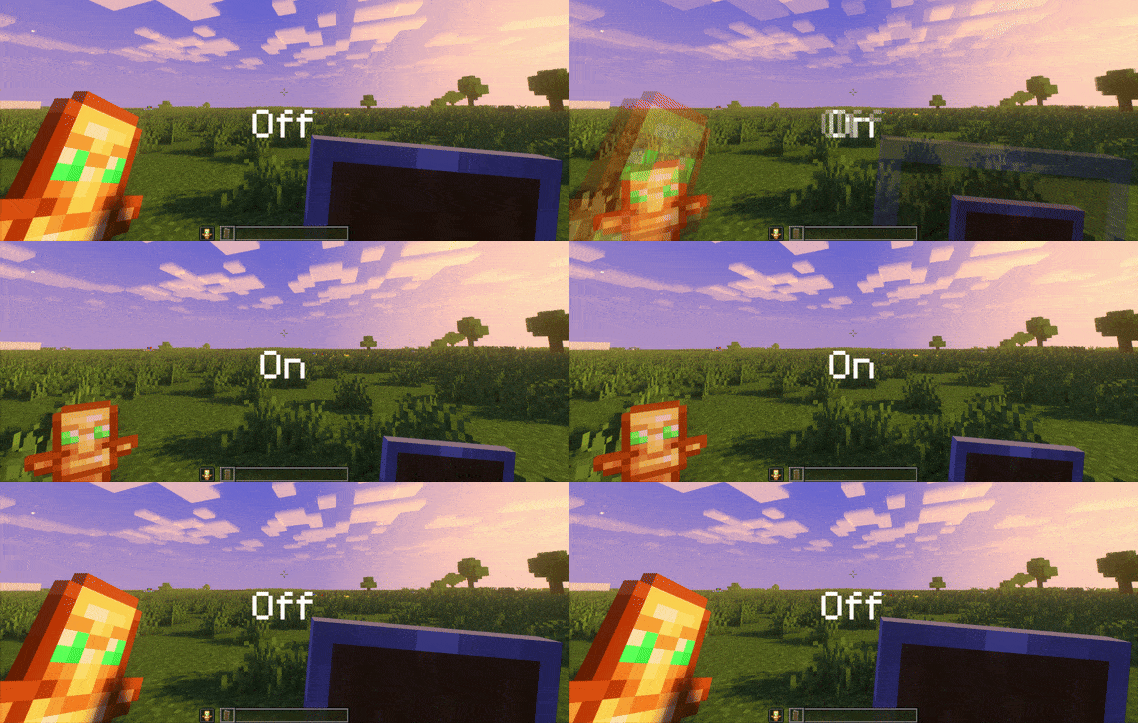
### Features
– Small shield
– Small totem
– Small totem pop
– Small totem pop particles
– No mods needed
### Compatibility
The pack works on all version from **1.9** to the **Newest**
⚠️ Versions 1.19.4 and below will tell you “the pack is for a newer version”, but it will work just fine
### Notice
Totem of undying will be extra small when placed in an item frame. This is unfortunately a side effect of the small totem pop effect
⠀
### Want a Minecraft server? Consider using Sparkedhost!
Use code ‘blob’ for 25% off
[](https://billing.sparkedhost.com/aff.php?aff=3085)
### Features
– Smallified equipment and miscellaneous items.
– Fixes multiple texture issues, such as the end crystal offset.
– Blends in well with vanilla textures.
– Fully compatible with other smallifying resource packs!
– Fully functional in any version from 1.5!
### Questions?
Be sure to make suggestions and report bugs or inconsistencies to the [Jotform](https://form.jotform.com/260524716060046)!
### What Version?
If you are using the Modrinth loader, it should automatically select the resource pack for your version!
In case you are not using the Modrinth loader, the letter determines which pack to install:
* P: 1.5 – 18w43a
* T: 18w43a – Latest
Modified crosshair for PvP gameplay across all Minecraft versions (1.8.9 – 1.21.x), but feel free to use it for casual play if you like it! 🙂
This crosshair is part of my Crosshair Collection; you can find the others listed below:
– [Point Crosshair](https://modrinth.com/resourcepack/point-crosshair-quel13s-pack)
– [Square Crosshair](https://modrinth.com/resourcepack/square-crosshair-quel13s-pack)
– [Targeter Crosshair](https://modrinth.com/resourcepack/targeter-crosshair-quel13s-pack)
– [Scope Crosshair](https://modrinth.com/resourcepack/scope-crosshair-quel13s-pack)
**Developed by quel13.**
**If you are looking for a texture pack to make the Minecraft interface invisible, you can find it here:**
[](https://modrinth.com/resourcepack/invisible-gui)
# Makes Swords Slightly Shorter
## Why would you use this?
If you ever thought that swords are a bit too long (like me), especially when looking in the inventory or hotbar. Well i fixed it!
## List of Changes in the pack
– Shorter Wooden Sword
– Shorter Stone Sword
– Shorter Iron Sword
– Shorter Gold Sword
– Shorter Diamond Sword
– Shorter Netherite Sword
Check out my Youtube channel, I make Youtube videos: https://youtube.com/@siberianugget
**[Requires Optifine]
[For Fabric, Forge, & NeoForge Users:] (Recommended)**
https://modrinth.com/mod/entitytexturefeatures
https://modrinth.com/mod/entity-model-features
https://modrinth.com/mod/nopackcompatcheck
**[“Human Era: Villagers & Illagers” Recommended for better experience when applying this pack, since this pack was made to enhance the experience of “Human Era: Villagers & Illagers”]**
**Pack Description:** This resource pack is yet an another better mobs pack or mobs refreshed, like, theres alot of better mobs pack, but this pack has a different approach with modeling, and instead of making it wide or big or however, this pack is more of a take of what the mobs could probably look like if i were Mojang’s team since like back then, with a different approach but still faithful to the jappa style, that’s why it’s more of a slight tweak.
There are some mobs however that have a full change due to some ideas in mind, specifically the fantasy mobs, like, i wanna give them a certain feel and mistique, i have no reason to drastically change some of them, but i wanna do experimentations of modeling and concepting mob designs while still retaining the vanilla style, the results is that the models can be a bit questionable… but i mean, not everyone’s preference, but i’m gonna roll.
This pack has a choice of not adding more variants, and this is because this pack is meant to be compatible with other packs that uses the same mechanic as the pack “Human Player Mobs” (EMF and ETF needs to be fixed for this, this works on Optifine somehow), which means that if theres a pack that uses model2.jem or model3.jem, or the properties mechanic for the CEM models, this pack should work on them, atleast in Optifine
**PMC Account:** https://www.planetminecraft.com/member/stalkermcnuggets/
This fontpack adds a Sleek Digital Retro font.
To install it, make sure to select it in the resource packs screen and put it on top of other font packs.
# MY OTHER FONTS
– [Paramita Font by SourAlien](https://modrinth.com/resourcepack/paramita-font-by-souralien)
– [Marga Font by SourAlien](https://modrinth.com/resourcepack/marga-font-by-souralien)
– [PP Font](https://modrinth.com/project/pp-font)
– [Anicca Font by SourAlien](https://modrinth.com/resourcepack/anicca-font-by-souralien)
– [Warm Mojangles](https://modrinth.com/resourcepack/warm-mojangles)
– [Tiny Bold Font](https://modrinth.com/resourcepack/tiny-bold-font)
– [SAS SMALL CAPS FONT](https://modrinth.com/resourcepack/sas-small-caps-font)
– [sas all lowercase font](https://modrinth.com/resourcepack/sas-all-lowercase-font)
– [Samsara Mono by SourAlien](https://modrinth.com/resourcepack/samsara-mono-font-by-souralien)
– [Epsilon Font by SourAlien](https://modrinth.com/resourcepack/epsilon-font-by-souralien).
– [Ostrakon Font by SourAlien](https://modrinth.com/resourcepack/ostrakon-font-by-souralien)
– [Alice Font](https://modrinth.com/resourcepack/alice-font)
– [Synesthete’s Dream](https://modrinth.com/resourcepack/synesthetes-dream)
– [HD B&W Font](https://modrinth.com/resourcepack/hd-bw-font)
Vanilla ore textures have always seemed very “contained” in their blocks. You could draw a grid using the blocks themselves. This texture pack connects all those lonely ores together, albeit in a pretty rugged way.
This also functions as a more awesome version of all the “ore outline” resource packs.
I didn’t touch gilded blackstone or ancient debris because they’ve all been pretty cool textures already, and I wouldn’t be changing much. I included them in screenshots in the gallery, but I did not change them.
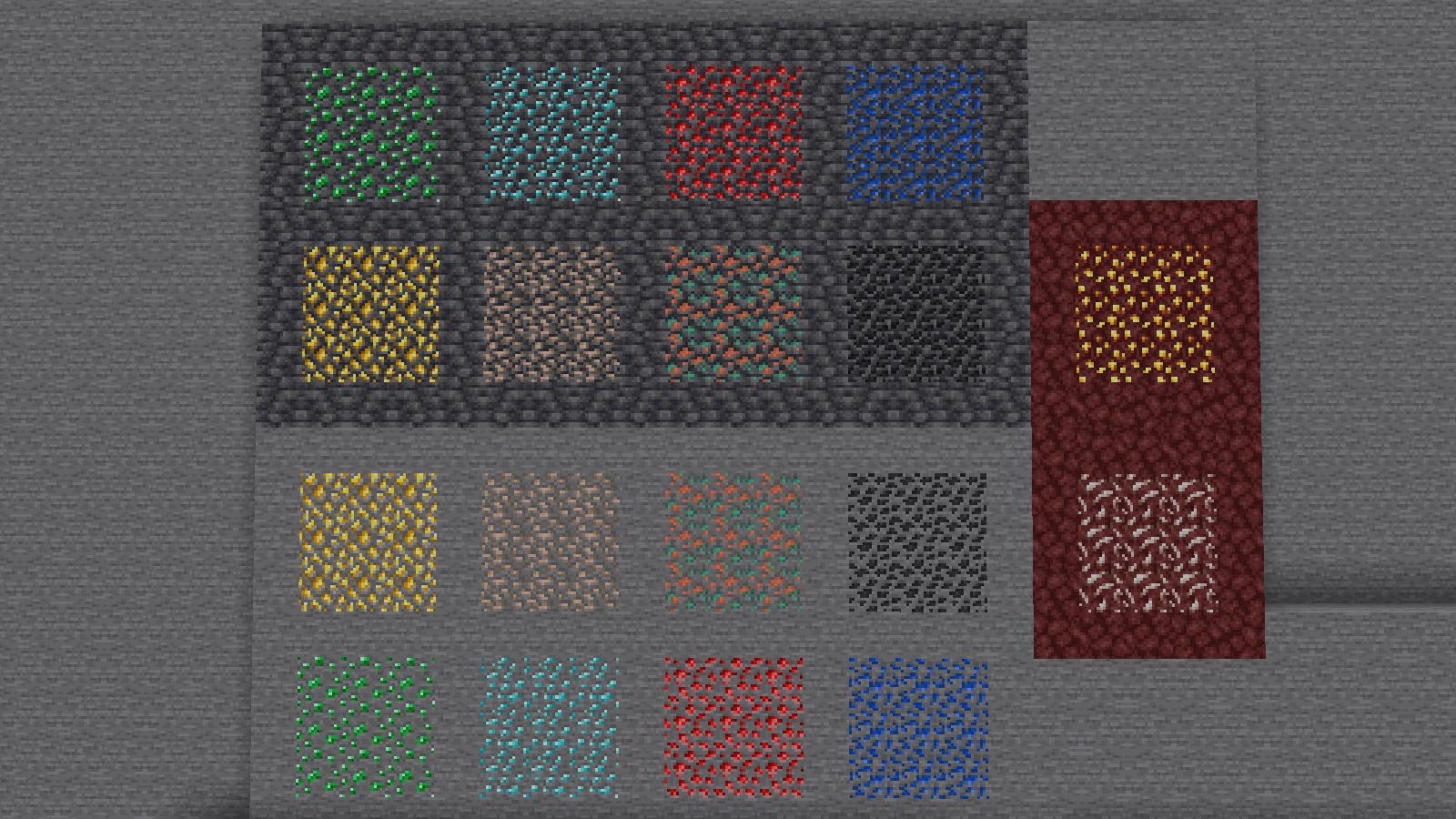
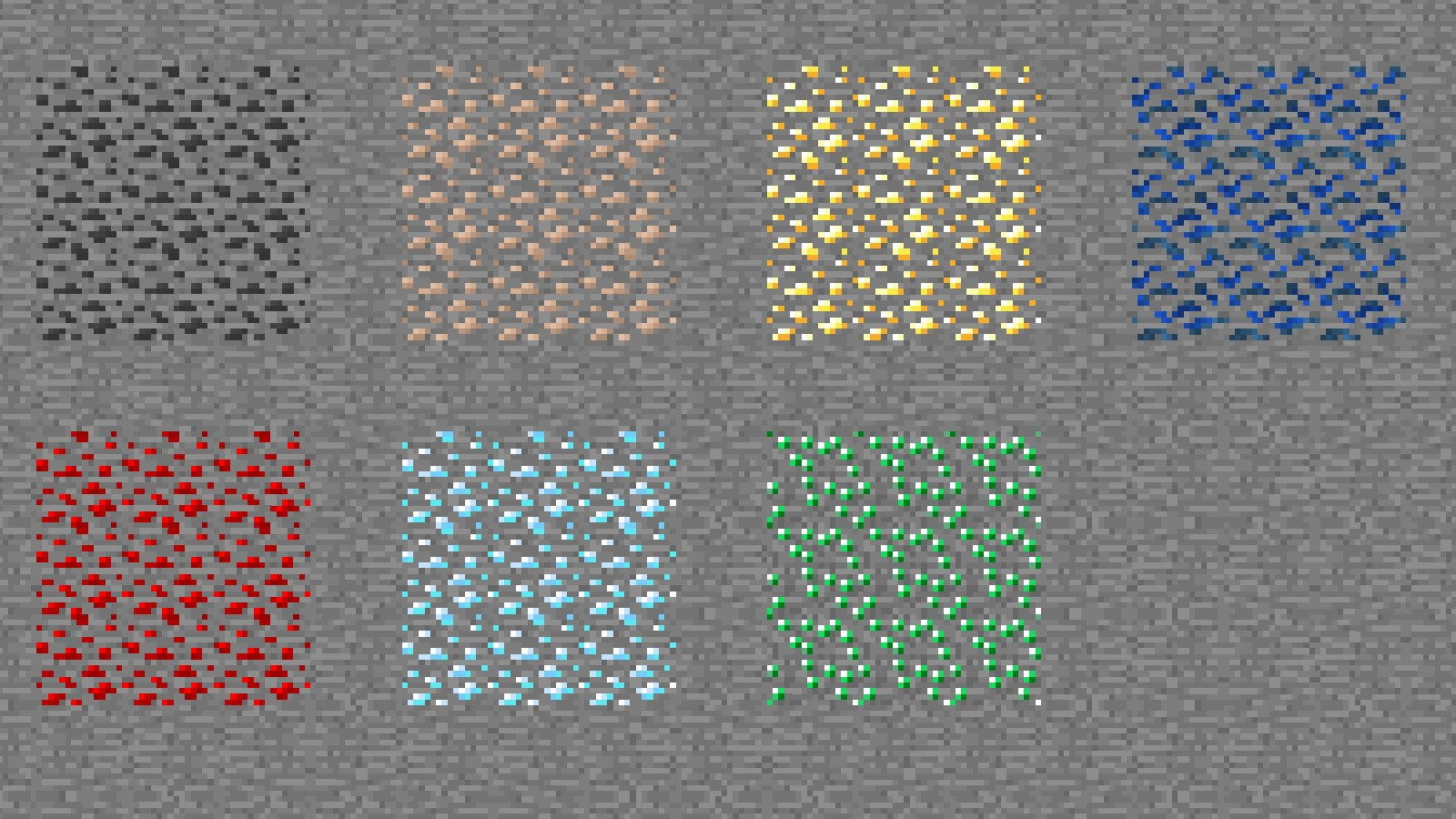
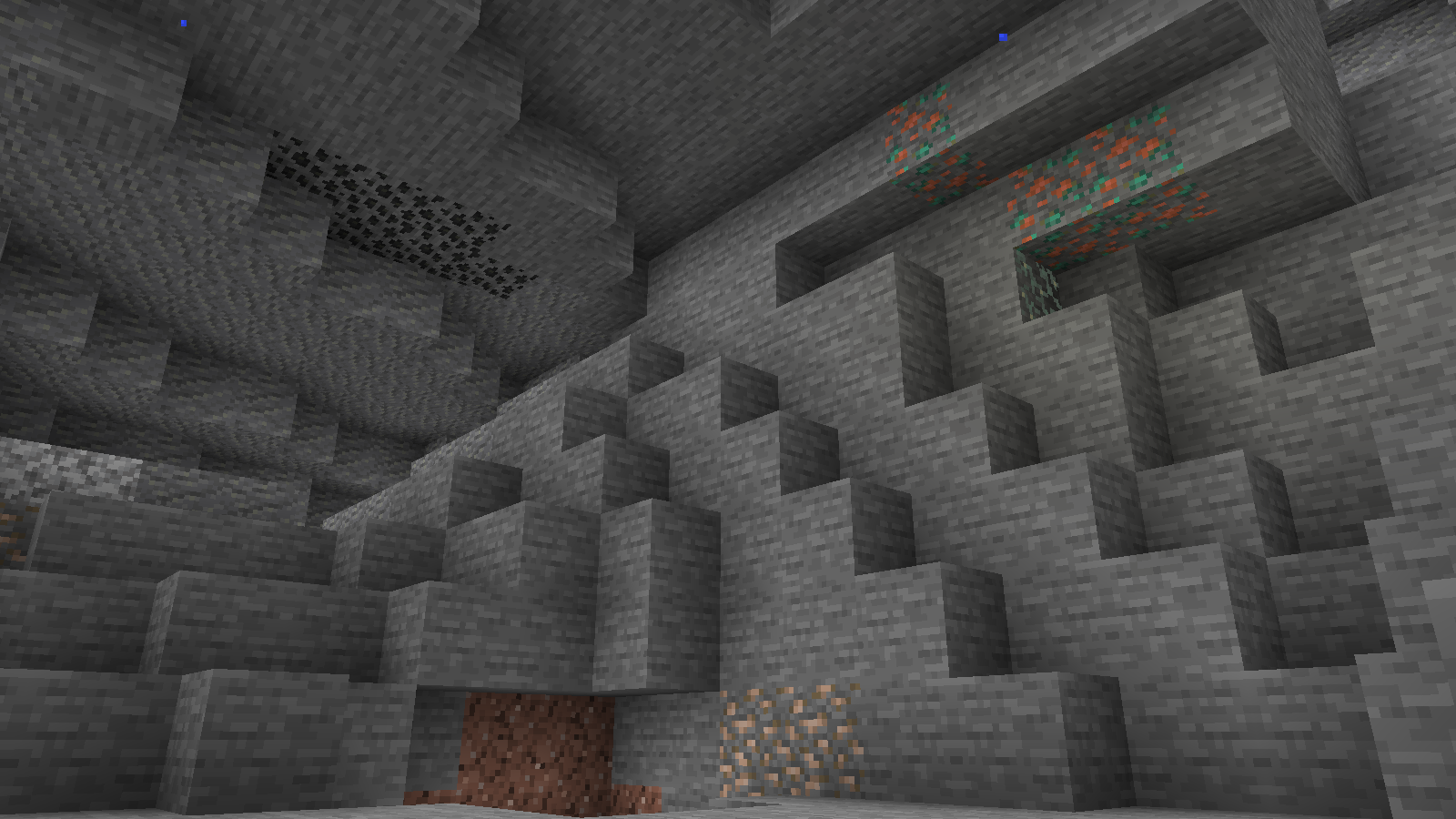
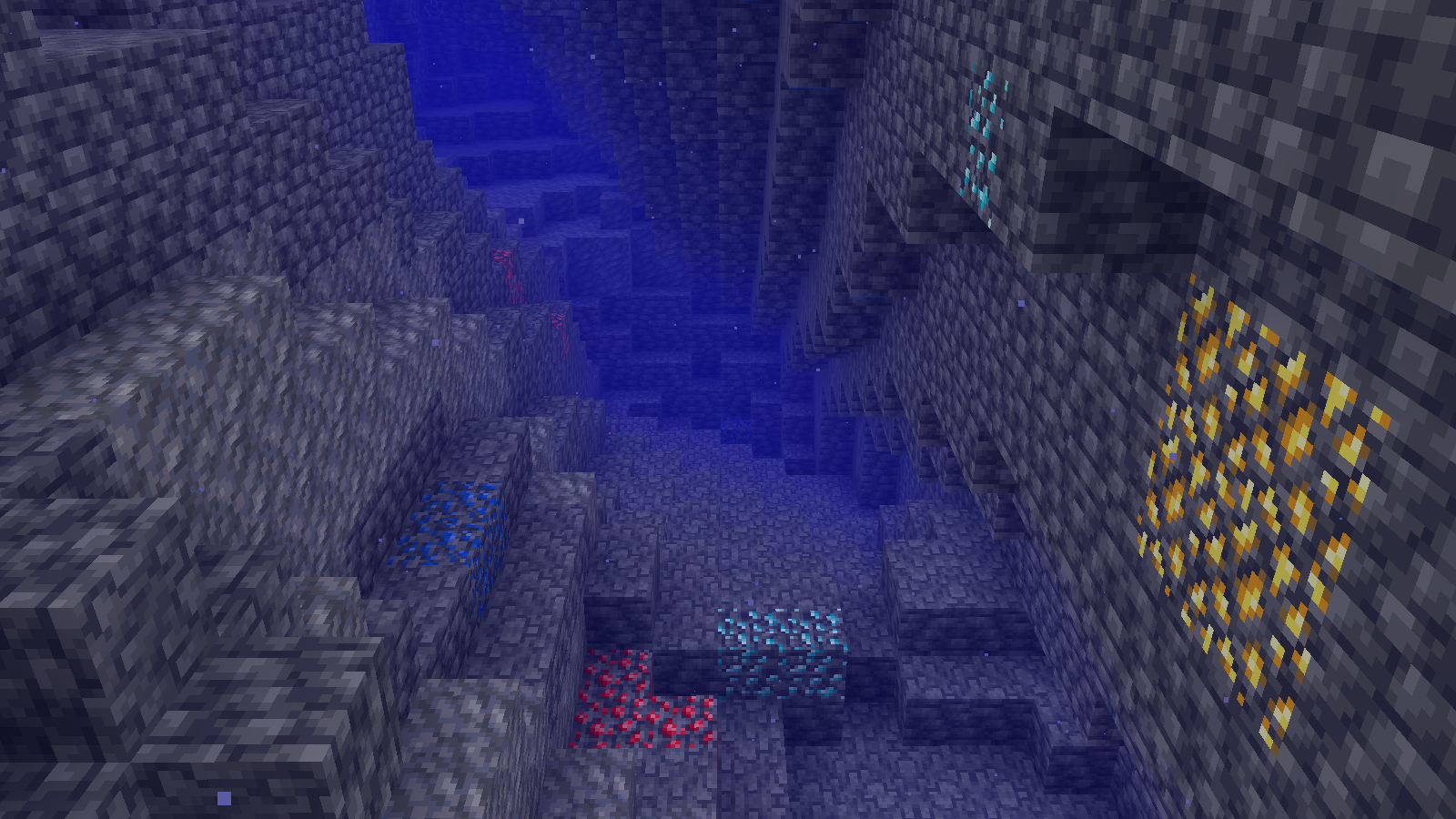
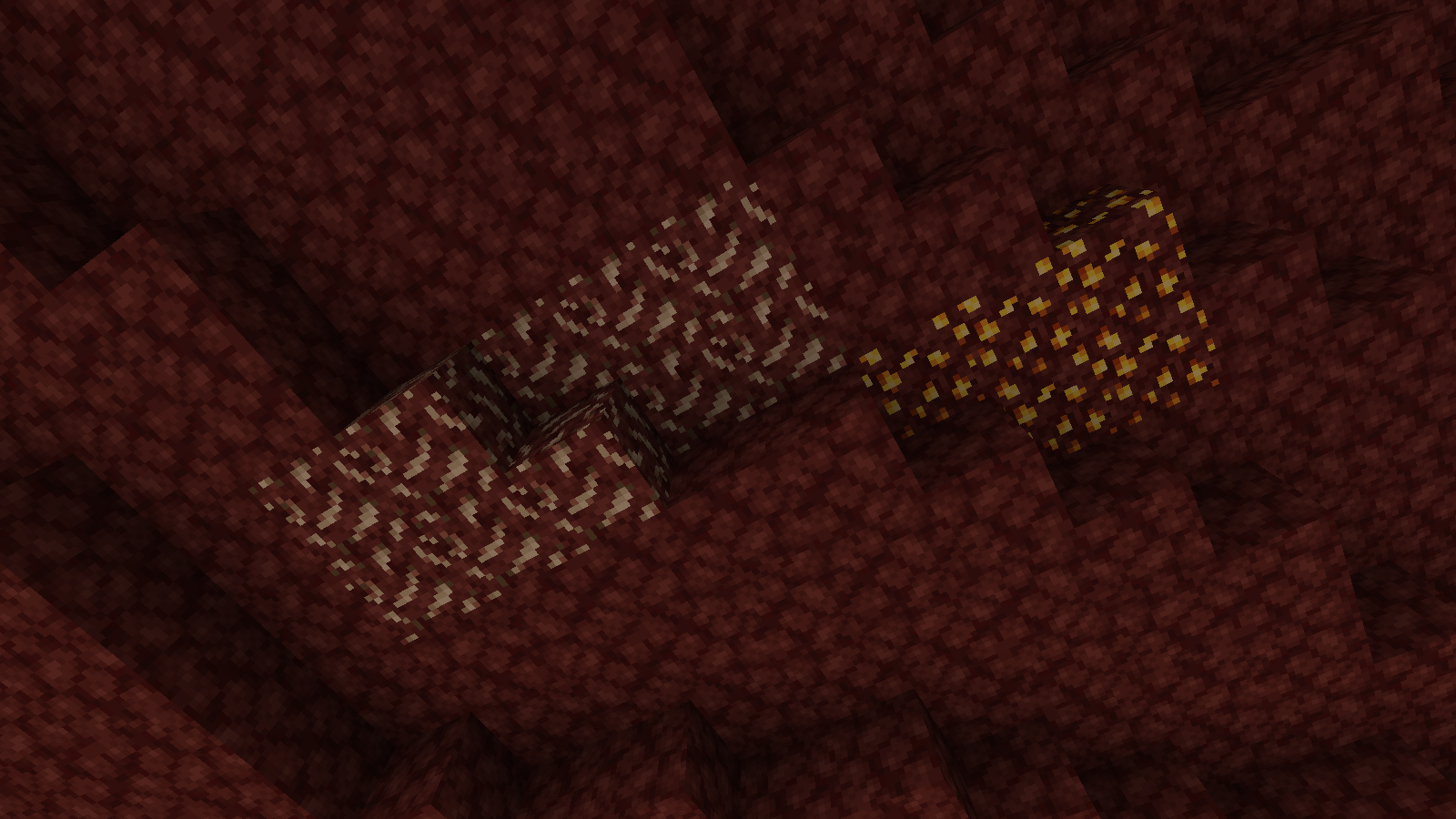
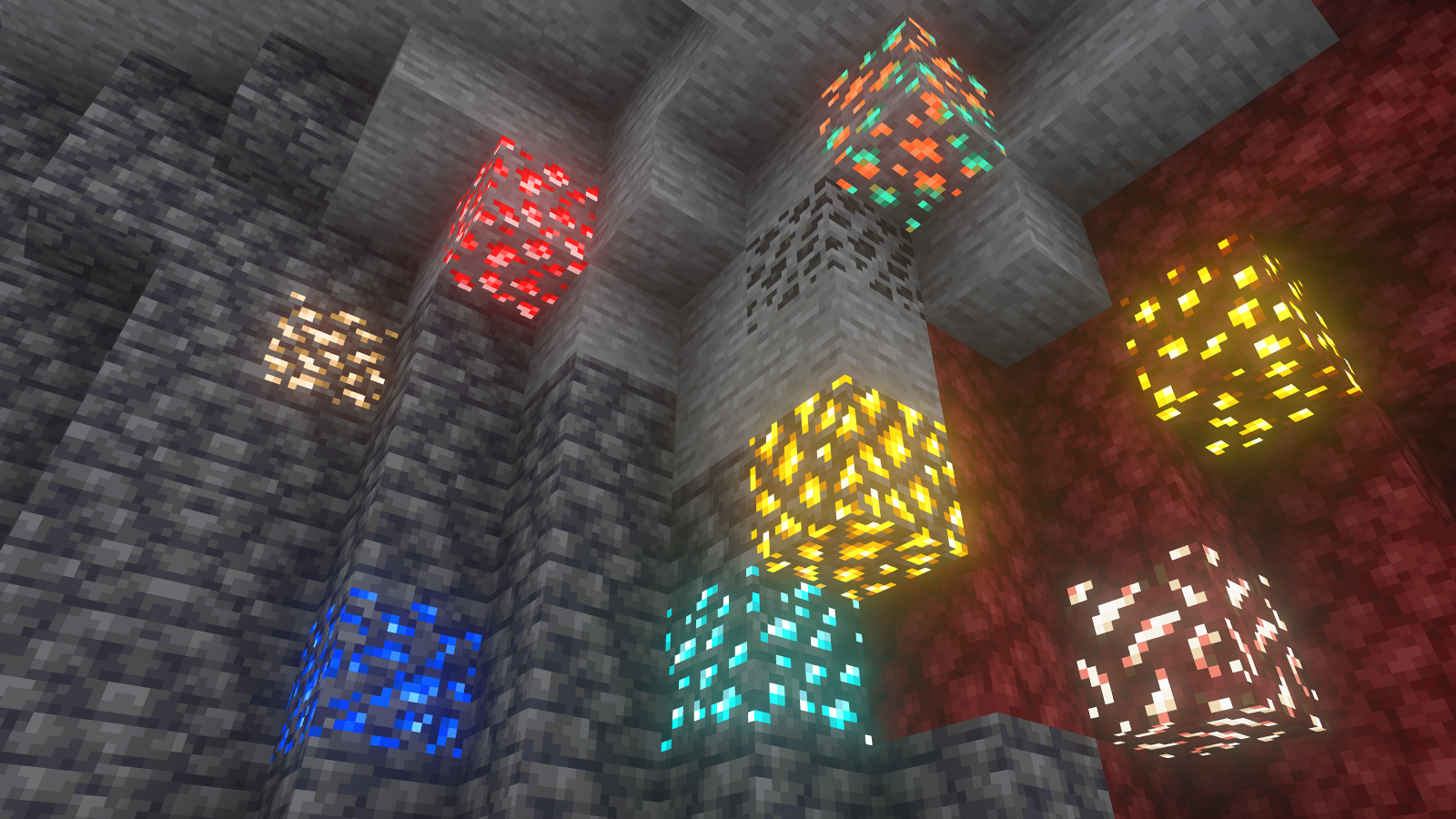
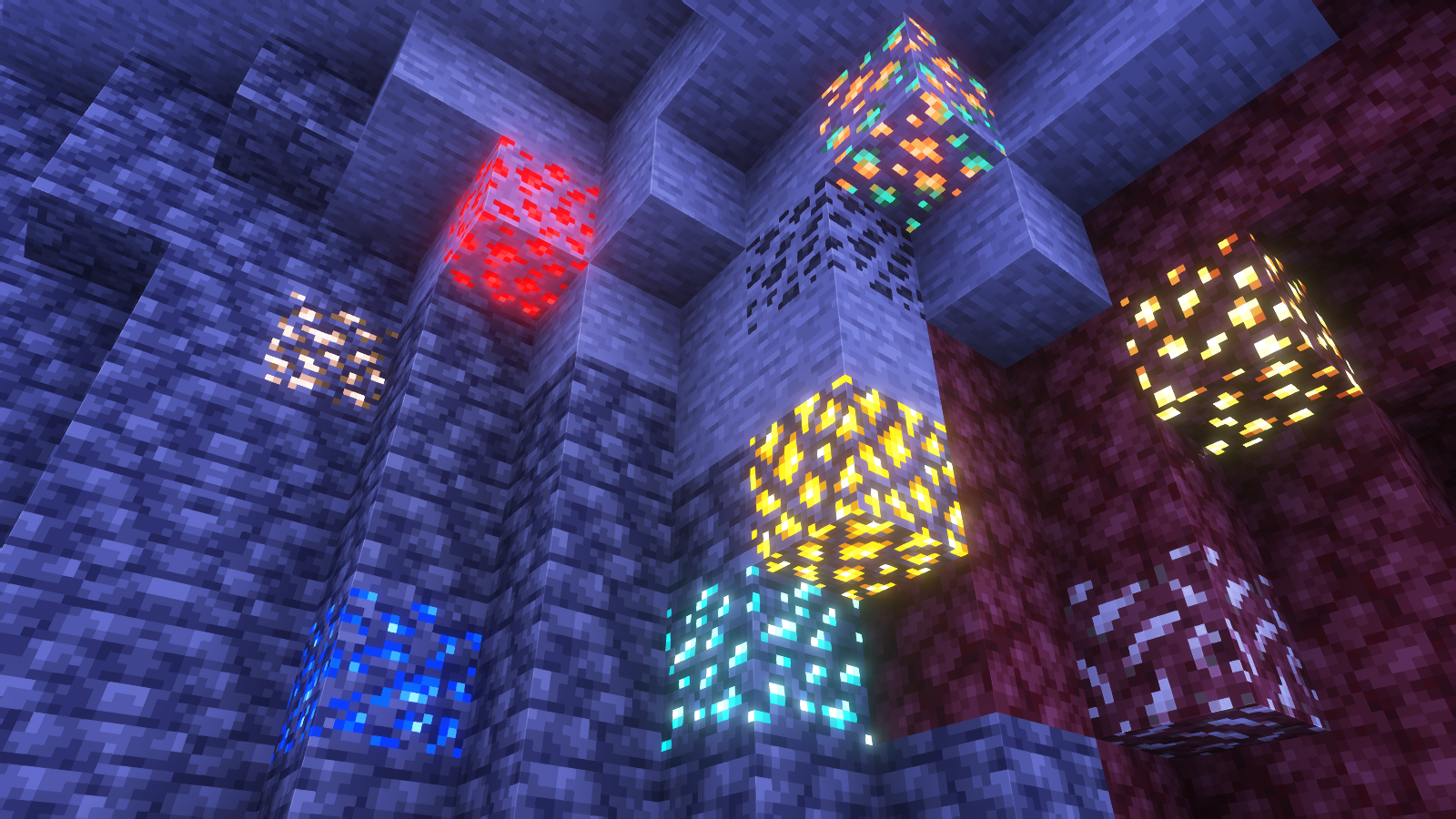
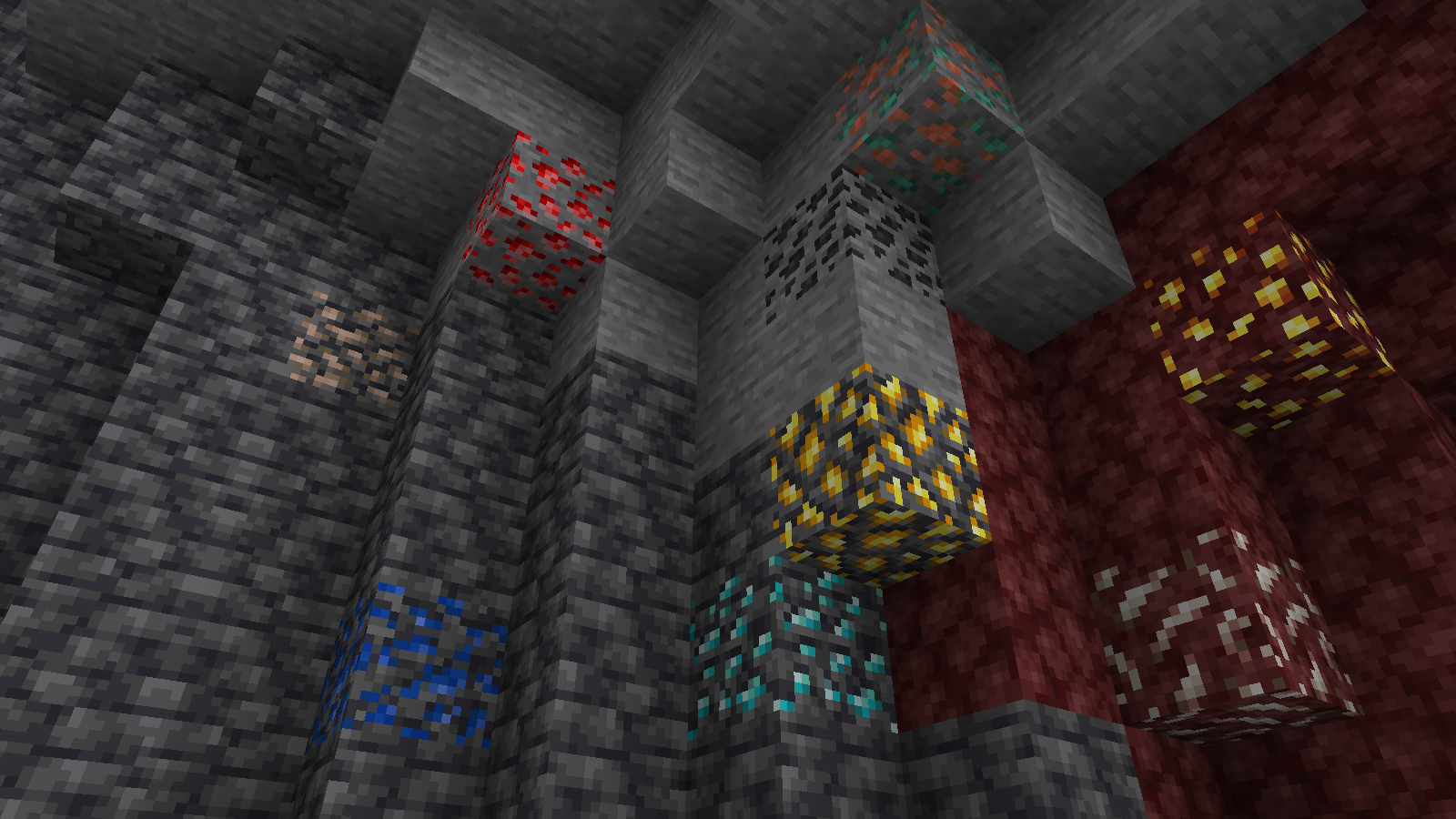
All shaders used are linked in the gallery with their corresponding images.
If you have any questions, comments, or ideas, please check out the wiki link and post them there.