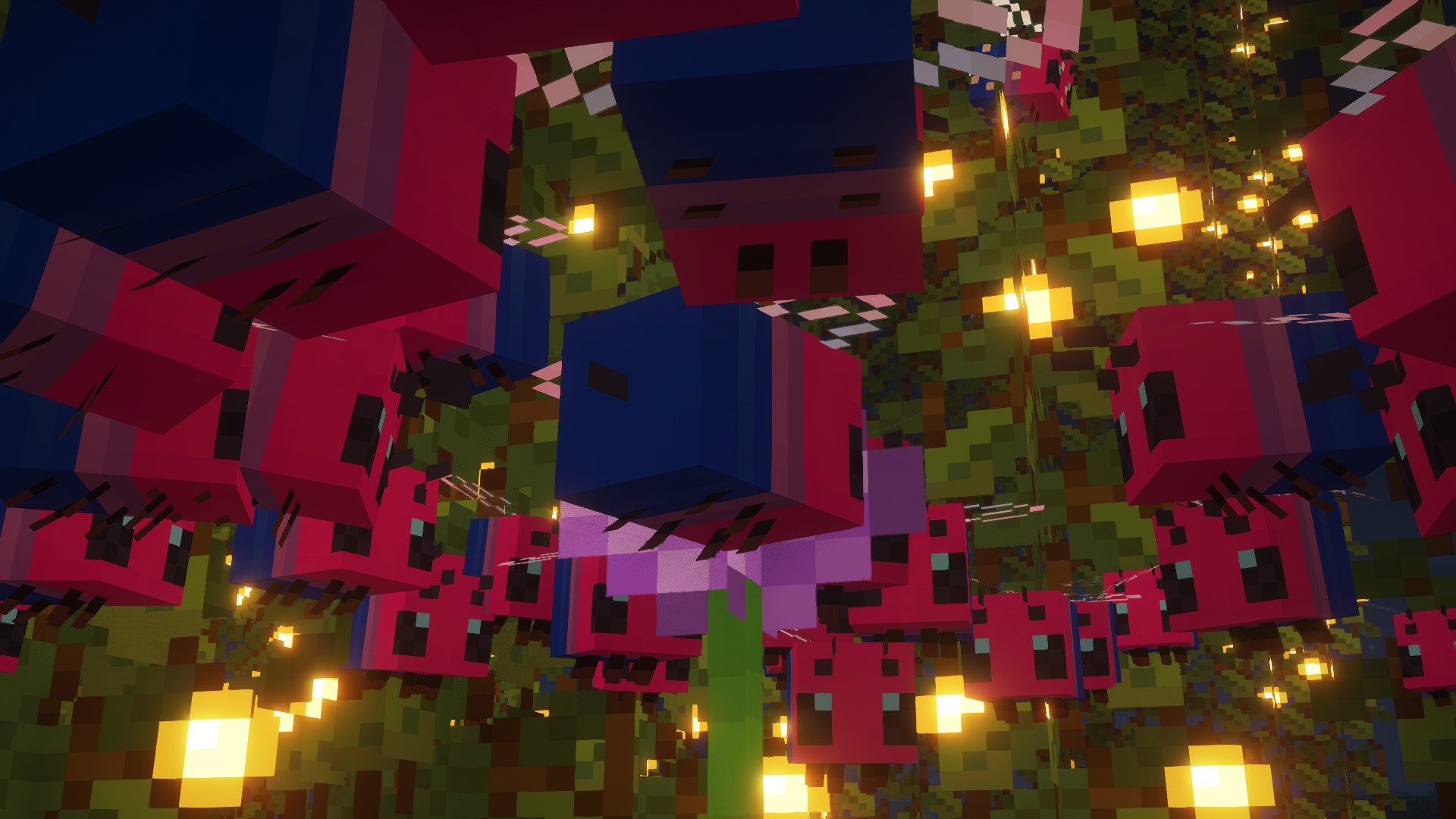
# EnchantLang

This is a simple resource pack that changes all of the text, including signs and chat, to use the Standard Galactic Alphabet (Enchantment Table alphabet) font.
The reason on why to do this is simple:
Why not? When life gives you lemons ~~don’t~~ make lemonade
## Screenshots
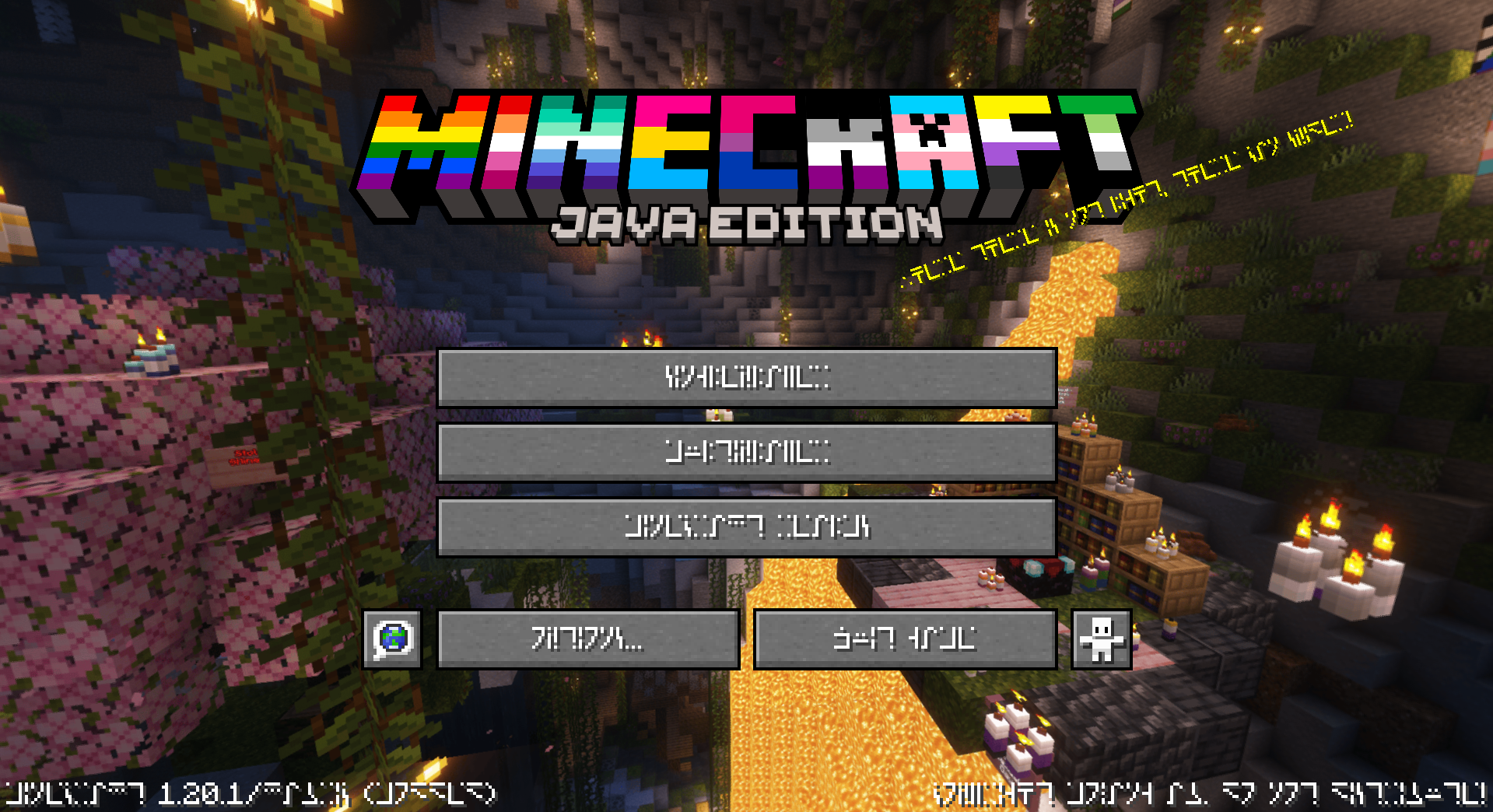
## 🏳️🌈-Pridecraft
Have you ever thought that your game is too boring and straight? Well, that’s no more! Get Pridepack *(or it’s variations)* today!
Enchant Icons Reforged
# **Enchant Icons Reforged**
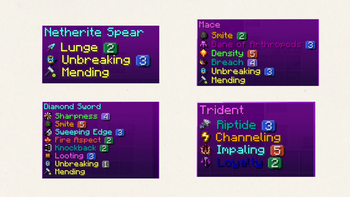
Bring your enchantments to life with **Enchant Icons Reforged** — a complete visual overhaul of Minecraft’s enchantment system.
Every enchantment now has its own **unique icon**, **colored name**, and **level icon**, making your enchanted gear and books instantly recognizable and beautifully immersive.
## ✨ Features
– Custom **enchantment icons** for all enchants
– Distinct **level icons** for enchantment tiers
– **Color-coded names** for quick readability
– Works with **enchanted books, tools, and armor**
– Fully **vanilla-friendly** — no mods required
Perfect for players who love clean visuals, magical flair, and improved clarity in every enchantment.
EMP’s Bushier Leaves
# Do you ever wish that Minecraft’s leaves looked nicer? Maybe bushier or fuller? Well, this pack is the answer to your question!
## What? 👂
Makes vanilla leaves look bushier. 🌿
## How 🤨
By applying a **different model** to leaves through a resource pack.
## Help! My leaves aren’t bushier! 😫
You may have made one of two mistakes.
> 1. You didn’t install the pack correctly, watch this video on how if you don’t understand – https://www.youtube.com/watch?v=X3idBsCTNio
>
> 2. You may need to **reload** your game or you have a pack **overriding** this one, to reload the game while in a world, press `F3 +` `T`, and make sure that this pack is at the **top** of your resource pack list.
## Help! Only some leaves are bushier! 😩
If you have a mod that **culls** the models of leaves in the **distance**, they may *appear* wrong.
## HeLP mY gaMe iS dyInG!1!11 😵
This pack makes leaves a *little* more complex to render, and leaves **already** are **harder** to render, these in **combination** may create a *little* lag on **lower-end** systems. One fix is to **lower** your render distance and/or install a **leaf culling mod**.
Leaf Culling Mods: (From most aggressive to least)
> 1. https://modrinth.com/mod/cull-leaves
> 2. https://modrinth.com/mod/cull-less-leaves
> 3. https://optifine.net/home
Elmo Totem of Undying
Hey there! If you’re a fan of Minecraft and Sesame Street, then you’re going to love this texture pack! This pack replaces the texture of the totem of undying with everyone’s favorite furry red monster – Elmo! Once you’ve installed the texture pack, you’ll notice that every time you use the totem of undying, it will now be replaced by Elmo’s smiling face. It’s a fun and quirky addition to the game that adds a bit of personality to your Minecraft experience. The Elmo totem of undying texture pack is perfect for players who want to add a bit of whimsy to their Minecraft world. It’s a great way to inject some lightheartedness into a game that can sometimes feel a bit intense. So why not give it a try? Install the texture pack and see what it’s like to have Elmo on your side in Minecraft!
NOTE: Does not need Optifine or CIT Resewn
Ellen Joe ZZZ Tittle Background
Replaces the default Minecraft main menu background with Ellen Joe from Zenless Zone Zero.
This resource pack changes the vanilla panorama background to a high-resolution Ellen Joe image, giving the main menu a more modern and stylized look while keeping the original UI fully intact and readable.
It’s a simple visual-only change, designed for players who want a different start screen without modifying gameplay or interface elements.
Includes:
* Custom main menu panorama background
* High-resolution Ellen Joe artwork
* Seamless integration with the default UI
* No mods required (standard resource pack)
No other textures or features are changed.
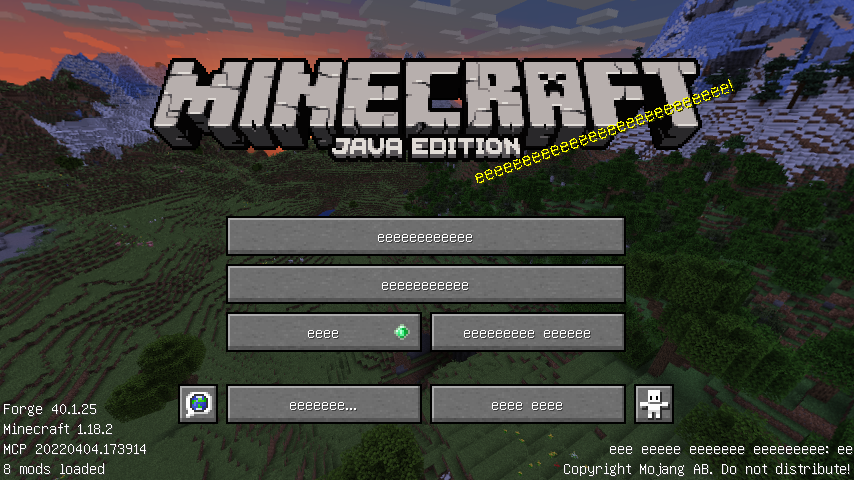
eeeeeeeeee
Let me show it with one pic:
Easyflint
Download Easyflint and make dropping gravel onto torches a thing of the past.
This data pack lets you craft 1 gravel into 1 flint.
I went looking for a pack like this and didn’t find one that didn’t mess with the 1:1 ratio, so I just made my own.
Easyflint is very lightweight in size. It’s essentially just the recipe and the hidden advancement that makes it show up in the recipe book.
No need to unzip the file or do anything really, just drop it right into the `datapacks` folder for your world or server, and you’re good to go. If you’re using the mod rather than the datapack, place it in your `mods` folder instead.
Have fun,
-kk iris
Easy Trapped Chest
## **🔄 Easy Trapped Chest** ✨
Tired of that misclick a **Trapped Chest** instead of a regular one? Say **goodbye to confusion** forever!
**Easy Trapped Chest** is a **minimalist & vanilla-friendly** 🍃 resource pack that solves this problem with **elegance and clarity** 🎯. It **visually reworks** 🎨 the classic texture to make it **instantly recognizable** 👀, saving you from **accidental redstone signals** ⚡ and **unwanted attention** 🙈!
—
### **✨ What’s Different?**
* **🔴 BOLD RED BAND:** The sneaky strip is now a **vibrant, high-contrast red warning line**! Impossible to miss!
* **🛡️ True to Vanilla:** Blends **seamlessly** with Minecraft’s original style. It feels **like it was always meant to be this way**!
* **⚡ Instant Recognition:** In a **dark cave**, a **cluttered base**, or a **complex redstone circuit** — the **danger (or genius!)** is now **obvious**!
—
### **📥 Installation & Compatibility**
1. **Download** the `Easy_Trapped_Chest.zip` 📦 file.
2. **Place it** in your Minecraft `resourcepacks` 📁 folder.
3. **Activate it** in the game’s Resource Pack menu!
4. **Works like a charm** 🔮 with **all recent versions** (1.6.1+) and **plays nicely** with most other packs!
—
**🌟 Transform a subtle hazard into a clear tool. Download Easy Trapped Chest today and bring **brilliant clarity** to your world! 🎉**
Ears (+ Snouts/Muzzles, Tails, Horns, Wings, and More)
Faithful fancy fashion features for fuzzy folk.
Created due to a lack of the Tails mod for 1.16, Ears is a mod that adds ears, snouts, tails, horns, wings, and more to the player. Eventually, it also became a complete lightweight open source 1.9 skin backport for many old versions, which works even if you aren’t using its special features.
Ears has a more vanilla-faithful appearance than Tails, with a lot of 2D regions but a few 3D ones too. There are a wide variety of possible configurations and it can all be customized.
Why use Ears instead of Tails? Because Ears is easy to port to other versions, based on a multi-version abstraction allowing the mod to even run in web browsers. The Tails mod has wonderful 3D models and animations, but it’s a burden to update it to any version due to its large rendering system and all the data syncing code, causing it to be tightly coupled with the version of the game and mod loader it was designed for. Ears stores all data as pixels in the player’s skin.
However, Ears requires you to draw your own additions, and does not come with easy recolorable prefabs like Tails. Additionally, unlike CPM or Figura, Ears has a limited number of customization options. (Note that if you have a simple idea, I may add it. Open an issue on GitHub or hop in Discord.) Ears offers a good middle-ground that will work in almost any version you wish to play. It also does not and never will use external servers, just Mojang’s skin server, so there’s no concerns about a third-party server going down (be it temporarily or for good).
Why use Ears instead of other skin fixes? Ears provides a lot of new features to customize your skin, and is a much more lightweight patch with no usage of third-party servers and is completely open source. Additionally, Ears backports translucent secondary layer support to 1.8 and 1.7.
Come discuss this mod and any of my others on Discord or Matrix, or send me an email.
Dynamic Lights
# Tschipcraft’s Dynamic Lights
> Server-side dynamic lighting for 1.17-26.1x
>
>
> For heavily modded setups, modpacks, as well as for playing on external servers, I recommend LambDynamicLights or similar **client-side** mods instead.
> -> For details, check this wiki page.
## 💡 Features
This data pack/mod brings dynamic lighting to Minecraft without any client-side requirements. Supported entities and items (like torches, glowstone, or enchanted gear), held or worn by players, mobs, or placed in item frames, will emit light using the light block) added in Snapshot 21w13a.
* **50+ supported vanilla items** out of the box
* **Multiple light levels**: 3, 6, 9, 12, and 15
* **Water-sensitive behavior** with sounds for some items
* **Enchanted items** glow by default (light level 6), with special cases for Fire Aspect, Riptide, Channeling (light level 9)
* **Amethyst-trimmed armor** emits light
* **Mobs, falling blocks, and display entities** can emit light if carrying a supported item
* ~~**Curios API support** for modded inventory slots~~ See issue #76
Since this project is completely server-side, players joining a server with Dynamic Lights installed will not need to install anything on their end for it to work! However, you can still use the mod version on the client for single-player worlds only. Joining a server that does not have Dynamic Lights installed will have no effect.
-> For a complete list of supported items & entities, and available settings, take a look at the wiki <-
## ℹ️ Limitations
Since this is a data pack at its core, there are some limitations compared to other purely modded solutions.
Limitations (click to expand)
– Dynamic Lights may stutter while moving around. This project solely relies on vanilla light blocks, which are restricted to the block grid. Smooth transitions between blocks are not feasible
– This pack currently uses marker entities to keep track of dynamic light positions. If these entities are cleared by you or plugins like EntityTrackerFixer, light blocks will be left behind. See issue #25
– Vanilla light blocks are unfortunately immovable by pistons and block explosion damage. This can cause some redstone contraptions to malfunction. Please report any issues, I try to prevent common cases. See e.g. fixed issues #51, #15, #12, #10
– In Minecraft 1.21.4 and below, dynamic light updates will always trigger block updates. This could cause floating blocks affected by gravity, like sand or gravel, to fall
– Some shader packs that ignore the vanilla lightmap, such as Rethinking Voxels, will not display the dynamic lights. See issue #59
– Dynamic Lights cannot function in 1×1 block spaces occupied by non-solid blocks, as there is simply no space for placing light blocks. See issues #39 and #43
– Dynamic Lights per player operate globally. See a detailed explanation here
## 🔧 Installation & Use
Install either as:
* **Data Pack [DP]** ➜ Place `.zip` in your world’s `datapacks` folder
* **Mod [Mod]** ➜ Drop into your `mods` folder and optionally install MidnightLib for a global config file and UI
To manage settings, reset, or uninstall the pack, use `/trigger tschipcraft.menu` or `/function #tschipcraft:menu`.
## 🧩 Compatibility
**Forge** is only natively supported until Minecraft 1.21.5.
This data pack follows the Smithed and essential MC Datapacks Discord Server Conventions to ensure data pack compatibility.
## 🔗 External Links
## 🤝 Partner Offers
Want to buy **Hytale** or upgrade your edition? Use creator code `Tschipcraft` upon checkout for me to receive a commission! (The price for you stays the same)