**This pack slightly modifies end stone, giving it a softer, pastel pink tone.**
nerdPVP
# NerdPVP – A Clean & Competitive PVP Resource Pack
### WARNING : This pack is still in alpha and NOT complete
## Overview
Nerd PVP is a streamlined resource pack designed for competitive Minecraft PVP. It enhances visibility, reduces distractions, and optimizes key elements to give you a tactical edge in combat. Whether you’re playing Bedwars, SkyWars, or Faction PVP, this pack keeps your focus sharp and your performance crisp.
## Key Features
– ✔ Clear & Minimalist Textures – Removes visual clutter for better enemy tracking.
– ✔ Optimized Sword & Tool Designs – Clean, high-visibility models for fast-paced combat.
– ✔ Low Fire – Less obstruction during fights.
– ✔ 16x Resolution – Balanced performance for smooth gameplay.
## Compatibility
Works on Minecraft [version (1.16.x, 1.17.x, 1.18.x,1.19.x, etc) ]
Mythic Metals is a minecaft mod all about finding new ores, smelting them into ingots and alloys, and turning them into your favorite tools and armor.
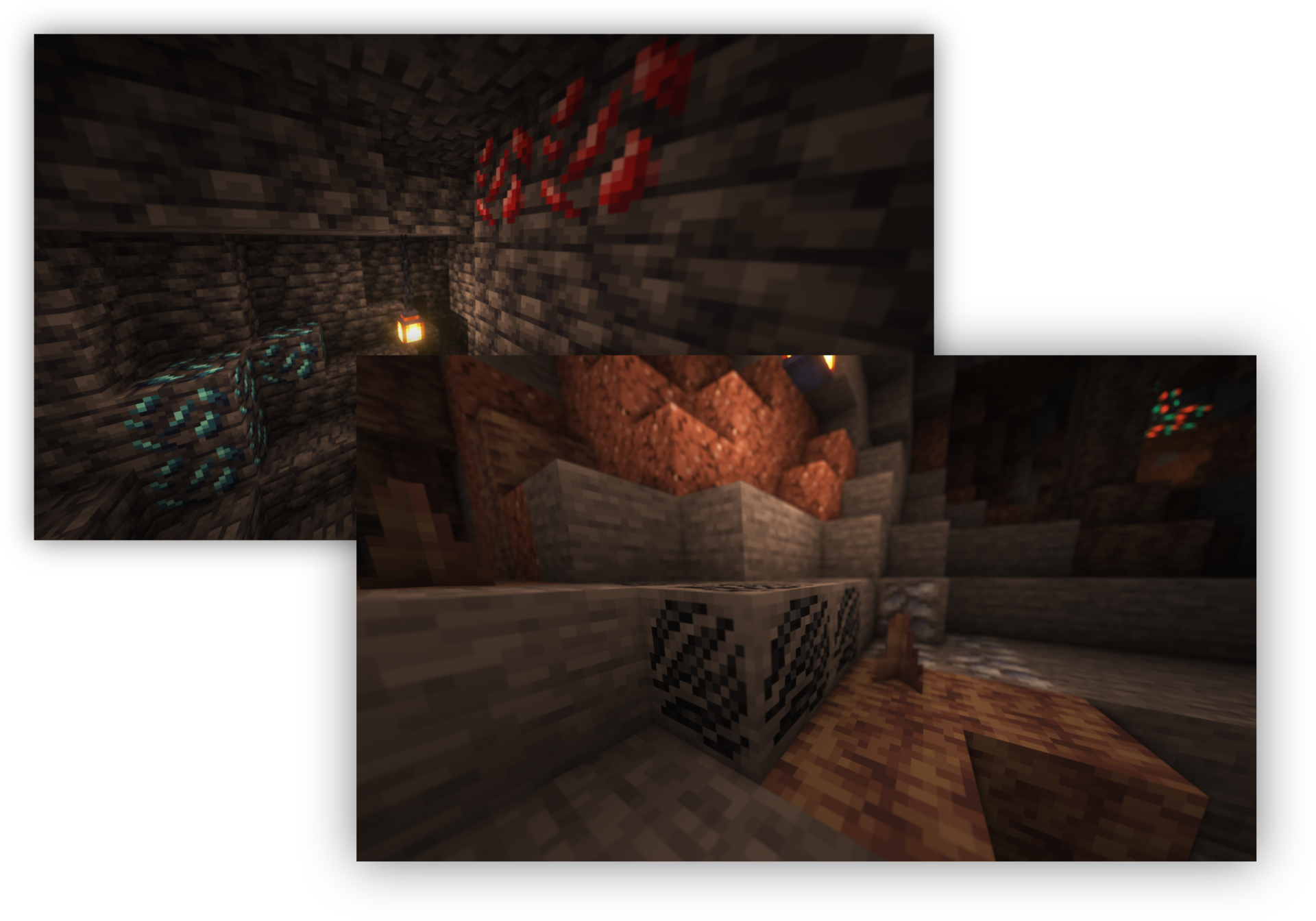
The ores in this mod all cover their own slice of the underground. There are even some in The Nether and The End!
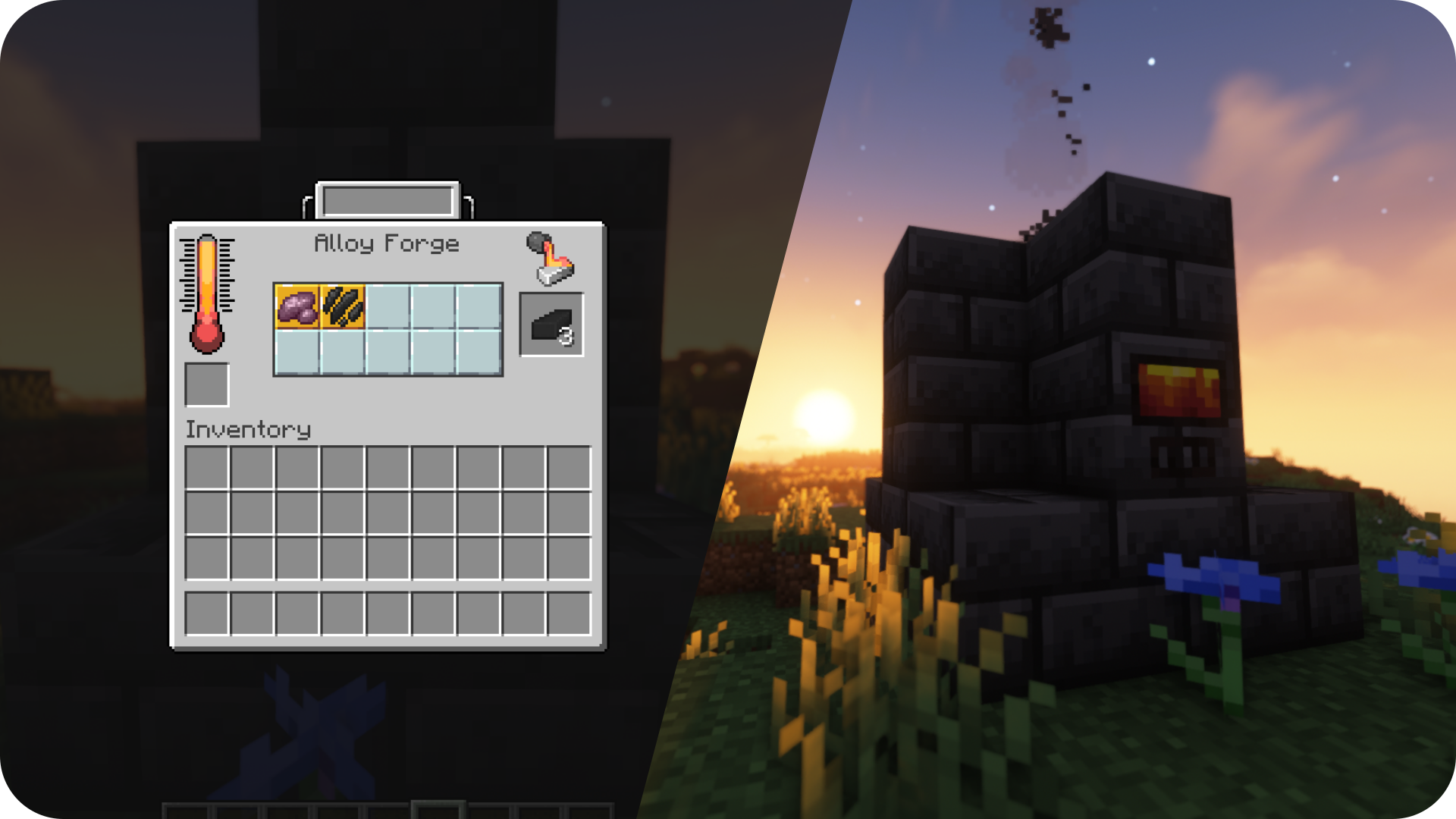
After gathering enough ores you can smelt them, blast them, or forge them with an Alloy Forge, into pretty metals or unique alloys.
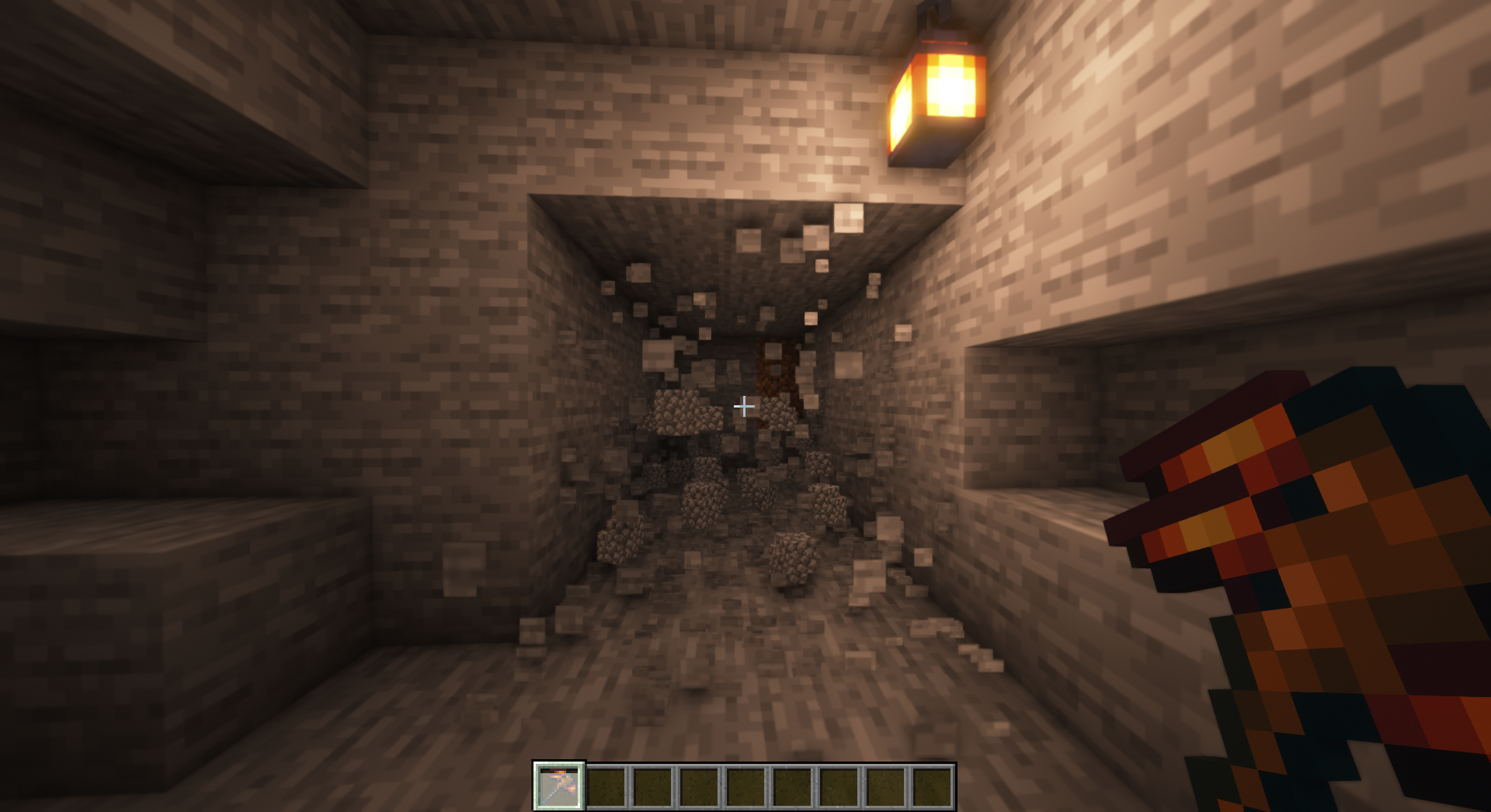
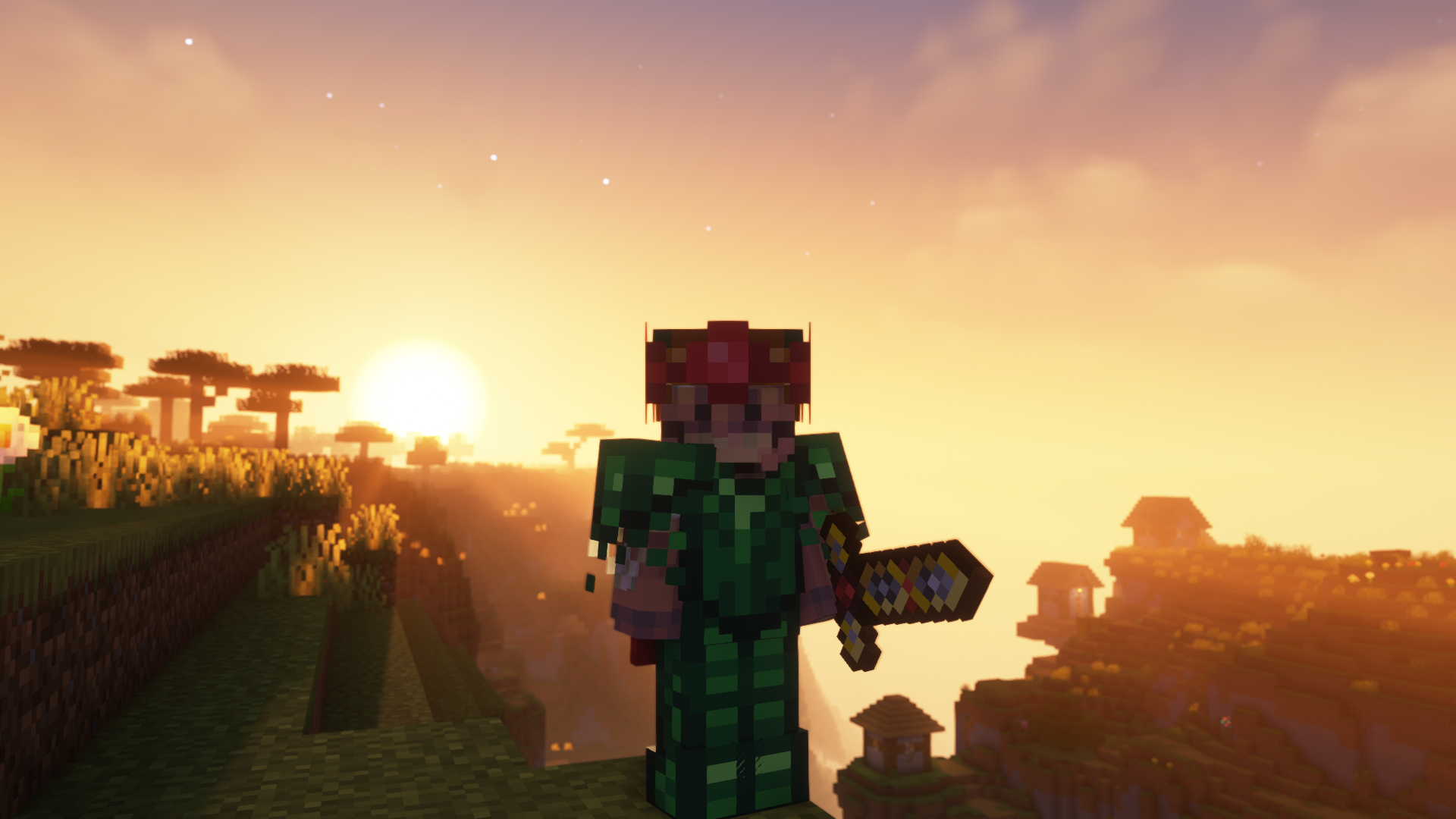
Swords stronger than netherite, a pickaxe that can blast through an obsidian wall, and armor that grows over time. This is some of the gear you can find and craft using the metals.
This project would not be possible if not for a ton of people. Thank you to everyone who has contributed! Click the banner above for a full list of credits.
Mouse Wheelie
“Small” Minecraft Fabric mod featuring inventory utilities like scrolling, sorting and auto refilling of items.
_No mouses were harmed in the making of this mod._
## Main Features
| Feature | Description | How? | Availability |
|———————–|—————————————————————————-|———————————————–|———————————————————-|
| Inventory scrolling | Scroll over stacks in inventories to move them around | Scroll over stacks | Everywhere |
| Depositing/Restocking | Move all items that already exist in another inventory | Hold space and left click | Everywhere |
| Inventory sorting | Sort items in inventories by name, quantity or creative order | Press middle mouse button | Everywhere (faster if on server¹, creative since 1.19.3) |
| Scroll through tabs | Scroll through tabs and pages in the creative inventory or recipe book | Scroll over tabs/pages | Everywhere |
| Auto refill | Automatically refills used up tools, foods and the like from the inventory | Use something up | Everywhere |
| Tool picking | Pick the correct tools for the focused block | Press middle mouse button when holding a tool | Everywhere |
| Quick crafing/trading | Right click on recipes in the recipe book or trades to instant trade | Read to the left 🙂 | Everywhere |
| Armor swapping | Quickly swap equivalent armor pieces | Right-click while having the item in hotbar | Up to 1.19.4, later built in to Vanilla |
Additionally, clicks and scrolling in the inventory will change behavior when pressing the following modifier keys:
– Shift: Applies the action to the full stack instead of single items
– Ctrl: Applies the action to all items of the same type
– Alt: Drops the item instead of moving it
Basically all the actions are rebindable in the controls menu.
¹: Works on singleplayer or on servers if the mod is installed on the server as well.
## Configuration
Lots of stuff is configurable.
To open the config screen you’ll need to install [Mod Menu](https://modrinth.com/project/mOgUt4GM).
Alternatively, you can edit the config file `mousewheelie.hjson` in the config folder after the first launch.
Changes will only be applied after a restart when editing the config file.
Contribute or improve translations [here](https://weblate.siphalor.de/engage/mouse-wheelie).
## Notes for Server Operators
A bunch of the features in this mod are rightfully considered cheating.
See [here](https://github.com/Siphalor/mouse-wheelie/blob/master/SERVER_OPERATORS.md) for information on how to prevent this.
More Mobs
# Tschipcraft’s More Mobs
> A server-side data pack/mod for 1.14x-26.1x
YouTube showcase
## Features
Mobs have new variants through custom heads or through unused vanilla mobs! This pack uses **over 85 custom player heads** that can be obtained and placed in your world. Spiders also turn upside down when hanging from ceilings.
This data pack/mod is completely server-side, but can also be installed on the client for singleplayer worlds! No resource pack needed!
[-> For all added heads and available settings, take a look at the wiki <-](https://github.com/Tschipcraft/more_mobs/wiki)
## Installation
Install either as:
* **Data Pack [DP]** ➜ Place `.zip` in your world's `datapacks` folder
* **Mod [Mod]** ➜ Drop into your `mods` folder and optionally install [MidnightLib](https://modrinth.com/project/codAaoxh) for a global config file and UI
To manage settings, reset, or uninstall the pack, use `/trigger tschipcraft.menu` or `/function #tschipcraft:menu`.
## Compatibility
Tested with [Rare Mobs (PMC)](https://www.planetminecraft.com/data-pack/rare-mobs-5186029/) and [Mob Captains](https://modrinth.com/datapack/mob-captains).
**Forge** is only natively supported until Minecraft 1.21.5.
This data pack follows the [Smithed](https://wiki.smithed.dev/conventions/) and essential [MC Datapacks Discord Server](https://mc-datapacks.github.io/en/conventions/index.html) Conventions to ensure data pack compatibility.
## Current issues
>
>
> Currently incompatible with [Special Mobs](https://modrinth.com/datapack/special-mobs) – [see #7](https://github.com/Tschipcraft/more_mobs/issues/7). This will be fixed in a future release.
## External Links
## Partner Offers
Want to buy **Hytale** or upgrade your edition? Use creator code `Tschipcraft` upon checkout for me to receive a commission! (The price for you stays the same)
Mojang Black Background
# Mojang Black Background
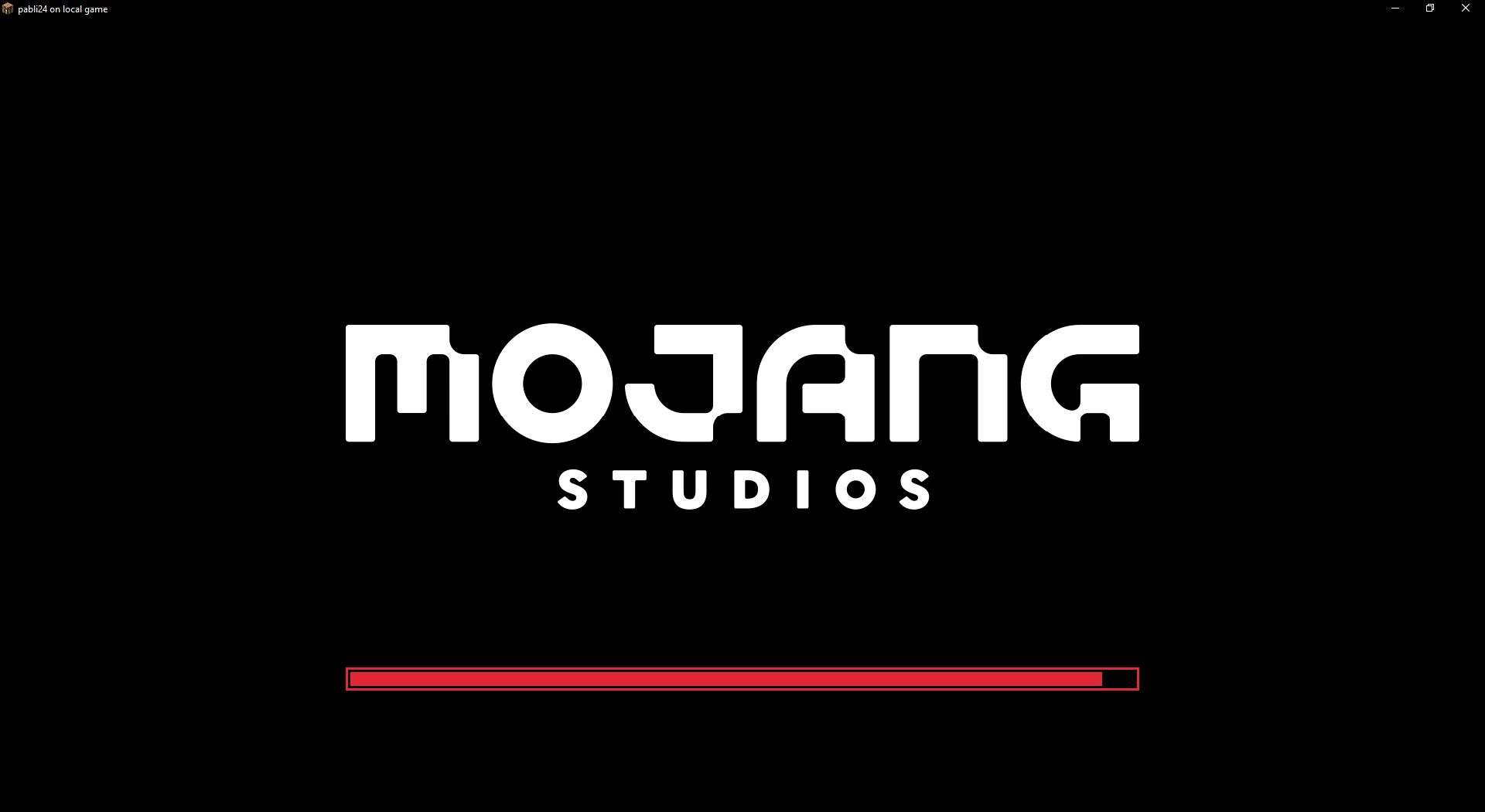
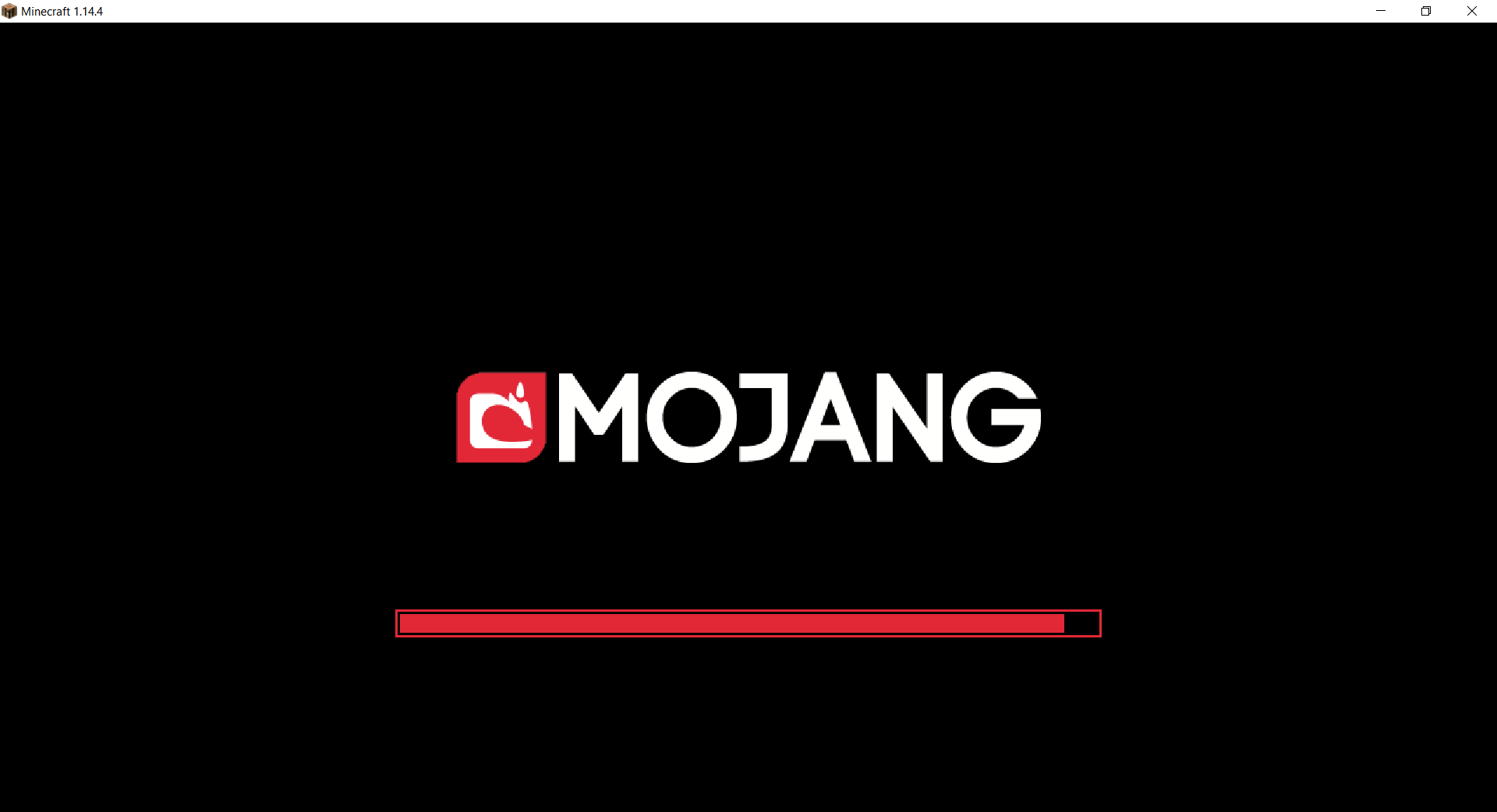
Changes white background in mojang loading screen to black
Minecraft 1.14 and newer
OptiFine is required to work! [optifine.net](https://optifine.net/home)
## Minecraft 1.16+
## Minecraft 1.14 – 1.15
The resurcepack is also available on [CurseForge](https://www.curseforge.com/minecraft/texture-packs/mojang-black-background)
Mod Remapping API
# Mod Remapping API
Remaps non-Fabric mods made for a different environment (by default obfuscated) to the current runtime mappings.
Provides hooks to expand the remapping process from other mods.
This mod doesn’t depend on a specific Minecraft version and should work on any version that Fabric Loader can launch.
### Mods depending on this API:
– [Fabricated Legacy Forge](https://modrinth.com/mod/fabricated-forge)
– [Apron](https://modrinth.com/mod/Apron)
– [Fabricated-Rift](https://modrinth.com/mod/fabricated-rift)
## Credits
### Most of the original code of the mod remapper
– paulevsGitch’s mod BetaLoader