No Java Edition Branding – Remove from Start-Title Screen
Removes the Java Edition Text under The “Minecraft” Logo from the Title Screen!


Also works for with other resourcepacks!


Item Descriptions




This mod adds a unique description to all blocks, items, and entities that is displayed when pressing the Ctrl key. These descriptions sum up what it can be used for, its source, and/or any other useful info. It strikes a compromise between not knowing anything about an item and constantly checking the Minecraft Wiki for detailed in-depth descriptions.
Item Descriptions includes all vanilla blocks and items. For mod support, also add [Mod Descriptions](https://modrinth.com/resourcepack/mod-descriptions)!
## Item Descriptions
By default, holding down Ctrl when hovering over an item will show a short description of what it can do. Unique descriptions have been written for every item, and generic descriptions are also supported for various tags so many modded blocks come with built-in descriptions.
## Block and Entity Descriptions
If you have [Jade](https://modrinth.com/mod/jade) or [WTHIT](https://modrinth.com/mod/wthit) installed, blocks and entities will also show descriptions when Ctrl is held.
## Enchantment Descriptions
Item Descriptions supports descriptions for enchantments as well, with descriptions for every vanilla enchantments included. Item Descriptions prefers its own descriptions, but will support mods that support [Enchantment Descriptions](https://modrinth.com/mod/enchantment-descriptions) out of the box.
Enchantment Descriptions are also shown in the Enchanting Table, including [Quark](https://modrinth.com/mod/quark)’s Matrix Enchanting Table and [Penchant](https://modrinth.com/mod/penchant)’s reworked Enchanting Table.
## Effect Descriptions
Item Descriptions supports descriptions for enchantments as well, with descriptions for every vanilla enchantments included. Item Descriptions prefers its own descriptions, but will support mods that support [Effect Descriptions](https://modrinth.com/mod/effect-descriptions) out of the box.
## Installation
Item Descriptions is a completely clientside mod for Fabric and NeoForge.
– On Fabric, only [Fabric API](https://modrinth.com/mod/fabric-api) is required.
– On NeoForge, there are no dependencies.
– Mod settings are available with [Mod Menu](https://modrinth.com/mod/mod-menu) (only required on Fabric) and [Cloth Config](https://modrinth.com/mod/cloth-config) or [YACL](https://modrinth.com/mod/yacl). Built in options include the tooltip key, hints, tooltip colour, “always on” mode, toggles for description types, and more.
## Mod Support
Item Descriptions includes all vanilla blocks and items. For mod support, also add the [Mod Descriptions](https://modrinth.com/resourcepack/mod-descriptions) resource pack! Additionally, compatibility exists for specific features in the following mods:
| Icon | Link | Feature Added |
|——————————————————|—————————————————————————-|———————————————————————-|
|  | **[Jade](https://modrinth.com/mod/jade)** | **Block and Entity Descriptions** — Jade will show block and entity descriptions in its informational HUD. |
|  | **[WTHIT](https://modrinth.com/mod/wthit)** | **Block and Entity Descriptions** — WTHIT will show block and entity descriptions in its informational HUD. |
|  | **[Field Guide](https://modrinth.com/mod/field-guide)** | **Entry Descriptions** — Automatically fills in entry lore. |
|  | **[Reliable Recipe Viewer](https://modrinth.com/mod/rrv)** | **Tag Descriptions** — Tags shown by this mod will show Item Descriptions. |
|  | **[Enchiridion](https://modrinth.com/mod/enchiridion)** | **Enchantment Descriptions** — Enchiridion’s default enchantment descriptions are replaced with Item Descriptions. |
|  | **[Penchant](https://modrinth.com/resourcepack/penchant)** | **Enchantment Descriptions** — Penchant’s modified Enchantment Table shows Item Descriptions. |
|  | **[Quark](https://modrinth.com/mod/quark)** | **Enchantment Descriptions** — Quark’s Matrix Enchantment Table shows Item Descriptions. |
 | **[Matrix Enchanting](https://modrinth.com/mod/matrix-enchanting)** | **Enchantment Descriptions** — The Matrix Enchantment Table shows Item Descriptions. |
|  | **[Useful Spyglass](https://modrinth.com/mod/useful-spyglass)** | **Block and Entity Descriptions** — Useful Spyglass will show block and entity descriptions in its informational HUD. |
|  | **[Limelight](https://modrinth.com/mod/limelight)** | **Block and Entity Descriptions** — Searching for a block or item in Limelight will show block and entity descriptions. |
|  | **[ToolTipFix](https://modrinth.com/mod/tooltipfix)** | **Tooltip Wrapping** — This mod’s wrapping is used instead of the built in wrapper.. |
## Adding New Descriptions

By default, the mod provides descriptions for all blocks, items, and entities – including supported April Fools versions, but it has been designed in a way that makes it extensible for use in modpacks or when using other custom content. To add or replace a description for a block or item, just add the following entry to your mod or resource pack’s language file.
“`json
“lore..“: “A mysterious modded block.”
“`
For more information, including details on support for entities and Custom Model Data, see the information on the [Item Descriptions Wiki](https://moddedmc.org/en/mod/item-descriptions).
## FAQ
– What versions does this mod actively support? Are ports planned?
– New updates will only support 26.1 and latest (currently 26.2-snapshot-6). There is no plan to backport to older versions or any other loaders.
## Credits
The descriptions present in the mod are inspired by the Minecraft Legacy Console Editions. The interface used was inspired by the one present in the Better Than Adventure mod for Minecraft b1.7.3. Mod Menu/Cloth Config integration is based on the integration present in [idwtialsimmoedm](https://modrinth.com/mod/idwtialsimmoedm) under its [MIT License](https://github.com/gliscowo/idwtialsimmoedm/blob/1.21/LICENSE).
Invisible Item Frames

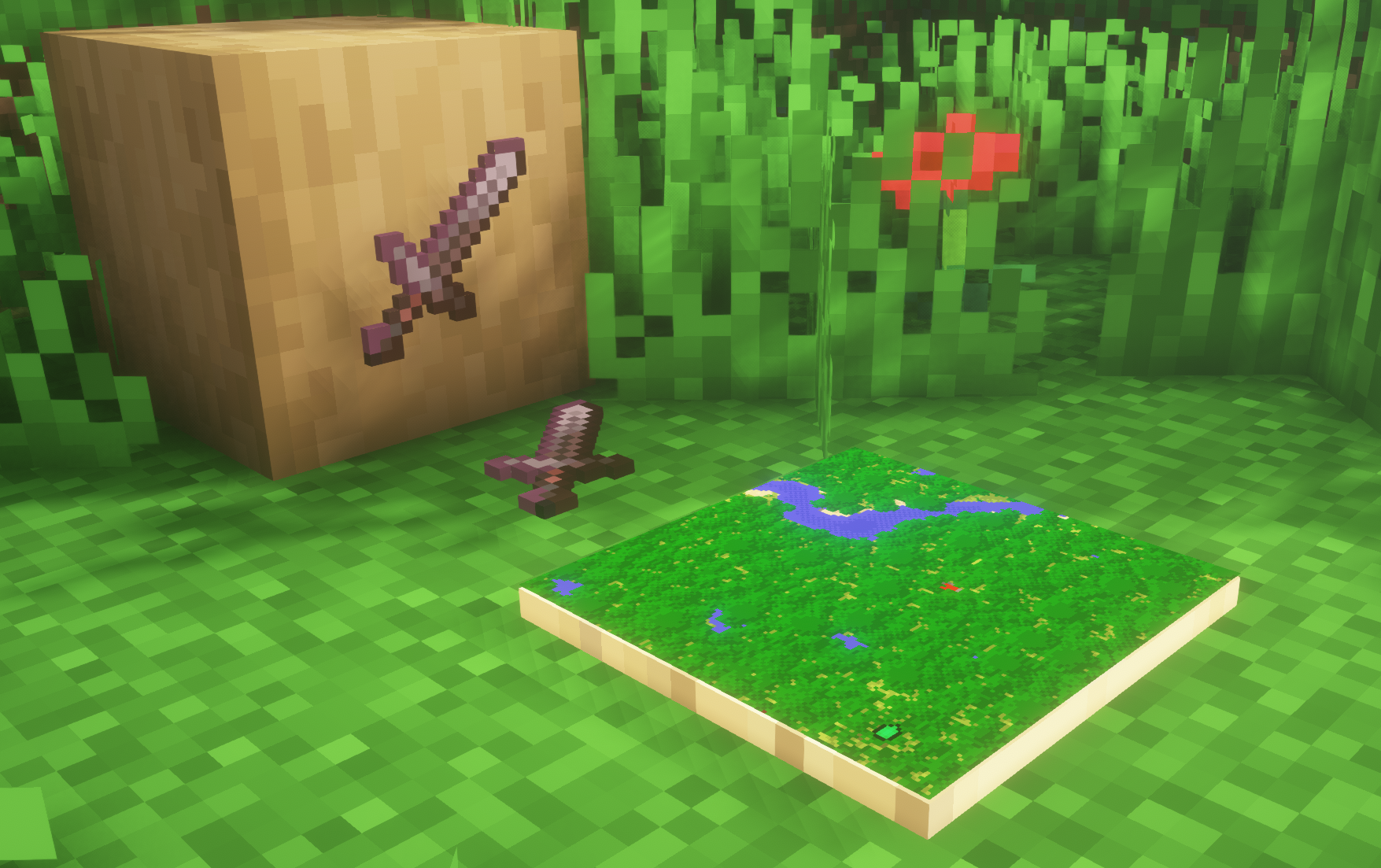
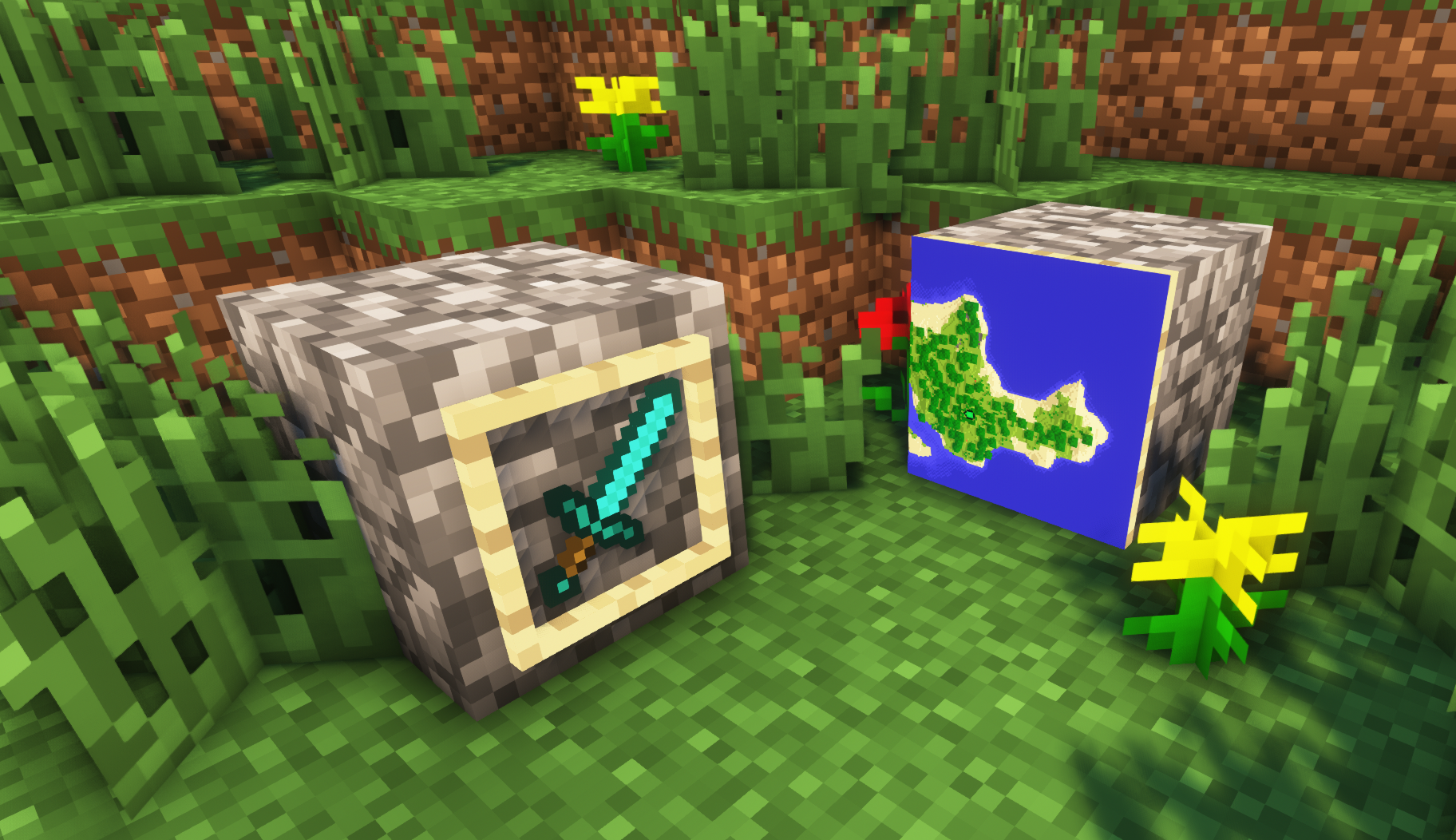
**A simple resource pack that makes item frames invisible**.
—
## Need a Minecraft Server? (Sponsor)
[](https://billing.sparkedhost.com/aff.php?aff=3138)
Get **25% off your first month** with Sparked Host.
—
## Quick info
– **Versions:** 1.4+ (full invisibility from 1.8+)
– **Works with almost all mods (Sodium/Iris and OptiFine too)**
– **No mods or commands required**
– **Additional files for invisible glow item frames and invisible map frames**
– **Versions below 1.8 will only have the center of the frame invisible (view images below for more info)**
—
## Showcase
**1.8+**
1.4-1.7.10
—
FAQ
**Can I use this with other packs?**
> Yes, but place this pack in a **higher priority (above other packs)**.
**How do I remove item frames?**
> Enable debug hitboxes using **F3 + B** and break the frame.
**Can I use this pack in my modpack or server?**
> Yes you are free to use it, as long as you don’t claim this pack as your own.
**Why is my map/glow item frame not invisible?**
> You have to install those separately. They are available under **additional files** or the buttons near the top of this page.
**Does this make the game slower?**
> This pack actually slightly **improves the client-side framerate** in scenes with lots of item frames.
—
## Additional Files
– [Download Invisible Glow Item Frames](https://cdn.modrinth.com/data/gfr4403r/versions/SVxFWAm4/Invisible-Glow-Item-Frames-V4.zip)
– [Download Invisible Map Item Frames](https://cdn.modrinth.com/data/gfr4403r/versions/SVxFWAm4/Invisible-Map-Item-Frames-V1.zip)
—
## Need a Minecraft Server? (Sponsor)
[](https://billing.sparkedhost.com/aff.php?aff=3138)
Use code **MattyWalker** for 25% off your first month.
Instant Respawn Always
## Instant Respawn Always
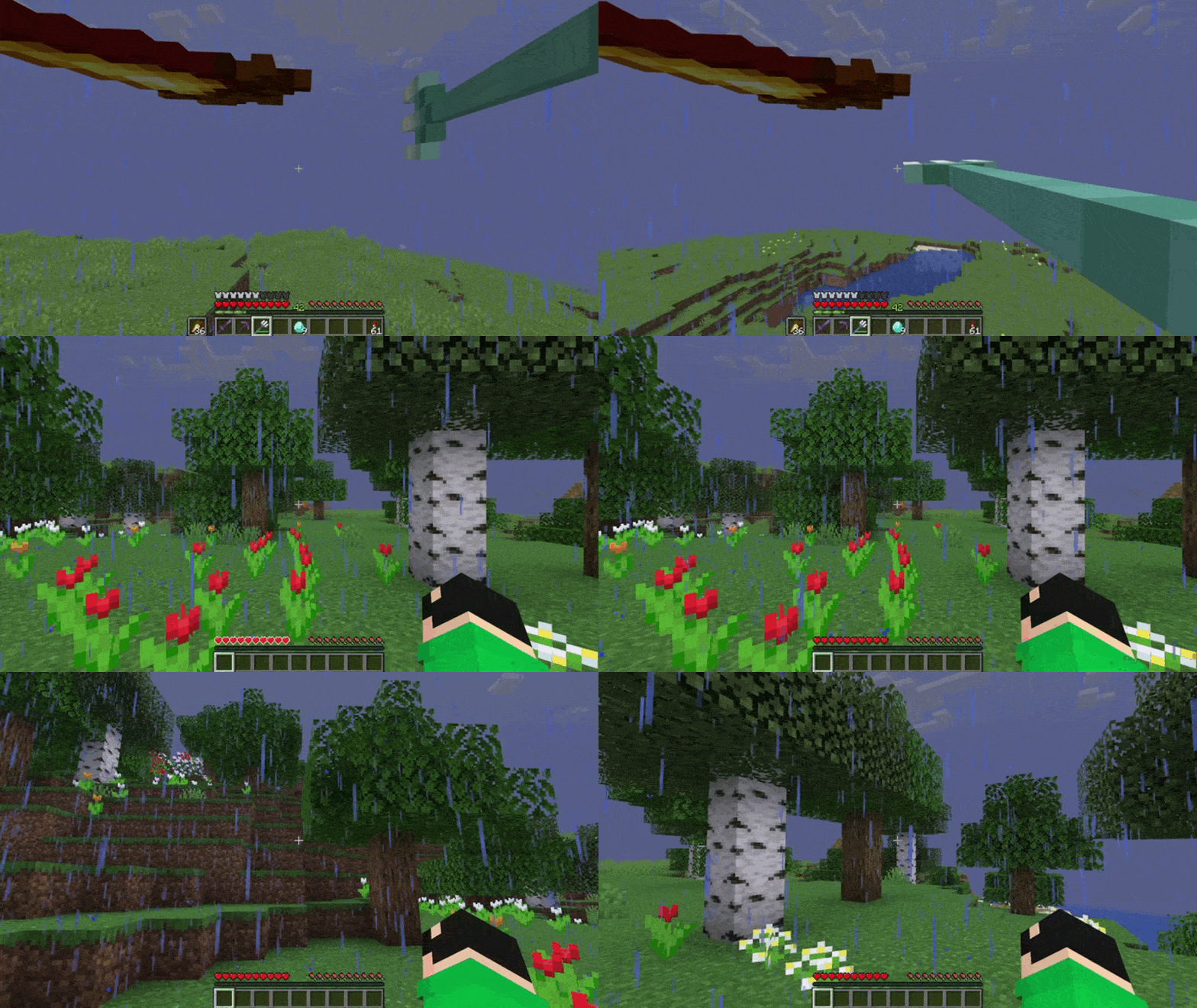
Skip the death screen in each world, like in short videos, so you don’t have to waste time on settings.
## Dependencies
– Fabric loader requires [Fabric API](https://modrinth.com/mod/fabric-api)
InfiniteChallenge
The main goal is to reach the The End dimension, but it is all up to the player what the real goal is.
The player will spawn inside a chamber with a small amount of portals.
Each portal is a one way dimension. After wandering around the portal will be deactivated. It gives time for the player to choose the home dimension since some can cause game crashes and/or photosensitivity triggers.
The player can return to the portal hub whenever going to the reset dimension: The Nether.
Icon Bubbles
**This resource pack changes your hearts and hunger bar icons to be circles.**
### Features:
– Round hearts
– Round hunger bar
– Changes all types of hearts (poison, freezing, hardcore…)
– Compatible with the [AppleSkin mod](https://modrinth.com/mod/appleskin)
**♡ Make sure to follow!**
Hwyla
# Here’s What You’re Looking At

**HWYLA** (Pronounced “Hwhy-la”, similar to “Coo-Hwhip”)
**Hwyla is available for both Forge and Fabric.**
A fork of [WAILA](https://modrinth.com/mod/hwyla/settings/description) by [ProfMobius](https://www.curseforge.com/members/profmobius/projects). This fork is permitted under the [CC BY-NC-SA 4.0](https://github.com/TehNut/HWYLA/blob/1.10/LICENSE.md) license.
All plugins/addons/compatibilities created with the official mod are 100% compatible with this fork.
## Changes
You can find a list of most changes right [here](https://github.com/TehNut/HWYLA/blob/1.10/CHANGES.md).
## Notable Lesser Known Features
– By default, Numpad 3 and Numpad 4 can be used to lookup the recipe of blocks in the world in JEI. This requires JEI to be installed to function.
– You can change the colors and text formatting of the tooltip in-game by navigating to the in-game config, opening the “Waila” options screen, and selecting “Format content…”.
– If you are having issues with tooltip handlers added by mods, you can run `/dumphandlers` which will produce a text file with all registered handlers and what types they are registered to.
– As of 1.12, the Narrator can be toggled for the tooltip. This will use the system’s text-to-speech library to tell you what you’re looking at.
– If you feel that having the item being displayed in the tooltip is redundant, it can be disabled.
## Modpack Permissions
You can use Hwyla in modpacks.
## Archival notice
**This mod is abandoned and has been uploaded for archival purposes. It was [originally created](https://curseforge.com/minecraft/mc-mods/hwyla) by [TehNut](https://legacy.curseforge.com/members/TehNut/projects) on Nov 9, 2016. It has been uploaded to Modrinth under the ModrinthArchives account with permission from the original author.**

Hidden Ores
### What does this do?
This resource pack turns every ore in the game hidden. That includes the stone, deepslate, and nether variants. It will appear as if there are no ores. You can use this as a challenge or as a troll.
### How does it work?
It changes the models of ores instead of the textures, so it’s compatible with most resource packs.
### What versions does this support?
This resource pack works for versions 1.13 (1.13-pre3) and up.
HEX Dust
Makes redstone dust 3D, and displays its signal strength in Hexadecimal.
The font of this pack is easily editable just by changing the textures!
i hate shadows
[](https://discord.gg/XgH4EpyPD2)
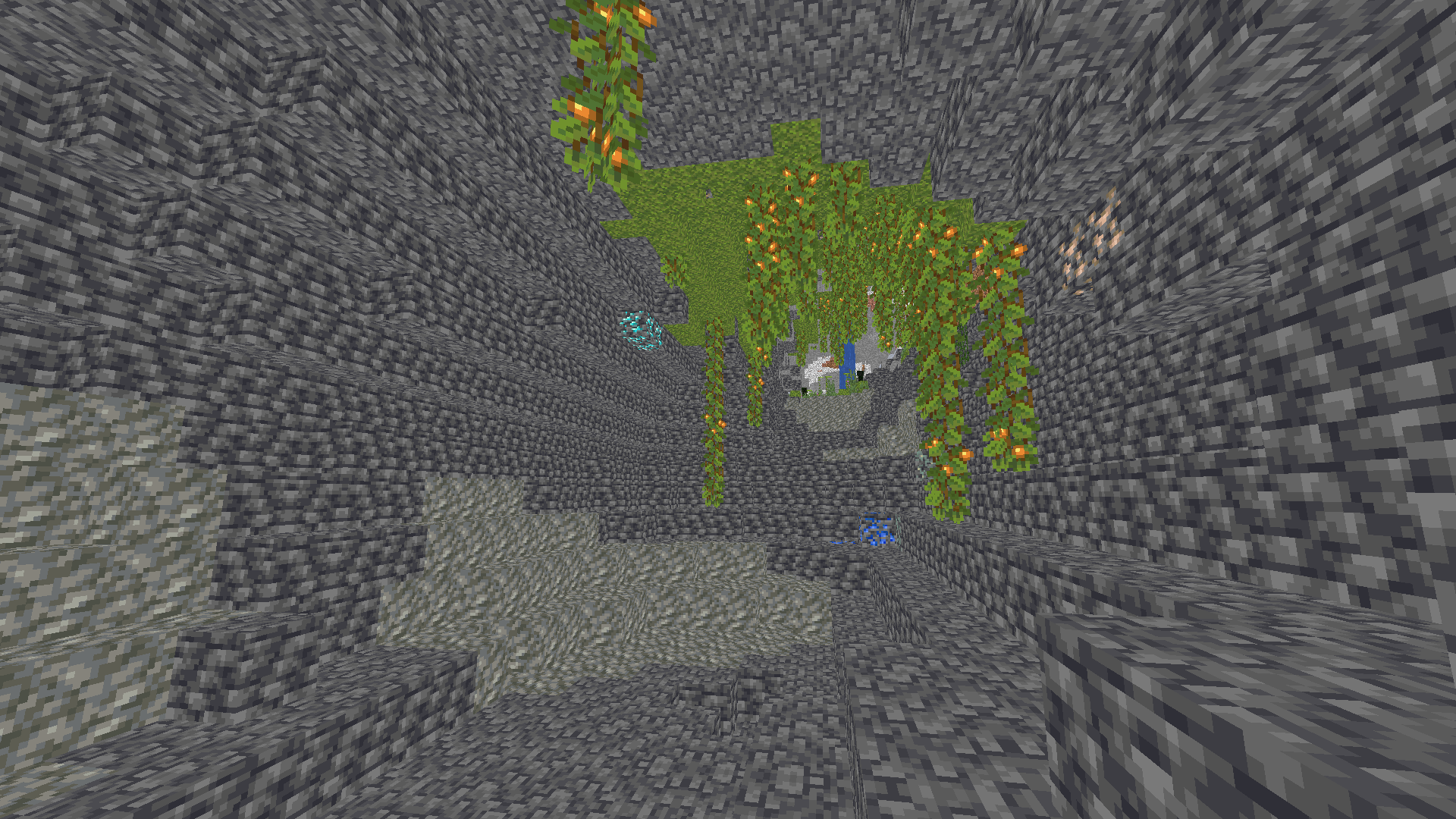
**✨ I REALLY HATE SHADOWS…** **i hate shadows** is a lightweight Minecraft shader that does one thing — and does it perfectly:
it _removes every single shadow_. 🌞
No dark corners, no spooky vibes — just pure, bright daylight everywhere you look.
Perfect for players who love minimal visuals, boosted performance, and a world that never hides in the dark.

### 🌟 Features
* ❌ No shadows at all
* ⚡ FPS-friendly, super lightweight
* 🌞 Always bright, clean visuals
* 🎮 Works great on low-end systems


[](https://kcbhosting.com/aff/xsoras)


**🧠 Lamapi: Next-Gen Open Source AI**
Pushing the boundaries of accessible intelligence. Whether you need lightweight efficiency or industrial-grade reasoning, the **Next Series** delivers.
**Why build with Lamapi?**
– ⚡ **High Efficiency:** From compact 1B models to powerful 70B reasoning engines.
– 🌍 **Multilingual Mastery:** Optimized for superior performance in English & Turkish.
– 🛠️ **Ready to Deploy:** State-of-the-art open weights available immediately.
**Explore our models and start building:**
🔗 https://huggingface.co/Lamapi

**🚀 KCB Hosting: Power Meets Reliability**
Looking for a host that takes your gaming experience as seriously as you do? We provide robust infrastructure ensuring smooth gameplay and enterprise-grade uptime.
**Why switch to us?**
– 💎 **7-Day Free Trial:** Experience the quality risk-free (No commitment).
– 🛡️ **99.9% Uptime SLA:** Your server stays online, guaranteed.
– ⏰ **24/7 Support:** Expert help whenever you need it.
🔥 Experience the difference with 25% off your first month,
Use code **XSORAS**
**Deploy your server now:**
🌐 [https://kcbhosting.com](https://kcbhosting.com/aff/xsoras)
💬 https://discord.gg/kcbhosting
 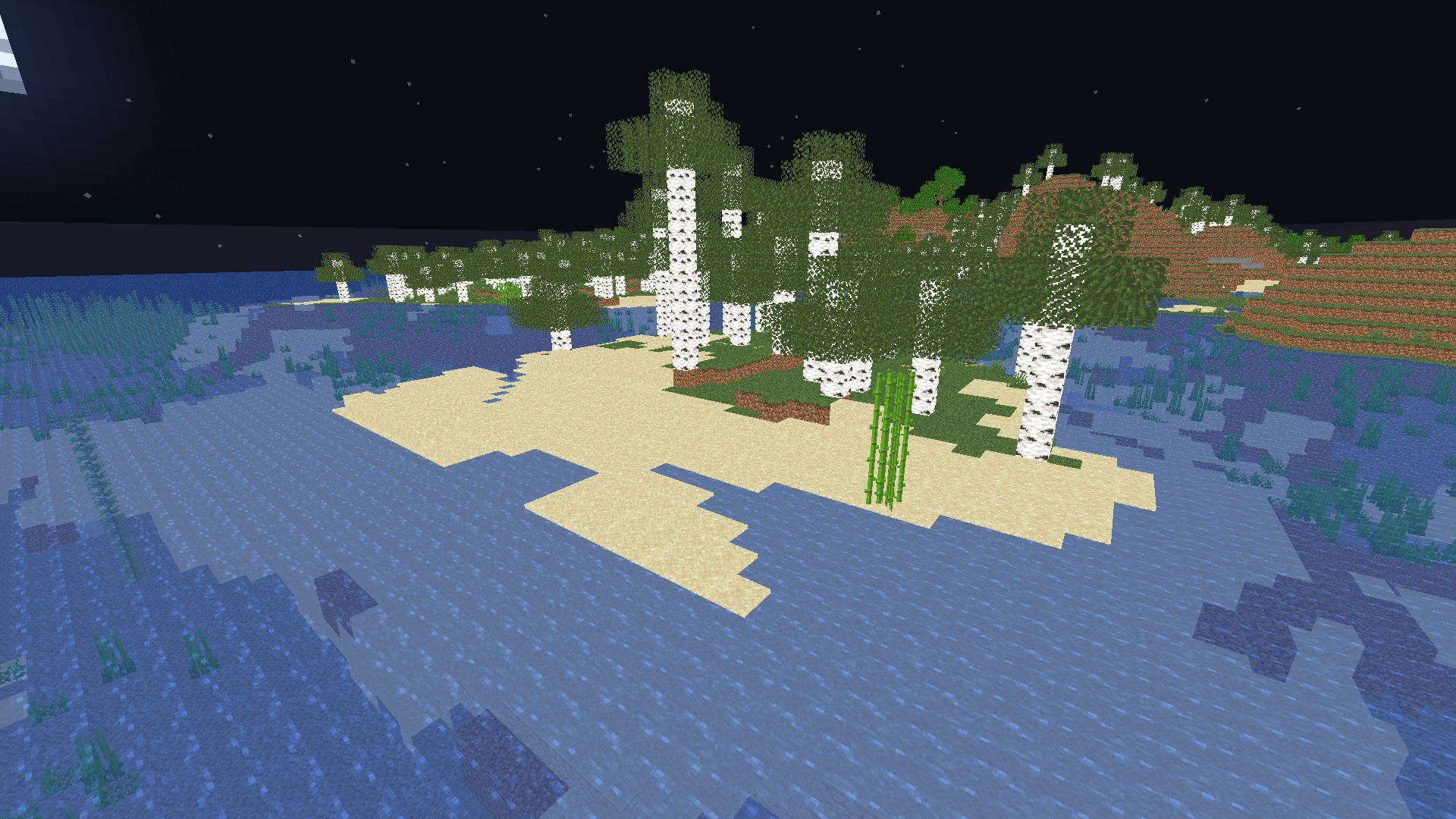 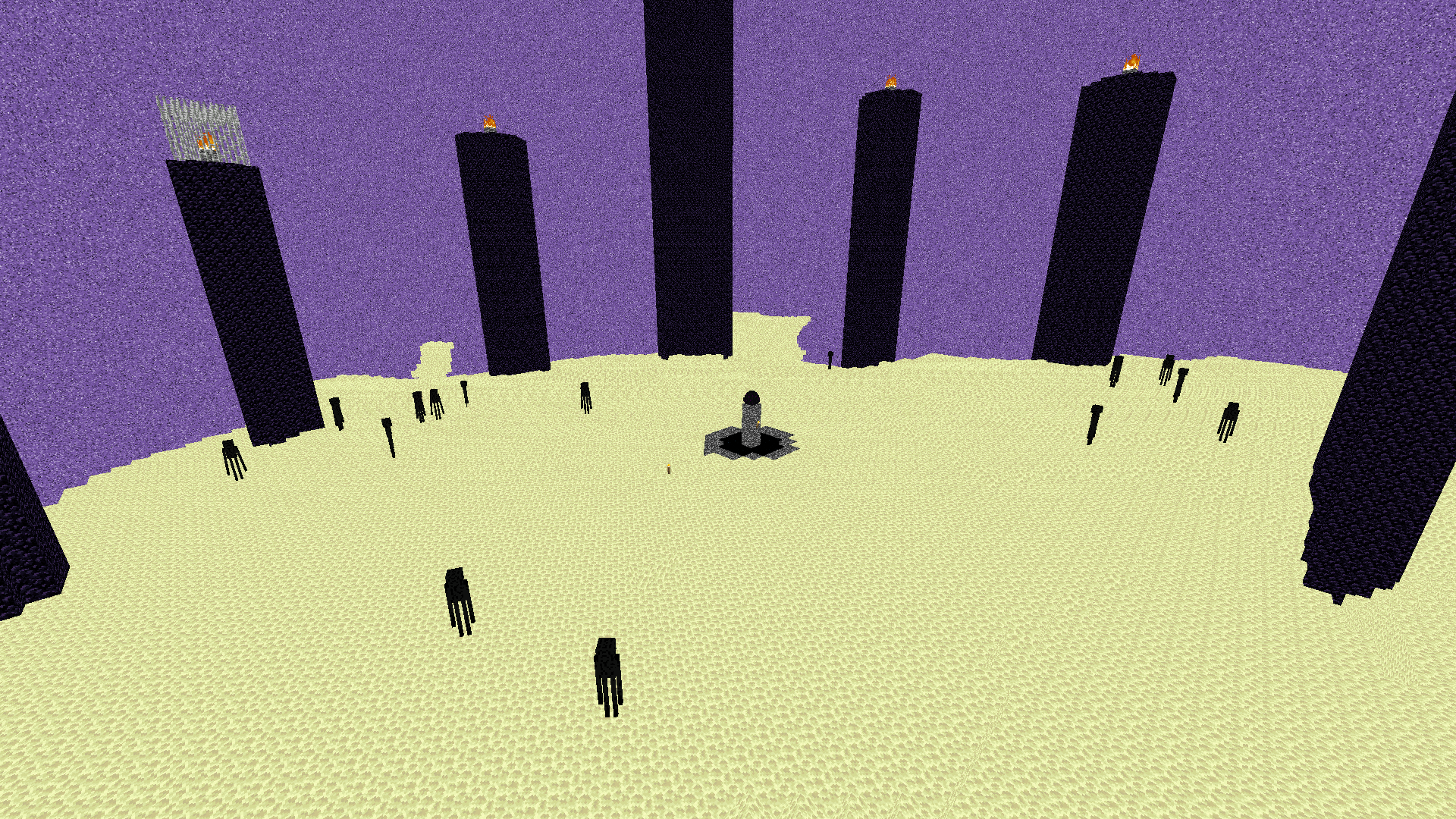  **Shadows removed, forever.**