No Java Edition Branding – Remove from Start-Title Screen
Removes the Java Edition Text under The “Minecraft” Logo from the Title Screen!


Also works for with other resourcepacks!


Item Scroller
## Description
A client-side mod that adds several more convenient ways of moving items inside inventory screens. This is done by scrolling the mouse wheel over item slots (optionally while holding some modifier keys) or by holding down modifier keys and then left- or right-click dragging over the slots.
There are also special features for faster villager trading and crafting.
Available for Ornithe (1.12.2 [and more versions at some point]), LiteLoader (1.12.x), Rift (1.13.2), Fabric (1.14+) and Forge (1.8 – 1.14.4).
More background and details…
The mod has a few configurable modifier keys (depending on the mod/MC version, in modern versions by default `Shift`, `Ctrl` and `Alt`) to move entire stacks, all matching items, or all items at once. It also has special handling for Villagers to ease the annoying clicking around while trading. As of version `0.11.0`, it also has special crafting inventory handling (with a 18-slot internal “recipe memory”).
The basic item scrolling feature is similar to what NEI (and some other mods) also did/do. But I wanted more control and more ways to move items, so I made this mod to have all those modes that I find useful, in one distinct, client-side mod (so it also works on vanilla servers all the same).
There are config options to individually enable or disable more or less any of the modes. There are also options to reverse the scroll directions, or to change what for example “scrolling up” means. All the configs are accessible via the in-game config menu.
Note: All recent Item Scroller versions (starting from version 0.13.0) require the malilib library mod:
https://modrinth.com/mod/malilib
## Key combinations
Some of the default hotkeys
– `I + C` – In the modern (Rift, Fabric, LiteLoader, Ornithe) versions, the default hotkey to open the in-game config screen is `I + C`
– `Mouse wheel scroll` alone: Move one item at a time from or to the slot hovered over
– `Shift + scroll`: Move matching, entire stacks one by one. The stack hovered over is moved last.
– `Ctrl + scroll`: Move all matching stacks to or from the other inventory.
– `Alt + click`: Move all matching stacks to or from the other inventory. (Same as `Ctrl + scroll`.)
– `Ctrl + Shift + scroll`: Move everything to or from the other inventory
– `Alt + Shift + click`: Move everything to or from the other inventory. (Same as `Control + Shift + scroll`.)
– `Shift + left click and hold + drag`: Move all the stacks that are dragged over
– `Shift + right click and hold + drag`: Move all but the last item from all the stacks that are dragged over
– `Ctrl + left or right click and hold + drag`: Move only one item from all the stacks that are dragged over.
– `Shift + click` on an empty slot with items in the cursor: Move all matching items to that inventory
– `Shift + click` outside the inventory with items in the cursor: Drop all matching items from the entire inventory
– `Ctrl + Drop key + left or right click and hold + drag`: Drop one item from all dragged-over slots
– `Shift + Drop key + right click and hold + drag`: Drop all but one item from all dragged-over slots
– `Shift + Drop key + left click and hold + drag`: Drop all items from all the dragged-over slots
– `W/S + Shift/Control + click (and drag)`: Move items up (W) or down (S) in the inventory
Note: Before version 0.6.1, the Shift + right click and hold + drag functionality required one empty slot in the source inventory for an intermediate click action.
## Villager GUIs
Villager screen special features
Villager GUI has special handling (if enabled in the configs). It is only used when you hover over the output slot.
– `Hold shift and scroll down`: Fill the recipe/trade input slots
– `Hold shift and scroll up`: Move the output items to the player inventory as usual
– When the output slot is empty: hold `Shift and scroll up` to move the input items to the player inventory
So basically you can just hold shift and scroll down/up repeatedly to trade items fast & easy.
In the 1.12.2 and 1.16.5+ versions you can right click the trade buttons to fully trade that one trade. You can also `middle click` or `Shift + middle click` to mark trades as favorites or “global favorites” (= not per individual villager), which moves those trades to the top of the list, and it also allows you to use the hotkey to trade all favorites at once. If a given villager has any non-global favorites, then that takes precedence and the global favorites are not used for that villager (until the per-villager favorites are all unmarked).
## Crafting features
About the crafting features
There are some (quick) crafting helpers features. Most notably the `massCraft` and `craftEverything` hotkeys.
For any of these to work, you need to store a crafting recipe to Item Scroller’s own “recipe storage”. By default you open the recipe view by holding `A` inside an inventory screen. You add recipes by holding open the recipe view with `A`, and then middle clicking on the output item on a crafting grid. You can clear a stored recipe by middle clicking on an empty crafting output slot.
Note that the crafting system needs the crafting inventory and slots to be added to the config, so by default it only works for the vanilla player crafting and crafting table inventories.
Note that the `massCraft` feature is pretty laggy and unreliable due to the massive amount of continuous slot clicks it does, and when the server to client syncs happen in the middle of the slot click cpam, that can lead to outdated inventory state on the client, which basically means that mass craft can craft the wrong items (partial recipes).
So in general I would recommend avoiding the `massCraft` feature unless you absolutely need to use it. And if you do, then you would probably want to use Andrews’ “item scroller craft fix” fork instead ([found here](https://github.com/Andrews54757/itemscroller-crafting-fix/releases)), as it implements the vanilla recipe book item transfer fo mass crafting. That makes it vastly more reliable and less laggy. I will add it to the base mod at some point after I rewrite the entire mod from scratch…
If you only need to craft a “moderate amount” of items, like one inventory of nuggets into ingots or similar, then the `craftEverything` hotkey is what you want. It crafts everything possible once. It doesn’t repeat or loop, so it also shouldn’t craft the wrong things as nothing “external” will update the inventory state during that one operation. It doesn’t nicely work for “expanding” recipes however, such as logs to planks, because it doesn’t throw any items out, so the inventory will fill up midway if you try to craft an entire inventory of logs to planks for example.
Invisible Item Frames

**A simple resource pack that makes item frames invisible**.
—
## Need a Minecraft Server? (Sponsor)
[](https://billing.sparkedhost.com/aff.php?aff=3138)
Get **25% off your first month** with Sparked Host.
—
## Quick info
– **Versions:** 1.4+ (full invisibility from 1.8+)
– **Works with almost all mods (Sodium/Iris and OptiFine too)**
– **No mods or commands required**
– **Additional files for invisible glow item frames and invisible map frames**
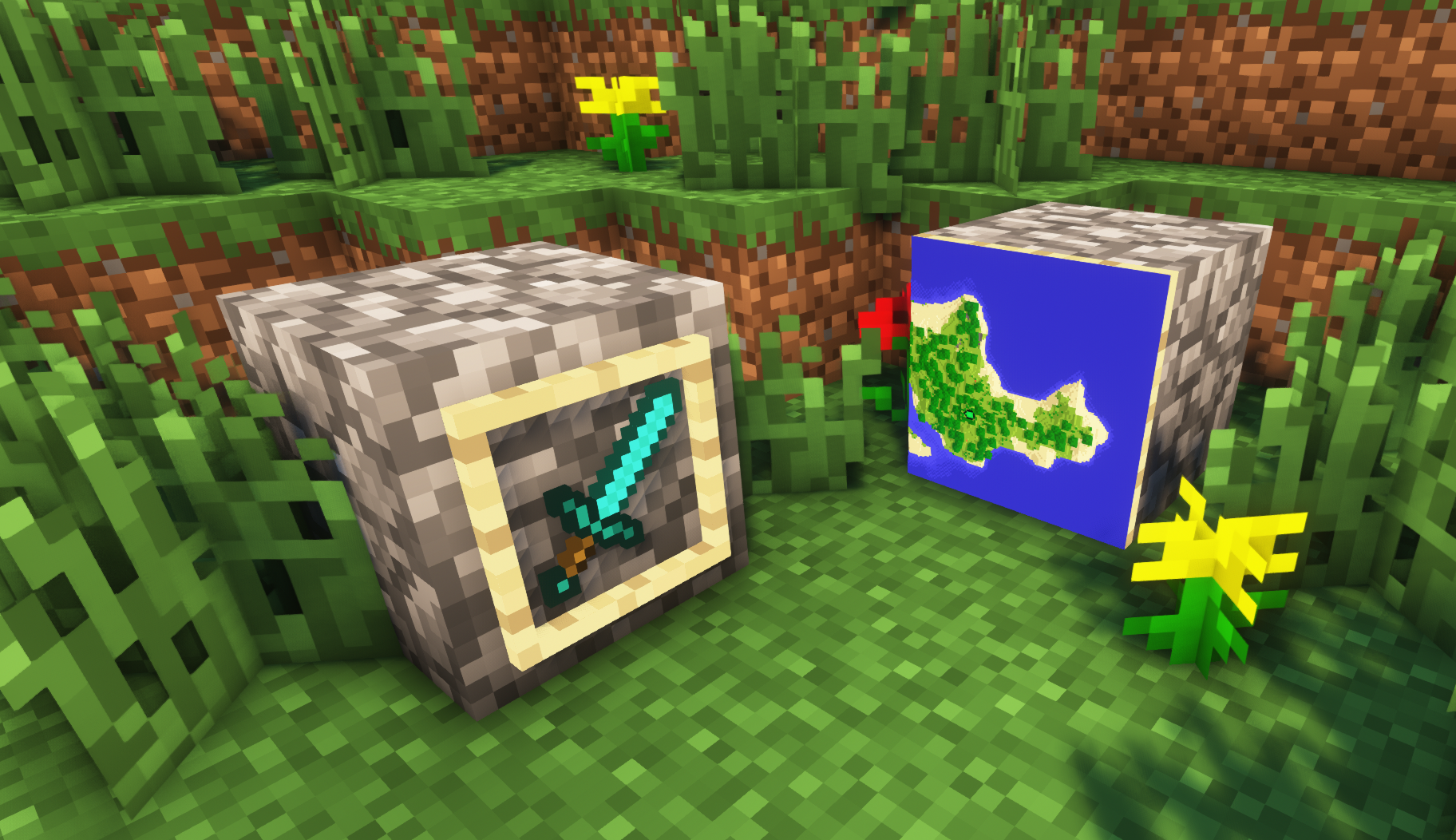
– **Versions below 1.8 will only have the center of the frame invisible (view images below for more info)**
—
## Showcase
**1.8+**
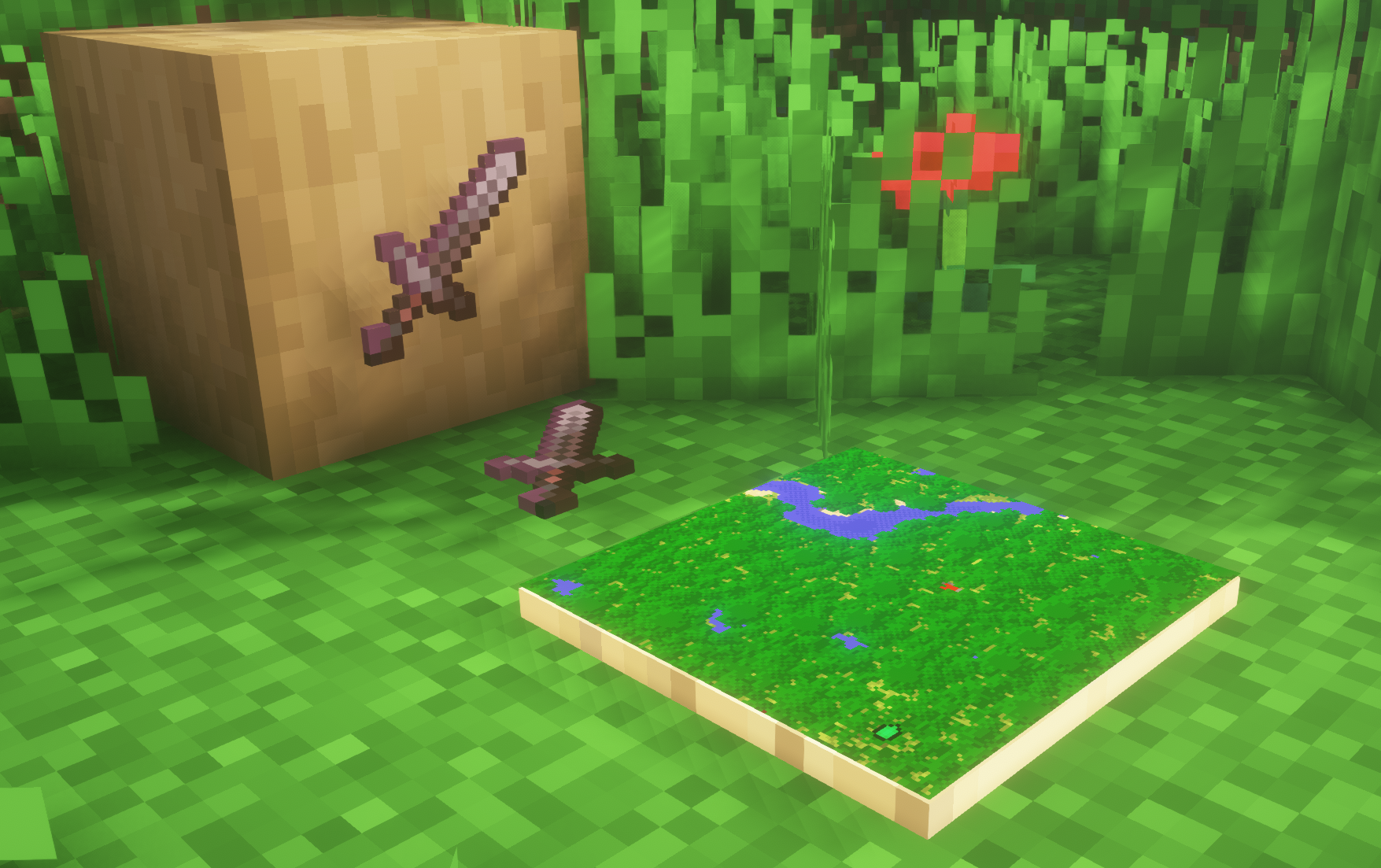
1.4-1.7.10
—
FAQ
**Can I use this with other packs?**
> Yes, but place this pack in a **higher priority (above other packs)**.
**How do I remove item frames?**
> Enable debug hitboxes using **F3 + B** and break the frame.
**Can I use this pack in my modpack or server?**
> Yes you are free to use it, as long as you don’t claim this pack as your own.
**Why is my map/glow item frame not invisible?**
> You have to install those separately. They are available under **additional files** or the buttons near the top of this page.
**Does this make the game slower?**
> This pack actually slightly **improves the client-side framerate** in scenes with lots of item frames.
—
## Additional Files
– [Download Invisible Glow Item Frames](https://cdn.modrinth.com/data/gfr4403r/versions/SVxFWAm4/Invisible-Glow-Item-Frames-V4.zip)
– [Download Invisible Map Item Frames](https://cdn.modrinth.com/data/gfr4403r/versions/SVxFWAm4/Invisible-Map-Item-Frames-V1.zip)
—
## Need a Minecraft Server? (Sponsor)
[](https://billing.sparkedhost.com/aff.php?aff=3138)
Use code **MattyWalker** for 25% off your first month.
Instant Respawn Always
## Instant Respawn Always
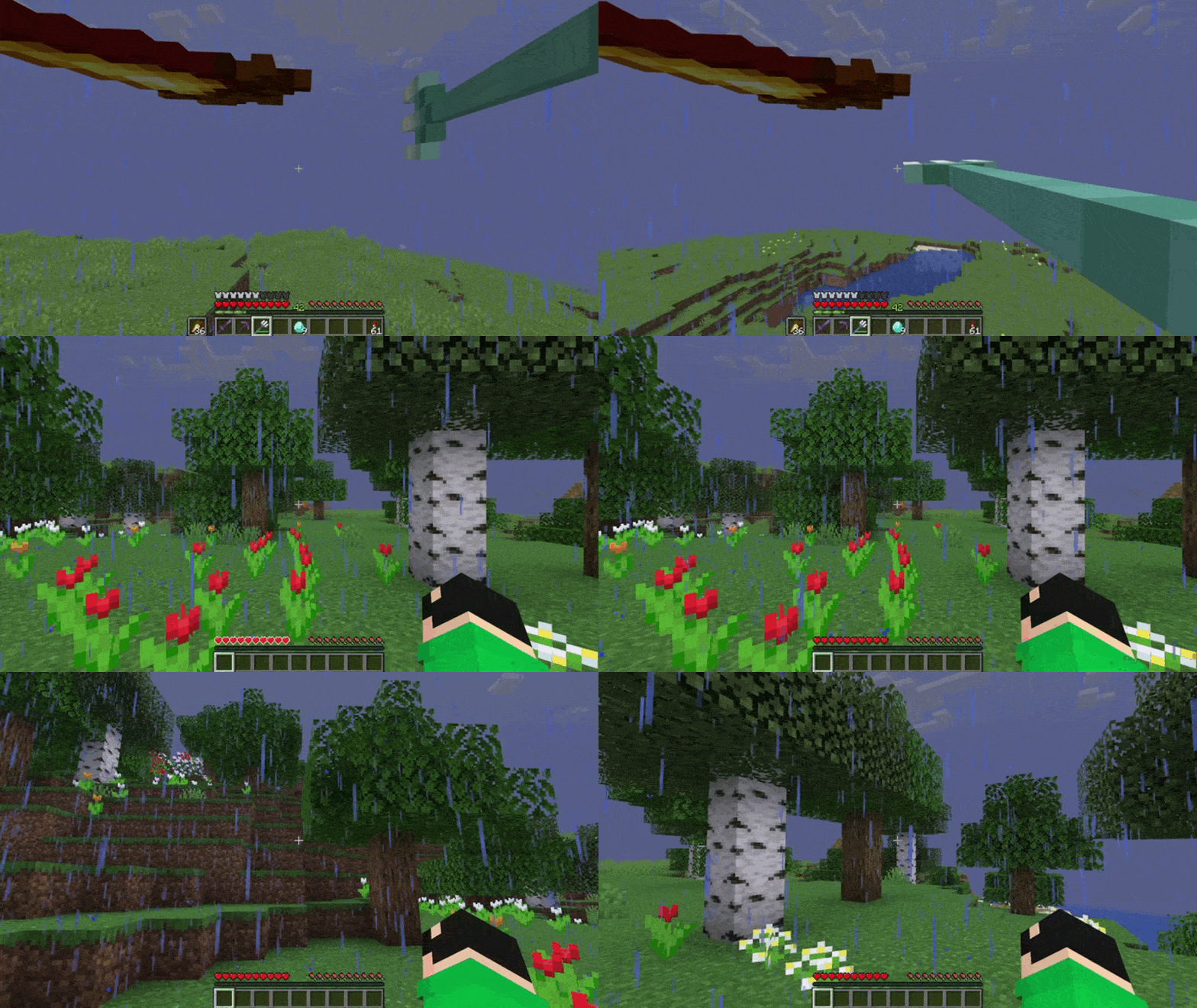
Skip the death screen in each world, like in short videos, so you don’t have to waste time on settings.
## Dependencies
– Fabric loader requires [Fabric API](https://modrinth.com/mod/fabric-api)
Icon Bubbles
**This resource pack changes your hearts and hunger bar icons to be circles.**
### Features:
– Round hearts
– Round hunger bar
– Changes all types of hearts (poison, freezing, hardcore…)
– Compatible with the [AppleSkin mod](https://modrinth.com/mod/appleskin)
**♡ Make sure to follow!**
Hidden Ores
### What does this do?
This resource pack turns every ore in the game hidden. That includes the stone, deepslate, and nether variants. It will appear as if there are no ores. You can use this as a challenge or as a troll.
### How does it work?
It changes the models of ores instead of the textures, so it’s compatible with most resource packs.
### What versions does this support?
This resource pack works for versions 1.13 (1.13-pre3) and up.
HEX Dust
Makes redstone dust 3D, and displays its signal strength in Hexadecimal.
The font of this pack is easily editable just by changing the textures!
i hate shadows
[](https://discord.gg/XgH4EpyPD2)
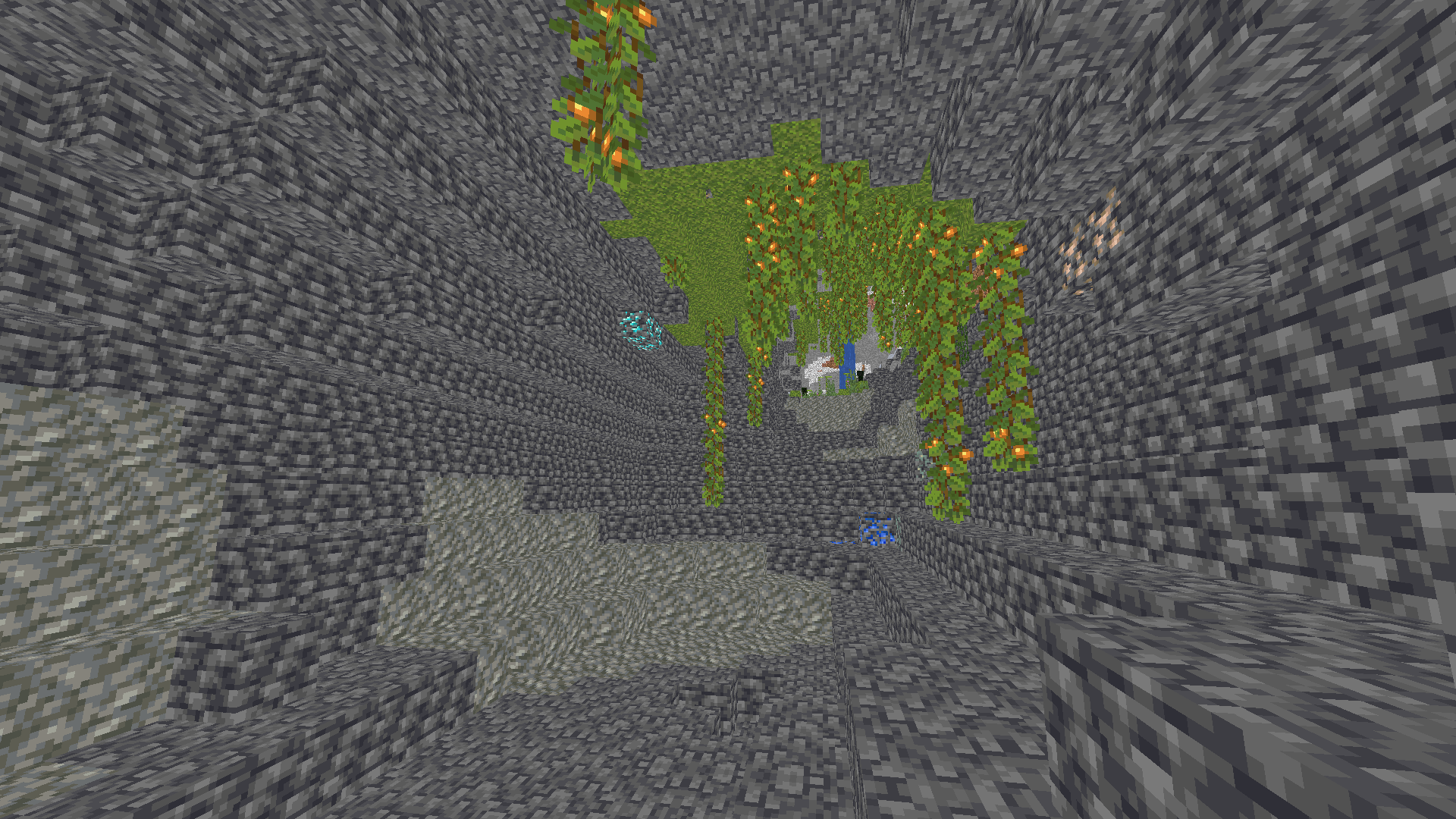
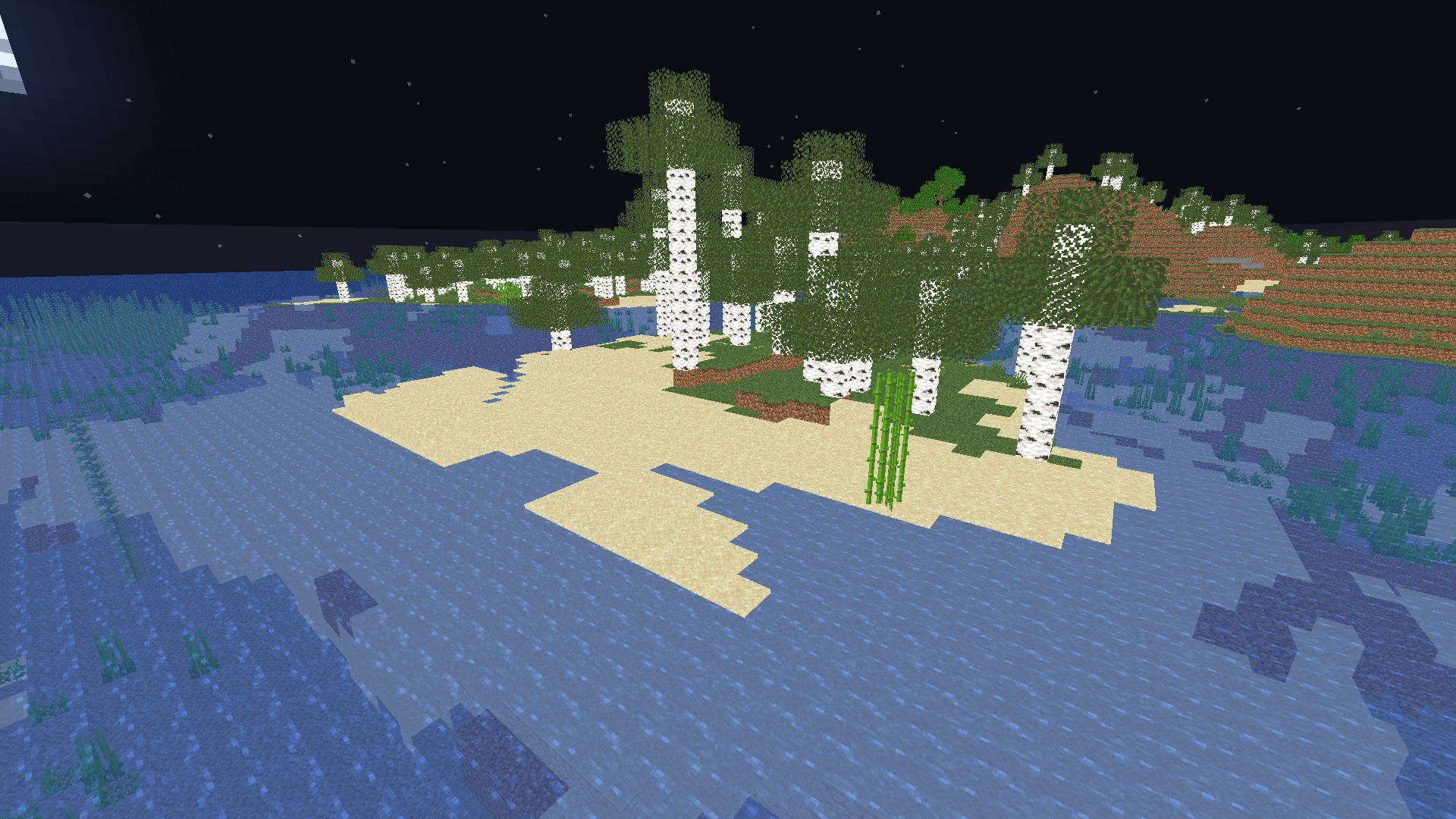
**✨ I REALLY HATE SHADOWS…** **i hate shadows** is a lightweight Minecraft shader that does one thing — and does it perfectly:
it _removes every single shadow_. 🌞
No dark corners, no spooky vibes — just pure, bright daylight everywhere you look.
Perfect for players who love minimal visuals, boosted performance, and a world that never hides in the dark.

### 🌟 Features
* ❌ No shadows at all
* ⚡ FPS-friendly, super lightweight
* 🌞 Always bright, clean visuals
* 🎮 Works great on low-end systems


[](https://kcbhosting.com/aff/xsoras)


**🧠 Lamapi: Next-Gen Open Source AI**
Pushing the boundaries of accessible intelligence. Whether you need lightweight efficiency or industrial-grade reasoning, the **Next Series** delivers.
**Why build with Lamapi?**
– ⚡ **High Efficiency:** From compact 1B models to powerful 70B reasoning engines.
– 🌍 **Multilingual Mastery:** Optimized for superior performance in English & Turkish.
– 🛠️ **Ready to Deploy:** State-of-the-art open weights available immediately.
**Explore our models and start building:**
🔗 https://huggingface.co/Lamapi

**🚀 KCB Hosting: Power Meets Reliability**
Looking for a host that takes your gaming experience as seriously as you do? We provide robust infrastructure ensuring smooth gameplay and enterprise-grade uptime.
**Why switch to us?**
– 💎 **7-Day Free Trial:** Experience the quality risk-free (No commitment).
– 🛡️ **99.9% Uptime SLA:** Your server stays online, guaranteed.
– ⏰ **24/7 Support:** Expert help whenever you need it.
🔥 Experience the difference with 25% off your first month,
Use code **XSORAS**
**Deploy your server now:**
🌐 [https://kcbhosting.com](https://kcbhosting.com/aff/xsoras)
💬 https://discord.gg/kcbhosting
  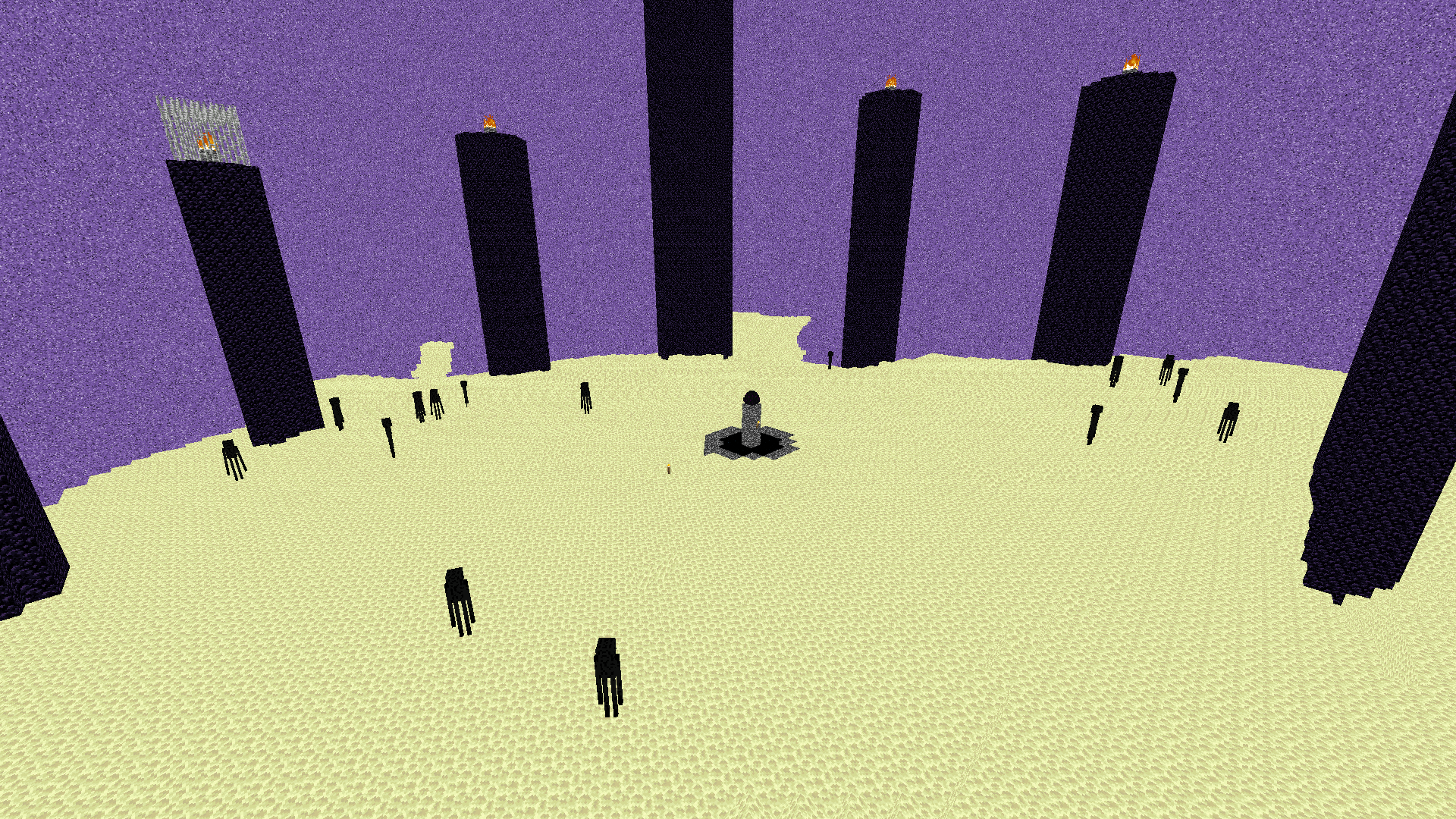  **Shadows removed, forever.**
Fake Hardcore Hearts/Health
Adds Hardcore Hearts to regular worlds without actually enabling Hardcore Mode,
available to every Minecraft version.
All Hearts have been replaced with their Hardcore variants, including Regular hearts, Absorption hearts, Poisioned hearts, Withered hearts and even Frozen hearts.

You can absolutely use this to troll your friends.
You can totally use this to record your 100% legit Minecraft playthrough before going off-camera mining.
Happier Pumpkin
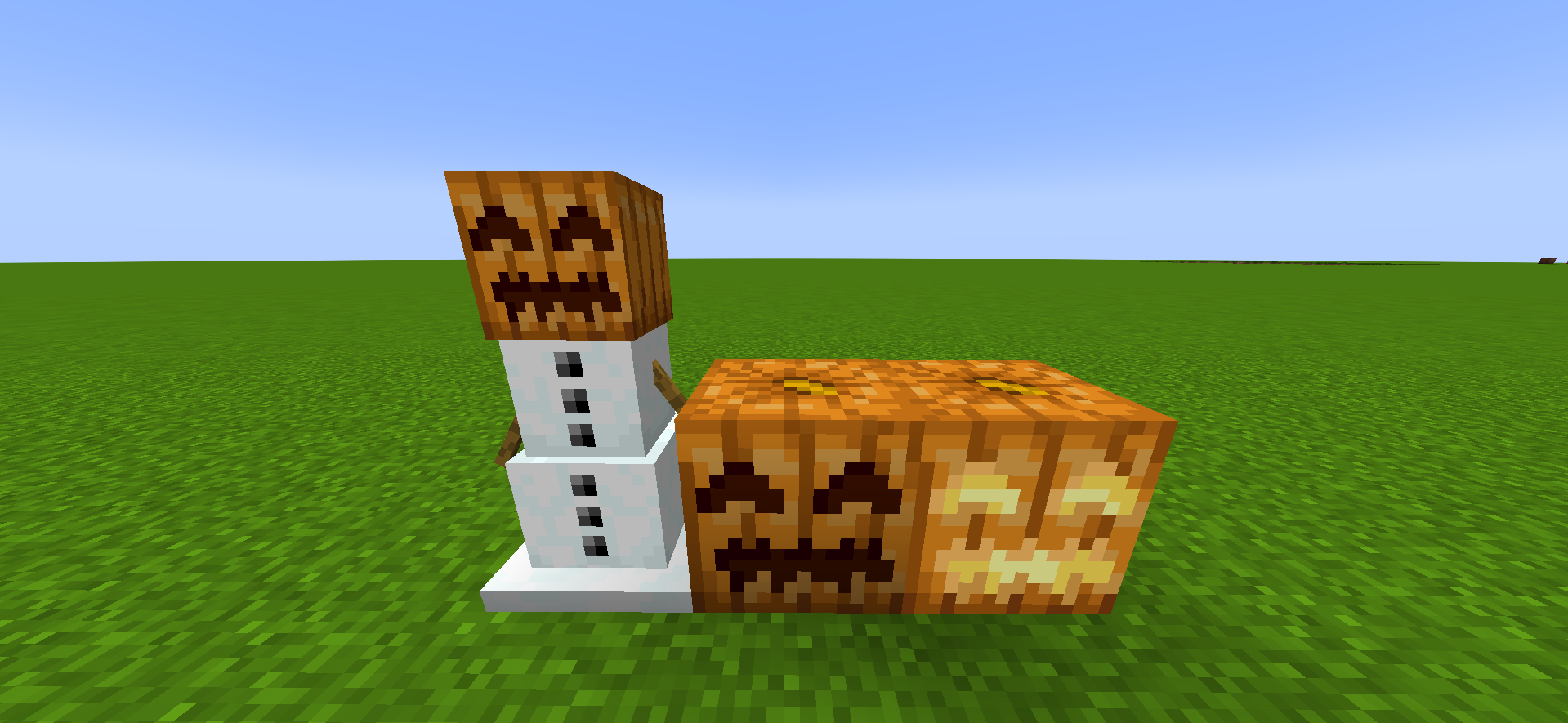
# **😊Happier Pumpkin🎃**
**Happier Pumpkin** makes pumpkins happier the **HAPPIEST** in the **PUMPKING KINGDOM**