TU31 Tutorial World Panorama
Panorama of the Legacy Console TU31 Tutorial World
Credits to this site for providing the map: https://www.theminecraftarchitect.com/
Panorama of the Legacy Console TU31 Tutorial World
Credits to this site for providing the map: https://www.theminecraftarchitect.com/
Panorama of the Legacy Console TU19 Tutorial World
Credits to this site for providing the map: https://www.theminecraftarchitect.com/
Panorama of the Legacy Console TU12 Tutorial World
Credits to this site for providing the map: https://www.theminecraftarchitect.com/
Panorama of the Legacy Console TU1 Tutorial World
Credits to this site for providing the map: https://www.theminecraftarchitect.com/
Mods and resource packs used to make the panorama:
– Nostalgic Tweaks
– Golden Days Resource Pack
– Moderner Beta

# TSetSpawn
The most advanced SetSpawn plugin
# Features
– SetSpawn
– Spawn
– Spawn on enter
– Welcome messages
– Join/Quit messages
– Cooldown
– Wait-time
– Particles
– Sound on spawn
– Void Teleport (configurable worlds)
– Cancel teleport on move
– Death to spawn
– Keep inventory
– PlaceholderAPI Expansion
– Title on spawn
– First join spawn
– Send a specific player to spawn
– Sends all players to spawn
– Delete spawn & ftspawn with command
– Fireworks on spawn
– Different time in cancel-on-move according to a permission
# Commands
– /setspawn
– /spawn
– /tsetspawn reload
– /tsetspawn
– /tsetspawn version
– /tss
– /tss version
– /tss reload
– /ftsetspawn
– spawn (player)
– spawn all
– removespawn (spawn/ftspawn)
# Permissions
– tsetspawn.reload
– tsetspawn.version
– tsetspawn.setspawn
– tsetspawn.ftsetspawn
– tsetspawn.admin (/spawn (player) and /spawn all)
– tsetspawn.remove
– tsetspawn.(group on cancel-on-move)
# Placeholders
– %tsetspawn_spawn%
– %tsetspawn_ftspawn%
– %tsetspawn_spawn_formatted%
– %tsetspawn_ftspawn_formatted%
# Dependencies
– PlaceholderAPI
## Showcase/Tutorial:
Huge thanks to @Titanaraa for creating this awesome video!
# TrueLightFX Lite
– Looking like Vibrant-visuals without the FPS cost. A lightweight shader built for low to mid-range PCs that refuses to look boring.
## What You Get:
### – Realistic Waves – animated water surface with adjustable size and speed
### – God Rays – light shafts through trees and windows, with intensity control
### – Dynamic Fog – golden daylight tones, naturally dark nights and caves
### – Glowing Ores – real additive emission that cuts through cave darkness
### – Underwater Caustics – animated light patterns via fast sine-wave math
### – Wavy Plants – wind-affected leaves, sand, and vegetation
### – Bloom – adjustable post-processing glow
### – TAA + FXAA – your choice of anti-aliasing
### – Two Cloud Styles – Standard or Enhanced
### – Smart Profiles – instant presets from “low” to “your pc isnt that slow isnt it”.
Credits to Ukrech for the Source Project.
Compatibility:
TrueLightFX works with Minecraft versions 1.8.2 – 1.17, but older versions may experience bugs and reduced smoothness. For the best experience, it is strongly recommended to use Minecraft 1.17 or newer.
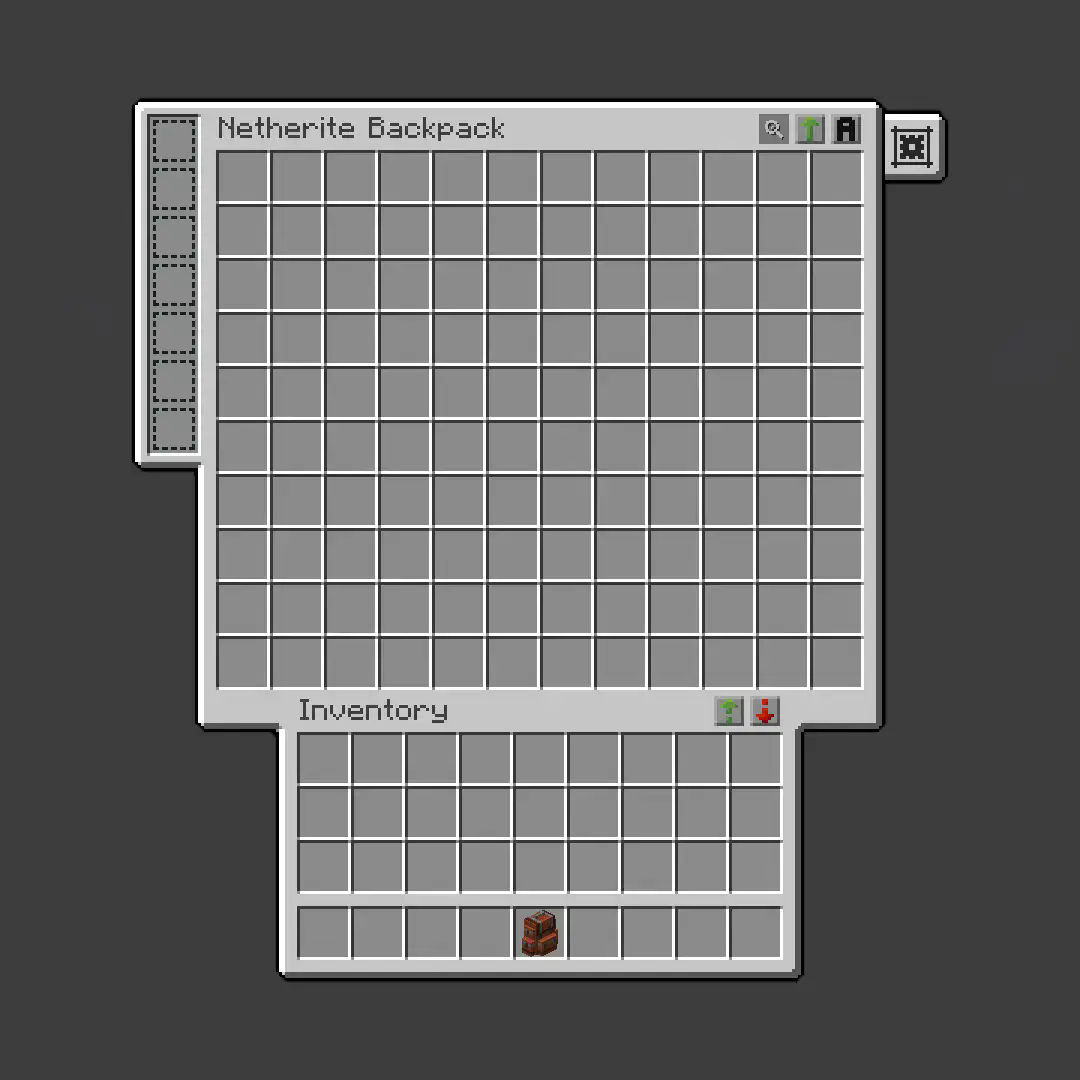
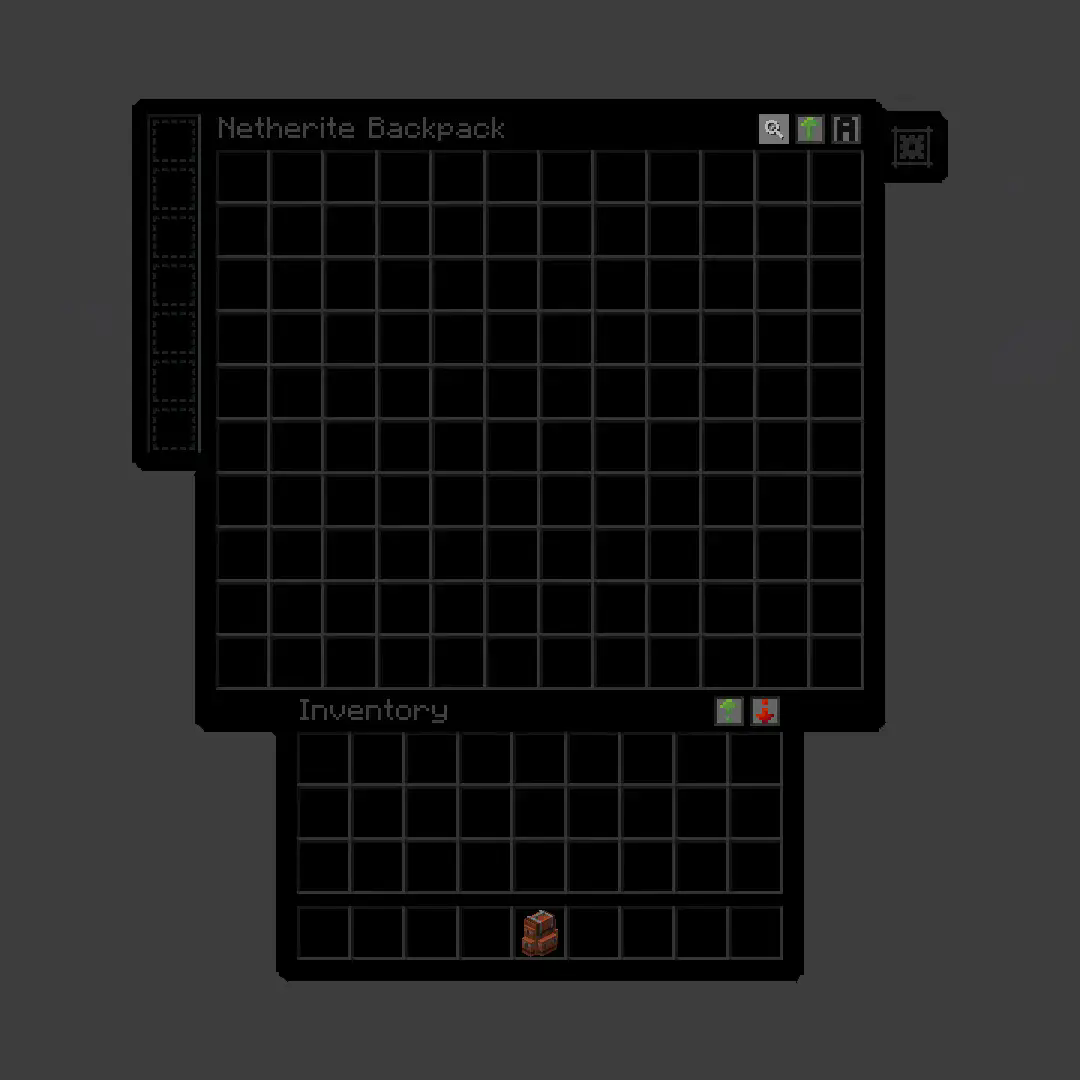
**True Dark UI Sophisticated Backpacks**
## Before
## After
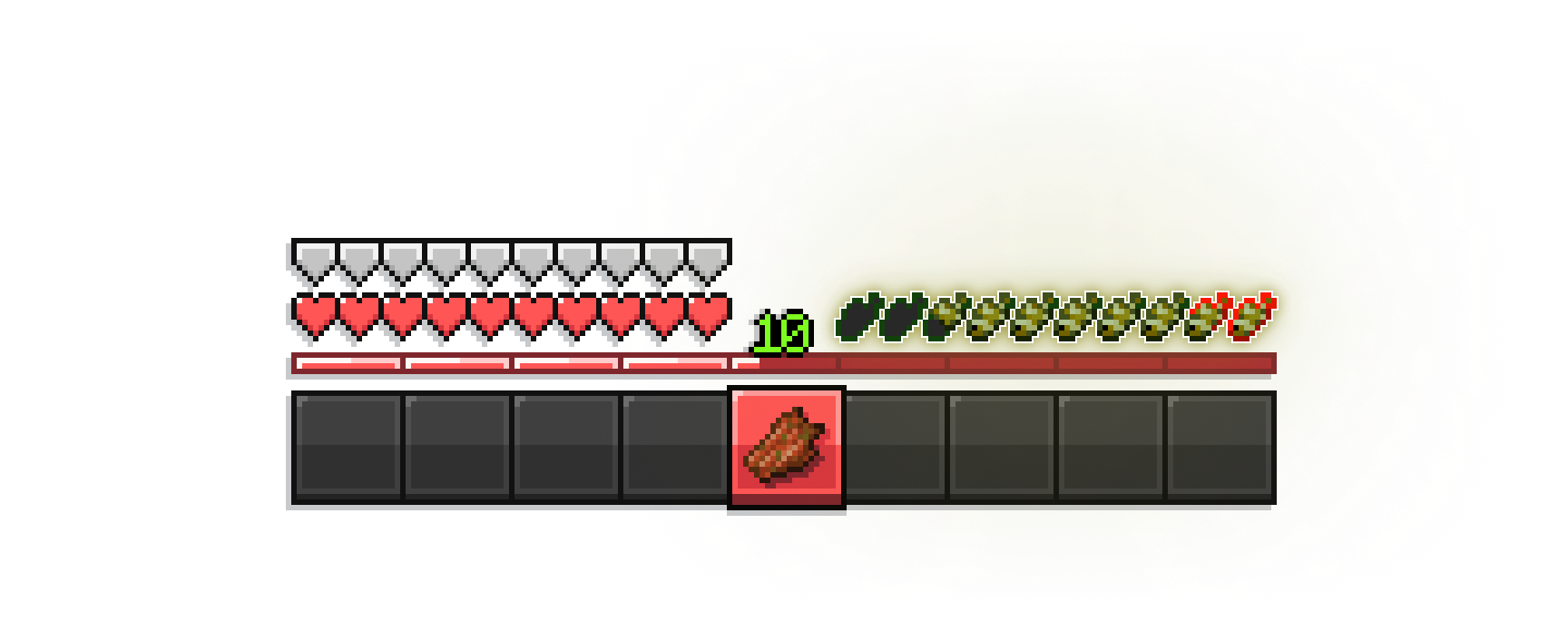
# Make your hunger bars Tropical-Fish themed!
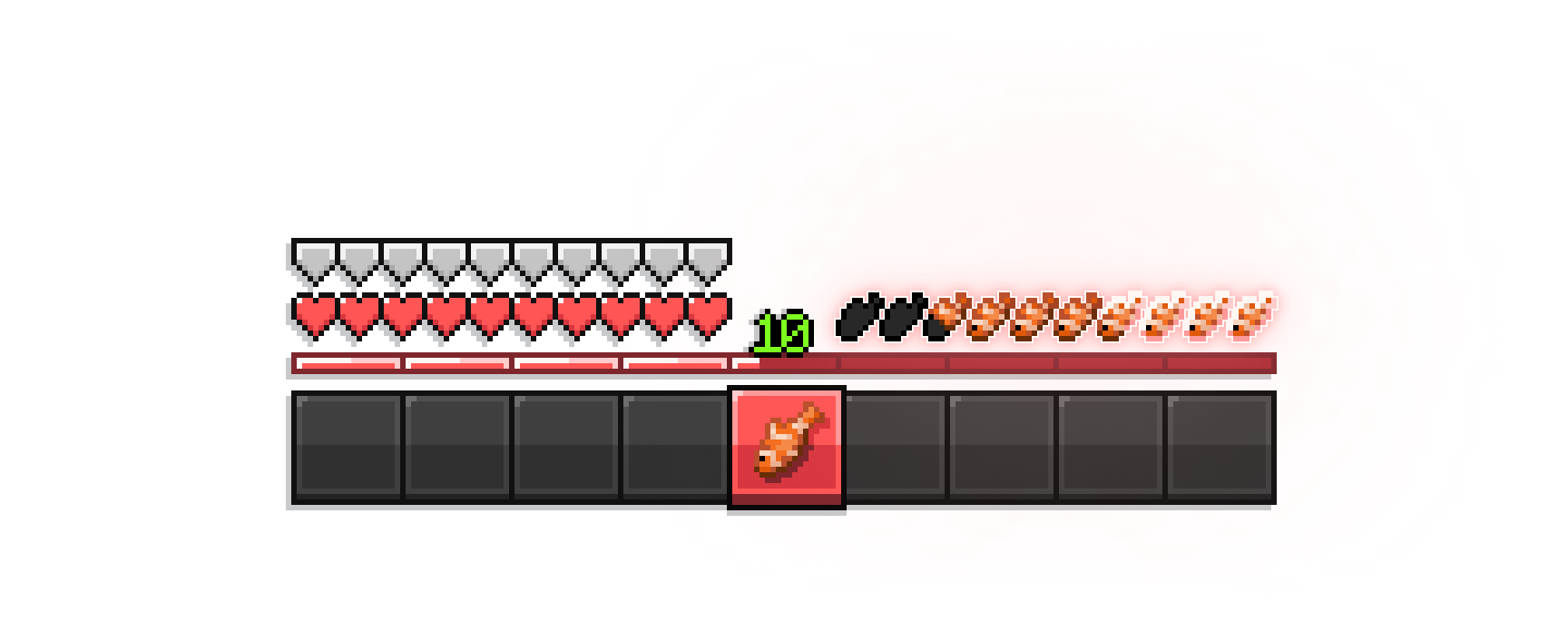
– appleskin compat (all versions)
– compatible with every minecraft version
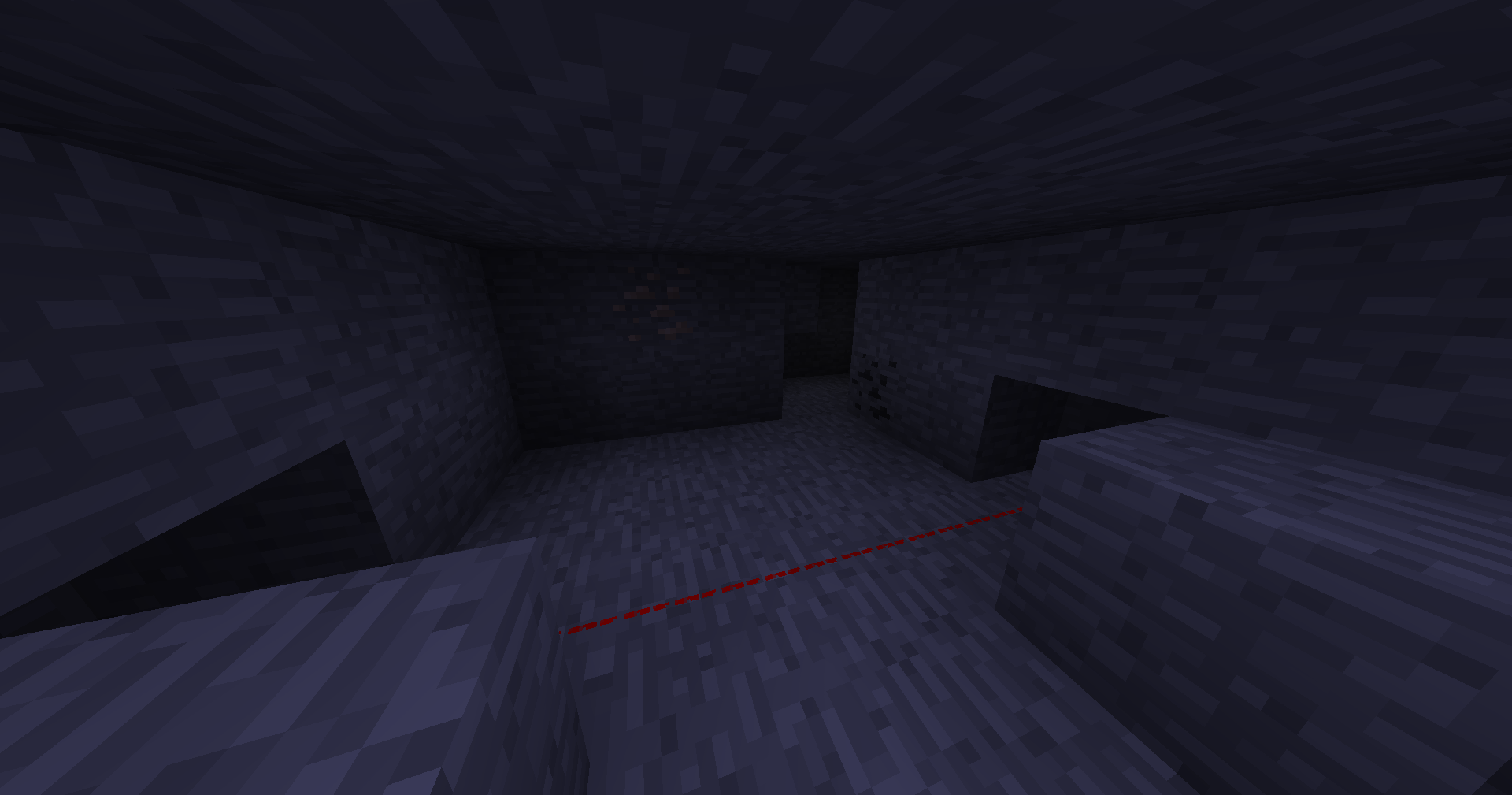
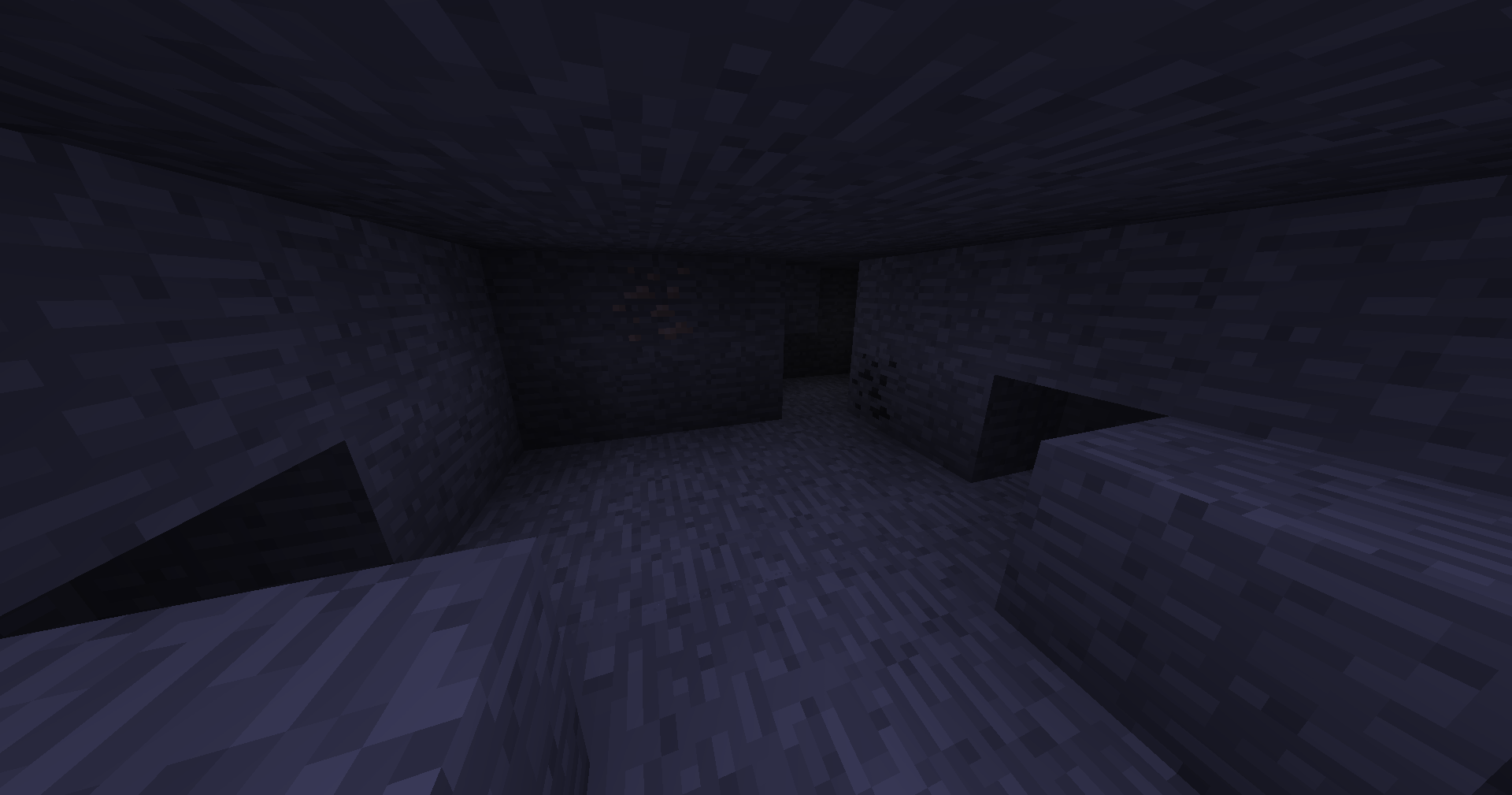
# Tripwires are now colored to red for better visibility
**With:**
**Without:**
# Trinitrotoluene
This pack renames TNT to “Trinitrotoluene,” which is the full unabbreviated name of TNT. The gallery images show every rename of TNT to Trinitrotoluene in the most recent version of the game.
If you download a version of the pack with “rename + texture” in the name instead of “rename only,” it also changes the TNT texture to say “TRINITROTOLUENE” instead of “TNT”, as shown in the pack icon. I made two versions of the pack because I wasn’t sure if I liked the texture change.
## Why is this the most important resource pack ever made?
Trinitrotoluene is an incredibly dangerous substance, and the ambiguity of the acronym is a major hazard. TNT could mean anything – Typographical Number Theory? Télévision Numérique Terrestre? Tawag ng Tanghalan? What if someone were to see a block of TNT, think it’s a package from Thomas Nationwide Transport (now PostNL), and approach it as it’s about to explode?
This resource pack has the potential to save countless lives, possibly billions. For that reason, I’ve made a version of this pack for every possible version it would work in (1.6.1 – 1.21.x).
Stay safe out there.