Transparent UI + Mod Support
This pack makes UI elements of the game semi-transparent, changing the look of the game to be modern and minimalistic.
## With this pack I recommend to install [JEI](https://modrinth.com/mod/jei) and [Blur Fabric](https://modrinth.com/mod/blur-fabric) / [Blur Forge](https://modrinth.com/mod/blur-forge) mods for the ultimate look.
– “JEI” allows UIs to support semi-transparent textures
– “Blur”, well, blurs the background
The pack has extended support for mods. Support for mods is based on 1.20.1 versions of mods.
### Full list of supported mods:
– Aether
– Amendments
– Apotheosis
– Apotheotic Attributes
– Applied Energistics 2
– Aquaculture 2
– Architectury
– Ars Nouveau
– Artifacts
– Athena
– Blue Skies
– Blur
– Bookshelf
– Building Gadgets 2
– Caelus
– ComputerCraft Tweaked
– MrCrayfish’s Furniture Mod
– Charm of Undying
– Corpse
– Cosmetic Armor Reworked
– Crafting Tweaks
– Curios
– Dark Utilities
– Ears
– Elytra Slot
– Farmer’s Delight
– Framework
– Goblin Traders
– Gurard Villagers
– Handcrafted
– Industrial Foregoing
– Iron Chests
– Iron Furnaces
– JEI
– Just Enough Professions
– Just Enough Resources
– Lootr
– Macaw’s Furniture
– Mekanism
– Mekanism Generators
– Mob Grinding Utils
– Moonlight
– Mystical Agriculture
– Nether’s Delight
– Ocean’s Delight
– Oculus
– Optifine
– Patchouli
– Placebo
– Polymorph
– Quark
– Refined Storage
– Refined Storage Addons
– Runelic
– Sophisticated Backpacks
– Sophisticated Core
– Sophisticated Storage
– Structure Gel
– Supplementaries
– Thermal Dynamics
– Thermal Expansion
– Thermal Foundation
– Thermal Innovation
– Titanium
– Trashcans
– Trash Slot
– The Twilight Forest
– Voicechat
– Waystones
—
Anybody is free to use this pack anywhere. Just do not rename the pack, please.
Contact me (DedMaxim99):
My [YouTube channel](https://www.youtube.com/channel/UCrMHx89X71br0aDlzwsLDHQ)
My [Twitch channel](https://www.twitch.tv/dedmaxim99)
My [VK page](https://vk.com/id728112150)
My [Telegram](https://t.me/DedMaxim99)
Transparent Tools
This small resource pack makes all tools appear **transparent**.
**Even with the new copper tools!**
> ### [Check out my other packs!]()
> [**All My Packs**]()
> [**Visual Enchantments**]()
> [**Transparent Items**]()
>
> ### And my [Discord Server]()!
Transparent Swords
This small resource pack makes all swords appear **transparent**.
**Even with the new copper swords!**
> ### [Check out my other packs!]()
> [**All My Packs**]()
> [**Visual Enchantments**]()
> [**Transparent Items**]()
>
> ### And my [Discord Server]()!
Transparent Manu Background
# Warning This was made to fix a mod issue and will have a glitch without the mod
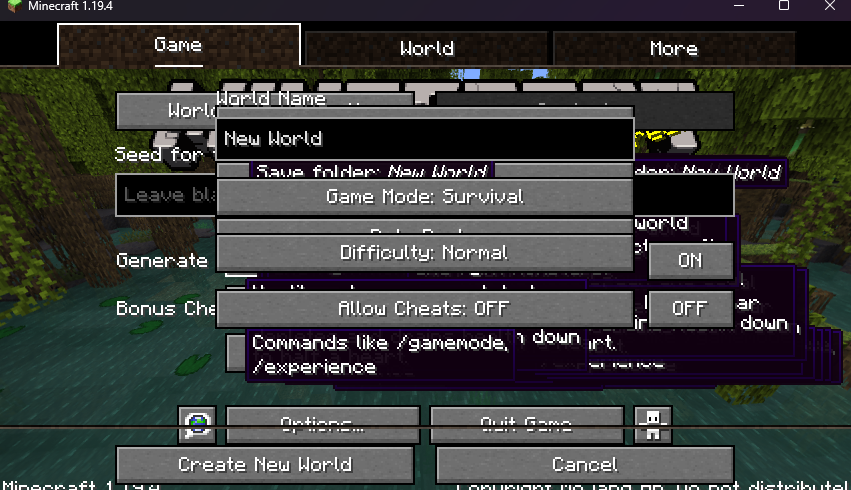
Removes the dirt png from the manu backgrounds to make it transparent
### Incompatible with **fabric** , **quilt** , **Forge**
Fixes **[AcryliCraft](https://modrinth.com/mod/acrylicraft)** Texturepack screen not working
[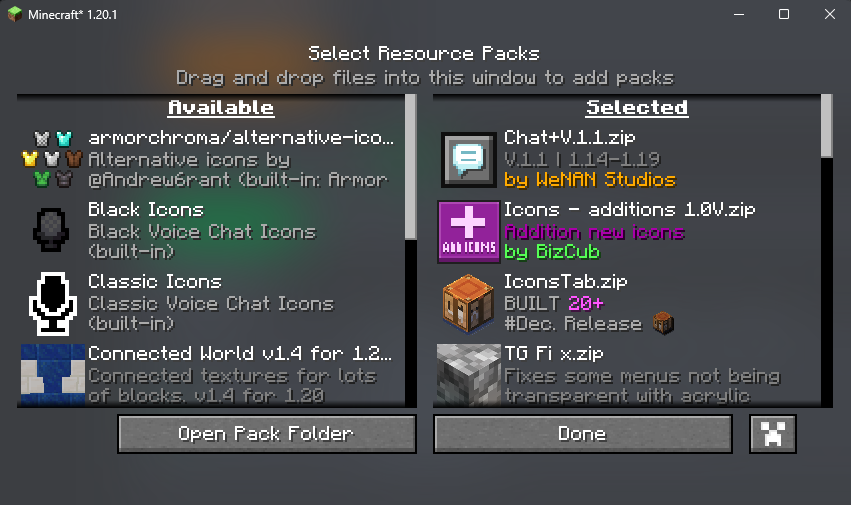](https://modrinth.com/mod/acrylicraft)
Make this screen Transparent
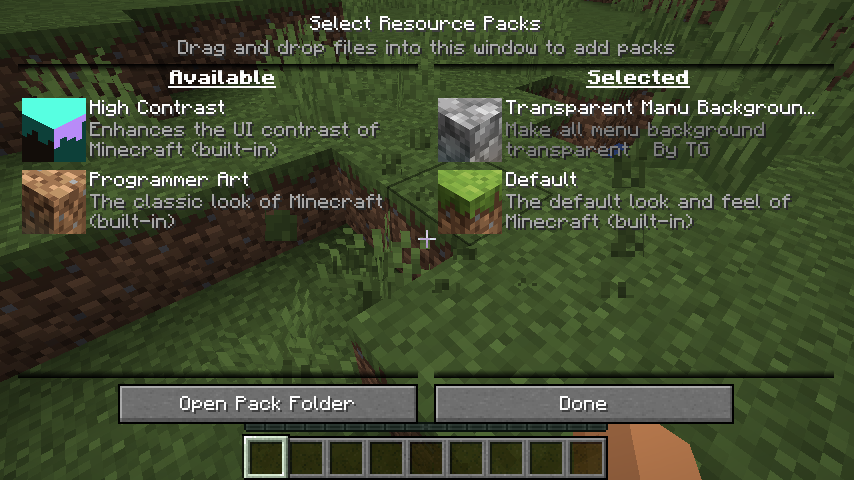
Transparent GUI
This texture pack makes **all GUIs transparent**, this allows for **better visibility** while in the inventory menu or in any GUI. as far as i know this **isn’t banned** in any major PVP servers or competitions. this is mainly made to help **competitive** players and for **convenience**.
and also compatible with Modmenu
Transparent Buttons
Simple **transparent buttons** in menus, compatible with **older AND newer versions** of the game. So yes, it works in **1.8**, just **ignore the red Incompatible marker** in the pack selection screen.
Have any specific mods you would like me to add support for? Join the [**discord**](https://discord.gg/cjBypn33tZ)!
Transparent Bow
This small resource pack makes bows appear **transparent**.
> ### [Check out my other packs!]()
> [**All My Packs**]()
> [**Visual Enchantments**]()
> [**Transparent Items**]()
>
> ### And my [Discord Server]()!
Translate ES – Poema del End
He visto que mucha gente hispanohablante nunca ha leído el poema del End en el juego, principalmente por estar en un idioma único y haber sido retirado, o por estar en dicho idioma, o por ser confundido con solo los “créditos” del juego, cuando no es así. Por eso vi correcto portar el resource pack de “[eldiamondboy](https://www.curseforge.com/members/eldiamondboy/projects)” y traducido por “[DarkLOLable](https://youtu.be/82tZ-ARv3aM?si=ltCGlzkH-nq7yXvb)”, que quedó estancado en la versión 1.17.
**Más gente debería apreciar el pequeño poema que creó el escritor “Julian Gough” en nuestro dialecto.**
1.20 Panorama with Shaders
# 1.20 Panorama with Shaders
This is a really simple Resource Pack that adds shaders to the original panorama.
The seed was discovered by the [Minecraft@Home](https://www.youtube.com/@MinecraftAtHome) team.
➼ Seed: 8554477380691140270
➼ Coordinates: X=1839.272 Y=128 Z=6312.295
➼ Version: Minecraft Java Snapshot 23w14a
The shaders used are the [Complementary Reimagined](https://www.complementary.dev/reimagined/) Shaders.
Show other Panoramas with Shaders
[](https://modrinth.com/collection/CJAr4HQN)
Click the image^
___
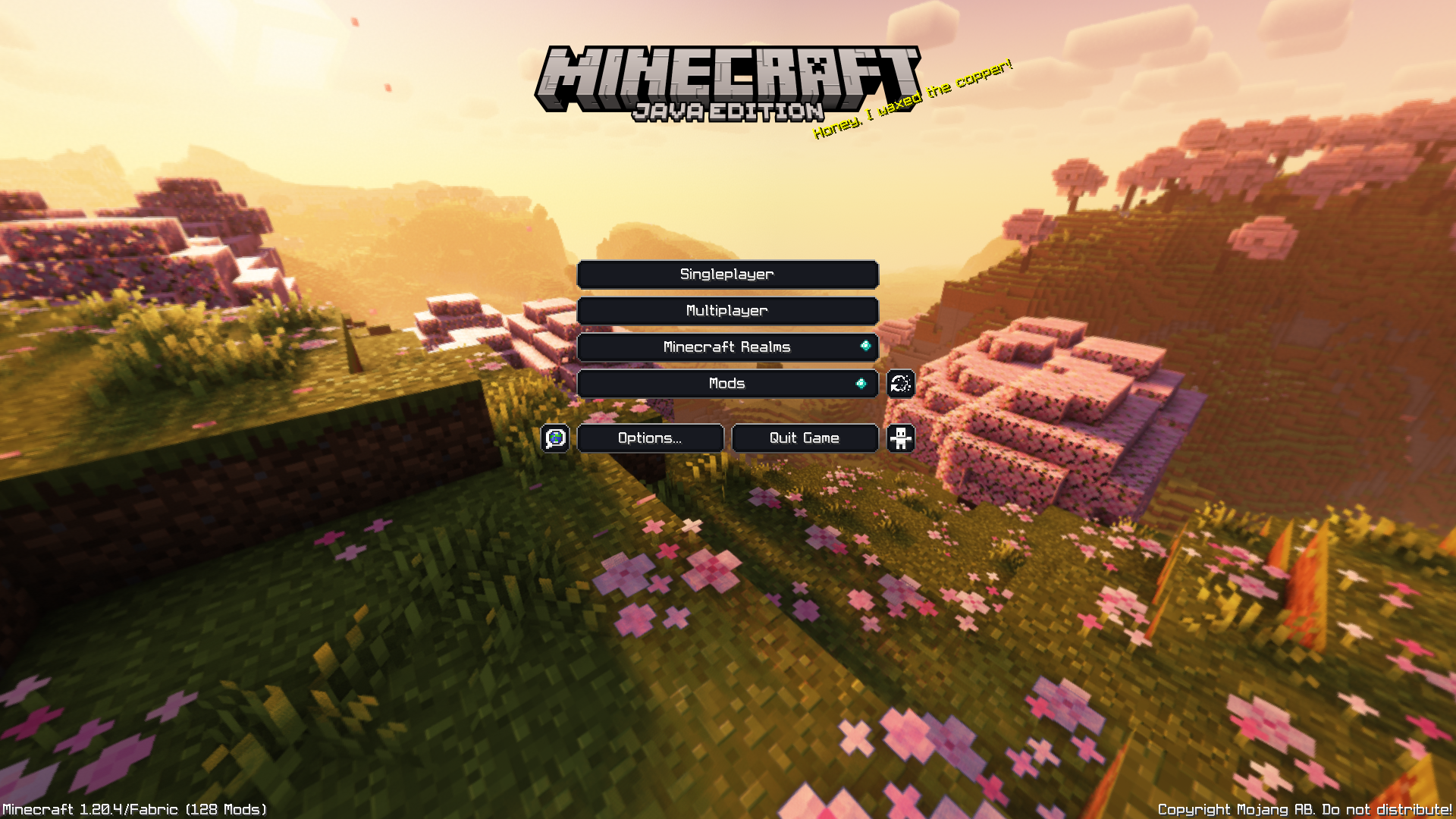
**Note: GUI not included.**
___
Follow my socials!
➽[Twitch](https://www.twitch.tv/itsmemed_552) ➽[Instagram](https://www.instagram.com/itsmemed_554/) ➽[Twitter](https://twitter.com/itsmemed_554) ➽[YouTube](https://www.youtube.com/@itsmemed_552)
___
[](https://creativecommons.org/licenses/by-nc-sa/4.0/)
This work is licensed under a [Creative Commons Attribution-NonCommercial-ShareAlike 4.0 International License](https://creativecommons.org/licenses/by-nc-sa/4.0/).
– Feel free to include this resource pack in your mod pack or server.
– If you wish to use this pack in any form of content, please credit with a link to the original PlanetMinecraft/Modrinth/CurseForge page where you can.
TrailPaths
# TrailPaths
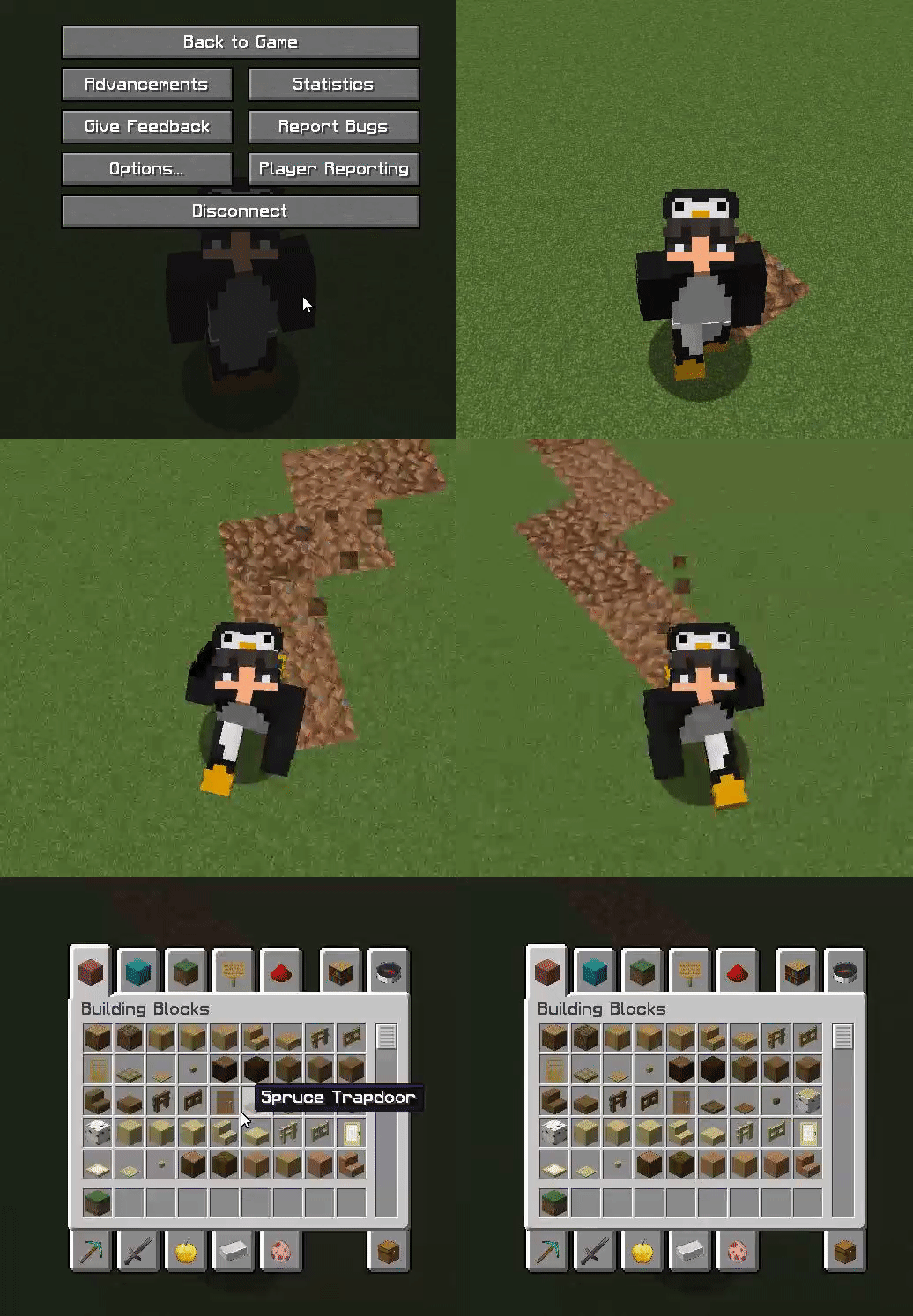
This plugin is very simple and lightweight. It allows players to create a “path” behind them while walking. This can be configured to be any block and change any type. You can also reset this path after x amount of time to return back to the original state. This is a unique addon for many servers.
Commands:
– /trails help – View the plugin commands.
– /trails reload – Reload the configuration files.
– /trails – Toggle your trail path on and off.
– /trails on – Toggle your trail path on.
– /trails off – Toggle your trail path off.
Permissions:
– TRAILS.* – Access to all commands.
– TRAILS.HELP – Use the /trails help command.
– TRAILS.RELOAD – Use the /trails reload command.
– TRAILS.TOGGLE – Use the /trails, /trails on, /trails off commands.
Images