SmartRouter
# SmartRouter
SmartRouter is a Velocity plugin that smartly routes players based on their last connected server. It is designed for networks with multiple sub-servers like `hub`, `spawn`, and `smp`.
## ✨ Features
– Redirect players trying to connect to a fallback server (e.g., `spawn`) to their **previous server**.
– Track players’ last connected server and remember it across reconnects.
– Fully configurable with `config.yml`.
– Requires **LuckPerms** to store and retrieve player metadata.
—
## 📦 Requirements
– **Velocity** Proxy
– **LuckPerms** (must be installed and active on the proxy)
If LuckPerms is not found, the plugin will automatically disable itself.
—
## ⚙️ Configuration
The configuration file is created at `plugins/smartrouter/config.yml`.
“`yaml
file-version: 1
intercept-servers:
– spawn
remember-servers:
– spawn
– smp
“`
### `intercept-servers`
A list of server names to intercept when a player connects.
If a player attempts to join any of these servers, SmartRouter checks their last known server and redirects them if needed.
**Example:**
If a player tries to join `spawn`, but their last known server was `smp`, they’ll be redirected back to `smp` instead of joining `spawn`.
—
### `remember-servers`
A list of server names to remember as a player’s last server.
When a player joins any of these servers, SmartRouter saves the server name to metadata (via LuckPerms).
**Tip:**
Add any servers here that players might return to after a reconnect.
—
### 💡 Example Use Case
Let’s say your network has:
– A hub server players always connect to first.
– A spawn area where players are teleported initially.
– An SMP world players explore and return to.
With SmartRouter, players are routed to spawn the first time. If they log out in `smp`, the next time they connect, SmartRouter will skip spawn and send them back to `smp`.
SmartRejoin
# SmartRejoin for Velocity


**SmartRejoin** is a modern alternative to older reconnect plugins, built with a highly customizable rule-based engine.
—
## Features
– 🧠 Automatically sends players back to the server they disconnected from.
– ⚙️ Define custom rules based on a player’s last server. For example, send players from a `bedwars_` game to the most populated `bedwars_lobby`.
– ⚖️ Distributes players across lobbies by connecting them to the server with the **most** or **least** players, or to a **random** one.
– 🛡️ Configure a safe fallback server (or a pool of servers) for new players or when a target server is offline.
– ⚡ Reload the configuration on-the-fly with a simple command.
—
## Installation
1. Download the plugin
2. Place the plugin into your Velocity proxy’s `/plugins` directory.
3. Restart your Velocity proxy. A `config.yml` file will be generated in `/plugins/SmartRejoin/`.
—
## Commands & Permissions
| Command | Alias | Permission | Description |
| :— | :— | :— | :— |
| `/smartrejoinreload` | `/srr` | `smartrejoin.command.reload` | Reloads the `config.yml` file. |
—
## Configuration (`config.yml`)
The configuration is split into three main parts: **Fallback**, **Default Rule**, and **Custom Rules**.
### Quick Start
For the simplest setup, just install the plugin. By default (`rule: SAME`), it will automatically reconnect players to the server they left. New players will be handled by your `velocity.toml` configuration. To use the plugin’s fallback for new players, set `fallback.enabled: true`.
### Example Use Cases
– **BedWars Lobby**: If a player leaves `bedwars_12`, send them to the `bedwars_lobby` with the most players.
– **Persistent Survival**: If a player leaves `survival`, always send them back to `survival`.
– **Random Lobby**: If a player was in any `lobby_` server, send them to another random `lobby_` server.
– **AFK Escape**: If a player was in an `afk` server, send them to the `lobby` with the fewest players.
### Full Configuration Example (different from default one!)
“`yml
# ————————————————— #
# SmartRejoin Configuration #
# ————————————————— #
# — General Settings —
settings:
# If true, the plugin will print informational messages to the console.
# Critical errors are always logged.
logging_enabled: true
# — Fallback Configuration —
# Used for new players or when a target server from a rule is offline.
fallback:
# If ‘enabled’, this plugin’s fallback logic will be used.
enabled: true
# ‘RANDOM’: Connects to a random server whose name CONTAINS the ‘name’ value.
# ‘SERVER’: Connects to a specific server with an exact ‘name’.
type: RANDOM
name: “lobby”
# — Default Rule —
# Applied if a player’s last server doesn’t match any custom rules below.
default:
# ‘SAME’: Connects to the exact same server. (Most common)
# ‘FALLBACK’: Immediately uses the fallback rule.
# ‘SMART’: Finds a related lobby. See comments below for details.
rule: SAME
# Arguments for the ‘SMART’ rule.
# Example: [‘MOST’, ‘%last_seen%_lobby’]
arguments: []
# — Custom Rules —
# Define specific redirection rules here. They are checked in order.
rules:
stay_on_survival:
last_seen:
# Condition: Player’s last server name must be an exact match.
type: EQUALS
name: “survival”
where_to_join:
# Action: Connect to a server with this exact name.
type: EQUALS
name: “survival”
bedwars_lobby_fallback:
last_seen:
# Condition: Player’s last server name must contain “bedwars”.
type: CONTAINS
name: “bedwars”
where_to_join:
# Action: Find all online servers containing “bedwars_lobby” and
# connect to the one with the MOST players.
type: MOST
name: “bedwars_lobby”
Smaller default crosshair
this texture pack make the default crosshair of minecraft slightly smaller to make aiming more precise and it doesnt get in the way when trying to view something from a distance. its basically compatible with ever version.
Smaller Crosshair by Pwissh
I am aware that maybe this crosshair could already have been existed in another form or just in it’s own pack. I made this crosshair 2 years ago and now remastered it with cleaner files because some of my friends wanted it too. I am uploading this pack to this site just to give myself a place to store it and give my friends and myself an easily accessible download link. If you end up finding one made before mine, please don’t feel the need to tell me since I didn’t plagiarized anything and made the edit and the resource pack myself (I’m not even talking about the fact that it’s just 4 deleted pixels), I won’t be deleting it unless the site staff themselves tell me so. Also the pack is listed for 1.19 but it should be working for most versions (Higher or lower). Other than that have fun with the resource pack. The pack.png file (the pack icon) is made by the talented artist “六華Forever9Nine”. Go follow them since they are insanely talented and a very kind individual (https://forever9nine.carrd.co).
Small Items+
## Recourse pack features
– smaller item models
– small totem and totem pop.
– low fire
– clear water
– no spyglass, pumpkin overlay
– visible ore
– less obstructive rain, snow
## Screenshots


### My other projects
Small X Crosshair
This resourcepack changes the default crosshair into a simple and small crosshair in the form of an X.
It’s simple.
It’s practical.
It’s functional.
Compatible versions: 1.6.1 – 1.21.5
Small Weapons
🔧 Small Weapons Pack This resource pack combines the best of all my mini-sized weapons textures—Small Swords, Small Pickaxes, and Small Axes—into one clean, lightweight bundle. Perfect for PvP or anyone who prefers a less cluttered screen, each tool is carefully downsized to give you more visibility without losing that vanilla Minecraft feel.
✅ Features:
✔️ Smaller axe and sword models for every tier (wood, stone, iron, gold, diamond, netherite)
✔️ Compact sword , pickaxe and axe textures for all materials
✔️ Faithful to the vanilla Minecraft art style
✔️ Ideal for PvP, survival, or aesthetic gameplay
📦 Compatibility:
Minecraft Java Edition
No mods required
Small Tools
🔧 Small Tools Pack
This resource pack combines the best of all my mini-sized tool textures—Small Swords, Small Pickaxes, and Small Axes—into one clean, lightweight bundle. Perfect for PvP or anyone who prefers a less cluttered screen, each tool is carefully downsized to give you more visibility without losing that vanilla Minecraft feel.
✅ Features:
✔️ Smaller tools models for every tier (wood, stone, iron, gold, diamond, netherite)
✔️ Compact sword , pickaxe and axe textures for all materials
✔️ Faithful to the vanilla Minecraft art style
✔️ Ideal for PvP, survival, or aesthetic gameplay
📦 Compatibility:
Minecraft Java Edition
No mods required
[FIXED!] Small Swords for PVP
## Small Swords
**Small Swords** is a simple texture packs made for reduce size of all swords of Minecraft for reduce the size its take on the screen.
Enjoy!
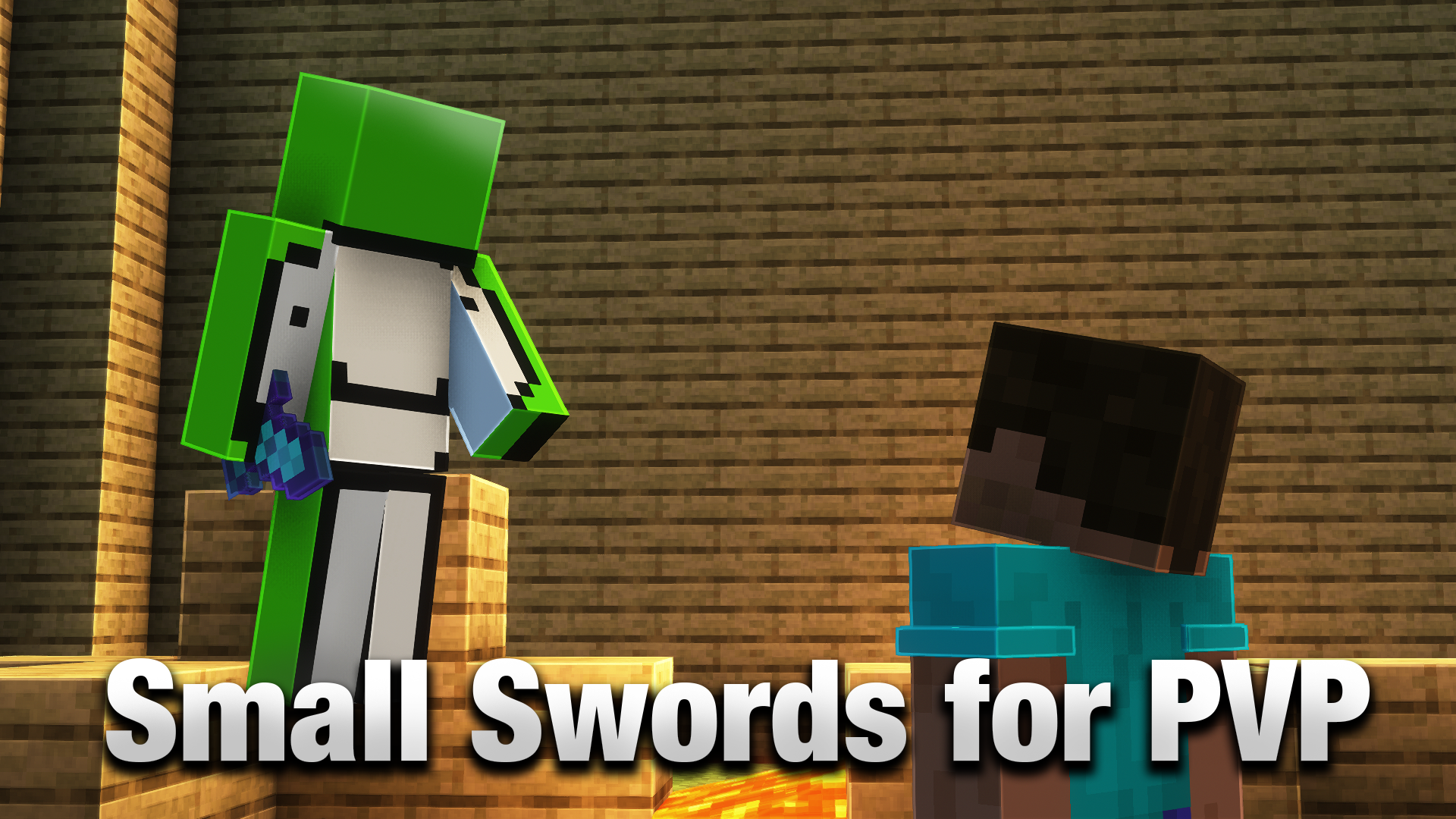A simple resource pack that modify all swords to make it smaller for PVP or BedWars.
# How to install
## Minecraft Launcher
– Press Windows+R and type “%appdata%”
– Go to .minecraft > resourcepack (if the resourcepack folder dont exist, create one)
– Put the Resource pack file into this folder
Small Swords
🗡️ Smaller Swords – PvP Optimized Texture Pack
Tired of bulky swords blocking your view in combat? This texture pack replaces the default Minecraft swords with sleeker, shorter versions—giving you a clearer line of sight, faster reaction time, and a cleaner look for competitive PvP.
🔧 Features:
– 🔪 Reduced sword size without losing detail or readability
– 👀 Improved visibility in close combat and tight spaces
– 🎨 Compatible with most resource packs – just load it on top!
– 👑 Support for 1.8.9 and newer versions like 1.21.8 and above
YouTube Channel
