TU46 Tutorial World Panorama.
Panorama of the Legacy Console TU46 Tutorial World
Credits to this site for providing the map: https://www.theminecraftarchitect.com/
Panorama of the Legacy Console TU46 Tutorial World
Credits to this site for providing the map: https://www.theminecraftarchitect.com/
Panorama of the Legacy Console TU31 Tutorial World
Credits to this site for providing the map: https://www.theminecraftarchitect.com/
Panorama of the Legacy Console TU19 Tutorial World
Credits to this site for providing the map: https://www.theminecraftarchitect.com/
Panorama of the Legacy Console TU12 Tutorial World
Credits to this site for providing the map: https://www.theminecraftarchitect.com/
Panorama of the Legacy Console TU1 Tutorial World
Credits to this site for providing the map: [https://www.theminecraftarchitect.com/](https://www.theminecraftarchitect.com/)
Mods and resource packs used to make the panorama:
[- Nostalgic Tweaks](https://modrinth.com/mod/nostalgic-tweaks)
[- Golden Days Resource Pack](https://modrinth.com/resourcepack/golden-days)
[- Moderner Beta](https://modrinth.com/mod/moderner-beta)
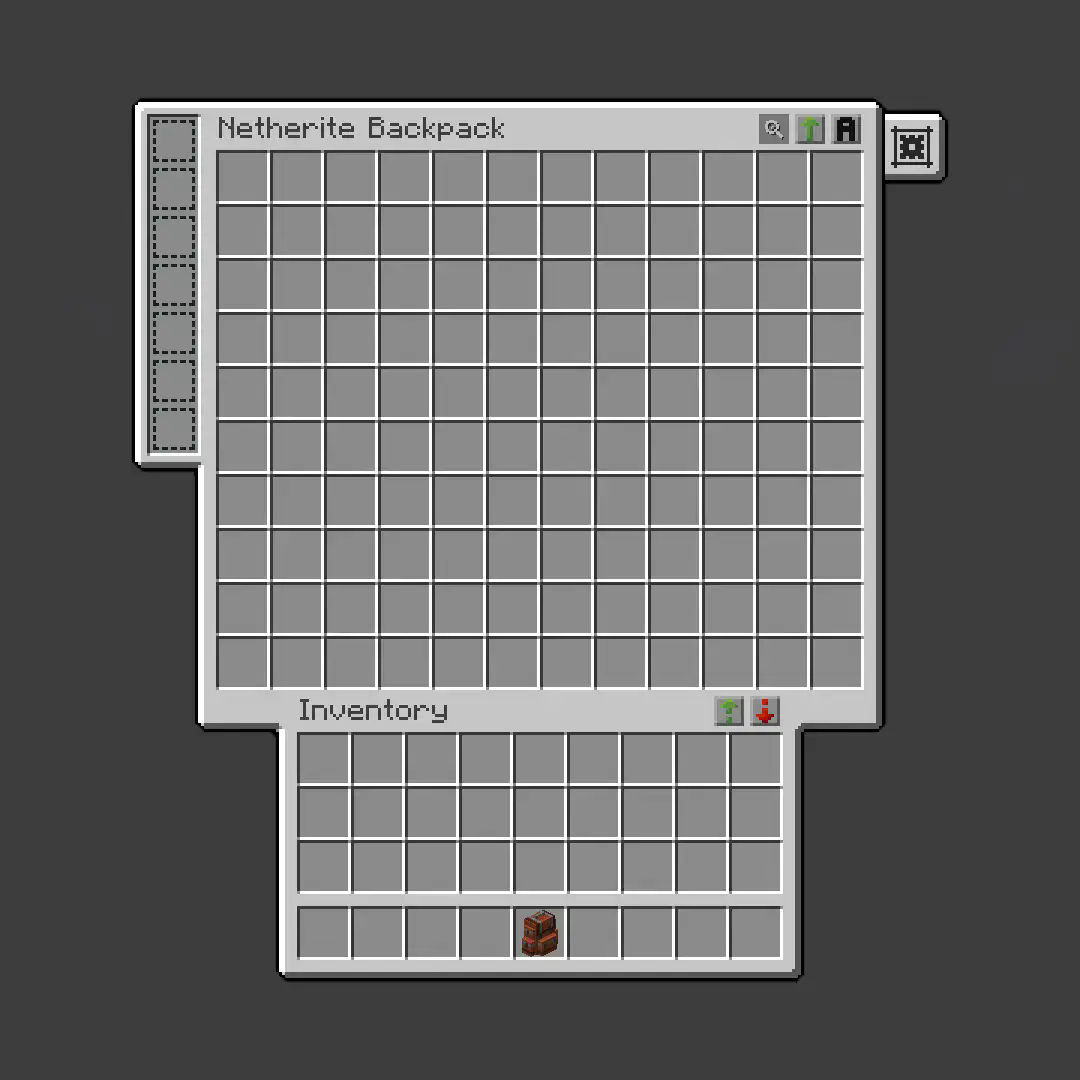
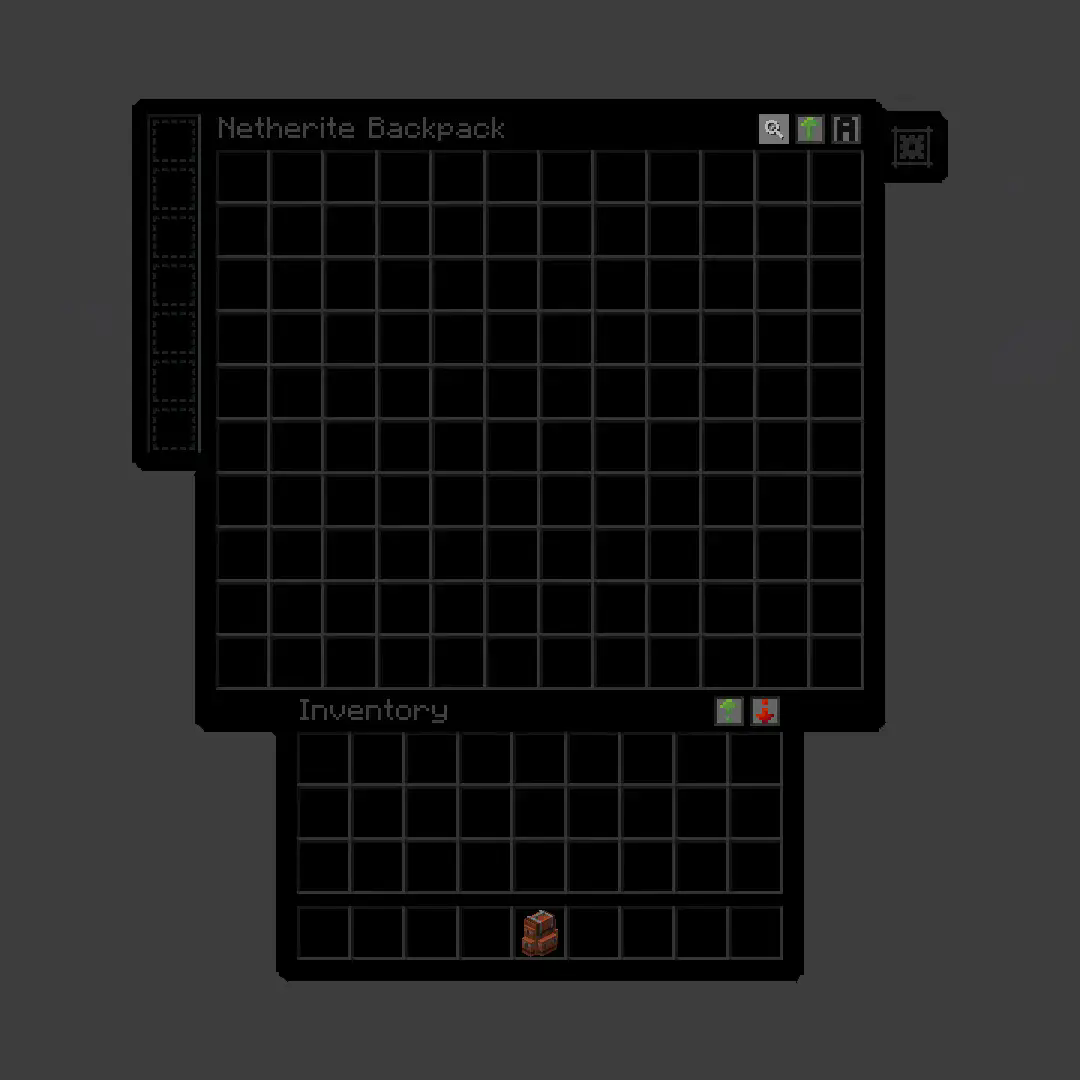
**True Dark UI [Sophisticated Backpacks](https://modrinth.com/mod/sophisticated-backpacks)**
## Before
## After
# Make your hunger bars Tropical-Fish themed!
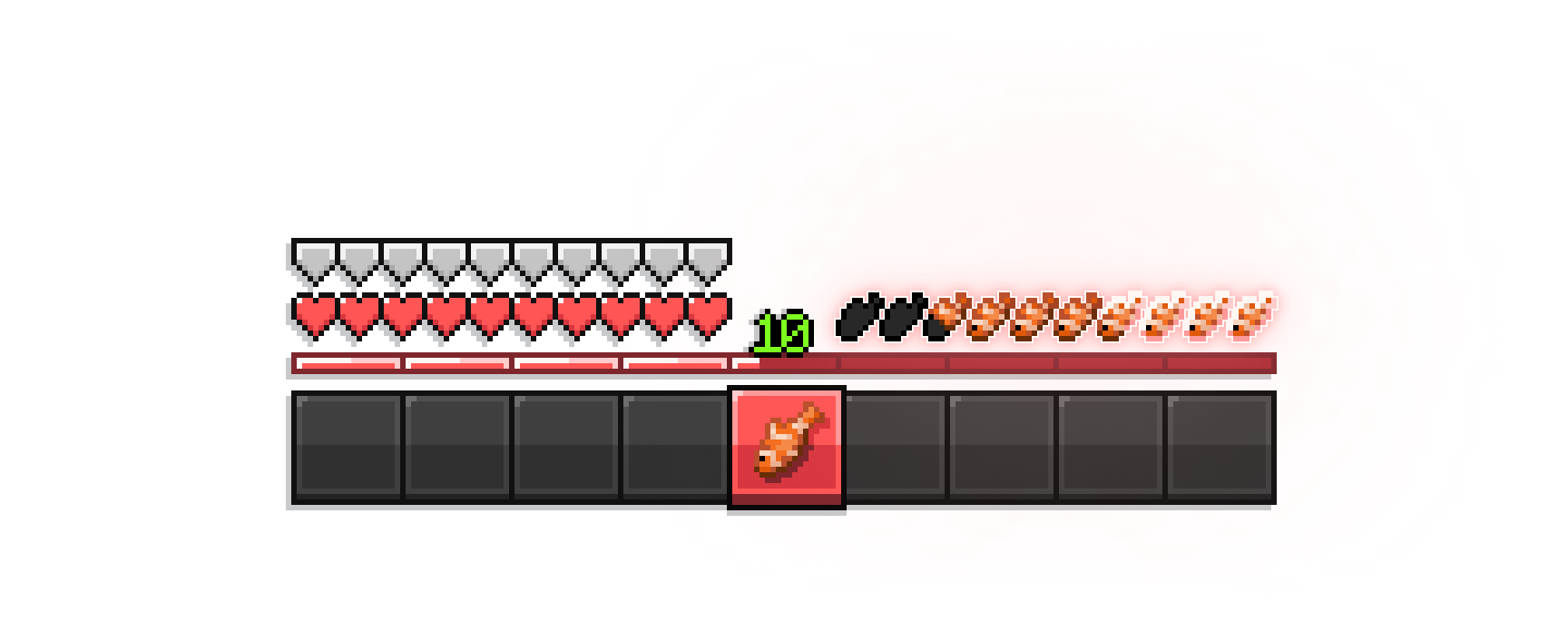
– [appleskin](https://modrinth.com/mod/appleskin) compat (all versions)
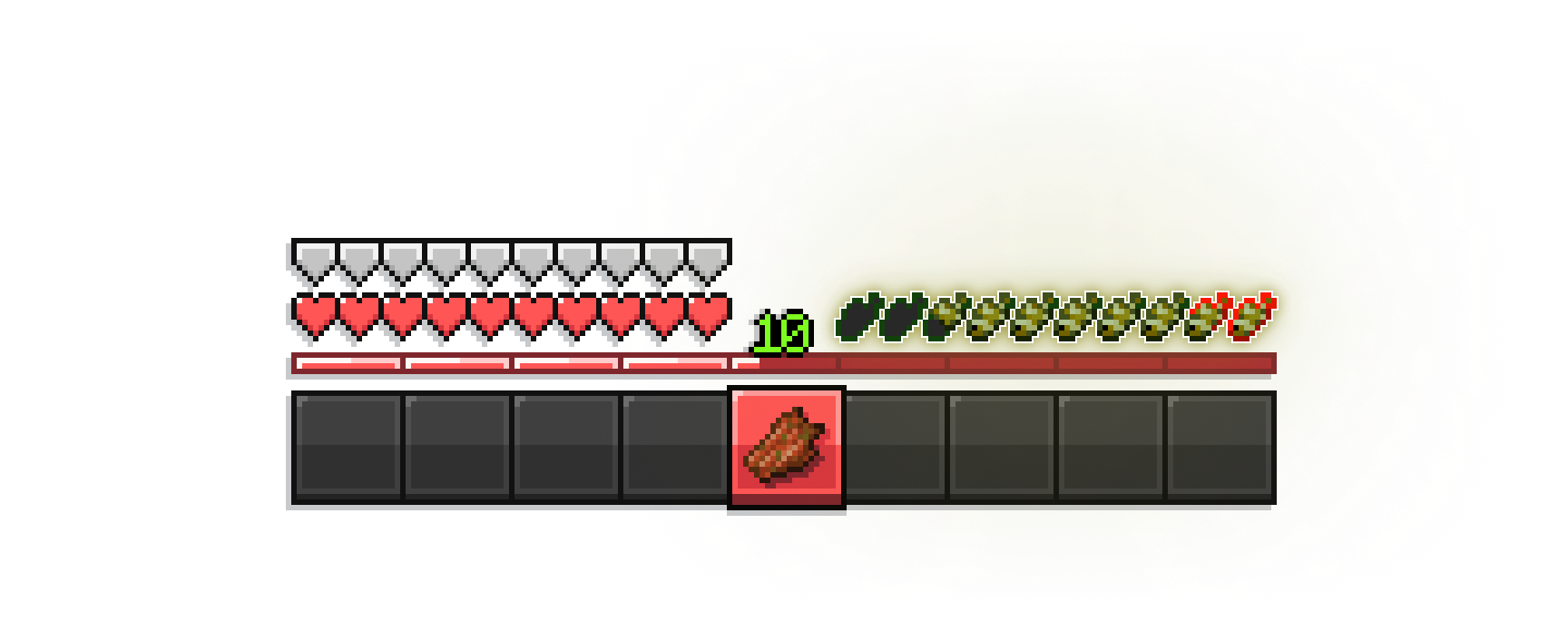
– compatible with every minecraft version
# Trinitrotoluene
This pack renames TNT to “Trinitrotoluene,” which is the full unabbreviated name of TNT. The gallery images show every rename of TNT to Trinitrotoluene in the most recent version of the game.
If you download a version of the pack with “rename + texture” in the name instead of “rename only,” it also changes the TNT texture to say “TRINITROTOLUENE” instead of “TNT”, as shown in the pack icon. I made two versions of the pack because I wasn’t sure if I liked the texture change.
## Why is this the most important resource pack ever made?
Trinitrotoluene is an incredibly dangerous substance, and the ambiguity of the acronym is a major hazard. TNT could mean anything – Typographical Number Theory? Télévision Numérique Terrestre? Tawag ng Tanghalan? What if someone were to see a block of TNT, think it’s a package from Thomas Nationwide Transport (now PostNL), and approach it as it’s about to explode?
This resource pack has the potential to save countless lives, possibly billions. For that reason, I’ve made a version of this pack for every possible version it would work in (1.6.1 – 1.21.x).
Stay safe out there.
Trigger Plugin Introduction
Trigger is a highly compatible trigger plugin, primarily designed to empower server owners to implement functionalities that are otherwise difficult to achieve.
It uses a concise configuration syntax, allowing for complex conditional judgments and action responses based on almost any in-game event.
It boasts powerful version compatibility (since v1.5.0) and also maintains compatibility with many plugin cores and mod APIs.
Currently compatible with: 1.21.X, 1.20.X, 1.19.X, 1.18.X, 1.17.X, 1.16.X, 1.15.X, 1.14.X, 1.13.X, 1.12.X, 1.11.X, 1.10.X, 1.9.X, 1.8.X, 1.7.X, 1.6.X, 1.5.X, 1.4.X, 1.3.X, 1.2.X, 1.1.X, 1.0.X
✨ Core Features
1. Trigger System
Supports over 100 native events: Player movement, block breaking, entity damage, command input, world time changes… Almost any game event can serve as a trigger starting point.
Events can be attached with ANY / ALL modes for fine-grained control over trigger logic.
Triggers can be enabled/disabled and assigned priority to determine execution order.
2. Condition System
Built-in numerous condition placeholders: Player attributes, item information, entity types, world states, timer variables, etc., meeting any judgment requirement.
Supports logical combinations: Build complex conditional expressions using and, or, and parentheses.
Supports regex matching, numerical comparison, string comparison, and negation operations (! or un prefix).
3. Action System
Can execute console commands, player commands (with OP elevation support), send messages (regular, title, action bar), play sounds, display particle effects, and more.
Actions support delayed execution ({wait:seconds} syntax) for timed control.
Fallback actions (un_command) can be specified when conditions are not met.
4. Region System
Supports WorldGuard regions, and also features its own built-in region system. Regions can be dynamic or static, with real-time tracking.
Allows configuration of region-related aspects for customized regional behavior.
5. Group System
Item Groups: Define complex items with NBT, enchantments, and Lore for condition matching or command operations.
Entity Groups: Manage entity types, health, equipment, supporting UUID tracking of members.
Player Groups: Dynamically manage player collections for group permissions or event binding.
Region Groups: Dynamically manage regions, enabling real-time analysis for timely actions and condition processing.
Trigger Groups: Manage multiple triggers simultaneously for easier administration.
Group operations can dynamically add or remove members via commands or trigger actions.
6. Timers & Variables
Timers: Create count-up or countdown timers. Value changes can trigger events. Supports global/private scopes and can be persistent.
Variables: Store any data type (numbers, strings, booleans). Can be read in conditions and support persistence.
Both Timers and Variables support cross-server synchronization (requires BungeeCord configuration).
7. Custom Menus & Containers
Menus: Create custom menu content, similar to ChestCommands, but integrated with triggers for better management.
Containers: Menus can act as containers, either private or public. This solves issues with persistent player data synchronization and allows configuration of item insertion/removal permissions.
8. Custom Commands
Custom Commands: Players can learn how to configure and implement custom command features based on loaded help content. Includes custom command permission node functionality.
9. More Target Selectors
Starting from v2.0.0, 4 new target selectors have been added: @t, @d, @y, @x.
@t – The player or entity the user is looking at.
@d – The nearest entity.
@y – A random entity or mob.
@x – The position the player is looking at.
10. JavaScript Scripting Functionality
Starting from v2.1.0, other plugins can easily register custom conditions and actions for seamless integration with Trigger.
Write complex logic directly in triggers using JavaScript scripts – dynamic judgments, loops, calling server APIs – all within your grasp.
11. Pet System
Starting from v2.1.0, create and nurture exclusive pets that will follow you into battle, learn skills, wear equipment, and even evolve into new forms. Forge unique combat companions!
12. World Editing System
Starting from v2.1.0, create custom worlds like superflat or void without relying on WorldEdit. Use the golden axe to select regions for copy, paste, fill operations, and other standard world editing actions.
13. Data Statistics & Analysis System
Starting from v2.1.0, record detailed player data, from kills to chat messages. The statistics module tracks player behavior comprehensively. Use the /tg stats command to view personal or others’ detailed stats. Supports PlaceholderAPI for real-time data display in scoreboards or menus.
14. Web Management System
Starting from v2.1.0, bring your server into the browser! The web management panel allows real-time viewing of trigger, variable, and timer statuses, toggling triggers on/off, and even calling REST APIs for integration with other systems. Simple configuration, secure and reliable, allowing you to control server dynamics anytime, anywhere.
15. Dependencies
All dependencies for this plugin are optional; it basically requires no other plugins to function.
16. Other Information
From now on, we do not charge any fees. This plugin is designed to solve problems related to unimplementable features. If you encounter someone reposting it and charging a fee, please report them promptly.
Author: 红伞伞白杆杆
# TRC UI
Transparent and Rounded corners for you