Red XP
# Red XP
 


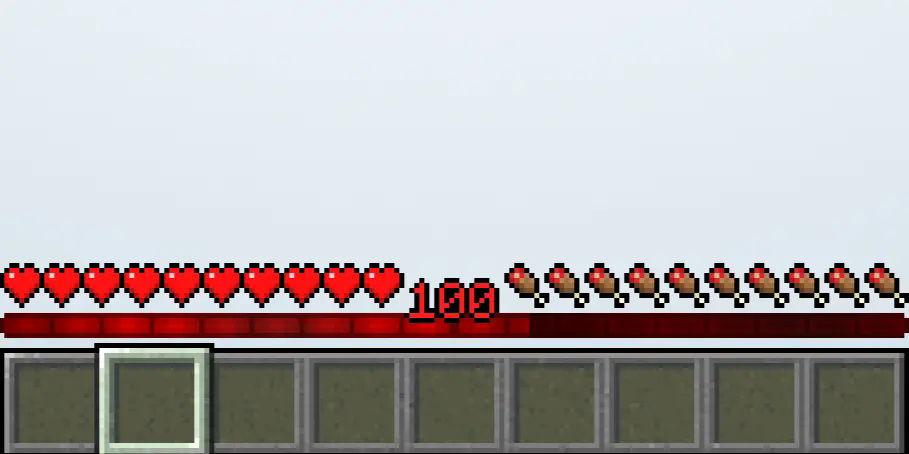
Your XP bar is too boring for you. Download Red XP bar now to give your XP bar a new touch.
**_Requires Optifine or Animatica._**
#
#
Credits: Enchanted Games – CustomXP
Red String
This resource pack will colour the string (tripwire) red when it placed. You now can see the string clearly and cannot be trapped by tripwire hook trap.
I don’t have chance for testing the new version of this resource pack, if there is any issues, please report here : https://github.com/break08/red-string/issues and you can also try download tested older versions (which doesn’t support many versions of minecraft).
If errors happened, try to…
Go to .zip file of resource pack -> pack.mcmeta
**Method 1**: In pack.mcmeta, remove
“supported_formats”: {
“min_inclusive”: x,
“max_inclusive”: x
}
and remove the `,` from description line
**Method 2**: Remove
“meta”: {
“game_version”: “x”
}
and remove `,` next to `}` above these removed lines
**Method 3**: Do both Method 1 and 2
**Method 4**: Report issues for me and use one of these versions:

**List of not tested versions: 1.0.1-mc1.13-1.21.11, 0.0.1-mc1.6.1, 0.0.1-mc1.9**
**Before using this:**

**After using this resource pack:**

Try my other resource packs:
**1**. Lined Redstone – Replace the vanilla dusty redstone lines with straight-line designed redstone
**2**. Mark the Powder Snow – Border the powder snow blocks and help you to avoid falling into them
and mods =):
**1**. New NameTag Recipe – Backport the Name Tag recipe of Minecraft 26.1
Red Chest
This texture pack changes the appearance of chests by turning them bright red, which makes them much easier to spot from a distance, especially in cluttered or dark environments
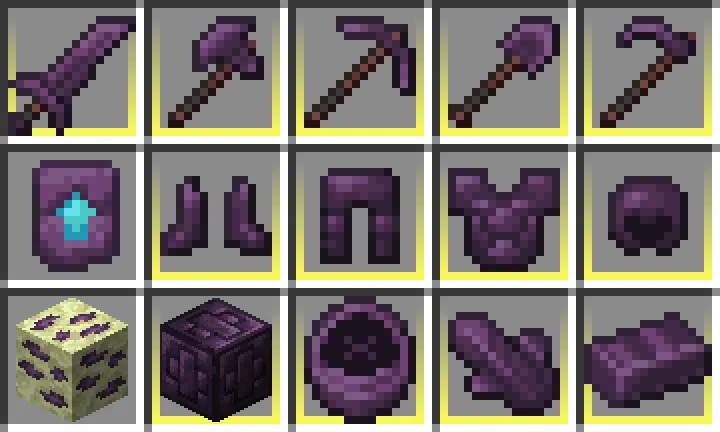
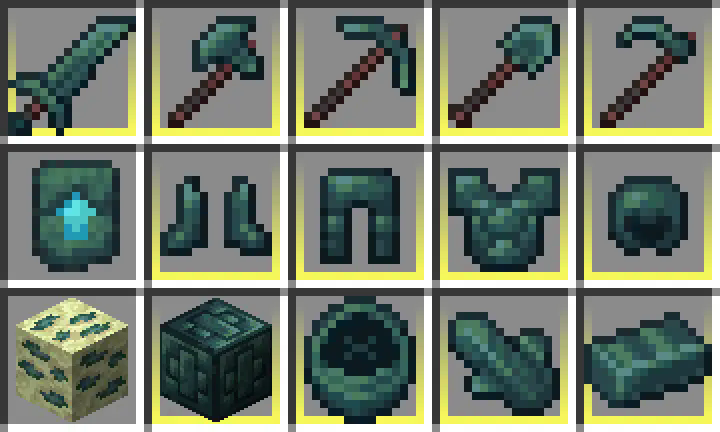
Recolored Enderium Majrusz’s Progressive Difficulty
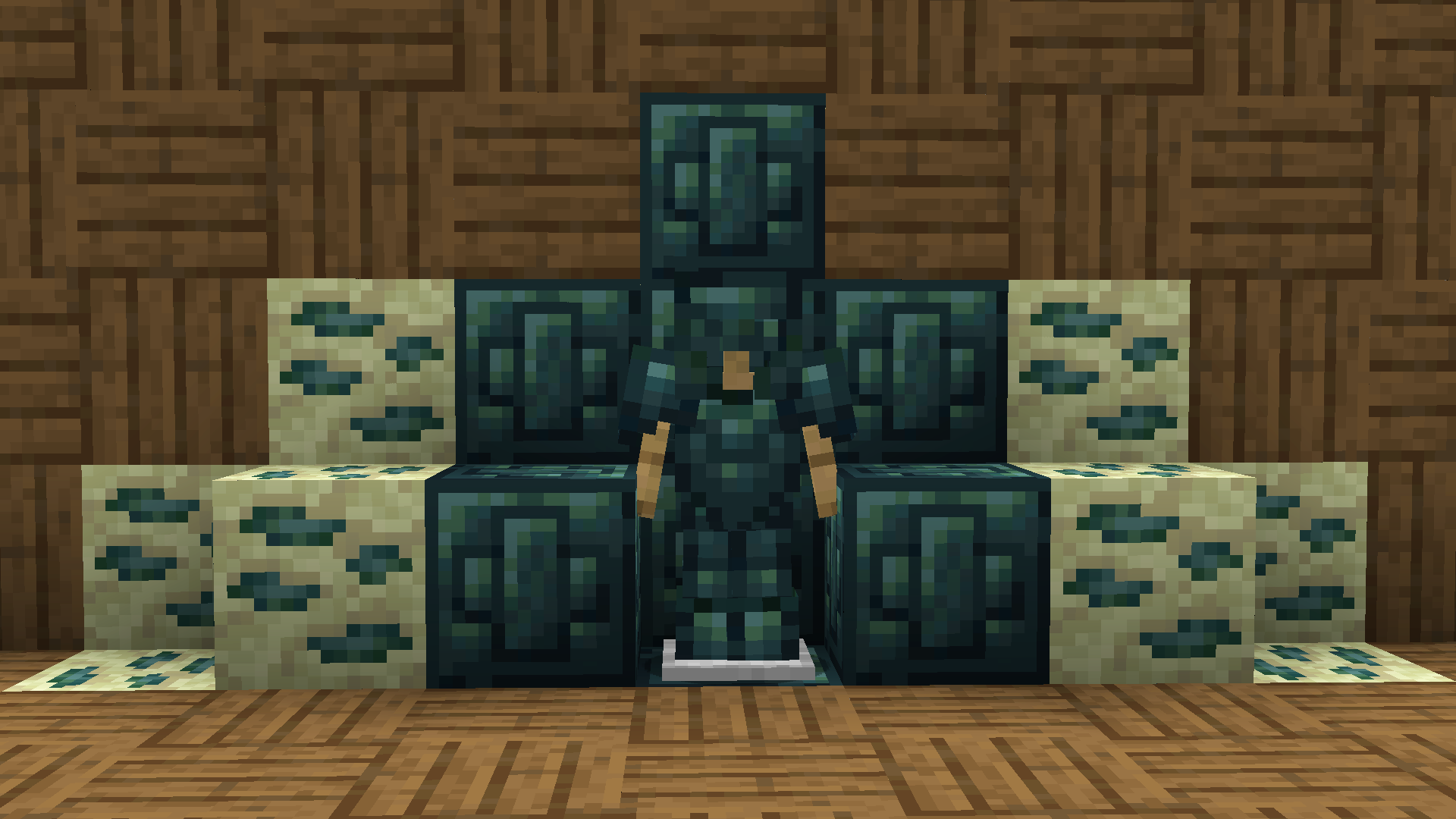
**Recolored Enderium Majrusz’s Progressive Difficulty**
## Without the texture pack (Before)
## With the texture pack (After)
## Without the texture pack (Before)
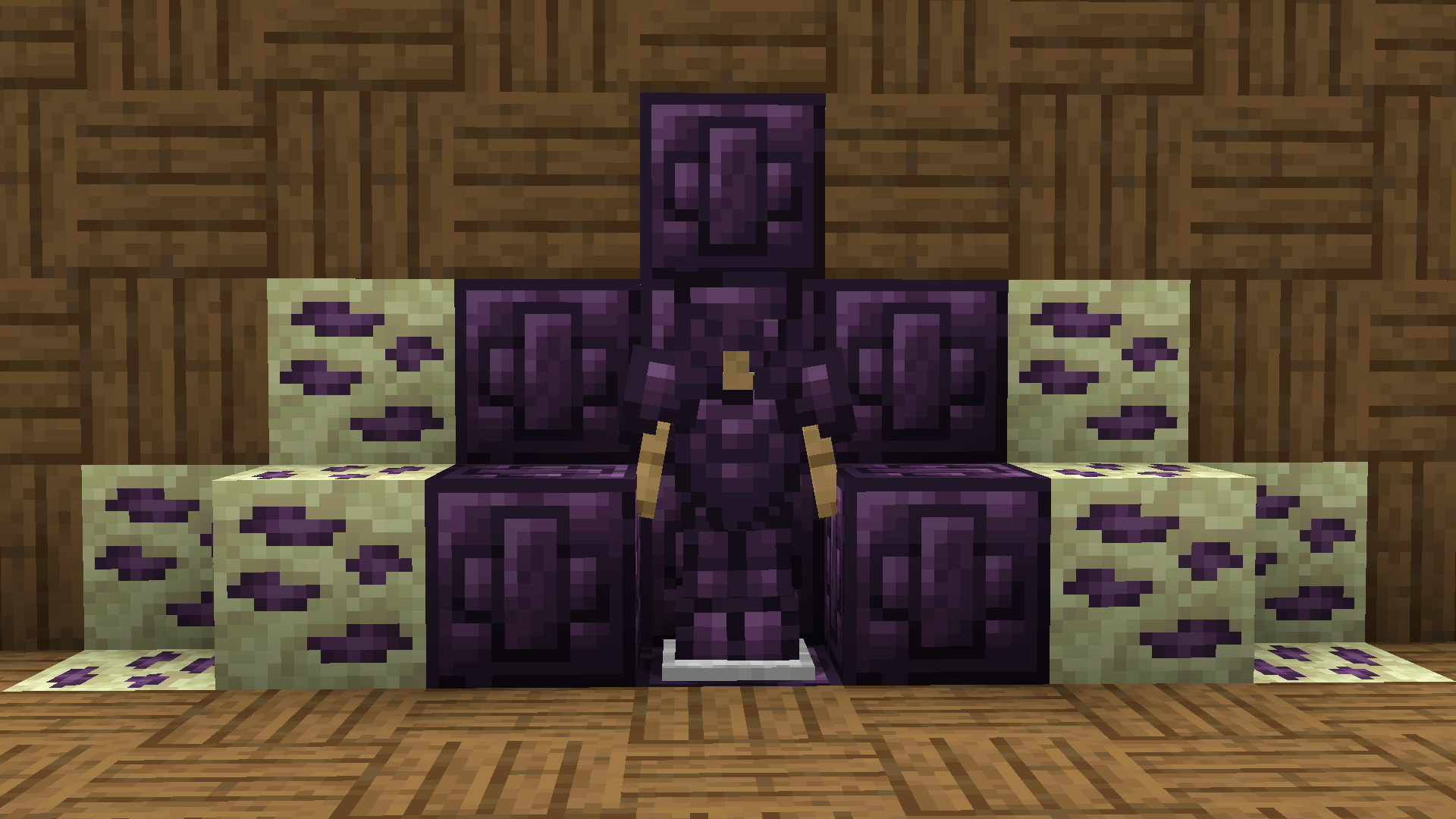
## With the texture pack (After)