Synthwave City Sky Overlay
**Pack Overview:**
This resource pack replaces the sky with an image of a synthwave city that’s mostly neon pink, neon blue, purple, and magenta colored!
For this resource pack to perform properly, you must use Optifine or any other mods that allow custom skies.
**Minecraft Settings:**
Custom skies: On
Sky: Off
**_If skybox doesn’t work, relaunch Minecraft_**
Sword UI+
 
This texture pack is modified based on the Faithful Resource Pack
https://faithfulpack.net/
license:https://www.faithfulpack.net/license
# Sword UI+ | 中文
**The ultimate UI overhaul, designed for the classic 1.6.2–1.8.x PvP experience.**
**专为经典1.6.2–1.8.x PVP体验而生的终极UI升级。**
This texture pack is the culmination of feedback from countless 1.6.2–1.8.x players, aiming to perfect the most critical elements of combat. Sword UI+ streamlines your interface, sharpens your focus, and removes every distraction, giving you the clarity you need to dominate in the arena.
这款材质包融合了无数1.6.2–1.8.x玩家的反馈,旨在完善战斗中最关键的元素。Sword UI+精简了你的界面,让你更专注于目标,并移除所有干扰,为你提供在竞技场中称霸所需的清晰视野。
If you enjoy this pack and want to support its continued refinement, consider buying me a coffee!
如果你喜爱这款材质包并希望支持其持续更新,不妨请我喝杯咖啡!
—
## ✨ Key Features | 核心特性
– **Refined Sword Design**: A cleaner, more visible sword texture that helps you time your clicks perfectly.
**精简剑刃设计**:更清晰、更醒目的剑纹理,助你完美把握点击时机。
– **Minimalist UI**: A re-imagined health bar, hunger bar, and hotbar that reduce on-screen clutter.
**极简UI**:重新设计的生命值、饥饿值和物品栏,减少屏幕杂乱。
– **Enhanced Focus**: Subtle tweaks to item icons and environmental textures to keep your eyes on the opponent.
**专注增强**:对物品图标和环境纹理进行微调,让你的目光始终锁定对手。
– **Seamless Compatibility**: Works perfectly with OptiFine and other essential 1.6.2–1.8.x mods.
**无缝兼容**:与OptiFine及其他1.6.2–1.8.x核心模组完美协作。
—
## 📥 Installation Guide | 安装指南
1. **Download**: Get the latest Sword UI+ version for Minecraft 1.6.2–1.8.x.
**下载**:获取适用于Minecraft 1.6.2–1.8.x的最新版Sword UI+。
2. **Install**: Place the downloaded `.zip` file into your `resourcepacks` folder.
**安装**:将下载的`.zip`文件放入你的`resourcepacks`文件夹。
3. **Activate**: In Minecraft, go to `Options` > `Resource Packs`, select Sword UI+, and click “Done”.
**激活**:在Minecraft中,进入`选项` > `资源包`,选择Sword UI+并点击“完成”。
Not sure if it’s working correctly? Jump into a world and check your sword and hotbar—you should see an immediate, cleaner difference.
不确定是否正确安装?进入一个世界,检查你的剑和物品栏——你应该能立刻看到更清爽的变化。
—
## ⚙️ Compatibility & Performance | 兼容性与性能
Sword UI+ is built from the ground up for **Minecraft 1.6.2–1.8.x**. While it may work on other versions, we only guarantee full functionality and optimization on 1.6.2–1.8.x.
Sword UI+是**专门为Minecraft 1.6.2–1.8.x**从头打造的。虽然它可能在其他版本上也能运行,但我们只保证在1.6.2–1.8.x上拥有完整的功能和最佳优化。
– **Recommended**: Use with OptiFine for the best PvP experience and additional customization.
**推荐**:配合OptiFine使用,以获得最佳的PVP体验和额外的自定义选项。
– **Troubleshooting**: If you encounter visual glitches, ensure that Sword UI+ is placed above other conflicting packs in your Resource Packs menu.
**故障排除**:如果你遇到视觉错误,请确保在资源包菜单中,Sword UI+位于其他可能冲突的材质包之上。
Swapixel: How Did We Get Here?
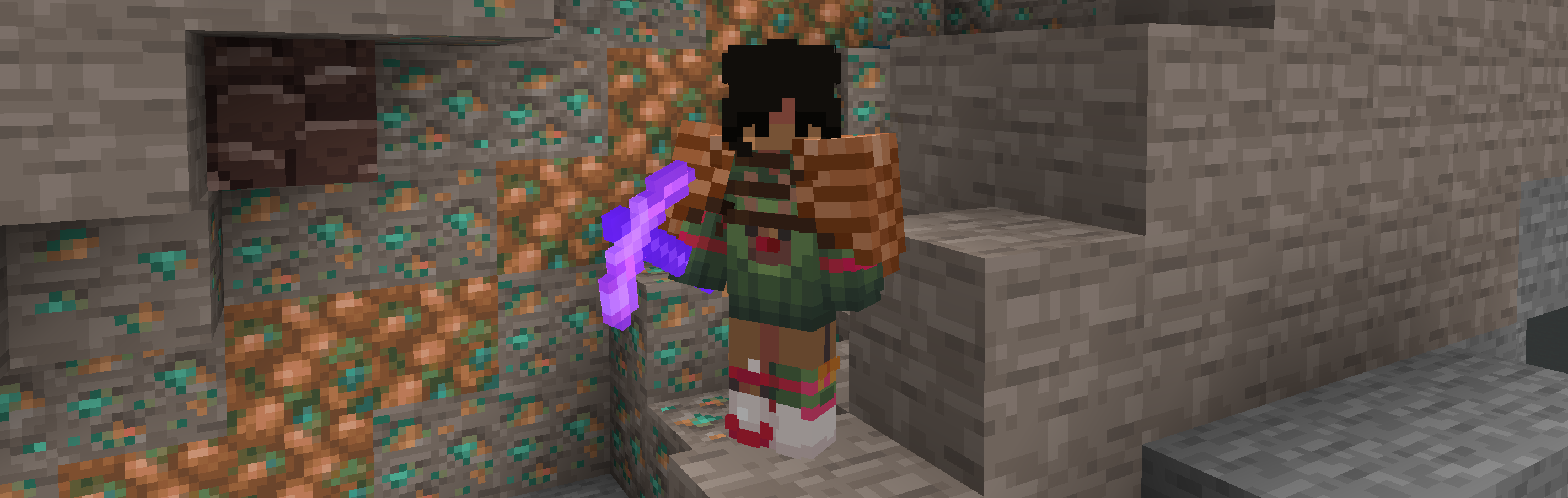
A Hypixel Skyblock resource pack that intends to bring a unique experience by swapping collections, materials and minerals, including changing their crafting trees!
FAQ:
– Do I need any mods to use this?
> – Yes! You have to use [Optifine](https://optifine.net/downloads) and [NotEnoughUpdates](https://github.com/Moulberry/NotEnoughUpdates/releases).
> – *Additionally, it’s **heavily** recommended to use [Skyhanni](https://github.com/hannibal002/SkyHanni/releases) for the full, intended experience as the pack allows you to change the colour values and names of items. I wish there was a case where you could use a resource pack to change the name of the items, but unfortunately there isn’t. Please do join our [discord server](https://discord.gg/2s4y8mZvR2) to be able to get the commands or the visual_words.json file for the renamed items, and it shouldn’t take long to set everything up!*
– Does this pack support 1.20+?
> – Not yet! The plan is to first update this pack on 1.8.9 before porting it forwards.
– What does this pack change?
> – Currently, it only swaps Dwarven Mines related content, but i’m planning on expanding on the concept and going onto different islands!
– NotEnoughUpdates doesn’t re-texture certain mineable and non-mineable blocks, how do I fix this?
> – Sadly, this is a bug with NotEnoughUpdates itself and i’ve been waiting for a fix for over a year now. As of right now, there are no fixes and we’re just waiting an update to the mod itself that fixes these inconsistencies!
– How do you get the ideas for the item swaps?
> – It depends, I may make an idea on my own or ask the community for feedback or suggestions. Overall, i’d like to make this resource pack as best as it can be, and as unique as it can be too with the help & effort of the community.
– Am I allowed to make my own iteration of a Hypixel Skyblock Swap resource pack?
> – Of course! This isn’t a trademarked idea lol. I want this pack to be a key to like a gateway of weird stuff, so people can know that it’s okay to make more than just a resource pack that adds-in textures for items. Why not have some fun with it?
– Am I allowed to make an [X] Resource Pack-like versions of this pack, to act as addons for other packs?
> – Definitely, please do credit the pack and/or me in the description though!
> Here’s a small funfact; this resource pack was originally going to be a fan-made addon for Furfsky, using the same swap concept in the pack’s art style. In the end, I ended up going the standalone route.
– Can I use the textures from this pack in my own texture packs?
> – Only if it’s a personal pack! Please don’t upload and claim ownership of the sprites. If anything, you may message me on discord so we could discuss it!
Suspecious Totem
Retextured totem of undying to among us looks sus. Compitable with version 1.21.4 singleplayer or multiplayer. Not any function just retextures it. Try it!
⚠️ In compitable with [Sodium](https://modrinth.com/mod/sodium)
Sunsetule d’où cobax
sunsetule d’ou cobax is a sunset recolor of a texture pack made by Akooa and myself made for 1.8.9 pvp.
It is based arround the vanilla game textures while still adding some fresh details to it making it more pleasant to play with 🙂
It is mainly made for gamemodes like bedwars and skywars but can be used all arround 1.8.9.
The main goal of this pack is to make the overall pvp experience fill more smooth by shortening swords as well as adding a custom sky as well as a sound pack.
/! The Sky and the soundpack ONLY WORKS WITH Optifine, while you can use the pack without optifine, the sky as well as the soundpack wont work without it /!
Here are some in game screenshots to showcase more of the pack :
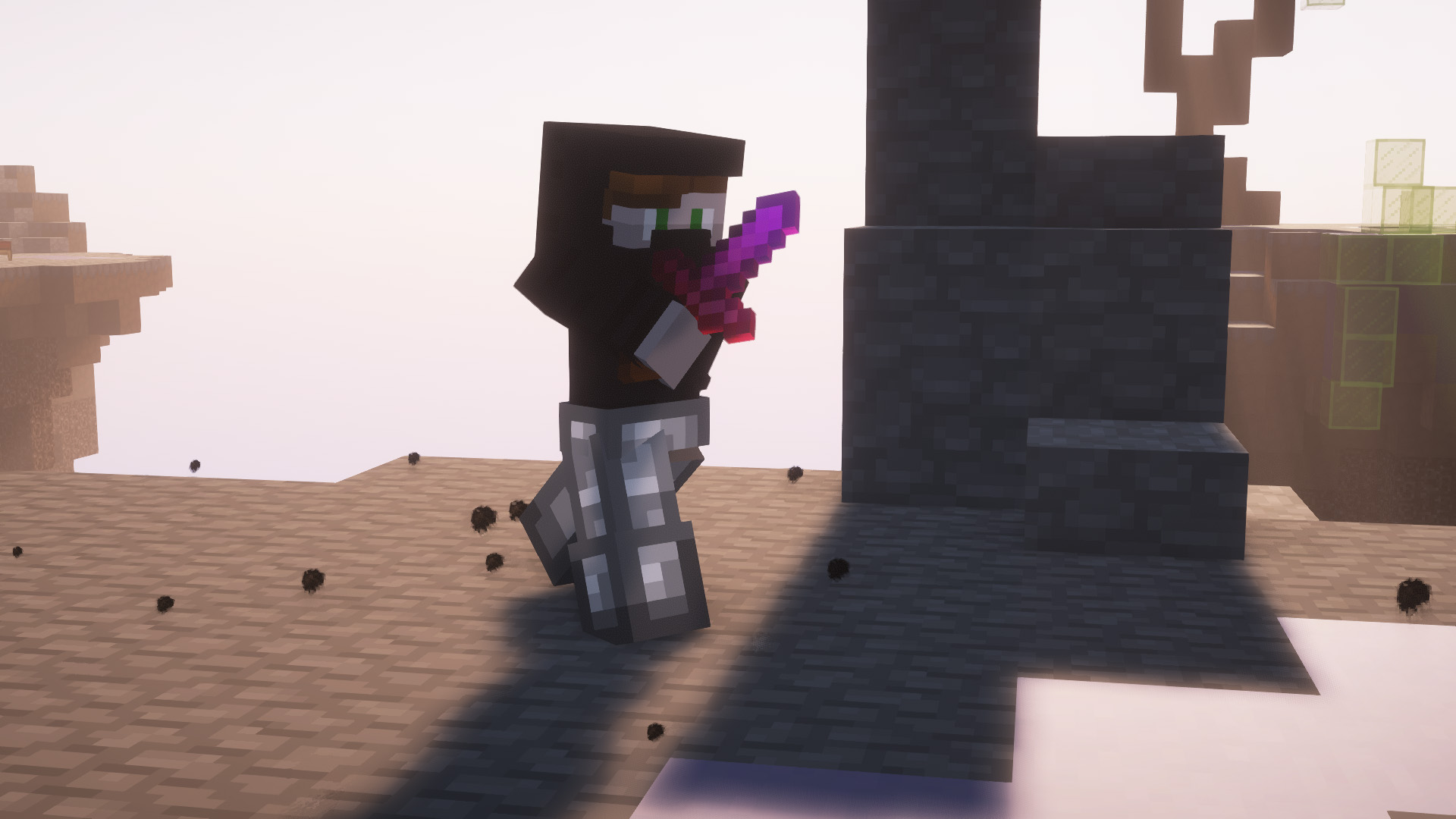
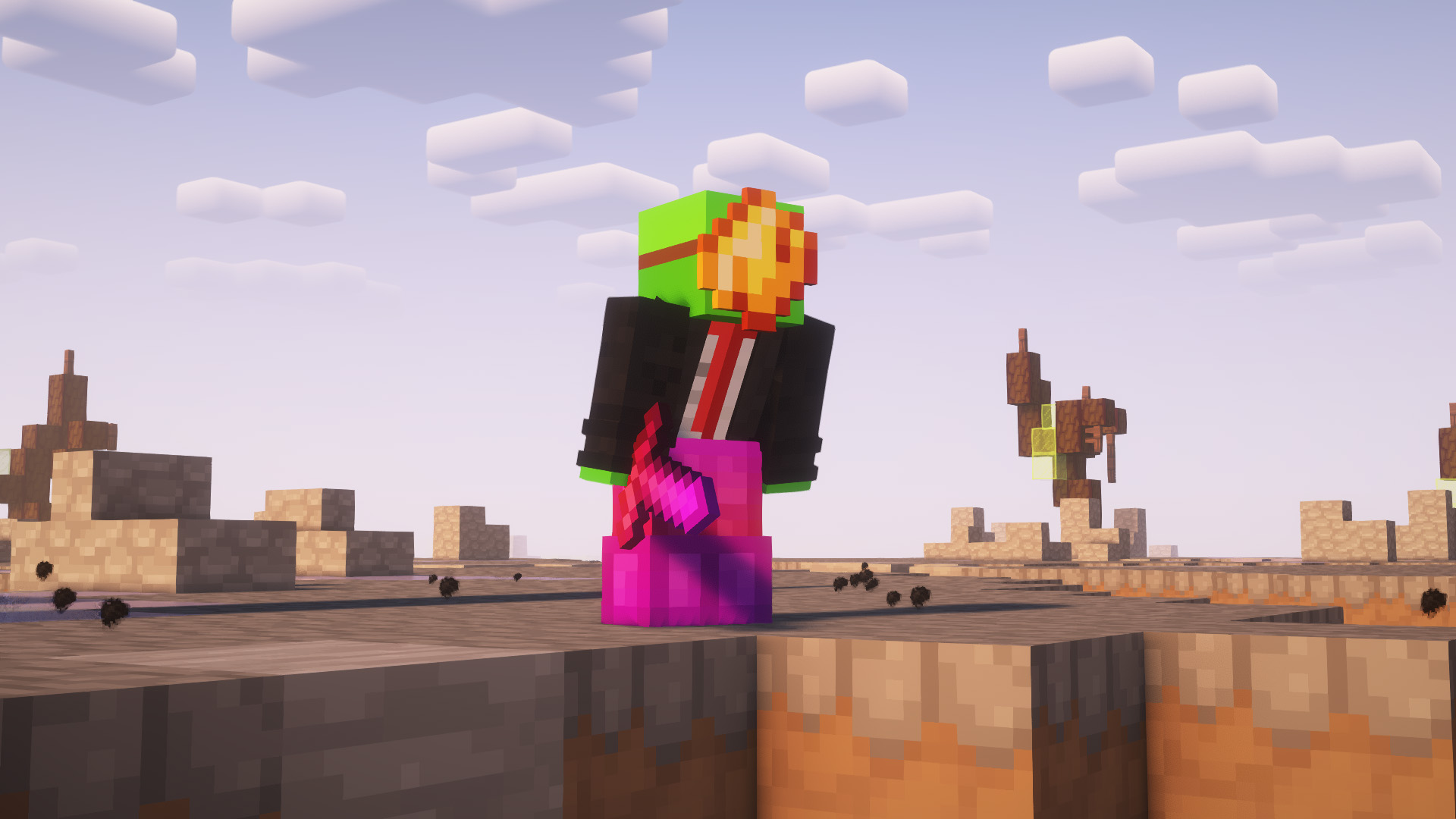
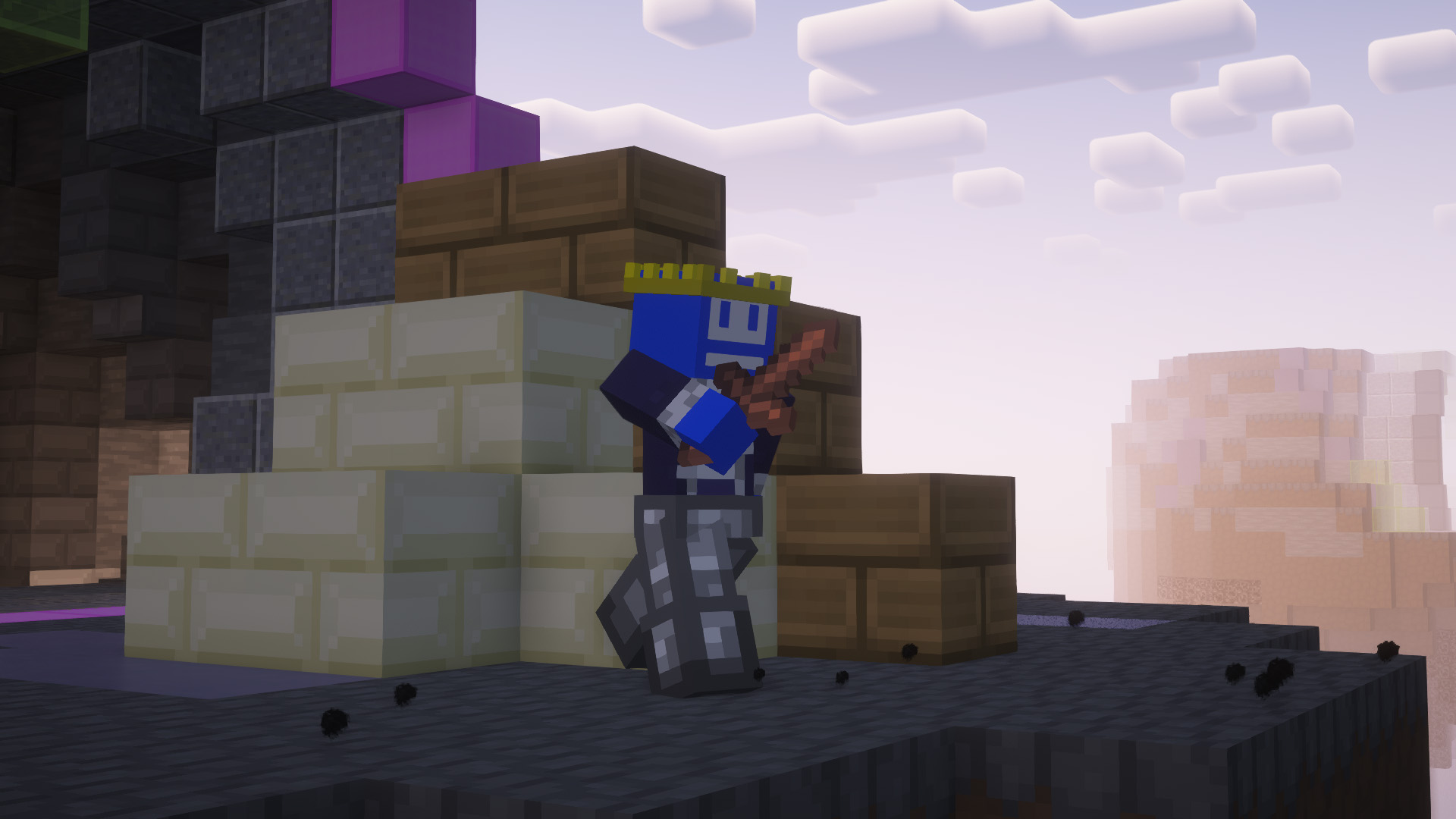
Sidenote : Feel free to join the discord if there is any issues with the Texture pack (Rendering Issues, Crashes, Textures not working properly, Sky glitches and/or not rendering…) It helps us greatly improve the work we do and provide the best for you all !
SubPrice Ghast
Resourcepack changes the ghast face to an emote from twitch “SubPrice”

Bad Apple Shaders
# Bad Apple Shaders
  
This is an Iris/OptiFine shader which changes rendering to look like [【東方】Bad Apple!! PV【影絵】](https://youtu.be/FtutLA63Cp8)
 
## Screenshots

## FAQ
Q: Does this work on OptiFine?
A: Yes. **This does come with an epilepsy warning if you are on an m-series mac.**
Q: Does this work on Iris/Oculus?
A: Yes.
Q: Does this work on 1.8?
A: The Legacy version should work with 1.8.
## Pridepack
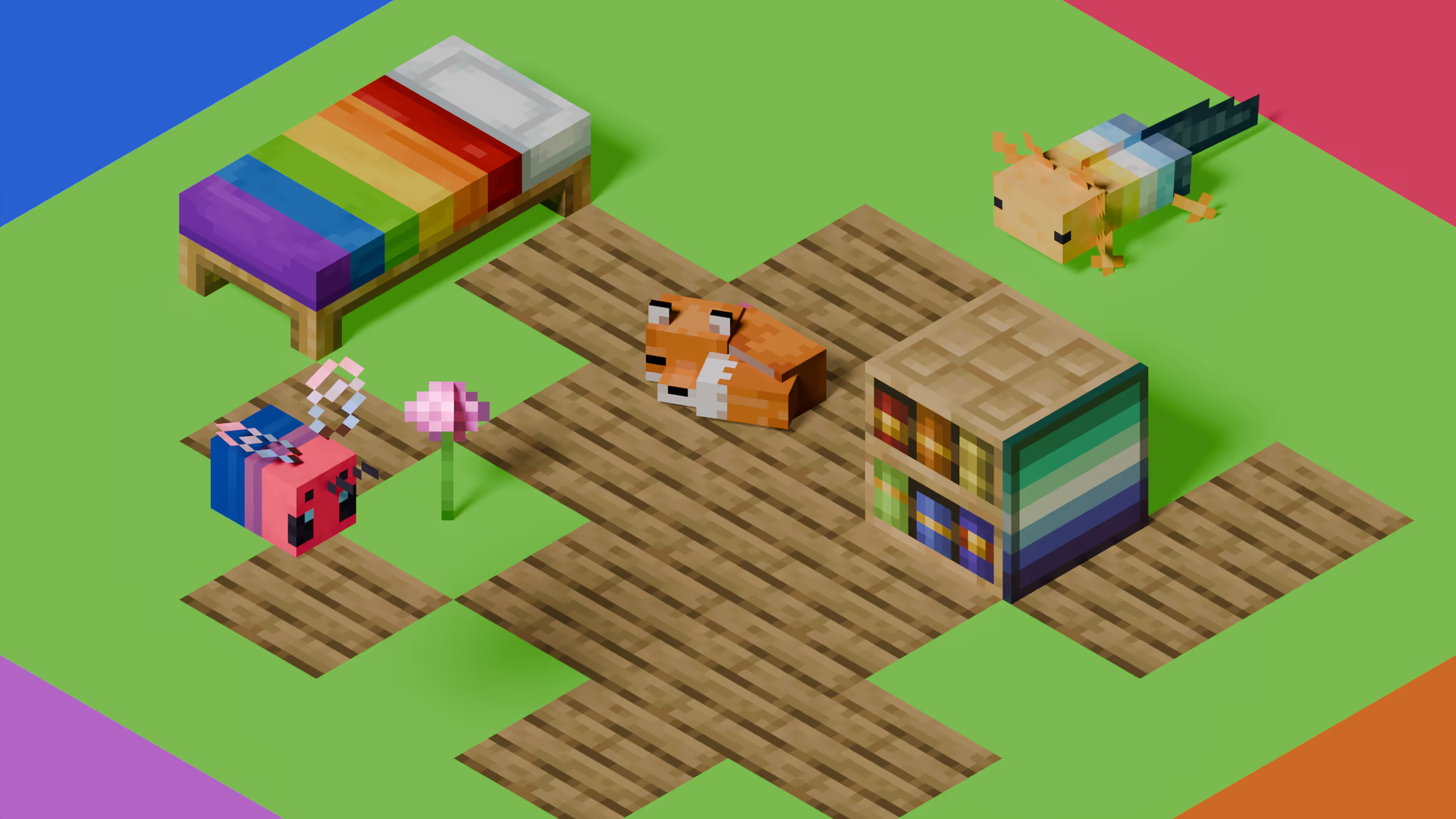
[Pridepack](https://pridecraft.gay/pridepack) is a Resource Pack made by [Pridecraft Studios](https://pridecraft.gay). It comes with many LGBT Pride additions, such as paintings, beds, mobs and Main Menu changes. If you’re interested in gaying your game, you should check it out!
Strudelgame V2
# Strudelgame V2
Deutsch
## Strudelgame – Offizielles Texture Pack [1.13 – 1.21+]
### Allgemeine Info:
– Es werden ständig Änderungen vorgenommen oder neue Funktionen hinzugefügt. Siehe _[Versionen](https://modrinth.com/resourcepack/strudelgame-v2/versions)_.
– Das ist mein erstes Texturepack! Bitte seid daher nicht zu streng. Alles wurde komplett selbst gepixelt und erstellt. ❤️
### GUI
Alle Inventare wie Amboss, Craftingtable usw. wurden neu gestaltet.
Auch Hotbar, Lebens- und Hungerbalken sind überarbeitet.
### Blöcke
Wolle wurde schöner und simpler gestaltet – perfekt für Bedwars.
### Items
Schwerter, Äxte und Spitzhacken wurden durch kleinere Varianten ersetzt, damit man im PvP mehr Übersicht hat. Es gibt auch ein Benutzerdefiniertes Schild.
### Custom Sky
Der Custom Sky funktioniert problemlos.
Bitte beachten: **Sodium unterstützt keine Custom Skies**.
Dafür musst du **[Skyboxify](https://modrinth.com/mod/skyboxify)** installieren.
### Optional: GUI entfernen
Wenn dir die GUI nicht gefällt:
“`
Strudelgame.zip → assets → minecraft → textures → gui → Lösche alle Dateien AUßER den Ordner sprites.
“`
English
## Strudelgame – Official Texture Pack [1.13 – 1.21+]
### General information
– Things are constantly being changed or added. See _[versions](https://modrinth.com/resourcepack/strudelgame-v2/versions)_.
– This is my first texture pack, so please don’t be too harsh. Everything was completely hand‑pixelled and created by myself. ❤️
### GUI
All major interfaces such as the anvil, crafting table, and other inventories have been redesigned.
The hotbar, health bar, hunger bar, and additional UI elements have also been updated.
### Blocks
Wool blocks have been redesigned with a simpler and cleaner look, especially optimized for Bedwars.
### Items
Swords, axes, and pickaxes have been replaced with smaller versions to improve visibility in PvP. There is also a custom shield.
### Custom Sky
The custom sky works without issues.
Please note: **Sodium does not support custom skies**.
To enable them, you need to install **[Skyboxify](https://modrinth.com/mod/skyboxify)**.
### Optional: Remove the GUI textures
If you do not like the custom GUI, you can remove it manually:
Go to:
“`
Strudelgame.zip → assets → minecraft → textures → gui → Delete all files EXCEPT the folder named .
“`
### Wasted Time:
– **Hotbar:** _5h 13min_
– **Inventory GUI’s:** _4h_
– **Shield:** _12h_ (Bugs, Designing…)
– **Small Items:** _4h_
– **Sky’s:** _1h 15min_
– **Bloks:** _1h 47min_
– **Other:** _2h 27min_
Steak = Cooked Beef
Makes steak called cooked beef because it makes more sense and it will make a friend of mine happy because he likes beef!
It’s very simple, does nothing else, just this!
(And maybe a little easter egg, try to find it 😀 )
Starry Night Sky Overlay
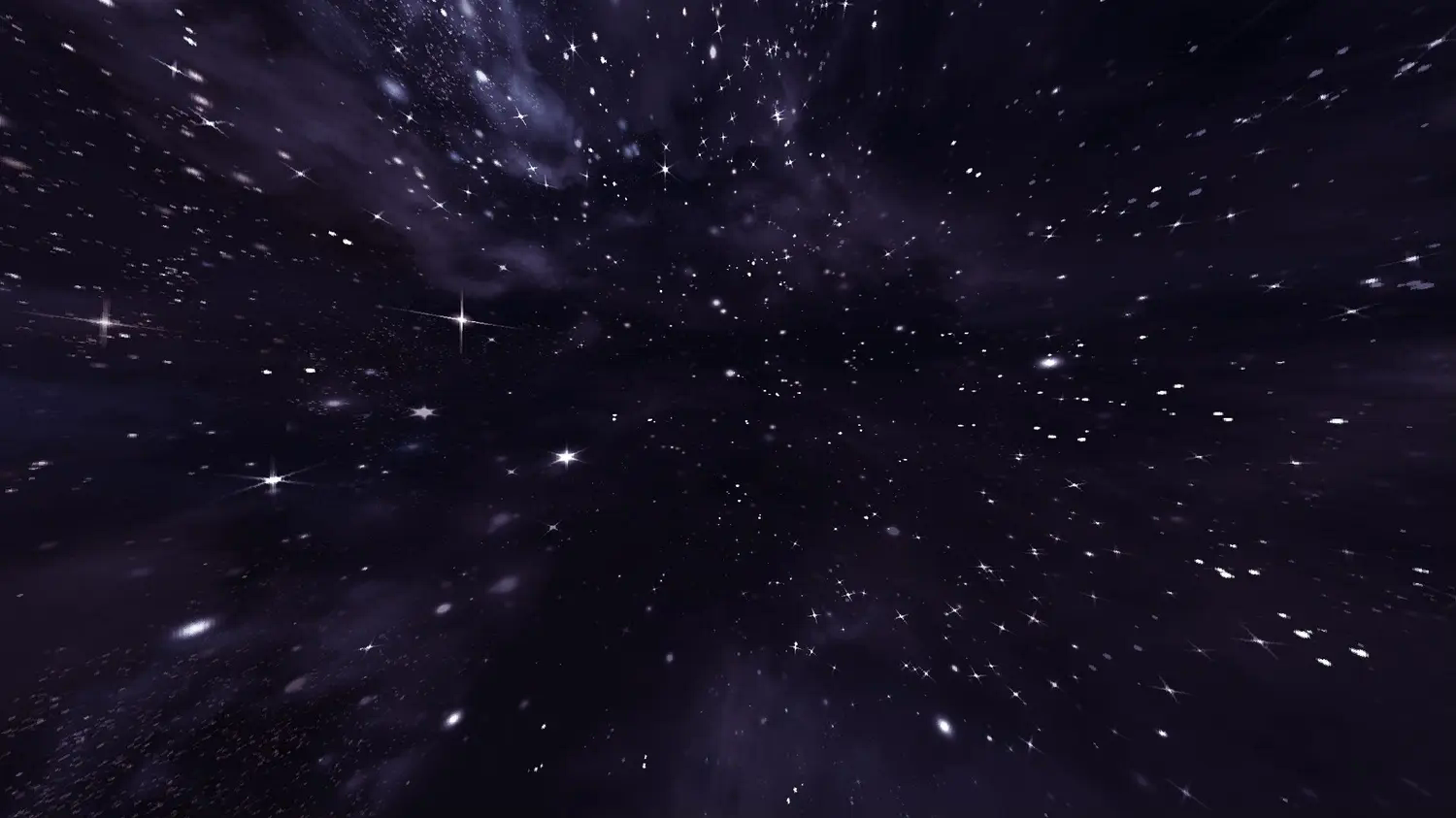
This resource pack contains a night sky filled to the brim with bright stars. The space-like atmosphere provides a beautiful scenery in-game.
**This resource pack requires either Skyboxify, Optifine, Nuit, or fabricskyboxes. Without it you will not be able to see it.**
If you want to see more like this join my discord: [https://discord.gg/YrSWPbWDUF](https://discord.gg/YrSWPbWDUF)