Dark (he)arts


Horror, realistic, simple
danlib
a lib for my mods and extends vanilla for future mods like keeping block guis open no matter what block calls them and tag based pois are planned it does nothing diffrent from vanilla thats visable to users other then guis it uses mixins to do this altering base class passivly
Customizable Player Models
## Customizable Player Models
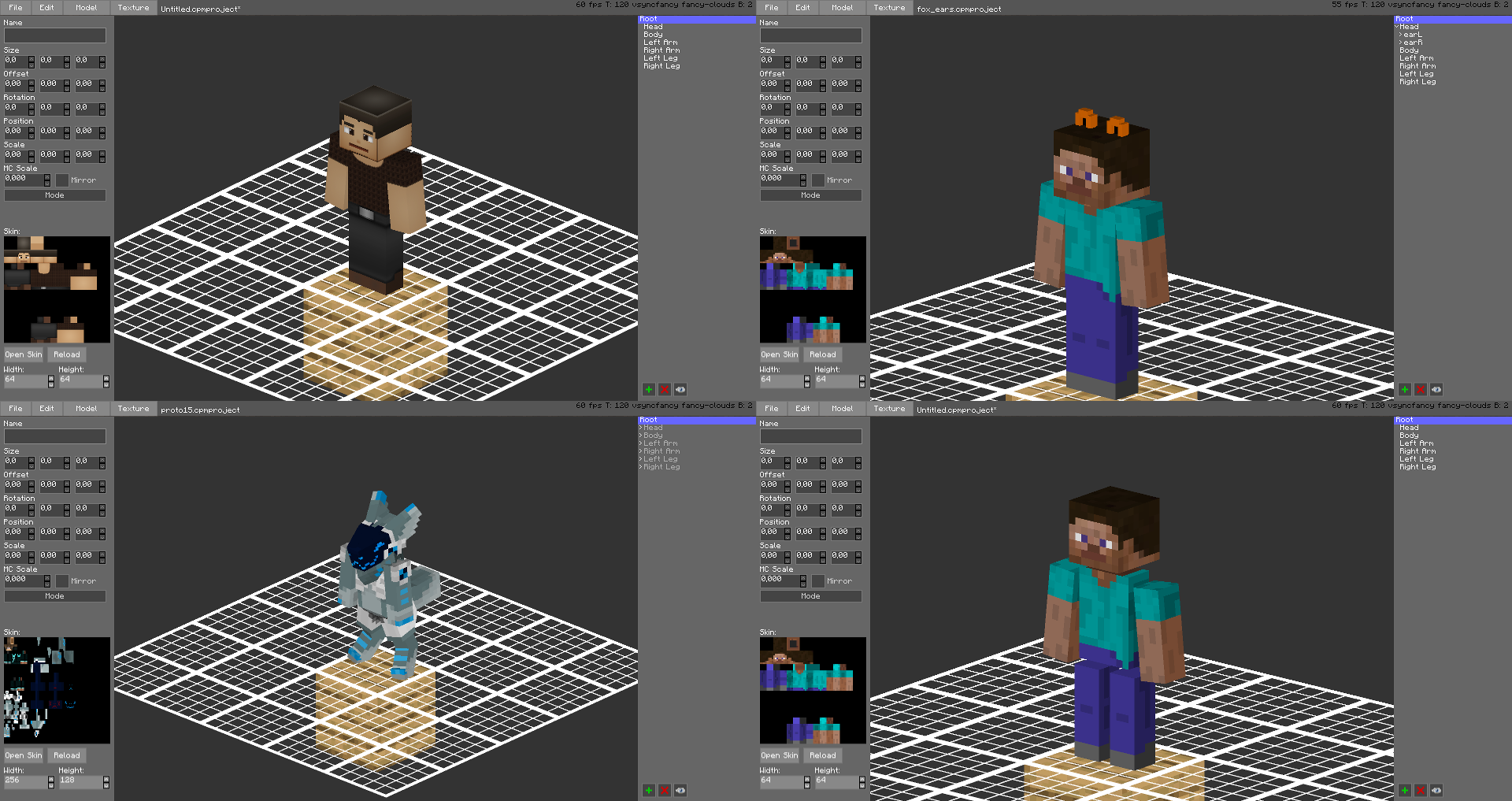
Create a custom avatar using the built-in editor.
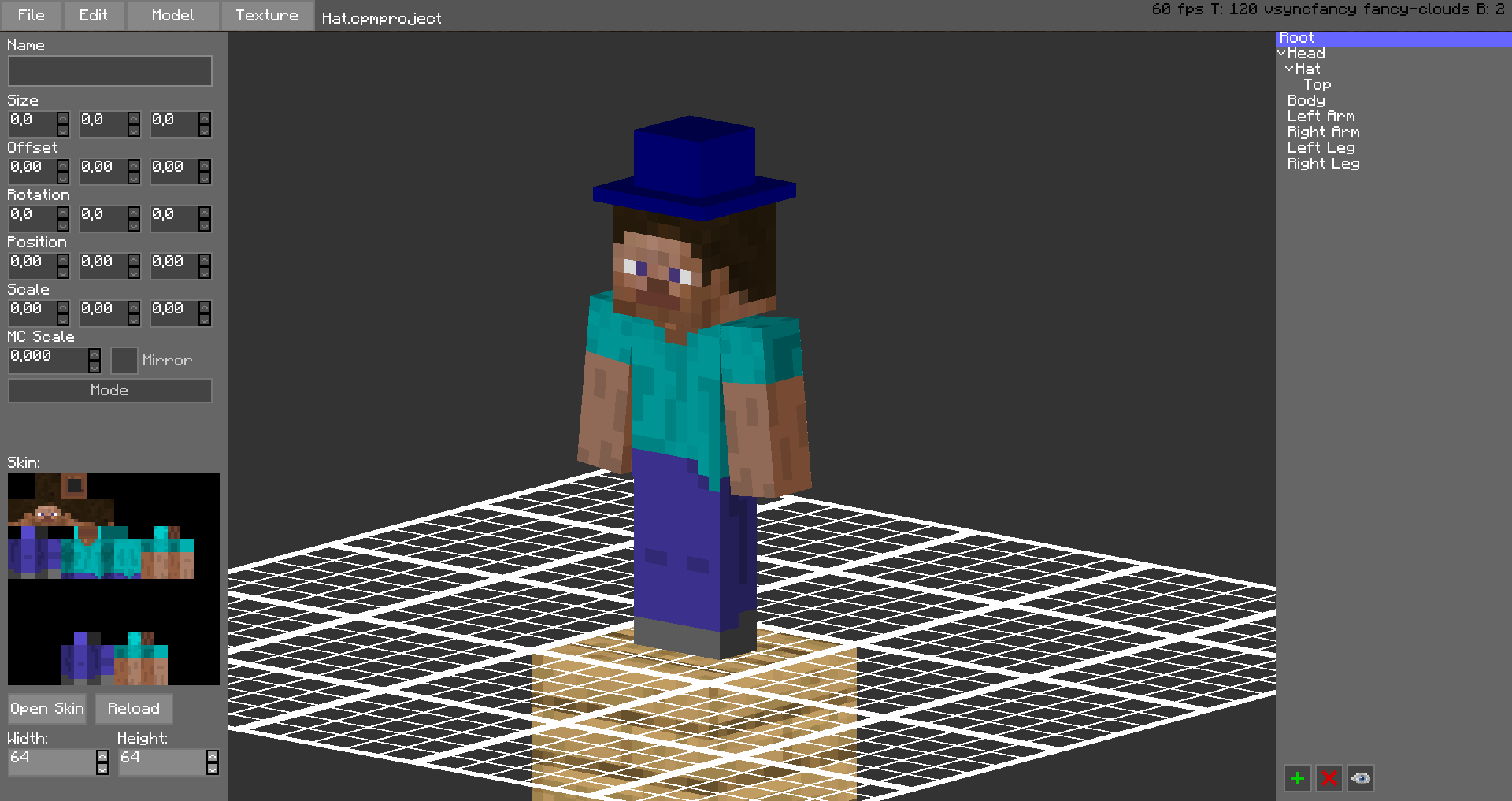
The models are stored in unused space on your Minecraft Skin, or as a Gist on GitHub.
Upload the exported image file as your skin to load the custom model.
Browse uploaded models on the Models Website.
The additional parts can have custom textures, higher resolution skins can be used (Steve skin from Soartex Fanver – Vanilla)
Parts of the normal player model can be hidden or moved around.
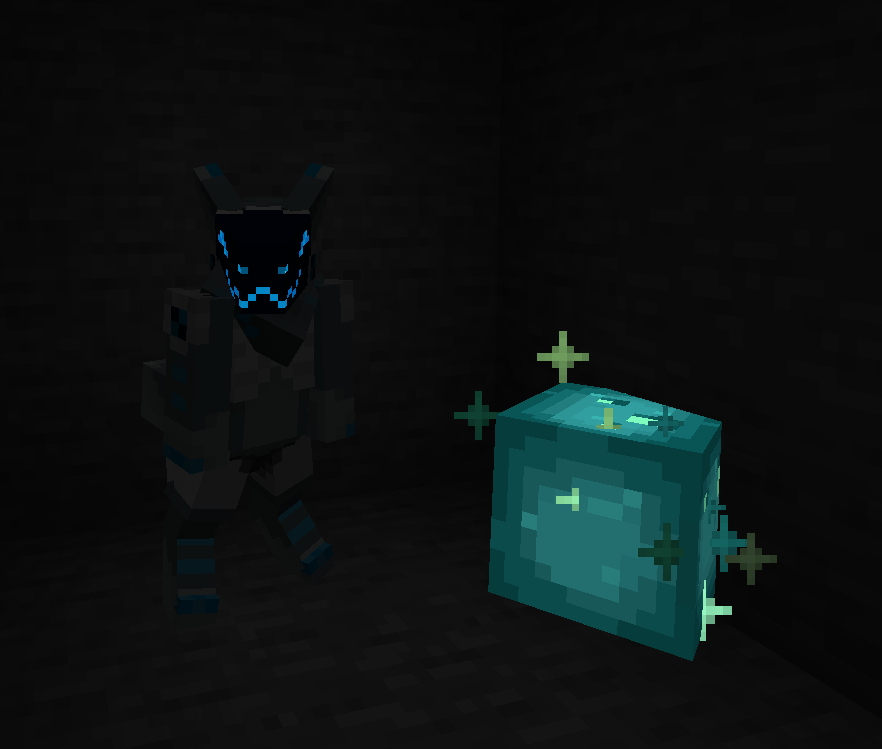
You can even make parts of your skin “glow” like a glow squid.
Plugin for Bukkit/Spigot servers for changing skins ingame (not required): https://github.com/tom5454/CustomPlayerModels/releases
CTM SpeedrunIGT Integration
### Note: Has a dependency on the SpeedRunIGT mod
## CTM SpeedrunIGT Integration
category files go in `.minecraft/speedrunigt/ctm-srigt-integration` folder (file names do not matter, it will try to parse anything in the folder)
**if it doesn’t work at first, make sure the right category is selected in SpeedRunIGT**
### category file specification
– line 1: category id
– line 2: category display name
– all following lines: criteria for completion
1. block identifier
2. (optional, 1.7-1.12 only) block data value
– used for wool colors, etc
3. x, y, z position
– if the spec for a category file is broken, an error will be thrown in the logs with a hopefully helpful description of what went wrong
example 1 (targeted at 1.8.9):
“`
spellbound_caves
Spellbound Caves
wool -477 106 608
wool 1 -478 106 608
wool 2 -479 106 608
wool 3 -480 106 608
wool 4 -481 106 608
wool 5 -482 106 608
wool 6 -483 106 608
wool 7 -484 106 608
wool 8 -485 106 608
wool 9 -486 106 608
wool 10 -487 106 608
wool 11 -488 106 608
wool 12 -489 106 608
wool 13 -490 106 608
wool 14 -491 106 608
wool 15 -492 106 608
iron_block -493 106 608
gold_block -494 106 608
diamond_block -495 106 608
“`
in this example, the optional `minecraft:` namespace is omitted
example 2 (targeted at 1.19.4):
“`
take_the_stairs
Take the Stairs
minecraft:yellow_stained_glass -48 -59 63
“`
since this example is for post-1.12, there are no data values
if you have any issue or questions, my discord username is `tildejustin`
have fun running ^-^
ctLib
# ctLib
This is a mod/plugin library for Bukkit/Spigot/Paper/Folia and fork.Also supproted Fabric and Velocity.
#### You need run it in at least Java11
It provides some simple APIs for storing data and other operations.
### Supported:
– Folia
– Paper/Purpur
– Bukkit/Spigot
– Fabric
– Quilt
– Forge
– NeoForge
– NukkitX
–
### API:
– mysql(Only plugin)
– sqlite
– chat prefix
– simple yaml editor(For non-Bukkit series)
– simple json editor
– network API
### Future plan:
– add more database
– more things…
## How to use
If you are a player or a server manger,you just download it and copy to `mods` or `plugins` floder.
If you are a developer,you can get more informations form github
CRT Monochrome Shaderpack
# CRT Monochrome Shaderpack
> *”End of Line.”*
**CRT Monochrome Shaderpack** is a lightweight GLSL shader pack for Minecraft Java Edition (Iris/OptiFine) that replicates the high-contrast, phosphor-display aesthetic of early 80s computing.
It replaces standard rendering with a strict two-tone wireframe/threshold visualization, simulating a monochromatic CRT monitor inside the game.
## 🖥️ Visual Style
### The “P1″ Phosphor Aesthetic
By default, the pack utilizes the **”P1 Apple Green” (#33FF33)** color scheme, mimicking the high-persistence green phosphor monitors of the Apple II era. The world is rendered as a stark contrast between illuminated geometry and a pure black void.
### CRT Emulation
The pack includes a fully procedural CRT post-processing stack:
– **Screen Curvature:** subtle geometric distortion to mimic a curved glass tube.
– **Scanlines:** Horizontal beam lines that scroll slowly with time.
– **Chromatic Aberration:** Slight RGB channel separation at the screen edges.
– **Vignette:** darkening at the corners to simulate tube depth.
## ⚙️ Technical Features
– **Depth-Based Rendering:** Uses Sobel Edge Detection and luminance thresholding on the depth buffer to generate outlines and solids.
– **Optimization Friendly:** Extremely low GPU overhead. Disables standard lighting, shadows, and PBR calculations.
– **”Hall of Mirrors” Fix:** Includes a custom Sky Shader module that forces a depth buffer clear. This prevents the “smearing” artifacts common when using optimization mods (like Radon/Sodium) that disable vanilla sky rendering.
– **Driver Support:** Compatible with both NVIDIA and AMD GPUs (OpenGL 3.0+).
## 🎛️ Configuration
While the default is Green, the pack is fully configurable via the **Shader Options** menu in-game.
### RGB Color Channels
You can manually mix the phosphor color using 0-255 sliders.
– **Classic Amber:** R: 255, G: 176, B: 0
– **Macintosh White:** R: 229, G: 251, B: 255
– **Neon Purple:** R: 214, G: 3, B: 220
### World Settings
– **Contrast Threshold:** Controls the sensitivity of the edge detector (higher = darker world, lower = more noise).
– **Void Distance:** Sets the strict cutoff distance where the grid fades into black.
– **CRT Effects:** Sliders to adjust or disable Curvature, Scanline Intensity, and Aberration.
## ⚠️ Known Issues & Troubleshooting
### The “Hall of Mirrors” (Smearing) Effect
If you see the screen “smearing” or trails following your movement, your Depth Buffer is not being cleared correctly.
– **The Cause:** This usually happens with high-performance custom clients or mods that disable the vanilla sky rendering to save FPS. Without the sky pass, the command to clear the previous frame’s depth data is never sent.
– **The Fix:**
1. Ensure **Sky Rendering** is enabled in your client settings.
2. If you are a developer using a custom rendering engine, ensure the depth buffer bit is cleared at the start of the frame.
### Items appear as “Blobs” or lack detail
If hand items look like solid blocks of color:
– Adjust the **Contrast Threshold** in the shader options.
– Lowering the threshold will make the detector more sensitive to smaller depth changes, revealing more detail on close-up objects.
## 📥 Installation
1. Download the `.zip` file.
2. Place it into your `.minecraft/shaderpacks` folder.
3. Launch the game using **Iris** or **OptiFine**.
4. Select **CRT Monochrome Shaderpack** from the Shader list.
*Note: For the best experience, ensure “Render Regions” is enabled if using OptiFine.*
## 📣 Streaming & Content Creation
If you feature this shader pack in a stream or video, please provide credit by linking to the official project page or mentioning **h1ggsk**. I’d love to see what you create with it!
## 📦 Modpack Policy
– **Permission Granted:** You are free to include the `CRT Monochrome Shaderpack` in modpacks hosted on **CurseForge** or **Modrinth**.
– **Requirement:** The modpack must use the official project dependency/link so that downloads are tracked through the original source.
– **Prohibited:** You may not re-upload the shader pack as a standalone file or host it on third-party “mirror” sites.
## 📄 License
**Copyright © 2026 h1ggsk. All Rights Reserved.**
This software is the intellectual property of **h1ggsk**.
1. **Non-Redistribution:** You may not re-upload, mirror, or redistribute this shader pack as a standalone project.
2. **Modification:** You may modify the code for **personal use only**. You may not distribute modified versions of the code (“forks”) without explicit written permission from the author.
3. **Modpack Exception:** Use in curated modpacks is permitted under the conditions outlined in the “Modpack Policy” above.
CRSS Resource Pack
# CRSS Resource Pack
This was the resource pack used in CRSS’ modpack, which has a panorama of the spawn area in ROP.
## CRSS Resource Pack is no longer being updated
I don’t really see a reason to keep updating this resource pack as the modpack is also discontinued.
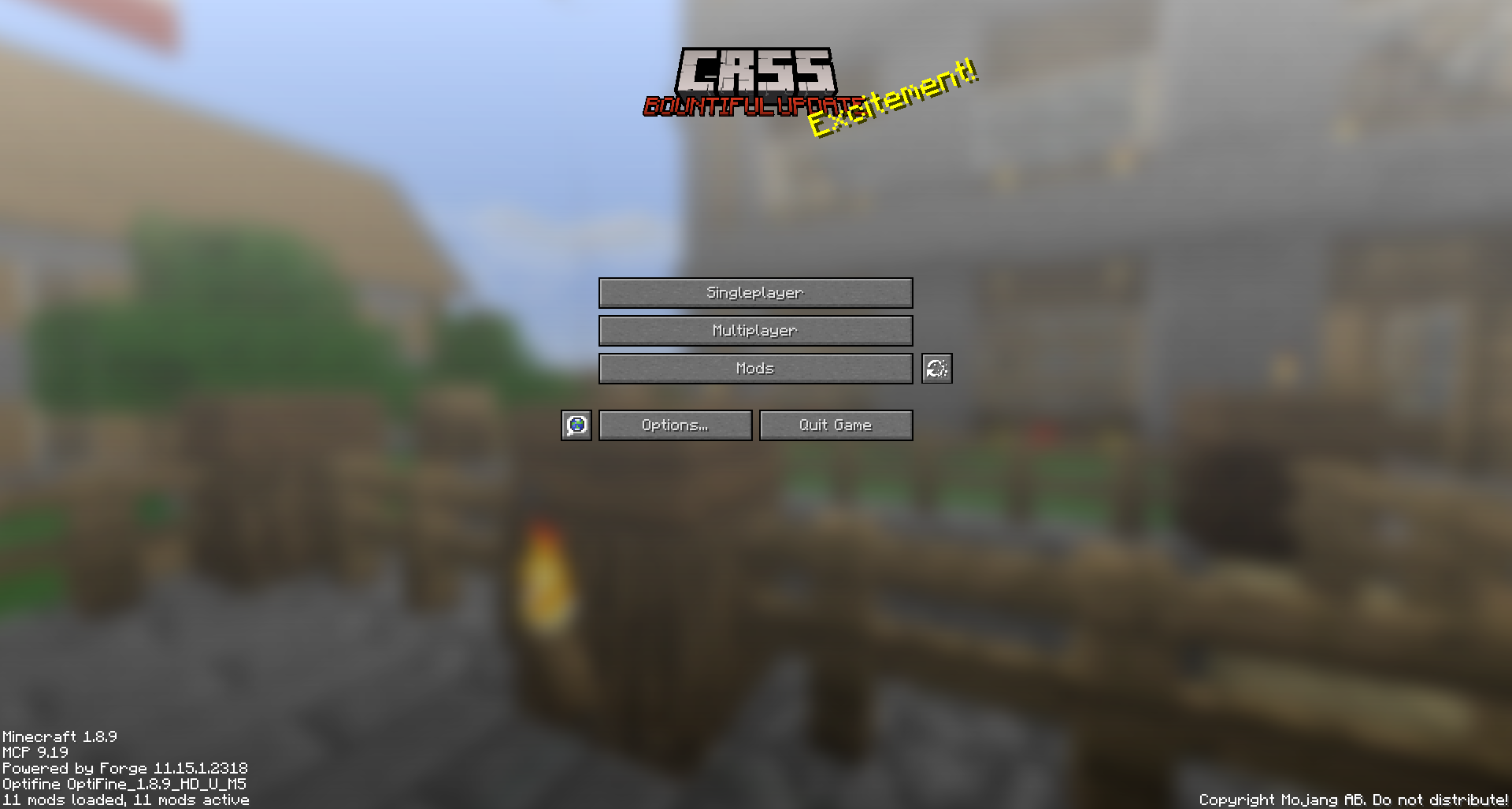
CRSS by Blryface is marked with CC0 1.0

CRSS Plugin
# CRSS Plugin
This is the main Plugin used in the CRSS server.
It features a Discord Bridge and One-Player sleep functionality.
## How can I use it?
Place the jar inside your “plugins“ folder on any compatible Bukkit version. It should be compatible with versions foward from the main version, but probably won’t work on older ones.
## What is CRSS?
CRSS is a server ran by Blurryface, hosted by TheClashFruit which runs on older versions of Minecraft, updating every first day of every month. Previously, it was weekly updates. We started on “beta 1.0“ and we are currently on “release 1.11.2“.
You can take a look at our latest YouTube video here:
Crosshair
## A small crosshair for PvP.
### My other projects
Creepingly Creeper
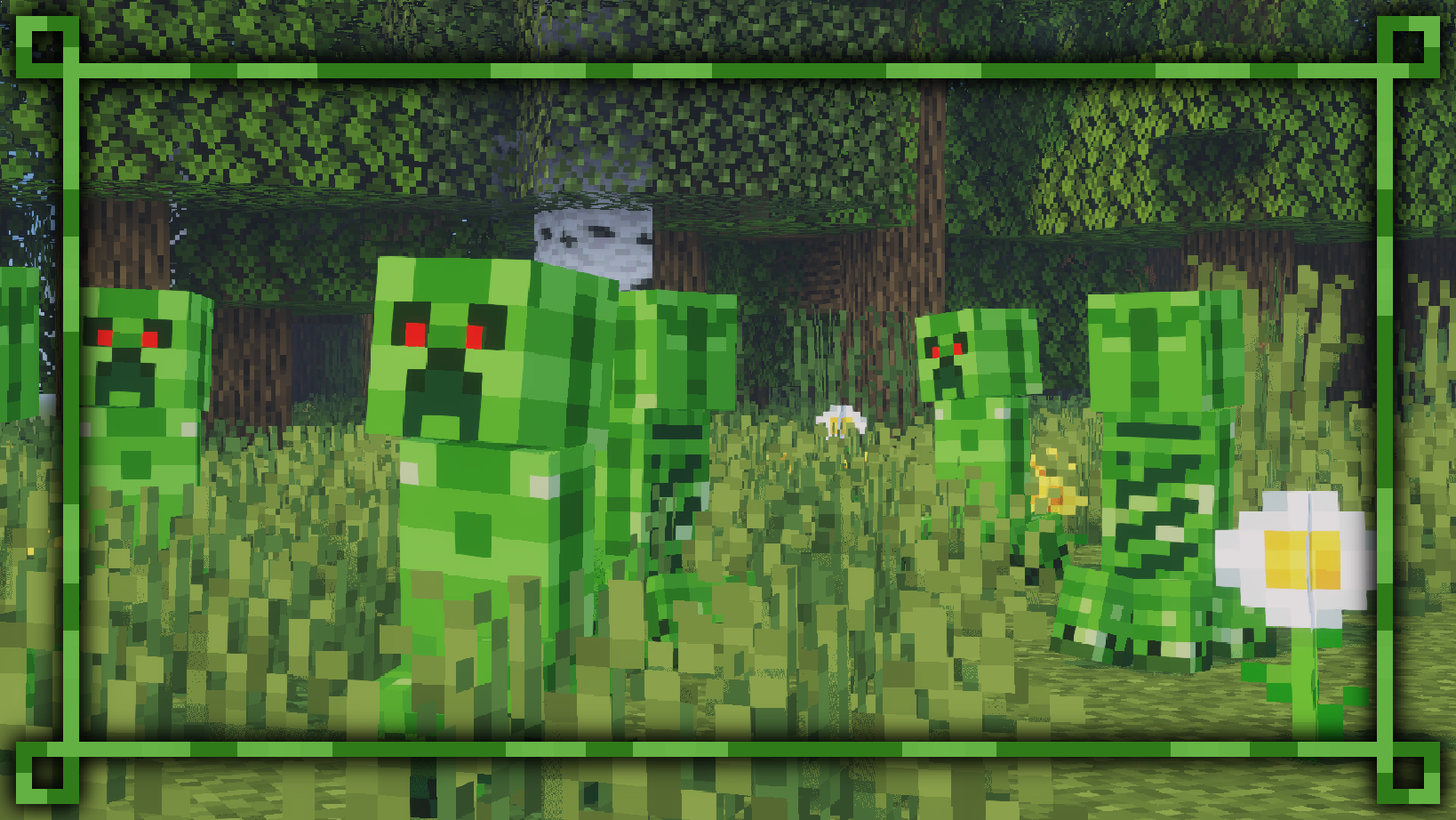
This texture pack remasters the Creeper’s texture, and a few other things. 
New design for Creeper, working with or without the Fresh Animations Texture Pack.
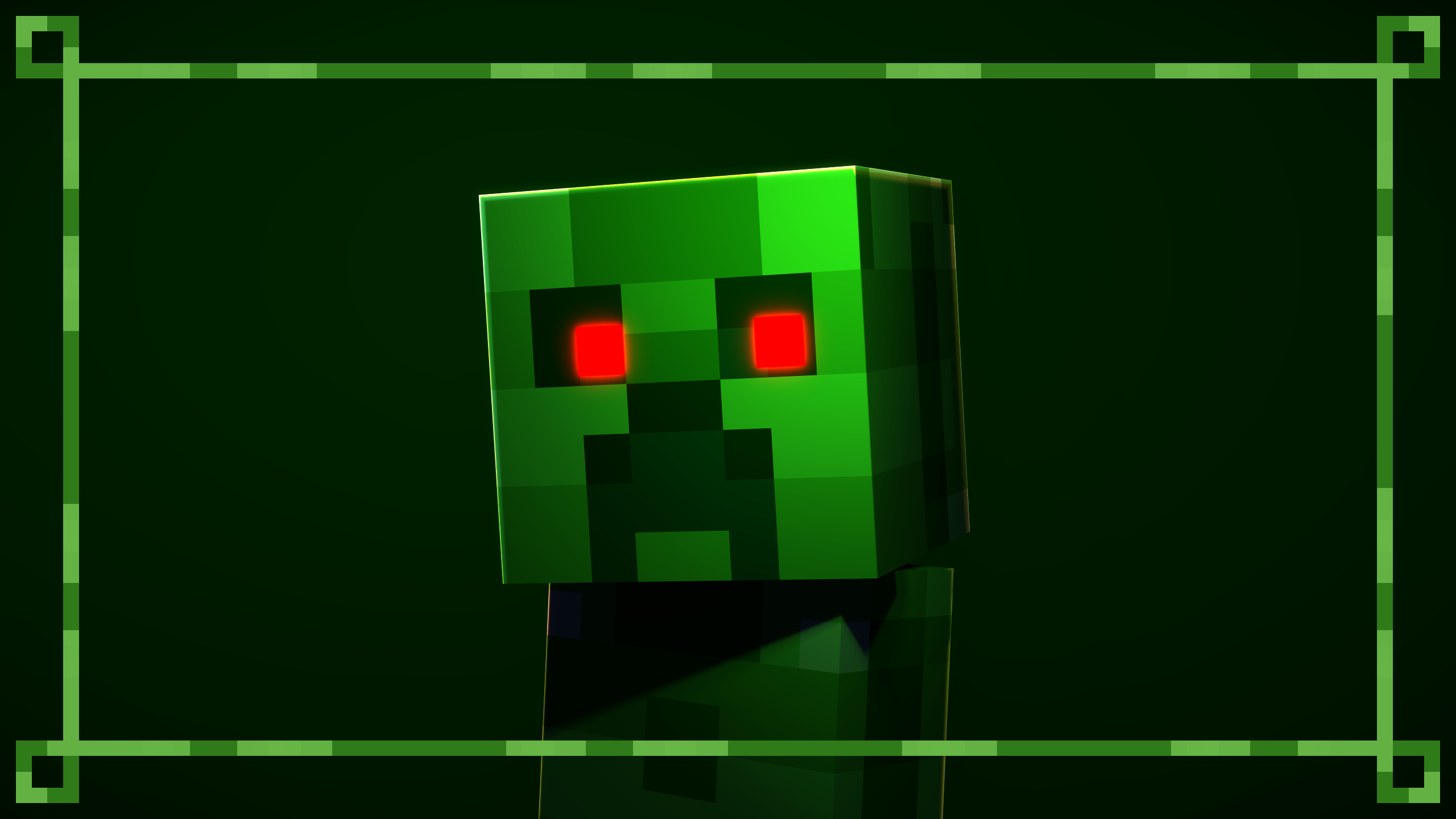
Using the Fresh Animations Texture Pack, the red eyes will glow in the dark.
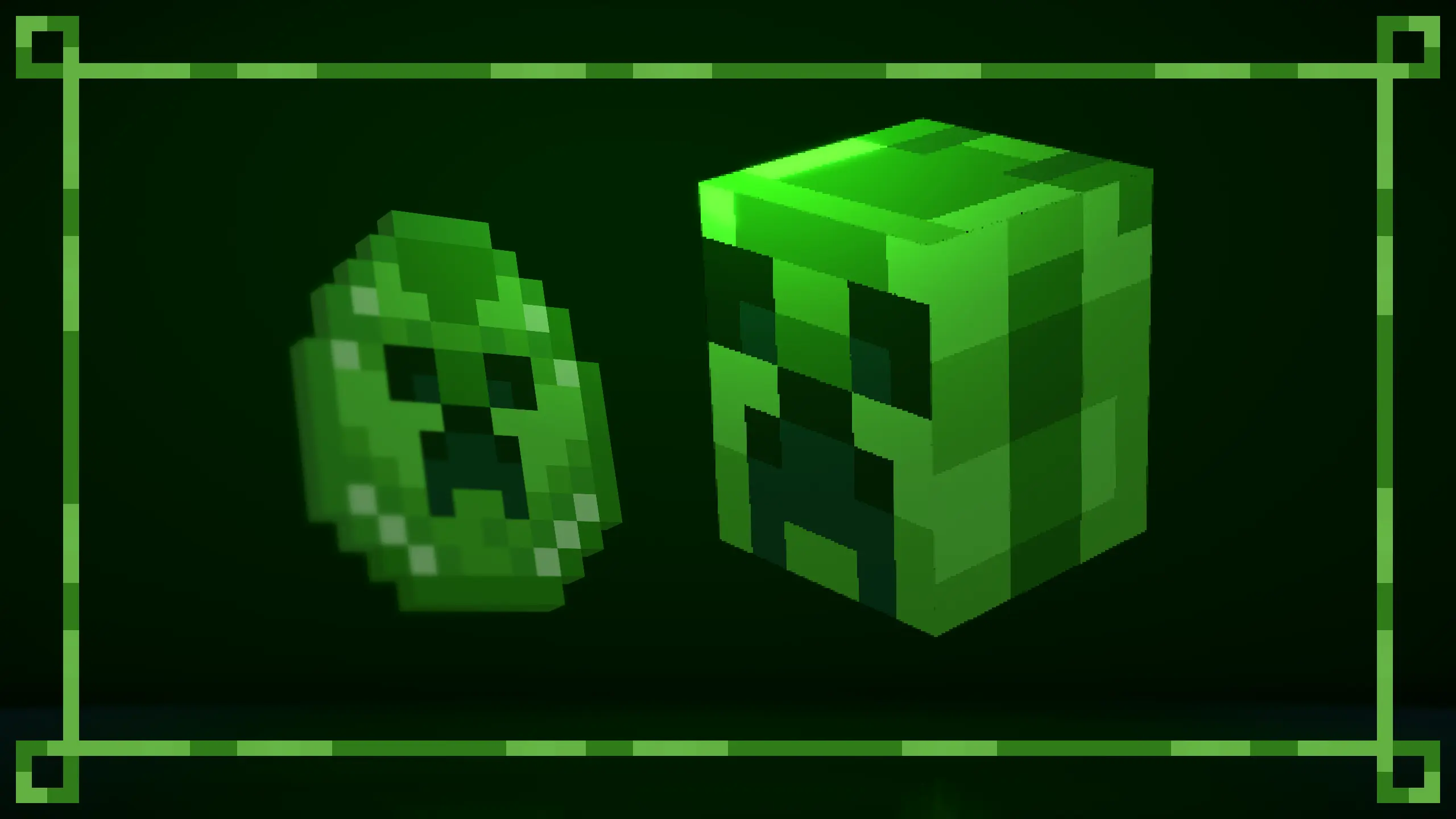
Updated Creeper spawn egg. Compatible with the Rethought Spawn Eggs Texture Pack.
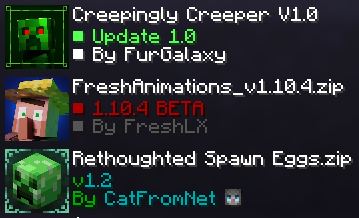
For optimal performance, position the texture packs as recommended.
All default skins, with slim and wide arms, now wear a themed outfit from the pack.
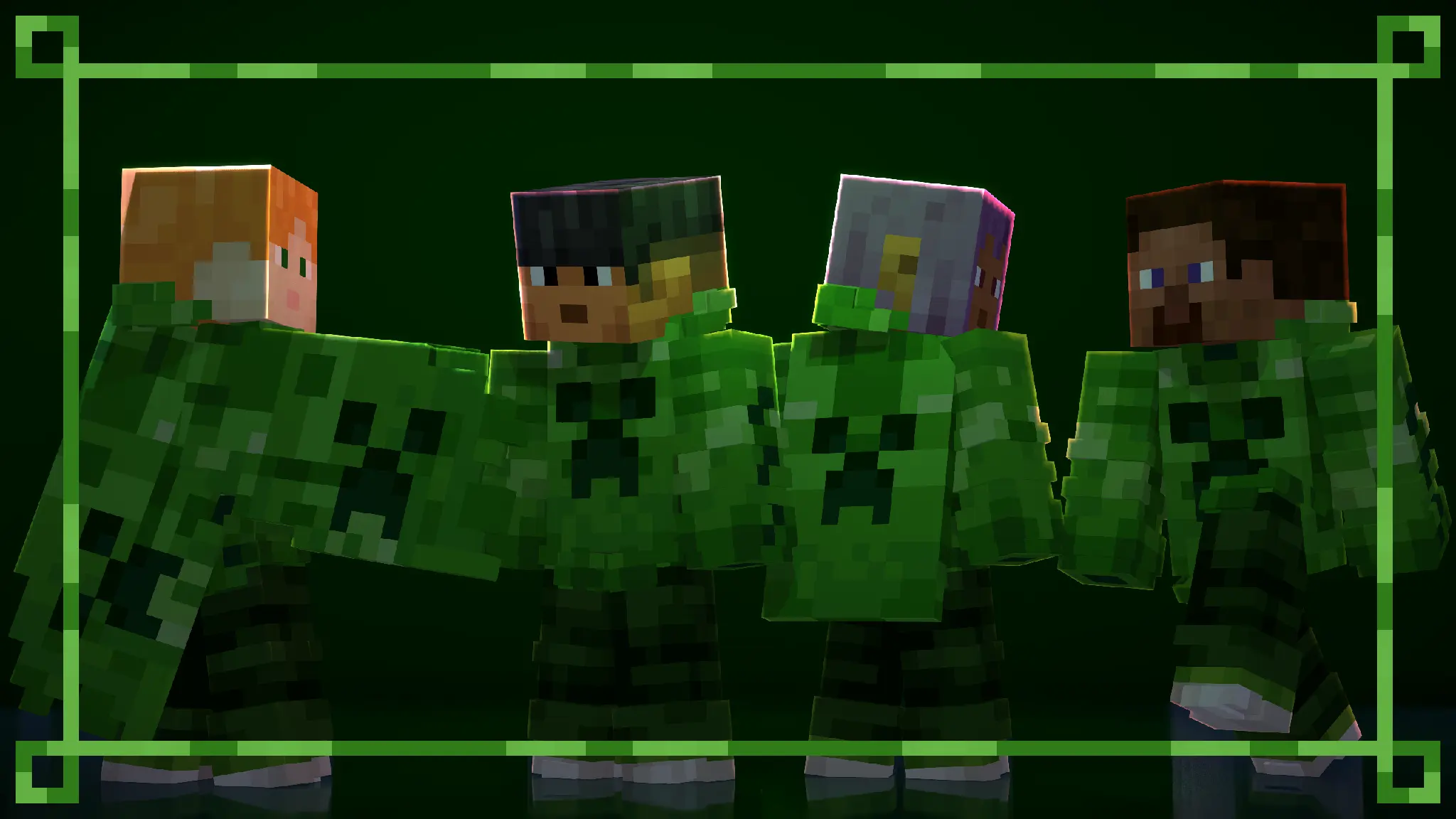
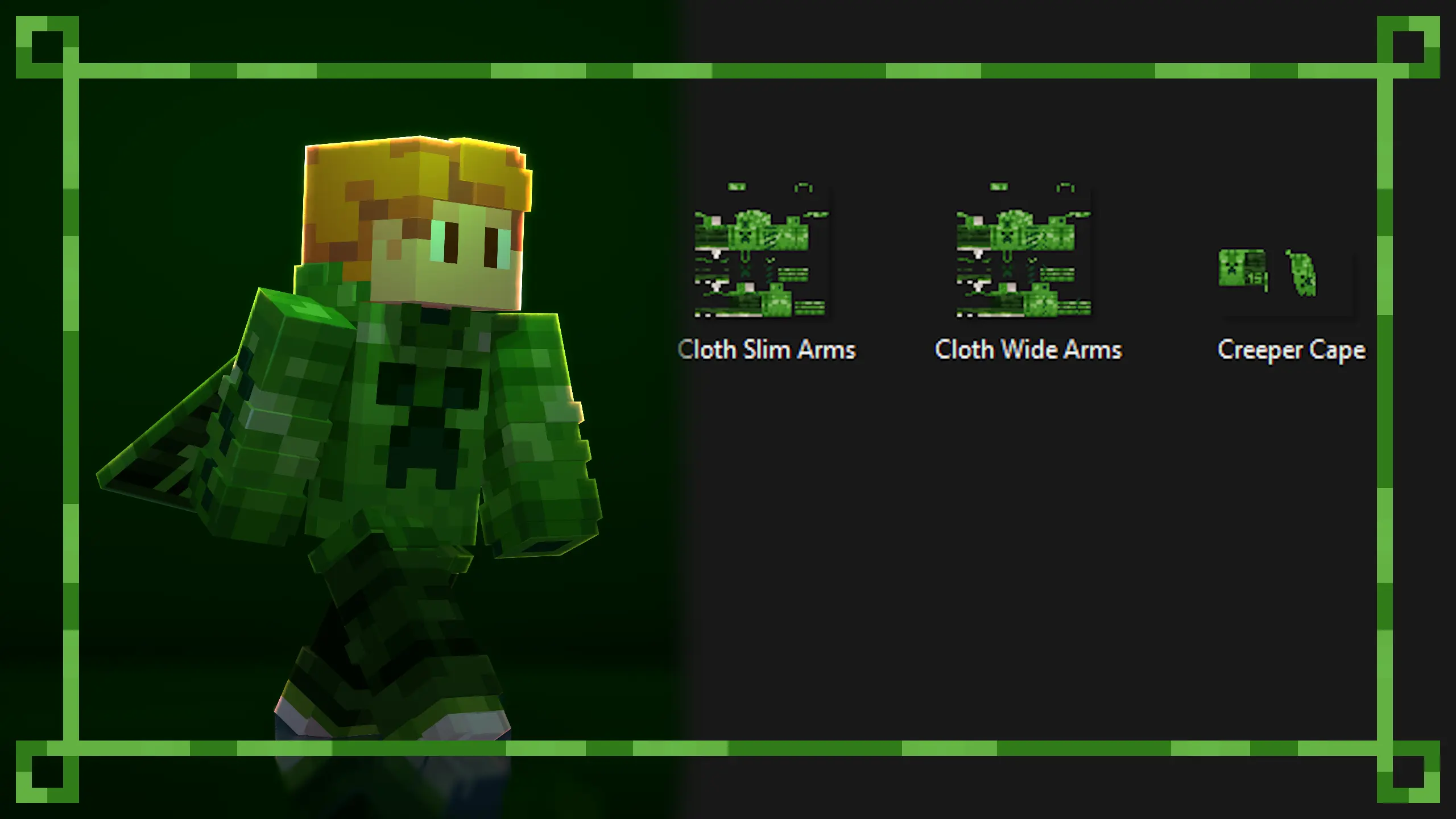
You can create your own themed skin and use the custom skin from the pack. The Creeper Skin and Cape is a redesign of the Minecraft 15th anniversary skin.
Use any Custom Cape Mod to use the cape.
The templates have been placed in the texture files for you to use.
Available on Curseforge.
More texture packs coming soon…