ctLib
# ctLib
This is a mod/plugin library for Bukkit/Spigot/Paper/Folia and fork.Also supproted Fabric and Velocity.
#### You need run it in at least Java11
It provides some simple APIs for storing data and other operations.
### Supported:
– Folia
– Paper/Purpur
– Bukkit/Spigot
– Fabric
– Quilt
– Forge
– NeoForge
– NukkitX
–
### API:
– mysql(Only plugin)
– sqlite
– chat prefix
– simple yaml editor(For non-Bukkit series)
– simple json editor
– network API
### Future plan:
– add more database
– more things…
## How to use
If you are a player or a server manger,you just download it and copy to `mods` or `plugins` floder.
If you are a developer,you can get more informations form github
CRSS Plugin
# CRSS Plugin
This is the main Plugin used in the CRSS server.
It features a Discord Bridge and One-Player sleep functionality.
## How can I use it?
Place the jar inside your “plugins“ folder on any compatible Bukkit version. It should be compatible with versions foward from the main version, but probably won’t work on older ones.
## What is CRSS?
CRSS is a server ran by Blurryface, hosted by TheClashFruit which runs on older versions of Minecraft, updating every first day of every month. Previously, it was weekly updates. We started on “beta 1.0“ and we are currently on “release 1.11.2“.
You can take a look at our latest YouTube video here:
Crosshair
## A small crosshair for PvP.
### My other projects
Creepingly Creeper
This texture pack remasters the Creeper’s texture, and a few other things. 
New design for Creeper, working with or without the Fresh Animations Texture Pack.
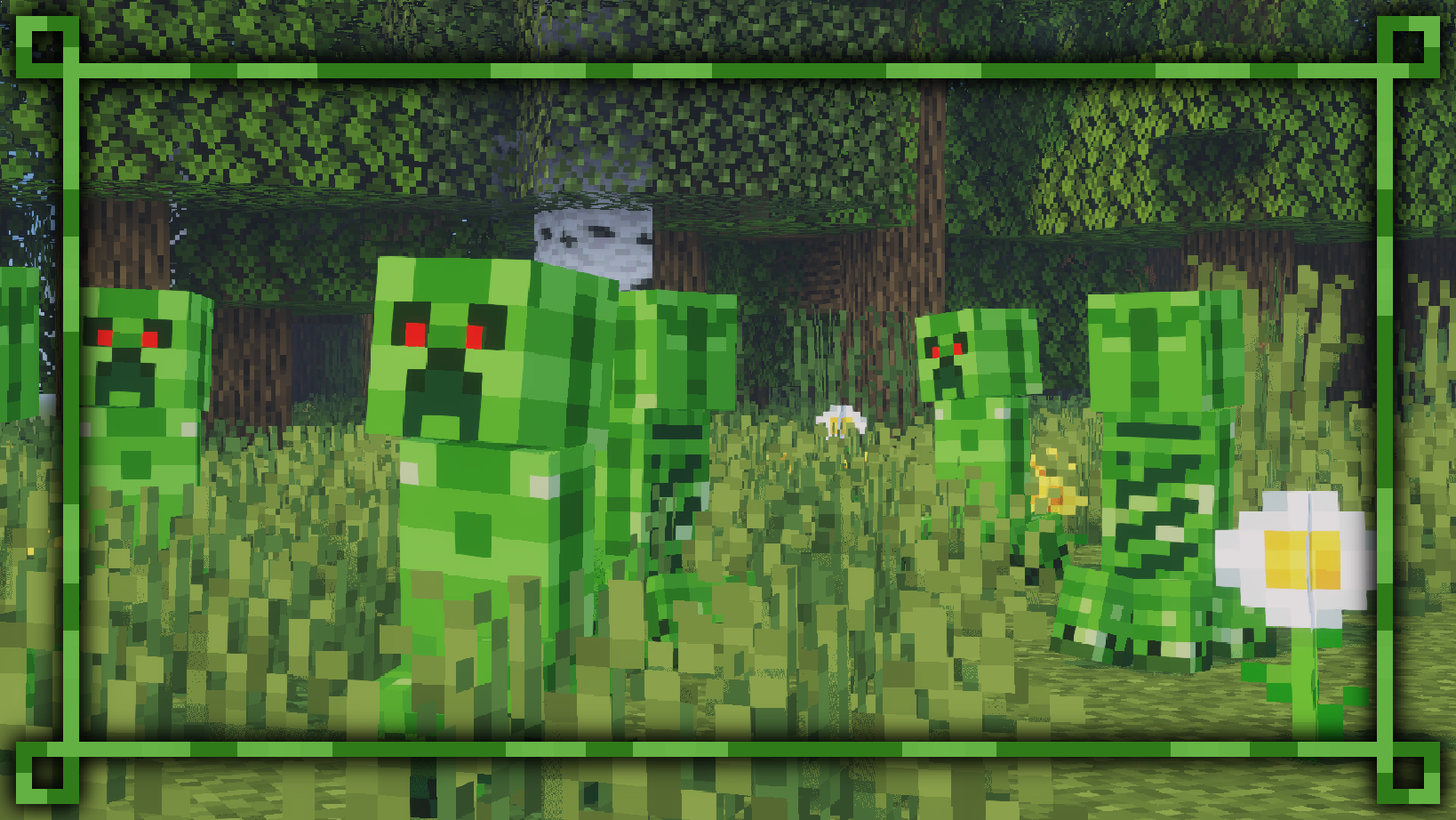
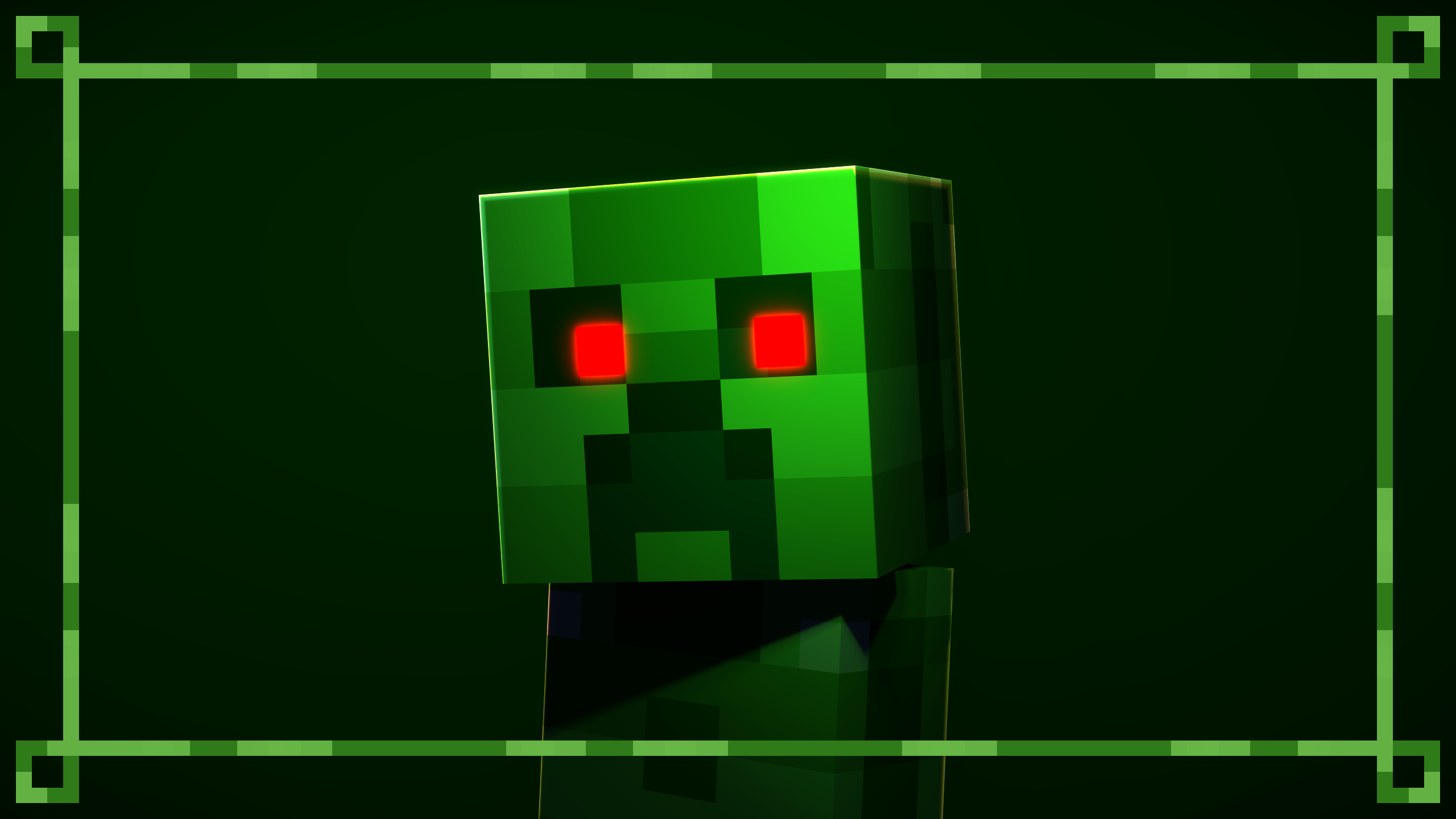
Using the Fresh Animations Texture Pack, the red eyes will glow in the dark.
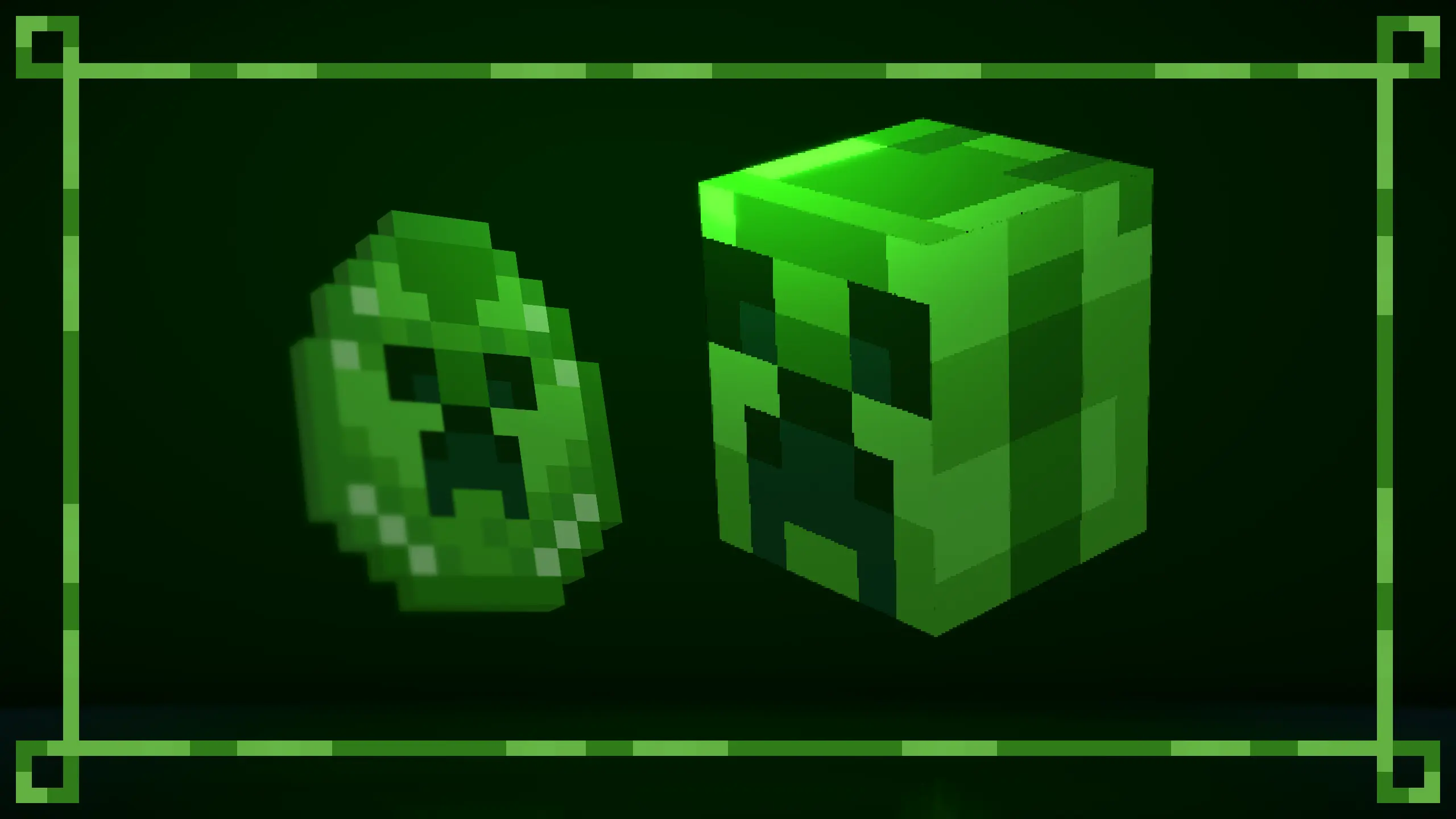
Updated Creeper spawn egg. Compatible with the Rethought Spawn Eggs Texture Pack.
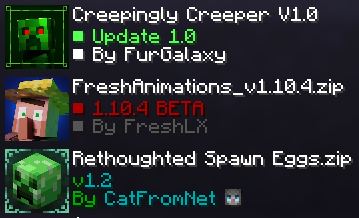
For optimal performance, position the texture packs as recommended.
All default skins, with slim and wide arms, now wear a themed outfit from the pack.
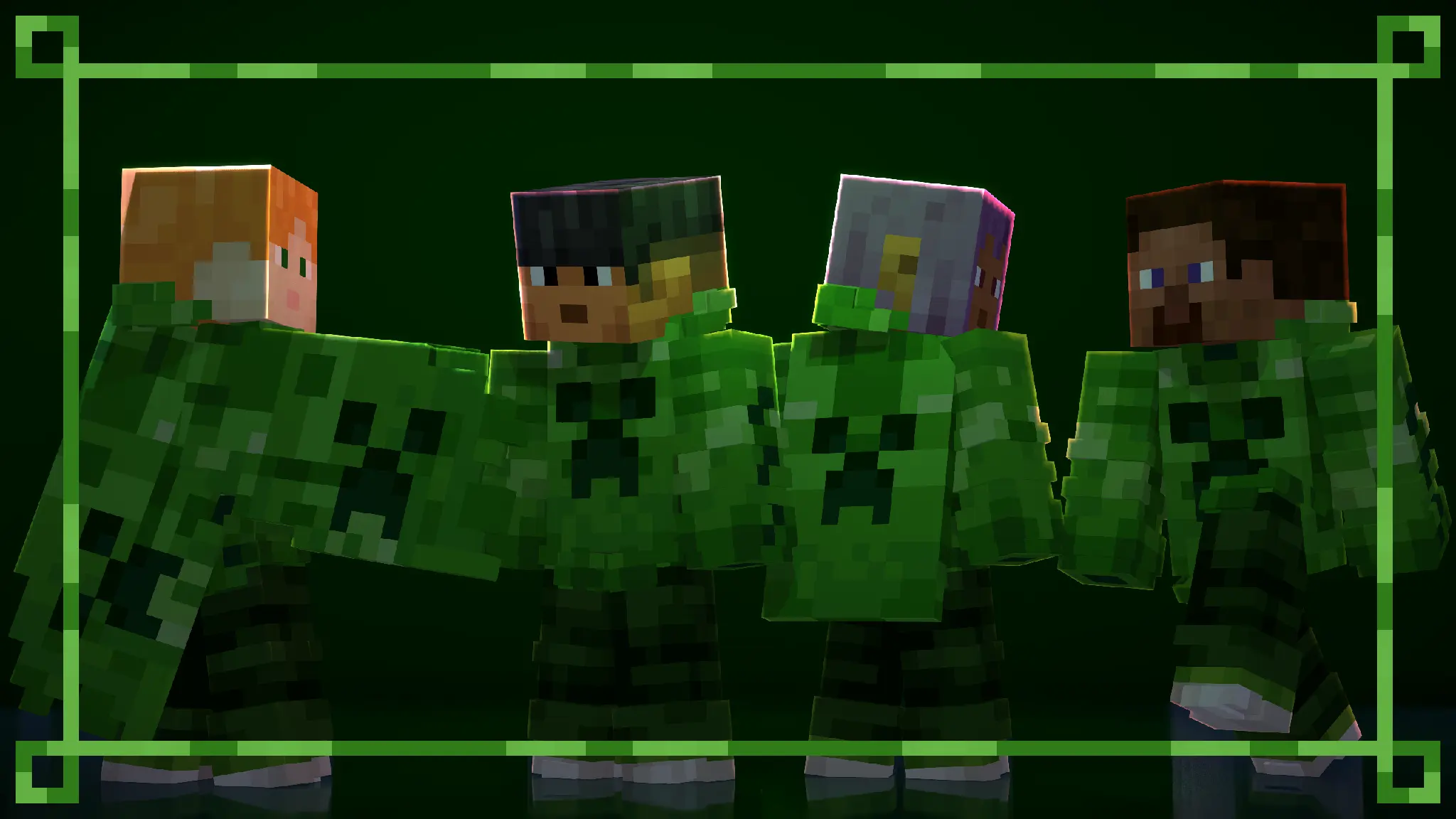
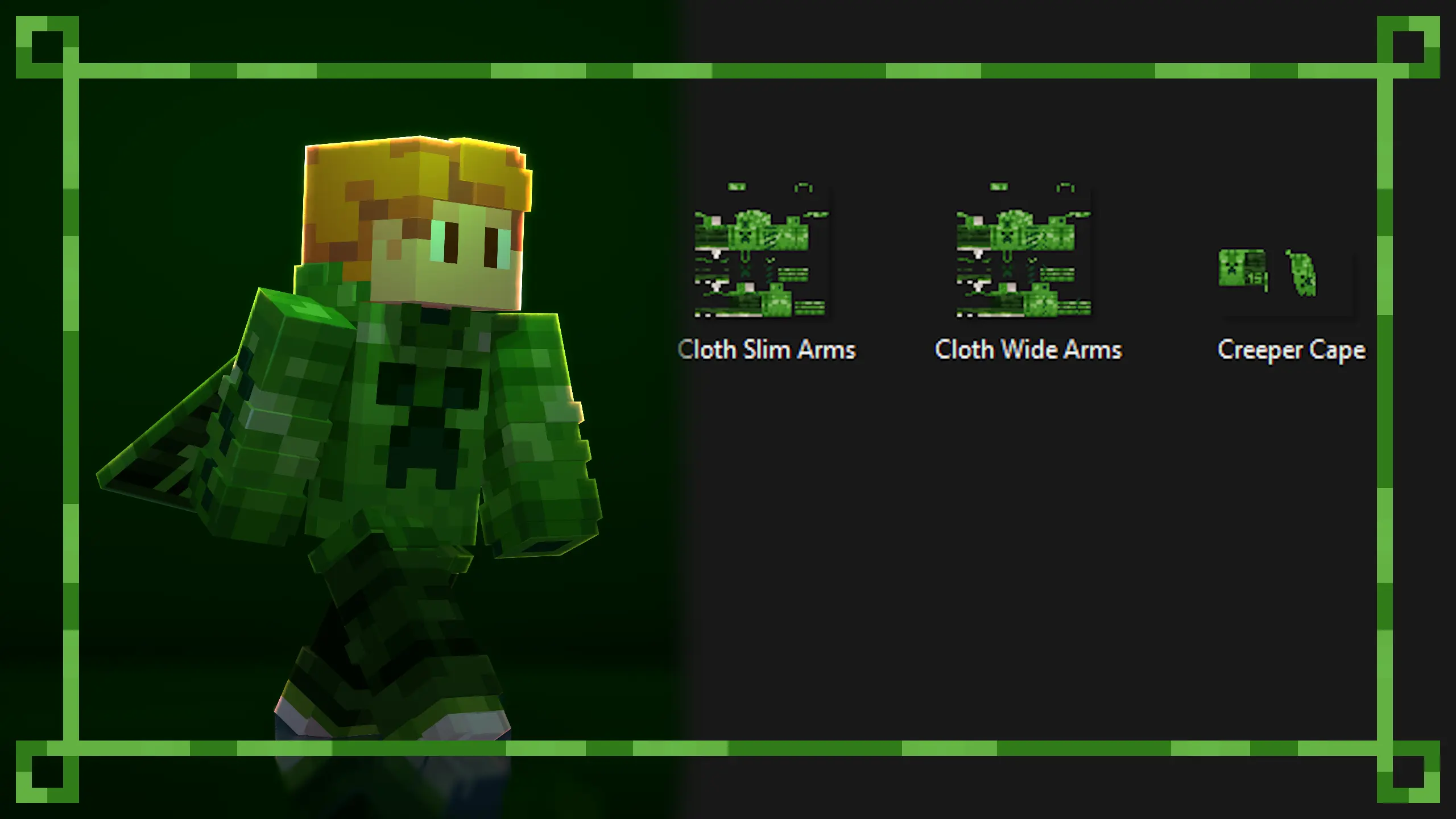
You can create your own themed skin and use the custom skin from the pack. The Creeper Skin and Cape is a redesign of the Minecraft 15th anniversary skin.
Use any Custom Cape Mod to use the cape.
The templates have been placed in the texture files for you to use.
Available on Curseforge.
More texture packs coming soon…
Create UI
A Create-Mod themed UI designed for All of Create
Can be used outside of All of Create
Crashma
Crashma


Has a 1/3 chance to crash your game every minute while in a world. Why? idk lol
CraftDen1al
# Plugin Synopsis
This is a lightweight plugin run on server-side, which allows you to refuse certain crafting operations from client-side.
# How to Use This Plugin
Loading world with this plugin loading, this plugin will not actively modify anything. You need to create and edit a file named `craftden1al.json` (case sensitive on Linux) in the root directory of the world (i.e. in the same directory as `level.dat`).
Example of `craftden1al.json`: (“//” comments for ease of understanding, actual JSON files do not allow comments)
“`json
{
“deny_mode”: false, // defaults ‘true’; ‘true’ for deny mode and ‘false’ for allow mode; accepts: ‘true’ | ‘false’
“patterns”: [
[
{
“type”: “rege_s_simple_datapack:all”, // a string represents a condiion type, registered in rege.rege.minecraftmod.craftden1al.util.ConditionRegistry
“data”: [] // any element, depends on the type’s requirement
}, // an object represents a conditional match, or ‘null’ represents an unconditional match; accepts: an object | ‘null’
[
“minecraft:string”, // a string(available on MC 1.7+) represents the resource location of the item, or a number represents the raw ID of the item, or an object(see below) represents a more detailed item, or ‘null’ represents an empty slot
“minecraft:string”, // the same as the previous line
“minecraft:string”, // the same as the previous line
“minecraft:string” // the same as the previous line
], // an array represents a shaped or shapeless recipe’s ingredients, or ‘null’ represents that the ingredients are unimportant
{
“id”: “minecraft:wool”, // a string(available on MC 1.7+) represents the resource location of the item, or a number represents the raw ID of the item
“dv”: 0, // a number represents the DV(Damage Value) of the item
“count”: 1 // a number represents the count of the result item; won’t be useful in ingredients’ definitions
}, // a string(available on MC 1.7+) represents the resource location of the result item, or a number represents the raw ID of the result item, or an object represents a more detailed result item, or ‘null’ represents that the result item is unimportant
2, // an integer represents the width of the shaped recipe, or null represents that the width of the shaped recipe is unimportant; if both this and next element is absent, it represents that whether the recipe to match is shaped or not is unimportant
2 // an integer represents the height of the shaped recipe, or null represents that the height of the shaped recipe is unimportant; if this element is absent and the previous element is present, it represents that the recipe to match is shapeless
]
] // defaults ‘[]’; an array represents all recipe patterns to match
}
“`
So, after editing the file and restarting the server / re-entering the world, the client player will find they are only able to craft 1 White Wool with 4 Strings, and when trying to craft other recipes, even though the result item is displayed on the right side of the crafting screen, when trying to take out the item, it will “bounce back”, thus refusing to craft certain recipes.
# Notice
Please refer to the Minecraft Wiki’s history for recipe lists, and the width and height of the shaped crafting patterns are strictly “source-code-based”.
For example, the width and height of Diamond Axe’s are 2 and 3, not 3 and 3; and must be `[“minecraft:diamond”, “minecraft:diamond”, “minecraft:diamond”, “minecraft:stick”, null, “minecraft:stick”]`, not its horizontal-mirrored form (i.e. `[“minecraft:diamond”, “minecraft:diamond”, “minecraft:stick”, “minecraft:diamond”, “minecraft:stick”, null]`).
If you are not able to view the source code, the best way is to write both to the pattern.
# FAQ
Q: Is it useful to run this mod on the client-side?
A: Client-side loading of this mod is useful for entering singleplayer worlds. It takes no effect for entering multiplayer games. Whether it takes effect depends on whether this mod is loaded on the server side.
Q:Seems that the pattern defined in `craftden1al.json` did not being loaded?
A:Please check whether the content of `craftden1al.json` conforms to the syntax of JSON (pay special attention to the presence or absence of commas, whether the symbols are halfwidth, and no comments allowed). If there is a syntax error, the game log will show `Incorrect JSON syntax of craftden1al.json, giving up loading: reason`. As well as confirming that the key names are spelled correctly (e.g. `patterns` is written as `pattern` causing no patterns to load), and that the recipe list is incorrect.
Q: In Creative Mode, I can press a number key to move an item from the result item slot out without bouncing it back?
A: This is a feature of Creative Mode, this won’t happen in Survival/Adventure Mode.
Q: Will `craftden1al.json` be overwritten because it contains invalid item IDs, etc.?
A: No. This plugin will only read the file, not write to it.
CraftBedrock

Craft Bedrock with the following pattern:
Top Left: Obsidian
Top Middle: Cobblestone or Stone
Top Right: Obsidian
Middle Left: Cobblestone or Stone
Center: Nether Star
Middle Right: Cobblestone or Stone
Bottom Left: Obsidian
Bottom Middle: Cobblestone or Stone
Bottom Right: Obsidian
Produces 8 Bedrock per craft.
Category: Redstone.
Shows a notification when crafted.
ComputerCraft
# ComputerCraft
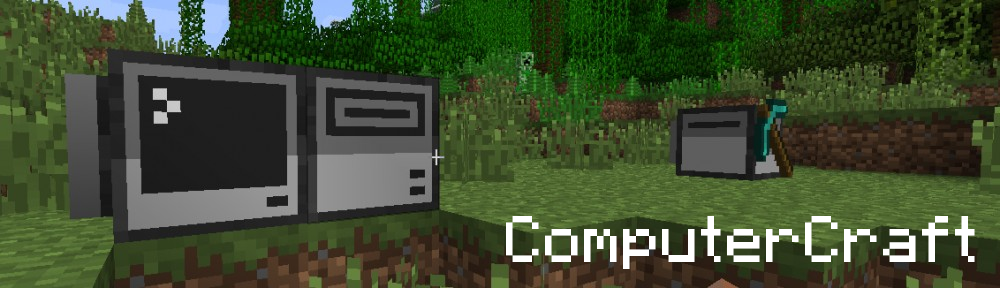
ComputerCraft is a modification for Minecraft that’s all about computer programming. It allows you to build in-game Computers and Turtle Robots, and write programs for them using the Lua programming language. The addition of programming to Minecraft opens up a wide variety of new possibilities for automation and creativity. If you’ve never programmed before, it also serves as excellent way to learn a real world skill in a fun, familiar environment.
If you’re not familiar with ComputerCraft, visit the Website or the Wiki to find out more.
## History
ComputerCraft was originally released in late 2011 by Daniel Ratcliffe. In early 2017, after working on the mod solo for five years, it was decided to release the source code publicly to allow Dan to devote time to other projects.
## Archival notice
**This mod is abandoned and has been uploaded for archival purposes. It was originally created Dec 24, 2011 by Daniel Ratcliffe. It has been uploaded to Modrinth under the ModrinthArchives account with permission from the original author.**

Colourful containers GUI




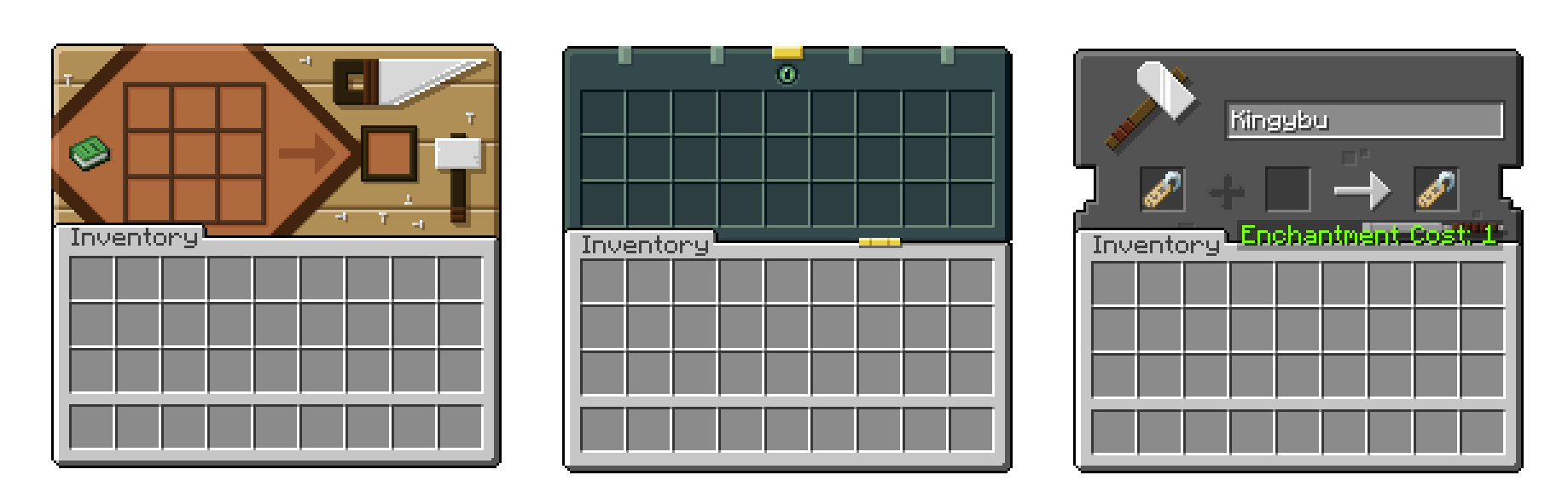
Sick of approaching your enchanting table only to be presented by the same grey menu as the crafting table? Looking to add some colour into your game? Introducing Colourful Containers!
A container GUI replacement mod that hopes to match the menu to every one of Minecraft’s colourful interactable blocks.
Theatricks aside, this texture pack will replace the GUI of every block like the crafting table and furnace. Each new menu will take inspiration from the block its associated with. Some are even animated!


– Anvil
– Recipe Book
– Blast Furnace
– Brewing Stand
– Cartography Table
– Chests (Large, Small, Ender) **OptiGUI required**
– Crafting Table
– Dispenser
– Dropper optifine.png
– Enchanting Table
– Furnace
– Grindstone
– Hopper
– Loom
– Shulkers (All Colours) **OptiGUI required**
– Smoker
– Stone Cutter
– Smithing Table
– Barrel
– Custom Villager GUI **OptiGUI required**
– Beacon
– crafter
– survival inventory

– creative inventory
– mod support

**Chris_XENO**
**BurntToast_**
**Kingybu**