Invisible Frames
Invisible frames for your minecraft!
Invisible frames for your minecraft!
Invisible armor for old Minecraft! Just drop into your texture pack folder and enjoy!
InvisAlert+
InvisAlert+ is a lightweight, client-side resource pack designed to make invisibility particles in Minecraft immediately visible. Invisible potions and effects can be frustrating, especially in PvP, survival, or mob-fighting scenarios where timing and awareness matter. This pack replaces the subtle default particles with a bright, clear warning so you always know when other players are invisible around you
Key Features:
– Clear Indicators: Instantly see when invisibility is applied with a bold, easy-to-notice particle.
– Minimal & Lightweight: Only changes the invisible potion particle; leaves all other textures untouched.
– Compatible with Any Pack: Layer InvisAlert+ over your favorite texture pack without conflicts.
– PvP & Survival Friendly: Designed for players who need awareness in fast-paced or tactical situations.
Installation Instructions:
Download the zip.
Move the InvisAlert+ folder into your Minecraft resourcepacks directory.
Enable the pack in-game and layer it on top of your existing texture pack.
Notes:
Fully client-side; no server mods required.
Works on all supported Minecraft versions (1.20+ recommended).
Perfect for PvP servers, survival maps, or personal gameplay improvement.
**Welcome To My Resource Packs**
**How To Get This Items**
**Commands:**
“`
/give (username) minecraft:yellow_dye{CustomModelData:1}
“`
“`
/give (username) minecraft:purple_dye{CustomModelData:2}
“`
“`
/give (username) minecraft:red_dye{CustomModelData:3}
“`
“`
/give (username) minecraft:orange_dye{CustomModelData:4}
“`
“`
/give (username) minecraft:light_blue_dye{CustomModelData:5}
“`
“`
/give (username) minecraft:lime_dye{CustomModelData:6}
“`
**2.0.0 Update**
**Commands:**
“`
/give (username) minecraft:white_dye{CustomModelData:1010}
“`
“`
/give (username) minecraft:white_dye{CustomModelData:2020}
“`
“`
/give (username) minecraft:white_dye{CustomModelData:3030}
“`
“`
/give (username) minecraft:white_dye{CustomModelData:4040}
“`
“`
/give (username) minecraft:white_dye{CustomModelData:5050}
“`
“`
/give (username) minecraft:white_dye{CustomModelData:6060}
“`
**Thank You And Enjoy**

# Infinity Water Bucket Overview:
Infinity Water Bucket is a small mod that allows the Infinity enchantment for Water Buckets, using an anvil, providing an infinite portable water source. It also allows you to use the Infinity enchantment on empty Buckets, providing an infinite liquid void.
## Infinity Water Bucket Community:
Myself, along with other players of Infinity Water Bucket, can found at our Discord. There is also [a Guilded server](https://www.guilded.gg/i/Wkn138B2) for those who prefer to join it instead of Discord.
## Infinity Water Bucket Requirements:
Infinity Water Bucket can be played using either [Forge](https://files.minecraftforge.net/net/minecraftforge/forge/) or [Fabric](https://fabricmc.net/use/installer/) and even [Legacy Fabric](https://github.com/Legacy-Fabric/fabric-installer). On Fabric (including Legacy Fabric) the Fabric API is optional.
### Main Features:
– Uses Mixin to allow the Infinity enchantment to be applied to empty and water buckets.
– Works with Dispensers to place infinite water or pickup infinite liquids
– Prevents Enchanted empty buckets from milking cows
– Prevents Enchanted from picking up fish & axolotls
– Allows you to fill/consume cauldrons with an infinite supply
– Server-side, but without it on the client causes visual glitches
– Built-in Update Checker
– Mod Support
– [Caves and Cliffs Backport](https:/www.curseforge.com/minecraft/mc-mods/caves-and-cliffs-backport) – Prevents Axolotls pickups & Fill/Empty Cauldrons
– [Milk All The Mobs (Forge](https://www.curseforge.com/minecraft/mc-mods/milk-all-the-mobs/) & [Fabric](https://www.curseforge.com/minecraft/mc-mods/milk-all-the-mobs-fabric/)) – Prevents Enchanted empty buckets from milking supported entities
– [Get In The Bucket Mod](https://www.curseforge.com/minecraft/mc-mods/get-in-the-bucket-mod/) – Prevents Enchanted from picking up mobs
– Note that this mod is incompatible with [Infinity & Mending Unnerf](https://www.curseforge.com/minecraft/mc-mods/infinity-mending-unnerf)

## Minecraft Version:
Please do not ask for Infinity Water Bucket to be ported to an older version of Minecraft. coolsim intends to maintain all current Minecraft versions (1.4.7+) and is willing to backport the Forge Version further when the associated RetroGradle updates are out. coolsim will begin to update Infinity Water Bucket to 1.19 as the corresponding Forge & Fabric Full Release version is released, so please don’t ask.
## License and Modpacks:
Please feel free to use Infinity Water Bucket in any modpack whilst making sure to give credit to coolsim. Do not redistribute Infinity Water Bucket in any form.
Immibis Core is a library for handling shared functionality between immibis’ mods, and is a required dependency for most of them.
In addition, newer versions of the mod provide a TPS measurement command – by default `/tps`.
## Archival notice
**This mod is abandoned and has been uploaded for archival purposes. It was originally created by [immibis](http://immibis.com/mcmoddl/). It has been uploaded to Modrinth under the ModrinthArchives account with permission from the original author.**
**Bundle Texture Pack Compat** [**Immersive Interfaces – Mod Support Unofficial**](https://modrinth.com/resourcepack/immersive-interfaces-mod-support-unofficial)

### Immersive Interfaces – Mod Support Unofficial
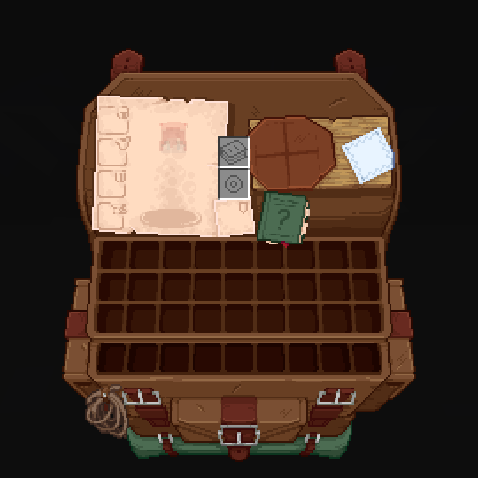
This texture pack adds special compatibility with Trinkets Mod, integrating its grooves into the aesthetics of Immersive Interfaces.
### Before:
### After:
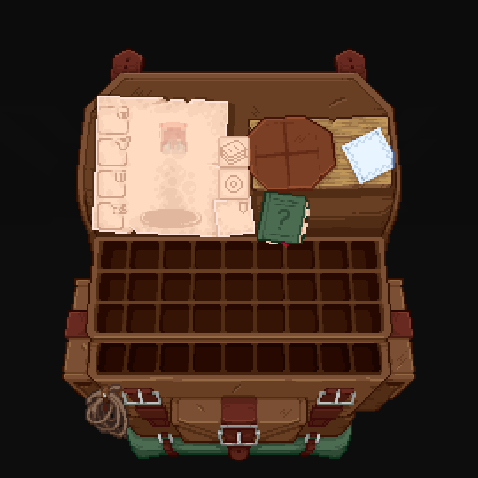
Shrimp’s Immersive Interfaces Add-on: This Texture Pack adds small details to some mods to fit more with Immersive Interfaces.
**Mod Compatibility:**
– [Accesories](https://modrinth.com/mod/accessories) ([Curios](https://modrinth.com/mod/accessories-cc-layer) & [Trinkets](https://modrinth.com/mod/accessories-tc-layer))
– [Accessories Compatibility Layer](https://www.curseforge.com/minecraft/mc-mods/backpacked)
– [Alex’s Caves](https://modrinth.com/mod/alexs-caves)
– [Alex’s Mobs](https://modrinth.com/mod/alexs-mobs)
– [Armageddon](https://modrinth.com/mod/armageddon)
– [Apotheosis](https://www.curseforge.com/minecraft/mc-mods/apotheosis) & [(Fabric)](https://modrinth.com/mod/zenith)
– [Apothic Attributes](https://www.curseforge.com/minecraft/mc-mods/apothic-attributes) & [(Fabric)](https://modrinth.com/mod/zenith-attributes)
– [Apothic Enchanting](https://www.curseforge.com/minecraft/mc-mods/apothic-enchanting)
– [Backpacked](https://www.curseforge.com/minecraft/mc-mods/backpacked)
– [Cosmetic Armor Reworked](https://www.curseforge.com/minecraft/mc-mods/cosmetic-armor-reworked)
– [Curios API](https://modrinth.com/mod/curios)
– [Diet](https://modrinth.com/mod/diet)
– [Easy Magic](https://modrinth.com/mod/easy-magic)
– [Ender Chested](https://modrinth.com/mod/ender-chested/)
– [EMI](https://modrinth.com/mod/emi)
– [Farmer’s Delight](https://modrinth.com/mod/farmers-delight) & ([Refabricated]
– [Fishing Upgrades & More](https://modrinth.com/mod/fishing-upgrade)
– [Inventory Profiles Next](https://modrinth.com/mod/inventory-profiles-next)
– [Horseman](https://modrinth.com/mod/horseman)
– [Iron Chests](https://modrinth.com/mod/iron-chests)
– [Iron’s Spells ‘n Spellbooks](https://modrinth.com/mod/irons-spells-n-spellbooks)
– [ItemSwampper](https://modrinth.com/plugin/itemswapper)
– [Just Enough Items (JEI)](https://modrinth.com/mod/jei)
– [Just Enough Resources](https://modrinth.com/mod/just-enough-resources-jer)
– [Just Leveling](https://modrinth.com/mod/just-leveling) & [Fork](https://modrinth.com/mod/justleveling-fork)
– [L_Ender ‘s Cataclysm](https://modrinth.com/mod/l_enders-cataclysm)
– [Legendary Tabs](https://www.curseforge.com/minecraft/mc-mods/legendary-tabs)
– [Let’s Do Camping](https://modrinth.com/mod/lets-do-camping)
– [Miner’s Delight+](https://modrinth.com/mod/miners-delight)
– [Molten Metal](https://www.curseforge.com/minecraft/mc-mods/molten-metal)
– [Polymorph](https://modrinth.com/mod/polymorph)
– [Roughly Enough Items (REI)](https://modrinth.com/mod/rei)
– [Sophisticated Backpacks](https://modrinth.com/mod/sophisticated-backpacks)
– [Sophisticated Storage](https://modrinth.com/mod/sophisticated-storage)
– [Spell Engine (RPG Classes API)](https://modrinth.com/mod/spell-engine)
– [What Are They Up To (Watut)](https://modrinth.com/mod/what-are-they-up-to)
– [Quark](https://modrinth.com/mod/quark)
– [Quark Oddities](https://modrinth.com/mod/quark-oddities)
– [T.O Magic ‘n Extras (Iron’s Spells Addon)](https://www.curseforge.com/minecraft/mc-mods/to-tweaks-irons-spells)
– [Terramity](https://modrinth.com/mod/terramity)
– [Traveler’s Backpack](https://modrinth.com/mod/travelersbackpack)
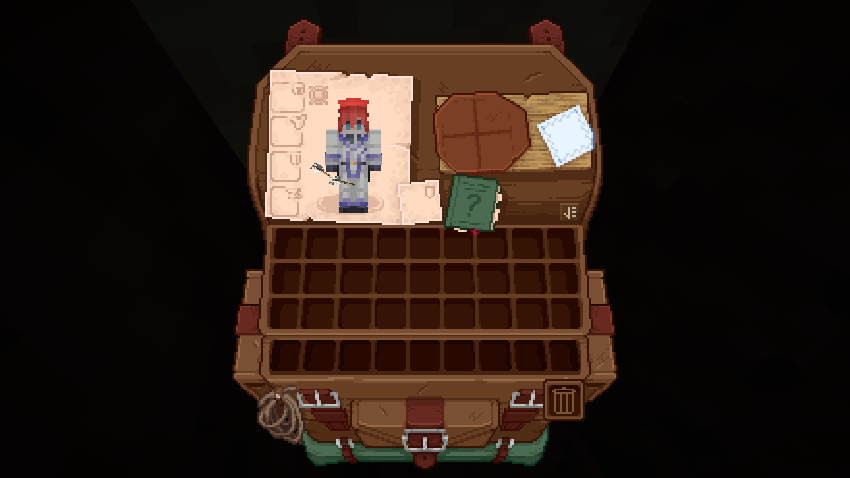
– [TrashSlot](https://modrinth.com/mod/trashslot)
– [Trinkets](https://modrinth.com/mod/trinkets)
– [Yukami’s Sophisticated Backpack Tab](https://modrinth.com/mod/yukamis-sophisticated-backpack-tab)
– [yyz’s backpack](https://modrinth.com/mod/yyzs-backpack)
## Other compatibilities in parts:




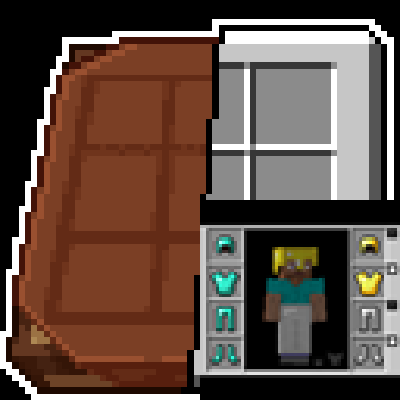





### **Just Enough Items (JEI) Support:**
Before:
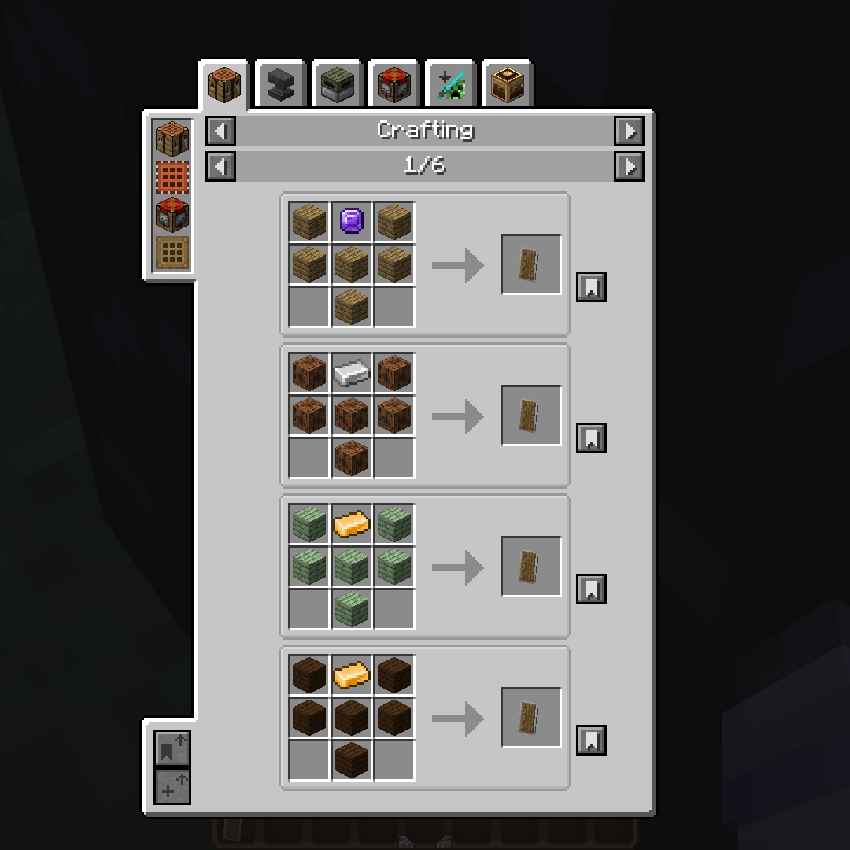
After:
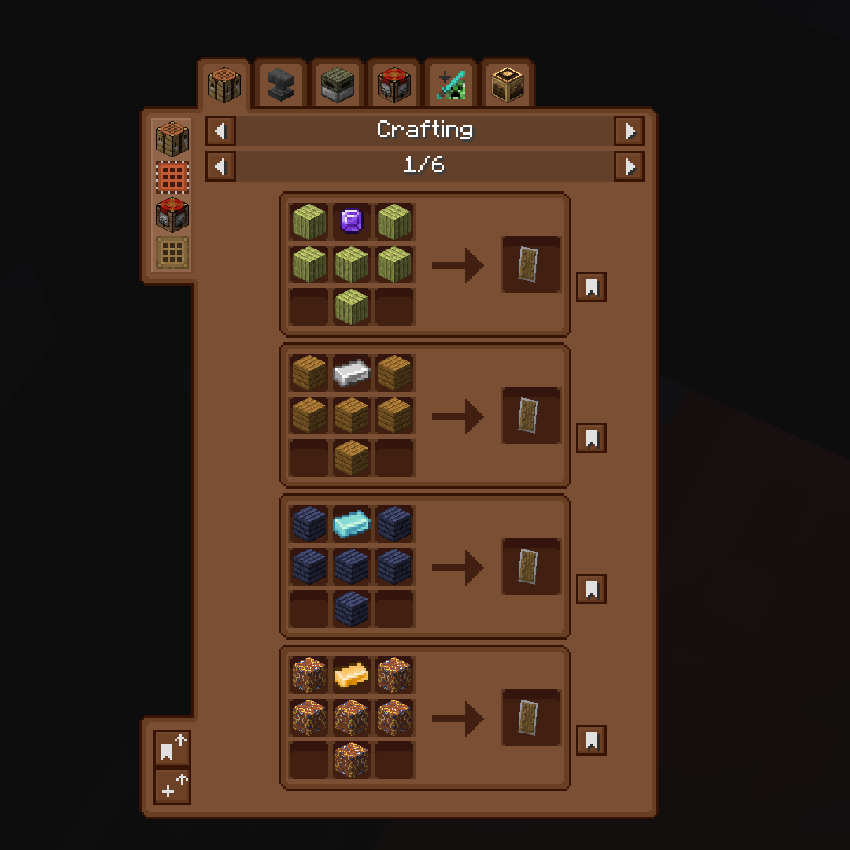
### **Quark Oddities Support:**
Before:
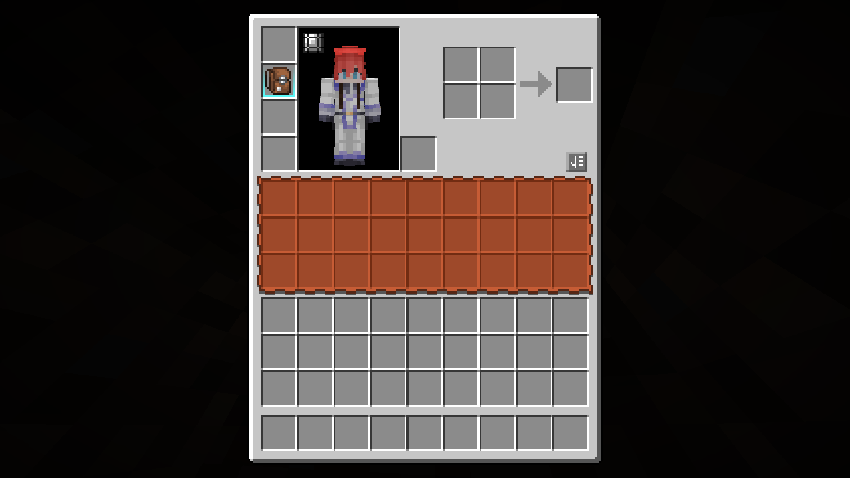
After:
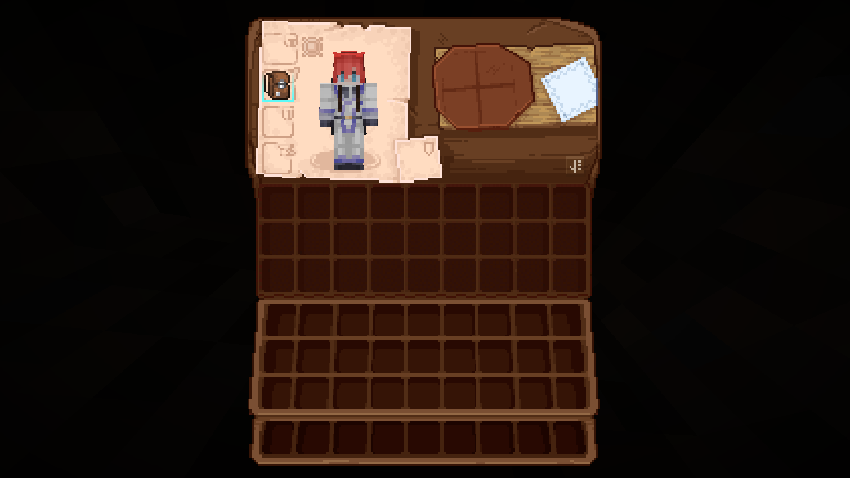
### **Curios Support:**
Before:
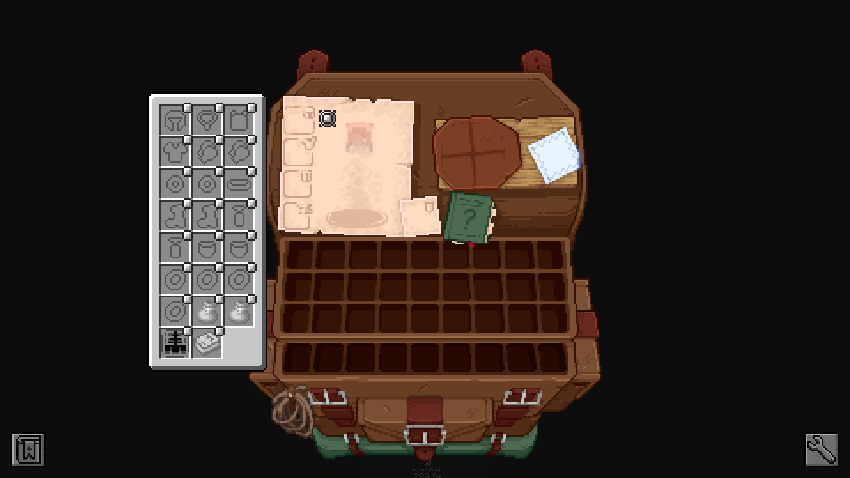
After:
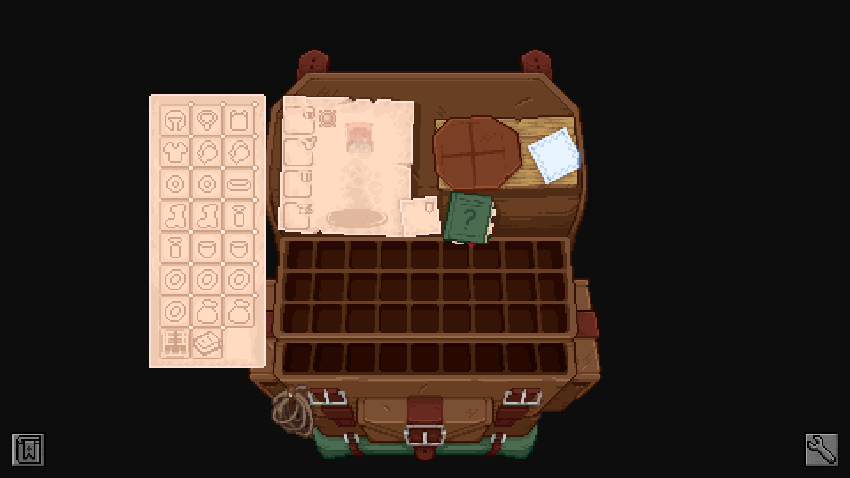
### **Sophisticated Backpacks & Storage Support:**
Before:
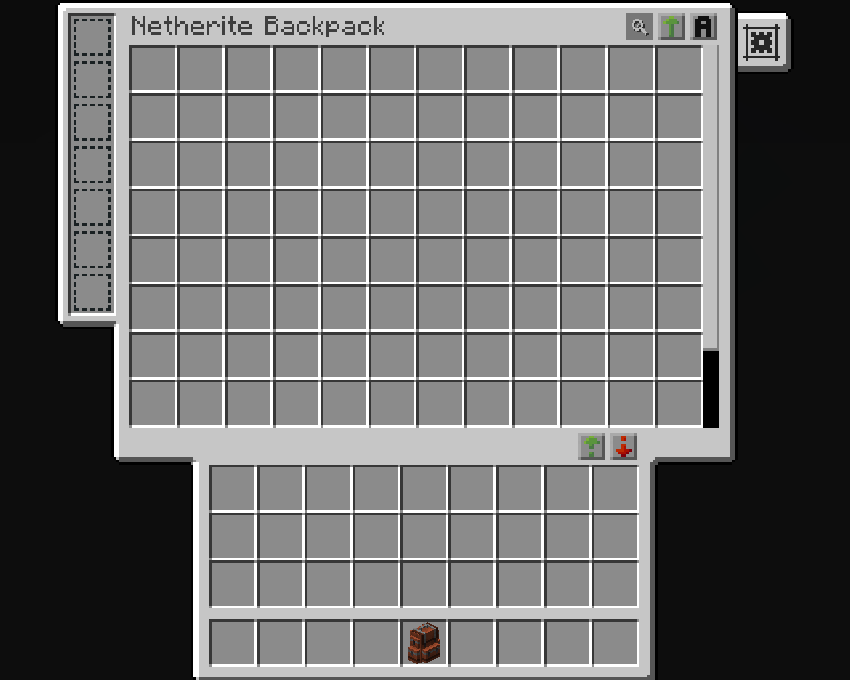
After:
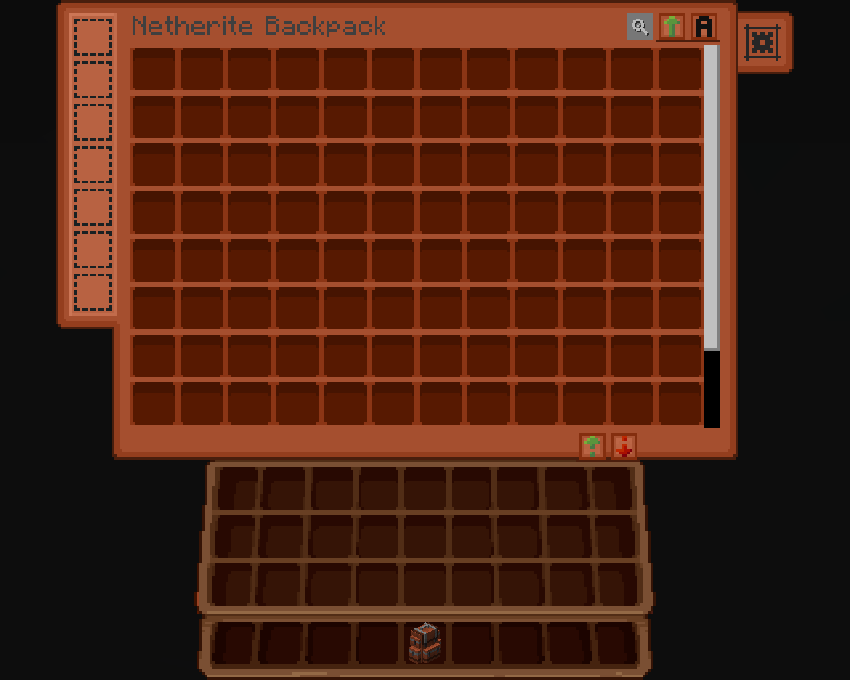
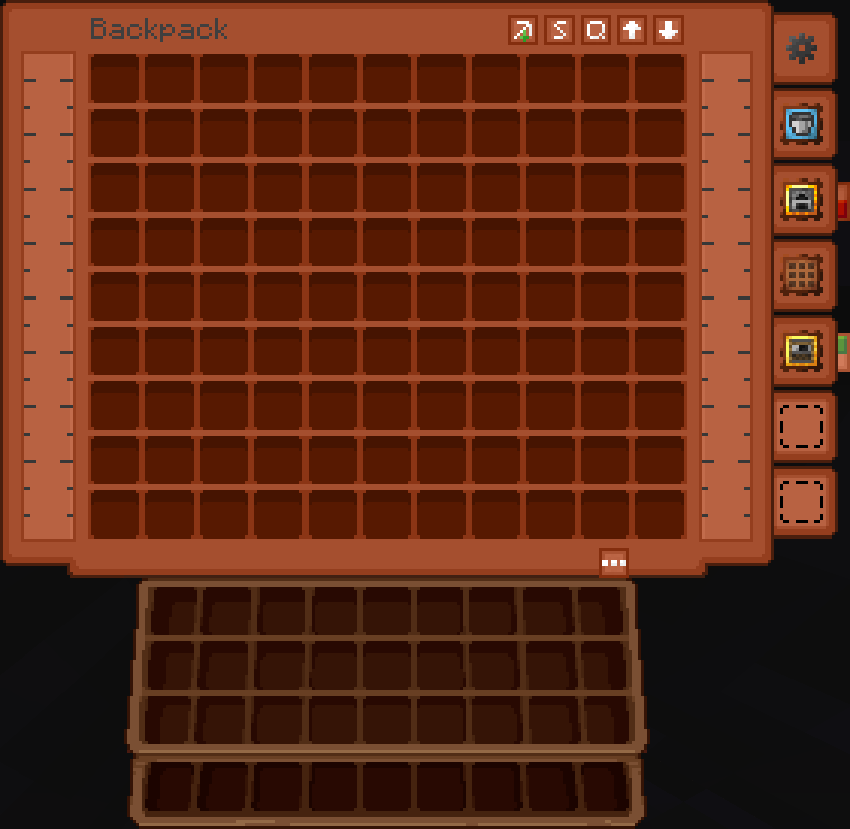
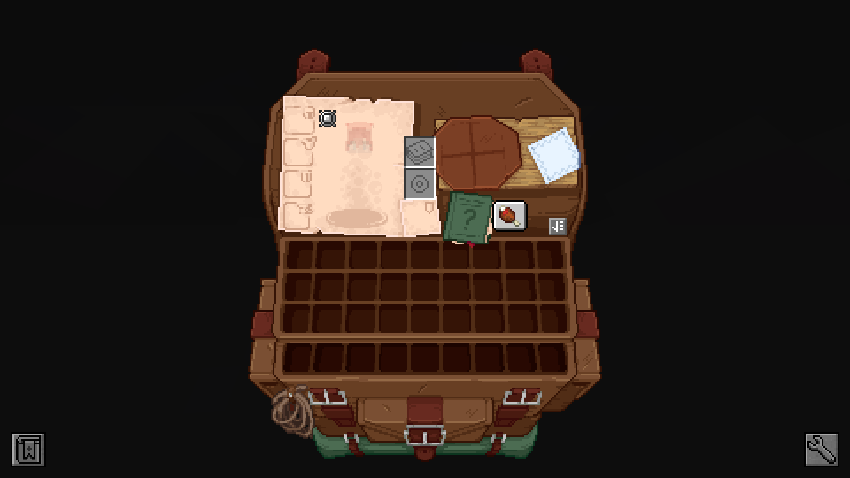
### **Traveler’s Backpack:**
Before:
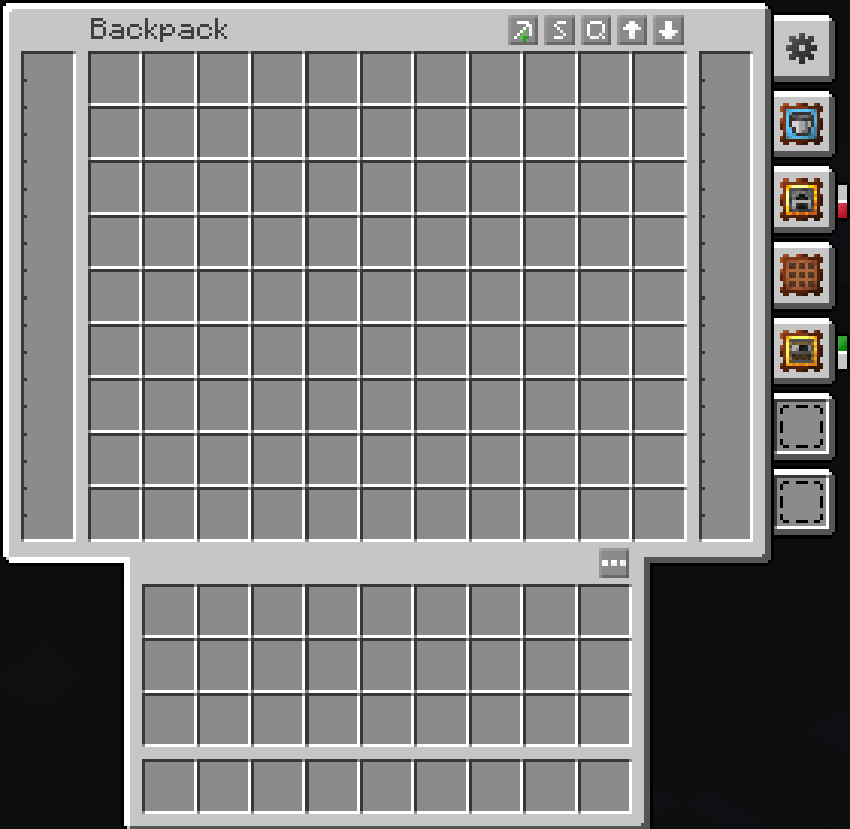
After:
### **Trinkets & Diet Support:**
Before:
After:
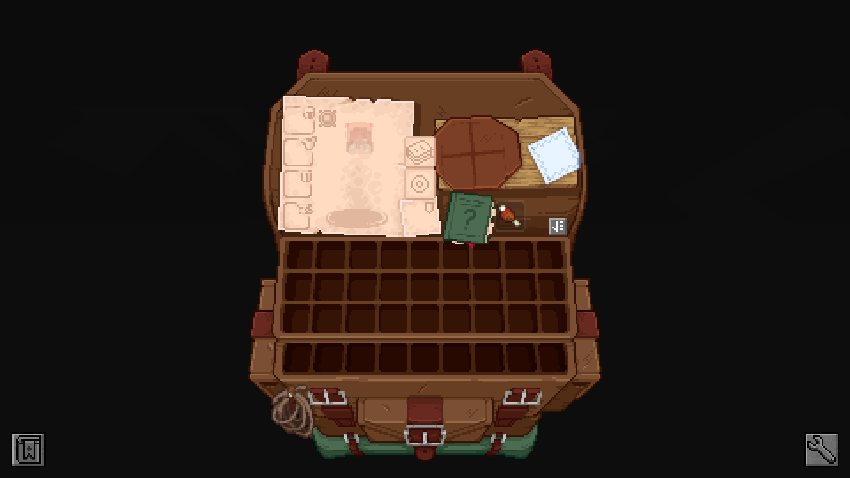
### **Enchanting Table (Easy Magic):**
Before:
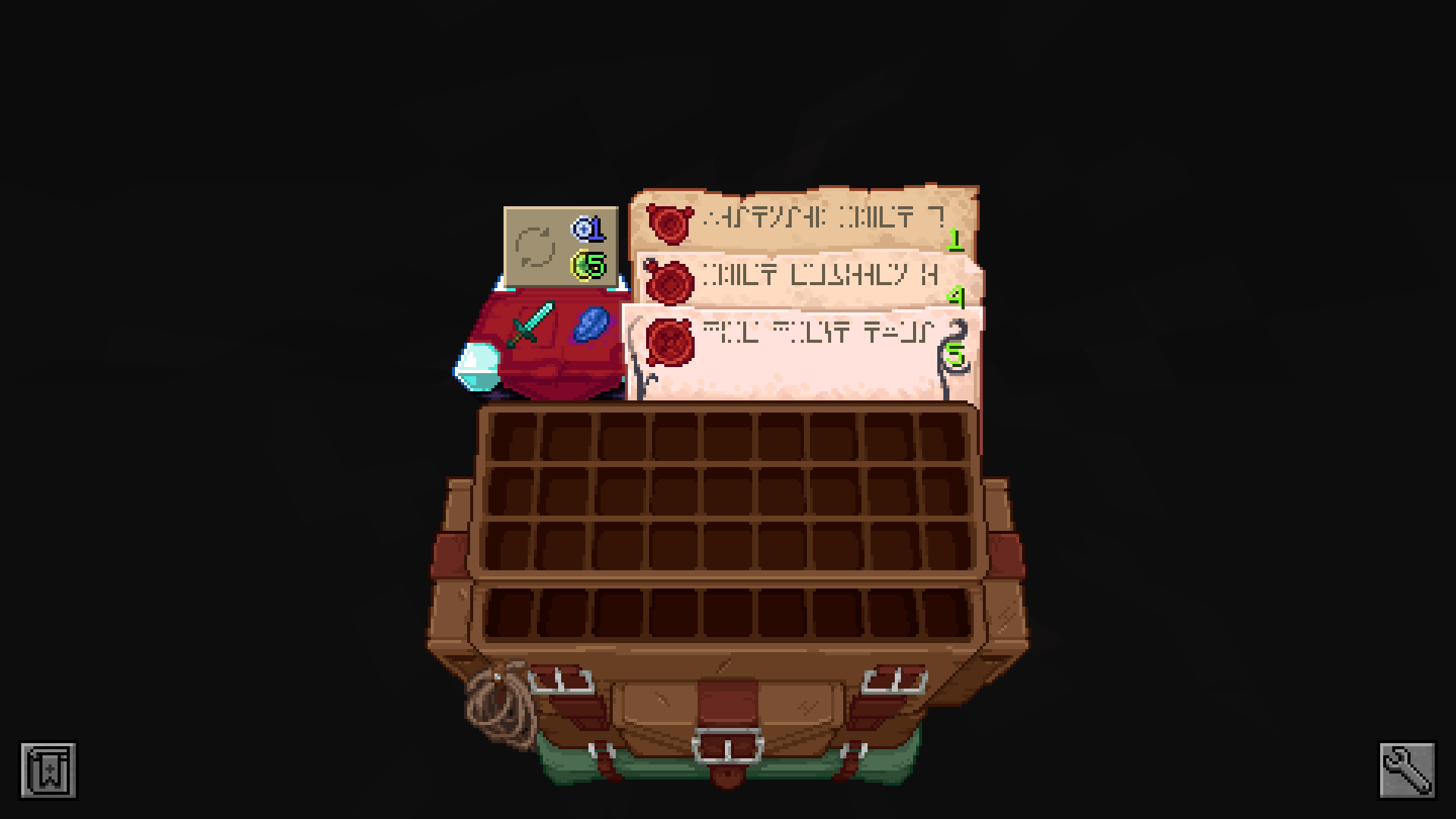
After:
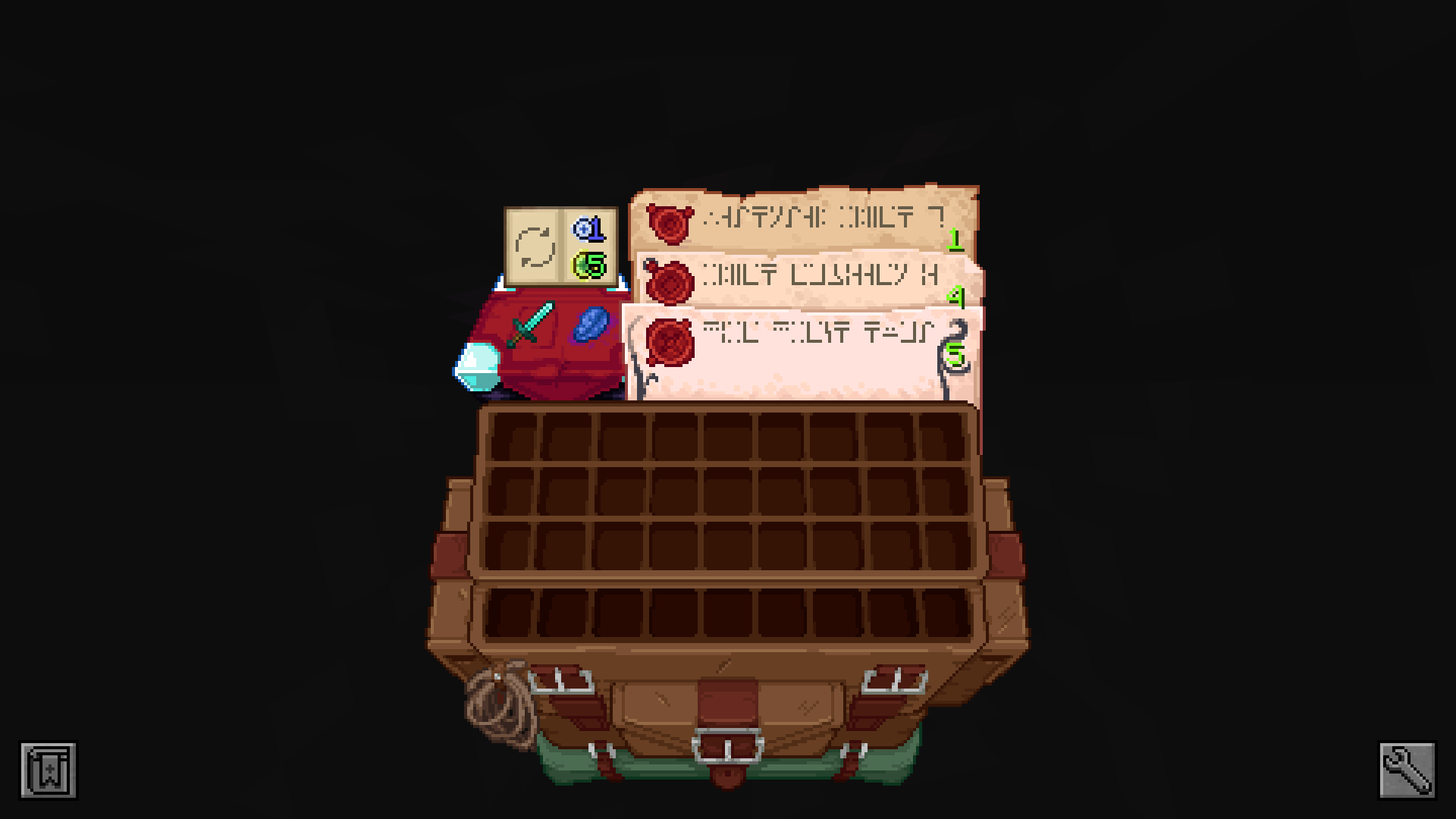
### **Spell Binding Table (Spell Engine – Rpg Classes API):**
Before:
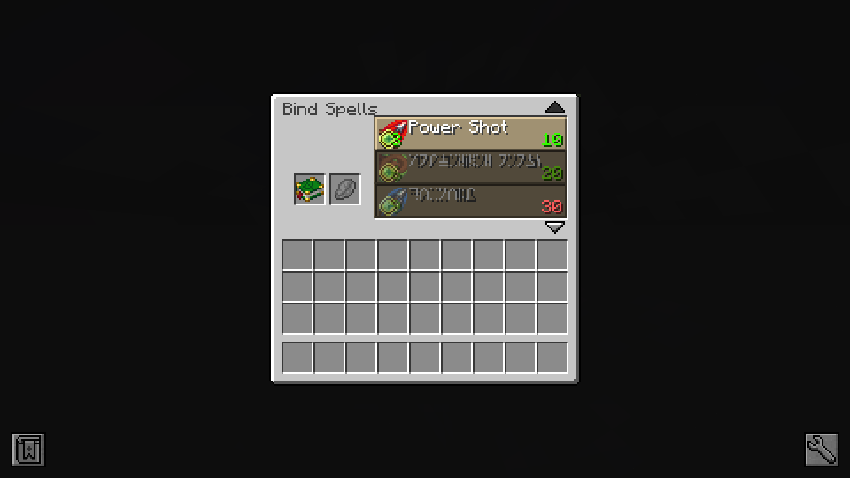
After:
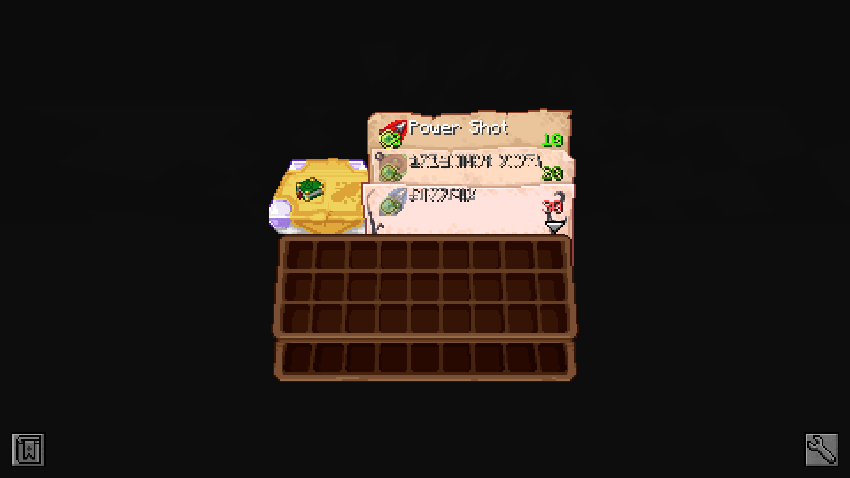
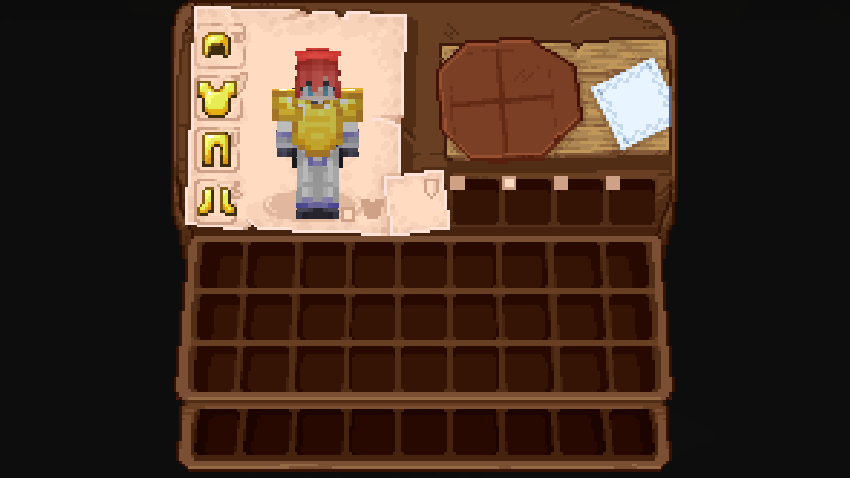
### **Cosmetic Armor Reworked:**
Before:
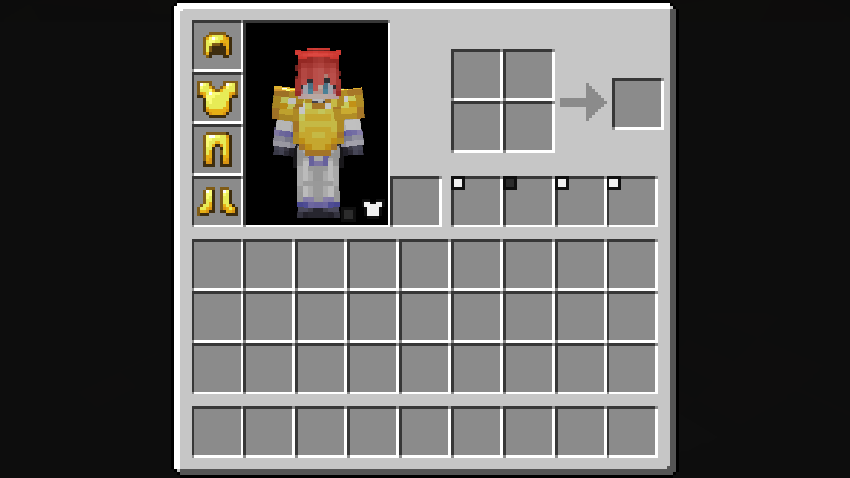
After:
### **Farmer’s Delight:**
Before:
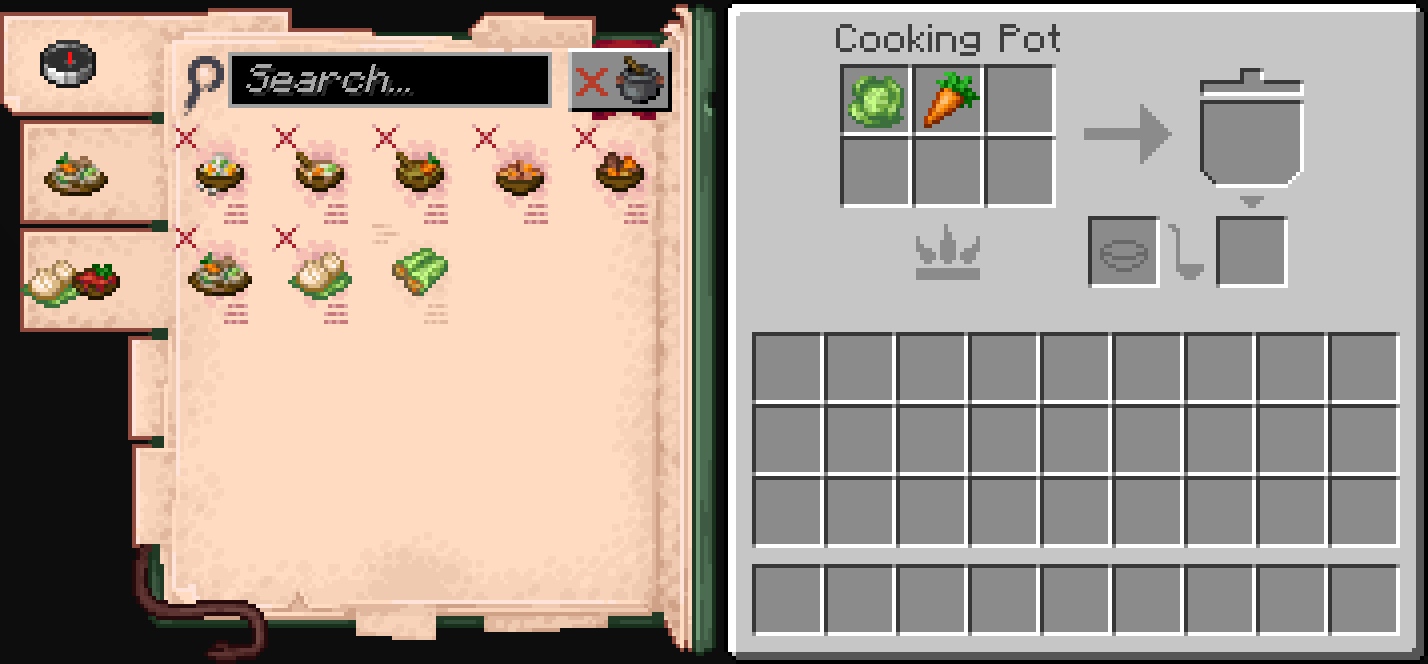
After:
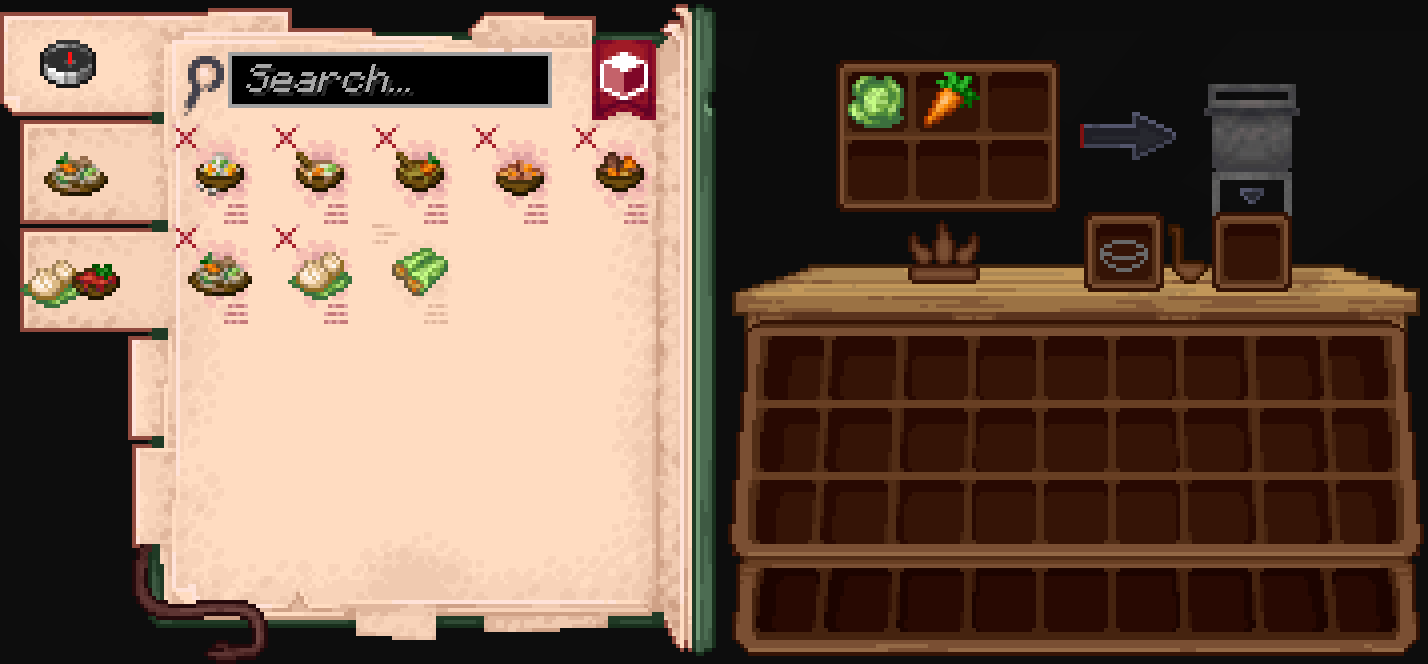
### **Accesories:**
Before:
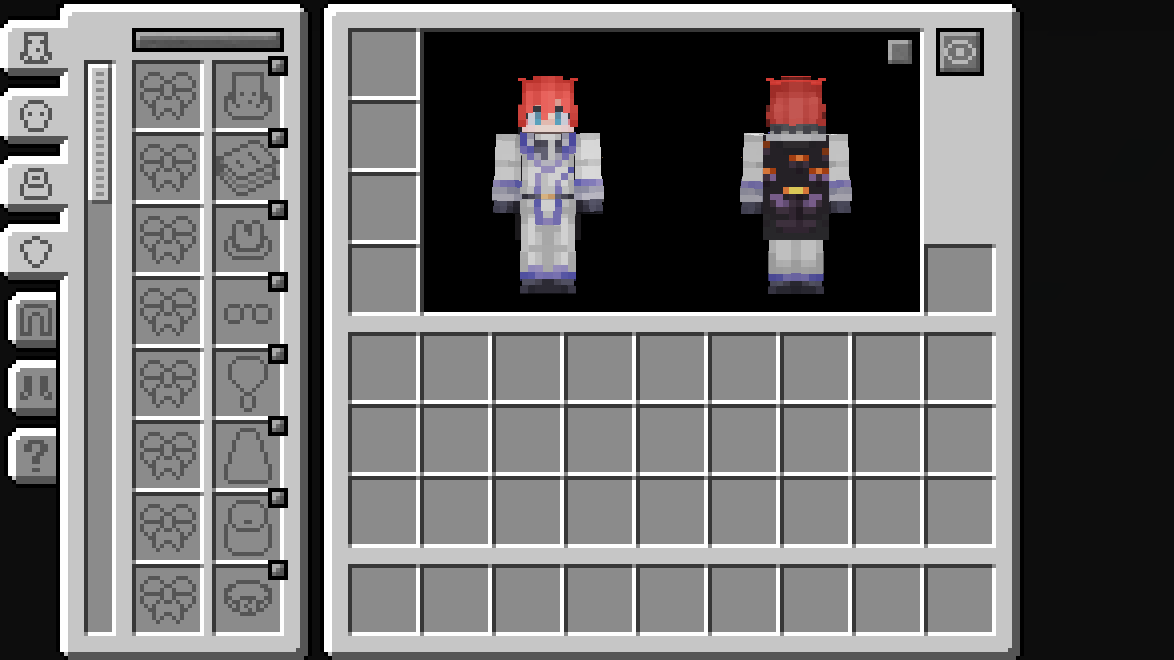
After:
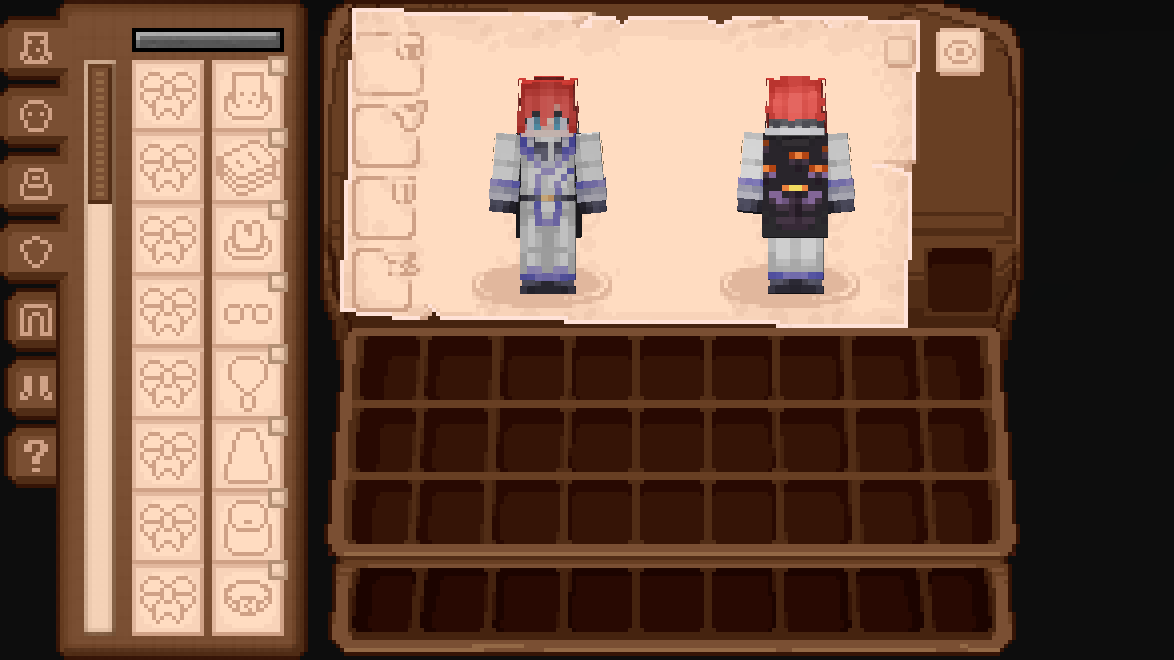
### **Legendary Tabs:**
Before:
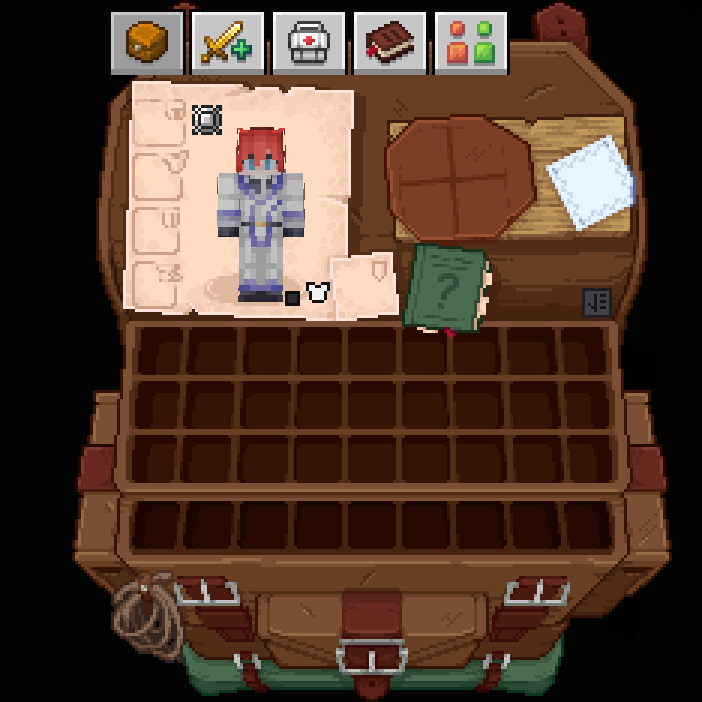
After:
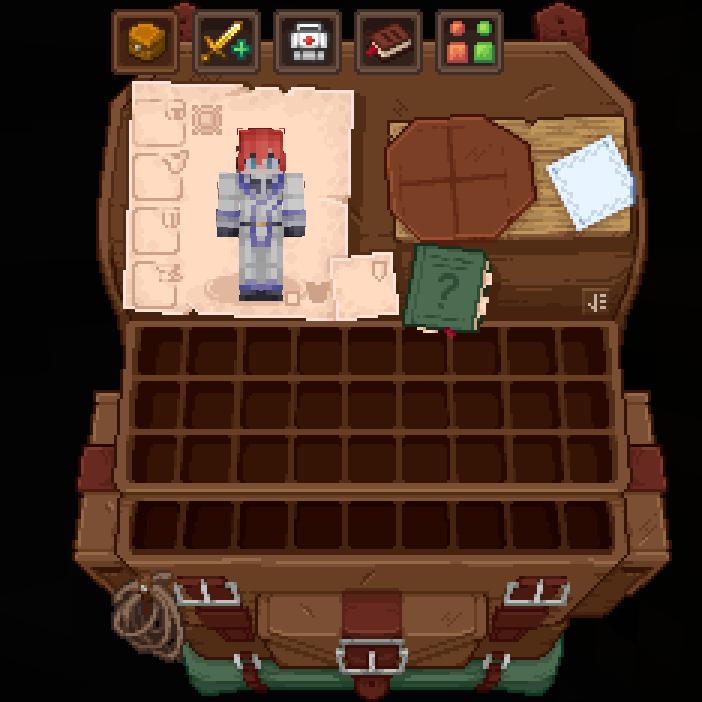
### **TrashSlot:**
Before:
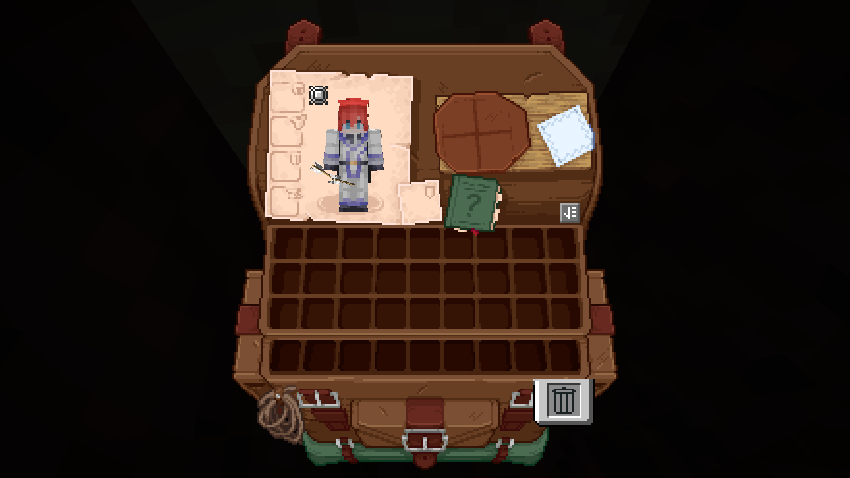
After:
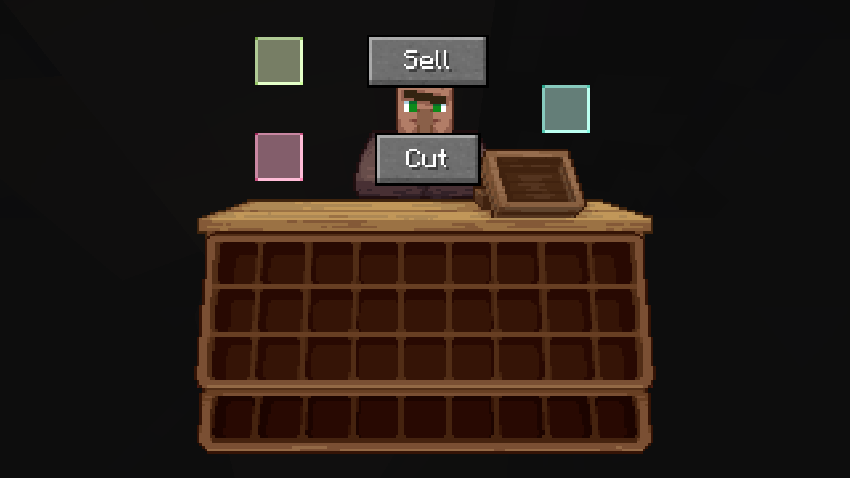
### **Fisherman (Fishing Upgrades & More):**
Before:
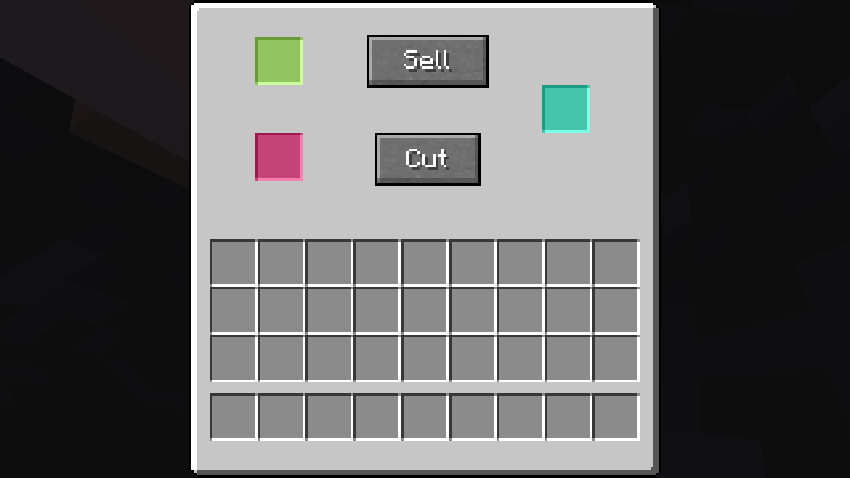
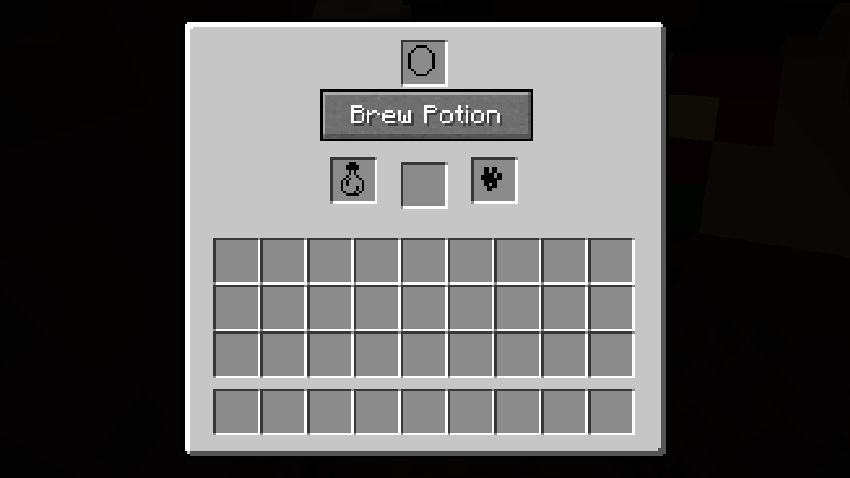
After:
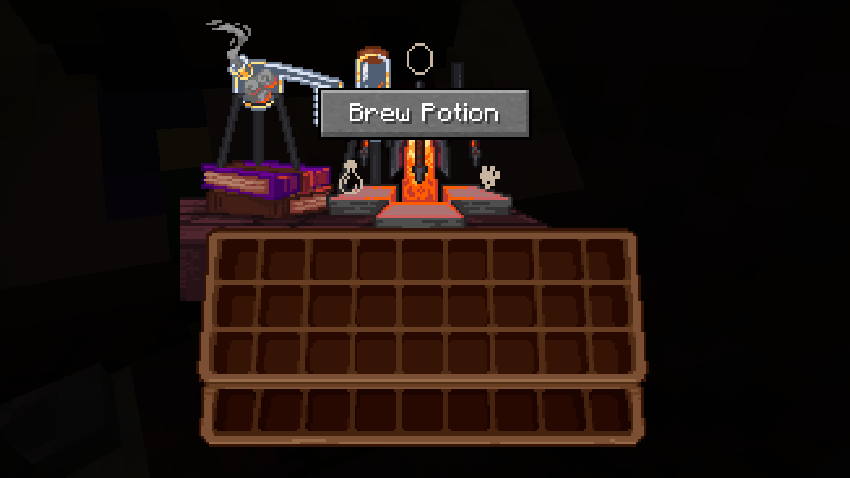
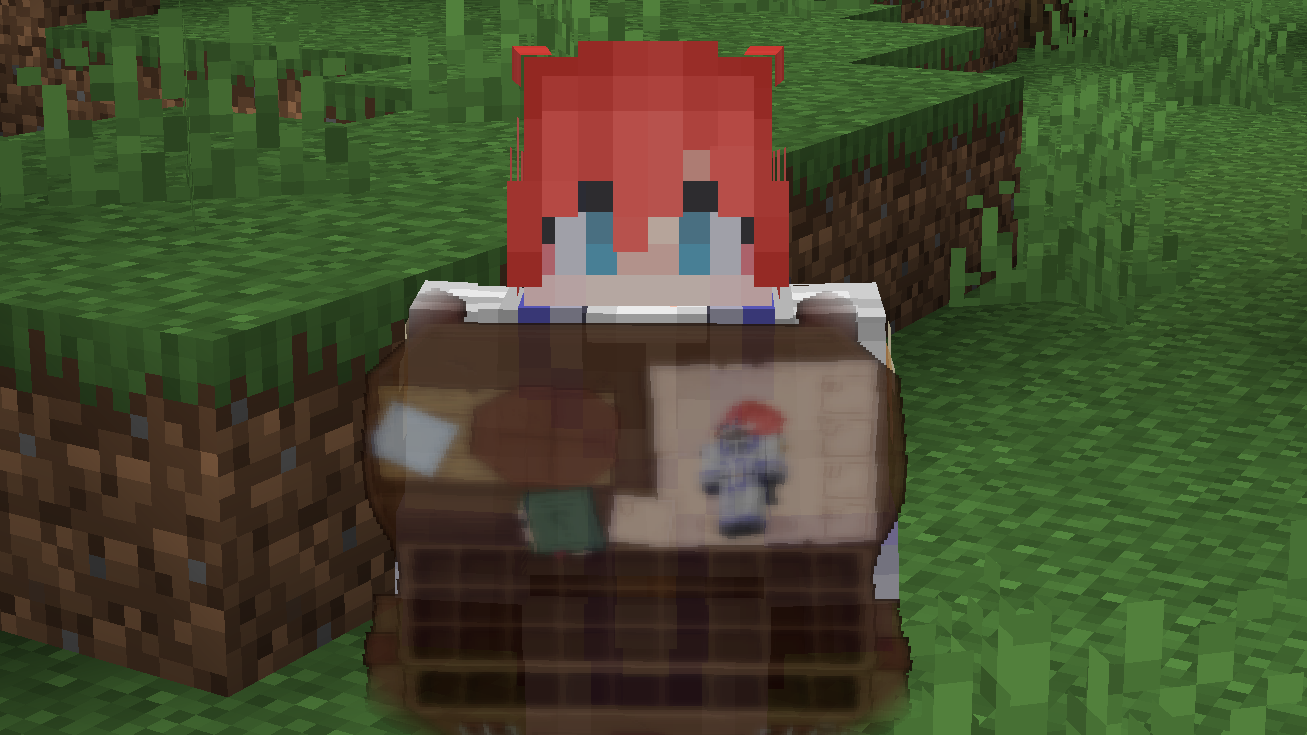
### **What Are They Up To (Watut) Support:**
**Bundle Texture Pack Compat** [**Immersive Interfaces – Mod Support Unofficial**](https://modrinth.com/resourcepack/immersive-interfaces-mod-support-unofficial)
### Immersive Interfaces – Mod Support Unofficial
This texture pack adds special compatibility with Curios API, integrating its grooves into the aesthetics of Immersive Interfaces.
### Before:

### After:

# Ignite
### HTTP for your Minecraft server.
## Features
– Dynamic file hosting
## Upcoming features
– HTTPS
– Server statistics
– API endpoints
– Domains
# How to use this mod
To get started with Ignite, first start your server with the mod installed. Then, in the config folder open “ignite”. Create a new file called “index.html”. From there you will need to create an HTML page for your server. You can also use this mod to host resource packs.
Note: This tool reads files dynamically meaning you can do stuff like edit your resource pack while it’s running.